
Wallnora - AI Wall Art Studio | 4K Printable Art
Rate this Tool
Average Score
Total Votes
Select your score (1-10):
Detail Information
What
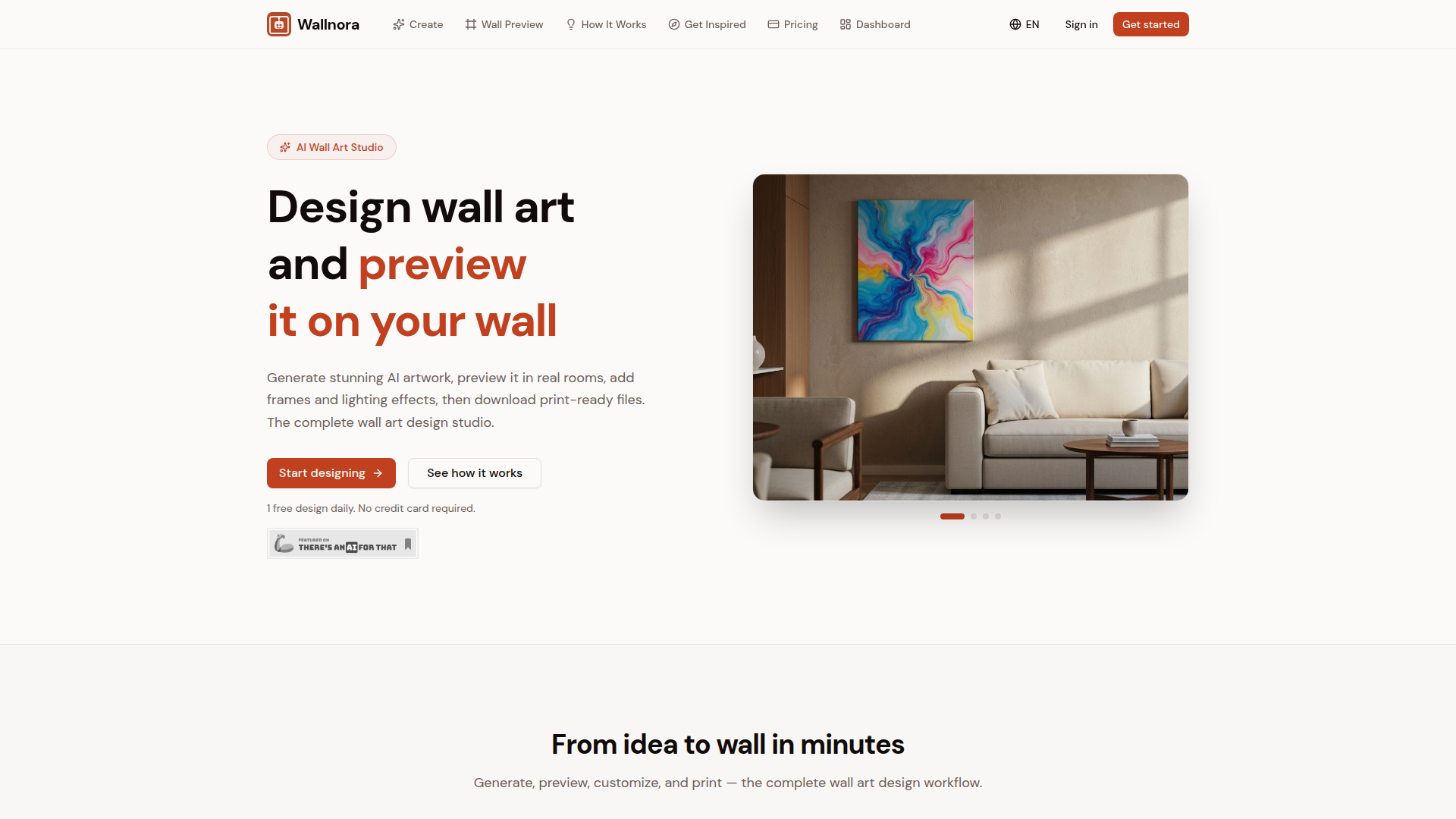
Wallnora is an AI wall art studio for generating printable artwork, previewing it in room scenes, and exporting files for printing or resale. It is aimed at home decorators, interior design-minded consumers, gift buyers, and sellers creating digital wall art for marketplaces such as Etsy.
The core workflow is simple: describe an image, choose from curated art styles, preview the result on a wall using templates or an uploaded room photo, customize placement and framing, then download high-resolution files. Based on the page, Wallnora appears positioned as an end-to-end vertical tool for AI-generated wall art rather than a general-purpose image generator.
Features
- AI art generation from text prompts — Users describe a concept and generate wall art based on that idea, which reduces design effort for custom prints and themed collections.
- Eight curated visual styles — Styles such as abstract, watercolor, oil painting, minimalist, pop art, Japanese art, photography, and digital art help users steer outputs toward specific decor aesthetics.
- Room preview and wall mockup tools — Users can upload their own room photo or use templates to see how artwork may look before printing, which supports placement and style decisions.
- Customization with sizing, positioning, frames, and lighting effects — Practical editing controls help simulate presentation choices and refine the final appearance for home use or listing mockups.
- High-resolution export options — The product supports PNG export and, on higher plans, print-ready PDF export for print workflows and digital delivery.
- Gallery wall layout support — Pro features include multi-art arrangements and layout templates such as duo, trio, grid, and salon-style compositions for coordinated wall sets.
Helpful Tips
- Check export needs early — If the intended use includes printing or resale, verify whether the required file type, resolution, watermark status, and commercial usage terms match the plan you choose.
- Use room previews as a decision aid, not a guarantee — Mockups are useful for estimating fit and style, but real-world print color, paper choice, framing, and lighting may still affect the final result.
- Standardize prompts for repeatable collections — Sellers and decorators creating themed sets will likely benefit from consistent prompt structures and style choices to keep multi-piece designs cohesive.
- Review commercial limits carefully — The page states commercial use allowances by plan, so businesses should confirm whether the monthly sales cap and licensing scope fit their sales model.
- Validate print readiness for your workflow — If you rely on external printers or marketplaces, test one full generation-to-print cycle first to confirm sizing, aspect ratio, and output suitability.
OpenClaw Skills
Within the OpenClaw ecosystem, Wallnora could likely support skills for prompt generation, collection planning, listing preparation, and decor workflow orchestration. A likely use case would be an agent that converts a room style brief into multiple art concepts, selects suitable Wallnora styles, organizes gallery-wall variants, and prepares structured outputs for home decor projects or digital product catalogs. The source page does not mention a native OpenClaw integration, so this should be treated as a workflow inference rather than a confirmed capability.
For entrepreneurs and design professionals, OpenClaw could also sit around Wallnora as an operational layer. Likely examples include an Etsy listing agent that drafts titles and product descriptions from generated art sets, a room-styling assistant that recommends size and layout options by room type, or a gift-design workflow that turns occasion details into personalized art concepts and print deliverables. Combined this way, Wallnora could move from a single creative tool to part of a broader AI-assisted content, merchandising, and interior visualization workflow.
Embed Code
Share this AI tool on your website or blog by copying and pasting the code below. The embedded widget will automatically update with the latest information.
<iframe src="https://aimyflow.com/ai/wallnora-com/embed" width="100%" height="400" frameborder="0"></iframe>
Explore Similar Tools
AI Outdoor Lighting Design | Visualize Your Yard & Patio - ailightdesign
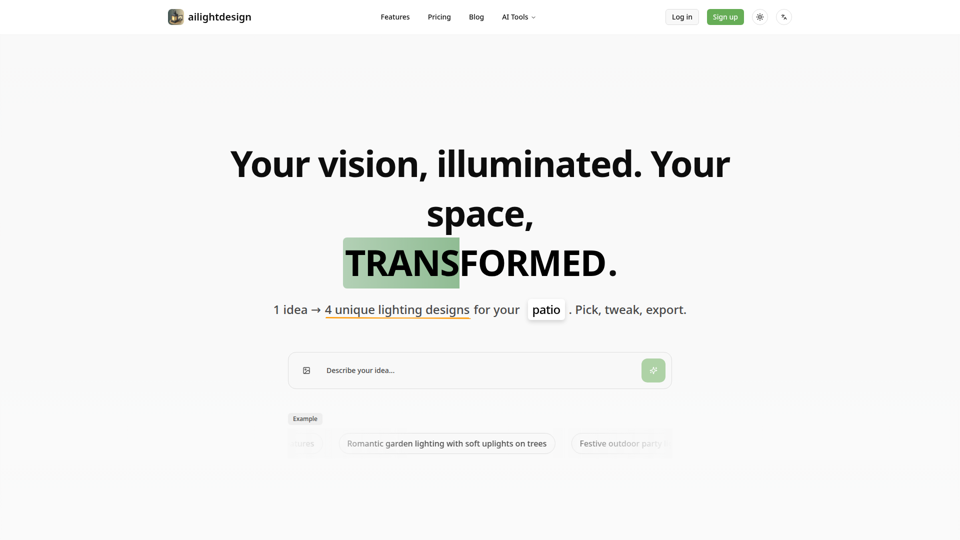
ailightdesign is an AI outdoor lighting design tool that helps homeowners visualize patio, backyard, poolside, driveway, and garden lighting ideas on their own photos and generate multiple design options. For homeowners and lighting design professionals, this kind of AI preview can speed concept testing, reduce guesswork, and support clearer decisions before installation.
VisualizeAI
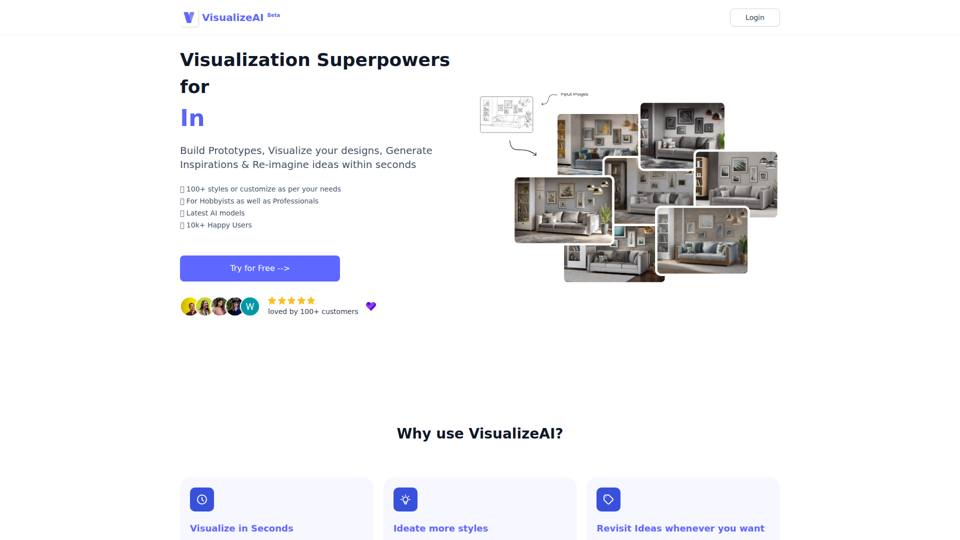
VisualizeAI is an AI design visualization tool that helps hobbyists and professionals turn sketches, photos, and basic design views into prototypes, rendered concepts, and style variations for architecture and interior design. For architects and interior designers, it can speed early-stage ideation and material or style exploration by generating multiple visual options in seconds.
AI Design Tool — Interior, Exterior & Landscape | ArchyBase
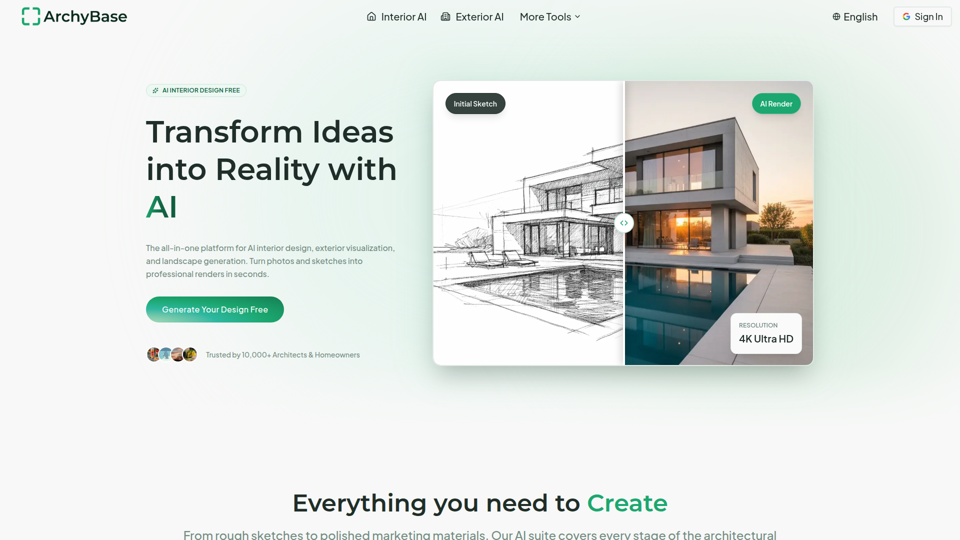
ArchyBase is an AI design platform for architects and homeowners that turns photos, sketches, and CAD drawings into interior, exterior, and landscape renders for renovation, visualization, and design exploration. For architects, interior designers, and related property professionals, it can speed concept iteration and client communication by producing multiple realistic visual options from the same source image or sketch.
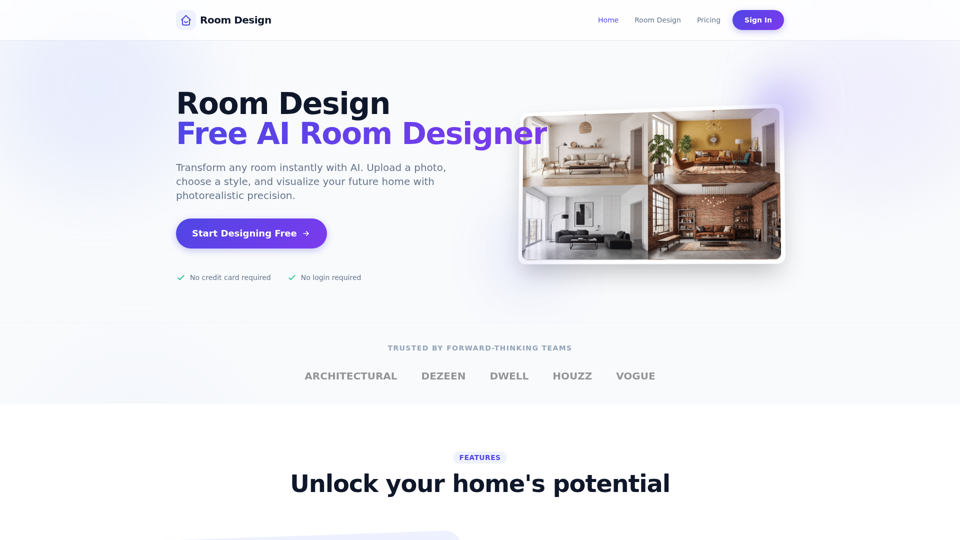
Room Design - Free AI Room Designer
Room Design is a free AI room designer that helps homeowners and interior designers upload room photos, apply styles, and generate photorealistic redesigns, virtual renovations, furniture matches, and color or lighting suggestions. For interior design and renovation work, it can speed concept exploration and client communication by turning room photos into fast visual options before detailed planning.
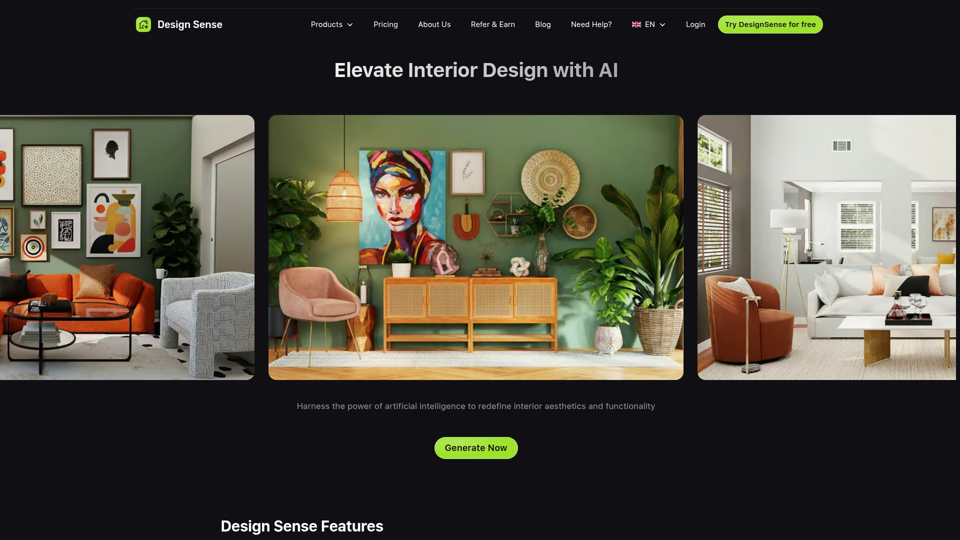
Home | Design Sense AI
Design Sense AI is an interior design app that helps users upload room photos and generate realistic redesigns in more than 32 styles, mainly for homeowners, decorators, and interior designers. For design professionals, it can speed early concept exploration and room-specific visualization for bedrooms, kitchens, bathrooms, living rooms, and small spaces.
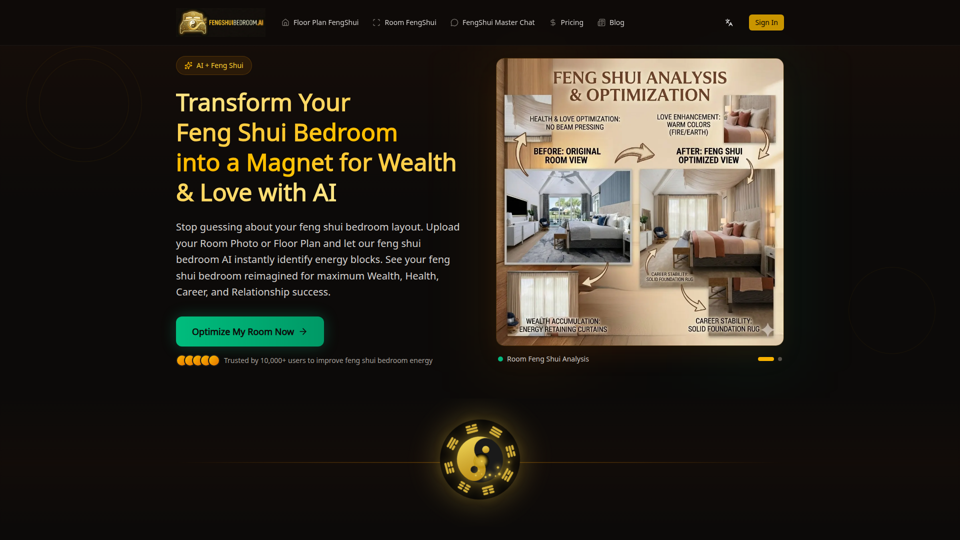
Feng Shui Bedroom AI Analysis - Gemini 3.1 Pro & Nano Banana 2
Feng Shui Bedroom AI Analysis is an AI tool that analyzes bedroom photos, floor plans, and layout questions to suggest feng shui improvements, mainly for people seeking guidance on bedroom arrangement and decor. In AI-assisted interior planning, it can help home-focused designers and consultants produce faster visual recommendations and identify layout issues before changes are made.

YardStyling | AI Landscape Design & Backyard Idea Generator
YardStyling is an AI landscape design tool that helps homeowners turn yard photos into backyard and front yard concepts, plant and materials plans, and step-by-step project blueprints. For landscapers and contractors, its visual concepts and detailed project guides can speed client alignment and make planning, revisions, and handoffs more efficient.
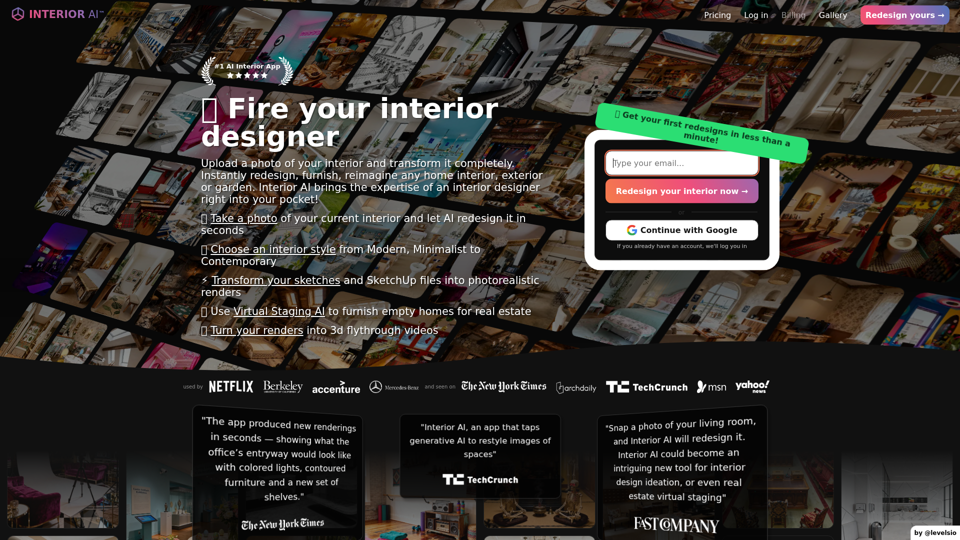
Interior AI™ | AI Interior Design + Virtual Staging AI App
Interior AI is an AI interior design and virtual staging app that helps users upload photos, sketches, or SketchUp screenshots to redesign rooms, generate photorealistic renders, and furnish empty spaces, mainly for interior designers and real estate professionals. In AI-driven design workflows, it can speed concept testing and listing preparation by turning existing spaces into multiple style options and visual presentations in minutes.