
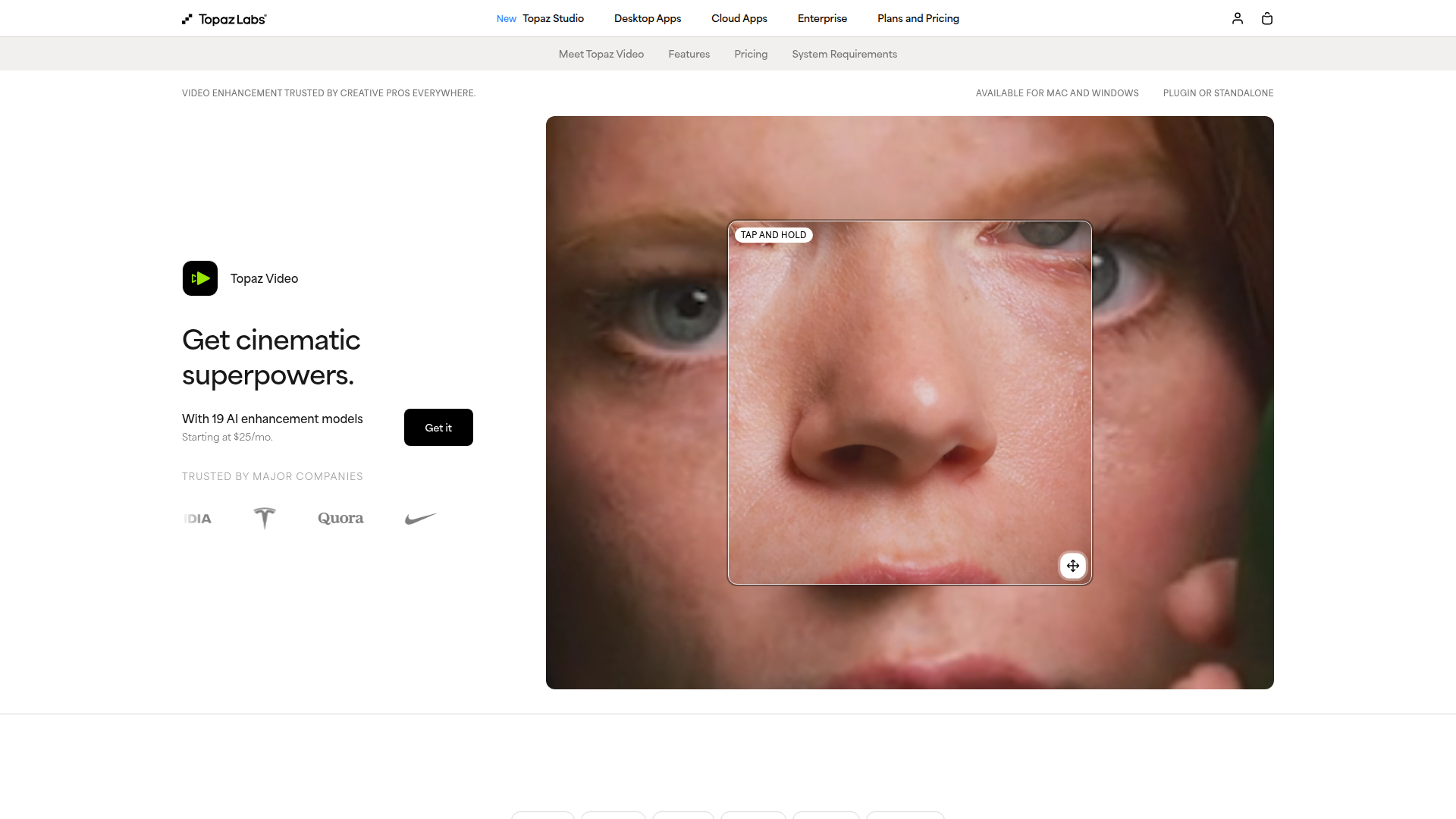
Topaz Video - Cinematic-Grade Video Quality Enhancement Software
Rate this Tool
Average Score
Total Votes
Select your score (1-10):
Detail Information
What
Topaz Video is AI-powered video enhancement software for Mac and Windows. It is offered as both a standalone desktop app and a plugin for video editing workflows, with positioning aimed at professional post-production while still being accessible to creators and hobbyists.
The product focuses on improving video quality through upscaling, denoising, restoration, stabilization, frame interpolation, and slow-motion generation. Based on the page, it is designed for filmmakers, editors, archivists, historians, creators, influencers, and users restoring older or lower-quality footage, especially when they need sharper detail, cleaner motion, or higher-resolution output.
Features
- AI video upscaling to 4K and beyond — Enhances low-resolution or degraded footage with models designed to recover detail and prepare video for higher-resolution delivery.
- Noise reduction and restoration — Removes grain and low-light noise while aiming to preserve fine detail, with dedicated models such as Nyx, Iris, and Artemis for different source conditions.
- Frame interpolation and slow motion — Creates new frames for smoother frame-rate conversion and slow-motion effects, which is useful for motion refinement and editorial flexibility.
- Video stabilization — Reduces shake and jitter after capture to make handheld or unstable footage look steadier and more production-ready.
- Local and cloud rendering options — Supports local processing for files that should remain on-device, while cloud rendering is available for faster processing and access to certain newer models.
- Plugin and standalone workflow support — Can be used on its own or alongside tools such as After Effects and DaVinci Resolve, which helps fit enhancement into existing editing pipelines.
Helpful Tips
- Match the model to the footage condition — General-purpose, face-restoration, denoise, and upscale models are presented separately, so testing a few on representative clips is likely important before committing to a full batch.
- Check where specific models run — Some capabilities on the page are described as cloud-only or plan-dependent, so teams should confirm whether they need local rendering, cloud credits, or higher-tier access.
- Validate output on motion-heavy scenes — Upscaling and interpolation often look different on static versus fast-moving footage, so review results on pans, zooms, and difficult motion before final export.
- Use local rendering for sensitive material — The site explicitly states that local rendering keeps files on the computer, which may matter for proprietary, confidential, or unreleased media.
- Assess licensing and commercial fit carefully — The page distinguishes limited commercial use from full commercial use, so organizations should verify which plan aligns with their revenue level and usage rights.
Embed Code
Share this AI tool on your website or blog by copying and pasting the code below. The embedded widget will automatically update with the latest information.
<iframe src="https://aimyflow.com/ai/topazlabs-com-topaz-video-ai/embed" width="100%" height="400" frameborder="0"></iframe>
Explore Similar Tools

Flow
Flow is an AI creative studio and filmmaking tool from Google that helps creatives generate, refine, and compose cinematic videos and images, mainly for filmmakers and visual storytellers. In AI-assisted production, it can speed up ideation and scene iteration for directors, editors, and content creators by enabling controlled changes like object swaps, video extension, and camera direction.
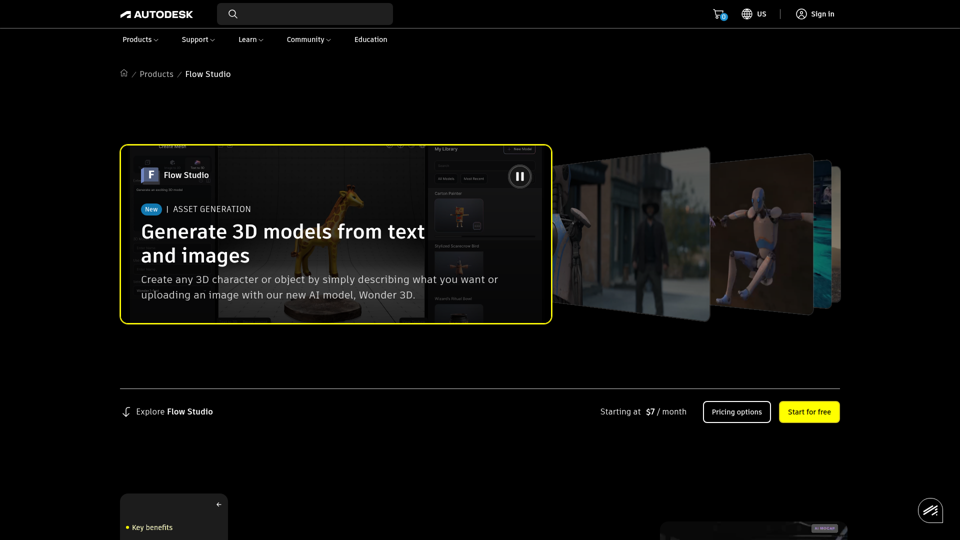
Autodesk Flow Studio | Buy Official Flow Studio
Autodesk Flow Studio is a cloud-based AI 3D and VFX toolset that helps filmmakers, VFX artists, and creators turn live-action footage, text, and images into editable CG scenes, motion capture, and 3D assets. For VFX and animation teams, it can shorten manual mocap, camera tracking, and compositing work while preserving editable outputs for refinement in tools like Maya, Blender, and Unreal.
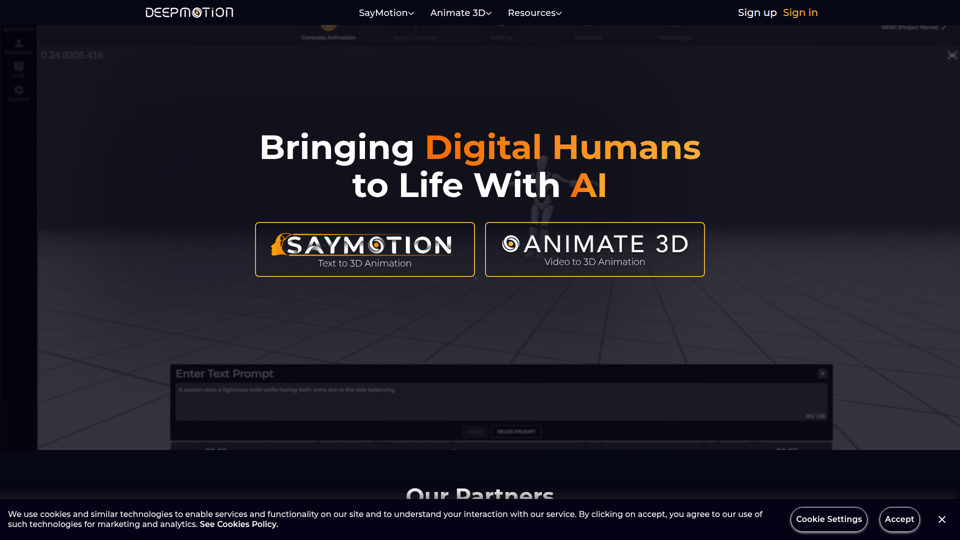
DeepMotion - AI Motion Capture & Body Tracking
DeepMotion is an AI motion capture and body tracking platform that helps users turn text or video into 3D character animation in a web browser, mainly for animators, game developers, filmmakers, and digital artists. In AI-driven production workflows, it can speed character animation and lower the technical barrier for creative and technical teams building digital humans.
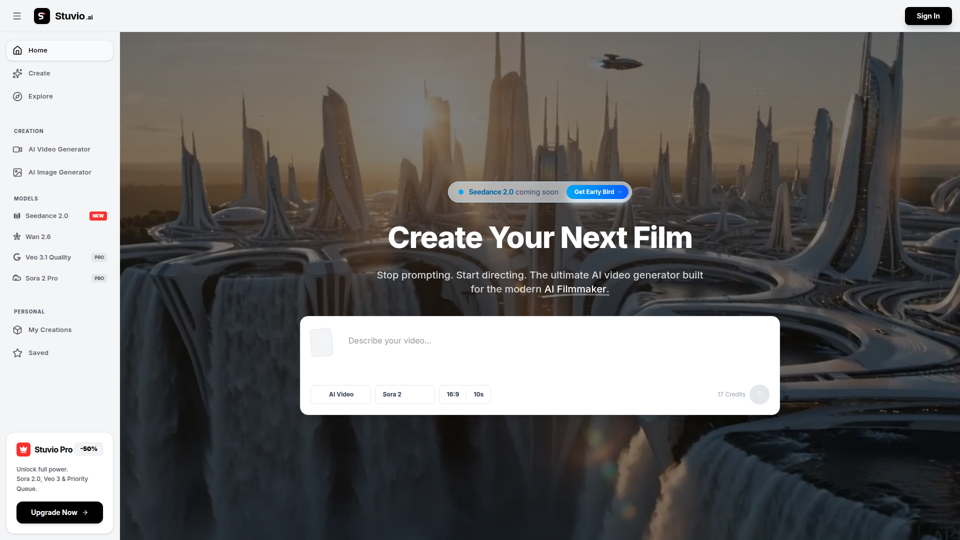
AI Video Generator | Direct with Seedance 2.0 & Sora - Stuvio
Stuvio is an AI video generator platform that helps users create and refine cinematic videos across models like Seedance, Sora, Veo, and Wan, mainly for AI filmmakers and professional video creators. For filmmakers, creative directors, and editors, its model comparison and prompt-routing workflow can speed shot testing, improve control over motion and lighting, and reduce time spent switching between separate tools.
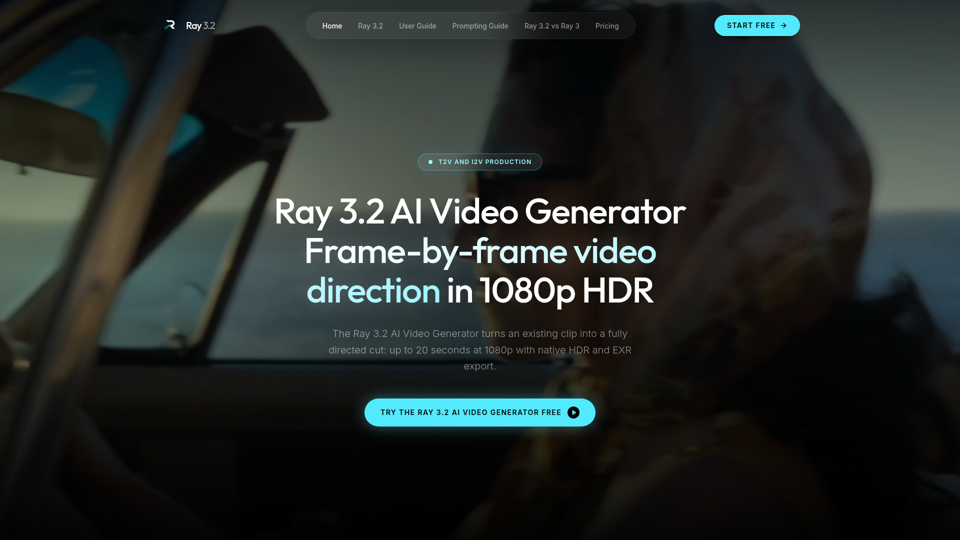
Ray 3.2 AI Video Generator — Frame-by-Frame in 1080p HDR
Use the Ray 3.2 AI Video Generator to direct video frame by frame. 16 keyframes, 1080p HDR, 20-second clips, EXR export. Free starter credits, no card needed.
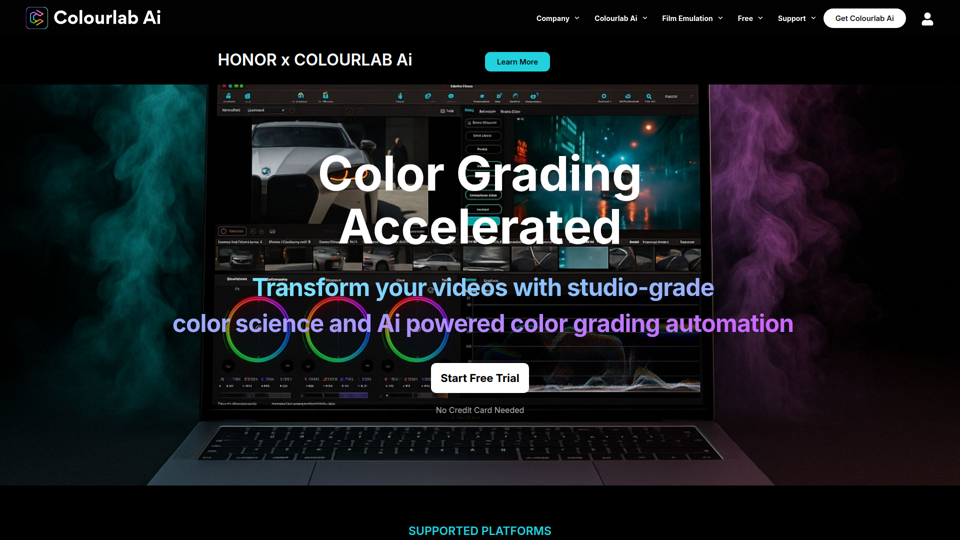
Colourlab AI now 22x faster - Colourlab.ai
Colourlab AI is an AI-powered color grading tool that helps editors, filmmakers, colorists, and post-production teams automate shot matching, auto balance, white balance, and look matching across video timelines. For video editors and finishing artists, it can reduce manual grading time and speed up consistent first-pass color work so they can focus more on creative decisions.
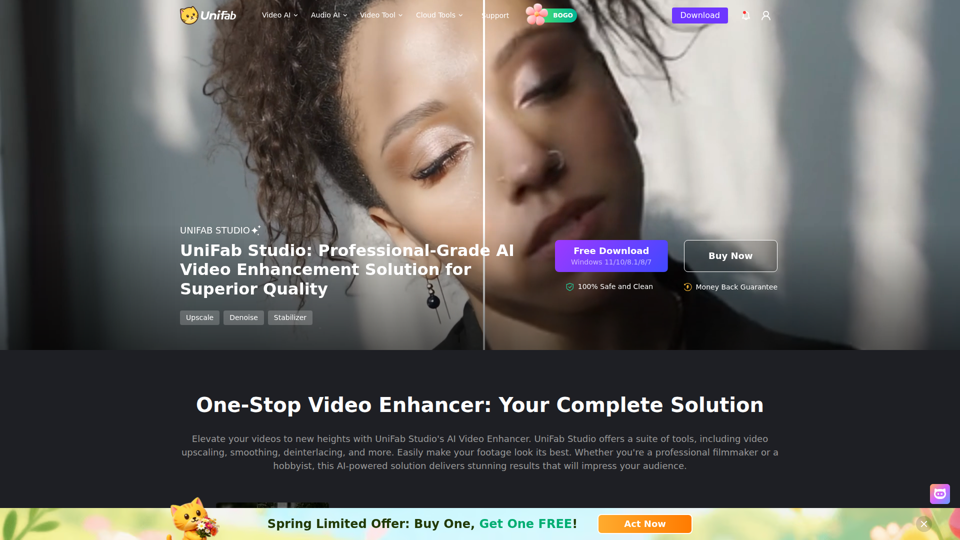
UniFab Studio: One-Stop Professional AI Video Enhancer
UniFab Studio is an AI video enhancement software suite that helps users upscale, denoise, deinterlace, stabilize, smooth motion, and convert SDR video to HDR, mainly for professional video creators and editors seeking higher-quality footage. In AI-driven post-production workflows, it can help video teams improve older, shaky, or low-resolution source material more efficiently while maintaining consistent output across batch projects.
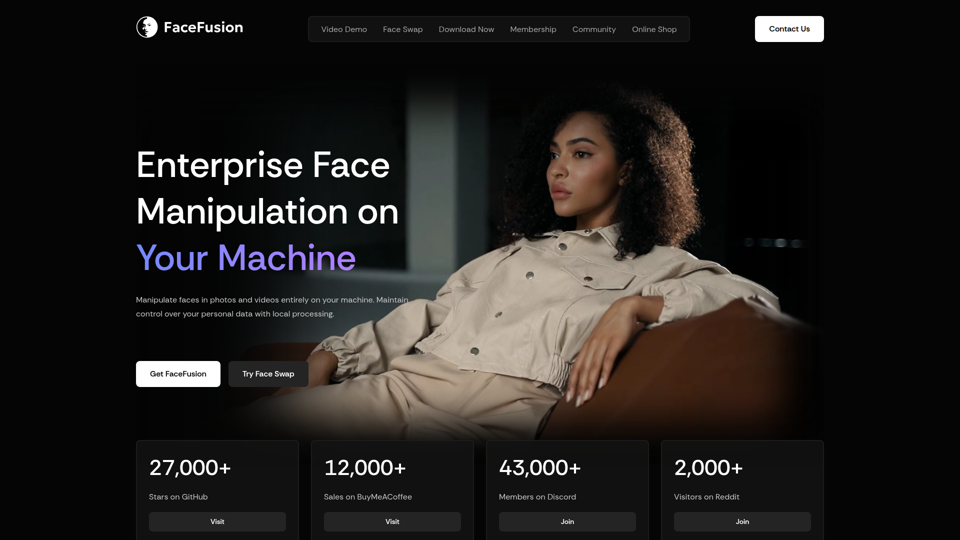
FaceFusion
FaceFusion is a local-first face manipulation platform for photos and videos that helps users swap faces, edit expressions, enhance frames, and sync lips, mainly for film studios, VFX artists, and content creators. In AI production workflows, its on-device processing and detailed controls can help post-production teams handle privacy-sensitive footage while refining facial edits with more precision.