
Autodesk Flow Studio | Buy Official Flow Studio
Rate this Tool
Average Score
Total Votes
Select your score (1-10):
Detail Information
What
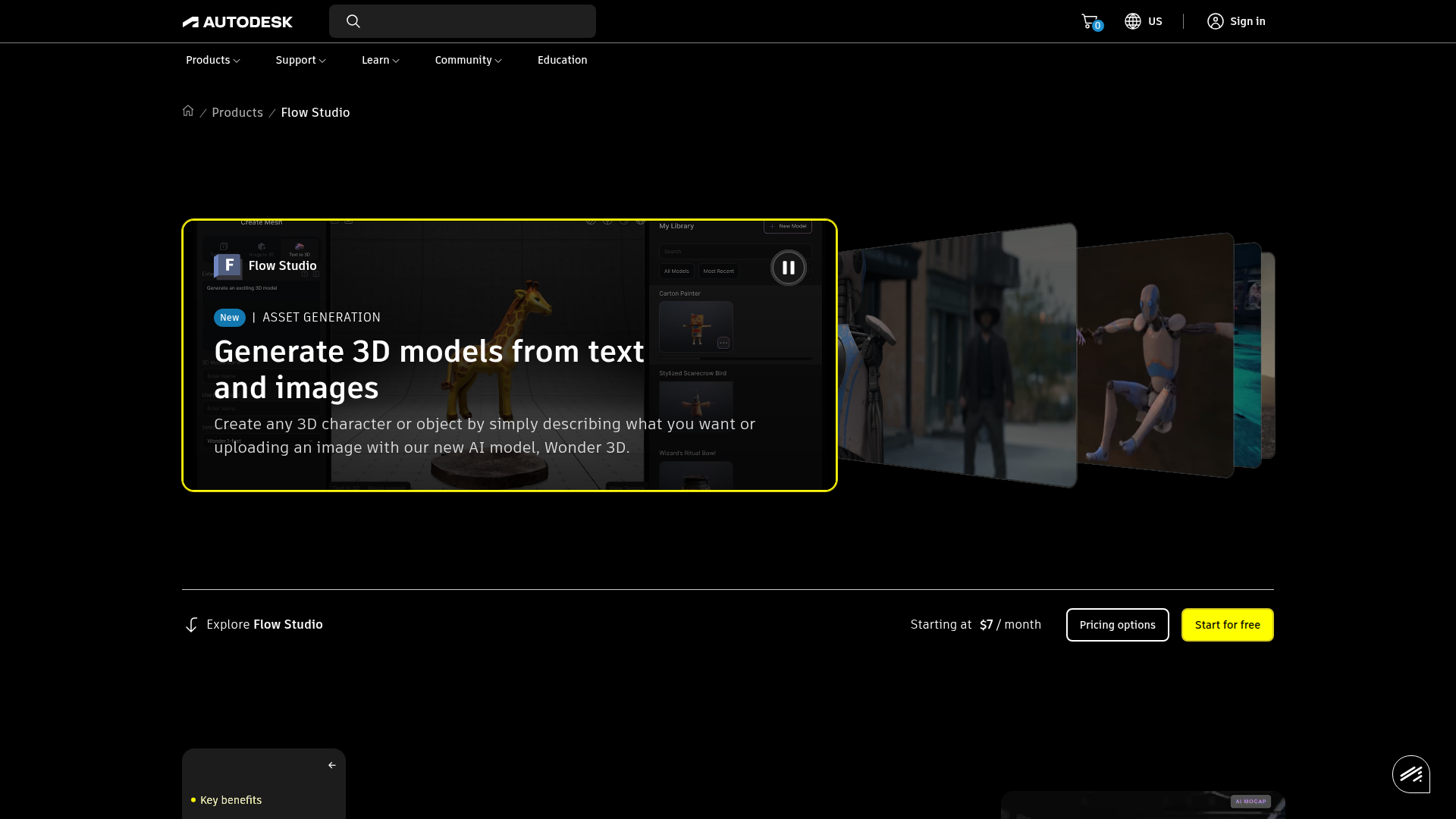
Autodesk Flow Studio, formerly Wonder Studio, is a cloud-based AI-powered 3D and VFX toolset that converts live-action footage into editable CG scenes. It is designed for storytellers, artists, filmmakers, solo creators, and VFX teams that need to generate assets, capture motion, and prepare scenes for further refinement in standard 3D production tools.
The product appears positioned as an AI-assisted production layer for video-to-3D scene creation and CG compositing rather than a standalone end-to-end DCC replacement. Its core workflow includes generating 3D assets from text or images, extracting body, hand, and facial motion from video, turning footage into directable 3D scenes, and exporting editable production data for finishing in tools such as Maya, Blender, Unreal, and 3ds Max.
Features
- Text-to-3D and image-to-3D asset generation: Creates fully textured, editable 3D characters or objects from prompts or reference images, which can speed up early asset creation and concept development.
- Markerless AI motion capture: Captures facial, body, and hand performance from video using any camera, reducing the need for suits or specialized capture setups.
- Live action to CG scene conversion: Transforms footage into directable 3D scenes so teams can animate, light, and compose CG characters into filmed performances.
- Editable export outputs: Exports mocap data, camera tracking, alpha masks, clean plates, character passes, and related elements to support downstream shot refinement.
- USD-based workflow compatibility: Brings full 3D scenes into Maya, Blender, Unreal, and 3ds Max via USD, helping teams continue work in familiar production environments.
- Video to 3D Scene processing: Converts video sequences into 3D-animated scenes, extending the platform beyond simple character replacement into broader scene construction workflows.
Helpful Tips
- Validate export fidelity early: For studio pipelines, test a few representative shots first to confirm that mocap, tracking, masking, and USD outputs match the quality and structure your downstream tools require.
- Use it where iteration speed matters most: This type of product is especially valuable for previs, prototype shots, short-form content, and fast-turn VFX work where setup time is a major constraint.
- Plan around the credit model: Since usage is tied to credits by project type and processing time, estimate likely motion capture, live action, and video-to-3D workloads before wider rollout.
- Keep a finishing workflow in place: The page emphasizes editable exports and refinement in external tools, so teams should treat Flow Studio as an acceleration layer rather than assuming final output will always be one-click ready.
- Check support and admin needs by tier: The site mentions benefits such as 8x5 support, SSO, and usage reporting for purchases, so larger teams should verify which operational controls are available on the intended plan.
Embed Code
Share this AI tool on your website or blog by copying and pasting the code below. The embedded widget will automatically update with the latest information.
<iframe src="https://aimyflow.com/ai/wonderdynamics-com/embed" width="100%" height="400" frameborder="0"></iframe>
Explore Similar Tools

Flow
Flow is an AI creative studio and filmmaking tool from Google that helps creatives generate, refine, and compose cinematic videos and images, mainly for filmmakers and visual storytellers. In AI-assisted production, it can speed up ideation and scene iteration for directors, editors, and content creators by enabling controlled changes like object swaps, video extension, and camera direction.
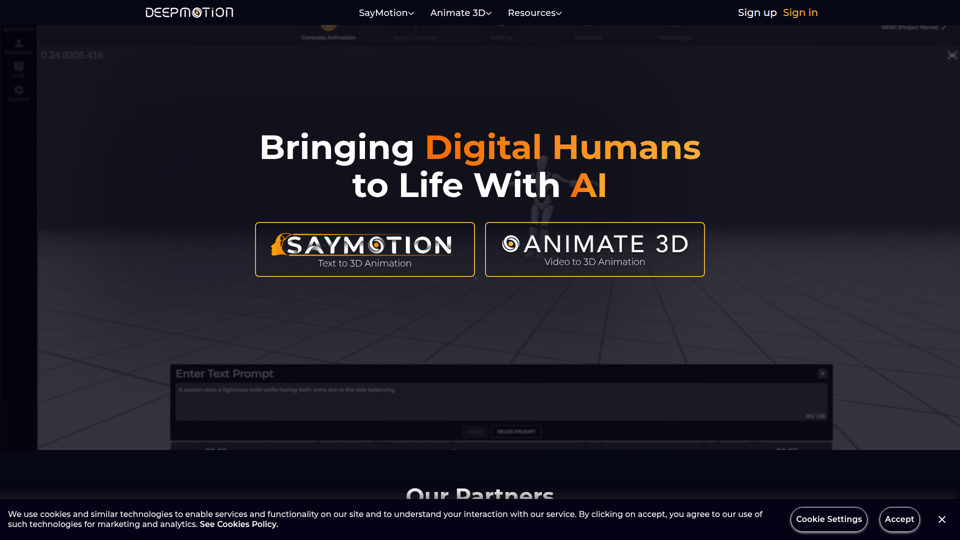
DeepMotion - AI Motion Capture & Body Tracking
DeepMotion is an AI motion capture and body tracking platform that helps users turn text or video into 3D character animation in a web browser, mainly for animators, game developers, filmmakers, and digital artists. In AI-driven production workflows, it can speed character animation and lower the technical barrier for creative and technical teams building digital humans.
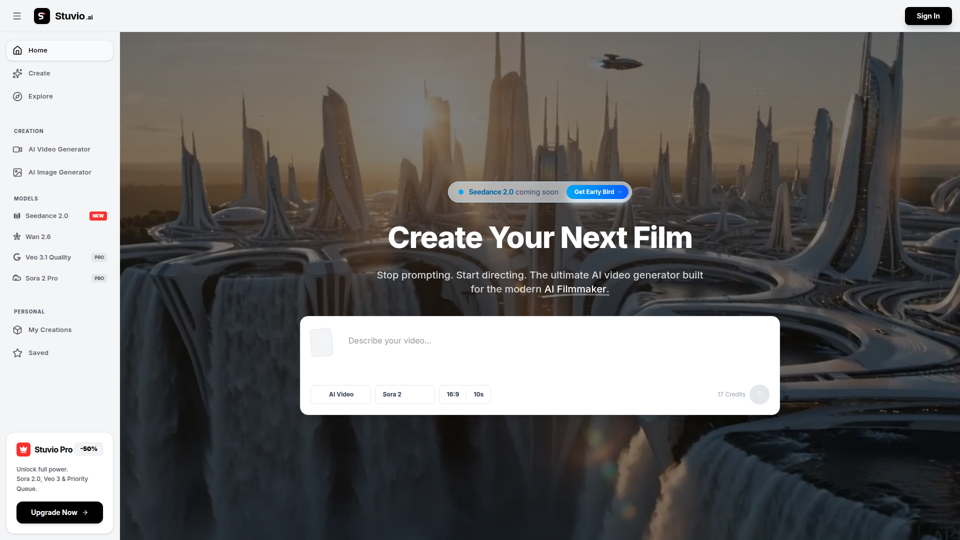
AI Video Generator | Direct with Seedance 2.0 & Sora - Stuvio
Stuvio is an AI video generator platform that helps users create and refine cinematic videos across models like Seedance, Sora, Veo, and Wan, mainly for AI filmmakers and professional video creators. For filmmakers, creative directors, and editors, its model comparison and prompt-routing workflow can speed shot testing, improve control over motion and lighting, and reduce time spent switching between separate tools.
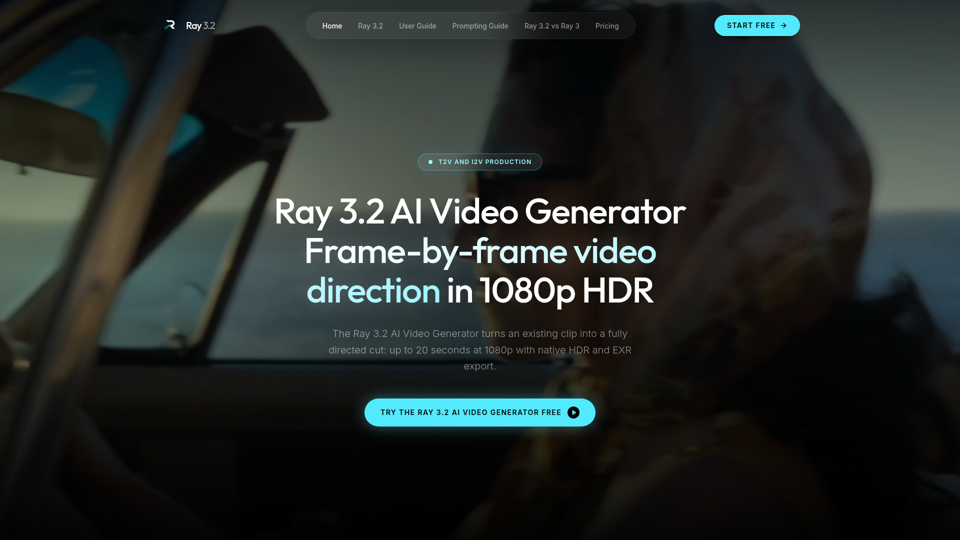
Ray 3.2 AI Video Generator — Frame-by-Frame in 1080p HDR
Use the Ray 3.2 AI Video Generator to direct video frame by frame. 16 keyframes, 1080p HDR, 20-second clips, EXR export. Free starter credits, no card needed.
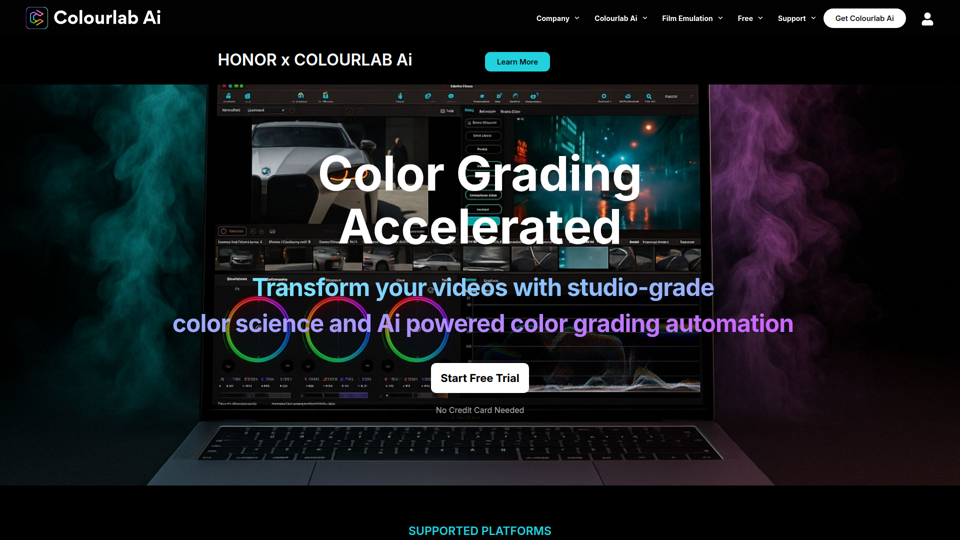
Colourlab AI now 22x faster - Colourlab.ai
Colourlab AI is an AI-powered color grading tool that helps editors, filmmakers, colorists, and post-production teams automate shot matching, auto balance, white balance, and look matching across video timelines. For video editors and finishing artists, it can reduce manual grading time and speed up consistent first-pass color work so they can focus more on creative decisions.
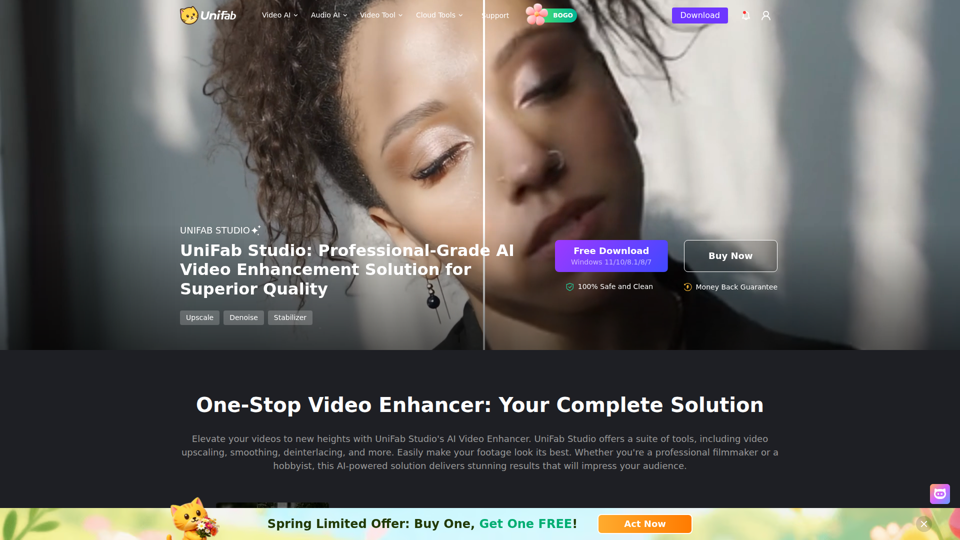
UniFab Studio: One-Stop Professional AI Video Enhancer
UniFab Studio is an AI video enhancement software suite that helps users upscale, denoise, deinterlace, stabilize, smooth motion, and convert SDR video to HDR, mainly for professional video creators and editors seeking higher-quality footage. In AI-driven post-production workflows, it can help video teams improve older, shaky, or low-resolution source material more efficiently while maintaining consistent output across batch projects.
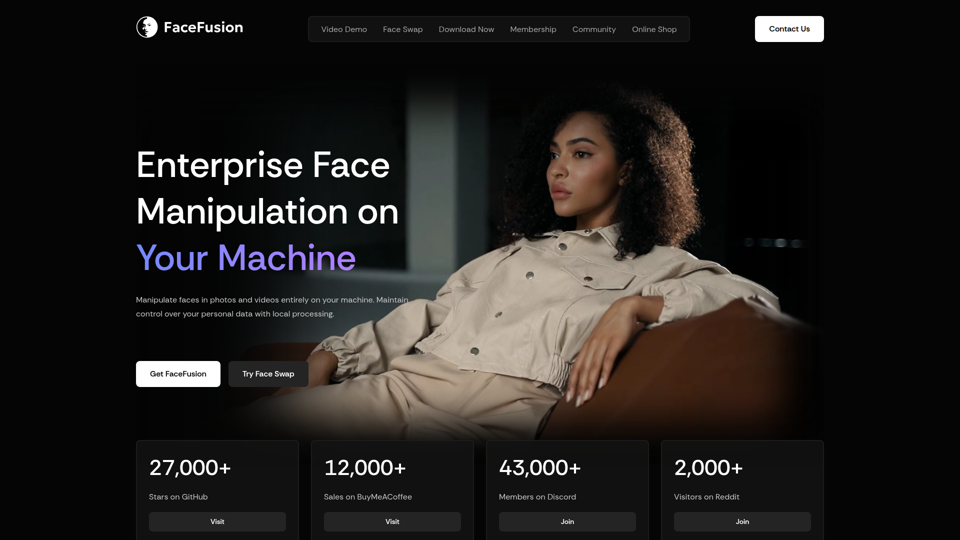
FaceFusion
FaceFusion is a local-first face manipulation platform for photos and videos that helps users swap faces, edit expressions, enhance frames, and sync lips, mainly for film studios, VFX artists, and content creators. In AI production workflows, its on-device processing and detailed controls can help post-production teams handle privacy-sensitive footage while refining facial edits with more precision.
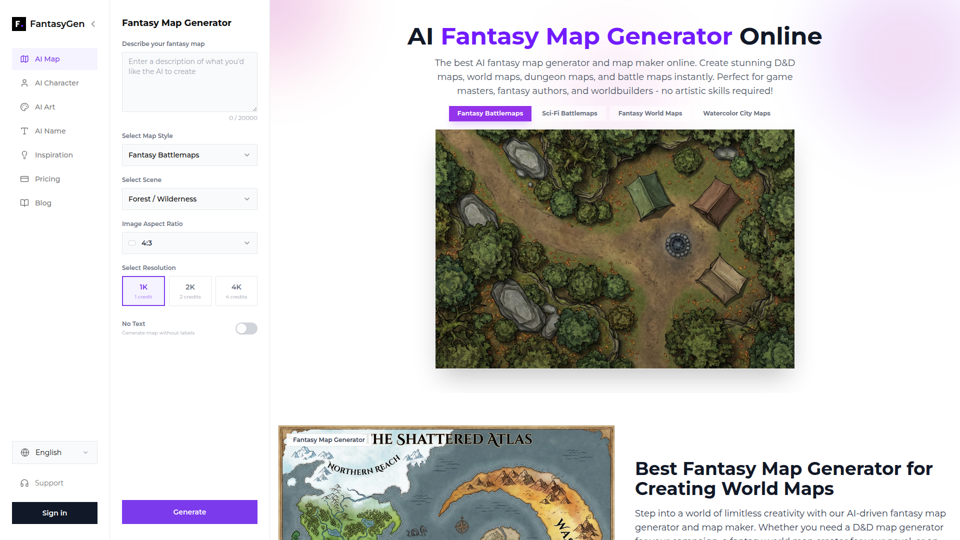
AI Fantasy Map Generator | Create Stunning Maps Instantly - FantasyGen
FantasyGen is an AI fantasy map generator that helps users create world maps, dungeon maps, battle maps, and city maps from text prompts, mainly for game masters, fantasy authors, and worldbuilders. For tabletop RPG prep, writing, and early game design, it can speed visual ideation by turning rough concepts into usable map drafts without requiring drawing skills.