
DeepMotion - AI Motion Capture & Body Tracking
Rate this Tool
Average Score
Total Votes
Select your score (1-10):
Detail Information
What
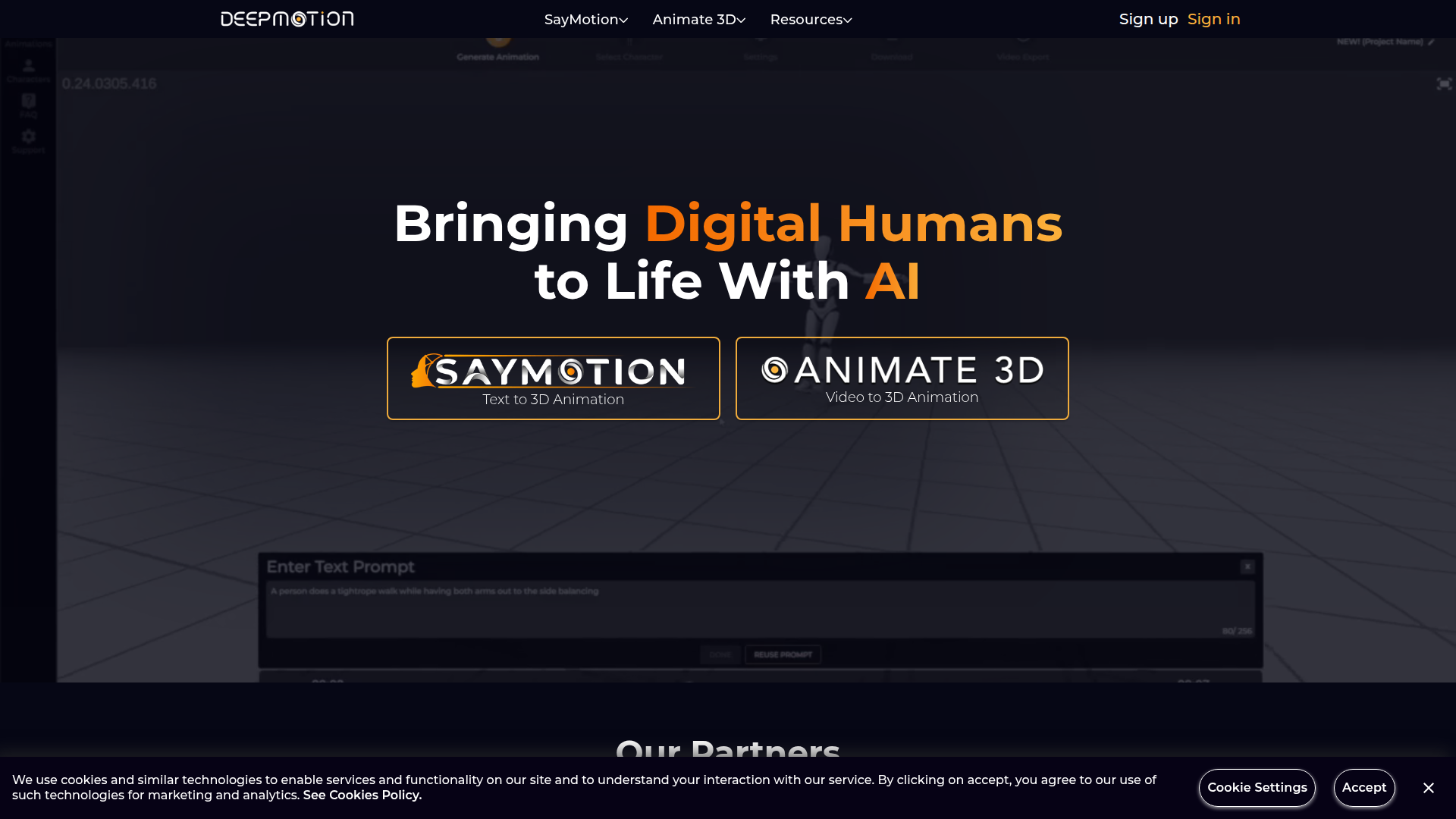
DeepMotion is an AI animation platform focused on bringing digital humans to life through text-to-3D animation and video-to-3D animation. Based on the page, its main products include Animate 3D and SayMotion, with APIs and documentation available for at least parts of the platform.
The product appears to serve animators, game developers, XR creators, filmmakers, educators, and indie studios that need faster character motion creation without relying on traditional motion-capture hardware-heavy workflows. Its likely positioning is an accessible AI-driven motion capture and body tracking platform designed to reduce the barrier to creating usable 3D character animation.
Features
- Video-to-3D animation: Converts video-based motion into 3D character animation, helping teams generate movement data from reference footage instead of full mocap setups.
- Text-to-3D animation: Supports generating 3D animation from text prompts, which can speed up early ideation and rough animation creation.
- AI motion capture and body tracking: Focuses on capturing human motion for digital characters, which is useful for games, virtual production, and digital art workflows.
- Animate 3D product offering: Provides a dedicated animation workflow around 3D character movement, suggesting a specialized toolset for motion generation and refinement.
- API access: Offers API availability, which can help product teams embed animation generation into custom pipelines or applications.
- Developer and support resources: Includes documentation, GitHub, Discord, and release updates, which can reduce adoption friction for technical users and production teams.
Helpful Tips
- Validate output quality against your target style: AI-generated motion can be useful for speed, but teams should test whether it meets the realism, stylization, and cleanup requirements of their production pipeline.
- Review API fit early: If the goal is automation at scale, confirm exactly which DeepMotion capabilities are exposed through the API and what production steps still require manual work.
- Plan for downstream animation editing: For many studios, tools like this are best evaluated as motion generation accelerators rather than complete end-to-end animation replacements unless the workflow is clearly documented.
- Assess creator accessibility versus studio controls: The product appears oriented toward accessibility, so buyers should check whether it also supports the asset management, versioning, and review practices needed by larger teams.
- Use representative source inputs during evaluation: Test with the same kinds of videos, character rigs, and animation scenarios used in real projects to avoid overestimating results from ideal demos.
Embed Code
Share this AI tool on your website or blog by copying and pasting the code below. The embedded widget will automatically update with the latest information.
<iframe src="https://aimyflow.com/ai/deepmotion-com/embed" width="100%" height="400" frameborder="0"></iframe>
Explore Similar Tools

Flow
Flow is an AI creative studio and filmmaking tool from Google that helps creatives generate, refine, and compose cinematic videos and images, mainly for filmmakers and visual storytellers. In AI-assisted production, it can speed up ideation and scene iteration for directors, editors, and content creators by enabling controlled changes like object swaps, video extension, and camera direction.
Autodesk Flow Studio | Buy Official Flow Studio
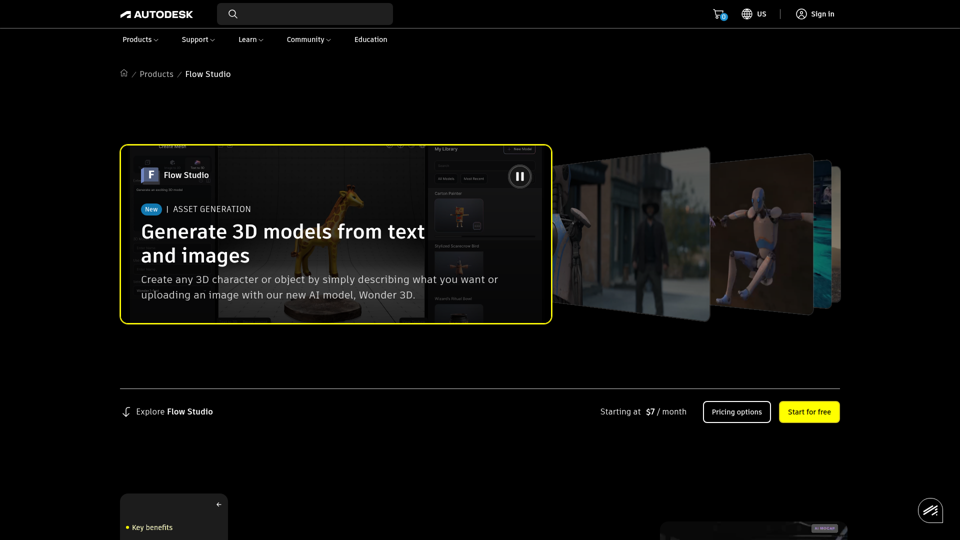
Autodesk Flow Studio is a cloud-based AI 3D and VFX toolset that helps filmmakers, VFX artists, and creators turn live-action footage, text, and images into editable CG scenes, motion capture, and 3D assets. For VFX and animation teams, it can shorten manual mocap, camera tracking, and compositing work while preserving editable outputs for refinement in tools like Maya, Blender, and Unreal.
AI Video Generator | Direct with Seedance 2.0 & Sora - Stuvio
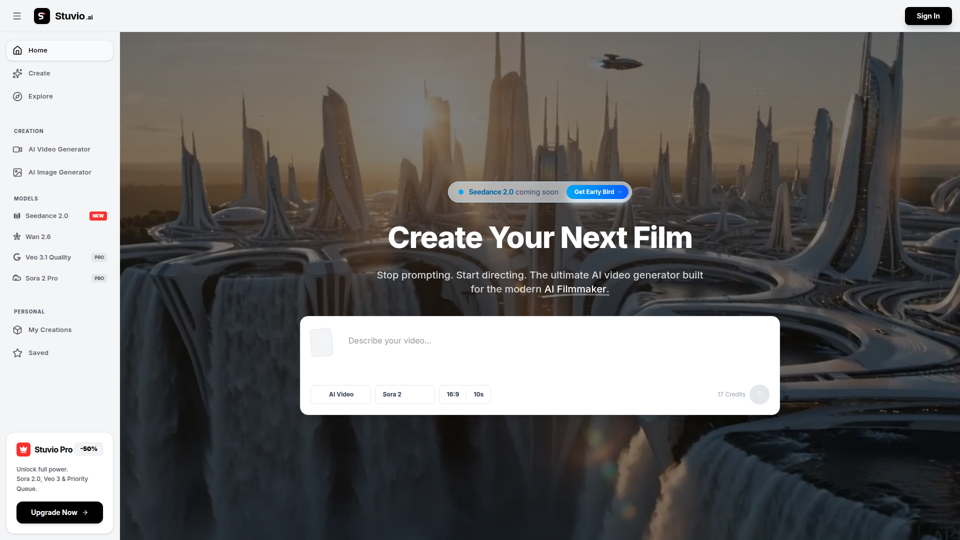
Stuvio is an AI video generator platform that helps users create and refine cinematic videos across models like Seedance, Sora, Veo, and Wan, mainly for AI filmmakers and professional video creators. For filmmakers, creative directors, and editors, its model comparison and prompt-routing workflow can speed shot testing, improve control over motion and lighting, and reduce time spent switching between separate tools.
Ray 3.2 AI Video Generator — Frame-by-Frame in 1080p HDR
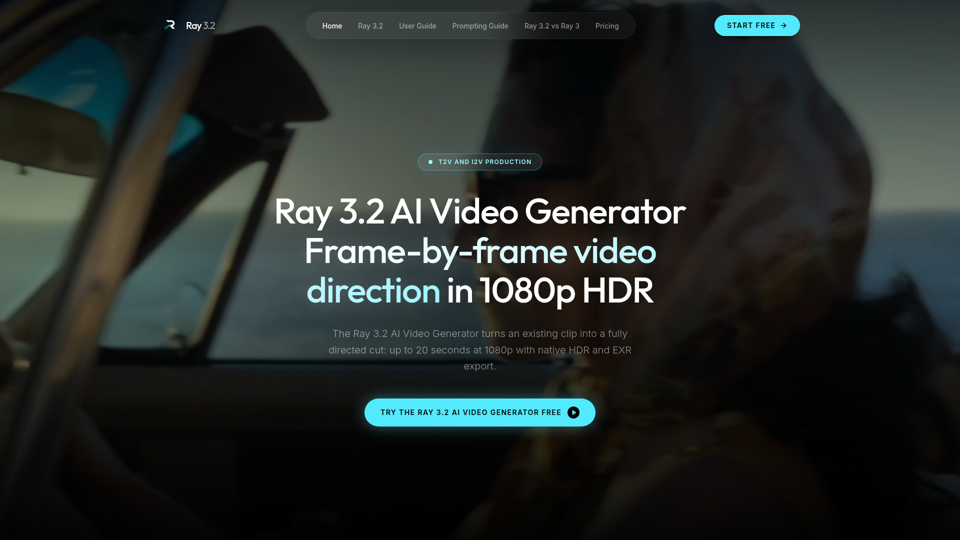
Use the Ray 3.2 AI Video Generator to direct video frame by frame. 16 keyframes, 1080p HDR, 20-second clips, EXR export. Free starter credits, no card needed.
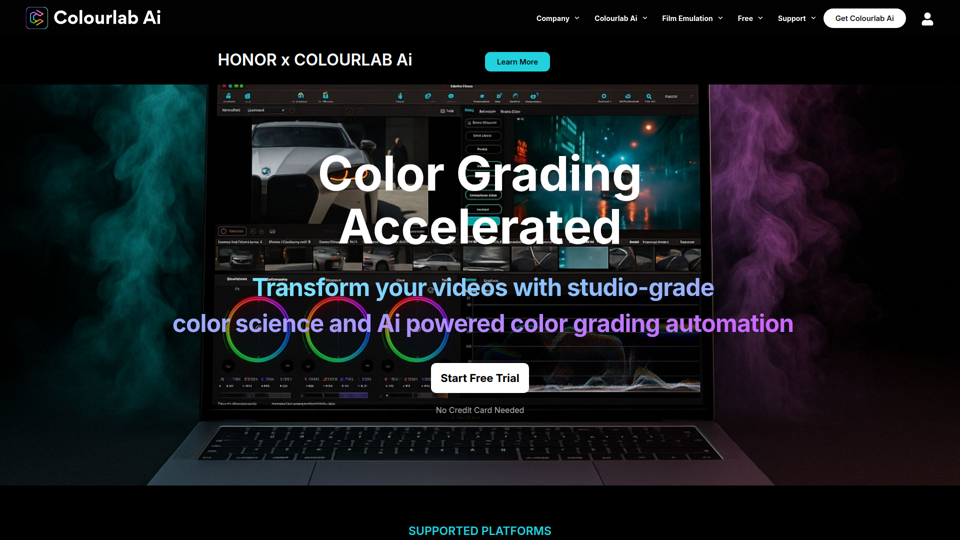
Colourlab AI now 22x faster - Colourlab.ai
Colourlab AI is an AI-powered color grading tool that helps editors, filmmakers, colorists, and post-production teams automate shot matching, auto balance, white balance, and look matching across video timelines. For video editors and finishing artists, it can reduce manual grading time and speed up consistent first-pass color work so they can focus more on creative decisions.
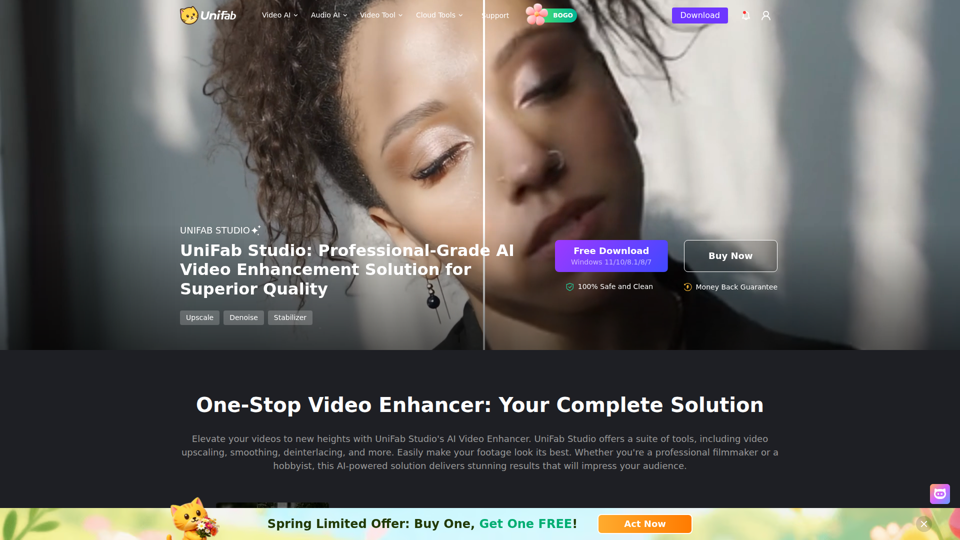
UniFab Studio: One-Stop Professional AI Video Enhancer
UniFab Studio is an AI video enhancement software suite that helps users upscale, denoise, deinterlace, stabilize, smooth motion, and convert SDR video to HDR, mainly for professional video creators and editors seeking higher-quality footage. In AI-driven post-production workflows, it can help video teams improve older, shaky, or low-resolution source material more efficiently while maintaining consistent output across batch projects.
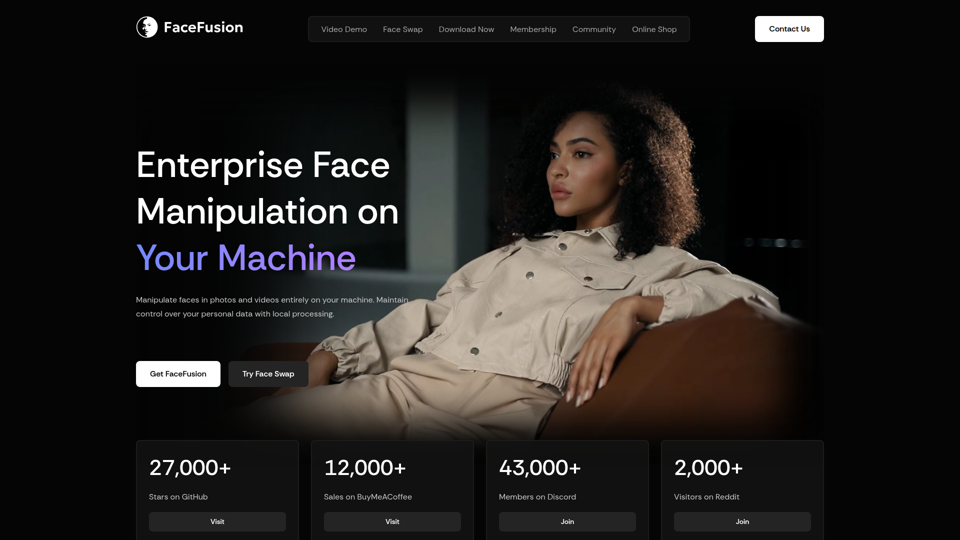
FaceFusion
FaceFusion is a local-first face manipulation platform for photos and videos that helps users swap faces, edit expressions, enhance frames, and sync lips, mainly for film studios, VFX artists, and content creators. In AI production workflows, its on-device processing and detailed controls can help post-production teams handle privacy-sensitive footage while refining facial edits with more precision.
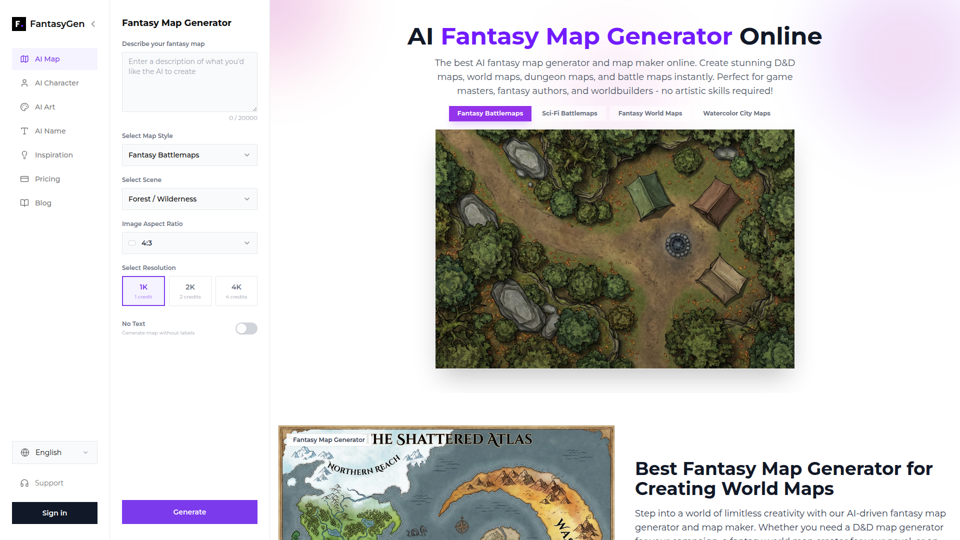
AI Fantasy Map Generator | Create Stunning Maps Instantly - FantasyGen
FantasyGen is an AI fantasy map generator that helps users create world maps, dungeon maps, battle maps, and city maps from text prompts, mainly for game masters, fantasy authors, and worldbuilders. For tabletop RPG prep, writing, and early game design, it can speed visual ideation by turning rough concepts into usable map drafts without requiring drawing skills.