
#1 AI Sound Effect Generator - Free Daily Generation
Rate this Tool
Average Score
Total Votes
Select your score (1-10):
Detail Information
What
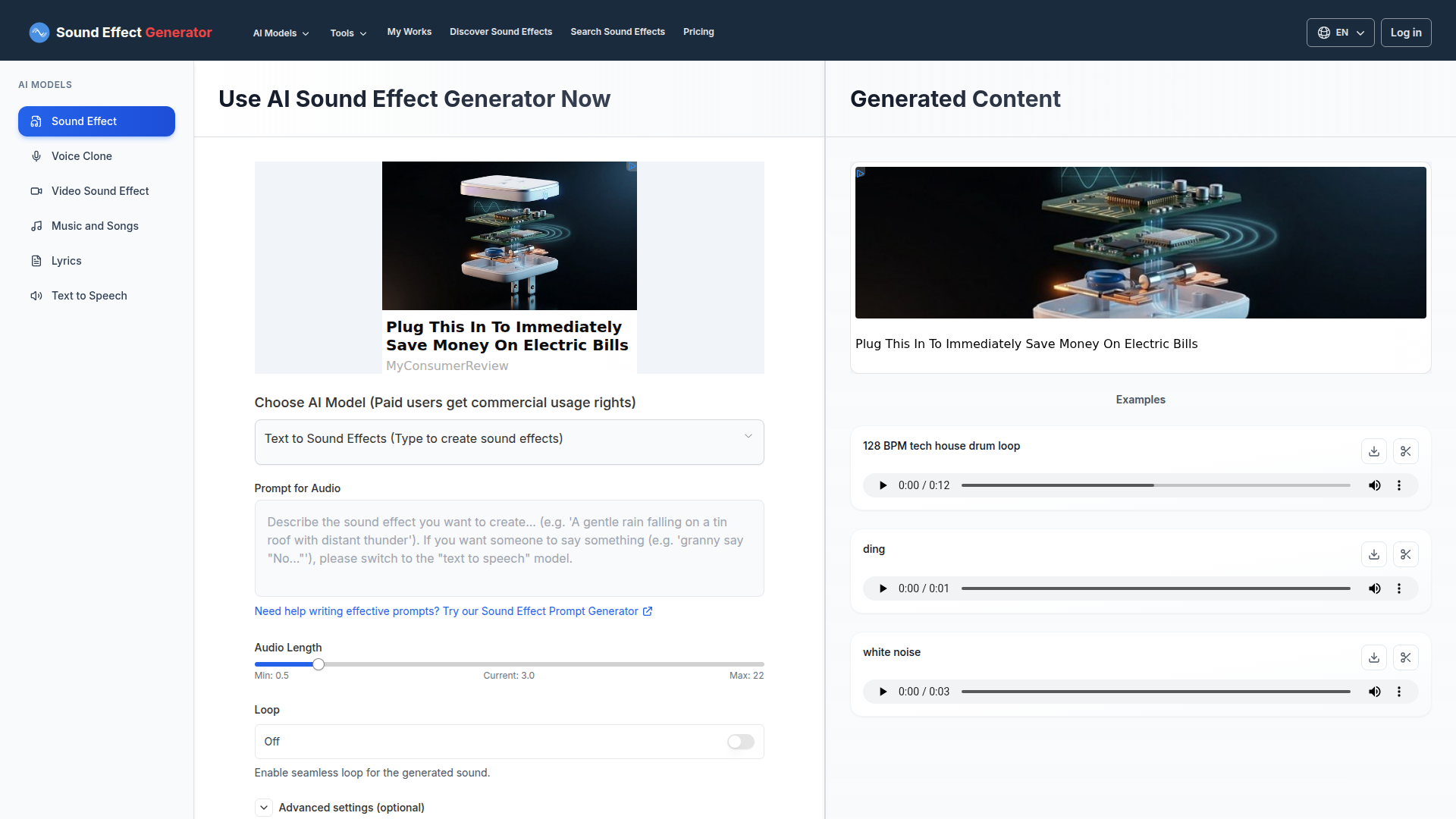
This product is an AI sound effect generator that turns text prompts into custom sound effects. The page presents it as a browser-based tool for creators, developers, and sound designers who need quick audio generation without recording or manually editing source material.
The core workflow is simple: choose the text-to-sound-effects model, enter a prompt, set audio length from 0.5 to 22 seconds, optionally enable looping, and generate output. Based on the page, it appears positioned as a self-serve creative tool with free daily generation and paid-tier commercial usage rights, though the source does not provide deeper detail on export formats, editing controls, or production-grade workflow features.
Features
- Text-to-sound generation: Users can describe a sound in text and generate an audio effect from that prompt, which reduces the need for manual sound design for common use cases.
- Adjustable audio length: The tool allows durations between 0.5 and 22 seconds, helping users fit short cues, UI sounds, ambiences, or longer effect clips.
- Loop option: A seamless loop setting is available, which is useful for background textures, game audio, and repeating environmental sounds.
- Prompt support tool: The page includes a sound effect prompt generator to help users write more effective prompts when results need refinement.
- Example-driven discovery: The interface shows example prompts and a large catalog of discoverable sound-effect ideas, which can speed up ideation and prompt formulation.
- Usage tier distinction: The page states that paid users receive commercial usage rights, which is relevant for teams evaluating the tool for business or production contexts.
Helpful Tips
- Test prompt specificity early: For AI audio tools like this, results usually improve when prompts describe source, action, texture, intensity, and context rather than only naming the sound.
- Use the loop feature carefully: Seamless looping is most valuable for ambience, engines, drones, and repeating interfaces; one-shot impacts and vocal cues may not benefit from it.
- Validate production readiness: The page does not specify export settings, editing tools, or asset management features, so teams should confirm these details before relying on it in a larger workflow.
- Separate ideation from final mastering: This type of generator is well suited for rapid concepting and asset drafts, but final polishing may still require external audio editing depending on quality requirements.
- Review rights by plan: Since commercial usage rights are explicitly tied to paid users, organizations should verify licensing terms before using generated sounds in shipped products.
OpenClaw Skills
Within the OpenClaw ecosystem, this product could likely support skills for automated sound-asset generation from natural-language briefs. Likely workflows include an agent that reads a game design document, video storyboard, or app UI spec and drafts matching sound prompts, generates candidate effects, and organizes them by scene, interaction type, or emotional tone. The source page does not mention a native integration, so this should be treated as an inferred workflow opportunity rather than a confirmed capability.
Combined with OpenClaw agents, the tool could become part of a broader creative operations pipeline for media teams, indie game studios, and app developers. Likely use cases include agents that generate placeholder SFX libraries for prototypes, create looping ambience packs for environments, or produce multiple prompt variations for review by editors and sound designers. That combination could reduce the time spent sourcing generic stock effects and shift professionals toward higher-value review, curation, and final mix decisions.
Embed Code
Share this AI tool on your website or blog by copying and pasting the code below. The embedded widget will automatically update with the latest information.
<iframe src="https://aimyflow.com/ai/soundeffectgenerator-org/embed" width="100%" height="400" frameborder="0"></iframe>
Explore Similar Tools

Flow
Flow is an AI creative studio and filmmaking tool from Google that helps creatives generate, refine, and compose cinematic videos and images, mainly for filmmakers and visual storytellers. In AI-assisted production, it can speed up ideation and scene iteration for directors, editors, and content creators by enabling controlled changes like object swaps, video extension, and camera direction.
Autodesk Flow Studio | Buy Official Flow Studio
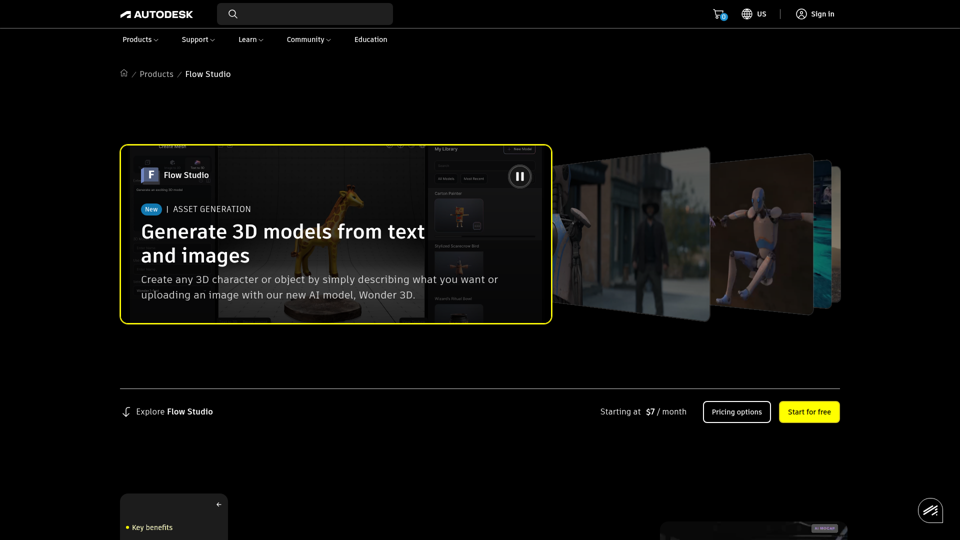
Autodesk Flow Studio is a cloud-based AI 3D and VFX toolset that helps filmmakers, VFX artists, and creators turn live-action footage, text, and images into editable CG scenes, motion capture, and 3D assets. For VFX and animation teams, it can shorten manual mocap, camera tracking, and compositing work while preserving editable outputs for refinement in tools like Maya, Blender, and Unreal.
DeepMotion - AI Motion Capture & Body Tracking
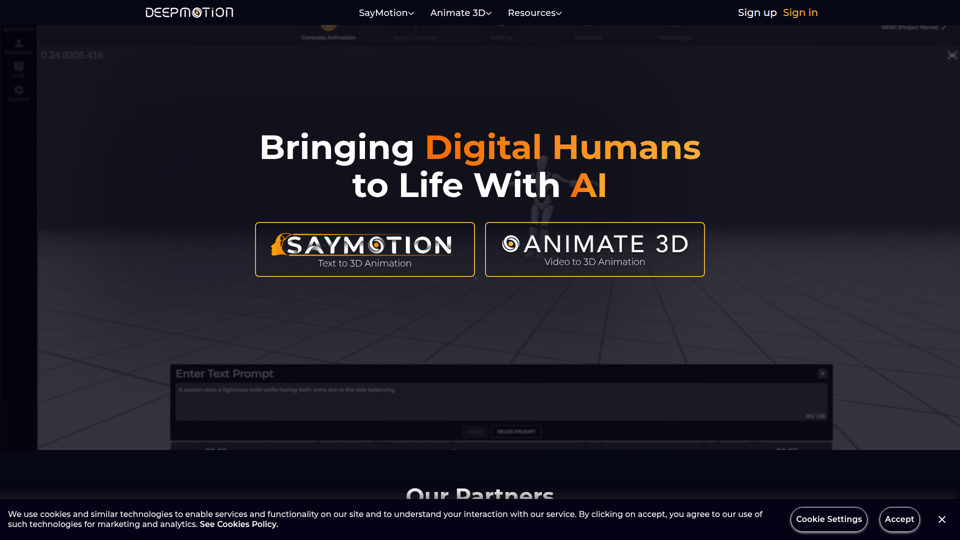
DeepMotion is an AI motion capture and body tracking platform that helps users turn text or video into 3D character animation in a web browser, mainly for animators, game developers, filmmakers, and digital artists. In AI-driven production workflows, it can speed character animation and lower the technical barrier for creative and technical teams building digital humans.
AI Video Generator | Direct with Seedance 2.0 & Sora - Stuvio
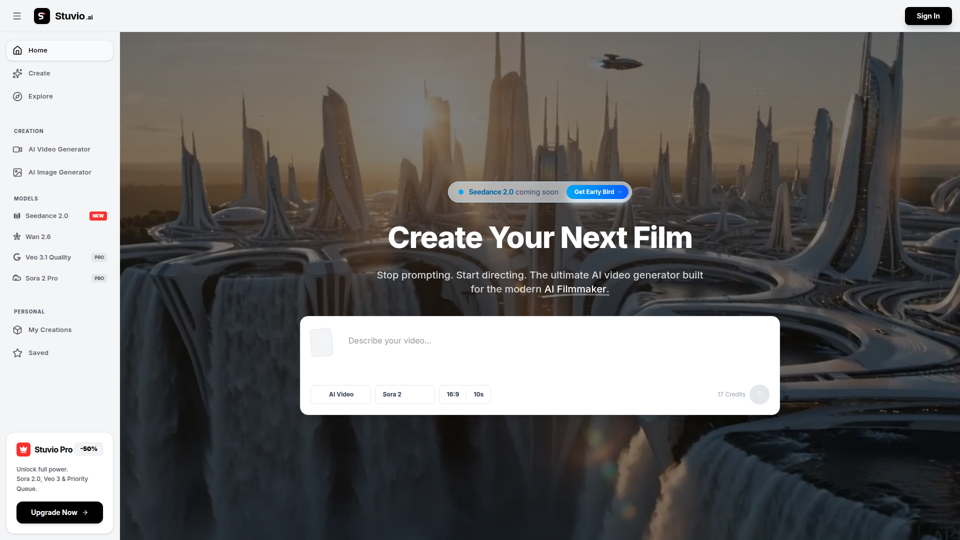
Stuvio is an AI video generator platform that helps users create and refine cinematic videos across models like Seedance, Sora, Veo, and Wan, mainly for AI filmmakers and professional video creators. For filmmakers, creative directors, and editors, its model comparison and prompt-routing workflow can speed shot testing, improve control over motion and lighting, and reduce time spent switching between separate tools.
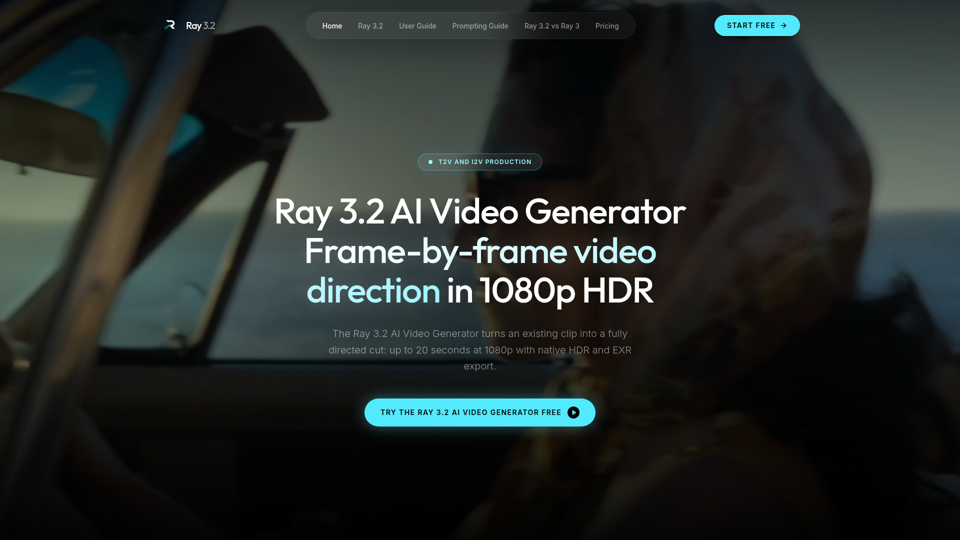
Ray 3.2 AI Video Generator — Frame-by-Frame in 1080p HDR
Use the Ray 3.2 AI Video Generator to direct video frame by frame. 16 keyframes, 1080p HDR, 20-second clips, EXR export. Free starter credits, no card needed.
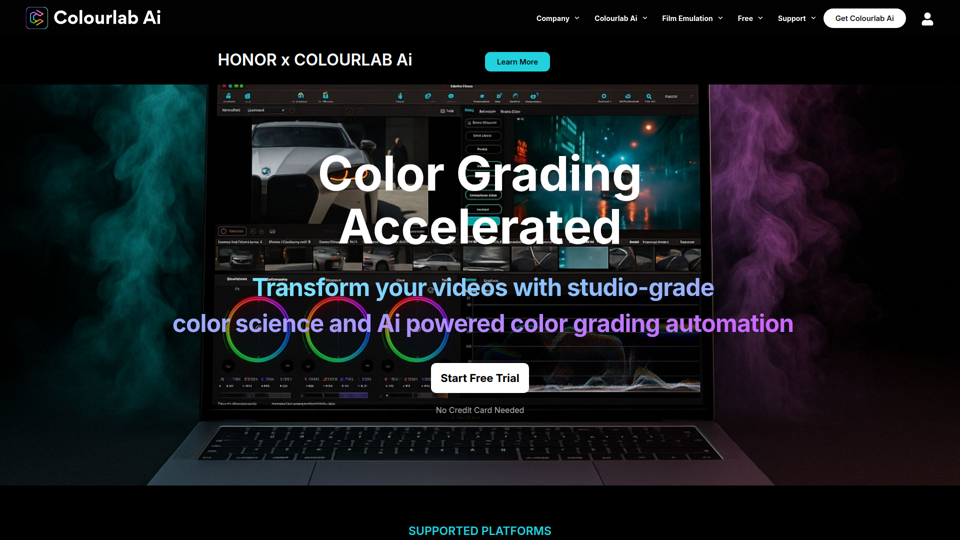
Colourlab AI now 22x faster - Colourlab.ai
Colourlab AI is an AI-powered color grading tool that helps editors, filmmakers, colorists, and post-production teams automate shot matching, auto balance, white balance, and look matching across video timelines. For video editors and finishing artists, it can reduce manual grading time and speed up consistent first-pass color work so they can focus more on creative decisions.
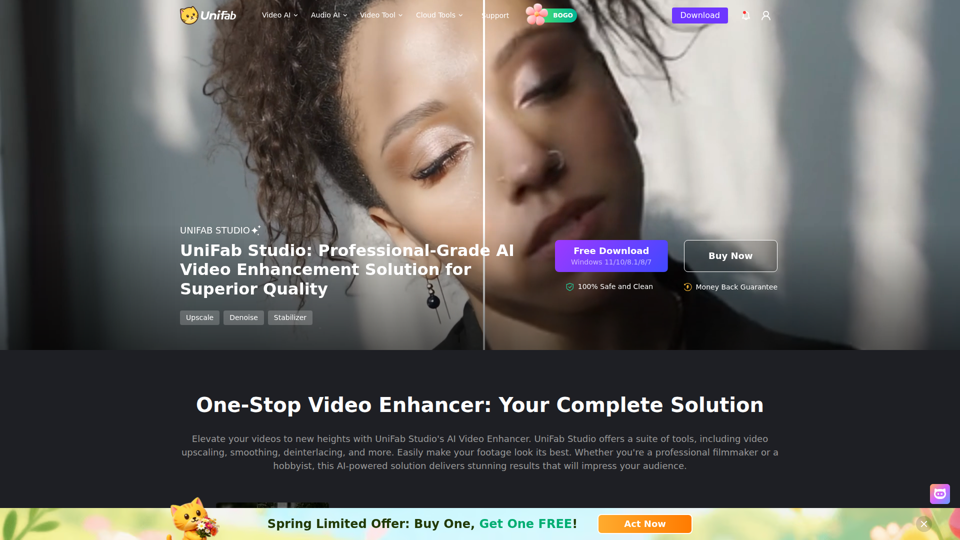
UniFab Studio: One-Stop Professional AI Video Enhancer
UniFab Studio is an AI video enhancement software suite that helps users upscale, denoise, deinterlace, stabilize, smooth motion, and convert SDR video to HDR, mainly for professional video creators and editors seeking higher-quality footage. In AI-driven post-production workflows, it can help video teams improve older, shaky, or low-resolution source material more efficiently while maintaining consistent output across batch projects.
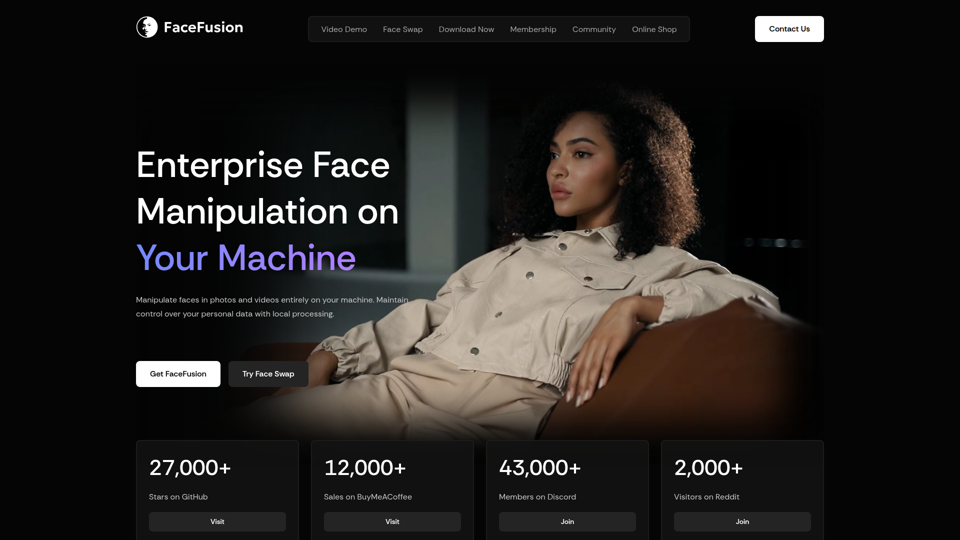
FaceFusion
FaceFusion is a local-first face manipulation platform for photos and videos that helps users swap faces, edit expressions, enhance frames, and sync lips, mainly for film studios, VFX artists, and content creators. In AI production workflows, its on-device processing and detailed controls can help post-production teams handle privacy-sensitive footage while refining facial edits with more precision.