
Voicebox - Open Source Voice Cloning Desktop App
Rate this Tool
Average Score
Total Votes
Select your score (1-10):
Detail Information
What
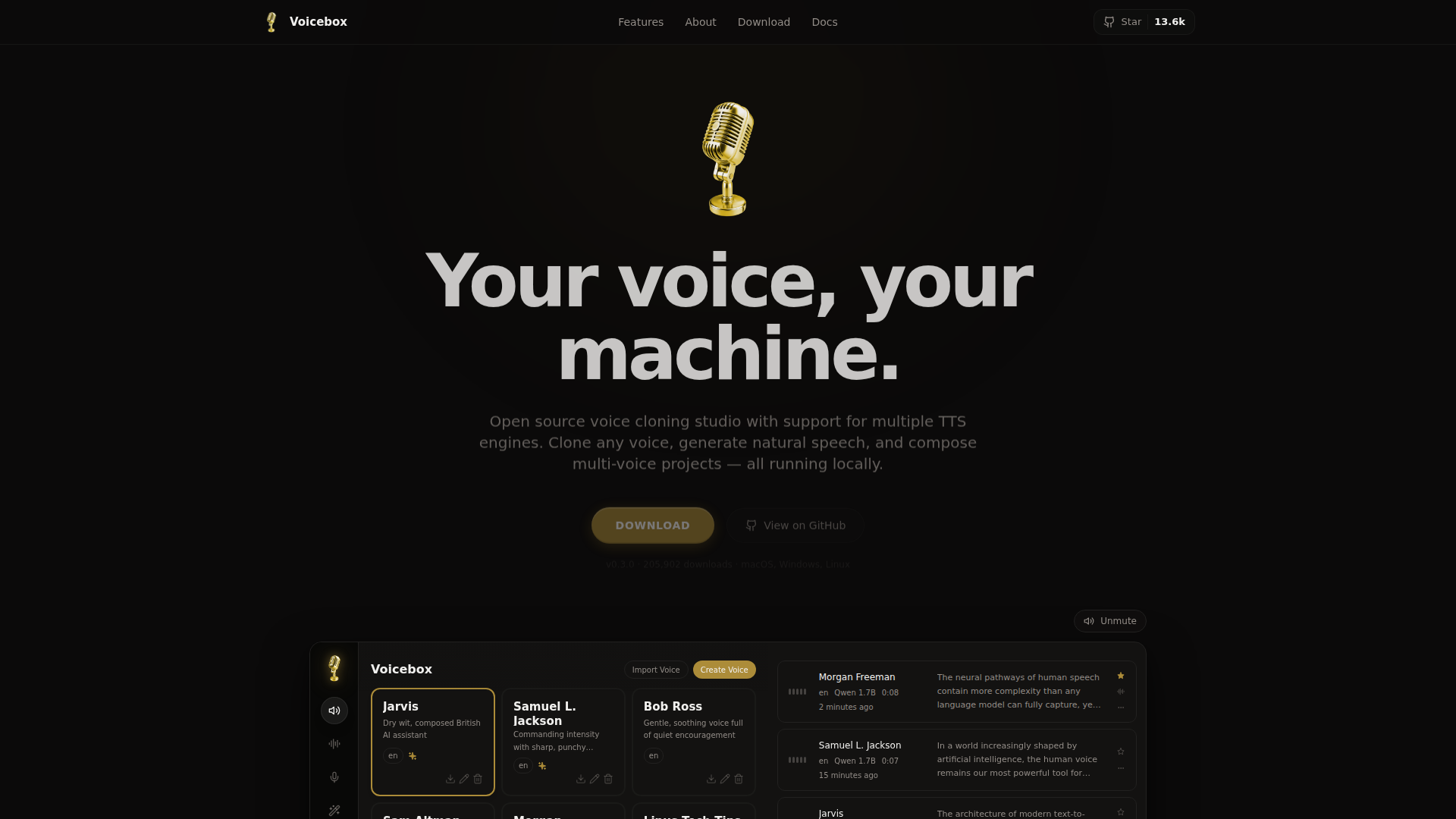
Voicebox is an open-source desktop voice cloning and text-to-speech studio for macOS, Windows, and Linux. It is designed for users who want to clone voices, generate speech, transcribe audio, and assemble multi-voice projects while keeping processing local to their own machine or a connected remote machine.
The product appears positioned as a local-first alternative to cloud voice tools, with support for multiple TTS engines, timeline-based editing, and audio effects in one desktop workflow. It likely serves creators, developers, audio producers, and technical users who need control over voice data, model choice, and output quality.
Features
- Local-first voice cloning — Clone a voice from as little as 3 seconds of audio using uploaded files, microphone input, or captured system audio, which supports fast sample collection without relying on cloud processing.
- Multiple TTS engines — Choose between engines such as Qwen3-TTS, Chatterbox, Chatterbox Turbo, and LuxTTS to balance language support, expressive control, speed, and hardware efficiency for different projects.
- Timeline-based Stories Editor — Build multi-voice narratives with track arrangement, clip trimming, and conversation mixing, which is useful for scripted content and character-based audio production.
- Audio effects pipeline — Apply effects like pitch shift, reverb, delay, and compression, then save presets and set defaults per voice profile to standardize output across recurring projects.
- Built-in transcription — Use Whisper-based speech-to-text to extract reference text from voice samples, reducing manual prep when creating cloned voices from existing audio.
- Long-form generation workflow — Generate up to 50,000 characters with sentence-based chunking and crossfading, which supports longer narration output while smoothing transitions between generated segments.
Helpful Tips
- Match engine choice to the use case — A lightweight engine may be better for iteration speed, while multilingual or instruction-based engines are more suitable when tone control or language coverage matters.
- Validate source audio quality early — Since cloning can start from very short samples, cleaner recordings will likely have a major impact on identity retention and naturalness.
- Plan hardware needs before rollout — The page mentions support for Metal, CUDA, ROCm, Intel Arc, and DirectML, so team adoption should account for GPU availability and platform consistency.
- Use presets to improve repeatability — Saving effects chains and defaults per voice profile can help teams keep output more consistent across episodes, scenes, or departments.
- Review legal and ethical usage internally — The page emphasizes technical cloning capability, but it does not describe governance features, so organizations should define consent and usage policies separately.
OpenClaw Skills
Within the OpenClaw ecosystem, Voicebox could likely support skills for script-to-voice generation, narrator selection, dialogue scene assembly, and voice-sample preparation. A practical agent workflow might take a draft script, segment it by speaker, assign voice profiles, generate local audio in batches, and return a ready-to-edit project structure. The source page does not state a native OpenClaw integration, so this should be treated as a likely workflow pattern rather than a confirmed connector.
This combination could be especially useful for media teams, internal training groups, game prototyping, and developer education. OpenClaw agents could likely handle upstream tasks such as transcription cleanup, scene planning, pronunciation notes, and delivery instruction drafting, while Voicebox handles local synthesis and editing. In practice, that could shift voice production from a fragmented manual process toward a more automated desktop-centered pipeline for teams that need privacy, iteration speed, and flexible model selection.
Embed Code
Share this AI tool on your website or blog by copying and pasting the code below. The embedded widget will automatically update with the latest information.
<iframe src="https://aimyflow.com/ai/voicebox-sh/embed" width="100%" height="400" frameborder="0"></iframe>
Explore Similar Tools
AIVocal - AI Voice Generator | Voice Cloning | Audiobook Online Free
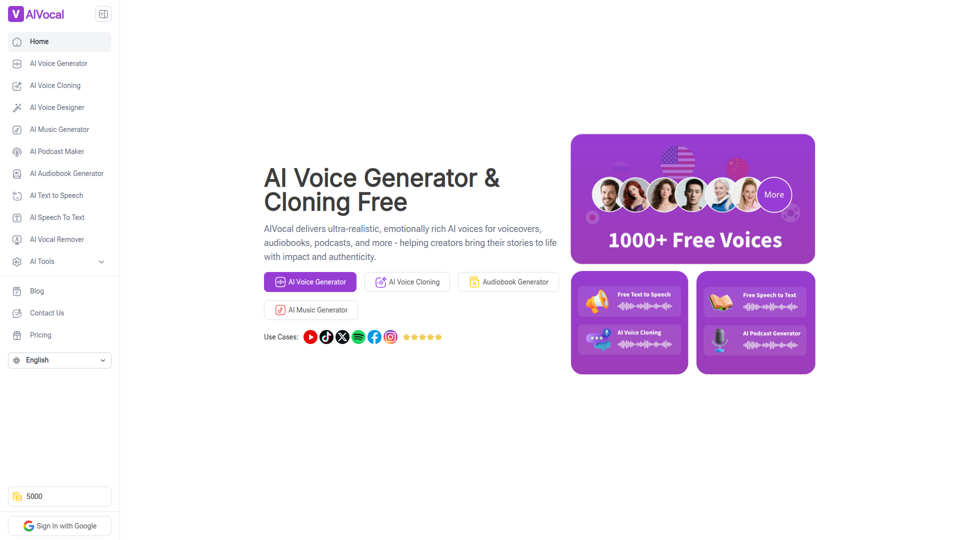
AIVocal is an AI voice and audio platform that helps creators, podcasters, speakers, and other audio-focused professionals generate speech, clone voices, create audiobooks and podcasts, transcribe audio, and edit vocals online. For content teams and producers, these AI tools can speed up scripting, narration, transcription, and post-production work while reducing the need for manual recording and editing.
Transcribe Audio & Video to Text in 100+ Languages | Vocova
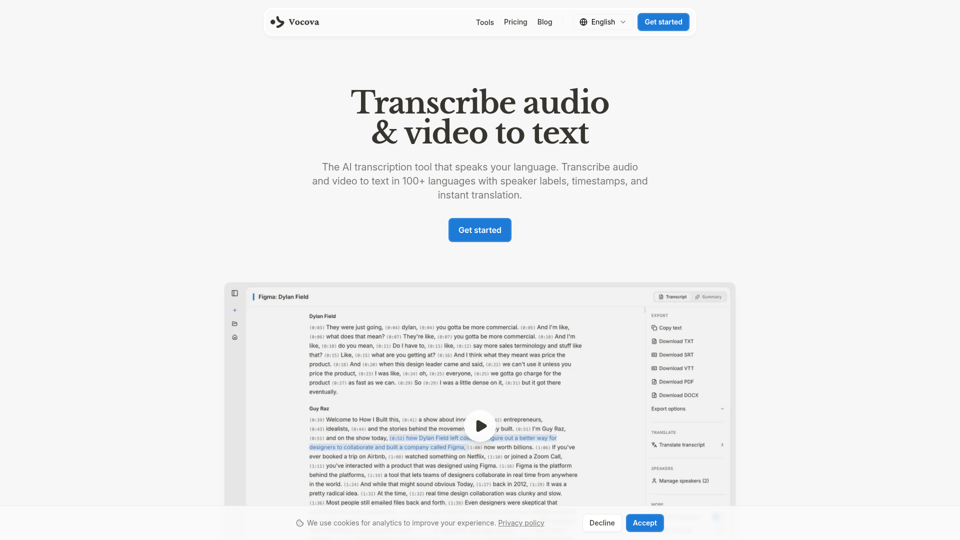
Vocova is an AI transcription tool that converts audio and video into text in 100+ languages, with speaker labels, timestamps, translation, summaries, and multiple export formats, mainly for teams and professionals handling meetings, interviews, lectures, podcasts, and legal, sales, or medical recordings. In AI-enabled workflows, it can help researchers, content teams, educators, and operations staff turn spoken material into searchable, shareable documentation faster and with less manual note-taking.
AI Voice Cleaner | 1-Click Background Noise Remover Free
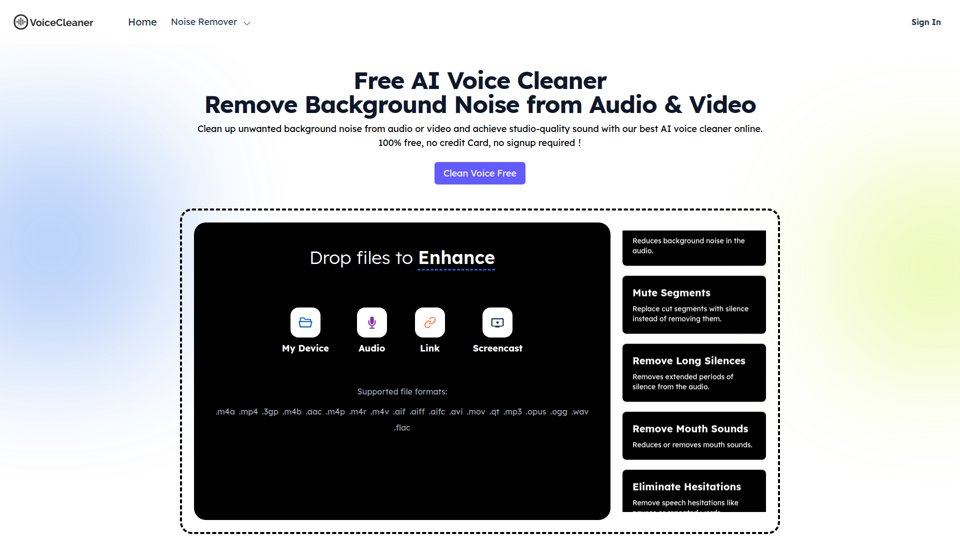
VoiceCleaner.ai is a browser-based AI voice cleaning tool that removes background noise and other speech distractions from audio and video files, mainly for podcasters, creators, musicians, and business professionals. In AI-assisted media workflows, it can help editors, producers, and communication teams spend less time on manual cleanup while delivering clearer recordings for publishing or meetings.
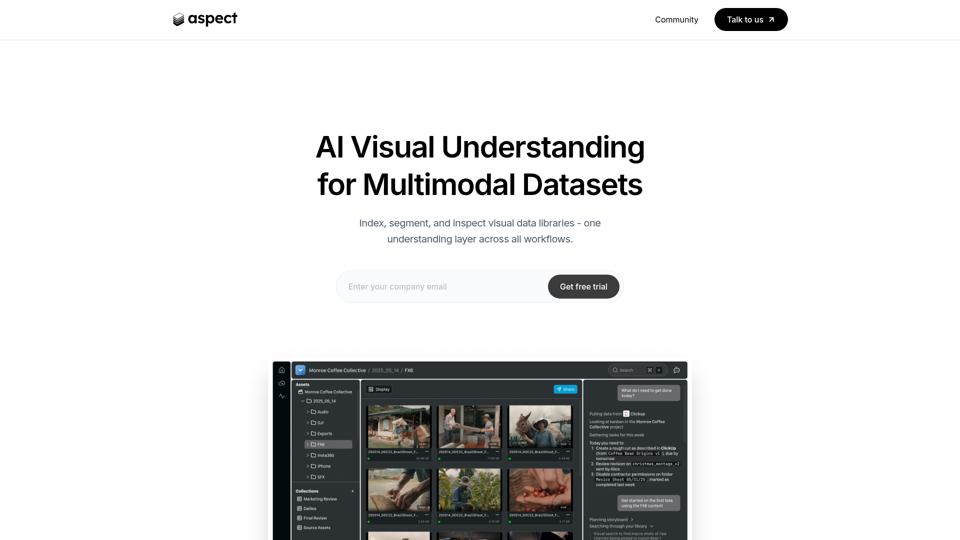
Aspect - AI platform for enterprise media content
Aspect is an AI platform for enterprise media teams that helps them ingest, search, segment, extract, assemble, and review visual content and multimodal datasets across production workflows. For media operations, post-production, and dataset teams, it can reduce manual non-creative work by using visual understanding to speed asset retrieval, rough cuts, structured extraction, and delivery checks.
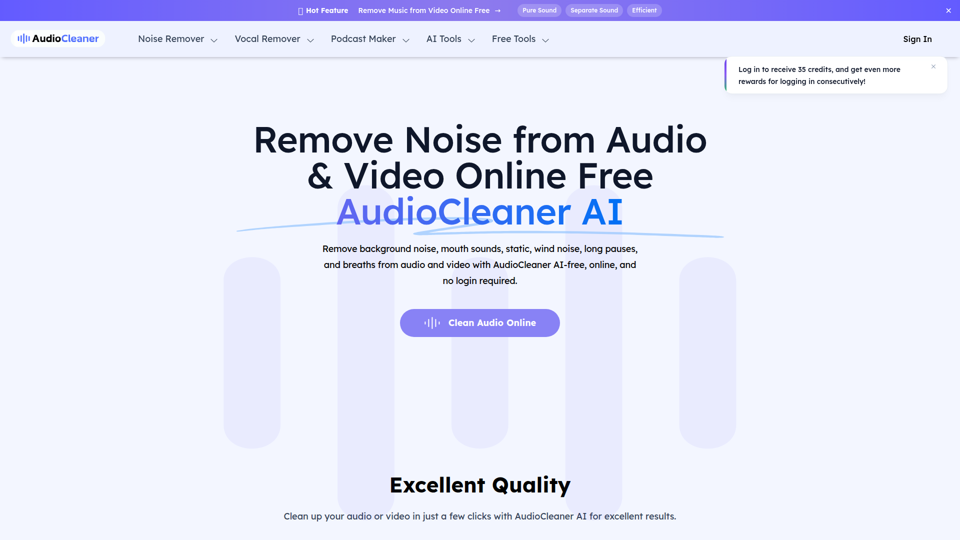
AudioCleaner AI: Remove Noise from Audio & Video Online Free
AudioCleaner AI is an online AI audio and video cleanup tool that helps creators, podcasters, educators, and video makers remove background noise, breaths, mouth sounds, wind, echo, and other unwanted audio artifacts. For content production teams, faster AI-based cleanup can reduce manual editing time and make spoken-word recordings clearer for publishing, training, and interviews.
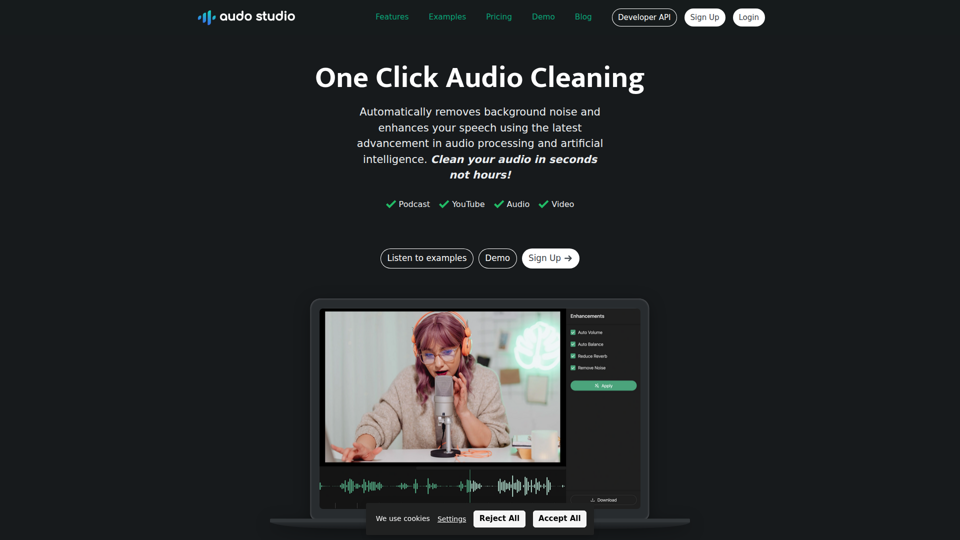
Audo Studio | One Click Audio Cleaning
Audo Studio is a browser-based audio cleaning tool that removes background noise, enhances speech, and automatically adjusts volume with one click, mainly for YouTubers, podcasters, and other creators working with audio or video. For content creators and editors, this kind of AI audio processing can speed up post-production and help deliver clearer voice recordings without complex manual cleanup.
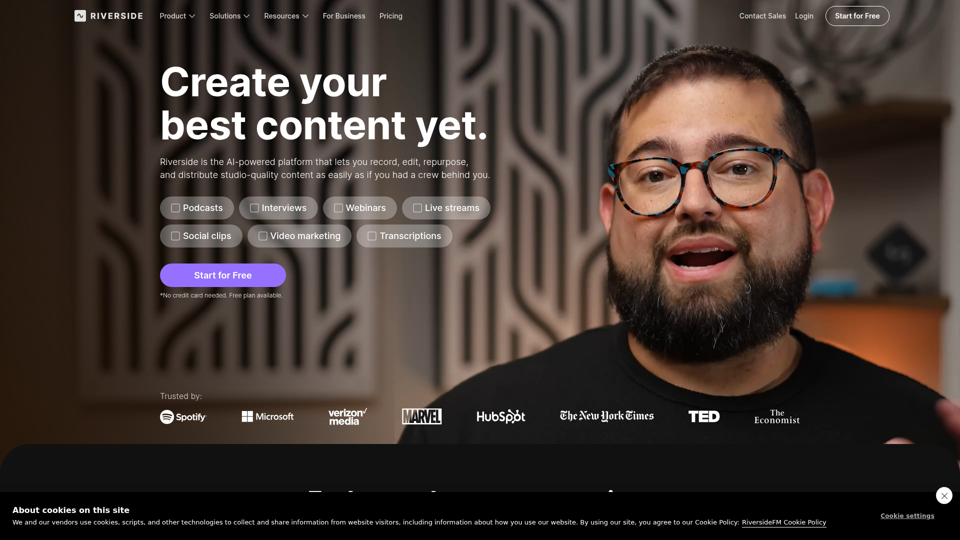
Riverside: HD Podcast & Video Software | Free Recording & Editing
Riverside is an AI-powered podcast and video creation platform that helps users record, edit, repurpose, livestream, and publish studio-quality content, mainly for podcasters, producers, and marketers. Its text-based editing, transcription, translation, and content repurposing tools can help content teams produce polished interviews, webinars, and social clips faster with less manual post-production.
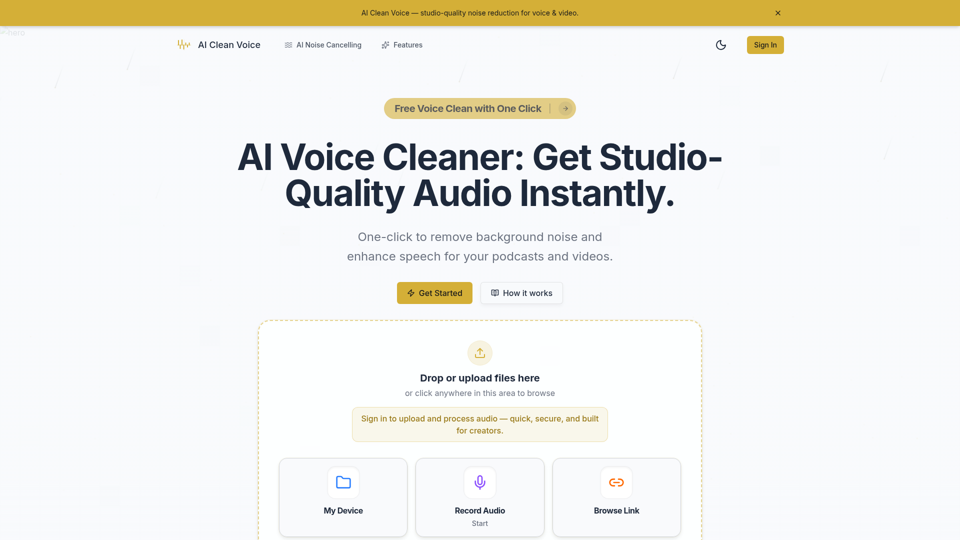
AI Voice Cleaner - Remove Background Noise & Enhance Speech Online | AI Clean Voice
AI Clean Voice is an online AI voice cleaner that removes background noise, wind, and echo to enhance speech in uploaded audio, mainly for podcasters, video creators, educators, and production teams. It can help audio editors and content teams speed up cleanup work while preserving natural vocal clarity for faster publishing.