
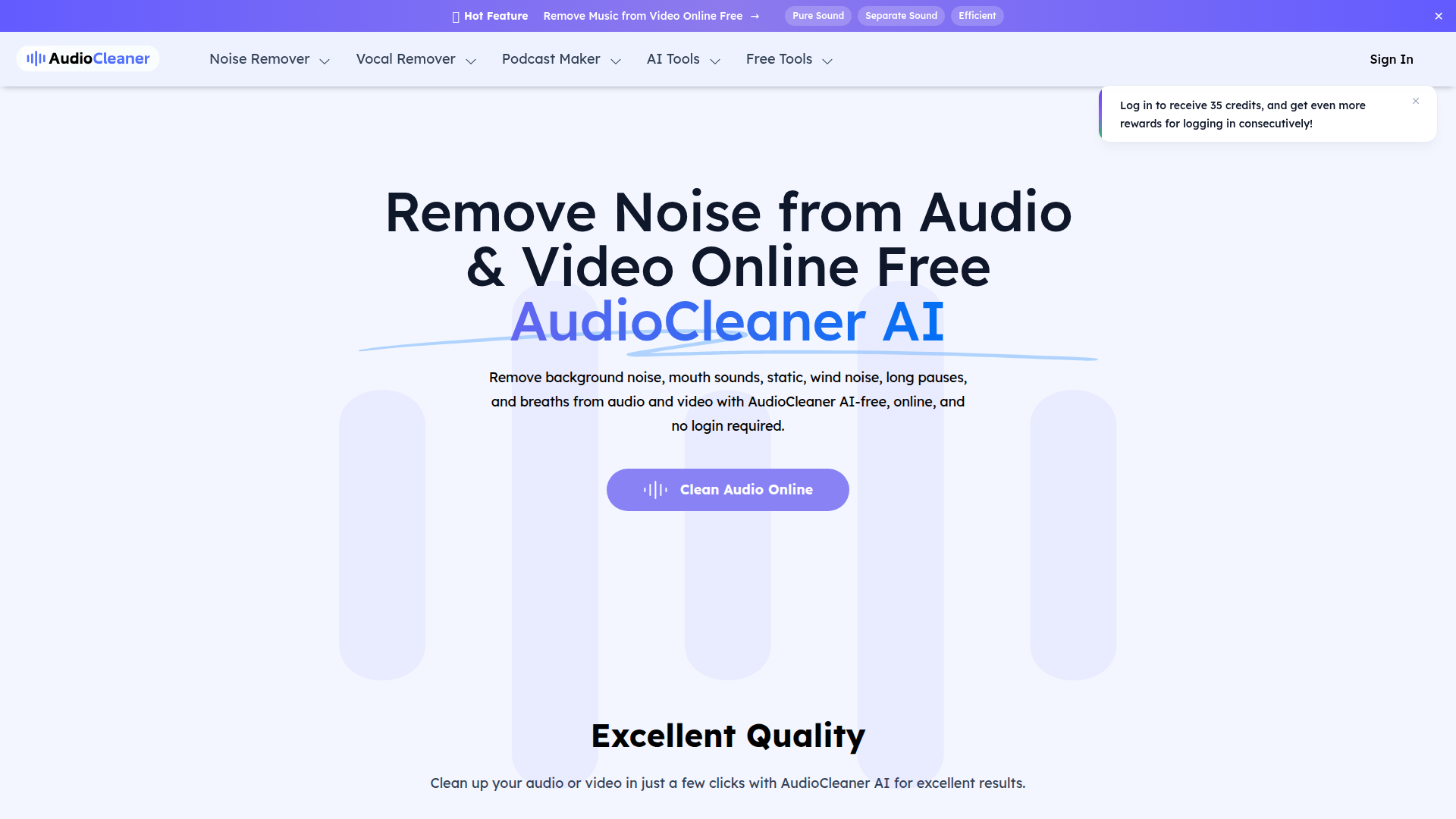
AudioCleaner AI: Remove Noise from Audio & Video Online Free
Rate this Tool
Average Score
Total Votes
Select your score (1-10):
Detail Information
What
AudioCleaner AI is a browser-based audio and video cleanup tool focused on removing unwanted sounds from recordings. Based on the page, it is designed for creators and professionals working with podcasts, interviews, online courses, social media videos, music demos, and general voice recordings.
Its core workflow is simple: upload an audio or video file, choose an enhancement or cleaning type, let the AI process the file, and download the result. The product appears positioned as a lightweight, accessible alternative to manual audio editing tools, with an emphasis on fast online use rather than complex production software.
Features
- Background noise removal: Removes common environmental sounds such as chatter, barking, helicopters, water noise, wind, static, and buzzing to improve speech intelligibility.
- Voice artifact cleanup: Includes tools for removing breaths, mouth sounds, long pauses, echo, and reverb, which can reduce distracting imperfections in spoken recordings.
- Audio and video file support: Works on both audio and video uploads, with the page naming formats such as MP3, MP4, WAV, MOV, and WMA.
- Preset-style AI processing: Users select a content or enhancement type, and the system automatically analyzes and cleans the file without requiring manual editing skills.
- Additional vocal and music separation tools: The site also lists capabilities such as vocal removal, stem splitting, instrumental creation, and removing specific instruments, though the exact depth of these features is not detailed on this page.
- Mobile and browser accessibility: The FAQ states the tool works online and is compatible with mobile devices including iPhone and Android.
Helpful Tips
- Test quality on representative samples: For podcast, interview, or course production, compare cleaned output against the original to check whether aggressive noise reduction affects vocal naturalness.
- Match the processing mode to the source problem: Use targeted cleanup options such as breath removal, background audio removal, or echo reduction instead of assuming one setting will suit every recording.
- Review storage and privacy needs carefully: The page says files are stored for 1 day, but it also makes broader safety claims; teams handling sensitive recordings should validate these details before operational use.
- Clarify free-use limits early: The page mentions both “free” usage and a credit system tied to registration, so buyers should confirm how far free access goes in actual production workflows.
- Treat listed adjacent tools as separate evaluation items: Because the page includes many AI audio utilities beyond cleanup, it is worth validating each one individually rather than assuming all tools perform at the same level.
Embed Code
Share this AI tool on your website or blog by copying and pasting the code below. The embedded widget will automatically update with the latest information.
<iframe src="https://aimyflow.com/ai/audiocleaner-ai/embed" width="100%" height="400" frameborder="0"></iframe>
Explore Similar Tools
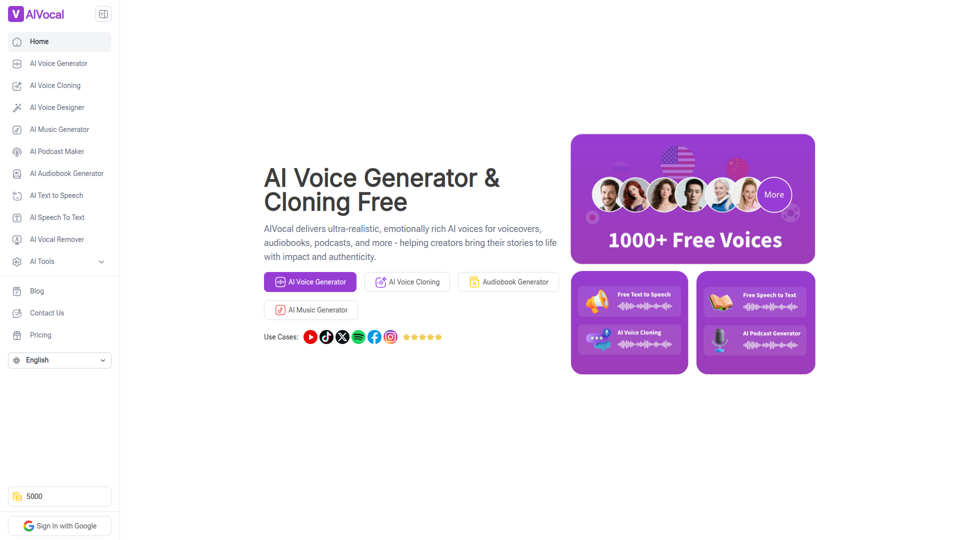
AIVocal - AI Voice Generator | Voice Cloning | Audiobook Online Free
AIVocal is an AI voice and audio platform that helps creators, podcasters, speakers, and other audio-focused professionals generate speech, clone voices, create audiobooks and podcasts, transcribe audio, and edit vocals online. For content teams and producers, these AI tools can speed up scripting, narration, transcription, and post-production work while reducing the need for manual recording and editing.
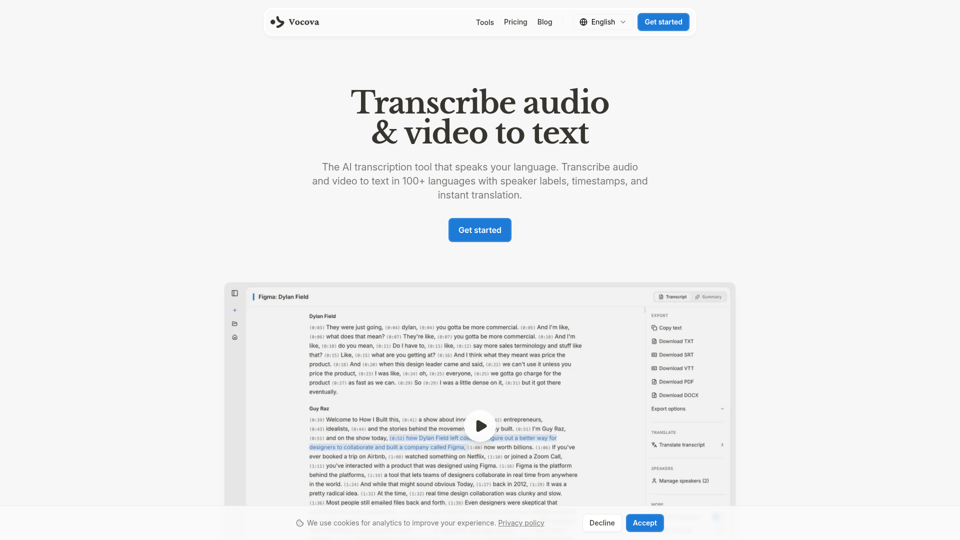
Transcribe Audio & Video to Text in 100+ Languages | Vocova
Vocova is an AI transcription tool that converts audio and video into text in 100+ languages, with speaker labels, timestamps, translation, summaries, and multiple export formats, mainly for teams and professionals handling meetings, interviews, lectures, podcasts, and legal, sales, or medical recordings. In AI-enabled workflows, it can help researchers, content teams, educators, and operations staff turn spoken material into searchable, shareable documentation faster and with less manual note-taking.
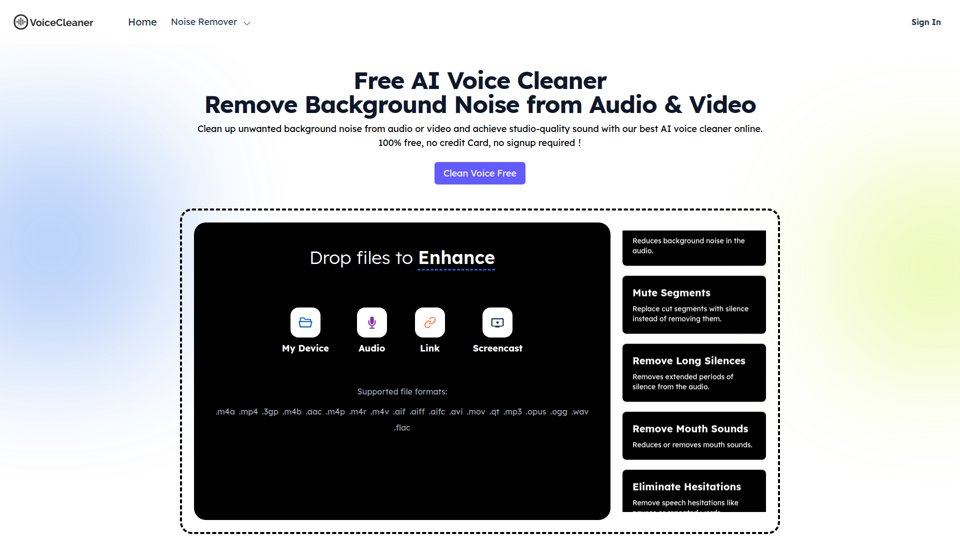
AI Voice Cleaner | 1-Click Background Noise Remover Free
VoiceCleaner.ai is a browser-based AI voice cleaning tool that removes background noise and other speech distractions from audio and video files, mainly for podcasters, creators, musicians, and business professionals. In AI-assisted media workflows, it can help editors, producers, and communication teams spend less time on manual cleanup while delivering clearer recordings for publishing or meetings.
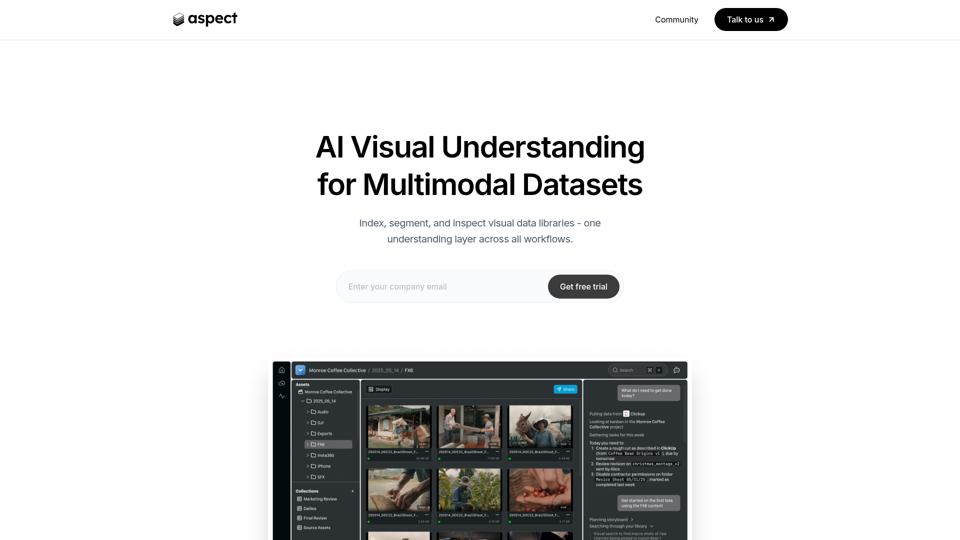
Aspect - AI platform for enterprise media content
Aspect is an AI platform for enterprise media teams that helps them ingest, search, segment, extract, assemble, and review visual content and multimodal datasets across production workflows. For media operations, post-production, and dataset teams, it can reduce manual non-creative work by using visual understanding to speed asset retrieval, rough cuts, structured extraction, and delivery checks.
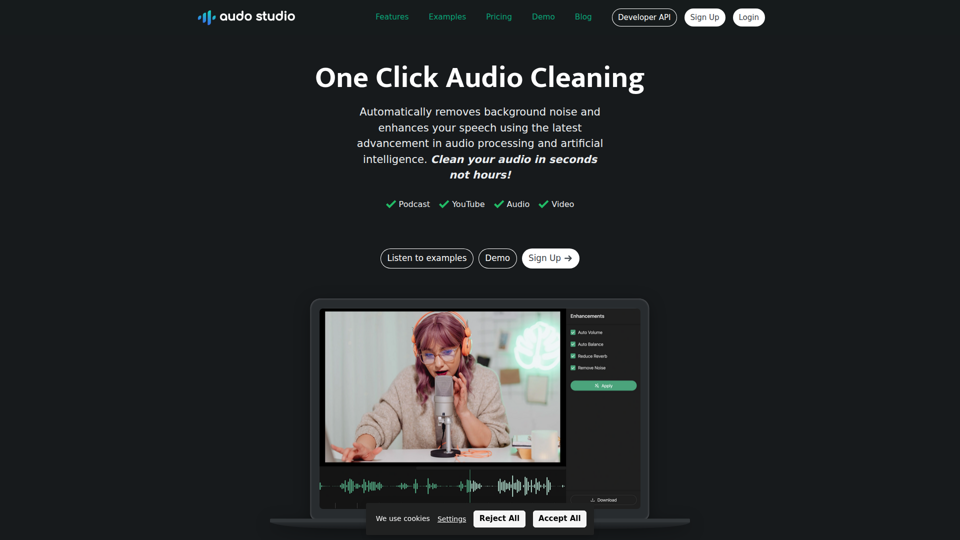
Audo Studio | One Click Audio Cleaning
Audo Studio is a browser-based audio cleaning tool that removes background noise, enhances speech, and automatically adjusts volume with one click, mainly for YouTubers, podcasters, and other creators working with audio or video. For content creators and editors, this kind of AI audio processing can speed up post-production and help deliver clearer voice recordings without complex manual cleanup.
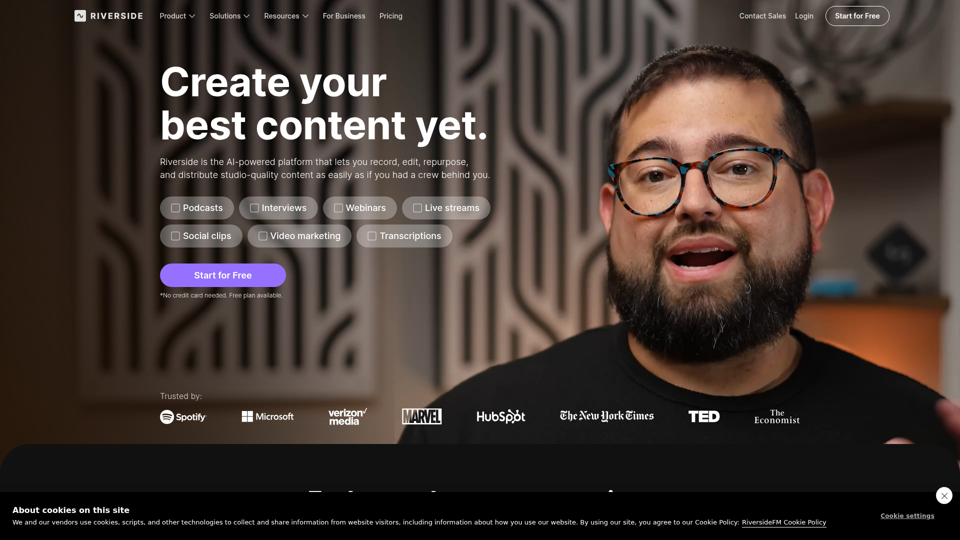
Riverside: HD Podcast & Video Software | Free Recording & Editing
Riverside is an AI-powered podcast and video creation platform that helps users record, edit, repurpose, livestream, and publish studio-quality content, mainly for podcasters, producers, and marketers. Its text-based editing, transcription, translation, and content repurposing tools can help content teams produce polished interviews, webinars, and social clips faster with less manual post-production.
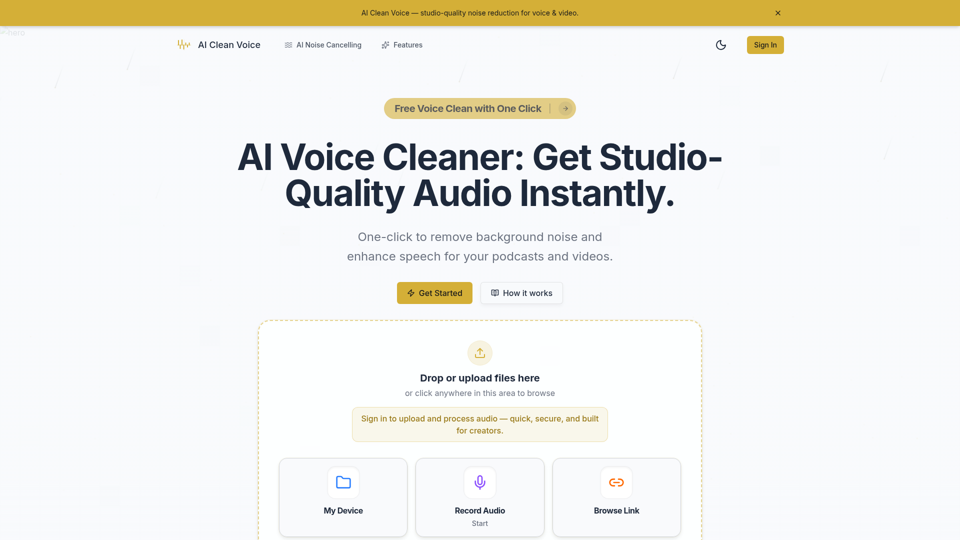
AI Voice Cleaner - Remove Background Noise & Enhance Speech Online | AI Clean Voice
AI Clean Voice is an online AI voice cleaner that removes background noise, wind, and echo to enhance speech in uploaded audio, mainly for podcasters, video creators, educators, and production teams. It can help audio editors and content teams speed up cleanup work while preserving natural vocal clarity for faster publishing.
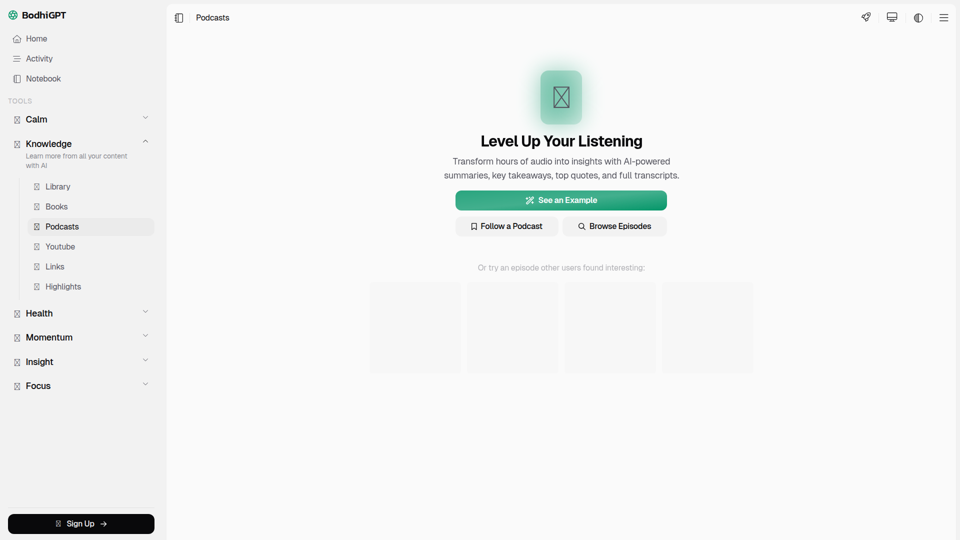
Podcasts | BodhiGPT
BodhiGPT Podcasts is an AI-powered podcast player that helps users turn podcast episodes into summaries, key takeaways, quotes, chapters, insights, and transcripts, mainly for people who want to learn more efficiently from audio content. For knowledge workers, researchers, and content-focused professionals, it can reduce listening time and make important ideas easier to review, reference, and apply.