
Streamlabs Podcast Editor ― Edit Your Video By Editing Text
Rate this Tool
Average Score
Total Votes
Select your score (1-10):
Detail Information
What
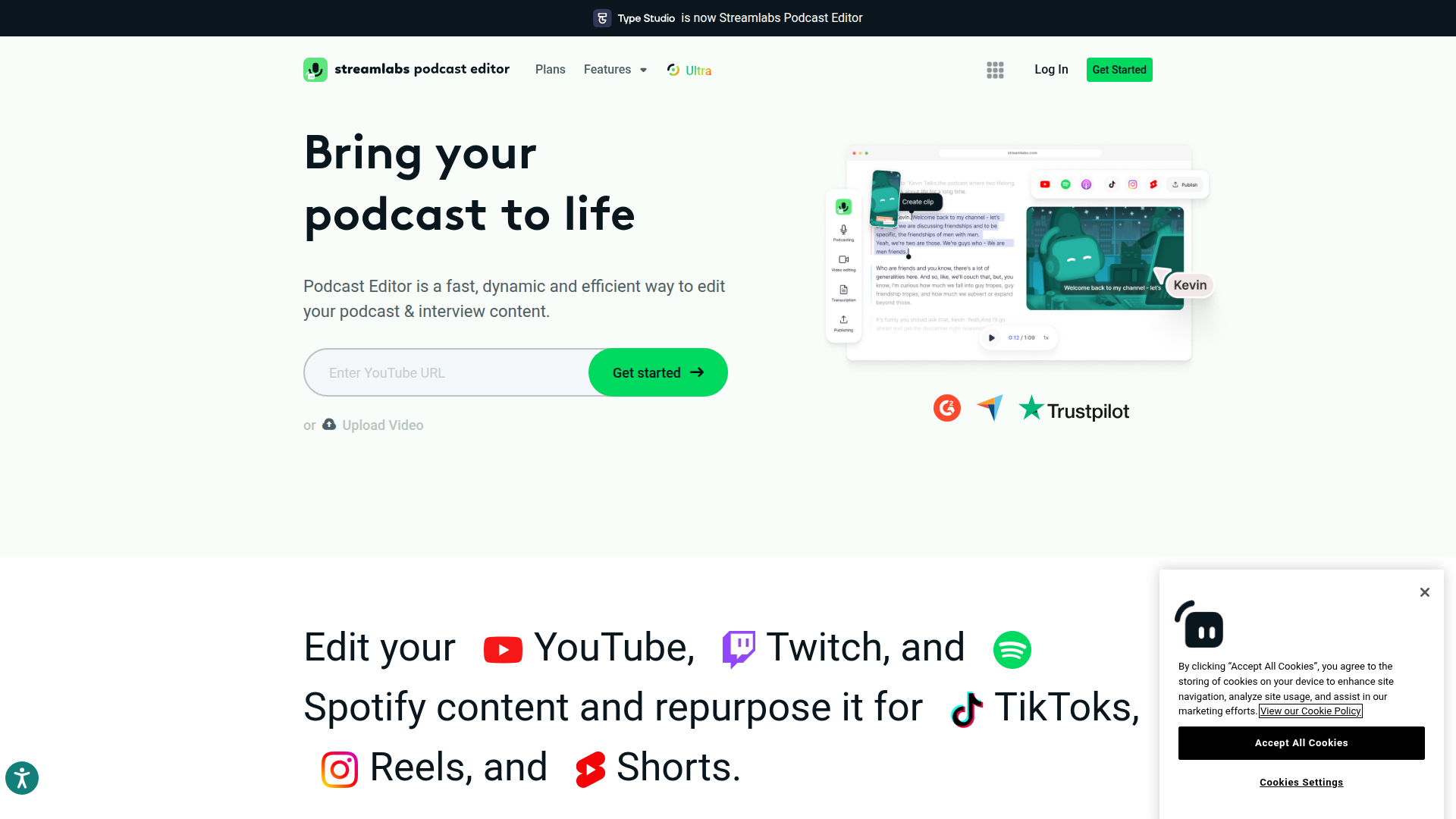
Streamlabs Podcast Editor is a text-based video editing tool for podcasts, interviews, and creator content. It is positioned as part of the Streamlabs product suite and is aimed at podcasters, interview creators, and streamers who want to turn recorded long-form content into shorter clips for platforms such as TikTok, Reels, and Shorts.
The core workflow shown on the page is: record content, transcribe it with AI, edit by working from text, customize visuals, and then optimize clips for distribution across platforms. The product appears designed for users with limited editing experience who need a faster way to repurpose YouTube, Twitch, and Spotify-related content into social-ready assets.
Features
- Text-based podcast editing — lets users edit video through transcript-based workflows rather than relying only on a traditional timeline.
- AI transcription — transcribes video content completely, making spoken sections easier to review, cut, and refine.
- Filler word and pause removal — helps clean up interviews and podcast recordings with less manual editing effort.
- Clip extraction with AI — supports turning long-form episodes into highlight clips that are easier to reuse for short-form distribution.
- Visual customization tools — allows users to add stock images, emojis, shapes, subtitles, branding assets, logos, and other uploaded elements.
- Cross-platform repurposing support — is presented as a way to optimize and share clips across social platforms to extend the reach of each episode.
Helpful Tips
- Check fit for transcript-led workflows — this kind of tool is most useful when teams prefer editing spoken content by reading and trimming text instead of using advanced timeline controls.
- Validate short-form output needs — if your main goal is clip repurposing for TikTok, Reels, and Shorts, prioritize testing subtitle styling, branding options, and highlight extraction quality.
- Review the broader Streamlabs stack — the page suggests value increases when Podcast Editor is used alongside Talk Studio and other Streamlabs tools, especially for record-to-publish workflows.
- Confirm language and translation requirements early — the page mentions subtitles and translation, but buyers should verify supported languages and export behavior before wider rollout.
- Assess editing depth conservatively — the page emphasizes speed and ease of use, so teams needing highly detailed post-production controls may want to compare it against more advanced editors.
Embed Code
Share this AI tool on your website or blog by copying and pasting the code below. The embedded widget will automatically update with the latest information.
<iframe src="https://aimyflow.com/ai/typestudio-co/embed" width="100%" height="400" frameborder="0"></iframe>
Explore Similar Tools
AIVocal - AI Voice Generator | Voice Cloning | Audiobook Online Free
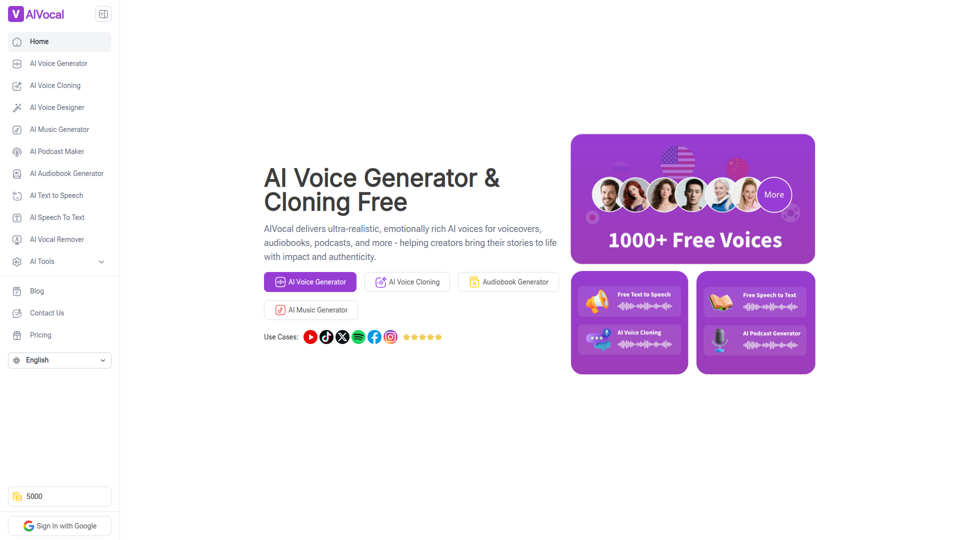
AIVocal is an AI voice and audio platform that helps creators, podcasters, speakers, and other audio-focused professionals generate speech, clone voices, create audiobooks and podcasts, transcribe audio, and edit vocals online. For content teams and producers, these AI tools can speed up scripting, narration, transcription, and post-production work while reducing the need for manual recording and editing.
Transcribe Audio & Video to Text in 100+ Languages | Vocova
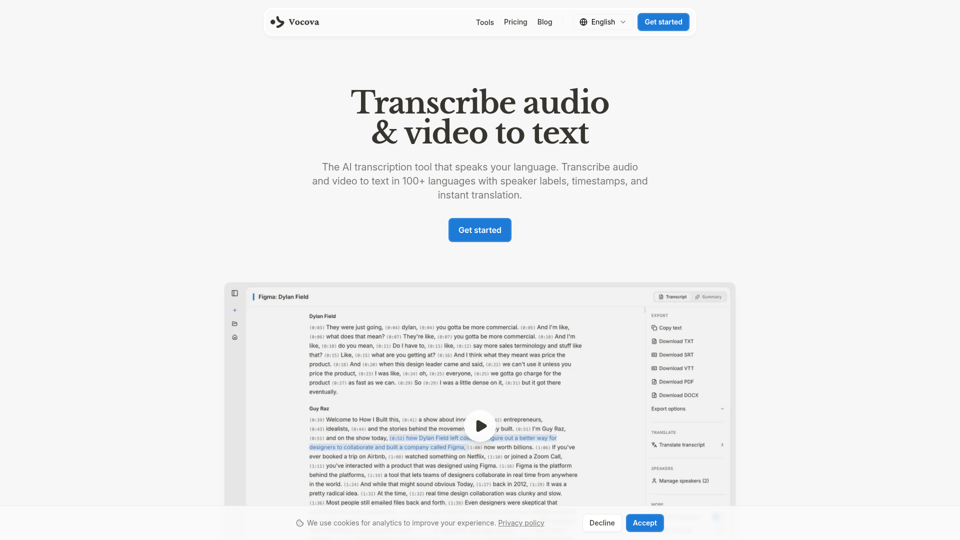
Vocova is an AI transcription tool that converts audio and video into text in 100+ languages, with speaker labels, timestamps, translation, summaries, and multiple export formats, mainly for teams and professionals handling meetings, interviews, lectures, podcasts, and legal, sales, or medical recordings. In AI-enabled workflows, it can help researchers, content teams, educators, and operations staff turn spoken material into searchable, shareable documentation faster and with less manual note-taking.
AI Voice Cleaner | 1-Click Background Noise Remover Free
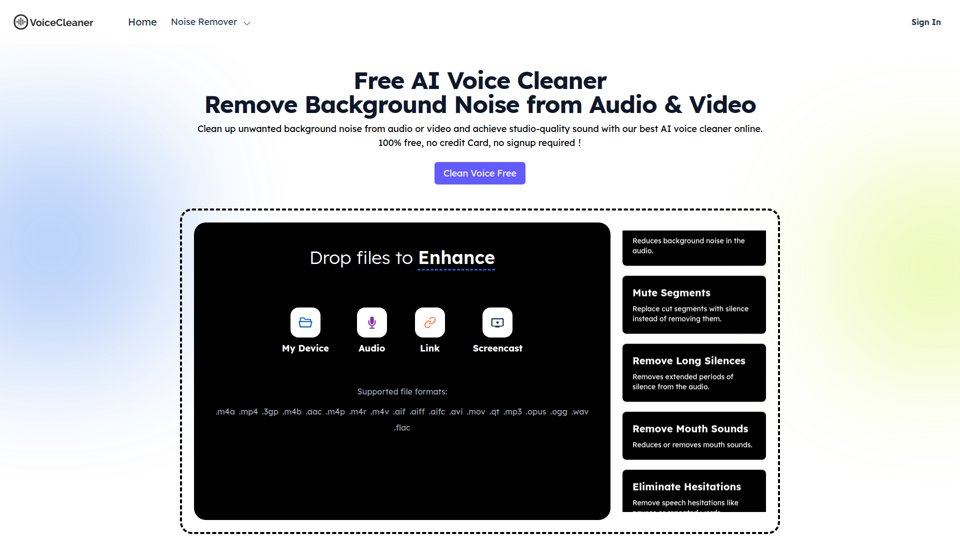
VoiceCleaner.ai is a browser-based AI voice cleaning tool that removes background noise and other speech distractions from audio and video files, mainly for podcasters, creators, musicians, and business professionals. In AI-assisted media workflows, it can help editors, producers, and communication teams spend less time on manual cleanup while delivering clearer recordings for publishing or meetings.
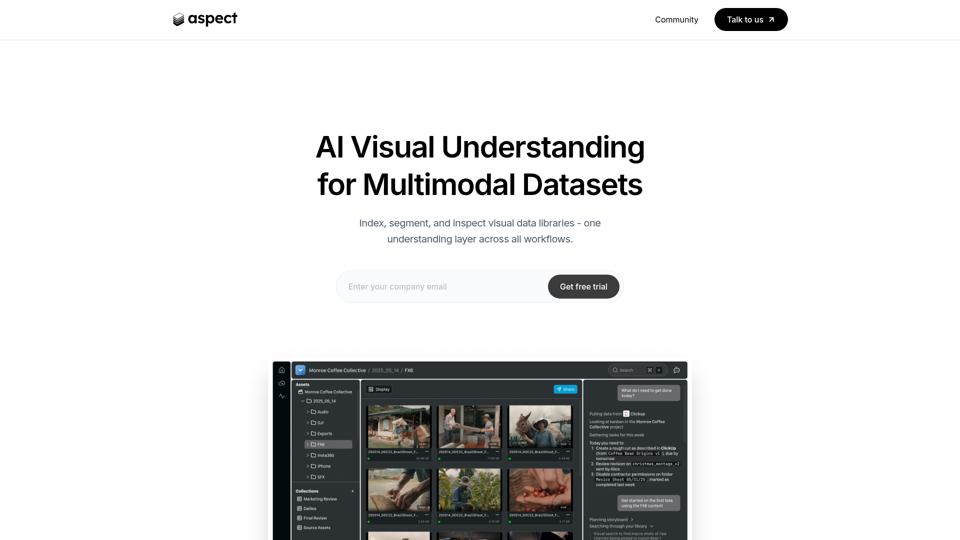
Aspect - AI platform for enterprise media content
Aspect is an AI platform for enterprise media teams that helps them ingest, search, segment, extract, assemble, and review visual content and multimodal datasets across production workflows. For media operations, post-production, and dataset teams, it can reduce manual non-creative work by using visual understanding to speed asset retrieval, rough cuts, structured extraction, and delivery checks.
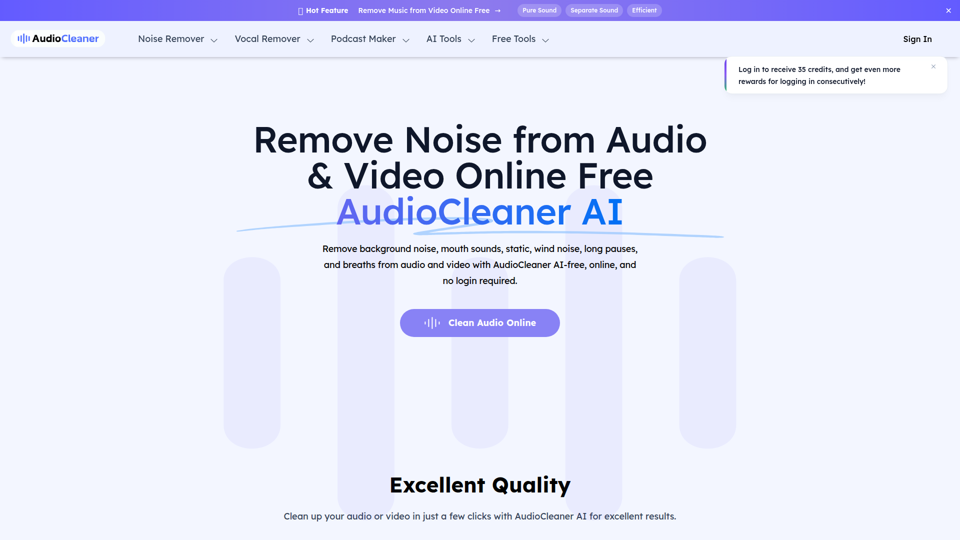
AudioCleaner AI: Remove Noise from Audio & Video Online Free
AudioCleaner AI is an online AI audio and video cleanup tool that helps creators, podcasters, educators, and video makers remove background noise, breaths, mouth sounds, wind, echo, and other unwanted audio artifacts. For content production teams, faster AI-based cleanup can reduce manual editing time and make spoken-word recordings clearer for publishing, training, and interviews.
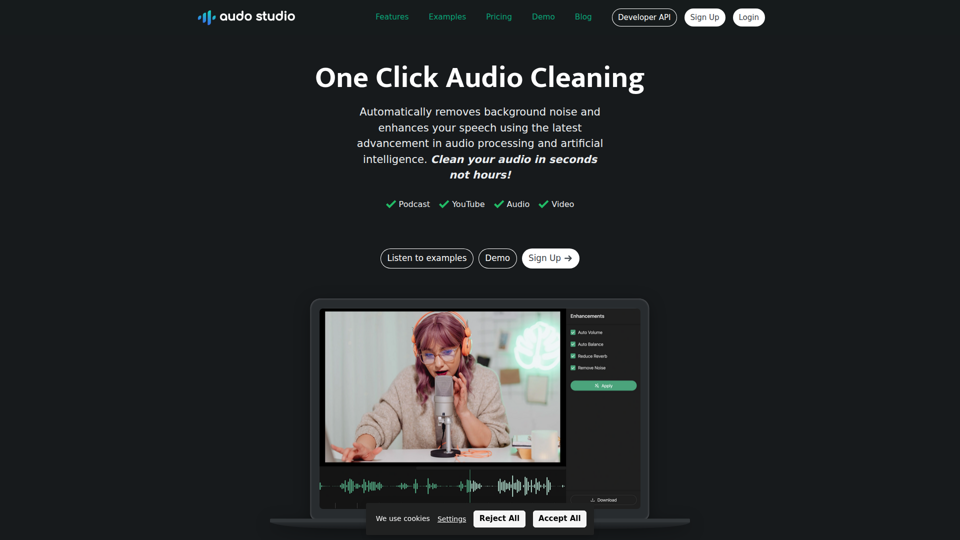
Audo Studio | One Click Audio Cleaning
Audo Studio is a browser-based audio cleaning tool that removes background noise, enhances speech, and automatically adjusts volume with one click, mainly for YouTubers, podcasters, and other creators working with audio or video. For content creators and editors, this kind of AI audio processing can speed up post-production and help deliver clearer voice recordings without complex manual cleanup.
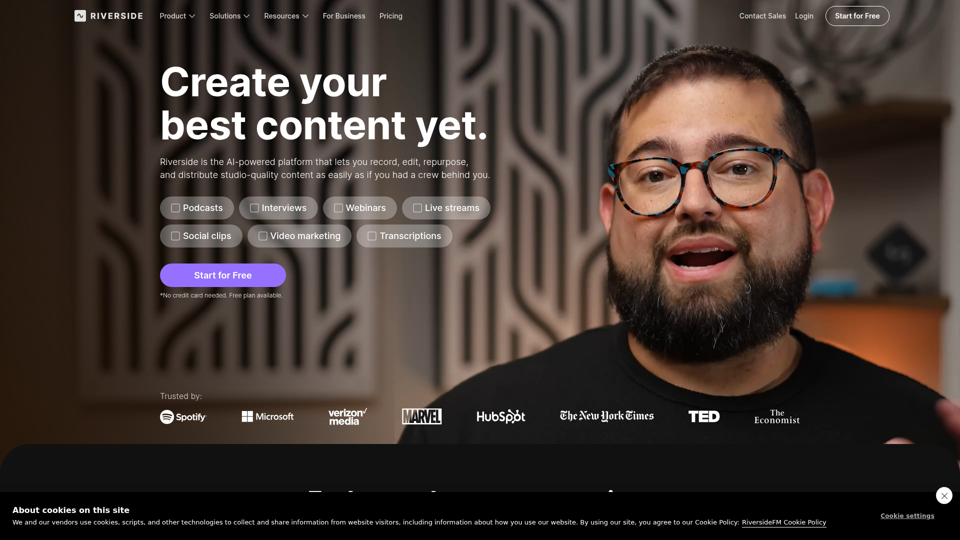
Riverside: HD Podcast & Video Software | Free Recording & Editing
Riverside is an AI-powered podcast and video creation platform that helps users record, edit, repurpose, livestream, and publish studio-quality content, mainly for podcasters, producers, and marketers. Its text-based editing, transcription, translation, and content repurposing tools can help content teams produce polished interviews, webinars, and social clips faster with less manual post-production.
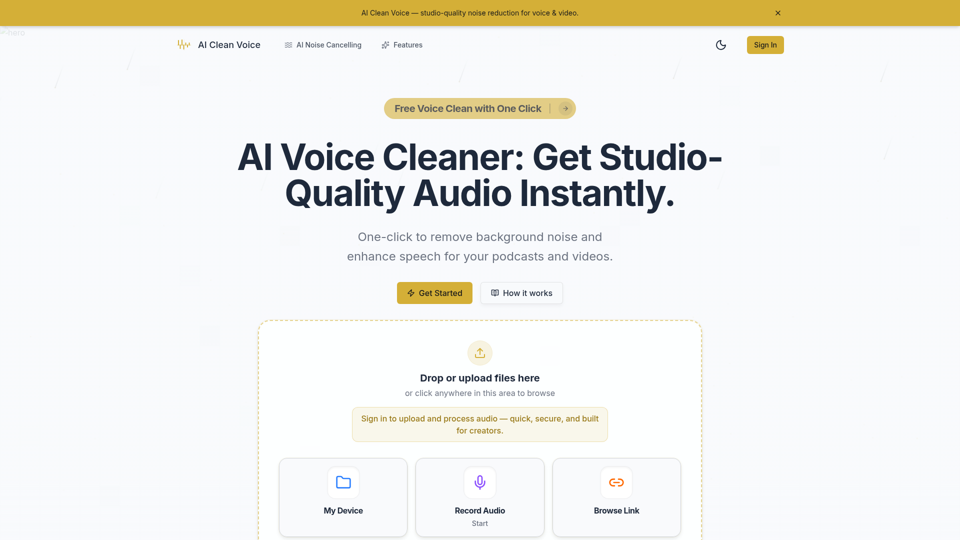
AI Voice Cleaner - Remove Background Noise & Enhance Speech Online | AI Clean Voice
AI Clean Voice is an online AI voice cleaner that removes background noise, wind, and echo to enhance speech in uploaded audio, mainly for podcasters, video creators, educators, and production teams. It can help audio editors and content teams speed up cleanup work while preserving natural vocal clarity for faster publishing.