
Riverside: HD Podcast & Video Software | Free Recording & Editing

Rate this Tool
Average Score
Total Votes
Select your score (1-10):
Detail Information
What
Riverside is an AI-powered platform for recording, editing, repurposing, streaming, and publishing podcast and video content in one workflow. It appears to serve podcasters, producers, marketers, and teams running interviews, webinars, live streams, and video marketing programs.
Its core value is reducing the number of tools needed to create studio-quality content. The product combines local 4K video and uncompressed audio recording, text-based editing, AI-generated assets such as transcripts and show notes, live streaming, and built-in podcast hosting and distribution, positioning it as an end-to-end content production platform.
Features
- Local high-quality recording: Records up to 4K video and uncompressed audio in separate tracks, which helps preserve quality even when internet conditions are poor.
- Text-based video and podcast editing: Lets users edit recordings by changing the transcript, making it faster to cut content without using a traditional timeline-heavy editor.
- AI cleanup and enhancement tools: Includes features for noise reduction, filler-word removal, audio polishing, and eye-contact correction to improve production quality with less manual work.
- Automated content repurposing: Generates clips, transcripts, show notes, titles, descriptions, chapters, thumbnails, and promotional assets to extend the value of a single recording.
- Live streaming and webinar support: Streams in full HD to multiple destinations and includes audience chat, Q&A, registration, reminders, and branding options for live events.
- Built-in hosting and distribution: Supports podcast publishing to platforms such as YouTube, Spotify, and Apple, with analytics for tracking show and audience performance.
Helpful Tips
- Check where quality matters most: Riverside is strongest when separate-track recording and high production value are important, especially for remote interviews, branded content, and webinar reuse.
- Validate the AI editing fit for your workflow: Text-based editing and AI cleanup can save time, but teams with strict editorial or brand review processes should test how much manual adjustment is still needed.
- Use it as a consolidation tool: The platform is likely most valuable when replacing several point solutions across recording, editing, clipping, hosting, and live events rather than using only one feature.
- Assess distribution and analytics depth carefully: The site confirms hosting and analytics, but buyers should verify whether the reporting and publishing controls match their existing podcast or media operations.
- Review business-team requirements upfront: Riverside mentions support for marketers and producers and offers business-oriented collaboration and priority support, but governance details should be confirmed during evaluation.
OpenClaw Skills
Riverside could fit well into the OpenClaw ecosystem as a source system for media creation workflows. Likely OpenClaw skills could ingest Riverside transcripts, show notes, clips, and episode metadata to automate downstream tasks such as content tagging, knowledge extraction, campaign brief creation, speaker tracking, internal content libraries, or cross-channel publishing workflows. The page does not state a native OpenClaw integration, so this should be treated as a likely orchestration use case rather than a confirmed connector.
For media teams, marketers, and internal communications groups, an OpenClaw layer around Riverside could turn recorded conversations into structured operational assets. Likely agents could detect key moments from webinars, generate sales-enablement summaries, route translated assets by market, build content calendars from episode outputs, or transform podcast and webinar libraries into searchable organizational knowledge. In practice, that combination could shift content teams from manual post-production management toward more automated content operations and reuse at scale.
Embed Code
Share this AI tool on your website or blog by copying and pasting the code below. The embedded widget will automatically update with the latest information.
<iframe src="https://aimyflow.com/ai/riverside-com/embed" width="100%" height="400" frameborder="0"></iframe>
Explore Similar Tools
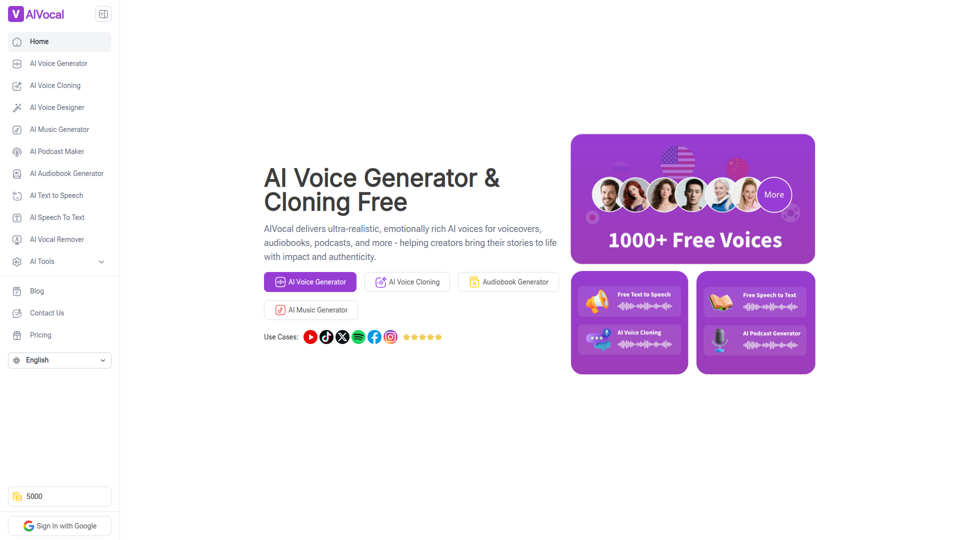
AIVocal - AI Voice Generator | Voice Cloning | Audiobook Online Free
AIVocal is an AI voice and audio platform that helps creators, podcasters, speakers, and other audio-focused professionals generate speech, clone voices, create audiobooks and podcasts, transcribe audio, and edit vocals online. For content teams and producers, these AI tools can speed up scripting, narration, transcription, and post-production work while reducing the need for manual recording and editing.
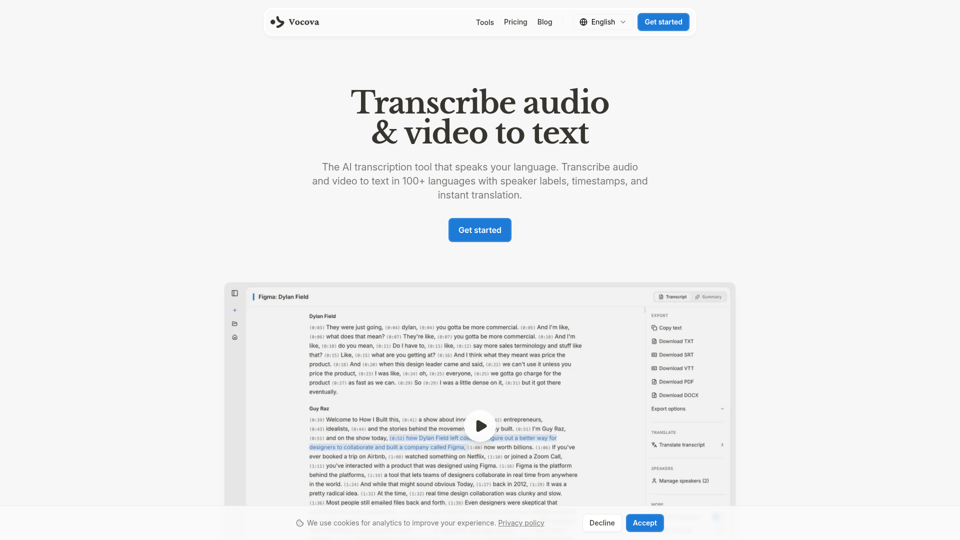
Transcribe Audio & Video to Text in 100+ Languages | Vocova
Vocova is an AI transcription tool that converts audio and video into text in 100+ languages, with speaker labels, timestamps, translation, summaries, and multiple export formats, mainly for teams and professionals handling meetings, interviews, lectures, podcasts, and legal, sales, or medical recordings. In AI-enabled workflows, it can help researchers, content teams, educators, and operations staff turn spoken material into searchable, shareable documentation faster and with less manual note-taking.
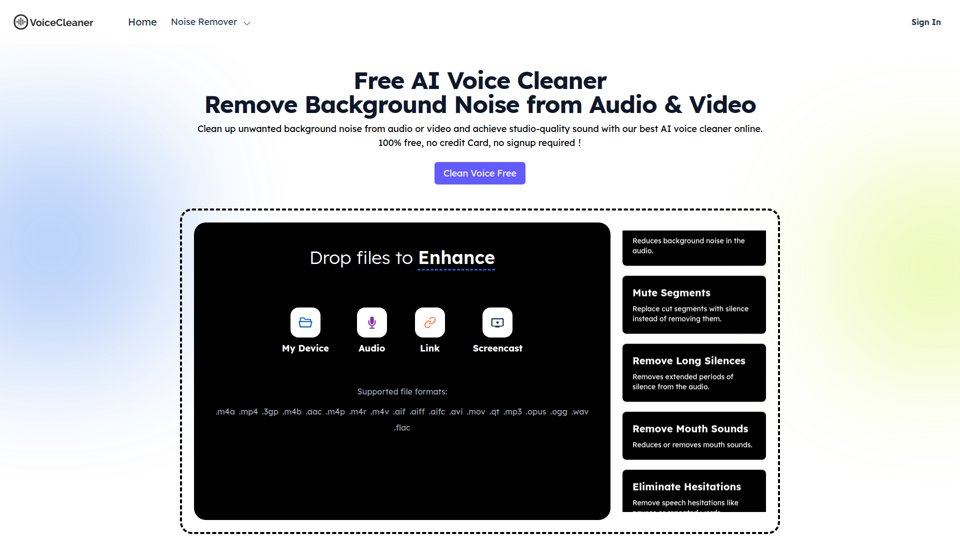
AI Voice Cleaner | 1-Click Background Noise Remover Free
VoiceCleaner.ai is a browser-based AI voice cleaning tool that removes background noise and other speech distractions from audio and video files, mainly for podcasters, creators, musicians, and business professionals. In AI-assisted media workflows, it can help editors, producers, and communication teams spend less time on manual cleanup while delivering clearer recordings for publishing or meetings.
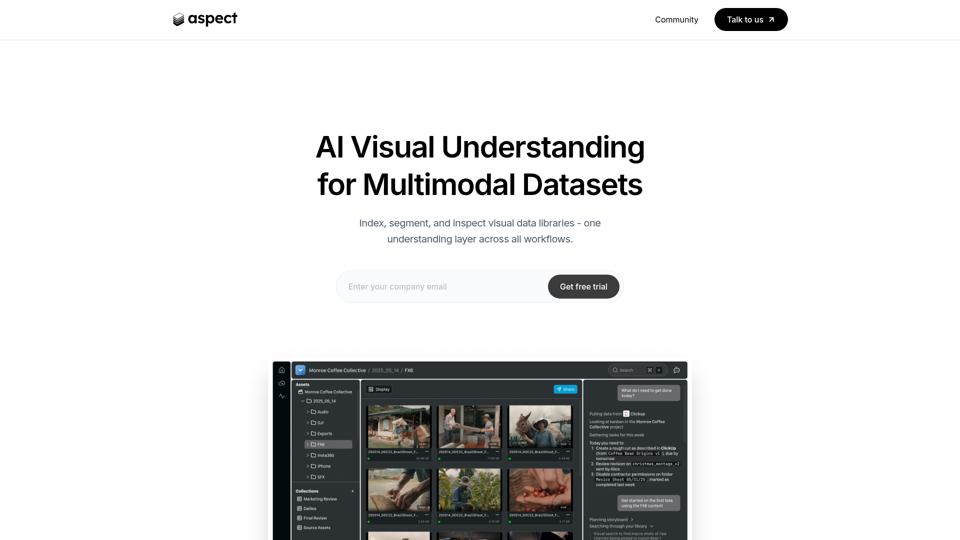
Aspect - AI platform for enterprise media content
Aspect is an AI platform for enterprise media teams that helps them ingest, search, segment, extract, assemble, and review visual content and multimodal datasets across production workflows. For media operations, post-production, and dataset teams, it can reduce manual non-creative work by using visual understanding to speed asset retrieval, rough cuts, structured extraction, and delivery checks.
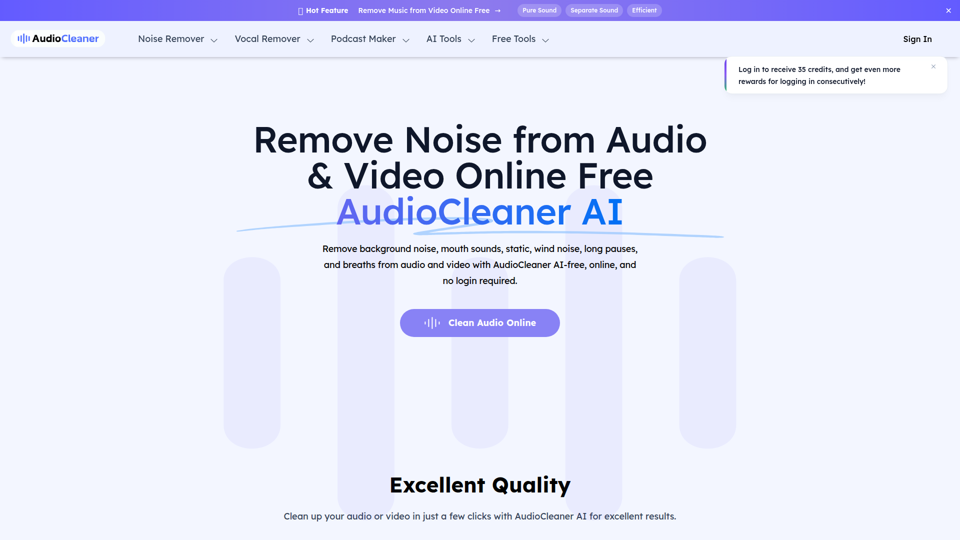
AudioCleaner AI: Remove Noise from Audio & Video Online Free
AudioCleaner AI is an online AI audio and video cleanup tool that helps creators, podcasters, educators, and video makers remove background noise, breaths, mouth sounds, wind, echo, and other unwanted audio artifacts. For content production teams, faster AI-based cleanup can reduce manual editing time and make spoken-word recordings clearer for publishing, training, and interviews.
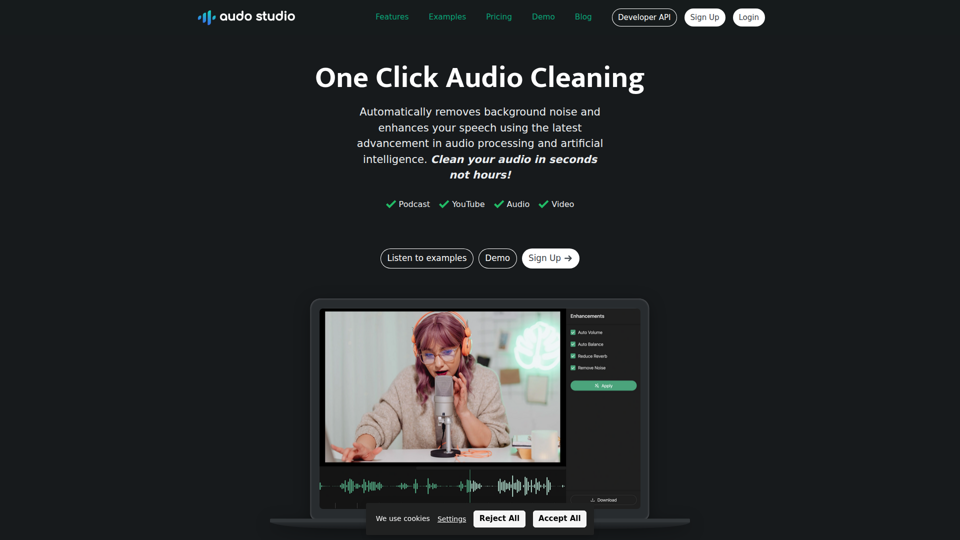
Audo Studio | One Click Audio Cleaning
Audo Studio is a browser-based audio cleaning tool that removes background noise, enhances speech, and automatically adjusts volume with one click, mainly for YouTubers, podcasters, and other creators working with audio or video. For content creators and editors, this kind of AI audio processing can speed up post-production and help deliver clearer voice recordings without complex manual cleanup.

Riverside: HD Podcast & Video Software | Free Recording & Editing
Riverside is an AI-powered podcast and video creation platform that helps users record, edit, repurpose, livestream, and publish studio-quality content, mainly for podcasters, producers, and marketers. Its text-based editing, transcription, translation, and content repurposing tools can help content teams produce polished interviews, webinars, and social clips faster with less manual post-production.
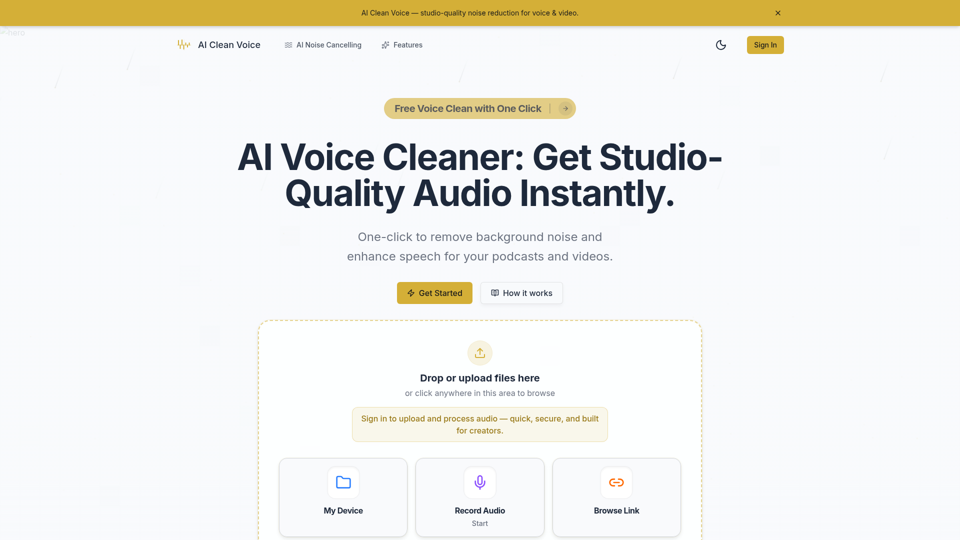
AI Voice Cleaner - Remove Background Noise & Enhance Speech Online | AI Clean Voice
AI Clean Voice is an online AI voice cleaner that removes background noise, wind, and echo to enhance speech in uploaded audio, mainly for podcasters, video creators, educators, and production teams. It can help audio editors and content teams speed up cleanup work while preserving natural vocal clarity for faster publishing.