
Free AI Voice Cloning Online, 75+ Languages, No Sign-up - KikiVoice
Rate this Tool
Average Score
Total Votes
Select your score (1-10):
Detail Information
What
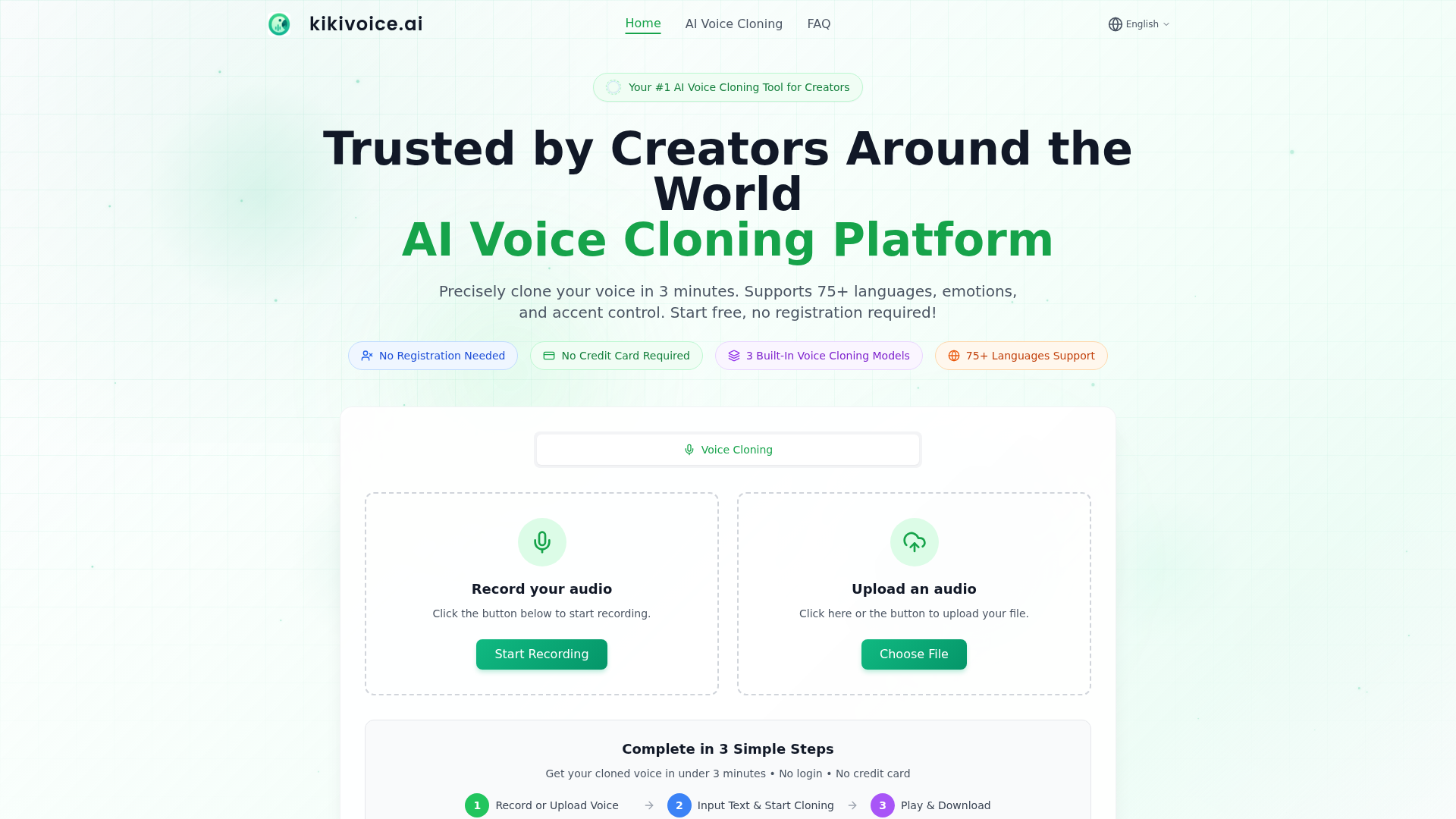
KikiVoice is a browser-based AI voice cloning platform for creators who need fast synthetic speech generation from a short voice sample. The core workflow is simple: record or upload 3–15 seconds of clear speech, enter text, choose a model and settings, then generate and download cloned audio.
The product is positioned as an accessible self-serve tool with no sign-up or credit card required, while still offering multiple quality tiers for different needs. Based on the page, its target use cases include video dubbing, game voice acting, podcasts, e-learning, multilingual content, and projects that need emotion or accent variation.
Features
- Three cloning models: Kiki Core, Kiki Pro, and Kiki Multilingual let users choose between faster generation, more expressive control, or broader language coverage.
- Short-sample voice cloning: The platform says users can create a clone from only a few seconds of reference audio, which lowers setup time for quick content production.
- 75+ language support: Kiki Multilingual is designed for multilingual and cross-lingual voice output, useful for localization and global content workflows.
- Emotion and style controls: Kiki Pro includes 15+ emotion presets and intensity settings to shape delivery for different creative or production contexts.
- Accent transformation: The platform presents accent switching options, including variants such as British, Australian, Irish, Indian, Singaporean, and New Zealand English.
- Downloadable output formats: Generated audio can be downloaded in MP3 or WAV, which supports straightforward reuse in editing and publishing pipelines.
Helpful Tips
- Validate quality by model, not homepage claims: The page differentiates Core, Pro, and Multilingual clearly, so testing each model against your actual content type is important before standardizing on one workflow.
- Use the cleanest possible source audio: KikiVoice explicitly recommends 3–15 seconds of clear speech in a quiet environment with no background noise or music, which will likely have a large effect on output quality.
- Match the model to the job: Fast everyday content may fit Core, emotion-heavy or higher-fidelity work may fit Pro, and localization use cases may fit Multilingual.
- Review multilingual output carefully: The site shows cross-lingual examples, but for brand, training, or public-facing content, human review is still advisable for pronunciation, tone, and accent fit.
- Treat “professional-grade” as positioning, not full production proof: The page describes high-quality output, but it does not provide deeper technical documentation on editing controls, team workflows, or enterprise governance.
OpenClaw Skills
KikiVoice could likely fit well into OpenClaw workflows for media production, localization, and content repurposing. A useful skill layer might ingest scripts, segment long-form content, select the right KikiVoice model based on language or tone requirements, and route generated audio into publishing or QA steps. Likely agent use cases include multilingual dubbing assistants, e-learning narration generators, podcast adaptation workflows, and game dialogue prototyping tools.
Within the broader OpenClaw ecosystem, this kind of voice cloning tool could support agents that coordinate script rewriting, translation, emotion tagging, and versioned audio generation across markets. If no native integration is stated, this should be treated as a likely workflow design rather than a confirmed capability. In practice, combining KikiVoice with OpenClaw-style orchestration could help creative teams move from manual voice production toward semi-automated multilingual content operations.
Embed Code
Share this AI tool on your website or blog by copying and pasting the code below. The embedded widget will automatically update with the latest information.
<iframe src="https://aimyflow.com/ai/kikivoice-ai/embed" width="100%" height="400" frameborder="0"></iframe>
Explore Similar Tools
AIVocal - AI Voice Generator | Voice Cloning | Audiobook Online Free
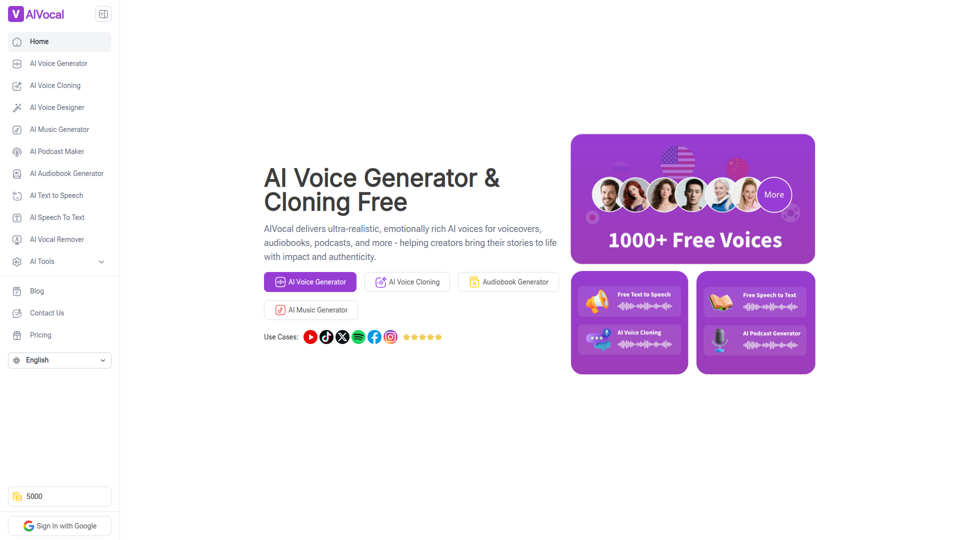
AIVocal is an AI voice and audio platform that helps creators, podcasters, speakers, and other audio-focused professionals generate speech, clone voices, create audiobooks and podcasts, transcribe audio, and edit vocals online. For content teams and producers, these AI tools can speed up scripting, narration, transcription, and post-production work while reducing the need for manual recording and editing.
Transcribe Audio & Video to Text in 100+ Languages | Vocova
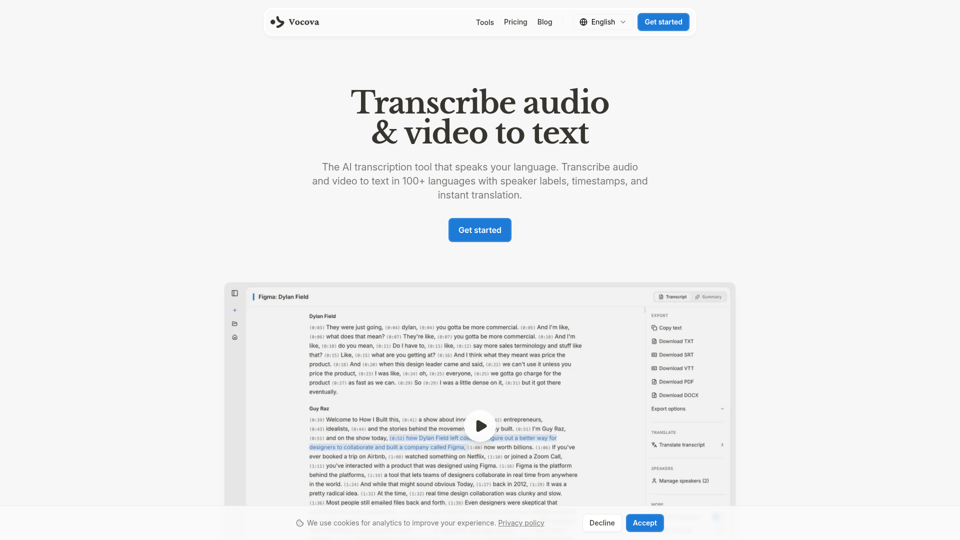
Vocova is an AI transcription tool that converts audio and video into text in 100+ languages, with speaker labels, timestamps, translation, summaries, and multiple export formats, mainly for teams and professionals handling meetings, interviews, lectures, podcasts, and legal, sales, or medical recordings. In AI-enabled workflows, it can help researchers, content teams, educators, and operations staff turn spoken material into searchable, shareable documentation faster and with less manual note-taking.
AI Voice Cleaner | 1-Click Background Noise Remover Free
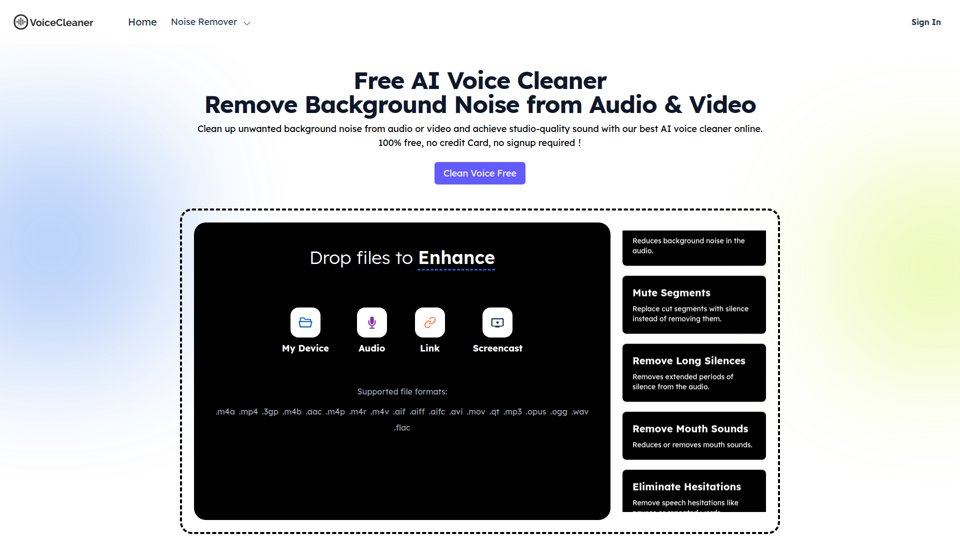
VoiceCleaner.ai is a browser-based AI voice cleaning tool that removes background noise and other speech distractions from audio and video files, mainly for podcasters, creators, musicians, and business professionals. In AI-assisted media workflows, it can help editors, producers, and communication teams spend less time on manual cleanup while delivering clearer recordings for publishing or meetings.
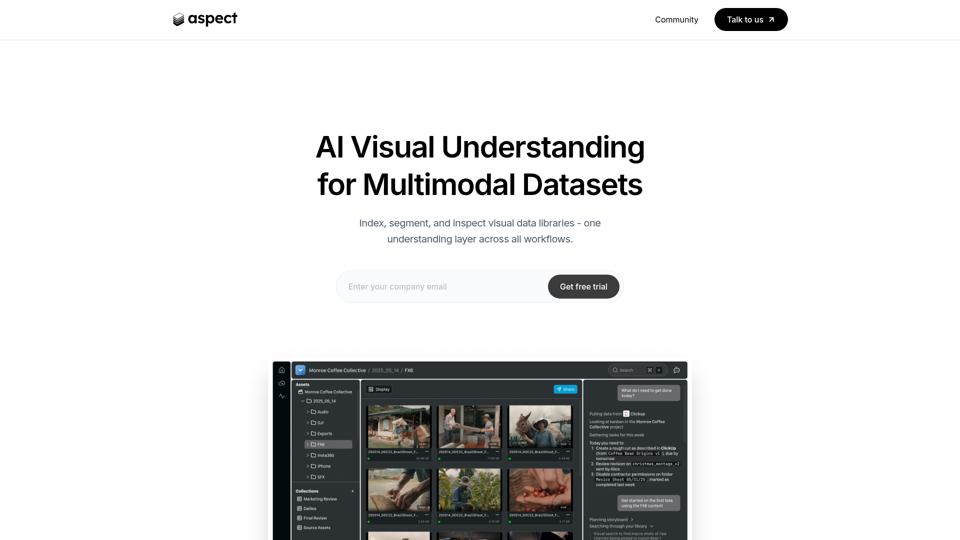
Aspect - AI platform for enterprise media content
Aspect is an AI platform for enterprise media teams that helps them ingest, search, segment, extract, assemble, and review visual content and multimodal datasets across production workflows. For media operations, post-production, and dataset teams, it can reduce manual non-creative work by using visual understanding to speed asset retrieval, rough cuts, structured extraction, and delivery checks.
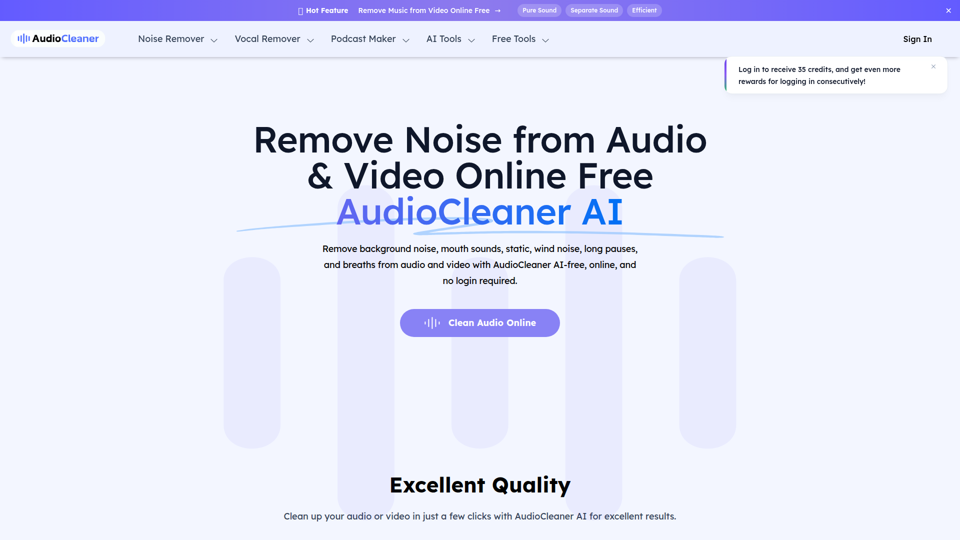
AudioCleaner AI: Remove Noise from Audio & Video Online Free
AudioCleaner AI is an online AI audio and video cleanup tool that helps creators, podcasters, educators, and video makers remove background noise, breaths, mouth sounds, wind, echo, and other unwanted audio artifacts. For content production teams, faster AI-based cleanup can reduce manual editing time and make spoken-word recordings clearer for publishing, training, and interviews.
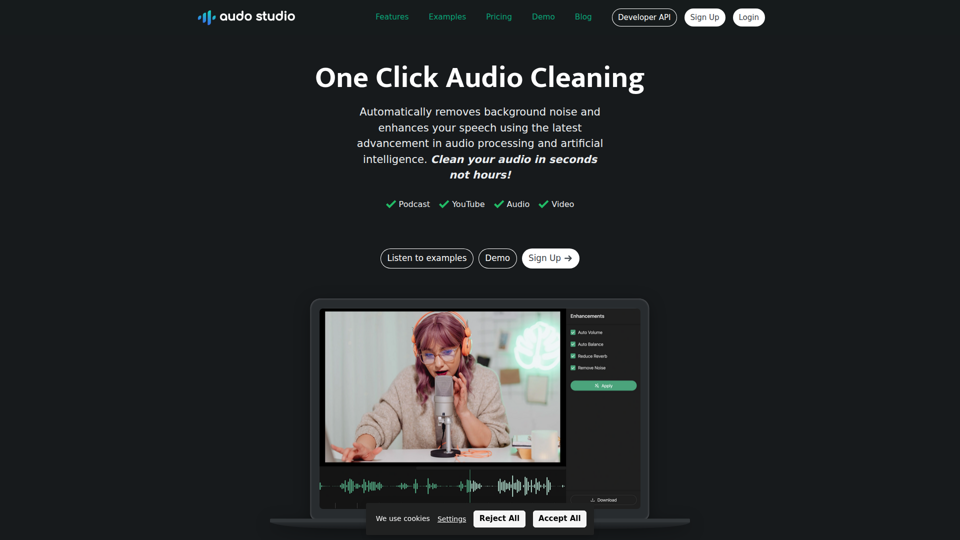
Audo Studio | One Click Audio Cleaning
Audo Studio is a browser-based audio cleaning tool that removes background noise, enhances speech, and automatically adjusts volume with one click, mainly for YouTubers, podcasters, and other creators working with audio or video. For content creators and editors, this kind of AI audio processing can speed up post-production and help deliver clearer voice recordings without complex manual cleanup.
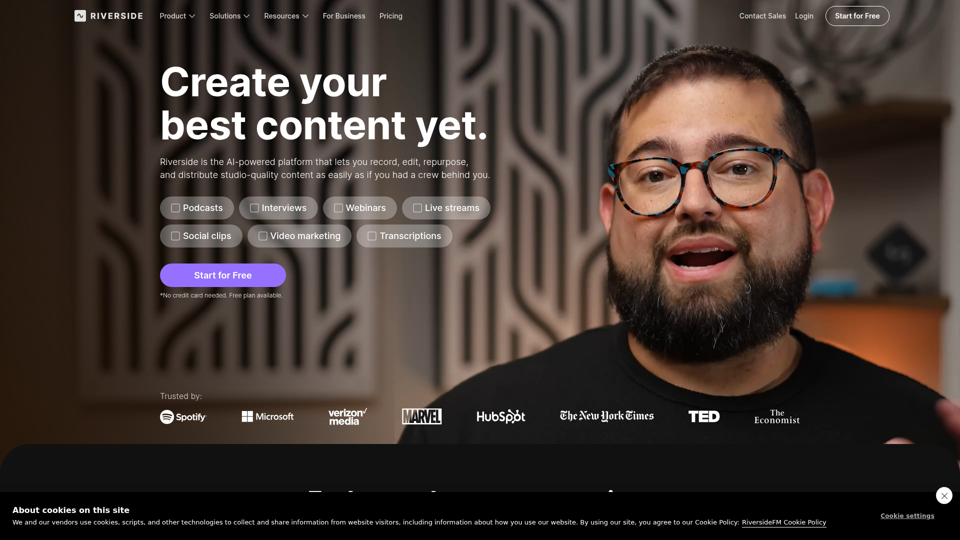
Riverside: HD Podcast & Video Software | Free Recording & Editing
Riverside is an AI-powered podcast and video creation platform that helps users record, edit, repurpose, livestream, and publish studio-quality content, mainly for podcasters, producers, and marketers. Its text-based editing, transcription, translation, and content repurposing tools can help content teams produce polished interviews, webinars, and social clips faster with less manual post-production.
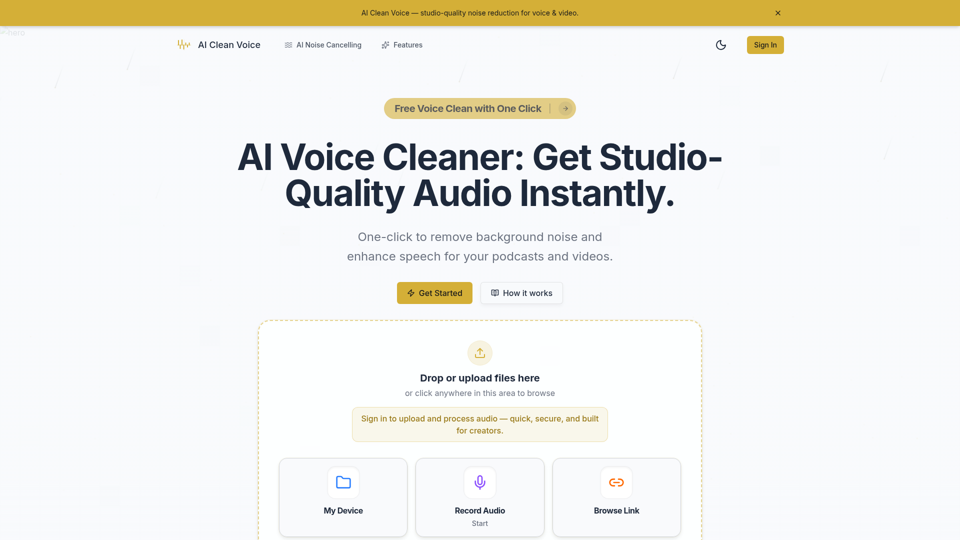
AI Voice Cleaner - Remove Background Noise & Enhance Speech Online | AI Clean Voice
AI Clean Voice is an online AI voice cleaner that removes background noise, wind, and echo to enhance speech in uploaded audio, mainly for podcasters, video creators, educators, and production teams. It can help audio editors and content teams speed up cleanup work while preserving natural vocal clarity for faster publishing.