
Selects by Cutback - AI for Long form Video Content
Rate this Tool
Average Score
Total Votes
Select your score (1-10):
Detail Information
What
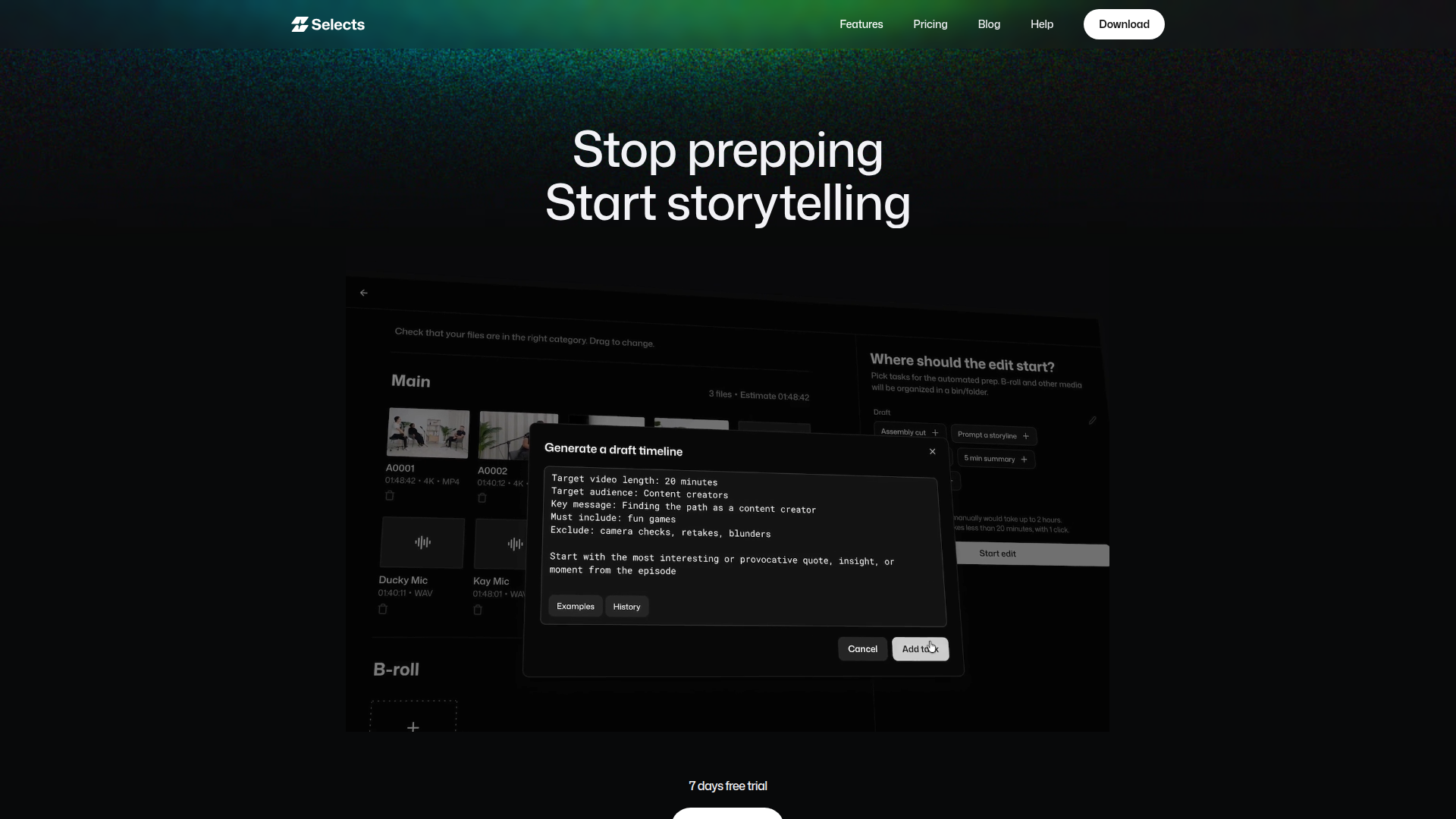
Selects by Cutback is an AI-assisted video preparation and rough-cutting tool for long-form content. It is designed for editors, producers, and studios working on podcasts, interviews, livestreams, documentaries, events, vlogs, and similar multi-camera productions where prep work usually consumes significant time before creative editing begins.
The product appears positioned as a workflow acceleration layer rather than a full replacement for professional editing software. Its core workflow is to ingest raw footage, automatically sync and organize media, identify speakers and topics, remove common unwanted sections, generate a rough cut, and then hand the project off to Adobe Premiere Pro, Final Cut, or DaVinci Resolve for further editing.
Features
- Automatic media prep: Ingests raw footage and prepares it in minutes by syncing, organizing, and structuring material before the editor starts detailed creative work.
- Multi-camera synchronization and speaker-based switching: Automatically syncs multi-cam footage, detects speakers, assigns cameras, and selects the best audio track to reduce manual setup work.
- Topic-based stringouts: Organizes footage by scene and topic so editors can review material in a structure similar to an assistant editor’s initial assembly.
- Instruction-driven rough cutting: Lets users describe the desired video or provide a YouTube reference link so the system can assemble cuts for review.
- Transcript and semantic search: Helps users find moments through natural-language queries instead of scrubbing through timelines manually.
- NLE handoff with structured projects: Exports organized, non-destructive project files for Premiere Pro, Final Cut, and DaVinci Resolve, including bins, topic labels, markers, and transcripts.
Helpful Tips
- Validate fit against your editing workflow: This product is best suited to teams with substantial prep work, especially multi-cam and long-form footage, rather than highly stylized edits that depend on manual creative assembly from the start.
- Test with a representative project type: Use an actual podcast, interview, or event recording to assess how well topic chunking, speaker detection, and silence or filler removal align with your editorial standards.
- Plan the handoff process early: Since the product emphasizes export into established NLEs, define who reviews the rough cut, who refines the sequence, and how transcripts or paper cuts will be used downstream.
- Review automated cuts before publication: Even when prep is automated, teams should confirm camera choices, removed sections, and topic segmentation to avoid losing context or intended pacing.
- Check support for your content mix: The page says it can be used for both long-form and clipping workflows, but the strongest evidence and positioning are around long-form video prep.
OpenClaw Skills
A likely OpenClaw use case would be an AI post-production coordinator skill built around Selects outputs. For example, an OpenClaw agent could collect project briefs, identify the intended format, generate editing instructions, pass structured prompts into a workflow using Selects, then route transcripts, markers, and rough cuts to editors, producers, or review stakeholders. The page does not confirm a native OpenClaw integration, so this should be treated as a workflow concept rather than a supported feature.
Another likely fit is a content repurposing and editorial intelligence workflow for media teams. OpenClaw skills could classify topics from transcripts, create chapter summaries, flag reusable clips, draft titles or descriptions, and coordinate review across long-form publishing teams. In practice, combining Selects-style automated prep with OpenClaw orchestration could reduce the operational burden on assistant editors, producers, and channel managers by turning raw footage into a structured editorial asset that supports both creative editing and downstream distribution.
Embed Code
Share this AI tool on your website or blog by copying and pasting the code below. The embedded widget will automatically update with the latest information.
<iframe src="https://aimyflow.com/ai/cutback-video-selects/embed" width="100%" height="400" frameborder="0"></iframe>
Explore Similar Tools
AIVocal - AI Voice Generator | Voice Cloning | Audiobook Online Free
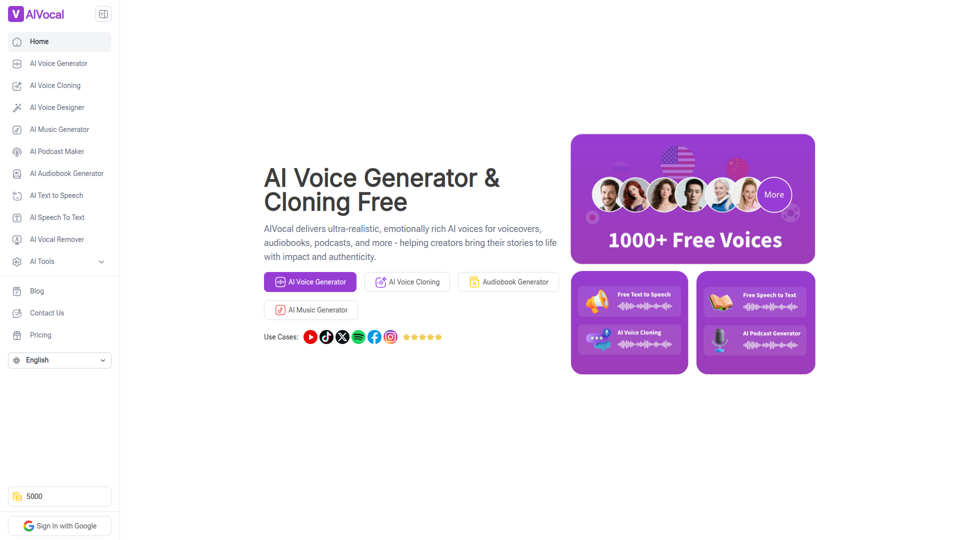
AIVocal is an AI voice and audio platform that helps creators, podcasters, speakers, and other audio-focused professionals generate speech, clone voices, create audiobooks and podcasts, transcribe audio, and edit vocals online. For content teams and producers, these AI tools can speed up scripting, narration, transcription, and post-production work while reducing the need for manual recording and editing.
Transcribe Audio & Video to Text in 100+ Languages | Vocova
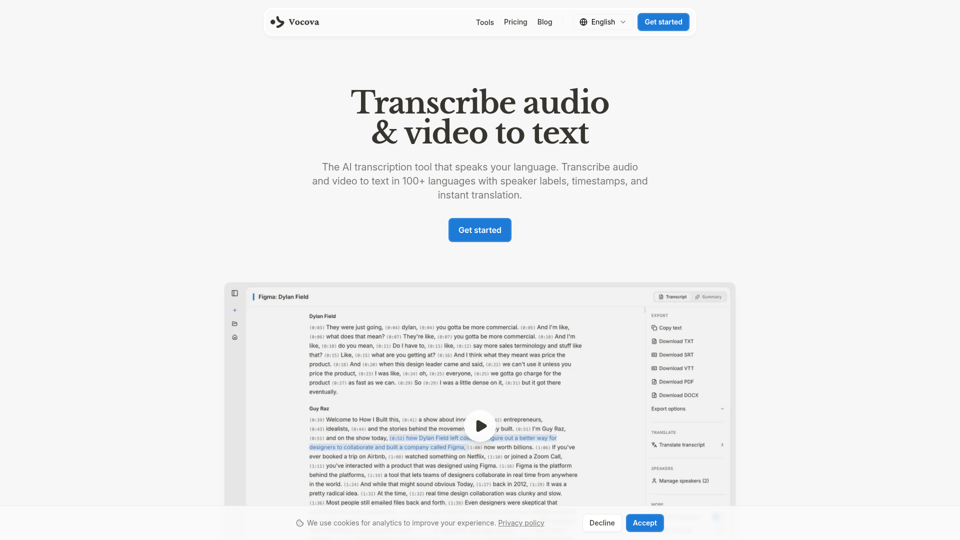
Vocova is an AI transcription tool that converts audio and video into text in 100+ languages, with speaker labels, timestamps, translation, summaries, and multiple export formats, mainly for teams and professionals handling meetings, interviews, lectures, podcasts, and legal, sales, or medical recordings. In AI-enabled workflows, it can help researchers, content teams, educators, and operations staff turn spoken material into searchable, shareable documentation faster and with less manual note-taking.
AI Voice Cleaner | 1-Click Background Noise Remover Free
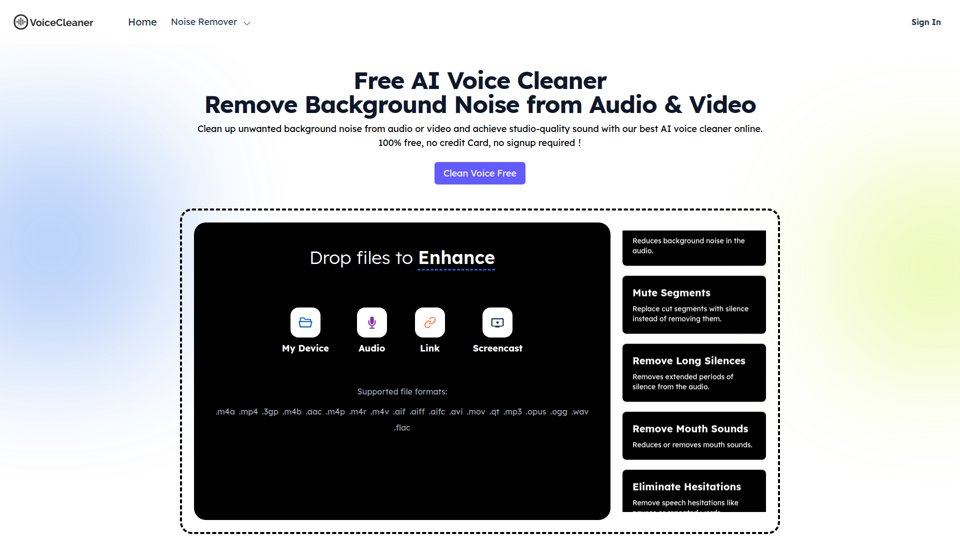
VoiceCleaner.ai is a browser-based AI voice cleaning tool that removes background noise and other speech distractions from audio and video files, mainly for podcasters, creators, musicians, and business professionals. In AI-assisted media workflows, it can help editors, producers, and communication teams spend less time on manual cleanup while delivering clearer recordings for publishing or meetings.
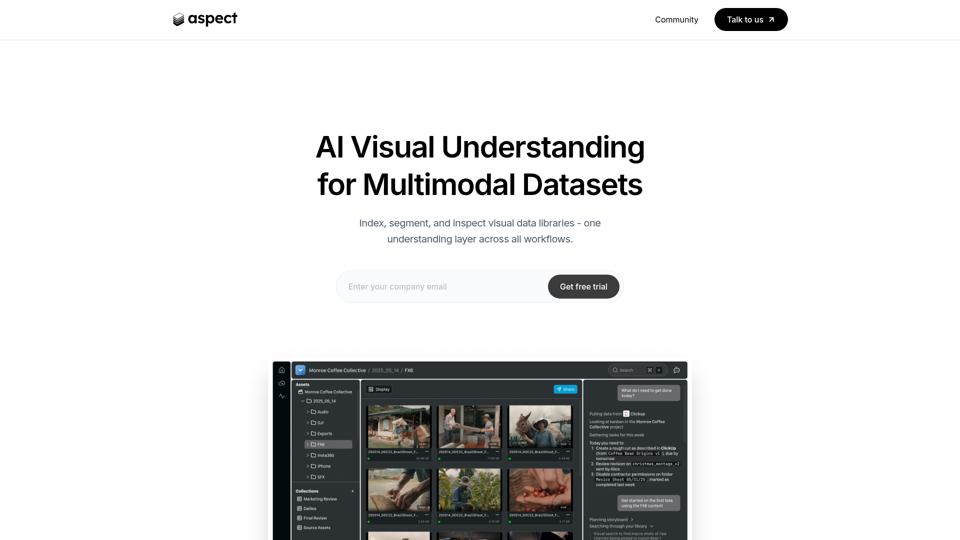
Aspect - AI platform for enterprise media content
Aspect is an AI platform for enterprise media teams that helps them ingest, search, segment, extract, assemble, and review visual content and multimodal datasets across production workflows. For media operations, post-production, and dataset teams, it can reduce manual non-creative work by using visual understanding to speed asset retrieval, rough cuts, structured extraction, and delivery checks.
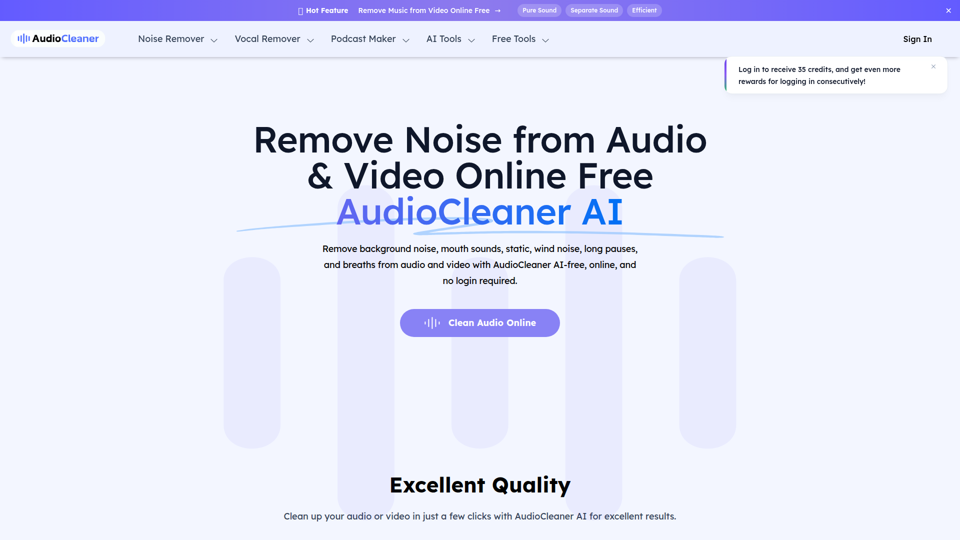
AudioCleaner AI: Remove Noise from Audio & Video Online Free
AudioCleaner AI is an online AI audio and video cleanup tool that helps creators, podcasters, educators, and video makers remove background noise, breaths, mouth sounds, wind, echo, and other unwanted audio artifacts. For content production teams, faster AI-based cleanup can reduce manual editing time and make spoken-word recordings clearer for publishing, training, and interviews.
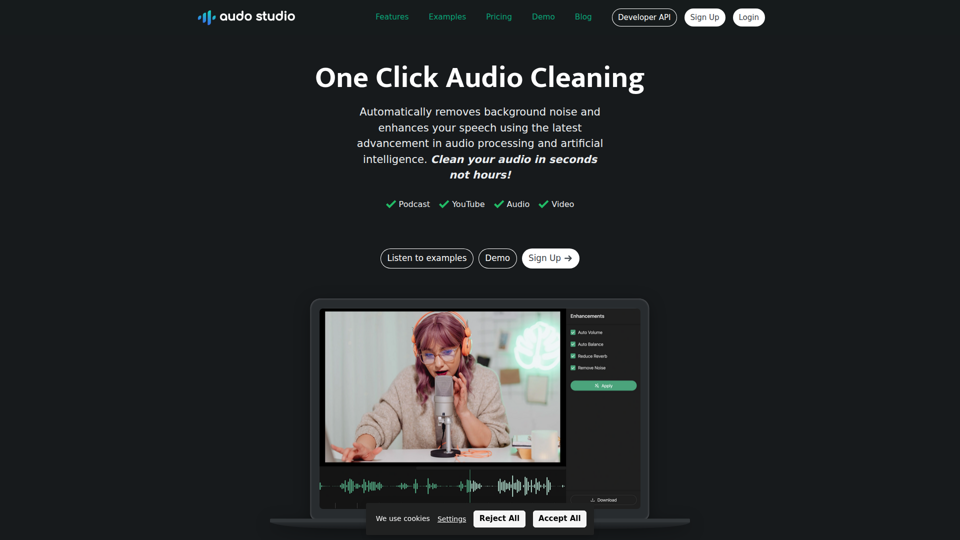
Audo Studio | One Click Audio Cleaning
Audo Studio is a browser-based audio cleaning tool that removes background noise, enhances speech, and automatically adjusts volume with one click, mainly for YouTubers, podcasters, and other creators working with audio or video. For content creators and editors, this kind of AI audio processing can speed up post-production and help deliver clearer voice recordings without complex manual cleanup.
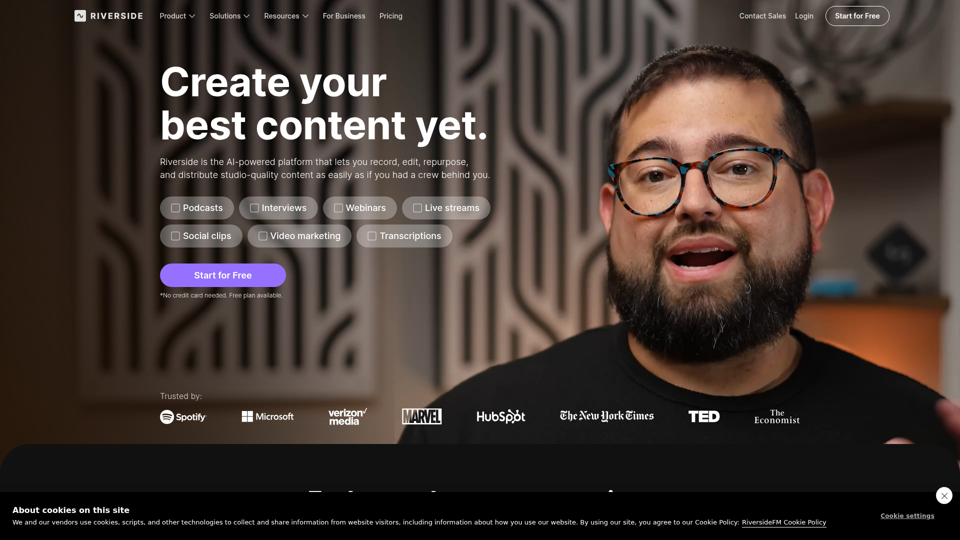
Riverside: HD Podcast & Video Software | Free Recording & Editing
Riverside is an AI-powered podcast and video creation platform that helps users record, edit, repurpose, livestream, and publish studio-quality content, mainly for podcasters, producers, and marketers. Its text-based editing, transcription, translation, and content repurposing tools can help content teams produce polished interviews, webinars, and social clips faster with less manual post-production.
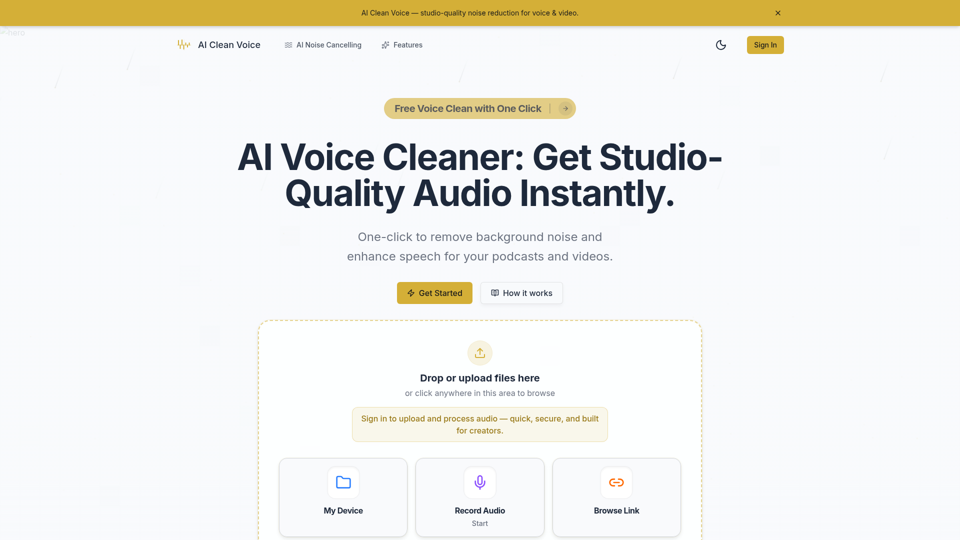
AI Voice Cleaner - Remove Background Noise & Enhance Speech Online | AI Clean Voice
AI Clean Voice is an online AI voice cleaner that removes background noise, wind, and echo to enhance speech in uploaded audio, mainly for podcasters, video creators, educators, and production teams. It can help audio editors and content teams speed up cleanup work while preserving natural vocal clarity for faster publishing.