
Website Security Scanner (Free) | 75+ Checks in 60 Seconds | AI QA Monkey
Rate this Tool
Average Score
Total Votes
Select your score (1-10):
Detail Information
What
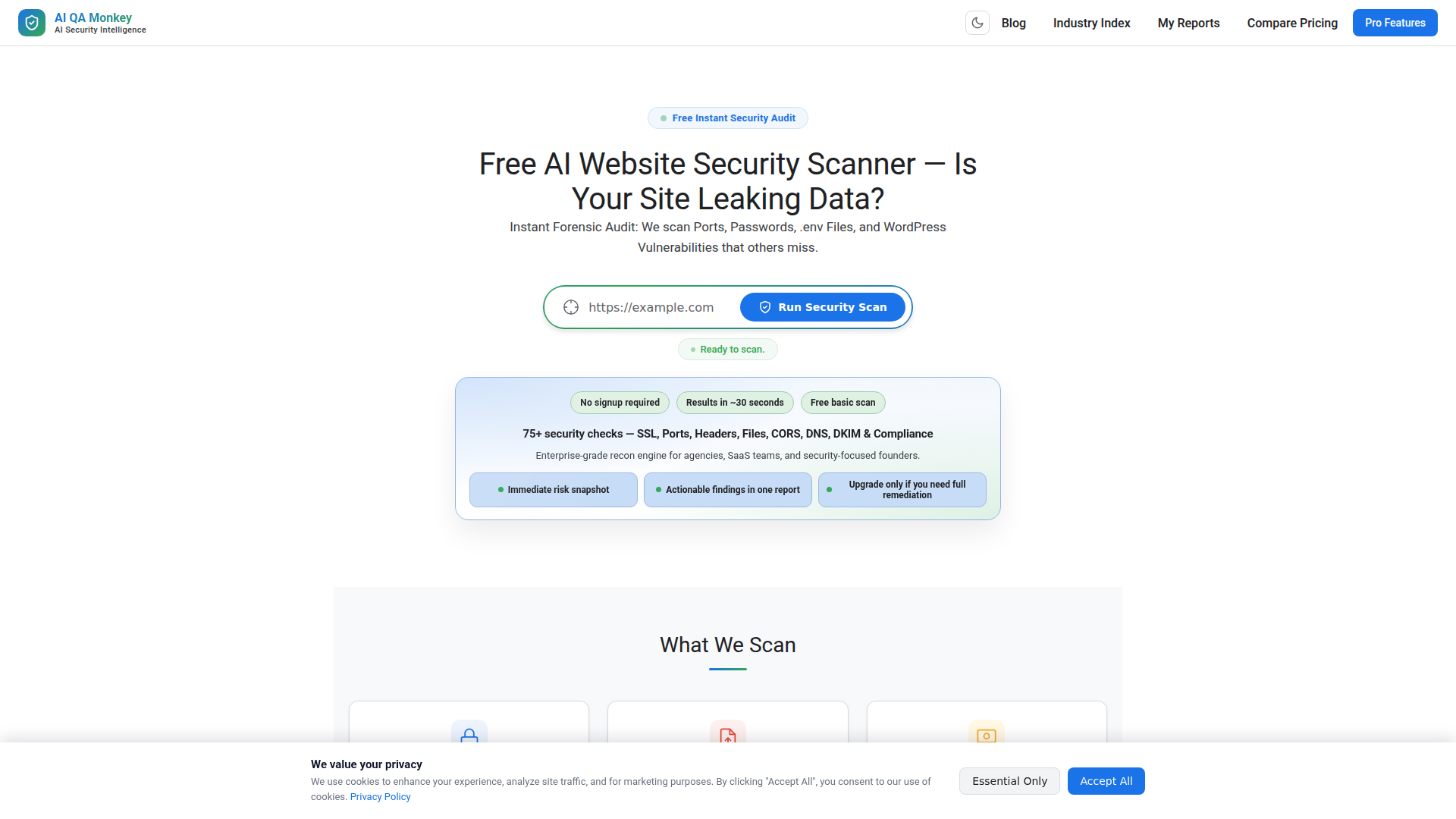
AI QA Monkey’s Website Security Scanner is a web-based security audit tool that runs a fast, external scan of a website and reports common exposure points. Based on the page, it is designed to check more than 75 items in roughly 30 to 60 seconds, including SSL/TLS setup, open ports, sensitive file leaks, WordPress exposures, DNS and email security records, CORS issues, and related attack-surface signals.
The product appears aimed at agencies, SaaS teams, developers, security-conscious founders, and business owners that want an immediate risk snapshot without a full manual penetration test. Its positioning is likely a low-friction, automated recon and reporting tool: a free basic scan for quick visibility, with paid per-domain reporting and remediation guidance for deeper analysis.
Features
- 75+ automated website security checks — Scans for SSL, headers, ports, files, CORS, DNS, DKIM, and related signals to give a broad initial view of external security posture.
- Sensitive file and exposure detection — Looks for exposed
.env,.git, backup files, and similar leaks that can reveal credentials or internal configuration. - WordPress-focused reconnaissance — Checks for username enumeration, plugin exposure,
xmlrpc.php,wp-config.php, and upload directory issues that are common in WordPress environments. - DNS, email, and reputation analysis — Reviews SPF, DKIM, DMARC, blacklist status, and subdomain-related findings to surface domain and email security weaknesses.
- Attack surface and API discovery — Identifies subdomains, exposed API documentation, public endpoints, CORS misconfigurations, possible subdomain takeover risks, and cloud storage references.
- Report exports and AI-assisted remediation — Offers PDF, JSON, and CSV outputs, plus “Copy Fix” and “AI Fix Prompt” options to help teams turn findings into remediation tasks.
Helpful Tips
- Use it as a reconnaissance and prioritization layer, not a full security program — The page describes broad external checks, but that does not by itself confirm deep authenticated testing or full manual penetration testing coverage.
- Validate critical findings before remediation at scale — Fast scanners are useful for surfacing likely issues, but teams should confirm severity and business impact, especially for infrastructure and compliance-related items.
- Match the scanner to your site stack — The strongest value appears to be for public websites, WordPress properties, APIs, and domains where misconfigurations, leaked files, and DNS issues are common.
- Plan ownership for fixes before rollout — The exported reports and remediation prompts will be most useful when engineering, DevOps, and web teams already have a clear workflow for triage and implementation.
- Treat compliance indicators carefully — The site references GDPR readiness and compliance mapping, but buyers should verify how far those checks go, since automated scans usually cover technical signals rather than full legal or operational compliance.
OpenClaw Skills
This product could fit well into the OpenClaw ecosystem as a likely upstream signal source for security operations, web governance, or client-service workflows. A likely OpenClaw skill could ingest scan outputs from PDF, JSON, or CSV reports, normalize findings, classify them by severity and owner, and route them into remediation queues for engineering, IT, or agency account teams. Another likely workflow would summarize findings into stakeholder-ready reports for founders, operations leads, or client executives.
A broader OpenClaw agent layer could turn recurring website scans into continuous operational routines: track score changes over time, compare multiple properties, generate issue-specific fix plans, and correlate web exposure trends by industry or client account. That combination could be especially useful for agencies, managed service providers, and lean SaaS teams, because it shifts website security from one-off audits toward a repeatable review-and-remediation process. These are likely use cases rather than confirmed native integrations, since the page does not explicitly describe OpenClaw connectivity.
Embed Code
Share this AI tool on your website or blog by copying and pasting the code below. The embedded widget will automatically update with the latest information.
<iframe src="https://aimyflow.com/ai/aiqamonkey-com/embed" width="100%" height="400" frameborder="0"></iframe>
Explore Similar Tools
truthsystems
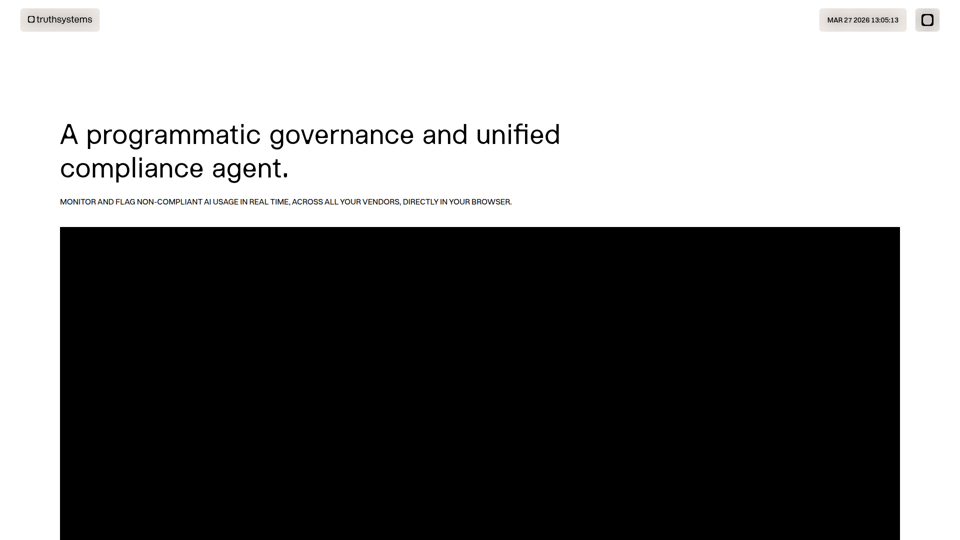
Truth Systems is a programmatic AI governance and unified compliance agent that helps organizations, especially legal teams and innovation leaders, monitor and block non-compliant AI use in real time across vendors through a browser extension and platform. For compliance, legal, and risk professionals, it can make AI oversight more actionable by embedding live guardrails, access controls, and audit trails directly into everyday work.
Variance
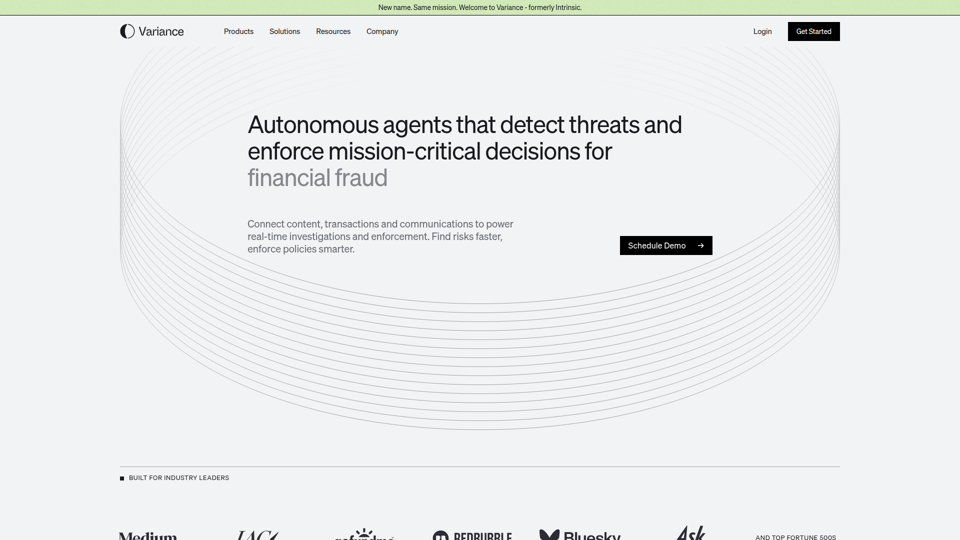
Variance is an AI risk intelligence platform that helps enterprises detect, investigate, and enforce against fraud, user-generated content violations, marketplace abuse, and other trust and safety risks, mainly for teams in content platforms, marketplaces, and financial services. For trust and safety, fraud, compliance, and security teams, it can speed real-time investigations and policy enforcement by connecting data streams and automating decisions across large volumes of activity.
Home | Veria Labs
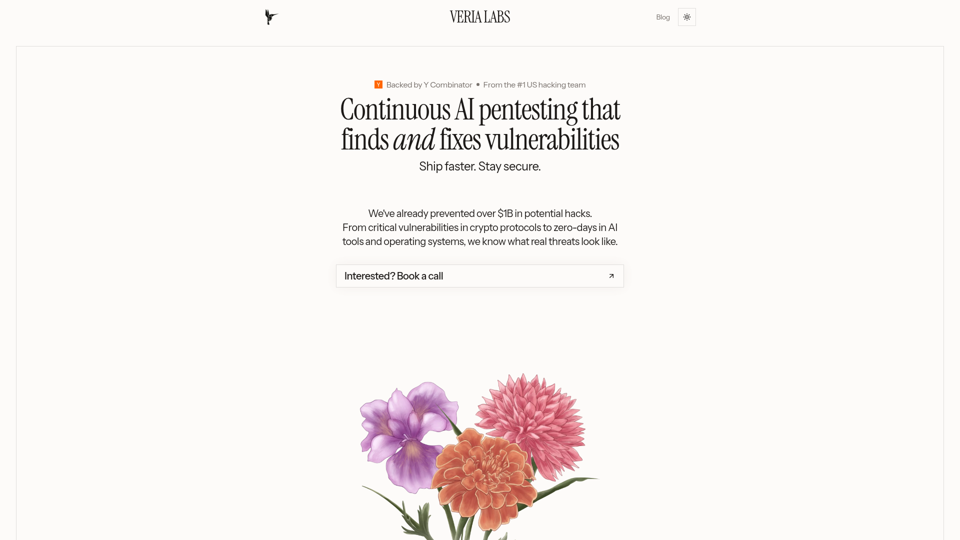
Veria Labs is an AI-powered continuous pentesting platform that analyzes codebases and CI/CD workflows to find, validate, and suggest fixes for real application vulnerabilities, mainly for security and engineering teams in high-stakes industries. For AppSec, security engineers, and developers, it can bring offensive security testing closer to every pull request so issues are identified and remediated earlier in the software delivery process.
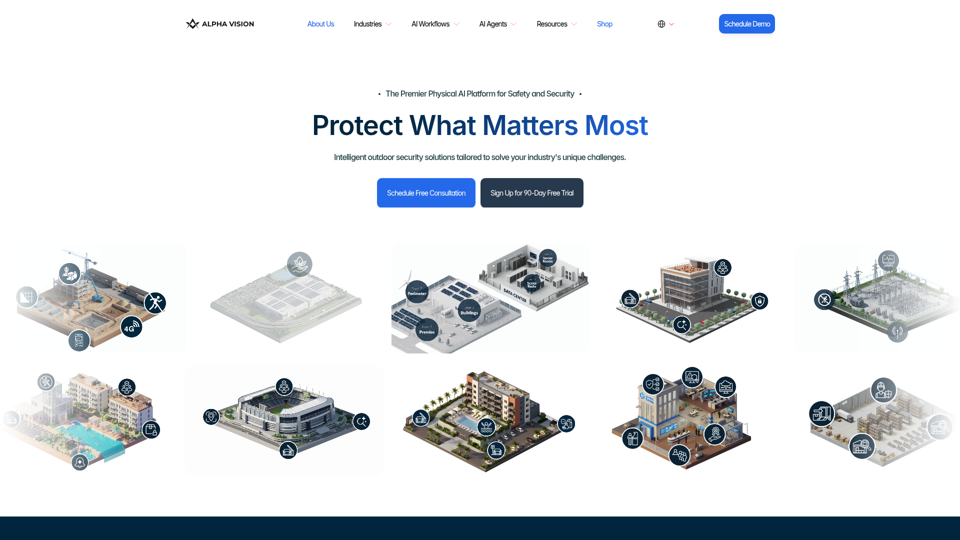
Premier Physical AI Security Platform & Outdoor Solutions | Alpha Vision | Free Trial
Alpha Vision is a physical AI security platform that uses AI agents and workflows to monitor outdoor sites, detect unsafe or unauthorized activity, deter trespassing, and search footage, mainly for security, safety, and operations teams in industries such as construction, education, retail, utilities, and commercial real estate. In AI-enabled security operations, it can help site managers, investigators, and safety leaders respond faster, review incidents more efficiently, and maintain broader coverage across large or distributed properties.
Autonomous AI Pentesting Platform | Maced AI
Maced AI is an autonomous AI penetration testing platform that helps engineering and security teams find, validate, and fix vulnerabilities across code, APIs, web apps, cloud, and infrastructure, while producing audit-ready reports for SOC 2 and ISO 27001 workflows. For security engineers, DevSecOps teams, and compliance-focused developers, it can shorten remediation cycles by turning validated findings into proof-of-exploit evidence and merge-ready fix guidance.
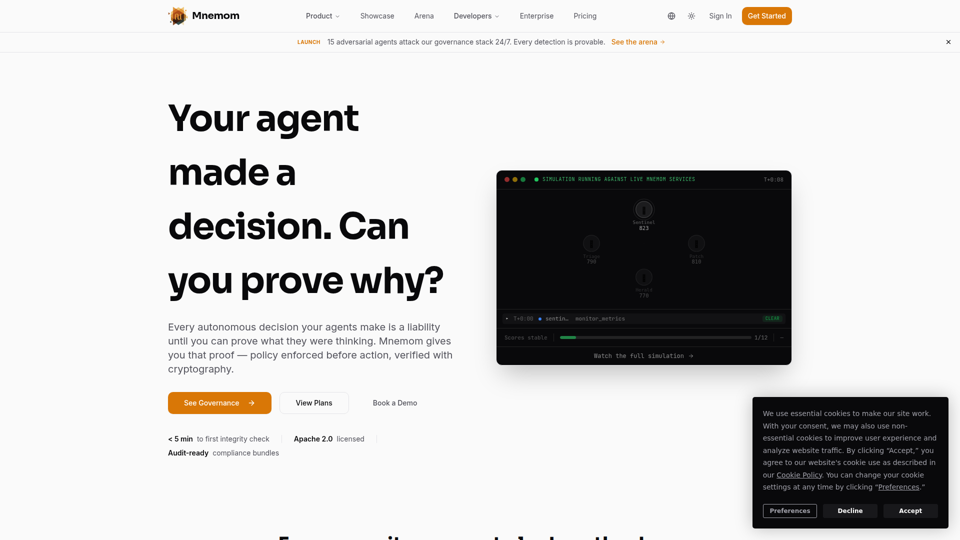
Mnemom — Prove What Your AI Agents Are Thinking
Mnemom is an AI governance and trust infrastructure platform that helps organizations prove, enforce, and audit what AI agents did and why with cryptographic verification, mainly for enterprise security, compliance, and engineering teams. For CISOs, compliance leaders, and AI platform teams, it can strengthen agent oversight by enabling pre-action policy enforcement and audit-ready evidence instead of relying only on after-the-fact logs.
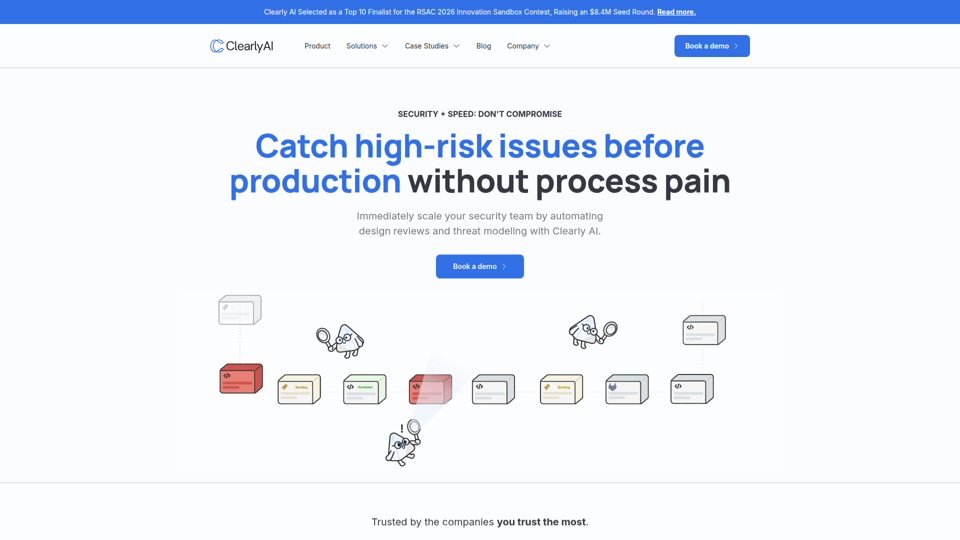
Clearly AI
Clearly AI is an AI security and privacy review platform that automates threat modeling, design reviews, and risk triage to help security, privacy, and product teams ship software faster with better review coverage. In AI-assisted software delivery, it helps application security and privacy professionals focus human judgment on prioritized findings instead of repetitive document analysis and manual questionnaires.
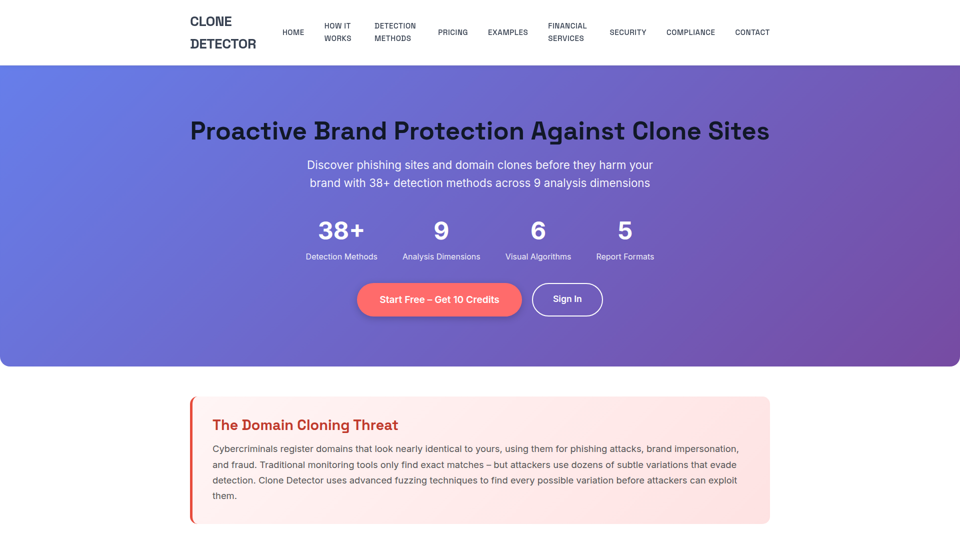
Clone Detector – Brand Protection & Phishing Site Detection Tool
Clone Detector is a brand protection and phishing site detection tool that helps businesses and security teams find fraudulent domain clones and lookalike websites using domain fuzzing, visual similarity analysis, and risk-based reporting. For cybersecurity, compliance, and brand protection roles, it can improve AI-era monitoring by surfacing subtle impersonation threats earlier and supporting faster investigation, reporting, and response.