
Clico AI Writing Assistant | Browser Extension for Chrome
Rate this Tool
Average Score
Total Votes
Select your score (1-10):
Detail Information
What
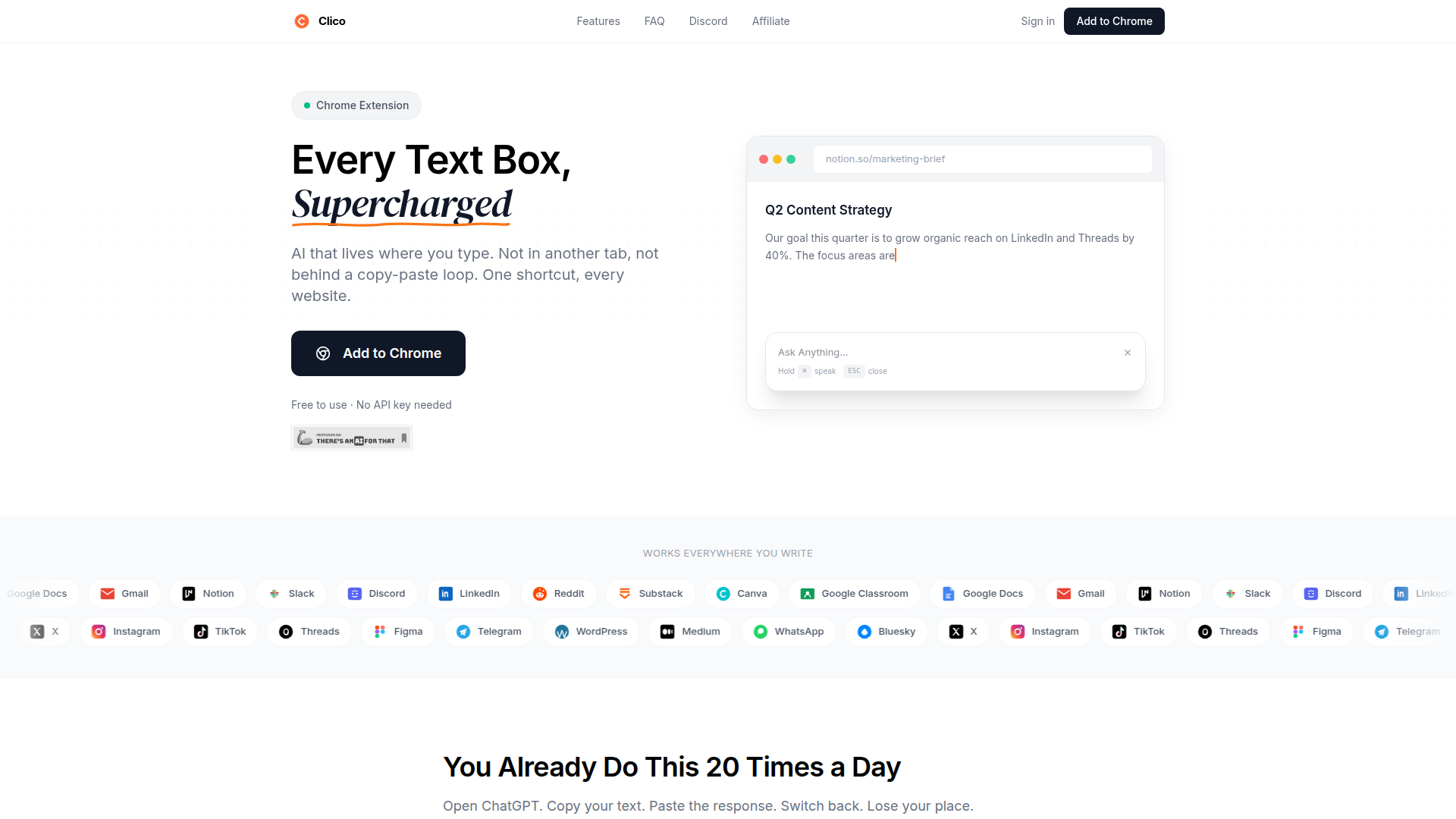
Clico is a Chrome browser extension that adds AI writing and reading assistance directly inside text boxes and web pages. Instead of working in a separate chatbot tab, it operates where the user is already typing, reading visible page content to understand the immediate context and generate or revise text in place.
The product appears aimed at people who write frequently in browser-based tools, including email, documents, social platforms, chat apps, and publishing tools. Its positioning is likely a lightweight, workflow-oriented AI assistant for everyday writing, editing, summarizing, and quick research across Chromium-based browsers.
Features
- In-place drafting with a keyboard shortcut: Pressing a shortcut in a text field can generate posts, replies, or continuation text directly at the cursor, reducing tab switching and copy-paste steps.
- Context-aware responses from visible page content: The extension reads what is visible on the current page so it can draft email replies, continue documents, or tailor responses based on the surrounding conversation or text.
- Selected-text rewriting and editing: Users can highlight existing text and ask Clico to shorten, formalize, or fully rewrite it, with the replacement inserted back into the same location.
- Instant AI search on highlighted text or images: Highlighted content can trigger an inline AI search result, helping users clarify terms or concepts without opening a new tab.
- Page summarization with structured takeaways: A shortcut can generate a concise summary of the current page, including key points and action items, which is useful for long articles or documents.
- Voice input inside the Clico dialog: Users can hold a key to dictate prompts or text, which may help with faster drafting in browser-based communication and writing tools.
Helpful Tips
- Check real-world performance in your most-used apps: For this type of extension, the main evaluation criterion is how reliably it works inside the specific editors and websites your team uses every day.
- Validate context handling on sensitive workflows: Because the product reads visible page content to understand context, teams should review whether that behavior fits their internal privacy and content-handling expectations.
- Compare it against existing writing workflows, not just model quality: The strongest value here is reduced friction inside the browser, so assess time saved from fewer tab switches and less manual context copying.
- Define usage patterns before broad rollout: This category works best when teams are clear on whether they mainly need drafting, editing, summarization, or quick inline research.
- Be conservative about enterprise suitability: The page describes ease of use and broad browser support, but it does not provide detailed information about admin controls, security review features, or enterprise deployment options.
OpenClaw Skills
Clico could likely fit into the OpenClaw ecosystem as a browser-native execution layer for writing-heavy workflows. A likely use case would be OpenClaw skills that detect the active work context—such as email, CRM notes, social drafting, support responses, or document editing—and trigger structured prompts, style rules, or agent workflows inside the browser where the user is already working. The page does not mention a native OpenClaw integration, so this should be treated as a workflow design possibility rather than a confirmed capability.
In practice, that combination could support agents such as a sales follow-up drafter, a customer support response improver, a social reply copilot, or a research summarizer that turns web pages into action items. For professions like marketing, recruiting, support, and knowledge work, the likely impact would be less tool switching and more standardized output quality across browser-based tasks, especially if OpenClaw skills add role-specific instructions, review logic, and downstream automation around the writing step.
Embed Code
Share this AI tool on your website or blog by copying and pasting the code below. The embedded widget will automatically update with the latest information.
<iframe src="https://aimyflow.com/ai/tryclico-com/embed" width="100%" height="400" frameborder="0"></iframe>
Explore Similar Tools
Humanize AI Text - Unlimited Free AI Humanizer (No Sign Up)
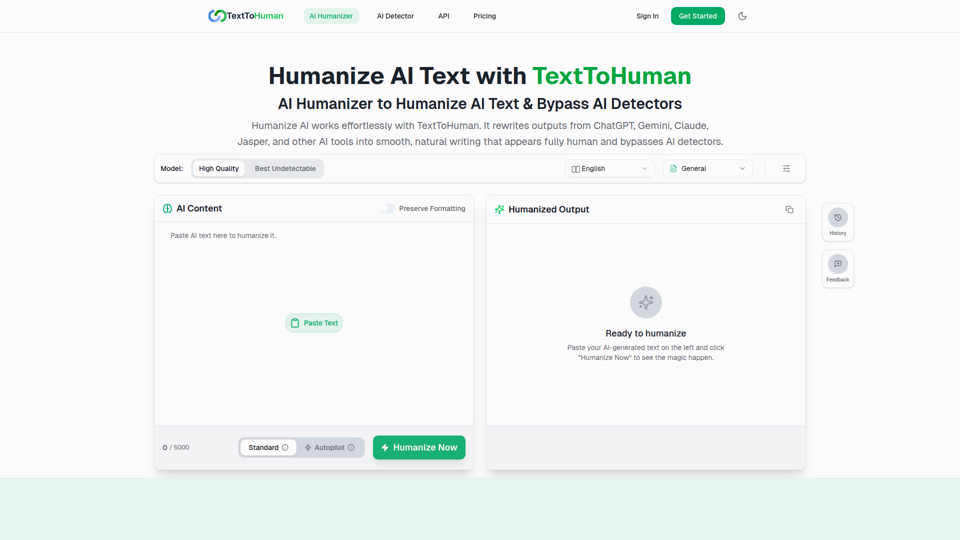
TextToHuman is a free web-based AI humanizer that rewrites AI-generated text into more natural, human-like writing for content creators, marketers, students, and professionals using tools like ChatGPT, Gemini, and Claude. For writers and marketing teams, it can speed up editing AI drafts while helping preserve tone, clarity, formatting, and SEO keywords across multilingual content.
ThinkInPublic — Publish your ChatGPT thoughts as blog posts
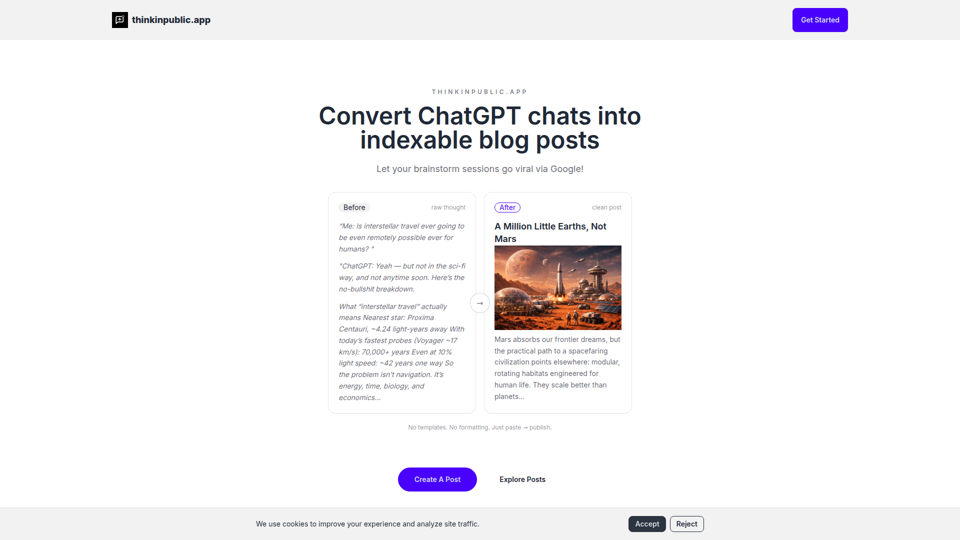
ThinkInPublic is a publishing tool that turns ChatGPT conversations, notes, and rough drafts into structured, indexable blog posts with public, unlisted, or private visibility, mainly for people who think a lot but do not want to spend time polishing essays. For founders, independent writers, and knowledge workers, it can shorten the path from AI-assisted thinking to searchable public content that supports ongoing expertise-building.
Moonbeam - Never write from scratch again.
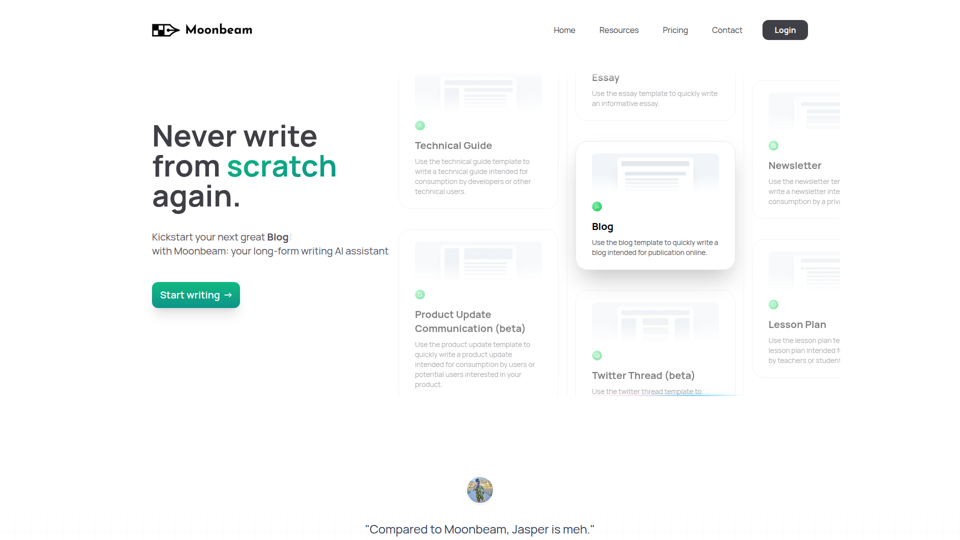
Moonbeam is an AI long-form writing assistant that helps users turn notes or prompts into outlines, drafts, and edits for blogs, essays, guides, newsletters, and similar content, mainly for writers, marketers, educators, and technical content creators. In AI-assisted content workflows, it can help these professionals speed up first drafts and structure development while keeping collaboration and revision inside one editor.
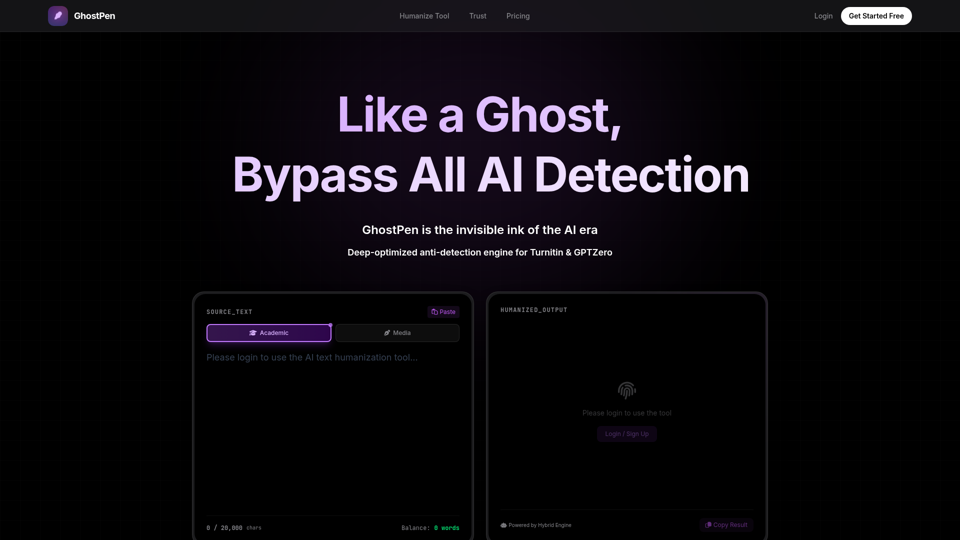
GhostPen - The Invisible Ink for AI Writing | Bypass Turnitin & GPTZero
GhostPen is an AI text humanizer that rewrites AI-generated drafts to read more like human writing and reduce detection by tools such as Turnitin, GPTZero, and Originality.ai, mainly for students and writers. For academic writing, freelance content, and similar text-heavy roles, it can help refine syntax and tone while preserving the original meaning of AI-assisted drafts.
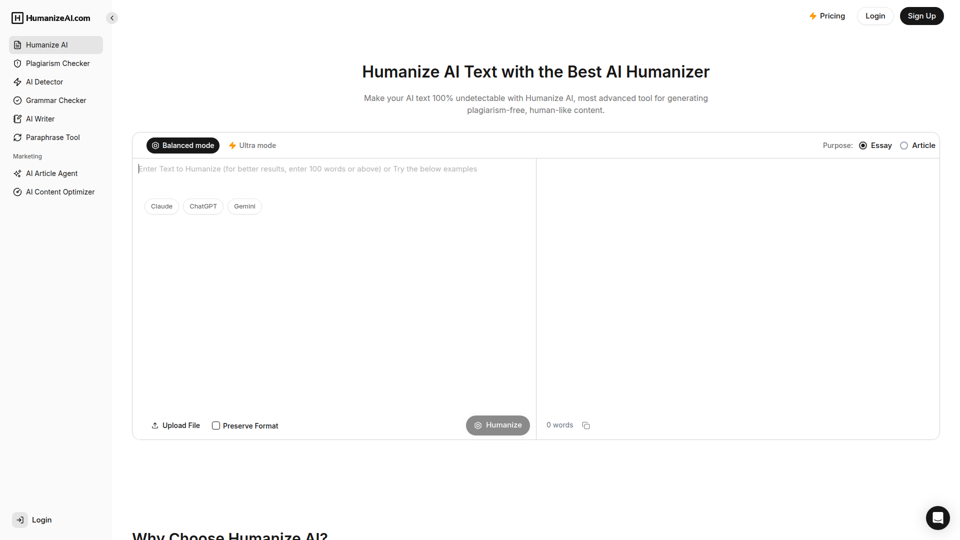
Humanize AI - Free AI Humanizer to Bypass AI Detectors
Humanize AI is a text rewriting tool that helps users turn AI-generated writing into more natural-sounding text and check it with related tools like AI detection, plagiarism, grammar, and paraphrasing, mainly for students, writers, marketers, and SEO professionals. In AI-assisted writing workflows, it can help content and academic teams quickly refine drafts for readability and tone before publication or submission.
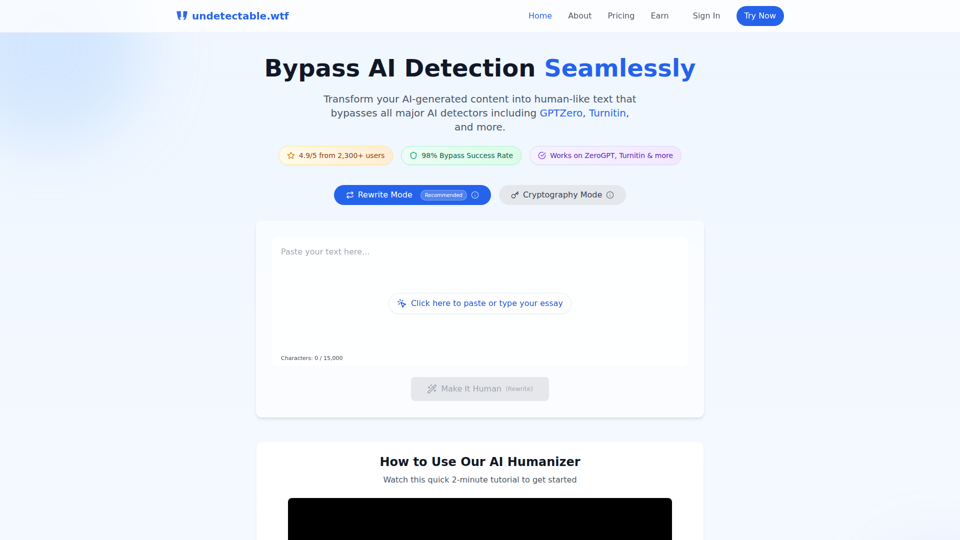
Undetectable AI: Bypass GPTZero & Turnitin Free | 98% Success Rate | Undetectable.wtf
Undetectable AI is an AI text humanizer that helps users rewrite AI-generated writing or alter it through a cryptography mode to reduce detection by tools like GPTZero and Turnitin, mainly for students and other people submitting written work. For students, researchers, and content writers, it reflects a growing need to adapt AI-assisted drafts so they read more naturally and align better with human review and detector-based screening.
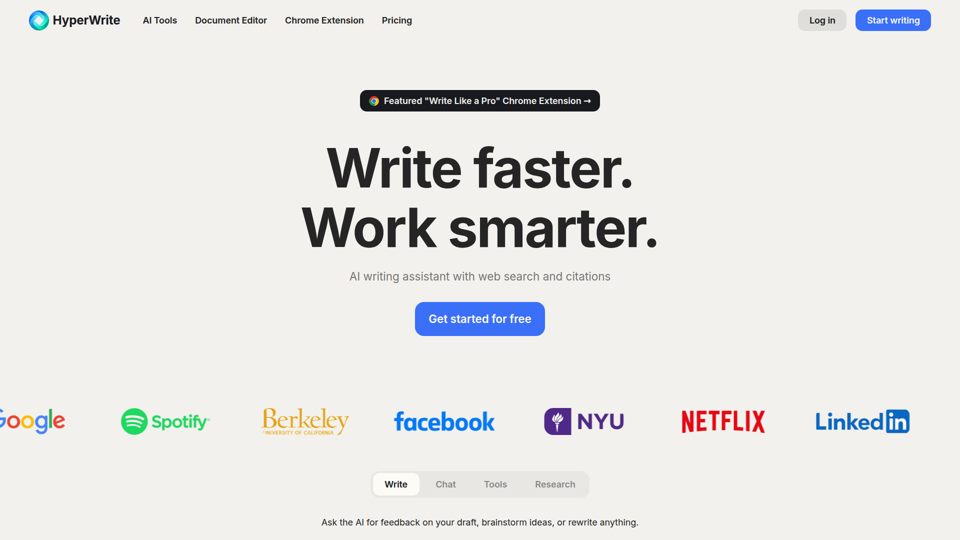
HyperWrite | AI Writing Assistant
HyperWrite is an AI writing assistant and document editor with chat, web research, citations, sentence completions, and many writing tools that help professionals and students draft, rewrite, summarize, and respond faster. For writers, marketers, researchers, and email-heavy roles, it can reduce routine drafting and research time while keeping work more context-aware and citation-supported.
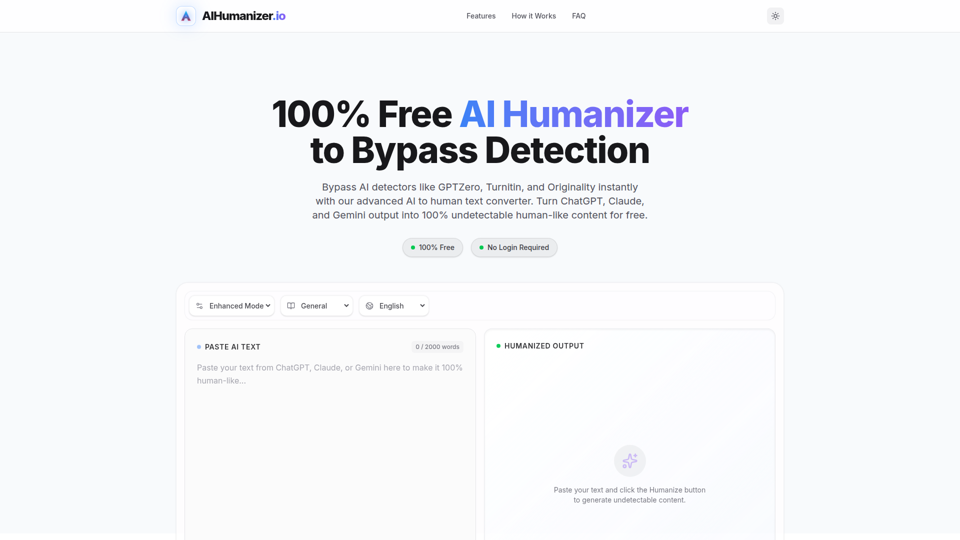
AI Humanizer: Best Free Tool to Humanize AI Text
AIHumanizer.io is a free AI text humanizer that rewrites AI-generated writing to sound more natural and human-like, mainly for students, marketers, and bloggers who want to reduce AI-detection signals. In AI-assisted writing workflows, it can help content and academic writing roles quickly refine draft tone and sentence variation while keeping the original meaning more intact.