
HyperWrite | AI Writing Assistant
Rate this Tool
Average Score
Total Votes
Select your score (1-10):
Detail Information
What
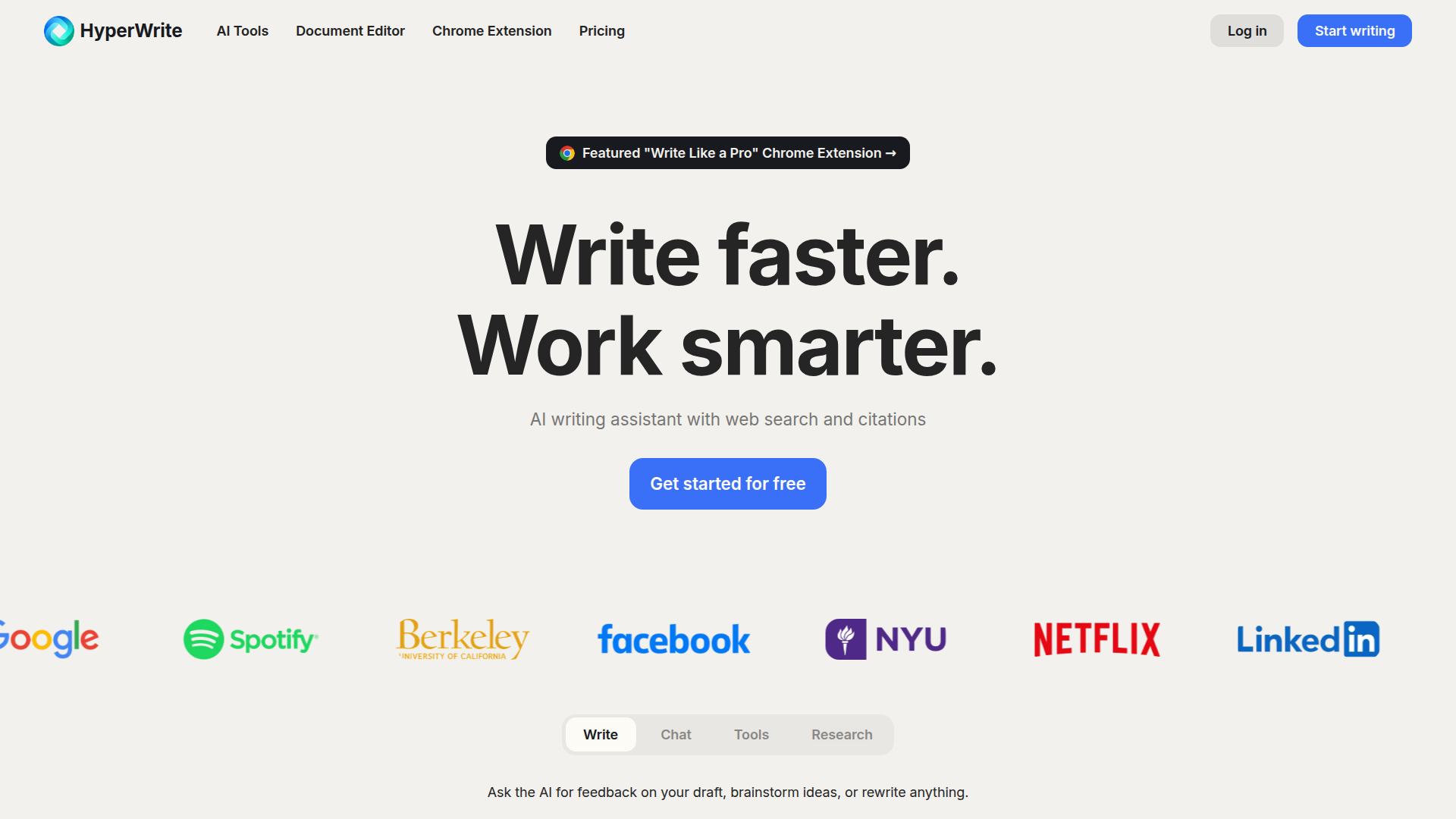
HyperWrite is an AI writing assistant that combines drafting, rewriting, summarization, chat-based help, and research support in a document editor and Chrome extension. It is aimed at professionals and students who need faster writing, clearer communication, email assistance, and citation-backed research within everyday workflows.
The product appears positioned as a broad writing productivity platform rather than a single-purpose text generator. Its core workflow centers on generating text, completing sentences as users type, answering questions through chat, searching scholarly sources for current information and citations, and using task-specific tools or custom tools to support repeatable writing tasks.
Features
- AI drafting with AutoWrite — Generates paragraphs or original content on a topic, which helps users move from a blank page to a working draft faster.
- Context-aware TypeAhead suggestions — Provides sentence completions and writing suggestions as users type, supporting faster drafting in ongoing work.
- Email Response assistance — Expands a few words into fuller email replies, which is useful for handling routine communication more efficiently.
- HyperChat for brainstorming and revision — Lets users ask for feedback, rewrite content, brainstorm ideas, or solve problems in a conversational format.
- Scholar-based research with citations — Searches scholarly articles and papers to support writing with current, citation-backed information for research-oriented tasks.
- Custom tools and a large tool library — Offers hundreds of prebuilt tools plus custom tool creation, which can help teams standardize recurring writing and editing workflows.
Helpful Tips
- Validate research output before external use — Even when citations and real-time information are provided, teams should verify sources and interpretive accuracy for high-stakes academic, legal, or client-facing work.
- Map tools to specific writing jobs — Adoption tends to work better when teams assign clear use cases such as email drafting, summarization, content rewriting, or research support instead of treating the product as a generic AI assistant.
- Use personas carefully — Writing-style customization can improve consistency, but it should be tested against brand voice and editorial standards before broad rollout.
- Evaluate extension-based workflows early — Since the Chrome extension is a key part of the product, buyers should confirm where employees actually write most often and whether browser-based assistance fits those environments.
- Treat custom tools as process assets — For teams with repeatable writing tasks, custom tools are likely most valuable when tied to templates, review rules, and clearly defined outputs.
Embed Code
Share this AI tool on your website or blog by copying and pasting the code below. The embedded widget will automatically update with the latest information.
<iframe src="https://aimyflow.com/ai/hyperwriteai-com/embed" width="100%" height="400" frameborder="0"></iframe>
Explore Similar Tools
Humanize AI Text - Unlimited Free AI Humanizer (No Sign Up)
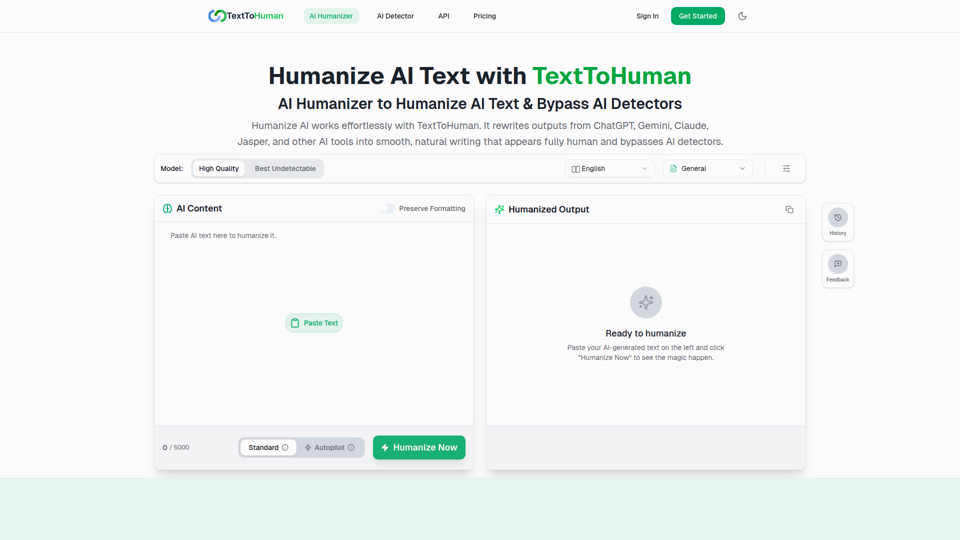
TextToHuman is a free web-based AI humanizer that rewrites AI-generated text into more natural, human-like writing for content creators, marketers, students, and professionals using tools like ChatGPT, Gemini, and Claude. For writers and marketing teams, it can speed up editing AI drafts while helping preserve tone, clarity, formatting, and SEO keywords across multilingual content.
ThinkInPublic — Publish your ChatGPT thoughts as blog posts
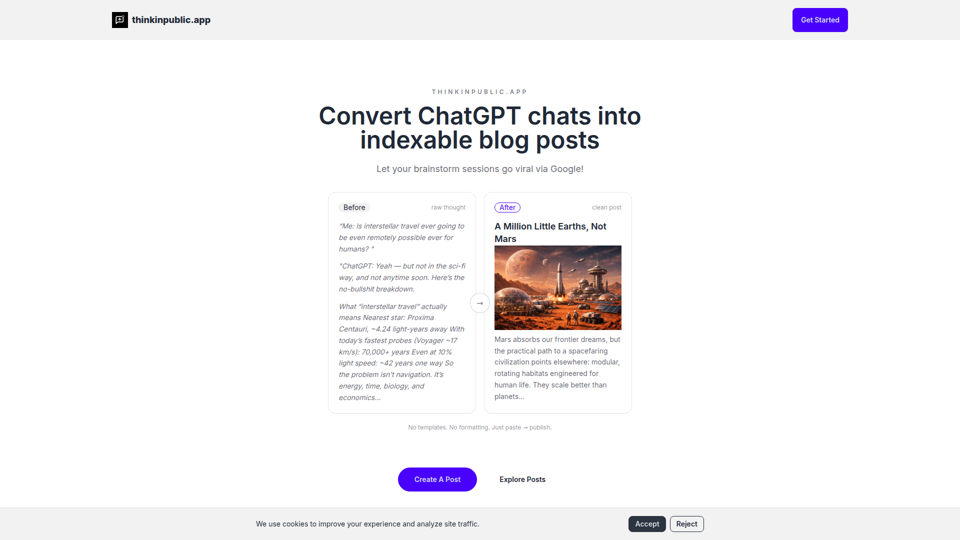
ThinkInPublic is a publishing tool that turns ChatGPT conversations, notes, and rough drafts into structured, indexable blog posts with public, unlisted, or private visibility, mainly for people who think a lot but do not want to spend time polishing essays. For founders, independent writers, and knowledge workers, it can shorten the path from AI-assisted thinking to searchable public content that supports ongoing expertise-building.
Moonbeam - Never write from scratch again.
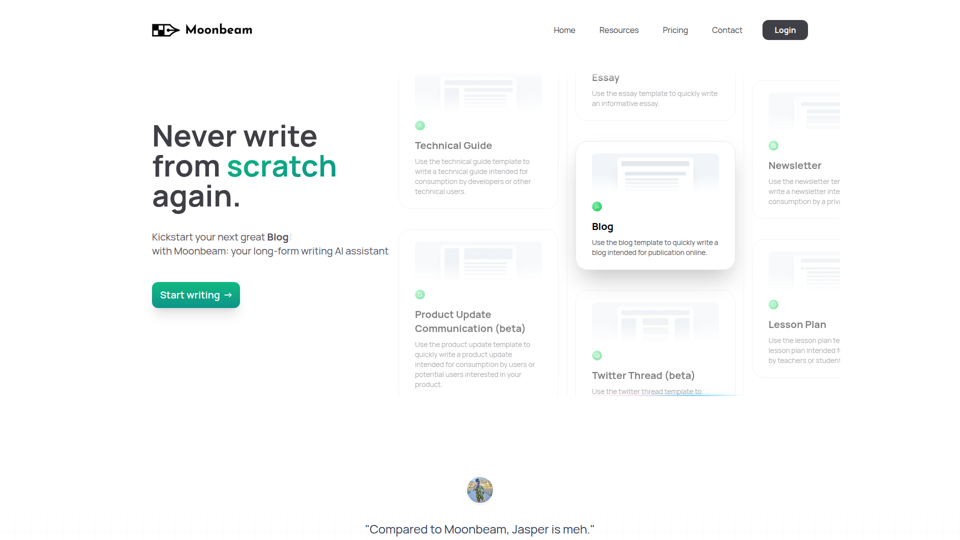
Moonbeam is an AI long-form writing assistant that helps users turn notes or prompts into outlines, drafts, and edits for blogs, essays, guides, newsletters, and similar content, mainly for writers, marketers, educators, and technical content creators. In AI-assisted content workflows, it can help these professionals speed up first drafts and structure development while keeping collaboration and revision inside one editor.
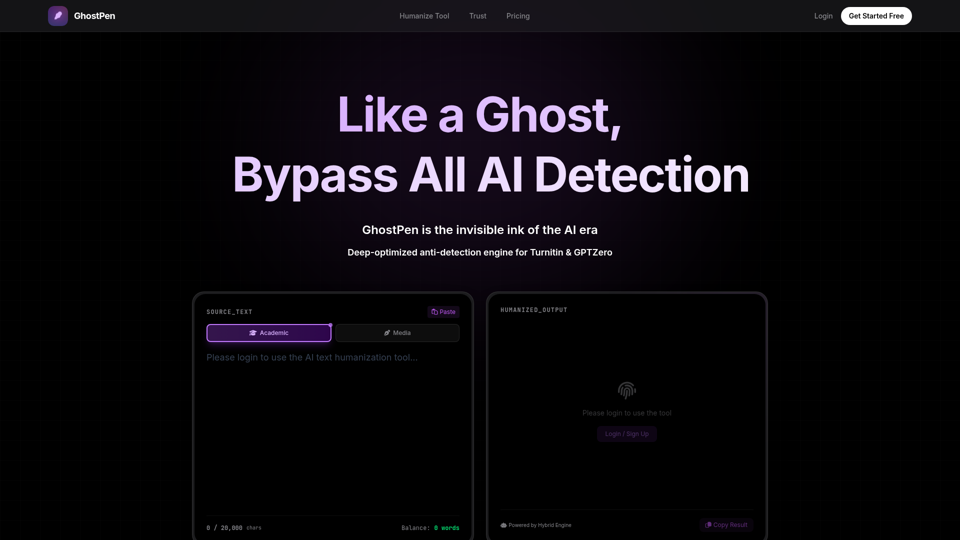
GhostPen - The Invisible Ink for AI Writing | Bypass Turnitin & GPTZero
GhostPen is an AI text humanizer that rewrites AI-generated drafts to read more like human writing and reduce detection by tools such as Turnitin, GPTZero, and Originality.ai, mainly for students and writers. For academic writing, freelance content, and similar text-heavy roles, it can help refine syntax and tone while preserving the original meaning of AI-assisted drafts.
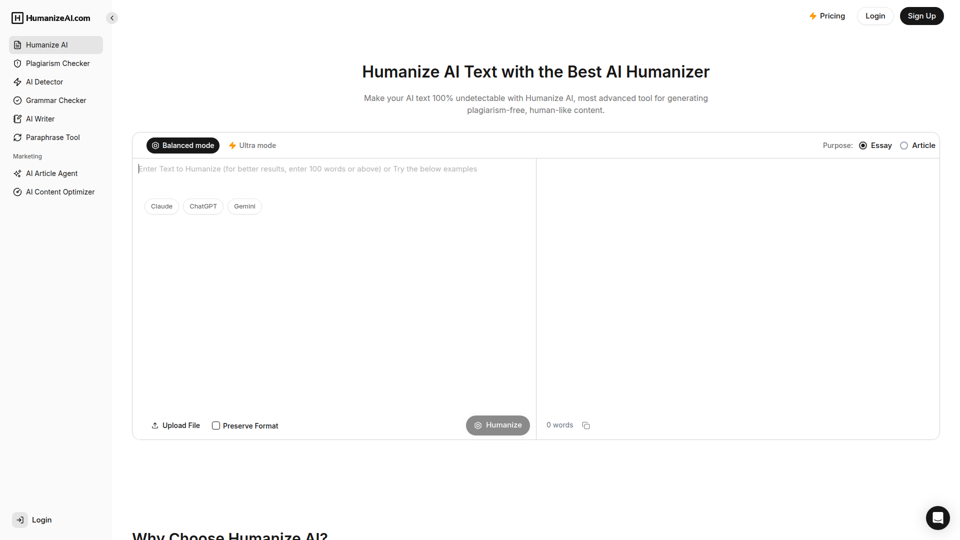
Humanize AI - Free AI Humanizer to Bypass AI Detectors
Humanize AI is a text rewriting tool that helps users turn AI-generated writing into more natural-sounding text and check it with related tools like AI detection, plagiarism, grammar, and paraphrasing, mainly for students, writers, marketers, and SEO professionals. In AI-assisted writing workflows, it can help content and academic teams quickly refine drafts for readability and tone before publication or submission.
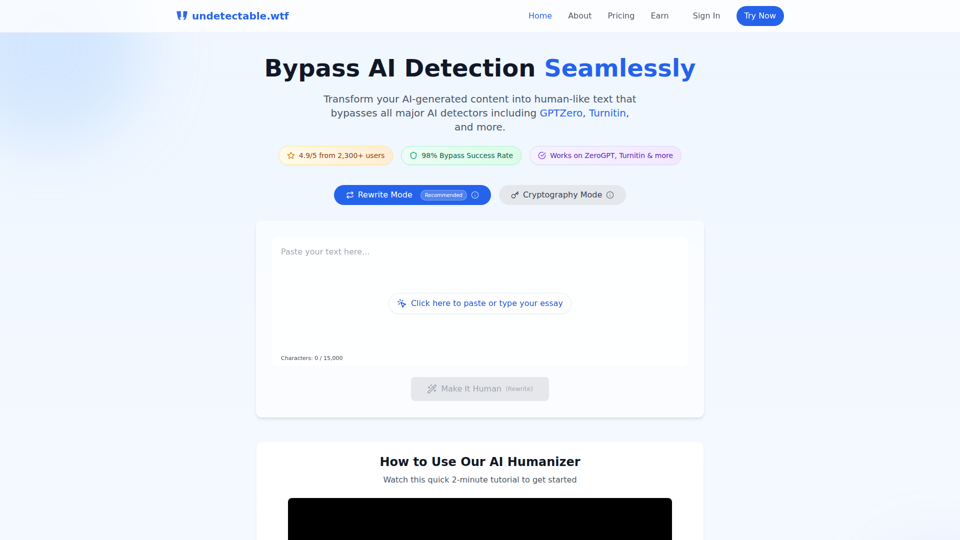
Undetectable AI: Bypass GPTZero & Turnitin Free | 98% Success Rate | Undetectable.wtf
Undetectable AI is an AI text humanizer that helps users rewrite AI-generated writing or alter it through a cryptography mode to reduce detection by tools like GPTZero and Turnitin, mainly for students and other people submitting written work. For students, researchers, and content writers, it reflects a growing need to adapt AI-assisted drafts so they read more naturally and align better with human review and detector-based screening.
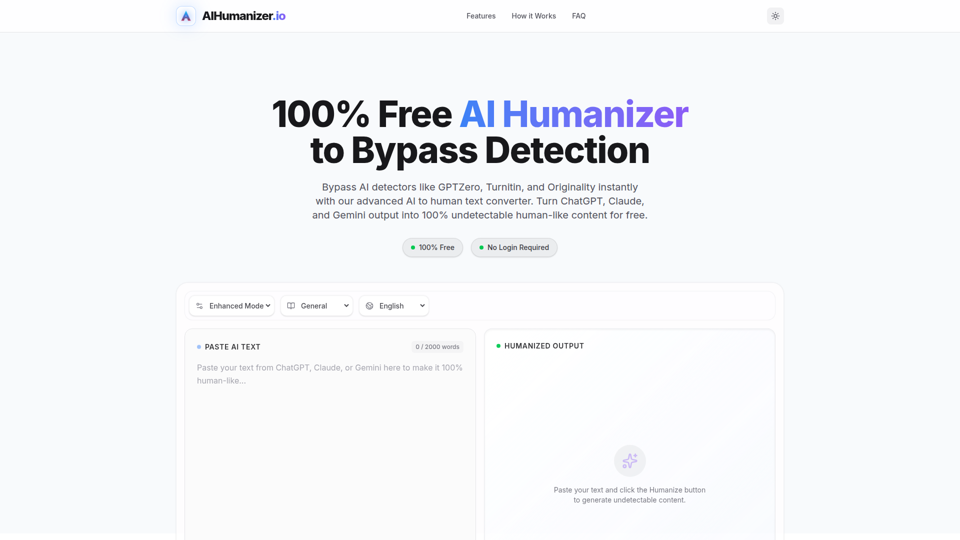
AI Humanizer: Best Free Tool to Humanize AI Text
AIHumanizer.io is a free AI text humanizer that rewrites AI-generated writing to sound more natural and human-like, mainly for students, marketers, and bloggers who want to reduce AI-detection signals. In AI-assisted writing workflows, it can help content and academic writing roles quickly refine draft tone and sentence variation while keeping the original meaning more intact.
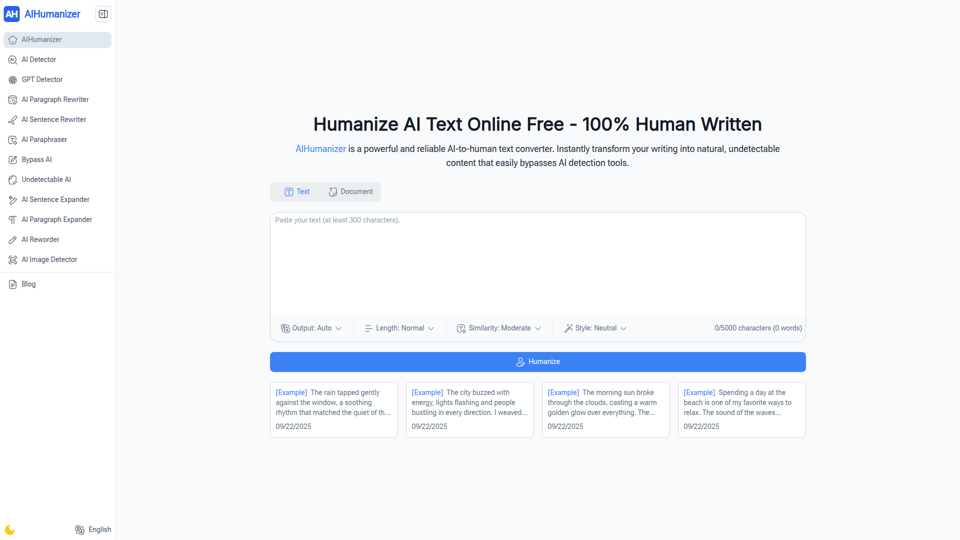
AIHumanizer: Free AI Humanizer & Humanize AI Text Online
AIHumanizer is a free online AI-to-human text converter and rewriter that helps users turn stiff AI-generated writing into more natural, readable text, mainly for students, writers, marketers, and business professionals. For content, academic, and communications work, it can speed up editing by refining tone and readability while helping teams review AI-assisted drafts more efficiently.