
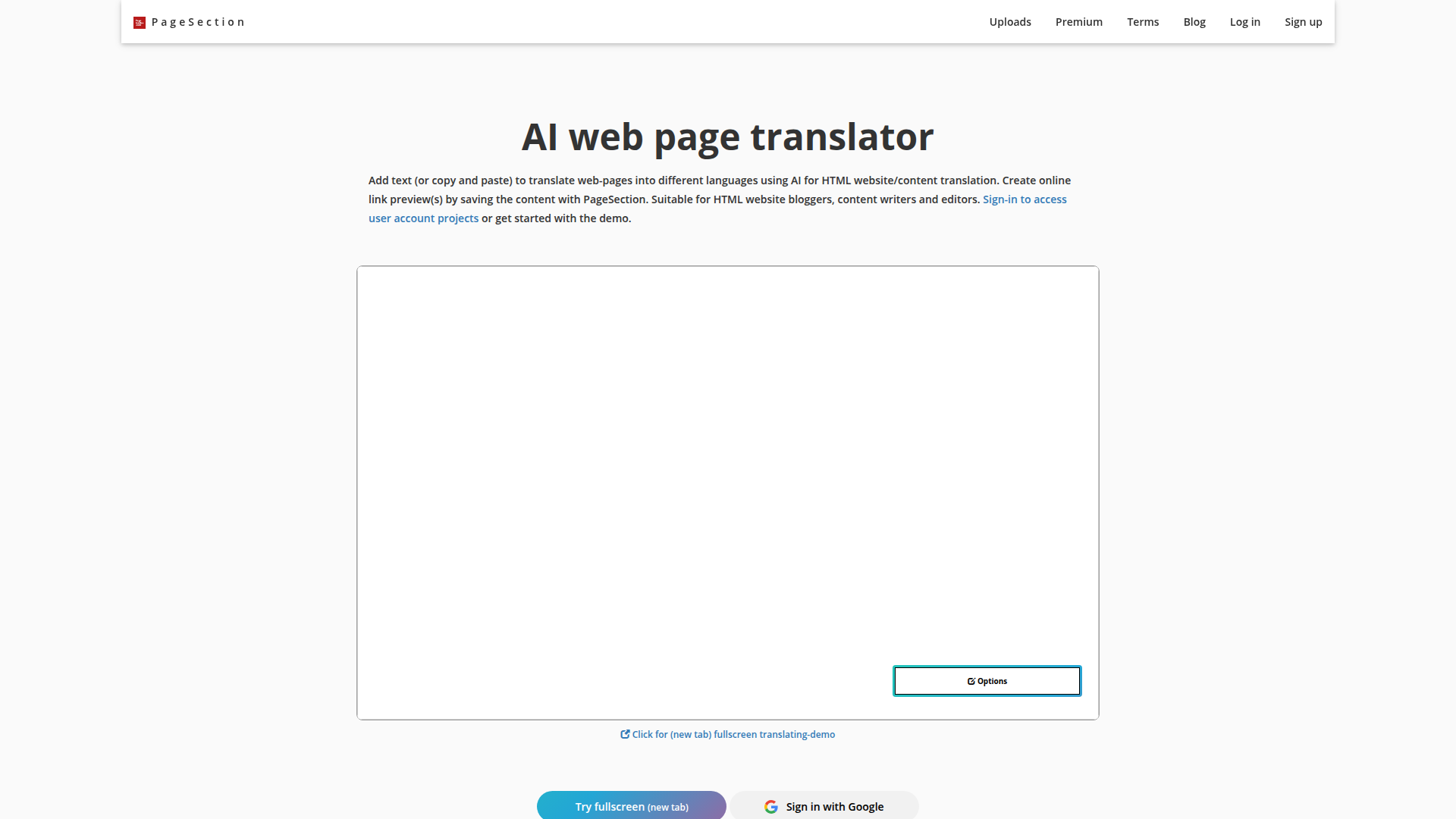
AI web page translator — translate text, copy/paste, edit webpages online
Rate this Tool
Average Score
Total Votes
Select your score (1-10):
Detail Information
What
PageSection is an online HTML content editing and AI webpage translation tool. It lets users paste text or upload custom HTML website files, translate webpage content into other languages, edit the results in a WYSIWYG environment, and save the output as a shareable online preview.
The product appears aimed at HTML website bloggers, content writers, editors, and web creators who need to localize or revise webpage content without managing a full development workflow. Based on the page, it is positioned as a lightweight browser-based tool for multilingual HTML content creation, previewing, and basic project handling.
Features
- AI webpage translation for HTML content — Users can add or paste webpage text and translate it into different languages while working directly with web-oriented content.
- WYSIWYG HTML editing — The editor supports visual customization and unlimited editing of HTML content, which helps non-developers revise pages without relying only on raw code.
- Formatting preservation from source documents — The page says users can copy and paste from Word, PDF, HTML, and other text documents while preserving formatting, reducing cleanup work during translation.
- Custom HTML project upload via ZIP — Users can upload a zipped website project with an
index.htmlfile to create an editable project online. - Online preview link generation — After a successful upload, the service provides a web URL that can be used to visit or share the webpage.
- Multilingual language support — The translator currently lists support for many languages including Arabic, Chinese, English, French, German, Japanese, Spanish, Turkish, Ukrainian, and others, with more planned later.
Helpful Tips
- Validate translation quality for brand and technical content — The page mentions AI translation and grammar fixing, but teams should still review terminology, tone, and page-specific wording before publishing.
- Prepare clean HTML structures before upload — Since uploaded projects need a top-level
index.html, organizing files correctly in advance should reduce project setup issues. - Use preview links for review workflows — Shareable URLs can support lightweight stakeholder review before files are deployed to a production website.
- Check edge cases in pasted source material — Even when formatting is preserved from Word, PDF, or HTML sources, complex layouts and embedded elements may still need manual cleanup.
- Assess fit against broader localization needs — If a team needs enterprise translation management, the page itself suggests alternatives such as Google Translate, Yandex Translate, or DeepL when this service is unavailable or insufficient.
OpenClaw Skills
PageSection could likely fit into OpenClaw as part of a multilingual web content operations workflow. Likely skills could include an HTML localization agent that ingests source copy, structures it for webpage translation, routes it through PageSection-style editing steps, and returns review-ready localized pages with preview links. Another likely workflow is a content QA agent that compares source and translated HTML for missing sections, formatting drift, or untranslated fragments before human approval.
For web publishers, marketers, and content teams, this combination could shift translation from a manual copy-edit-upload process into a semi-automated content production pipeline. While the page does not describe native OpenClaw integration, a likely use case would be connecting PageSection-like editing and preview capabilities with OpenClaw agents for translation review, localization task routing, metadata generation, and multilingual publishing coordination across web content teams.
Embed Code
Share this AI tool on your website or blog by copying and pasting the code below. The embedded widget will automatically update with the latest information.
<iframe src="https://aimyflow.com/ai/pagesection-com-ai-page-translator/embed" width="100%" height="400" frameborder="0"></iframe>
Explore Similar Tools
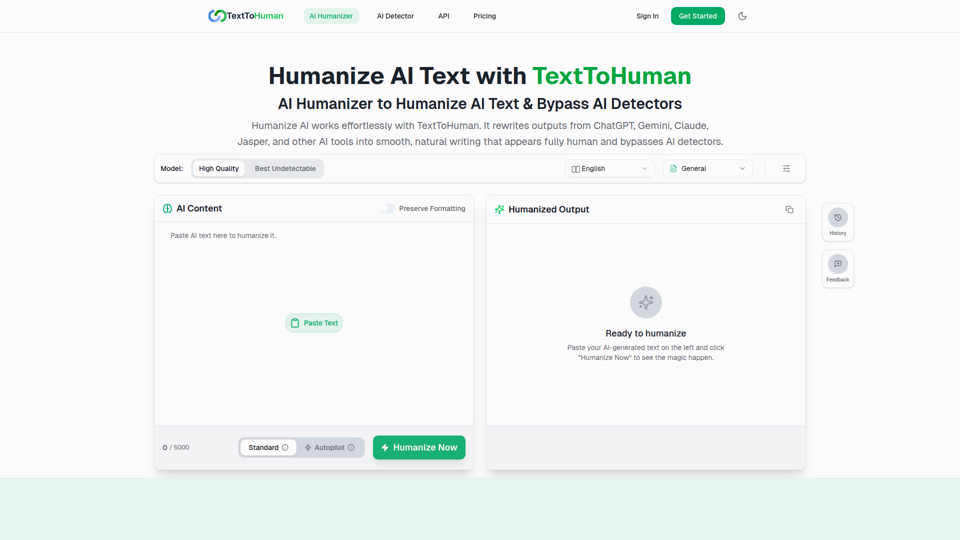
Humanize AI Text - Unlimited Free AI Humanizer (No Sign Up)
TextToHuman is a free web-based AI humanizer that rewrites AI-generated text into more natural, human-like writing for content creators, marketers, students, and professionals using tools like ChatGPT, Gemini, and Claude. For writers and marketing teams, it can speed up editing AI drafts while helping preserve tone, clarity, formatting, and SEO keywords across multilingual content.
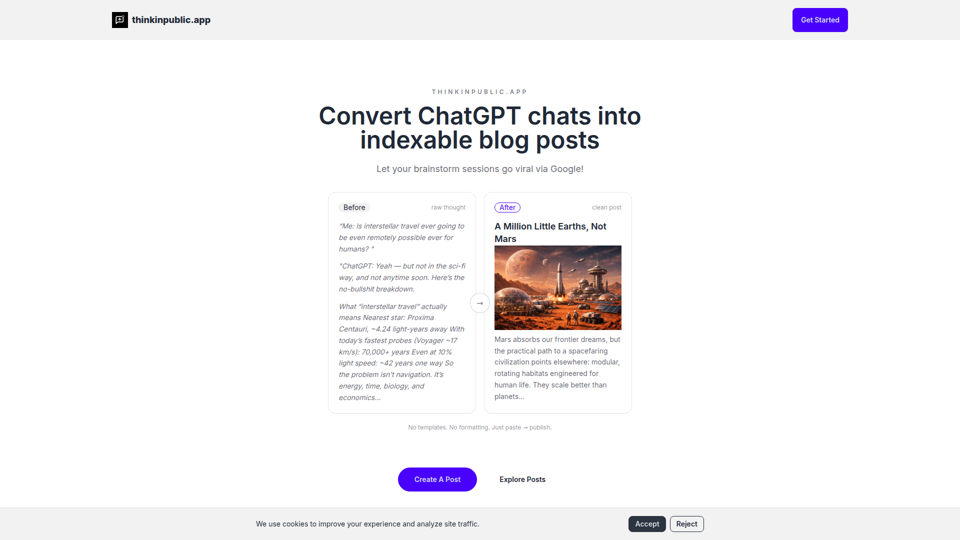
ThinkInPublic — Publish your ChatGPT thoughts as blog posts
ThinkInPublic is a publishing tool that turns ChatGPT conversations, notes, and rough drafts into structured, indexable blog posts with public, unlisted, or private visibility, mainly for people who think a lot but do not want to spend time polishing essays. For founders, independent writers, and knowledge workers, it can shorten the path from AI-assisted thinking to searchable public content that supports ongoing expertise-building.
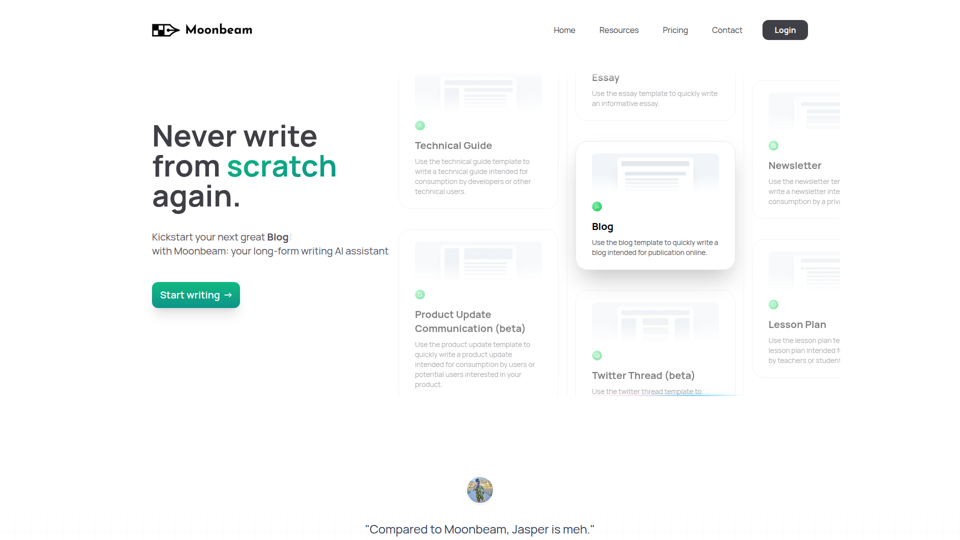
Moonbeam - Never write from scratch again.
Moonbeam is an AI long-form writing assistant that helps users turn notes or prompts into outlines, drafts, and edits for blogs, essays, guides, newsletters, and similar content, mainly for writers, marketers, educators, and technical content creators. In AI-assisted content workflows, it can help these professionals speed up first drafts and structure development while keeping collaboration and revision inside one editor.
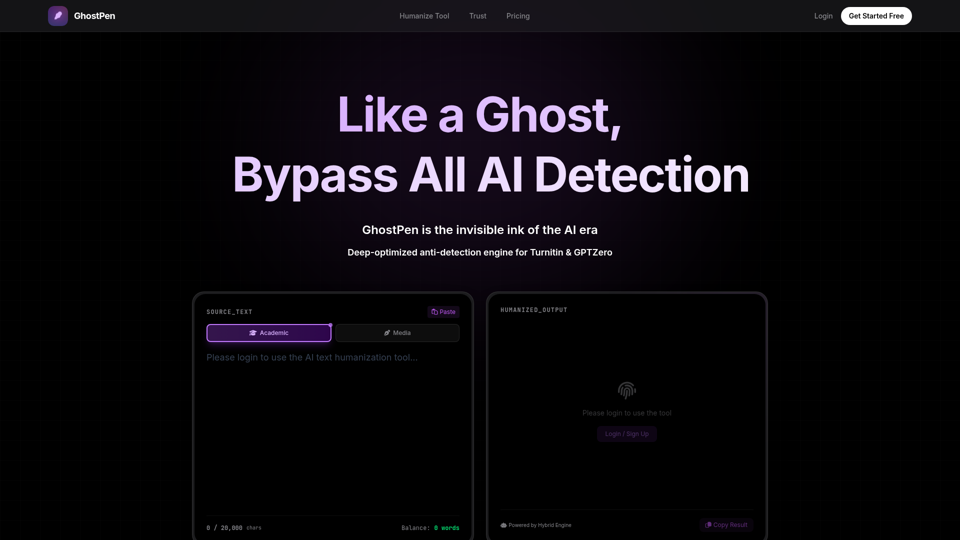
GhostPen - The Invisible Ink for AI Writing | Bypass Turnitin & GPTZero
GhostPen is an AI text humanizer that rewrites AI-generated drafts to read more like human writing and reduce detection by tools such as Turnitin, GPTZero, and Originality.ai, mainly for students and writers. For academic writing, freelance content, and similar text-heavy roles, it can help refine syntax and tone while preserving the original meaning of AI-assisted drafts.
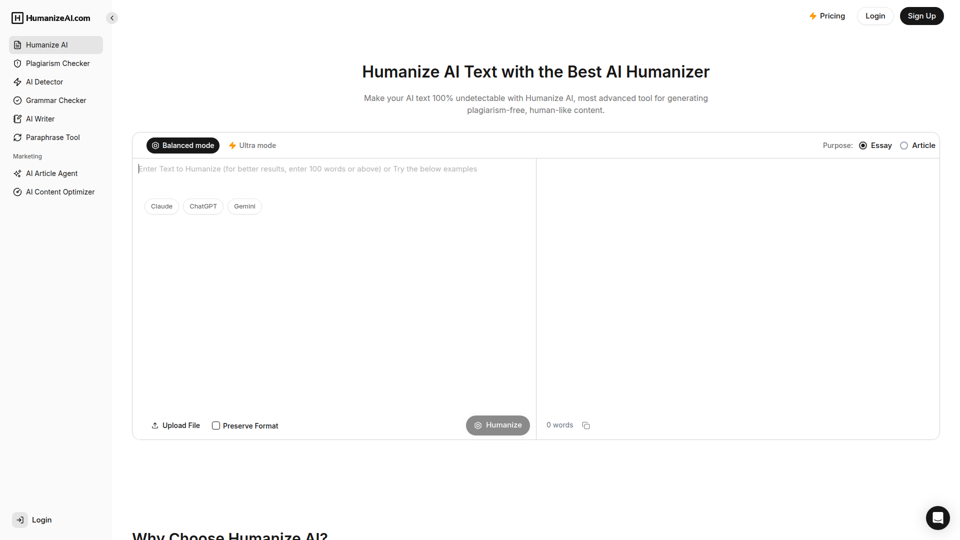
Humanize AI - Free AI Humanizer to Bypass AI Detectors
Humanize AI is a text rewriting tool that helps users turn AI-generated writing into more natural-sounding text and check it with related tools like AI detection, plagiarism, grammar, and paraphrasing, mainly for students, writers, marketers, and SEO professionals. In AI-assisted writing workflows, it can help content and academic teams quickly refine drafts for readability and tone before publication or submission.
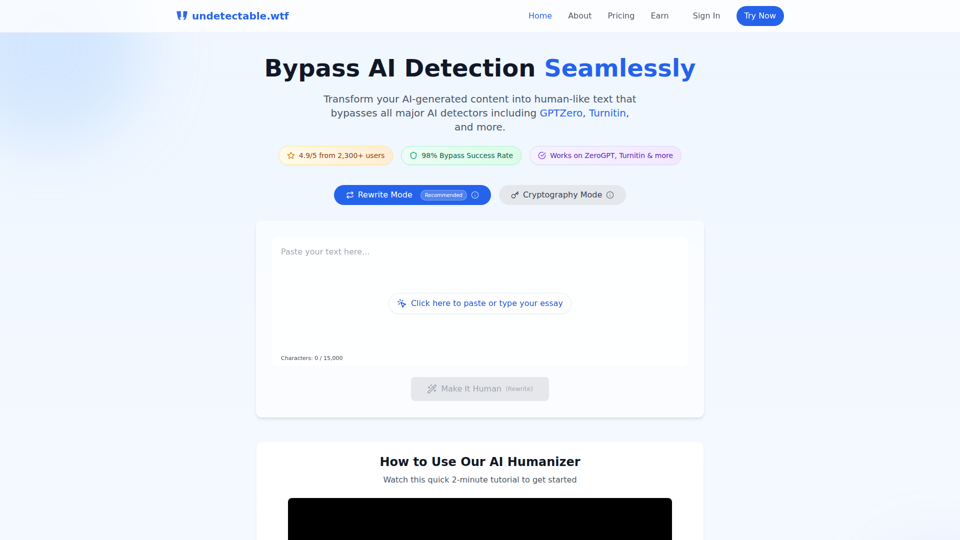
Undetectable AI: Bypass GPTZero & Turnitin Free | 98% Success Rate | Undetectable.wtf
Undetectable AI is an AI text humanizer that helps users rewrite AI-generated writing or alter it through a cryptography mode to reduce detection by tools like GPTZero and Turnitin, mainly for students and other people submitting written work. For students, researchers, and content writers, it reflects a growing need to adapt AI-assisted drafts so they read more naturally and align better with human review and detector-based screening.
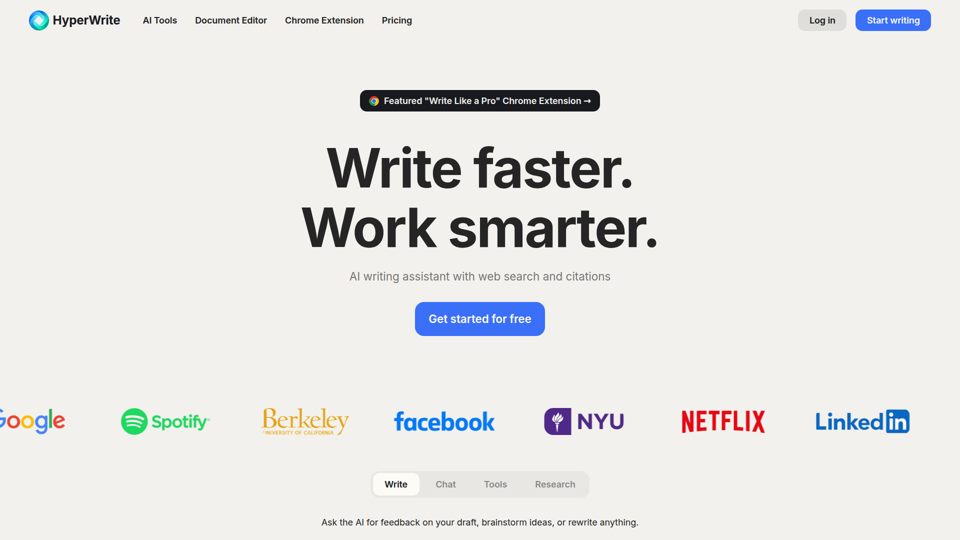
HyperWrite | AI Writing Assistant
HyperWrite is an AI writing assistant and document editor with chat, web research, citations, sentence completions, and many writing tools that help professionals and students draft, rewrite, summarize, and respond faster. For writers, marketers, researchers, and email-heavy roles, it can reduce routine drafting and research time while keeping work more context-aware and citation-supported.
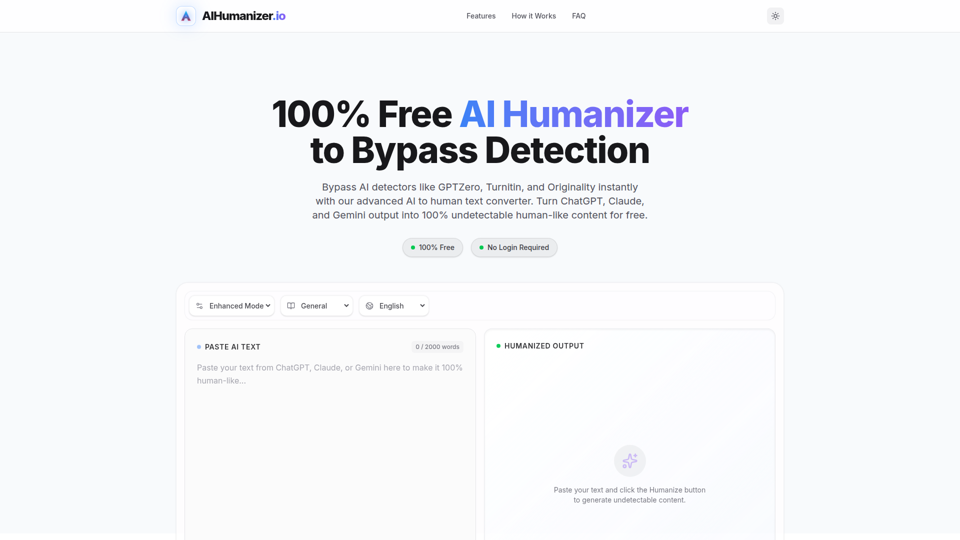
AI Humanizer: Best Free Tool to Humanize AI Text
AIHumanizer.io is a free AI text humanizer that rewrites AI-generated writing to sound more natural and human-like, mainly for students, marketers, and bloggers who want to reduce AI-detection signals. In AI-assisted writing workflows, it can help content and academic writing roles quickly refine draft tone and sentence variation while keeping the original meaning more intact.