
Claude for Powerpoint | Claude by Anthropic
Rate this Tool
Average Score
Total Votes
Select your score (1-10):
Detail Information
What
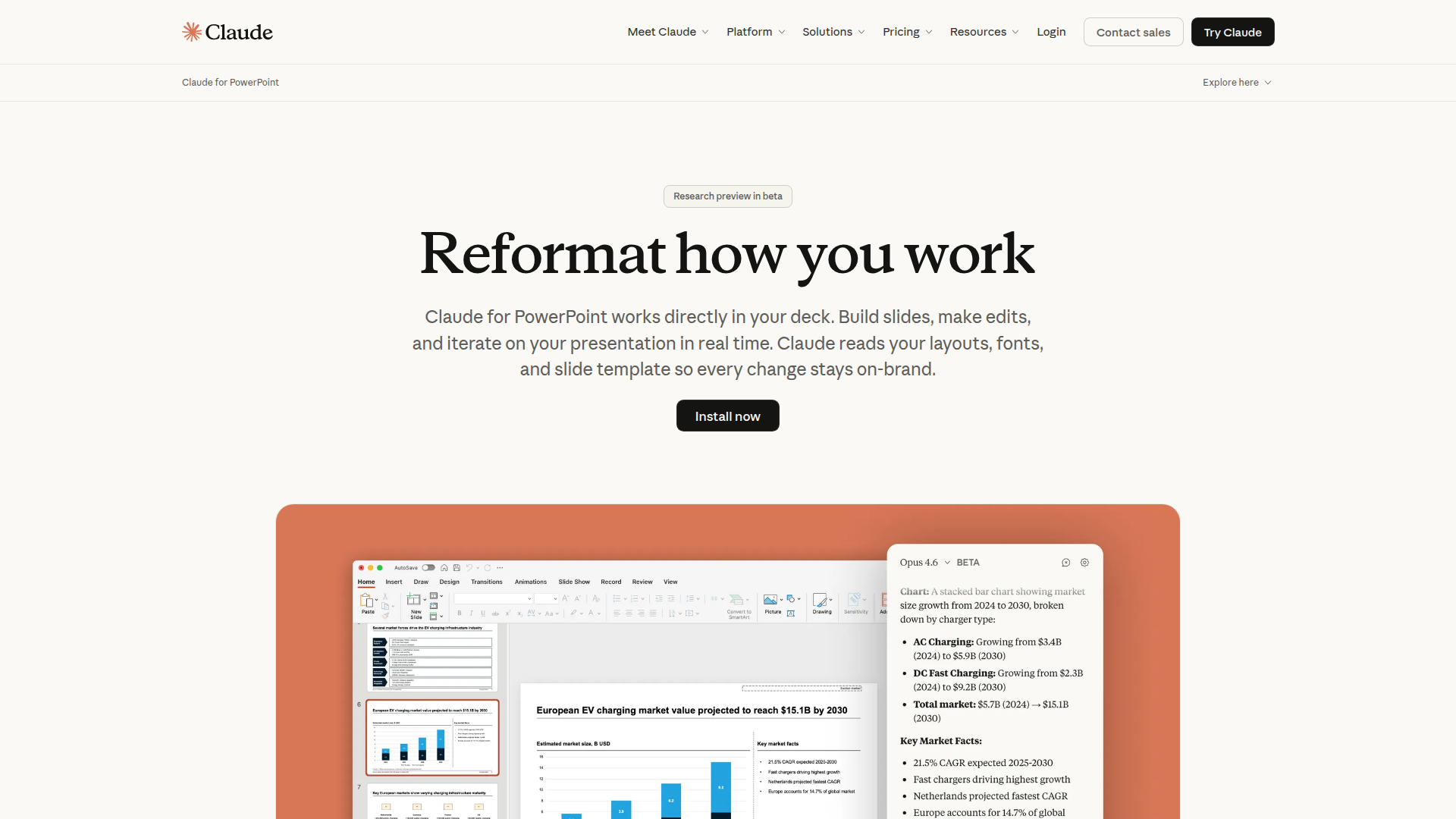
Claude for PowerPoint is an AI presentation assistant from Anthropic that works directly inside PowerPoint. It is designed to help users build slides, edit existing decks, and iterate on presentations in real time while preserving the deck’s layouts, fonts, colors, and slide master structure.
The product appears aimed at teams and professionals who create client, corporate, or internal presentations and need faster drafting without breaking brand standards. Based on the page, its positioning is a productivity add-in for presentation creation and editing, with emphasis on template-aware generation, native PowerPoint outputs, and repeatable team workflows through saved skills.
Features
- Template-aware slide generation — Claude reads the slide master, layouts, fonts, and color scheme so new or edited slides stay aligned with the deck’s existing brand rules.
- In-deck editing with object awareness — It can modify the selected slide or object, which helps users make targeted changes without reworking surrounding content.
- Full-deck drafting from a prompt — Users can start from a blank presentation and generate a logically structured draft deck, then refine sections through follow-up instructions.
- Native charts and diagrams — It converts bullet points into editable PowerPoint visuals, including charts, diagrams, and process flows rather than static images.
- Repeatable skills for team workflows — Teams can save multi-step presentation workflows as one-click skills to standardize common deck-building processes.
- Cross-app conversational context with Excel — The page states Claude can carry context across the PowerPoint and Excel add-ins in a continuous conversation, which may help with presentation workflows that depend on spreadsheet analysis.
Helpful Tips
- Treat current output as reviewable draft work — The page describes the product as a beta research preview and notes that users should review changes carefully, especially for important deliverables.
- Validate support for advanced PowerPoint functions — Anthropic notes that some advanced features may not be fully supported yet, so buyers should test the add-in against their actual presentation complexity.
- Use strong master templates before rollout — Since the product relies on slide masters, layouts, fonts, and color schemes, teams with well-governed templates are likely to get more consistent results.
- Standardize high-value use cases as skills — Repetitive workflows such as quarterly reviews, pitch structures, or competitive landscape decks are good candidates for skills because they can improve consistency across teams.
- Check deployment fit early — The page says access may be available through a Claude account or existing cloud providers, so enterprise teams should confirm which route matches their internal AI governance model.
OpenClaw Skills
Claude for PowerPoint could likely fit well into an OpenClaw ecosystem focused on document-heavy knowledge work. Likely skills and agents could include presentation brief interpreters, slide outline generators, executive-summary-to-deck workflows, chart narration agents, and review agents that compare a draft deck against messaging standards or a client template. While the page does not mention a native OpenClaw integration, the product’s prompt-based workflow and repeatable skills model make it a plausible candidate for orchestration inside broader presentation pipelines.
In practice, this combination could be useful for consulting, sales, finance, strategy, education, and operations teams that regularly transform research, spreadsheet outputs, or meeting notes into polished decks. A likely OpenClaw workflow could ingest source documents, extract a storyline, structure slides, pass analysis context from Excel-related tasks, and then route the final draft into Claude for PowerPoint for native editing and formatting. That could shift presentation work from manual slide construction toward governed, semi-automated knowledge packaging, while still keeping a human reviewer in the loop.
Embed Code
Share this AI tool on your website or blog by copying and pasting the code below. The embedded widget will automatically update with the latest information.
<iframe src="https://aimyflow.com/ai/claude-com-claude-in-powerpoint/embed" width="100%" height="400" frameborder="0"></iframe>
Explore Similar Tools
Humanize AI Text - Unlimited Free AI Humanizer (No Sign Up)
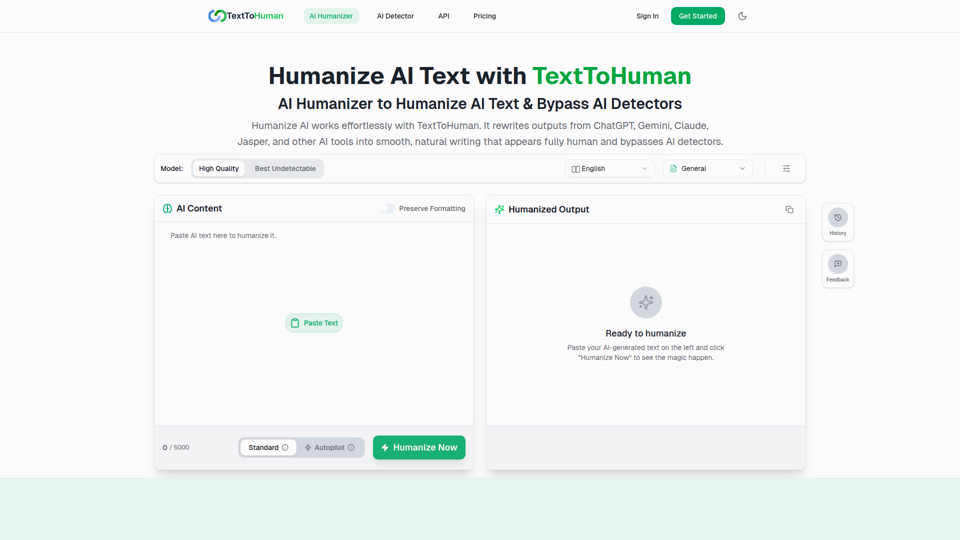
TextToHuman is a free web-based AI humanizer that rewrites AI-generated text into more natural, human-like writing for content creators, marketers, students, and professionals using tools like ChatGPT, Gemini, and Claude. For writers and marketing teams, it can speed up editing AI drafts while helping preserve tone, clarity, formatting, and SEO keywords across multilingual content.
ThinkInPublic — Publish your ChatGPT thoughts as blog posts
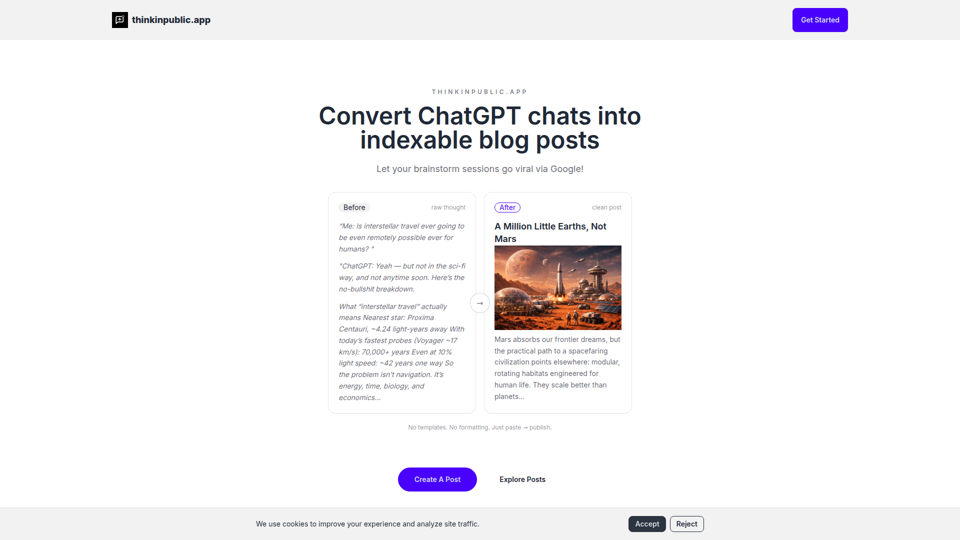
ThinkInPublic is a publishing tool that turns ChatGPT conversations, notes, and rough drafts into structured, indexable blog posts with public, unlisted, or private visibility, mainly for people who think a lot but do not want to spend time polishing essays. For founders, independent writers, and knowledge workers, it can shorten the path from AI-assisted thinking to searchable public content that supports ongoing expertise-building.
Moonbeam - Never write from scratch again.
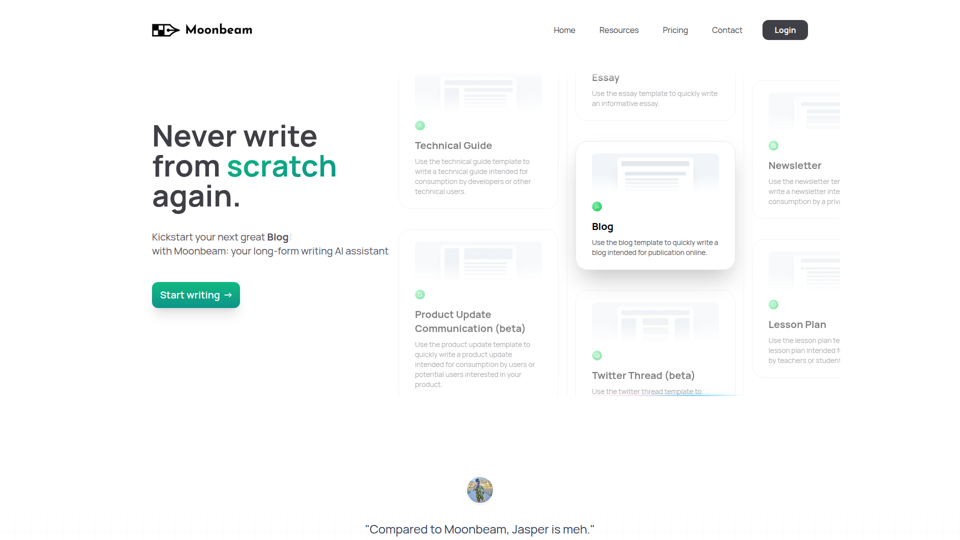
Moonbeam is an AI long-form writing assistant that helps users turn notes or prompts into outlines, drafts, and edits for blogs, essays, guides, newsletters, and similar content, mainly for writers, marketers, educators, and technical content creators. In AI-assisted content workflows, it can help these professionals speed up first drafts and structure development while keeping collaboration and revision inside one editor.

GhostPen - The Invisible Ink for AI Writing | Bypass Turnitin & GPTZero
GhostPen is an AI text humanizer that rewrites AI-generated drafts to read more like human writing and reduce detection by tools such as Turnitin, GPTZero, and Originality.ai, mainly for students and writers. For academic writing, freelance content, and similar text-heavy roles, it can help refine syntax and tone while preserving the original meaning of AI-assisted drafts.
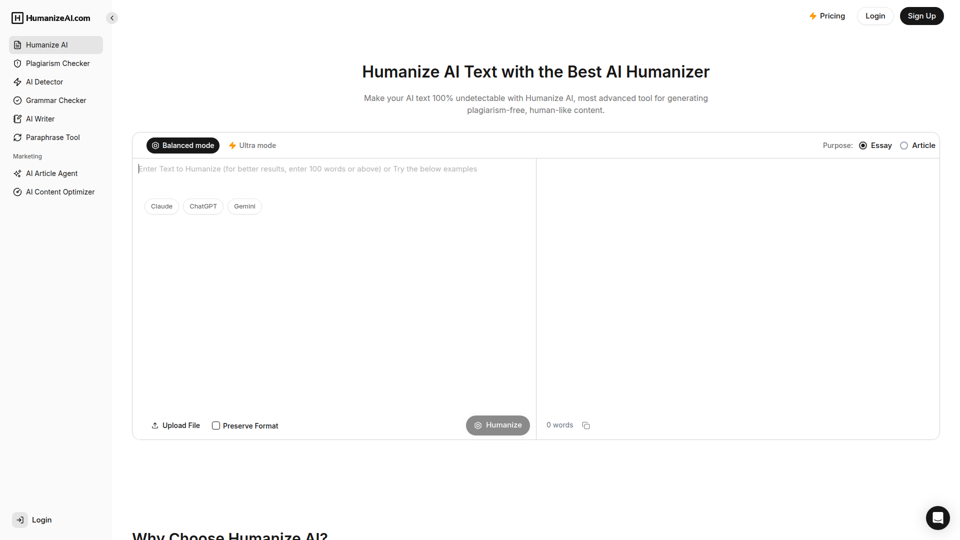
Humanize AI - Free AI Humanizer to Bypass AI Detectors
Humanize AI is a text rewriting tool that helps users turn AI-generated writing into more natural-sounding text and check it with related tools like AI detection, plagiarism, grammar, and paraphrasing, mainly for students, writers, marketers, and SEO professionals. In AI-assisted writing workflows, it can help content and academic teams quickly refine drafts for readability and tone before publication or submission.
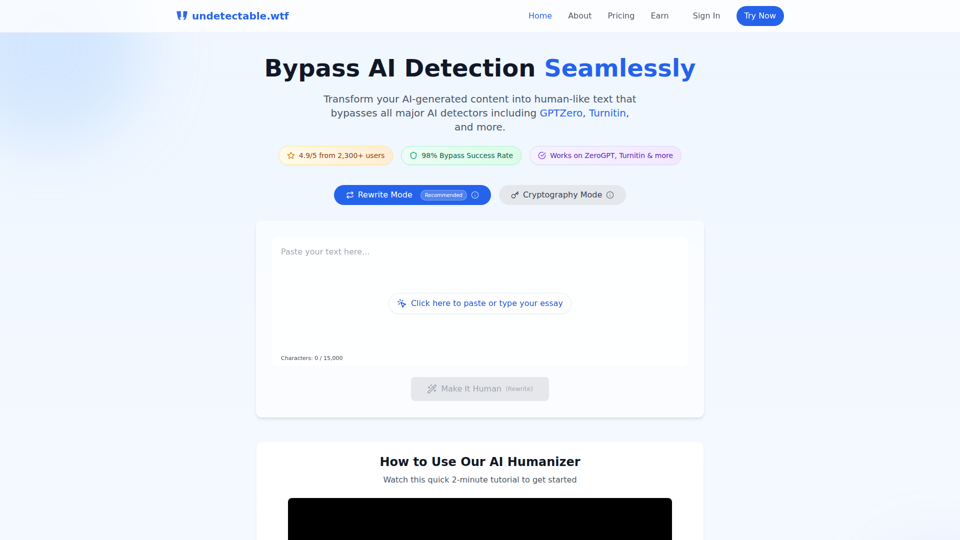
Undetectable AI: Bypass GPTZero & Turnitin Free | 98% Success Rate | Undetectable.wtf
Undetectable AI is an AI text humanizer that helps users rewrite AI-generated writing or alter it through a cryptography mode to reduce detection by tools like GPTZero and Turnitin, mainly for students and other people submitting written work. For students, researchers, and content writers, it reflects a growing need to adapt AI-assisted drafts so they read more naturally and align better with human review and detector-based screening.
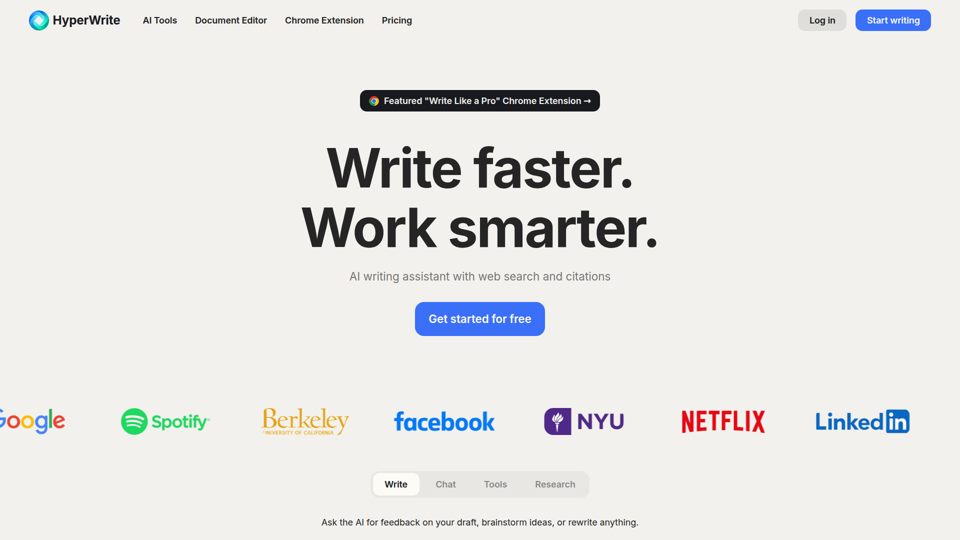
HyperWrite | AI Writing Assistant
HyperWrite is an AI writing assistant and document editor with chat, web research, citations, sentence completions, and many writing tools that help professionals and students draft, rewrite, summarize, and respond faster. For writers, marketers, researchers, and email-heavy roles, it can reduce routine drafting and research time while keeping work more context-aware and citation-supported.
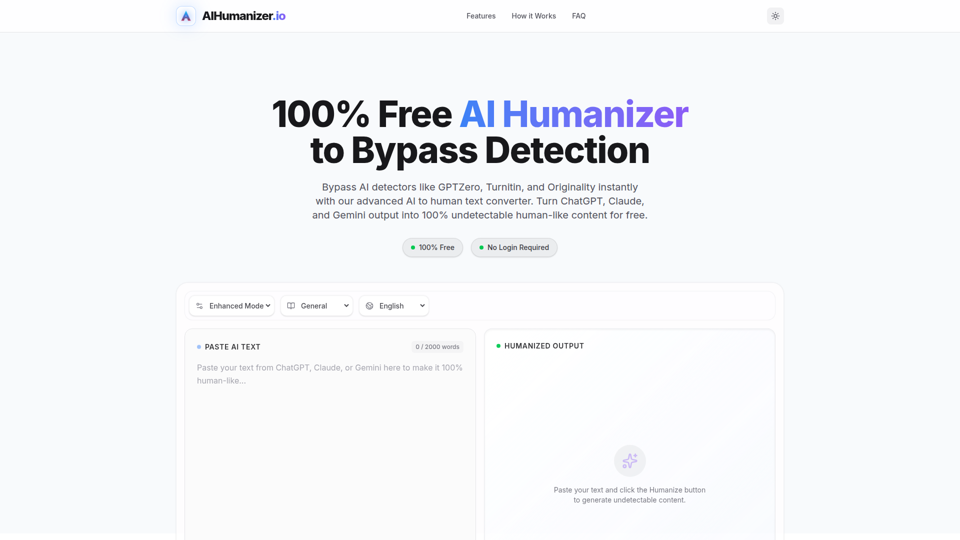
AI Humanizer: Best Free Tool to Humanize AI Text
AIHumanizer.io is a free AI text humanizer that rewrites AI-generated writing to sound more natural and human-like, mainly for students, marketers, and bloggers who want to reduce AI-detection signals. In AI-assisted writing workflows, it can help content and academic writing roles quickly refine draft tone and sentence variation while keeping the original meaning more intact.