
Wispr Flow | Effortless Voice Dictation
Rate this Tool
Average Score
Total Votes
Select your score (1-10):
Detail Information
What
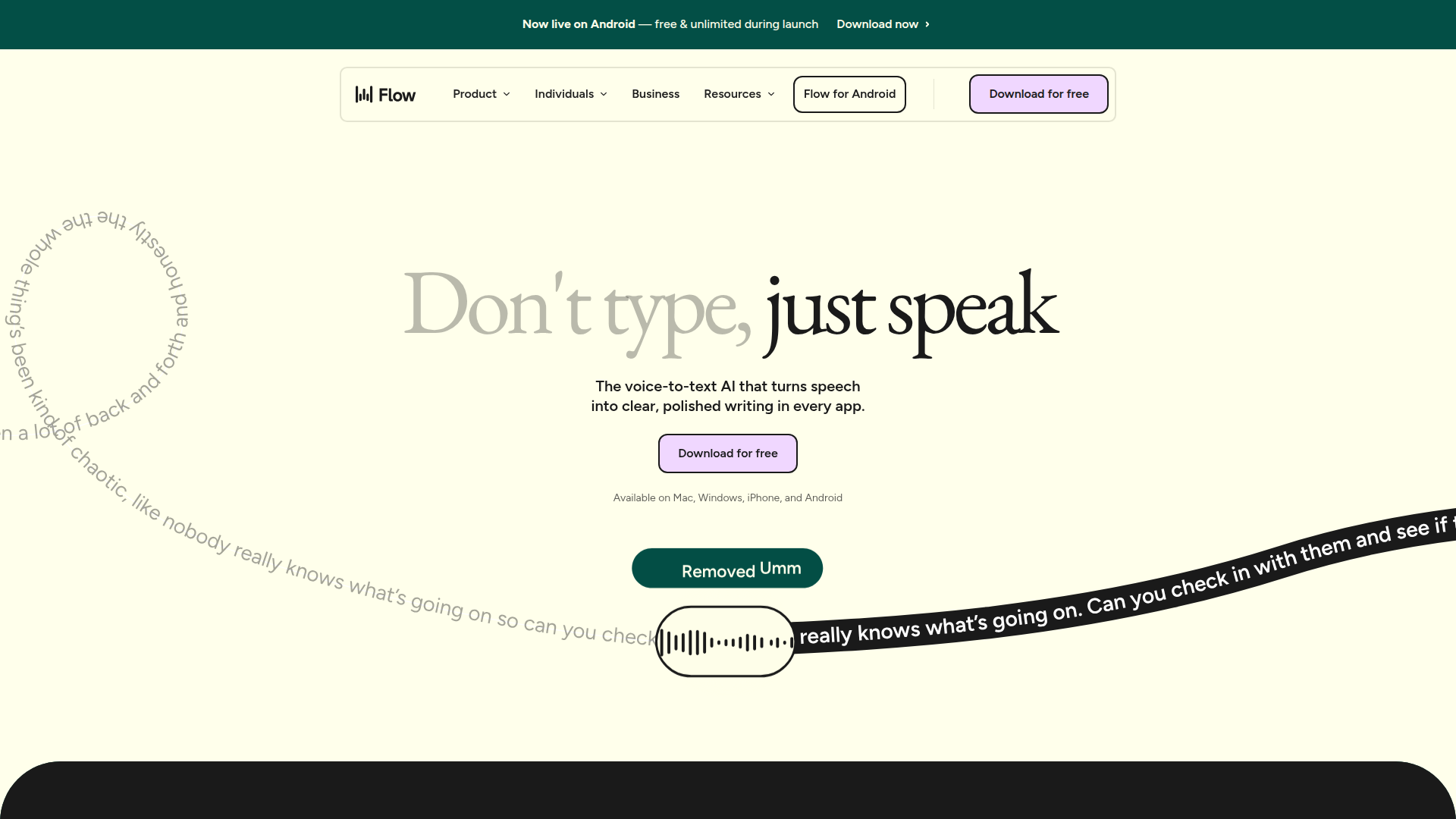
Wispr Flow is an AI voice dictation product that converts spoken input into clear, polished text across apps and devices. Based on the page, it is designed for people who want to write, reply, document, or draft faster by speaking naturally instead of typing.
The product appears positioned as a cross-platform voice-to-text layer for everyday professional and personal writing, with use cases for teams, developers, creators, sales, support, students, lawyers, leaders, and accessibility needs. Its core workflow is simple: speak in any app, let Flow transcribe and clean up the output, and use synced preferences such as vocabulary and formatting across supported devices.
Features
- Cross-app dictation: Flow works in apps on Mac, Windows, iPhone, and Android, which makes it useful for writing and replying without switching tools.
- AI auto-edits: The product transcribes and edits spoken input into more structured, polished text, helping remove filler words, typos, and messy phrasing.
- Personal dictionary: Flow learns user-specific names and terminology, which can improve accuracy for repeated proper nouns, industry terms, and custom vocabulary.
- Snippet library with voice shortcuts: Users can create spoken cues that expand into full formatted text, which is practical for repetitive replies, links, FAQs, and standard messaging.
- App-aware tone adjustment: Flow says it adjusts tone based on the application being used, which may help users keep writing style appropriate across contexts.
- Multilingual transcription: Automatic detection and transcription across 100+ languages supports users who work across languages or switch between them frequently.
Helpful Tips
- Evaluate Flow primarily on real daily workflows such as email, chat, notes, CRM updates, coding comments, or drafting, since its value depends on how often voice can replace keyboard input in your environment.
- Test the personal dictionary early with names, product terms, client vocabulary, and acronyms to get the best results from ongoing dictation.
- For teams, define approved snippets for common responses and internal language so output stays consistent across support, sales, or operations work.
- If you operate in legal, healthcare, or enterprise settings, validate plan-specific security and compliance details directly, because the page mentions HIPAA readiness or eligibility and SOC 2 Type II only in certain contexts.
- Consider user adoption factors such as shared offices, mobile use, accessibility needs, and comfort with speaking aloud, since voice-first tools work best when the environment supports them.
OpenClaw Skills
Within the OpenClaw ecosystem, Wispr Flow could likely serve as a voice-input layer for agent-driven work. A practical skill could capture dictated notes from meetings, calls, case work, or customer conversations and route them into structured downstream workflows such as summaries, task creation, CRM updates, ticket drafting, or knowledge base entries. The source page does not confirm a native OpenClaw integration, so this is best understood as a likely workflow design rather than a documented product feature.
OpenClaw agents built around Flow could be especially useful for professions already highlighted on the page: developers dictating commit context or refactor intent, support teams producing faster replies, sales teams capturing follow-ups after meetings, lawyers drafting notes in the field, and students turning spoken ideas into organized study material. Combined with agent orchestration, this kind of voice-to-structured-text workflow could reduce manual documentation overhead and make spoken intent a more usable input for operational systems.
Embed Code
Share this AI tool on your website or blog by copying and pasting the code below. The embedded widget will automatically update with the latest information.
<iframe src="https://aimyflow.com/ai/wisprflow-ai/embed" width="100%" height="400" frameborder="0"></iframe>
Explore Similar Tools
Free AI Photo Editor: Edit & Generate Image Online | Pokecut
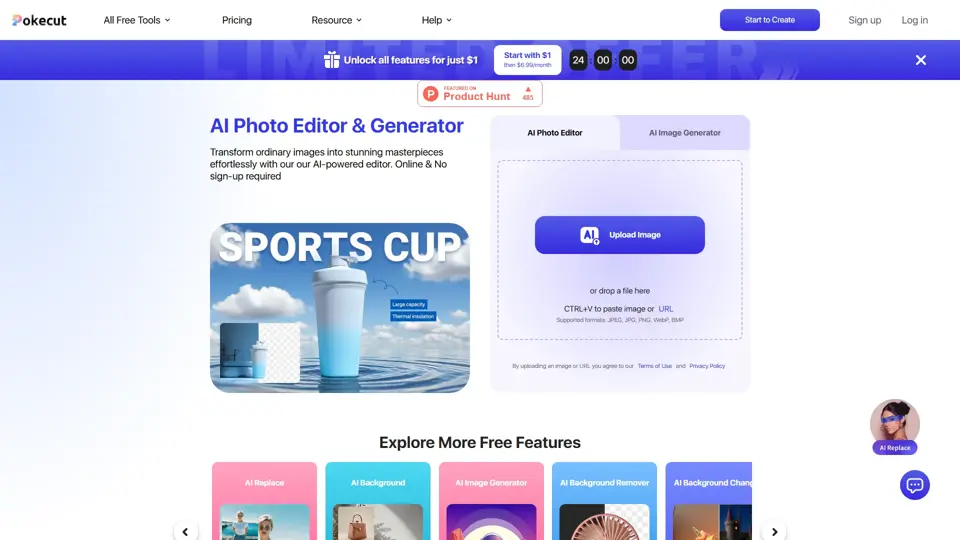
Pokecut is an AI photo editor that helps users remove backgrounds, enhance images, and generate visuals online, mainly for ecommerce sellers, marketers, and creators who need quick design-ready assets. It speeds up routine image production so visual teams can create polished content with less manual editing.
Roboflow: Computer vision tools for developers and enterprises
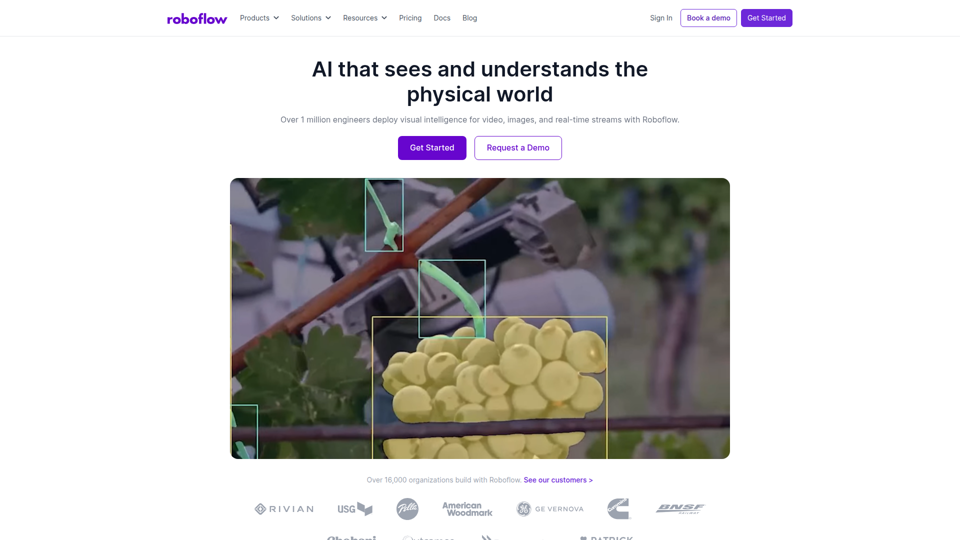
Roboflow is a computer vision platform that helps developers, machine learning engineers, and enterprises annotate data, train models, build workflows, and deploy vision AI for images, video, and real-time streams. In AI-driven operations, it can help computer vision and ML teams move faster from prototype to production by combining data labeling, model training, and deployment in one workflow.

Seedance 2.0
Seedance 2.0 is ByteDance's AI video generation model designed to create high-quality videos from prompts and multimodal inputs, mainly for creators, developers, and media teams. In the AI era, it helps visual content roles turn ideas into production-ready motion assets with far less manual editing effort.
Struct | Automate your on-call runbook
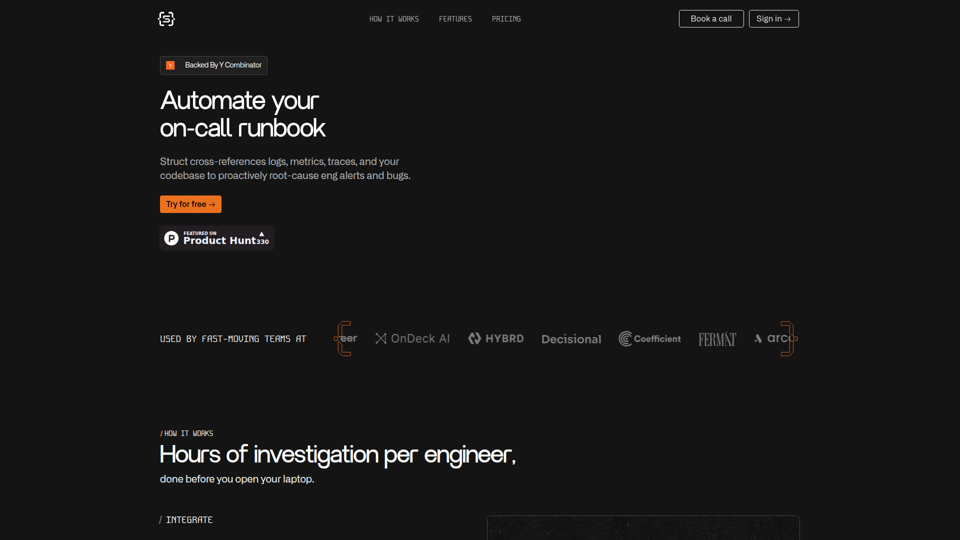
Struct is an AI on-call agent that investigates engineering alerts and bugs by analyzing logs, metrics, traces, and codebases, mainly for software engineers and SRE teams. In the AI era, it helps incident responders shorten triage time by delivering root-cause findings and suggested fixes directly in workflows.
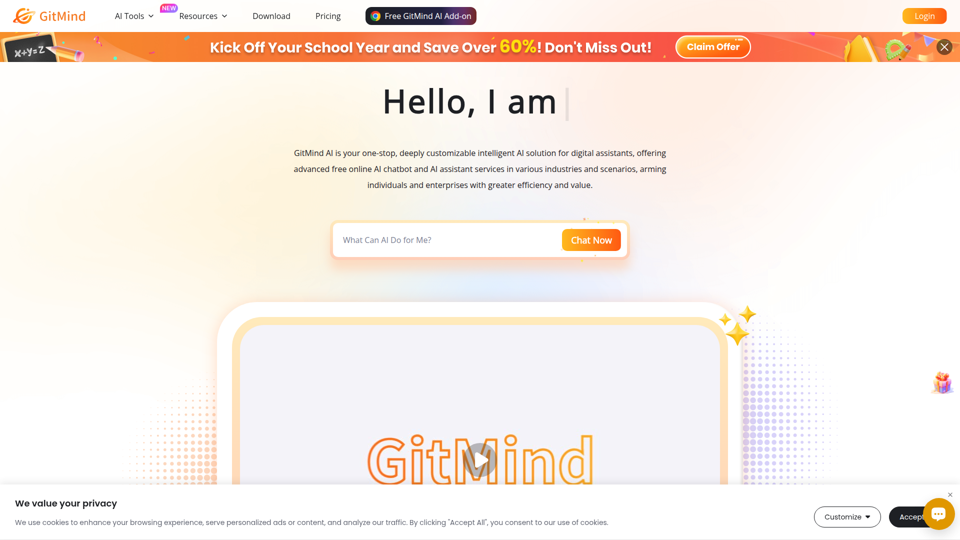
GitMind Chat - Your Best AI Assistant
GitMind Chat is an AI assistant and chatbot platform that helps individuals and enterprises handle conversations, analysis, writing, coding, translation, customer service, and custom AI agent creation through prebuilt or configurable assistants. For roles such as marketers, analysts, support teams, educators, and developers, it can streamline repetitive knowledge work by combining chat, file and link inputs, image analysis, and contextual responses in one workflow.
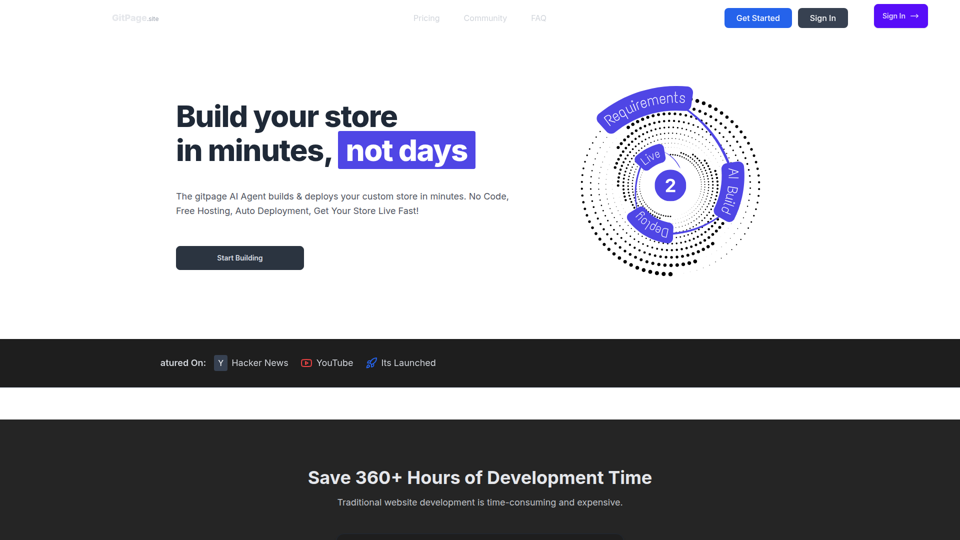
GitPage AI Website Builder | GitPage
GitPage is an AI website builder that generates and deploys websites, online stores, and landing pages from a form, mainly for freelancers, agencies, startups, and businesses that want no-code site creation with code ownership. For web professionals and client-service teams, it can reduce manual setup and content drafting by automating page generation, blog content, and deployment to GitHub or GitLab Pages.

Rohan Mehta
Rohan Mehta is a personal website for a New York–based software engineer at OpenAI, outlining his background at Meta and as a YC-backed startup founder, and highlighting his creator role behind the Subway Time NYC transit app. For software engineers and technical hiring teams, this kind of concise profile helps AI-era talent evaluation by quickly surfacing relevant build, scale, and product experience.
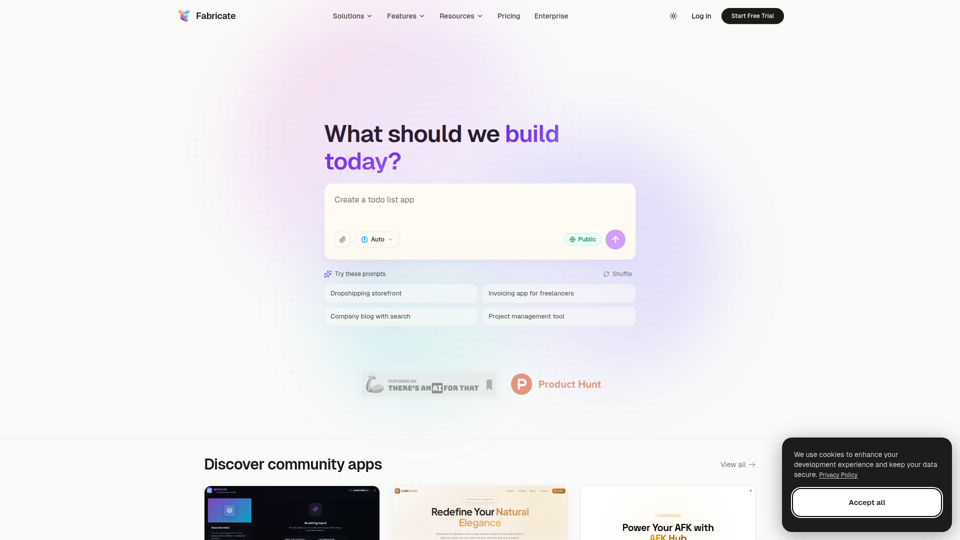
Fabricate - AI Full-Stack App Builder | Build Anything, Ship Faster
Fabricate is an AI full-stack app builder that helps users describe an app idea and generate production-ready web applications, mainly for founders, developers, designers, freelancers, agencies, and enterprises. In AI-assisted product development, it can help these teams move faster from concept to deployable React, TypeScript, and backend code with less manual setup.