
Free AI Text to Video Generator – Create Videos from Text in Seconds
Rate this Tool
Average Score
Total Votes
Select your score (1-10):
Detail Information
What
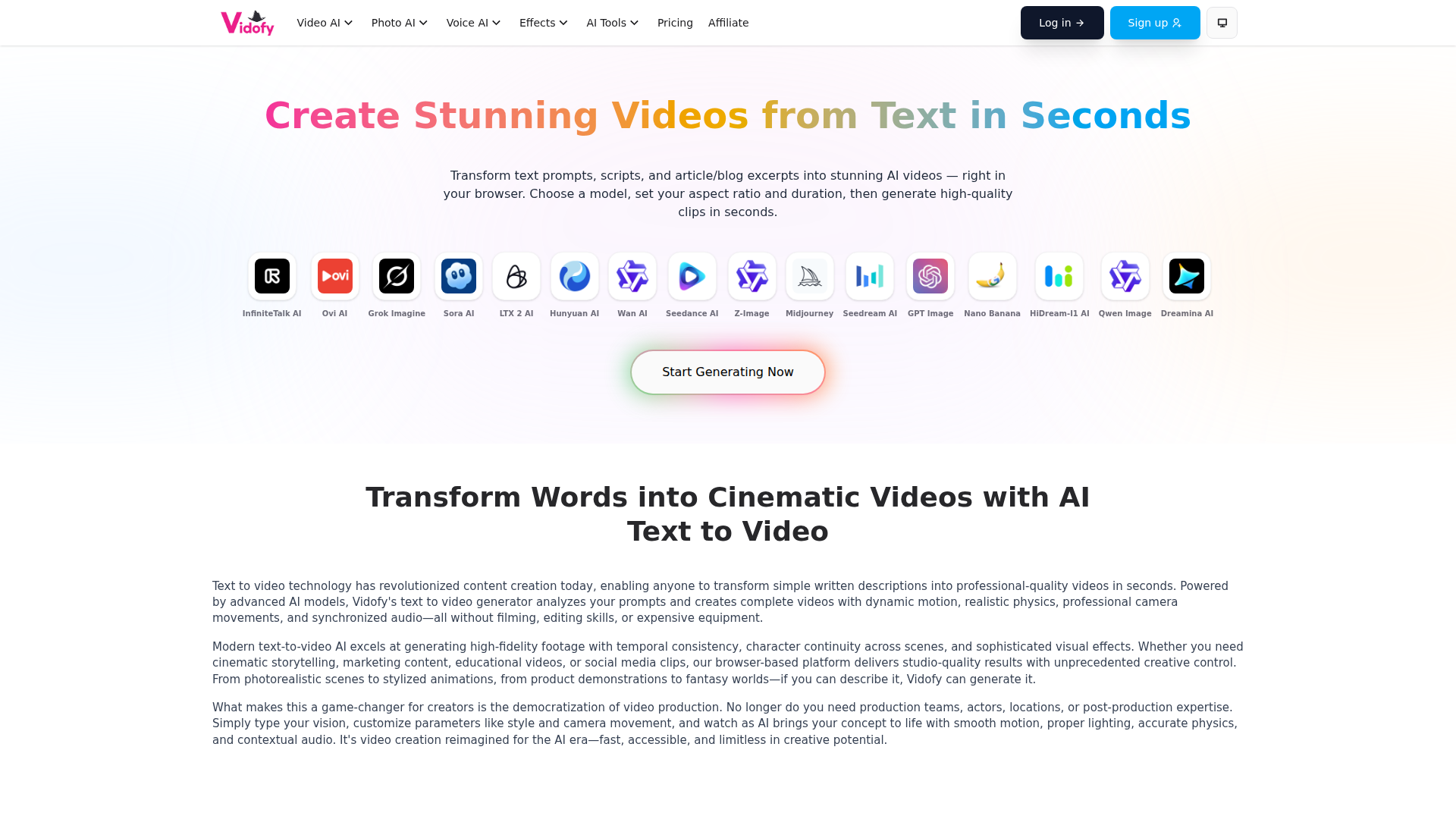
Vidofy is a browser-based AI media creation platform centered on text-to-video generation. It helps users turn text prompts, scripts, and blog or article excerpts into short video clips by selecting a model and setting parameters such as aspect ratio and duration.
The product appears aimed at creators, marketers, educators, and other users who need visual content without traditional filming or editing workflows. Based on the page, its positioning is a multi-model AI generation workspace that combines video, image, voice, effects, and editing-style tools in one interface.
Features
- Text-to-video generation lets users create video clips from written prompts, scripts, or article excerpts, reducing the need for filming and manual editing.
- Multiple AI video workflows include image-to-video, reference-to-video, video-to-video, lip sync, and AI video effects, giving users several ways to generate or transform motion content.
- Model choice across supported video and image models allows users to pick from a broad set of named AI models, which is useful when testing different visual styles or generation behaviors.
- Image generation and transformation tools support text-to-image, image-to-image, photo effects, and editing functions such as background removal, upscaling, unblurring, and restoration.
- Voice AI capabilities include text-to-speech and voice cloning, which can support narration or custom audio workflows where appropriate.
- Prompt-based cinematic controls are described as supporting style and camera language in prompts, helping users specify shot types, motion, and visual tone more precisely.
Helpful Tips
- Plan around short clips first: the page itself suggests breaking longer content into multiple 8–15 second segments, which is a practical way to maintain control over pacing and consistency.
- Test several models on the same prompt: since many models are listed, evaluation should focus on which one best matches your quality, style, and motion requirements for a specific use case.
- Write prompts with production detail: include subject, setting, motion, camera direction, lighting, and style cues to improve output relevance and reduce regeneration cycles.
- Treat audio support as model-dependent: the page says generations can include optional audio depending on the selected model, so teams should verify this in their target workflow rather than assuming it is universal.
- Use adjacent image and effects tools for iteration: for brand or campaign work, it may be useful to prototype visuals in image tools first, then move into video generation for faster refinement.
OpenClaw Skills
Within the OpenClaw ecosystem, Vidofy would likely fit well as a generative media engine for content operations. Likely skill patterns include an agent that converts blog posts into storyboarded short clips, a campaign assistant that turns product messaging into multiple prompt variations, or a creative ops workflow that routes briefs through image generation, video generation, and voice narration steps.
For media teams, e-commerce groups, and marketing organizations, this combination could shift video production from a manual studio process to a repeatable prompt-driven pipeline. If native integration is not explicitly provided, a likely use case would be OpenClaw agents that collect source text, break it into scene prompts, select suitable generation modes, and organize outputs for review, making AI video creation easier to operationalize at team scale.
Embed Code
Share this AI tool on your website or blog by copying and pasting the code below. The embedded widget will automatically update with the latest information.
<iframe src="https://aimyflow.com/ai/vidofy-ai-en-text-to-video/embed" width="100%" height="400" frameborder="0"></iframe>
Explore Similar Tools
AI Motion Transfer - Animate Photos with Video Reference
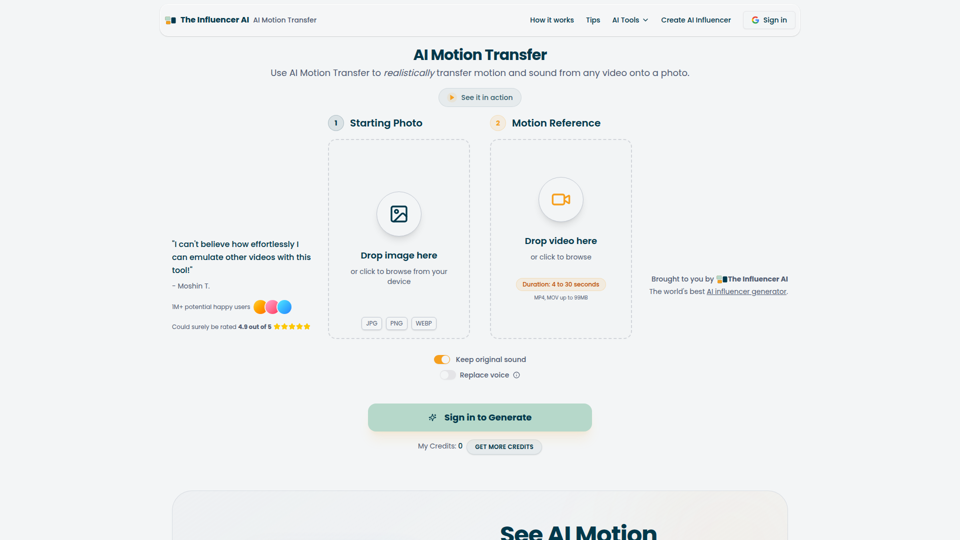
AI Motion Transfer is an AI tool from The Influencer AI that transfers motion and optionally sound from a reference video onto a photo, helping creators, marketers, and social content teams turn static character images into animated videos. For social media, e-commerce, and creative production roles, it can speed up creation of realistic character videos and reduce the need for manual filming or complex prompt writing.
AI Thumbnail Maker for YouTube Creators | Thumbspot AI
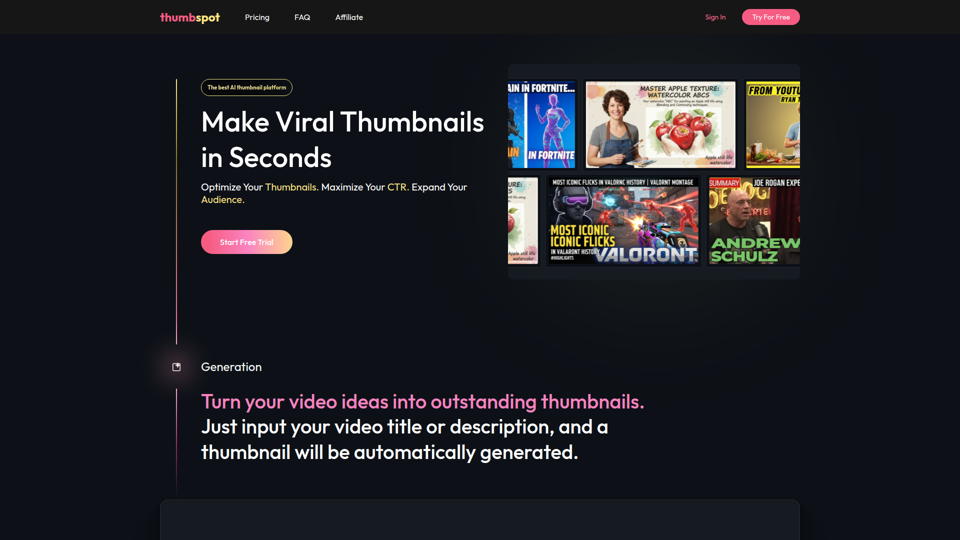
Thumbspot AI is an AI thumbnail maker that helps YouTube creators generate, edit, recreate, and personalize video thumbnails with templates, face swaps, and AI personas. For content creators and channel managers, it can speed thumbnail testing and iteration so creative decisions align more closely with audience click behavior.
2pr | AI LinkedIn Post Generator – Create Engaging Content in 1 Minute
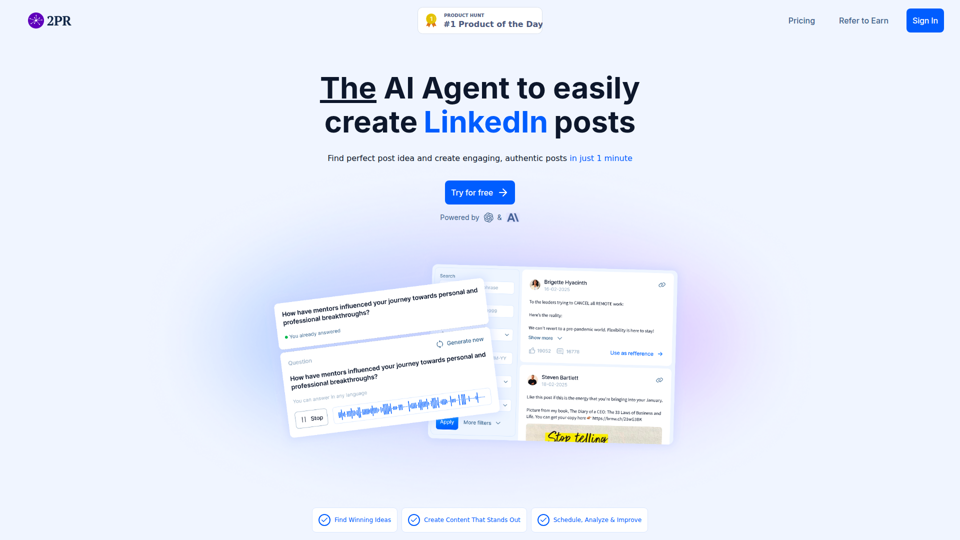
2pr is an AI LinkedIn post generator and content workflow tool that helps users find post ideas, write authentic LinkedIn posts, create carousels, and schedule and analyze content, mainly for founders, B2B sales and marketing teams, bloggers, and job seekers. For professionals building a personal brand on LinkedIn, it can streamline ideation and drafting while using profile-based guidance to keep posts aligned with their expertise and positioning.
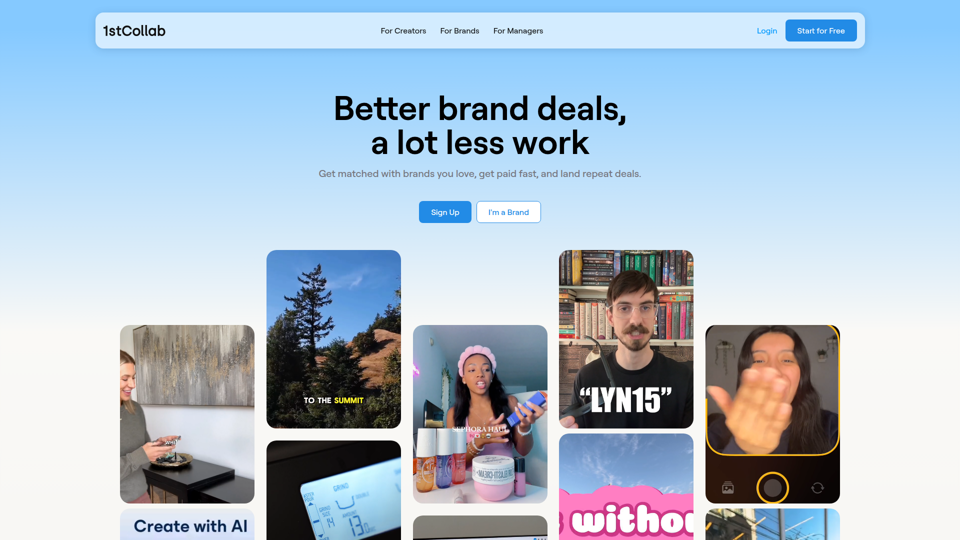
1stCollab - The AI-Powered Influencer Marketplace
1stCollab is an AI-powered influencer marketplace that helps creators find matched brand partnerships, apply quickly, maintain an auto-updating media kit, and get paid faster, with creators as its main audience. For influencer marketers, creator managers, and social media teams, this kind of automation can reduce manual outreach and admin work while keeping campaign data and creator profiles current.
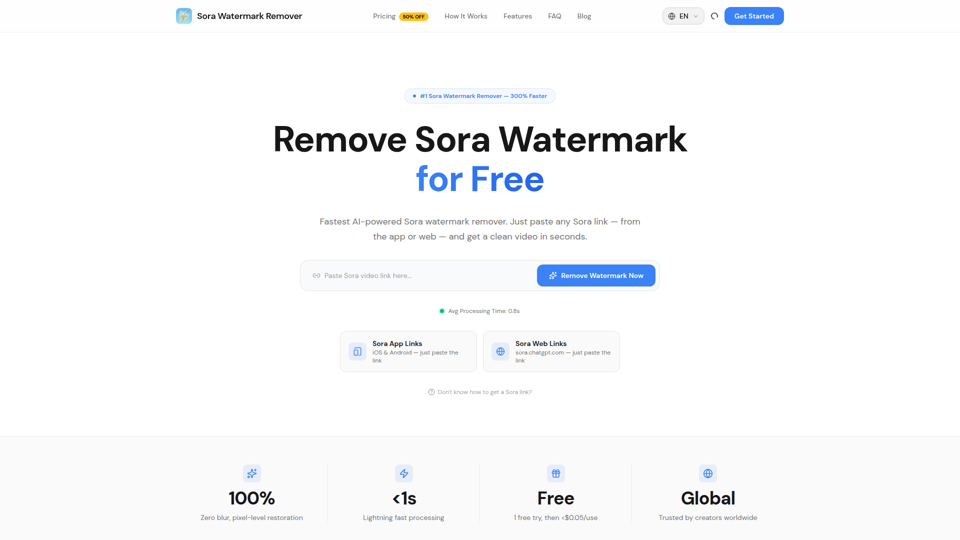
Sora Watermark Remover — Remove Sora Watermarks Free
Sora Watermark Remover is an AI tool that removes watermarks from Sora-generated videos by pasting a Sora app or web link, mainly for creators who need clean MP4 downloads without uploading files. For content creators and social media editors, this can speed reuse and publishing of AI-generated video assets while reducing manual post-production steps.
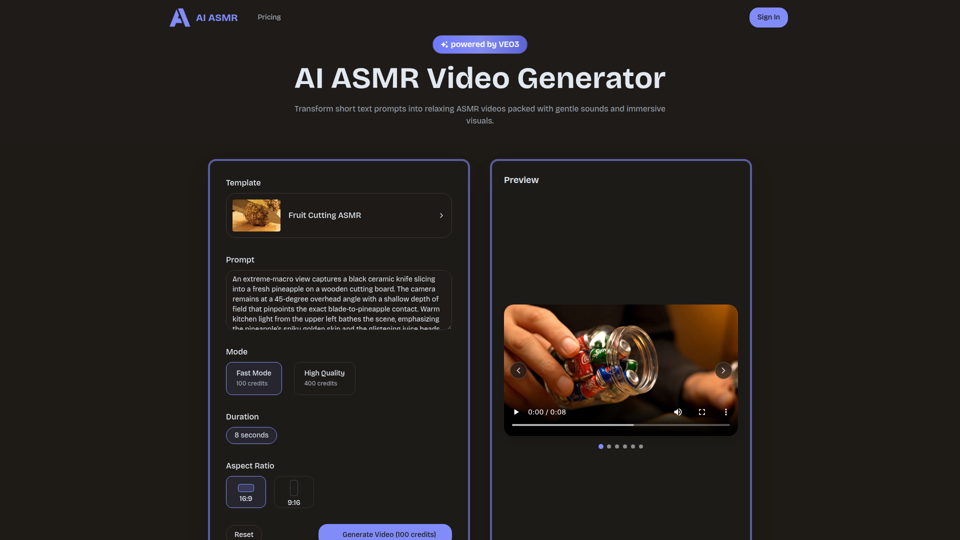
AI ASMR | Create VEO3 Relaxation Videos Online
AI ASMR is an AI video generator that turns short text prompts into relaxation-focused ASMR videos with generated audio and visuals, mainly for content creators who want to make calming clips without studio equipment. For social media creators, editors, and creative teams, it can speed up concept testing and consistent production of niche relaxation content from simple prompts.
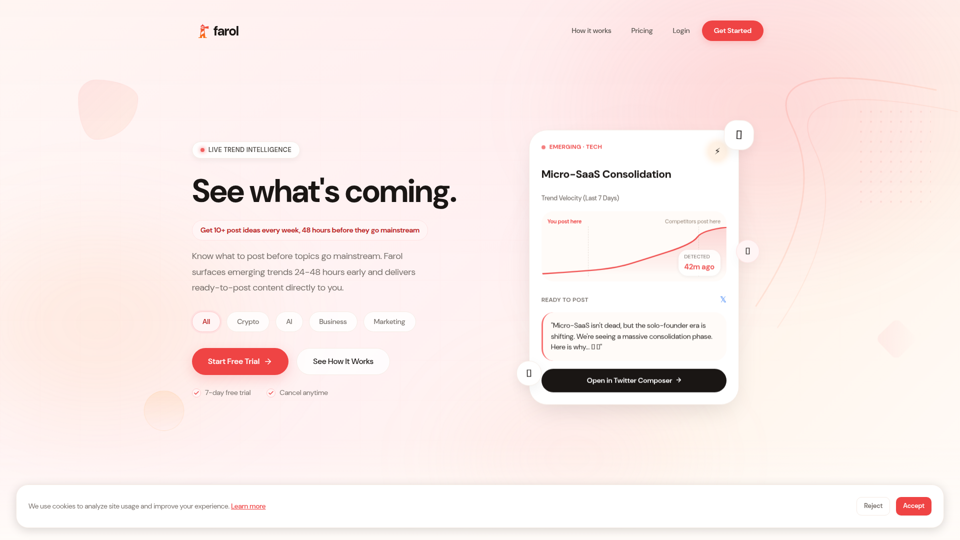
Farol — See What's Coming
Farol is an AI trend intelligence tool that helps content creators, founders, newsletter writers, and marketing professionals spot emerging topics 24–48 hours early and turn them into ready-to-post social content. For professionals who rely on timely publishing, it can reduce research time and improve content timing by delivering niche-specific trend alerts with draft posts.
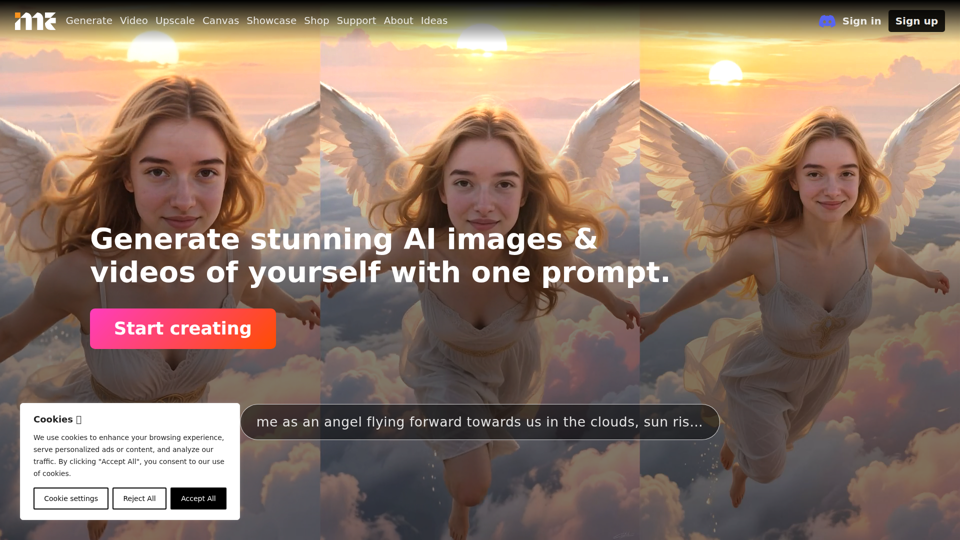
ImagineMe - Personal AI Art Generator
ImagineMe is a personal AI art generator that trains a private model on a user’s photos so individuals can create images and videos of themselves from text prompts. For creators, designers, and social media professionals, it can speed up personalized visual concepting and content production without requiring traditional illustration or photo editing workflows.