
AI Bikini Video Generator - Create Stunning Swimsuit Videos | VidFlux
Rate this Tool
Average Score
Total Votes
Select your score (1-10):
Detail Information
What
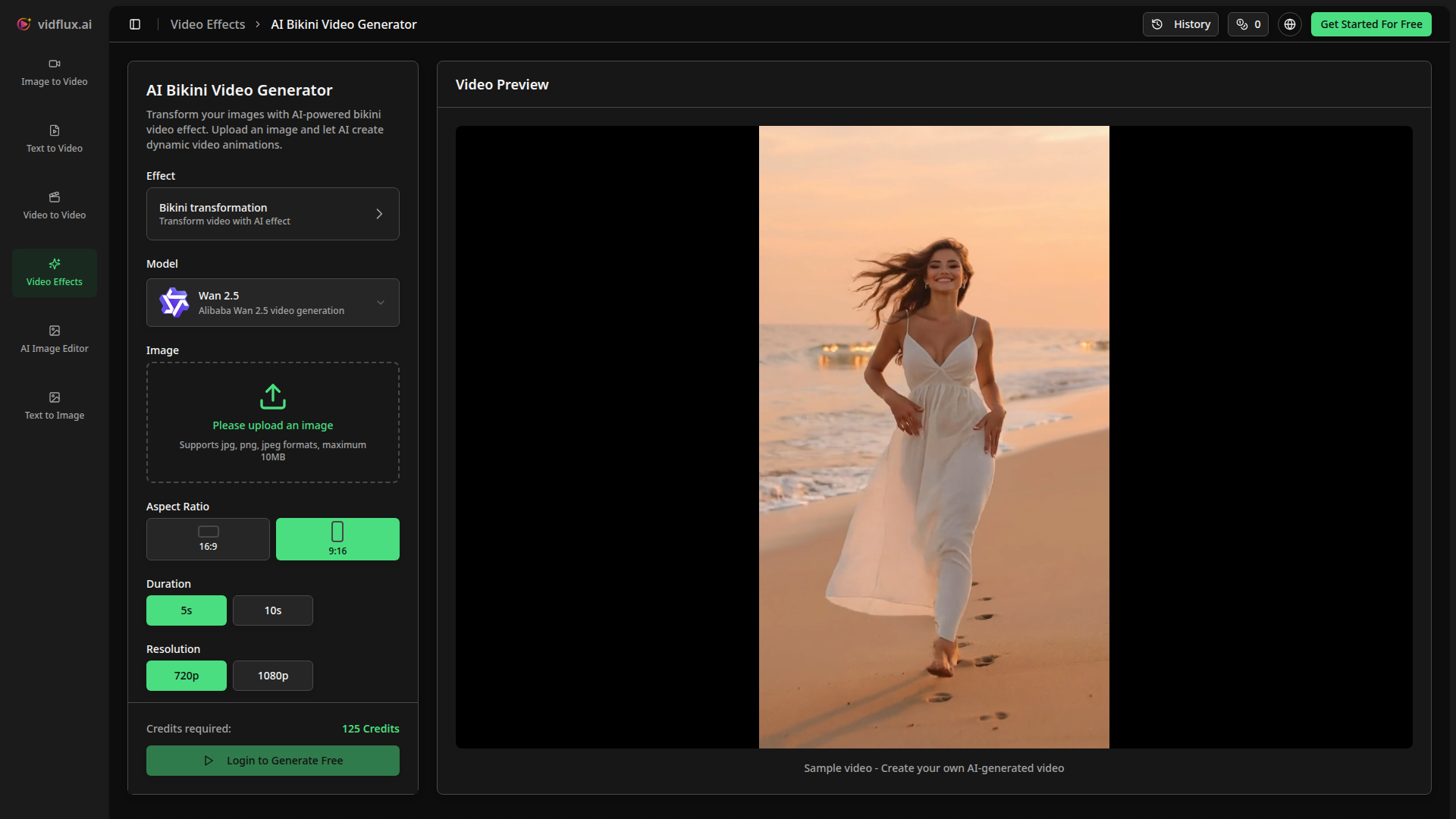
VidFlux’s AI Bikini Video Generator is a niche AI video effect tool that turns a single uploaded image into a short animated video with a bikini-themed visual transformation. Based on the page, it supports JPG, PNG, and JPEG uploads up to 10MB, offers 5- or 10-second outputs, 16:9 or 9:16 aspect ratios, and 720p or 1080p resolution options, using the Wan 2.5 video generation model.
The product appears aimed at creators, influencers, social media users, and brands that want fast stylized video content without manual editing. Its core workflow is simple: upload a full- or half-body photo, let the AI apply the effect and animate it, then preview and download the result. Positioning-wise, it looks like a lightweight self-serve creative tool within a broader AI image and video generation platform.
Features
- Image-to-video bikini effect generation: Converts a single photo into a short animated video with a predefined bikini transformation effect for stylized social content.
- Adjustable output settings: Users can choose aspect ratio, duration, and resolution, which helps tailor outputs for different viewing formats and content needs.
- Cloud-based AI processing: The page states processing happens securely in the cloud, reducing the need for local editing software or hardware.
- Photo-guided style matching: The tool claims to automatically match colors, patterns, and cuts to the uploaded photo to make the generated result look more natural.
- High-definition export options: 720p and 1080p output settings provide basic quality control for sharing and repurposing generated clips.
- Simple three-step workflow: Upload, process, and download reduces complexity for non-editors and makes rapid content creation easier.
Helpful Tips
- Check content suitability and brand risk first: Because this is a highly specific appearance-altering effect, teams should evaluate whether it fits their audience, platform standards, and internal brand guidelines.
- Use clear, well-lit source images: The page itself indicates full- or half-body photos with centered framing and good lighting produce better results.
- Test multiple output formats for channel fit: Vertical 9:16 is likely better for short-form social platforms, while 16:9 may be more suitable for embeds or landscape placements.
- Validate privacy handling for sensitive images: The site says processing is secure and cloud-based, but organizations should still review privacy terms and data handling policies before operational use.
- Treat realism claims conservatively in production planning: The page emphasizes realistic motion and lighting, but actual quality should be tested with representative inputs before relying on it for campaigns.
OpenClaw Skills
Within the OpenClaw ecosystem, this product could likely support content-ops workflows built around promptless media transformation, variant generation, and asset routing. An OpenClaw skill could ingest approved source images, select VidFlux effect settings by channel, generate multiple video variants, and then tag outputs by campaign, format, or audience. If no native integration is stated, this should be treated as a likely automation pattern rather than a confirmed capability.
More broadly, OpenClaw agents could sit around this tool to enforce approval logic, moderation checks, file naming standards, and publishing workflows for creator teams or social media operations. In practice, that could shift work for marketers and creative coordinators from manual editing toward governed experimentation: one agent prepares inputs, another evaluates policy fit, and another organizes outputs for scheduling or review. For industries handling consumer-facing visual content, that combination could make niche effect generation faster to test while keeping oversight centralized.
Embed Code
Share this AI tool on your website or blog by copying and pasting the code below. The embedded widget will automatically update with the latest information.
<iframe src="https://aimyflow.com/ai/vidflux-ai-video-effect-ai-bikini-video-generator/embed" width="100%" height="400" frameborder="0"></iframe>
Explore Similar Tools
AI Motion Transfer - Animate Photos with Video Reference
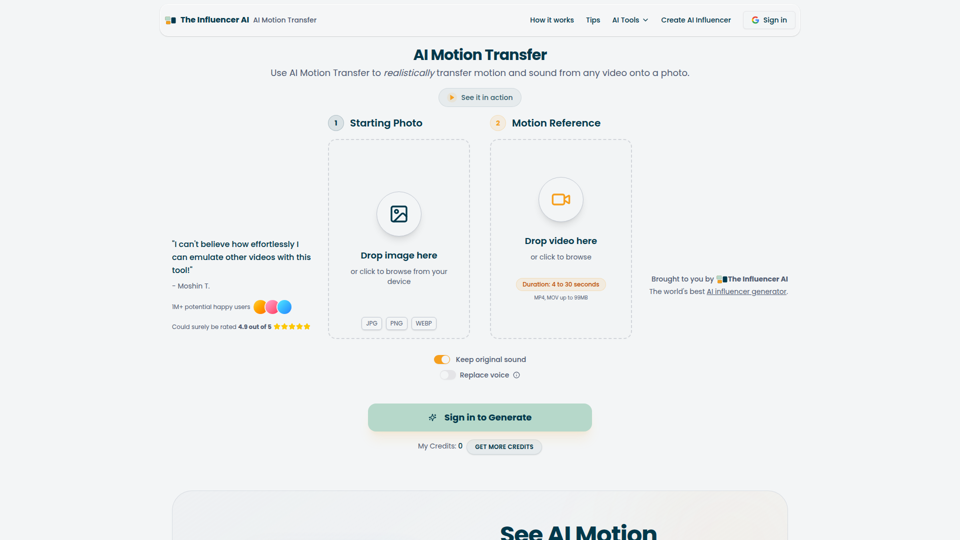
AI Motion Transfer is an AI tool from The Influencer AI that transfers motion and optionally sound from a reference video onto a photo, helping creators, marketers, and social content teams turn static character images into animated videos. For social media, e-commerce, and creative production roles, it can speed up creation of realistic character videos and reduce the need for manual filming or complex prompt writing.
AI Thumbnail Maker for YouTube Creators | Thumbspot AI
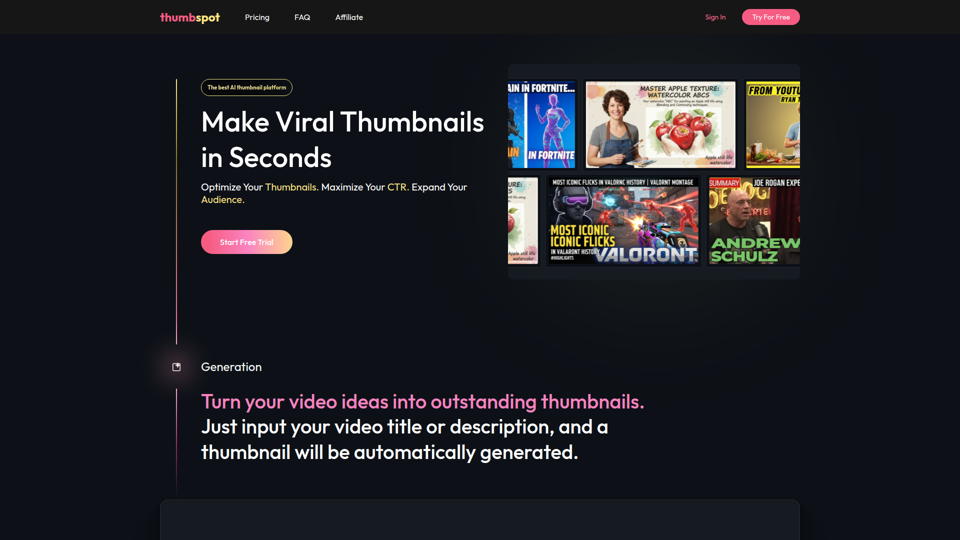
Thumbspot AI is an AI thumbnail maker that helps YouTube creators generate, edit, recreate, and personalize video thumbnails with templates, face swaps, and AI personas. For content creators and channel managers, it can speed thumbnail testing and iteration so creative decisions align more closely with audience click behavior.

2pr | AI LinkedIn Post Generator – Create Engaging Content in 1 Minute
2pr is an AI LinkedIn post generator and content workflow tool that helps users find post ideas, write authentic LinkedIn posts, create carousels, and schedule and analyze content, mainly for founders, B2B sales and marketing teams, bloggers, and job seekers. For professionals building a personal brand on LinkedIn, it can streamline ideation and drafting while using profile-based guidance to keep posts aligned with their expertise and positioning.
1stCollab - The AI-Powered Influencer Marketplace
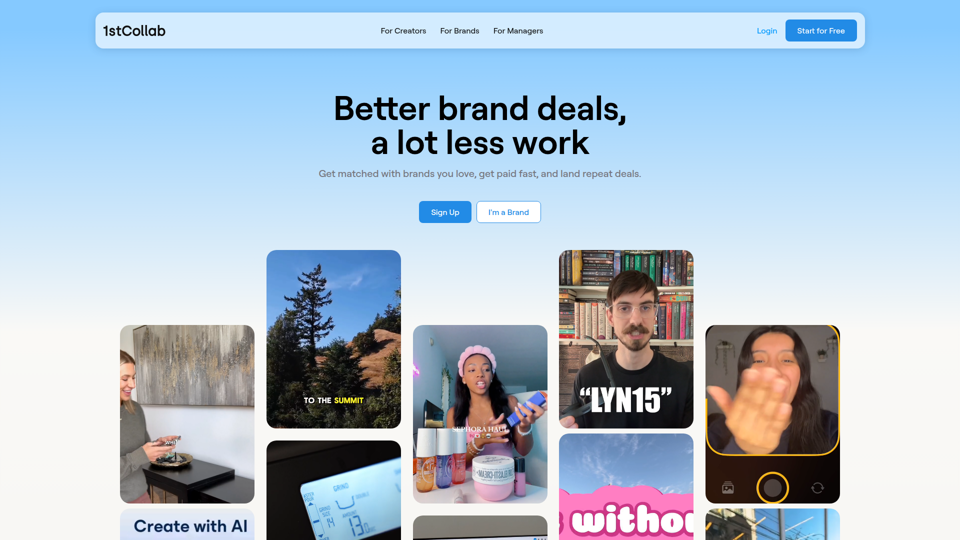
1stCollab is an AI-powered influencer marketplace that helps creators find matched brand partnerships, apply quickly, maintain an auto-updating media kit, and get paid faster, with creators as its main audience. For influencer marketers, creator managers, and social media teams, this kind of automation can reduce manual outreach and admin work while keeping campaign data and creator profiles current.
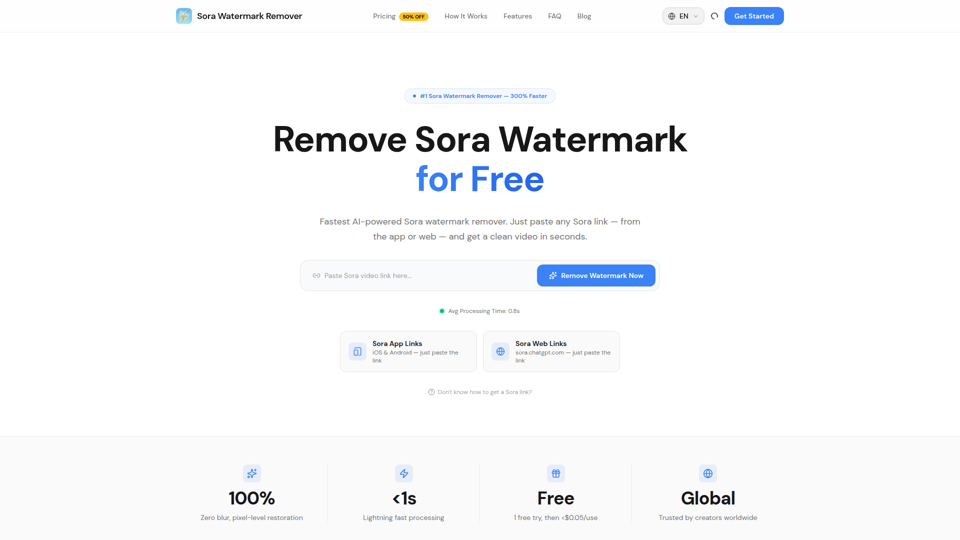
Sora Watermark Remover — Remove Sora Watermarks Free
Sora Watermark Remover is an AI tool that removes watermarks from Sora-generated videos by pasting a Sora app or web link, mainly for creators who need clean MP4 downloads without uploading files. For content creators and social media editors, this can speed reuse and publishing of AI-generated video assets while reducing manual post-production steps.
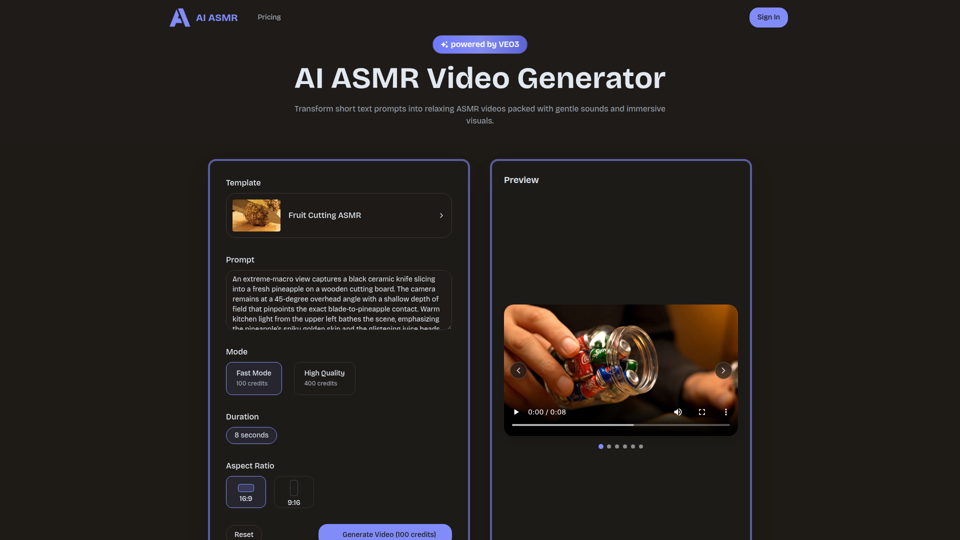
AI ASMR | Create VEO3 Relaxation Videos Online
AI ASMR is an AI video generator that turns short text prompts into relaxation-focused ASMR videos with generated audio and visuals, mainly for content creators who want to make calming clips without studio equipment. For social media creators, editors, and creative teams, it can speed up concept testing and consistent production of niche relaxation content from simple prompts.
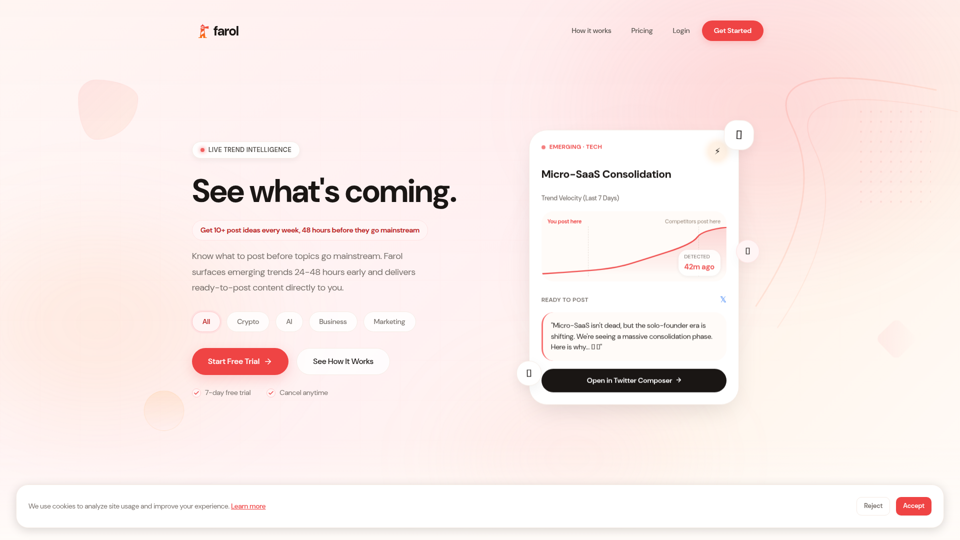
Farol — See What's Coming
Farol is an AI trend intelligence tool that helps content creators, founders, newsletter writers, and marketing professionals spot emerging topics 24–48 hours early and turn them into ready-to-post social content. For professionals who rely on timely publishing, it can reduce research time and improve content timing by delivering niche-specific trend alerts with draft posts.
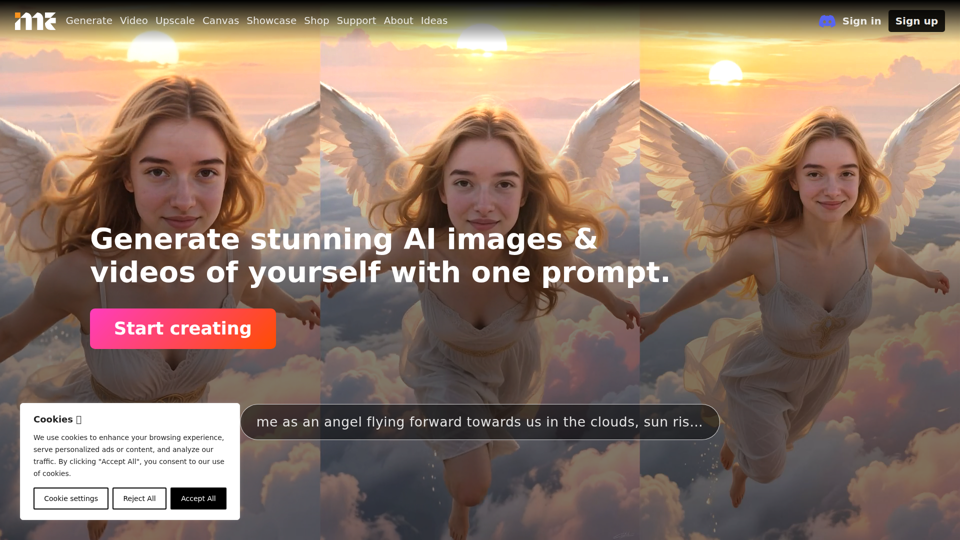
ImagineMe - Personal AI Art Generator
ImagineMe is a personal AI art generator that trains a private model on a user’s photos so individuals can create images and videos of themselves from text prompts. For creators, designers, and social media professionals, it can speed up personalized visual concepting and content production without requiring traditional illustration or photo editing workflows.