
Scrollsequence – Building in Public
Rate this Tool
Average Score
Total Votes
Select your score (1-10):
Detail Information
What
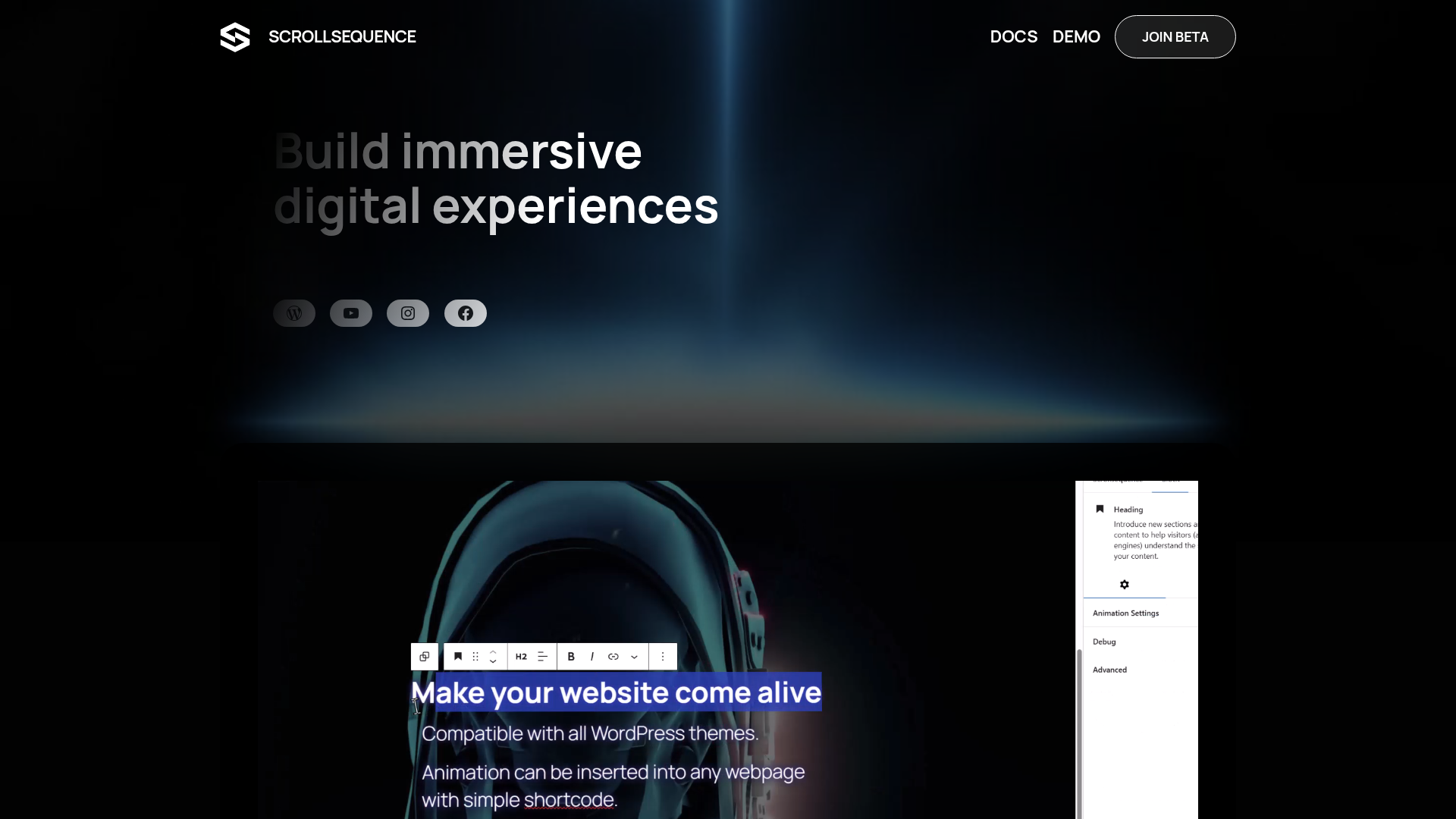
Scrollsequence is a WordPress plugin for building scroll-driven, immersive web experiences. It appears designed for site owners, marketers, designers, and content teams who want to turn static pages into interactive visual stories inside WordPress.
The core workflow centers on making the scrollbar act as a timeline, so motion is synced to user scrolling. Based on the page, the product is positioned as a next-generation version of Scrollsequence focused on animation creation, AI-assisted media generation, and direct editing inside the Gutenberg editor, with beta access currently emphasized.
Features
- Scroll-synced animation engine: Decodes video frame by frame and ties playback to scroll speed, giving visitors direct control over how motion unfolds on the page.
- Spatial motion analysis: Analyzes 3D depth and movement so HTML content can align with elements in motion, which can help text and overlays stay visually connected to video scenes.
- AI-assisted animation generation: Creates scroll-based animations from existing assets or simple prompts, reducing the need for traditional design-tool workflows.
- Support for multiple animation types: Works with 2D, 3D, and vector animations, making it suitable for varied storytelling and product-presentation formats.
- In-editor workflow for WordPress: Lets users animate sequences, blocks, or full sections directly in Gutenberg, which can simplify iteration and reduce asset handoff friction.
- Media and 3D tooling in beta: The beta plan references media tools, generated media, and Spline 3D integration, indicating broader creative workflow support, though detailed implementation is not described on the page.
Helpful Tips
- Evaluate fit by content model: This type of tool is most useful for editorial storytelling, product showcases, campaign pages, and launch content rather than text-heavy utility pages.
- Start with a single high-impact sequence: Teams typically adopt scroll-based motion more smoothly when they begin with one section or one page before redesigning an entire site experience.
- Check workflow alignment with Gutenberg: Since the page highlights direct block editing, confirm that your content team already works comfortably in Gutenberg before standardizing on it.
- Plan AI credit usage carefully: The page states that video generation is relatively expensive in credits, so teams should reserve generation for priority assets during testing.
- Treat beta features as evolving: Because the offering is framed as a beta and “building in public,” buyers should expect feature changes, rough edges, and an active feedback loop rather than a fully stabilized production platform.
OpenClaw Skills
Scrollsequence could likely pair well with OpenClaw for content production and experience orchestration around interactive WordPress pages. Likely use cases include agents that turn campaign briefs into scroll-story outlines, generate structured scene plans for animation blocks, prepare asset prompts for AI media generation, and produce accompanying on-page copy that matches each motion segment. If OpenClaw can interact with CMS workflows, it could also help standardize page assembly, review states, and publishing checklists around Scrollsequence-driven experiences.
In a broader workflow, this combination could help marketing and web teams move from static landing-page production toward modular, story-based digital presentation. Likely OpenClaw skills might include “scroll narrative planner,” “product demo storyboard agent,” “interactive page QA reviewer,” and “creative asset brief generator.” That would be especially relevant for brands, publishers, and product marketers that need repeatable immersive storytelling without relying entirely on specialist motion or 3D teams.
Embed Code
Share this AI tool on your website or blog by copying and pasting the code below. The embedded widget will automatically update with the latest information.
<iframe src="https://aimyflow.com/ai/v2-scrollsequence-com/embed" width="100%" height="400" frameborder="0"></iframe>
Explore Similar Tools
Versive
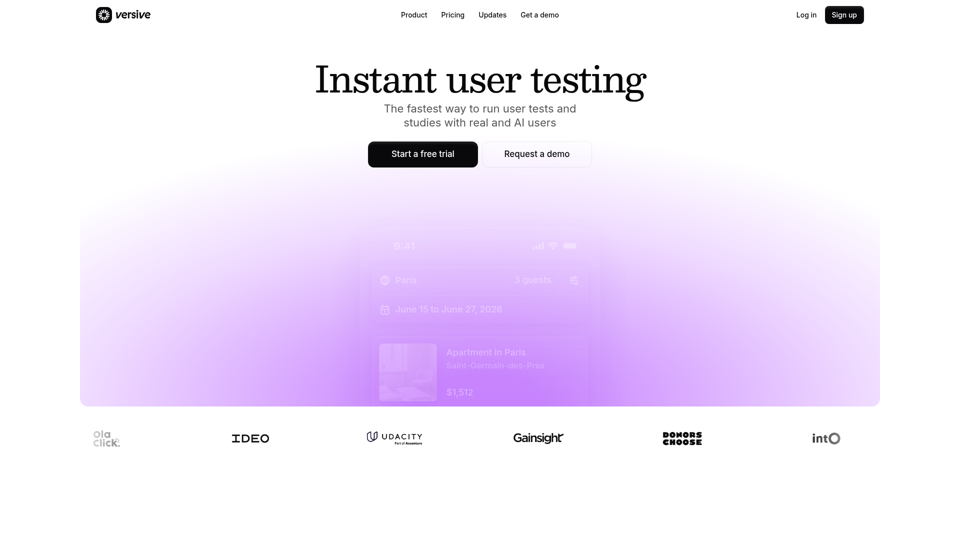
Versive is an AI-powered user research and testing platform that helps product teams design, run, and synthesize usability studies with real and simulated users, especially for product managers, UX researchers, and designers. In AI-assisted product development, it can help these teams validate interface decisions faster by generating transcripts, screenshots, summaries, and actionable recommendations in minutes.
Challenges | Test Your AI Prompting Skills
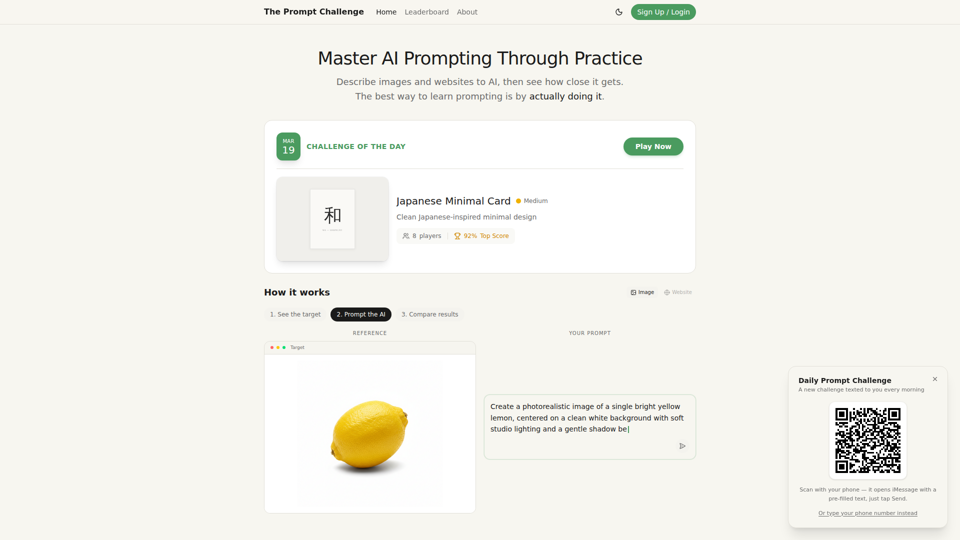
The Prompt Challenge is a practice platform that helps users improve AI prompting by describing images and websites, comparing AI-generated results to references, and competing on scores, mainly for people learning prompt engineering and hands-on AI creation. For designers, developers, and AI practitioners, this kind of repeatable prompt testing can sharpen instruction-writing skills and improve consistency when using generative tools for visual and interface work.
AI Infographic Generator
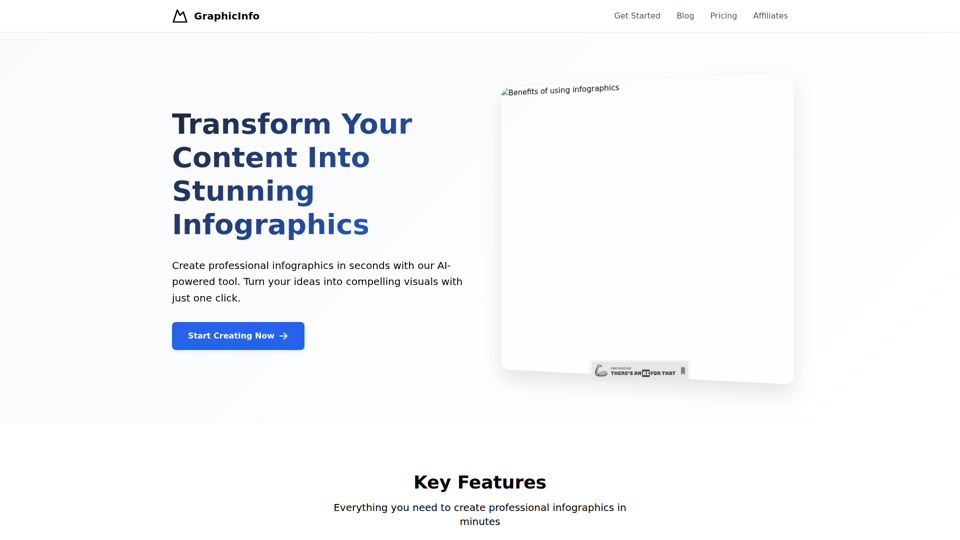
GraphicInfo is an AI infographic generator that helps users turn ideas and content into professional, customizable infographics quickly, mainly for creators and people producing website or social media content. In AI-driven content workflows, it can help marketers, content teams, and designers speed up visual asset creation while still refining text and images for specific brand needs.
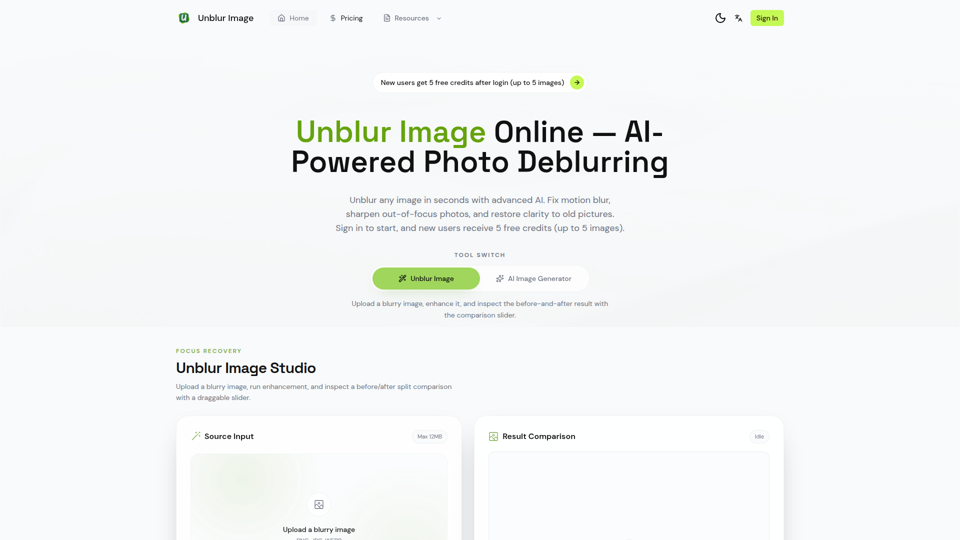
Unblur Image — Make Blurry Photos Clear with AI
Unblur Image is an AI-powered online photo deblurring tool that helps users fix motion blur, sharpen out-of-focus images, restore old photos, and improve text clarity, mainly for people who need quick image enhancement without manual editing skills. In AI-era workflows, it can help photographers, content teams, and document-heavy professionals recover usable visuals and readable assets faster from imperfect source images.
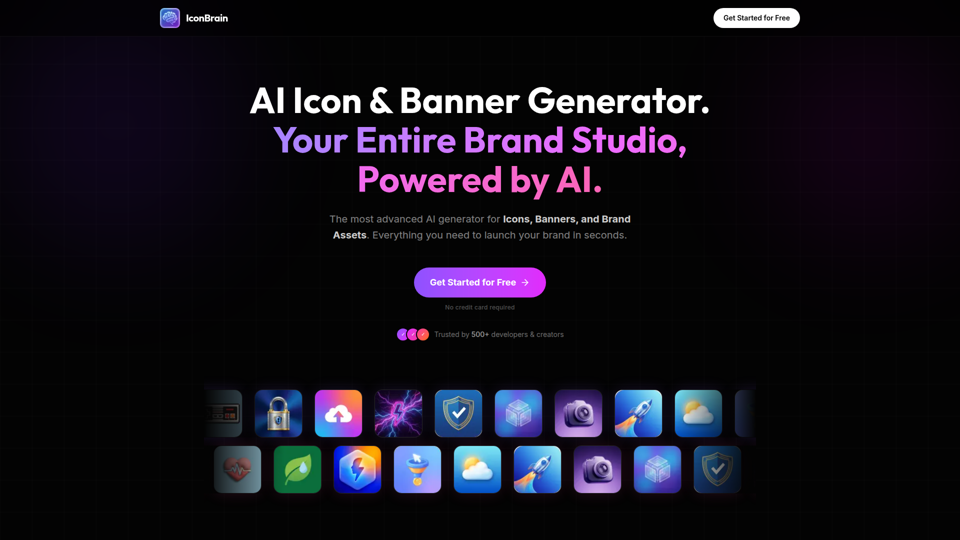
IconBrain | AI Icon Generator for Apps & Brands
IconBrain is an AI icon, banner, and brand asset generator that helps users create and edit production-ready visuals from text prompts or brand context, mainly for developers and creators launching apps or brands. For product, marketing, and design work, it can speed up early brand asset creation while helping teams keep visual styles more consistent across platforms.
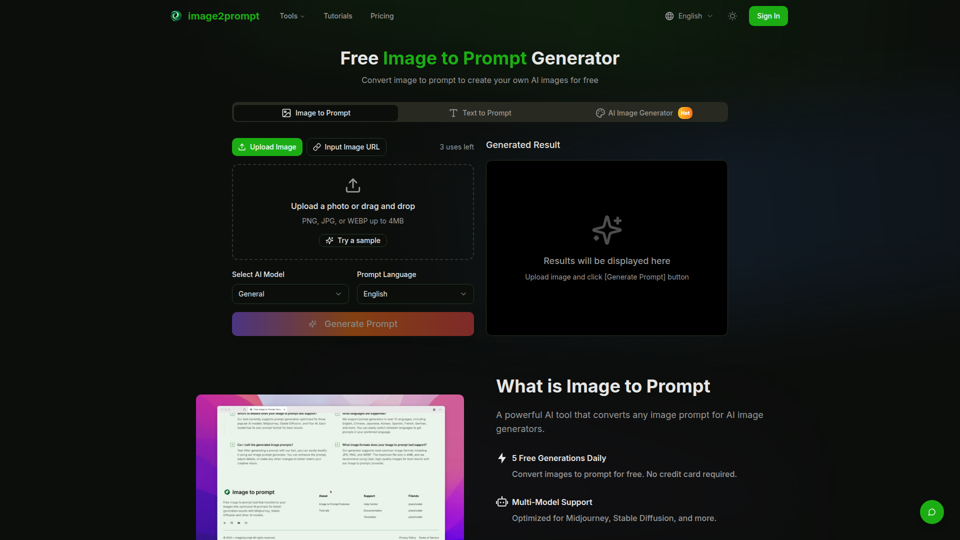
Free Image to Prompt Generator - image2prompt.net
image2prompt.net is a free AI image-to-prompt generator that analyzes uploaded images or image URLs and turns them into editable prompts for Midjourney, Stable Diffusion, Flux, and similar models, mainly for AI artists, designers, and creators. For creative professionals, it can speed prompt drafting, support style consistency, and reduce manual prompt rewriting across different image generation workflows.

UXCanvas.ai | AI UI/UX Design Agent — Describe It, Design It
UXCanvas.ai is an AI UI/UX design agent that helps users turn text prompts into production-ready interface designs, iterate through chat, and export to Figma or React code, mainly for designers and developers. For UI/UX and product teams, it can shorten the path from concept to handoff by turning rough ideas into structured specs, reusable components, and code-ready assets.
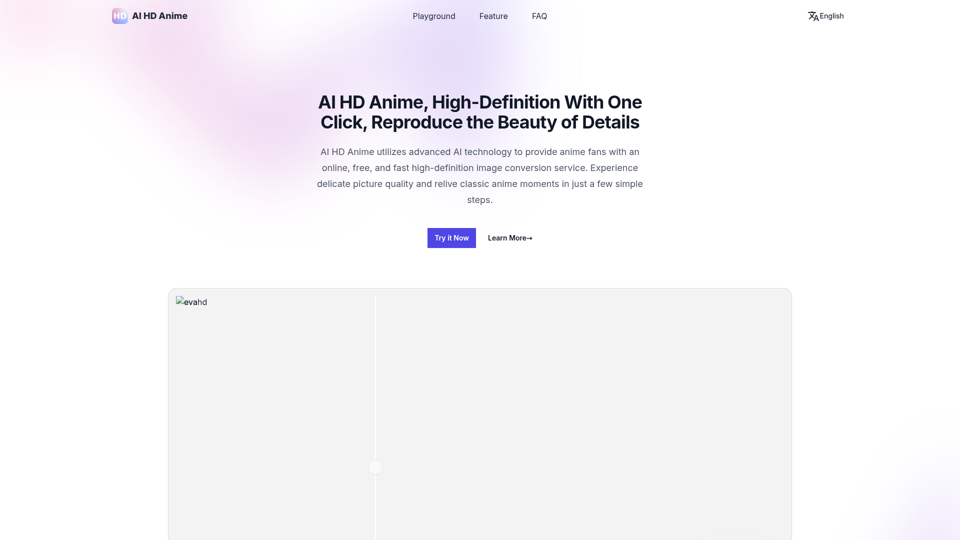
AI HD Anime: Your Ultimate Choice for Upscaling Anime Images
AI HD Anime is a free online AI image upscaling tool that enhances anime and manga images with higher clarity and restored detail, mainly for anime fans. In AI-assisted creative and archival workflows, it can help illustrators, editors, and community curators quickly improve low-resolution anime visuals for review, sharing, or preservation.