
Mesh | Eliminate Manual Accruals Spreadsheets

Rate this Tool
Average Score
Total Votes
Select your score (1-10):
Detail Information
What
Mesh is an accrual automation product for accounting and finance teams that want to reduce manual month-end work. Based on the page, it focuses on vendor accruals and prepaids by replacing spreadsheet-driven reconciliation with rule-based, auditable workflows built from procurement data, invoices, contracts, journal entries, and internal messaging signals.
The product appears positioned for organizations with complex vendor spend, late or inconsistent invoicing, and policy-heavy close processes. Its core workflow is to centralize vendor context, apply user-defined accounting logic consistently, surface only the exceptions that need review, and preserve documentation behind each accrual estimate and adjustment.
Features
- Real-time signal aggregation: Mesh pulls context from procurement systems, shared AP inboxes, contracts, journal entries, Slack, and Teams to help identify vendors and spend that may require accrual treatment.
- Rule-based accrual logic: Teams can define how accruals and prepaids should be calculated once, then apply that logic consistently across periods instead of rebuilding spreadsheet formulas each month.
- Exception-focused review: The system flags missing assumptions, material period-over-period changes, and cases requiring human judgment so reviewers can focus on higher-risk items.
- Auditable calculation trail: Mesh records formulas, supporting evidence, and change history to explain how each number was derived and who updated it.
- Manual override controls: Users can update accrual amounts with a stated reason, which supports controlled adjustments when standard rules do not fit a specific case.
- Versioned rule-set management: The interface shown includes rule history, active/inactive versions, and named logic steps, which can help teams manage policy changes over time.
Helpful Tips
- Verify source-system coverage early: For this type of product, confirm which procurement, AP, and document sources are actually in scope for your environment, since the page shows categories of inputs but not detailed integration coverage.
- Start with a narrow policy set: Initial rollout usually works best when teams encode a small number of common accrual scenarios first, then expand into edge cases after reviewers trust the outputs.
- Define escalation ownership: Because Mesh appears to flag exceptions rather than eliminate judgment entirely, assign clear owners for accounting, procurement, and business-side follow-up.
- Audit the rule logic against current close policy: Before adoption, compare the configured rules with your existing accrual thresholds, service-period assumptions, and override practices to avoid automating inconsistent policies.
- Use overrides sparingly and document reasons: The presence of manual override workflows is useful, but repeated overrides often signal that rules or source data quality need refinement.
Embed Code
Share this AI tool on your website or blog by copying and pasting the code below. The embedded widget will automatically update with the latest information.
<iframe src="https://aimyflow.com/ai/usemesh-com/embed" width="100%" height="400" frameborder="0"></iframe>
Explore Similar Tools
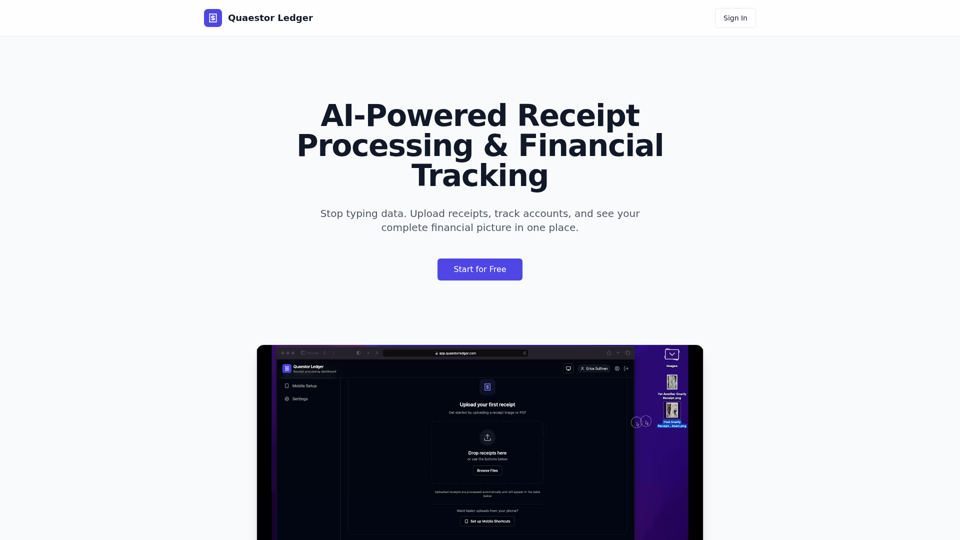
Quaestor Ledger | AI Receipt Processing & Financial Tracking
Quaestor Ledger is an AI receipt processing and financial tracking tool that helps users upload receipts, extract and categorize purchase data, and manage accounts, transactions, and net worth, mainly for people and teams handling personal or business finances. For finance and bookkeeping work, it can reduce manual data entry and make transaction records easier to organize, search, and reconcile.
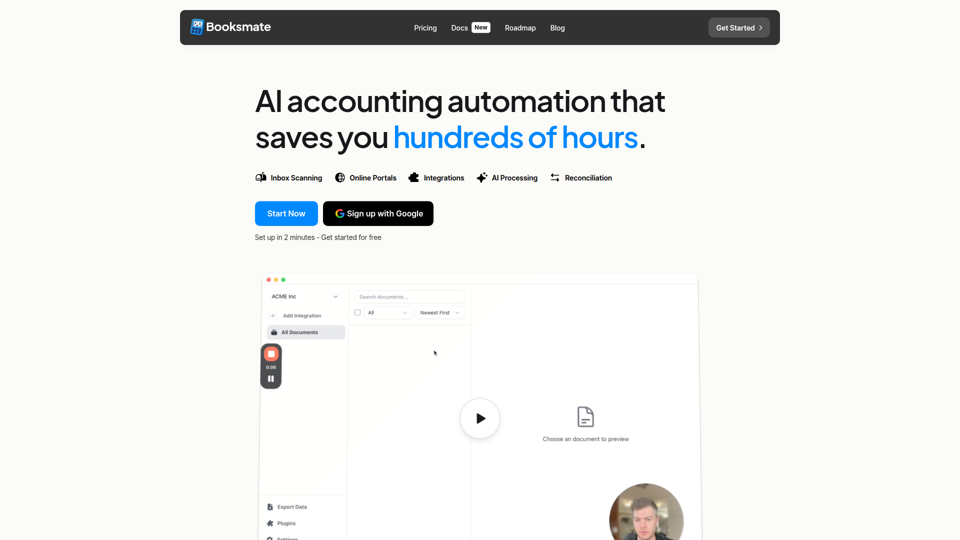
Booksmate - Automated invoice downloads
Booksmate is an AI accounting automation tool that automatically downloads invoices and receipts from email inboxes and 200+ online portals, extracts the data, and prepares exports to accounting software for bookkeepers, finance teams, and small businesses. For accounting and operations professionals, it can reduce manual document collection and data entry so they can focus more on reconciliation, review, and exception handling.
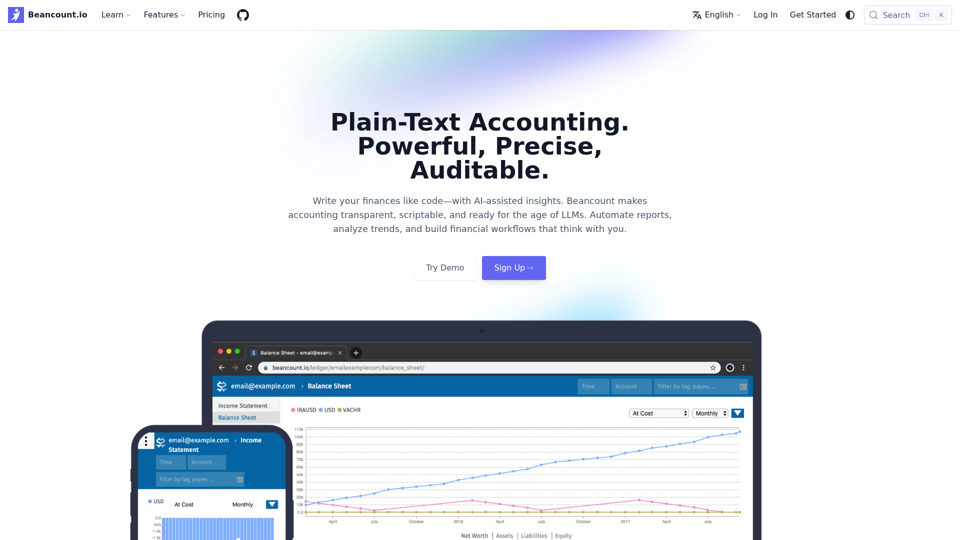
Beancount.io Plain-Text Accounting. Powerful, Precise, Auditable. - Beancount.io
Beancount.io is a plain-text accounting platform that helps users write, automate, and audit financial records with scriptable workflows and AI-assisted insights, mainly for developers, accountants, and finance teams. In AI-enabled finance work, its transparent, version-controlled ledger can help bookkeeping and reporting professionals improve traceability, automate routine categorization, and analyze trends without relying on opaque systems.
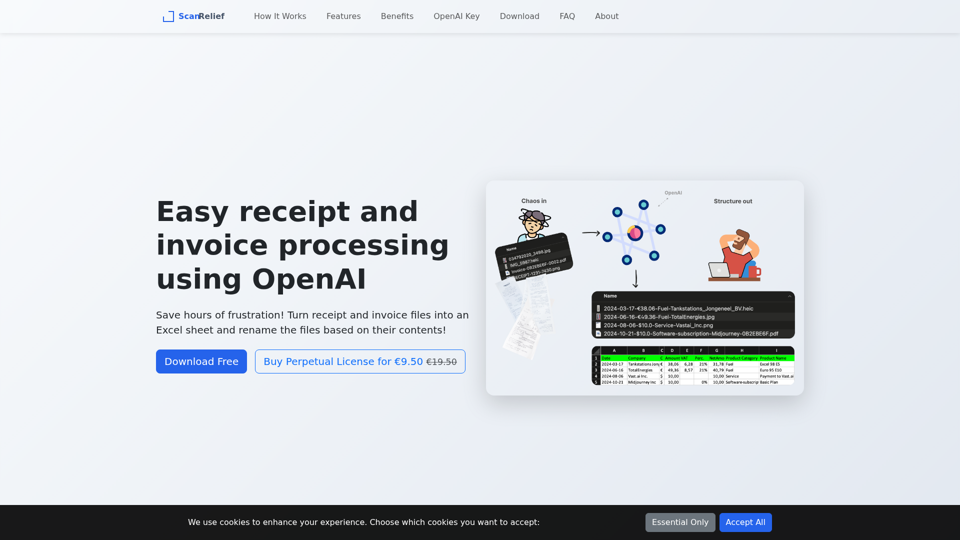
ScanRelief - Receipts to Excel Conversion Made Easy
ScanRelief is a Windows and Mac desktop tool that uses OpenAI to process receipts and invoices, rename files from their contents, and generate Excel reports, mainly for people handling bookkeeping, expense tracking, or tax records. For accountants, bookkeepers, and finance admins, this AI-assisted extraction and file standardization can reduce manual sorting and make receipt matching, retrieval, and audit preparation more efficient.
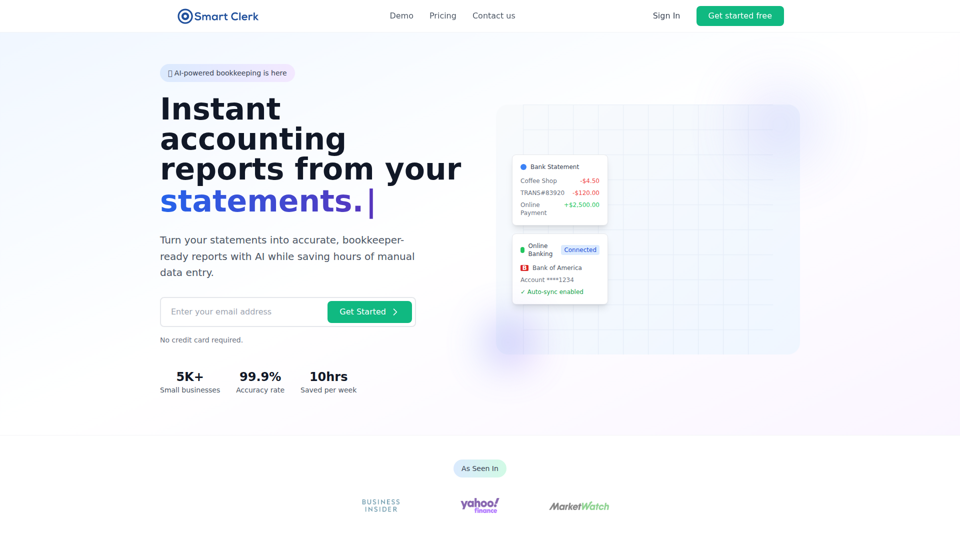
Smart Clerk - AI-Powered Bookkeeping & Accounting Automation for Small Businesses
Smart Clerk is an AI bookkeeping and accounting automation tool that converts bank and credit card statements into categorized transactions and bookkeeper-ready financial reports, mainly for small businesses and accounting firms. By automating transaction categorization and report creation, it can help owners, bookkeepers, and accountants spend less time on manual data entry and more time on review, tax preparation, and client advisory work.
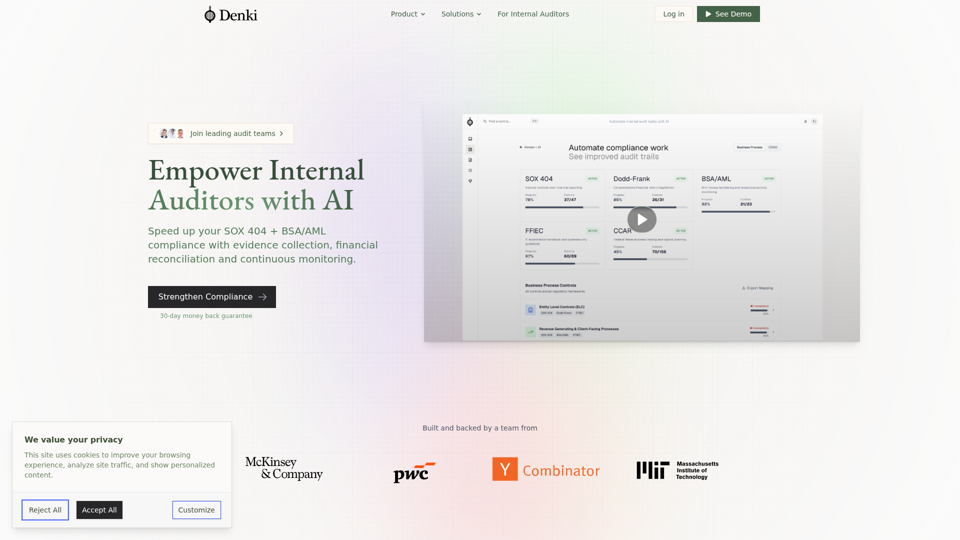
Denki - Automate Audit Tasks with AI
Denki is an AI auditing platform that helps internal auditors automate SOX 404 and BSA/AML work through evidence collection, financial reconciliation, control mapping, continuous testing, and transaction tracing. For internal audit and compliance teams, it can reduce manual sampling and documentation effort by using real-time monitoring and anomaly detection to surface issues earlier.

ExpenseBot - AI Expense Management for Google Workspace
ExpenseBot’s Gmail Receipt Scanner is an AI expense management tool for Google Workspace that scans Gmail, photos, and emailed receipts to extract, categorize, and organize expenses in Google Sheets for freelancers, teams, accountants, and bookkeepers. For finance and bookkeeping work, it can reduce manual receipt handling and speed tax-ready reporting by turning inbox data into structured expense records and exports.
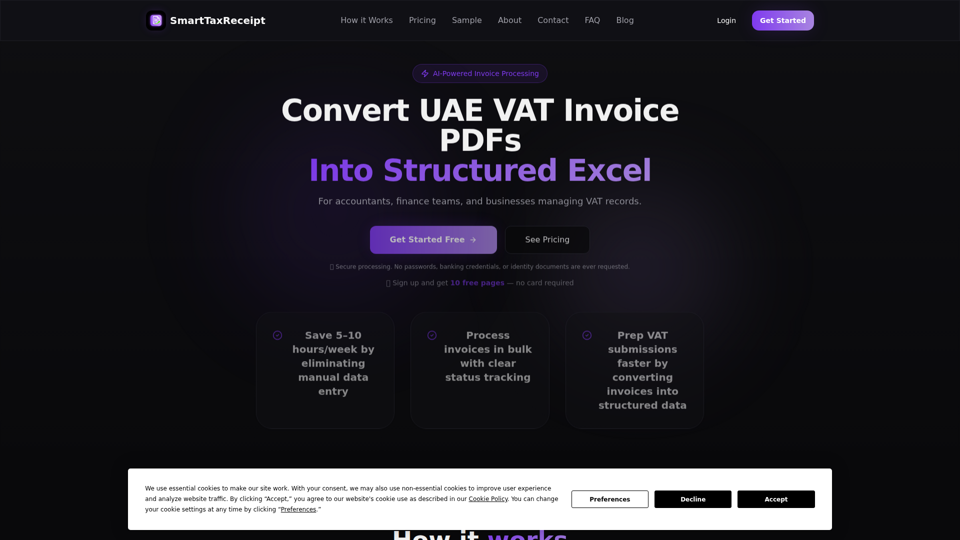
SmartTaxReceipt | UAE VAT Invoice Extraction to Excel
SmartTaxReceipt is a UAE-based software service that uses AI to extract data from UAE VAT invoice PDFs into structured Excel files, helping accountants, finance teams, and businesses handle bookkeeping and VAT reporting with bulk processing and validation. For accounting and finance work, it can reduce manual invoice entry and speed preparation for VAT submissions, while users still review extracted data before reporting.