
UPDF Biggest Discount, Promotion, Deals & Sales
Rate this Tool
Average Score
Total Votes
Select your score (1-10):
Detail Information
What
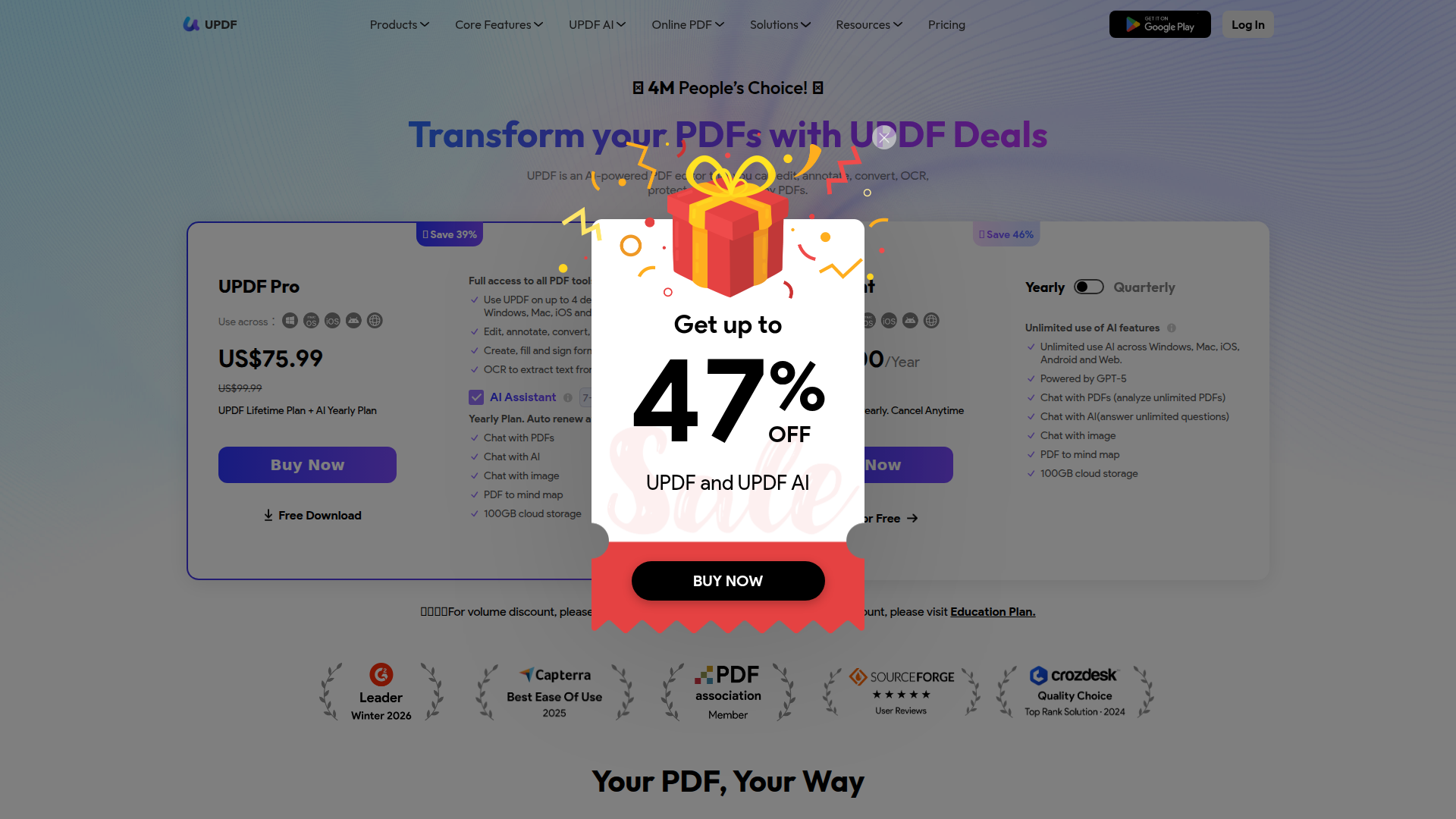
UPDF is a PDF software suite with desktop, mobile, and web products for working with PDF documents across Windows, Mac, iPhone/iPad, Android, and online. Based on the page, it serves individuals, students, researchers, business users, and enterprise or education buyers who need to edit, annotate, convert, organize, protect, sign, and read PDFs in one product family.
Its core workflow combines standard PDF document handling with AI-assisted analysis and writing support. The product appears positioned as an all-in-one PDF editor with added AI features such as summarization, translation, chat-based document analysis, and mind-map generation, likely as an alternative to more established PDF tools.
Features
- PDF editing and annotation — Users can edit text, images, links, pages, and headers/footers, then mark up documents for review and reading across devices.
- Conversion and OCR — The platform converts PDFs to formats such as Word, Excel, PowerPoint, and images, while OCR extracts text from scanned papers or handwriting.
- Page organization and batch processing — Users can rotate, remove, extract, insert, split, crop, combine, encrypt, and process multiple PDFs to reduce repetitive document work.
- Forms, signing, and protection — UPDF supports creating fillable forms, filling and signing PDFs electronically, plus redaction, sanitization, password/security management, and other protection tasks.
- AI document assistance — The AI assistant can summarize PDFs, translate content, answer questions about PDFs or images, explain content, and generate PDF mind maps for faster understanding.
- Cross-device access with cloud storage — The site states support across desktop, mobile, and web, with cloud storage included in some plans for keeping documents accessible across devices.
Helpful Tips
- Separate PDF tooling from AI needs — The site presents PDF editing tools and AI Assistant as related but distinct offerings, so buyers should verify whether they need both before choosing a plan.
- Check trial limits early — Free use is constrained by watermarks, daily conversion limits, OCR caps, batch limits, file-size limits, and AI upload/question limits, which may affect evaluation.
- Validate OCR quality on your own documents — Since the page states OCR works on scanned paper and handwriting but does not quantify accuracy, testing with your document types is important.
- Map device usage to licensing rules — The product supports multi-device use, but allowed device counts differ between standard UPDF access and AI-enabled access.
- Assess role-specific AI carefully — The site lists many scenario pages for research, legal, finance, HR, and education, but implementation depth for each use case is not fully evidenced on this page.
OpenClaw Skills
UPDF could likely fit well into the OpenClaw ecosystem as a document operations and document-understanding layer. Likely OpenClaw skills could include PDF intake and classification, contract or policy summarization, document Q&A agents, OCR-to-knowledge workflows, and page-level document preparation steps before routing files into downstream review or approval processes. If no native integration is stated on the page, this should be treated as a likely workflow design rather than a confirmed built-in connection.
For professional teams, that combination could be useful in legal ops, finance, education, insurance, government, and research-heavy environments where PDFs remain a primary system of record. An OpenClaw agent built around UPDF could likely monitor incoming PDFs, extract text from scans, generate structured summaries, compare versions, flag sections for human review, and hand off outputs to specialized agents for drafting responses or updating internal knowledge bases. The practical impact would likely be faster document handling with less manual reading and reformatting, especially for teams managing high volumes of semi-structured files.
Embed Code
Share this AI tool on your website or blog by copying and pasting the code below. The embedded widget will automatically update with the latest information.
<iframe src="https://aimyflow.com/ai/updf-com-updf-sales-promotion/embed" width="100%" height="400" frameborder="0"></iframe>
Explore Similar Tools
Smith.ai 24/7 Live Receptionists, Outreach & Web Chat
Smith.ai is a customer engagement service combining AI and live agents for 24/7 receptionist, outreach, and web chat support, mainly for small businesses and service firms. In the AI era, it helps sales and customer-facing teams capture more leads by blending automation with human follow-through.
Spellbook - AI Contract Drafting & Review
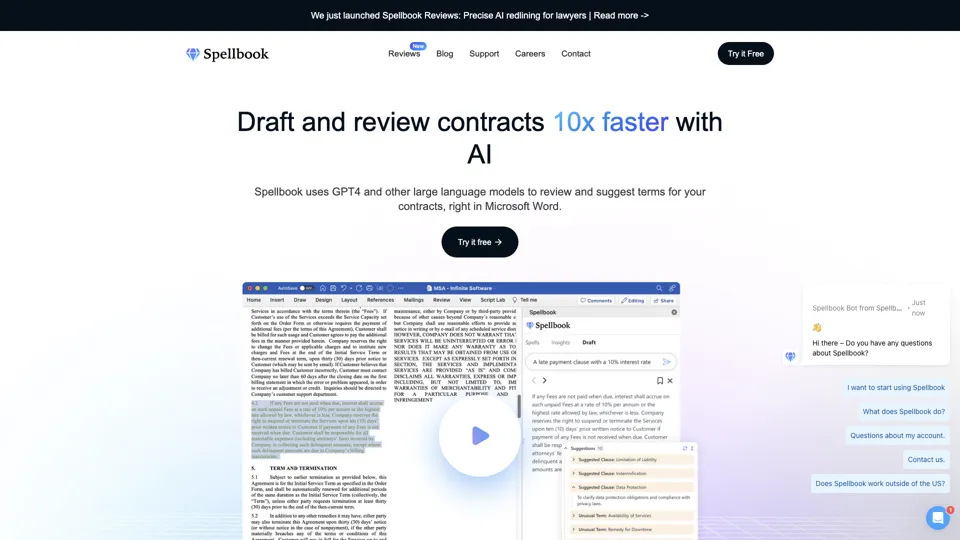
Spellbook is an AI contract drafting and review assistant that works in Microsoft Word to suggest language, analyze terms, and speed legal document work, mainly for lawyers and legal teams. In the AI era, it helps legal professionals review contracts faster and focus more on negotiation and judgment.
Ironclad: The Global Leader in Contract Management Software
Ironclad is a contract management platform that helps legal and business teams create, negotiate, deploy, and analyze digital contracts across the contract lifecycle. It enables legal operations and procurement teams to move faster while keeping contract data more searchable and actionable.
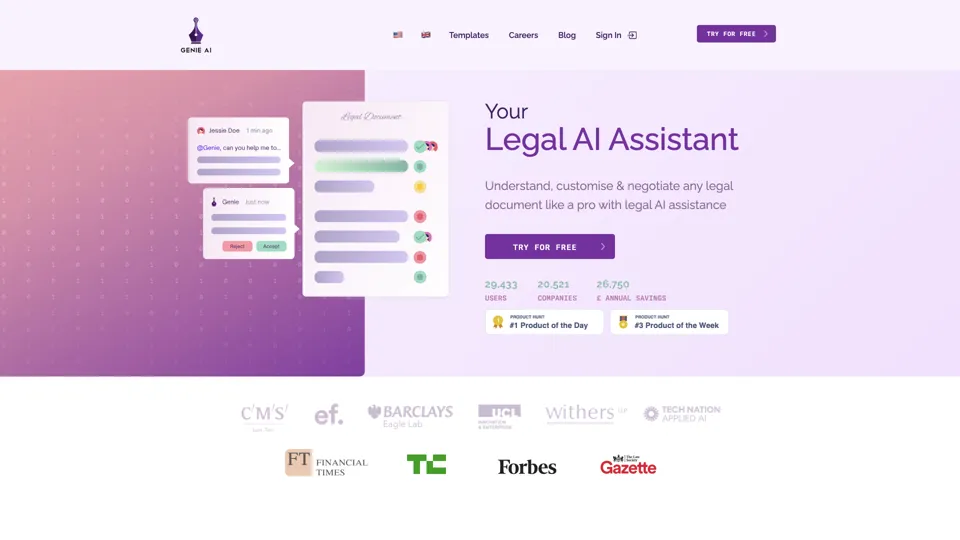
Your AI Legal Assistant - 500+ Free Templates
Genie AI is an AI legal assistant that helps businesses draft, review, and negotiate legal documents using templates and an open-source legal database. It enables legal and operations teams to handle routine contracting faster and with more standardized language.
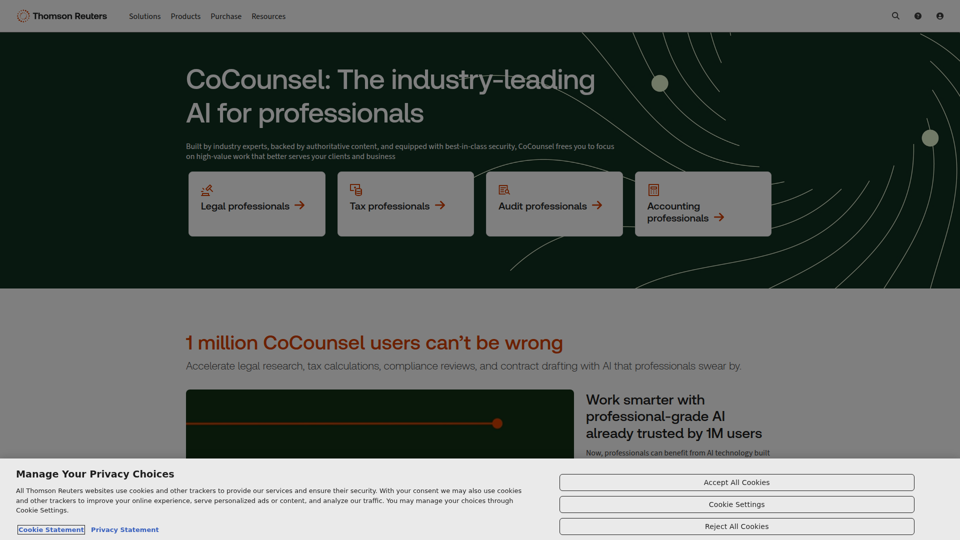
CoCounsel: The industry-leading AI for professionals | Thomson Reuters
CoCounsel is an AI assistant from Thomson Reuters that helps legal, tax, audit, and accounting professionals speed up research, drafting, calculations, compliance reviews, and document analysis using trusted content and secure processing. For professional services teams, it can reduce routine workload and improve the speed and consistency of client-facing work while keeping sensitive data protected.
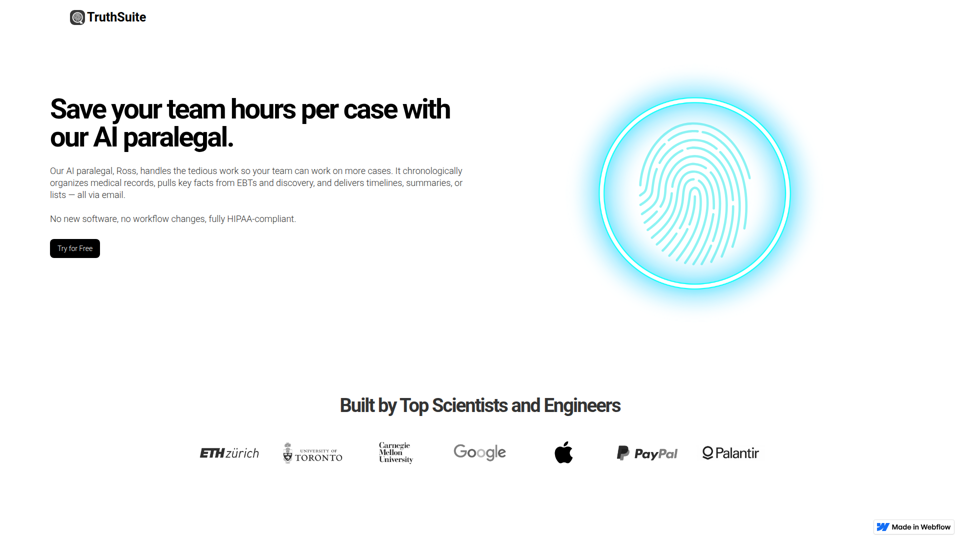
AI Legal Assistant & Document Summary Tools | Truthsuite
TruthSuite is an AI legal assistant and document summary tool that helps lawyers and legal teams organize medical records, extract key facts from EBTs and discovery, and generate timelines and summaries via email. For litigation and case-preparation work, this can reduce time spent reviewing large document sets so attorneys and paralegals can focus more on case strategy and handling more matters.

UPDF - An AI-integrated PDF Editor, Converter, Annotator, and Reader
UPDF is an AI-integrated PDF editor, converter, annotator, and reader that helps users edit, organize, sign, protect, OCR, translate, and summarize PDFs across desktop, mobile, and web, mainly for professionals, students, educators, and enterprise teams handling document-heavy work. Its AI chat, summarization, translation, and research features can help legal, research, HR, and business professionals review complex documents faster and turn static PDFs into more actionable information.
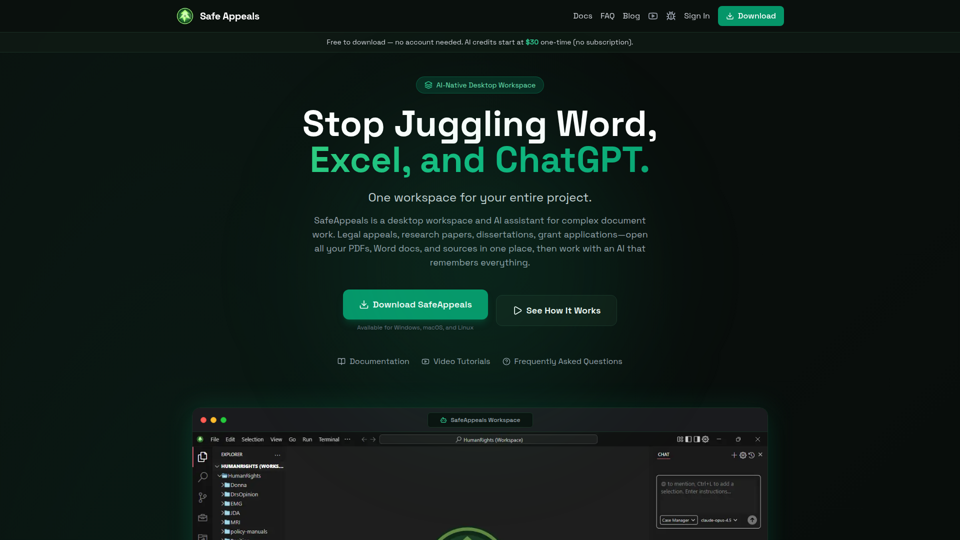
Safe Appeals — AI Desktop Workspace for Documents & Research
SafeAppeals is an AI-native desktop workspace for complex document and research projects, helping legal appeals workers, paralegals, graduate students, researchers, and consultants organize, edit, and analyze PDFs, Word files, spreadsheets, and web research in one place. For document-heavy roles, its project-aware AI and local-first setup can reduce app switching and repetitive prompting while supporting more consistent drafting, source review, and case or research development.