
Transcript LOL - Transcribe Audio or Video with AI
Rate this Tool
Average Score
Total Votes
Select your score (1-10):
Detail Information
What
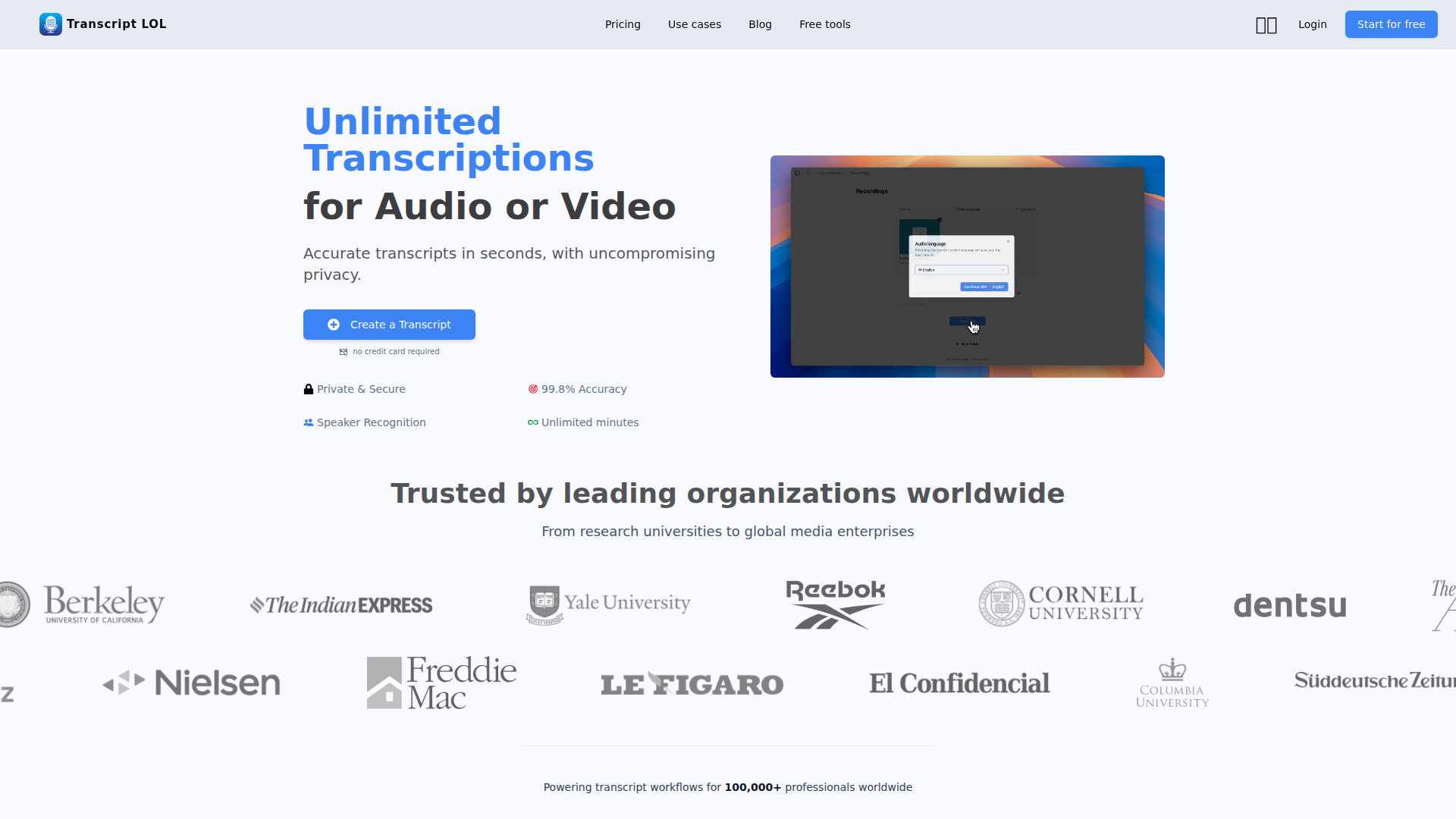
Transcript LOL is an AI transcription platform for converting audio and video into text, then extracting summaries and related insights from the transcript. It appears to serve individual professionals and teams that work with interviews, meetings, media, lectures, podcasts, customer conversations, and other spoken content.
Its core workflow is straightforward: import files or links from multiple sources, generate a transcript with speaker recognition, edit and organize the result, then export it or use AI prompts to create summaries, themes, action items, quizzes, and content drafts. Based on the page, it is positioned as a high-volume, privacy-focused transcription tool with collaboration and workflow automation options.
Features
- AI transcription for audio and video — Uses OpenAI Whisper-based speech-to-text with support for long files, helping users process recordings up to 10 hours in one upload on paid plans.
- Multiple import options — Accepts direct uploads plus sources like Google Drive, Dropbox, URLs, Zoom, and social platforms, which reduces manual file handling across content pipelines.
- Speaker detection and labeling — Automatically separates speakers and allows name assignment, making interviews, meetings, and panel discussions easier to review.
- Transcript editing and formatting tools — Includes find and replace, speaker assignment, highlighting, and rich text editing so teams can clean transcripts before sharing or repurposing them.
- AI summaries and prompt-based outputs — Generates summaries and other transcript-derived outputs such as themes, topics, action items, or content drafts, which can shorten post-processing time.
- Exports, search, and team workspaces — Supports export to TXT, DOCX, PDF, SRT, and VTT, along with shared spaces, folders, and search to manage larger transcript libraries.
Helpful Tips
- Validate accuracy on your own content types — Even with strong stated accuracy, teams working with specialized terminology, heavy accents, or noisy recordings should test representative samples before broad rollout.
- Use custom vocabulary where domain language matters — For legal, medical, research, or technical workflows, vocabulary support is likely one of the most important setup steps for usable first-pass transcripts.
- Map outputs to specific workflows — The product spans transcription, summarization, and content repurposing, so adoption is easier when each team defines which outputs they actually need.
- Review privacy requirements against internal policy — The site states a no-training policy and private handling of content, but regulated buyers should still assess vendor terms and security documentation directly.
- Check limits by plan and workload pattern — Free usage is intentionally constrained, while paid tiers allow larger files and higher throughput, so buying decisions should reflect file length, concurrency, and team access needs.
OpenClaw Skills
Transcript LOL could fit well into the OpenClaw ecosystem as a source system for speech-derived knowledge. Likely OpenClaw skills could include agents that ingest transcripts from interviews, meetings, support calls, webinars, or podcasts, then classify content, extract decisions and risks, build research summaries, or route insights into downstream workflows. If API access or automation connectors are used, this could support recurring transcript-to-brief or transcript-to-CRM-note pipelines.
For target users such as researchers, marketers, recruiters, sales teams, educators, and media teams, the strongest OpenClaw use case is likely orchestration after transcription rather than transcription itself. For example, an OpenClaw agent could turn customer interview transcripts into pain-point taxonomies, generate account-level meeting recaps, create learning materials from lectures, or monitor recurring themes across a content library. These are likely ecosystem workflows rather than confirmed native OpenClaw integrations, but they show how transcript data could become a structured operational asset instead of just stored text.
Embed Code
Share this AI tool on your website or blog by copying and pasting the code below. The embedded widget will automatically update with the latest information.
<iframe src="https://aimyflow.com/ai/transcript-lol/embed" width="100%" height="400" frameborder="0"></iframe>
Explore Similar Tools
Social Media Marketing made easy with AI | Predis.ai
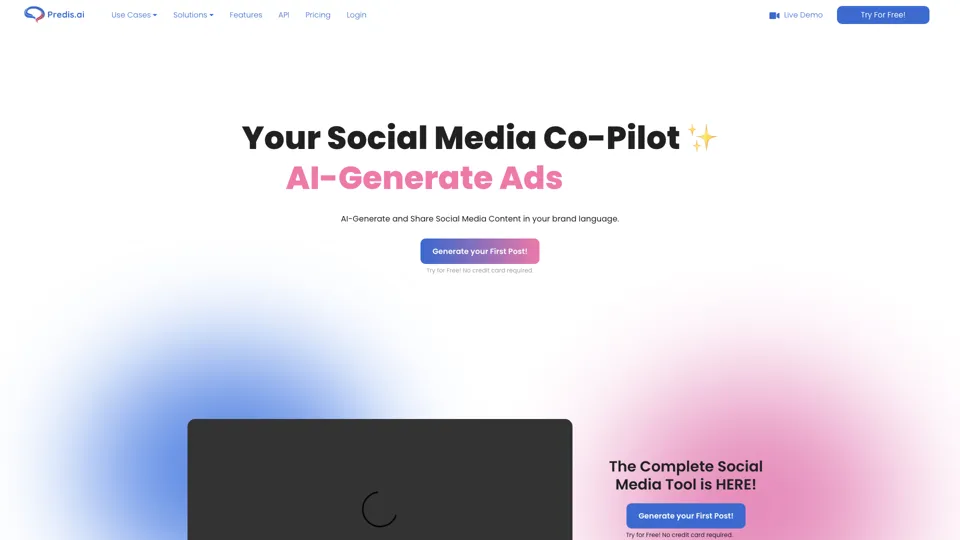
Predis.ai is an AI social media marketing tool that helps users create video and image content and analyze performance, mainly for marketers, agencies, and growing brands. It shortens content planning and production cycles, helping social teams test and refine campaigns more efficiently.
Strut – The complete writing workspace
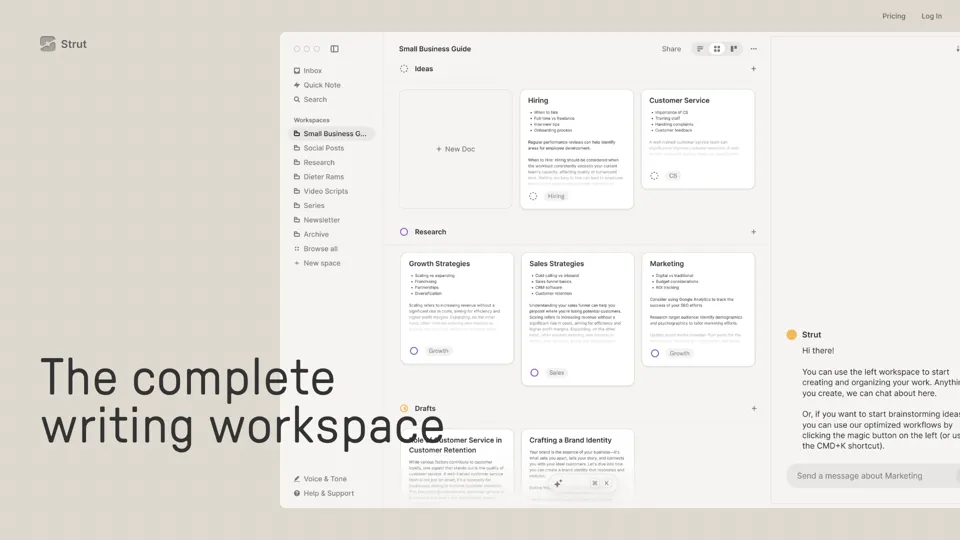
Strut is an AI-powered writing workspace that combines notes, documents, and collaborative writing projects in one environment, mainly for writers, creators, and teams. In the AI era, it helps knowledge workers move from scattered drafts to more coherent writing and faster iteration.
Hypotenuse AI:Smart text generator
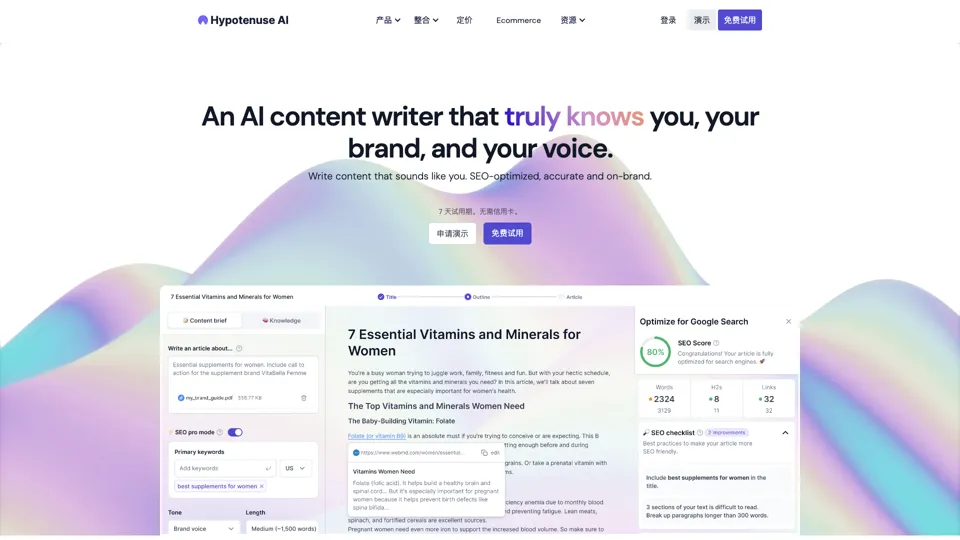
Hypotenuse AI is a text generation platform that helps marketers, ecommerce teams, and content writers produce SEO articles, product descriptions, and branded copy at scale. In the AI era, it enables content roles to maintain consistency while increasing publishing speed across large catalogs and campaigns.
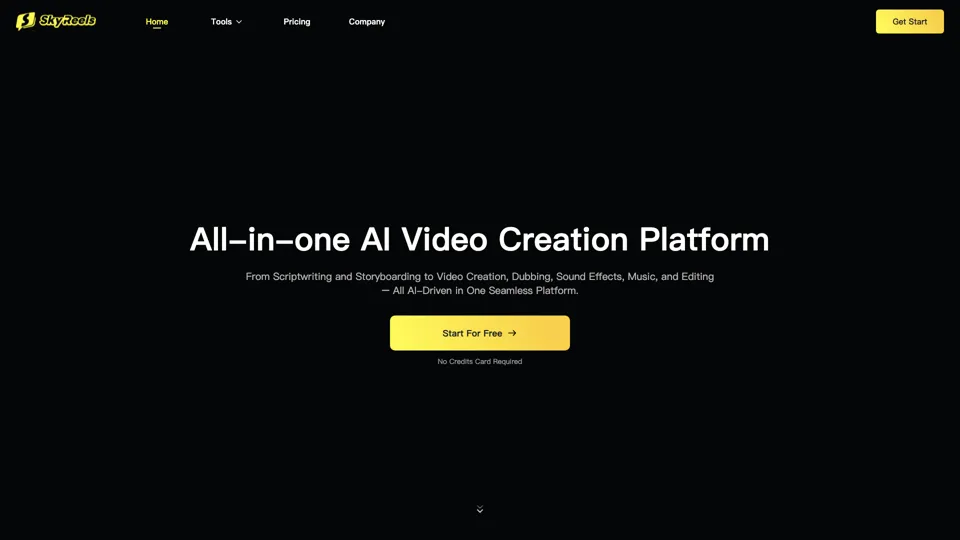
All-in-one panel | SkyReels - Ultimate AI Video Creation Platform
SkyReels is an AI video creation platform that turns scripts into finished videos with voiceovers, lip sync, sound effects, music, and editing tools, mainly for creators and marketing teams. In the AI era, it helps video producers compress production workflows and deliver polished content without a full studio setup.
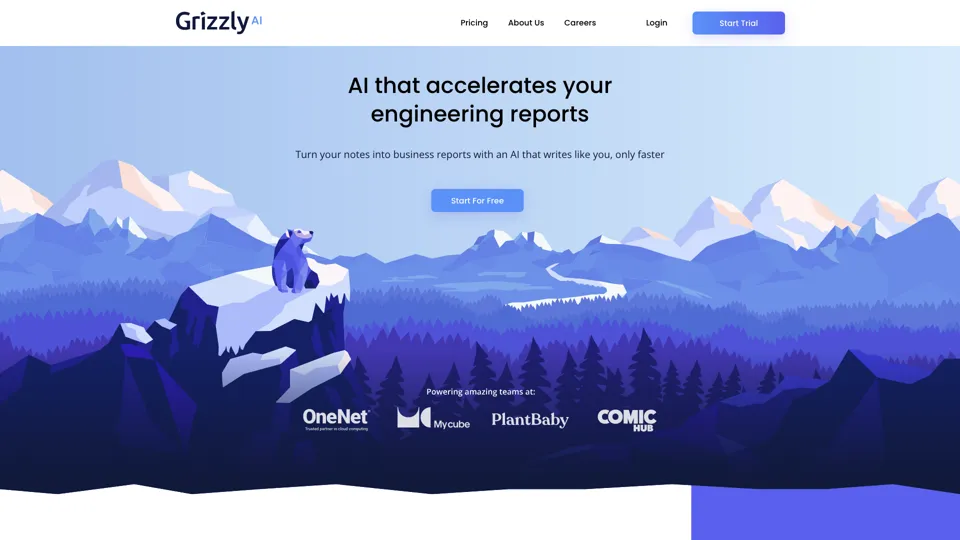
Grizzly AI | Your AI Report Writer
Grizzly AI is an AI report writing tool that helps professionals generate reports from source files while matching their preferred writing style. It saves analysts and knowledge workers time by turning documents into polished drafts with less manual rewriting.
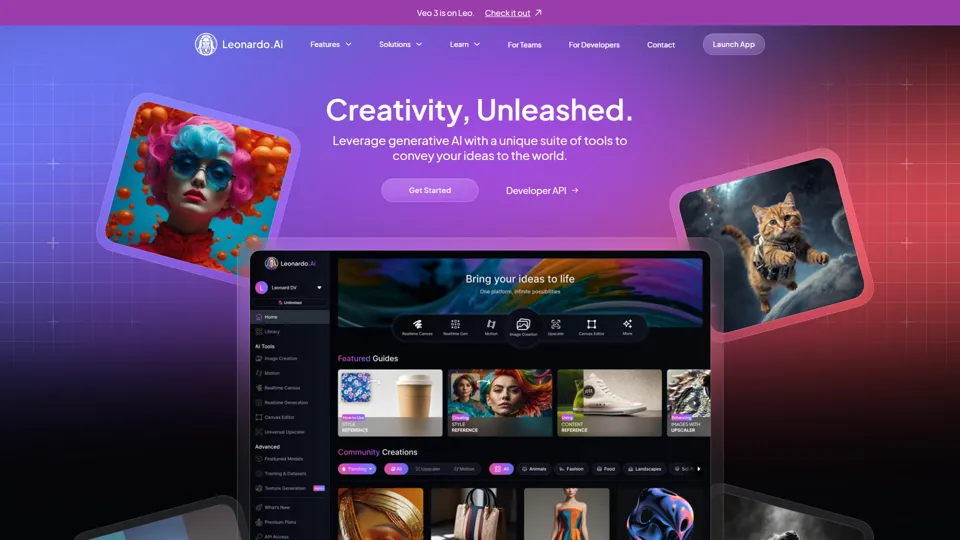
AI Image Generator - Create Art, Images & Video | Leonardo AI
Leonardo AI is an AI image and video generation platform that helps creators, designers, and marketers produce high-quality visual assets quickly. In the AI era, it shortens concept-to-content cycles so creative teams can iterate faster without expanding production overhead.
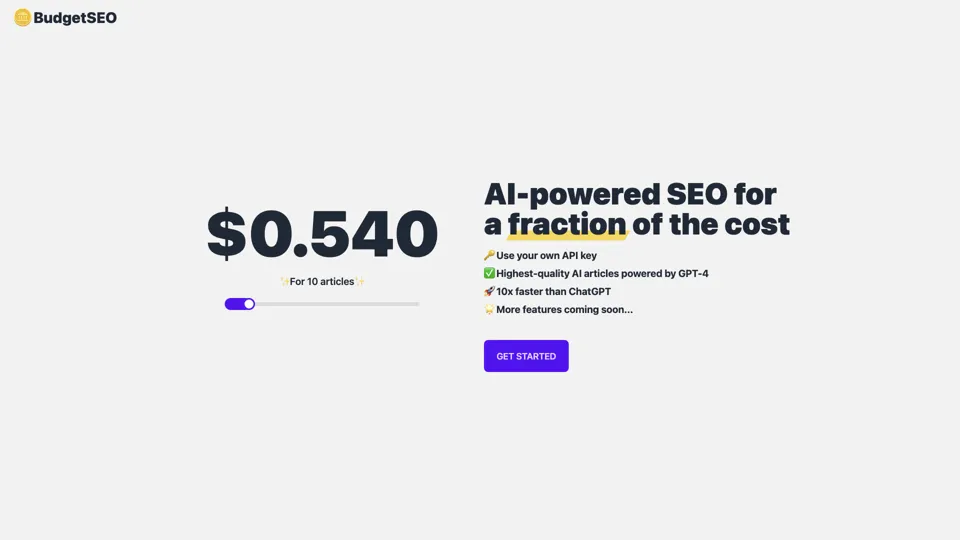
Budget-friendly AI Powered SEO
BudgetSEO is an AI-powered SEO content tool that helps users create search-optimized material affordably, mainly for small businesses, solo founders, and marketers with limited budgets. In the AI era, it enables lean marketing teams to produce more SEO assets without expanding headcount.
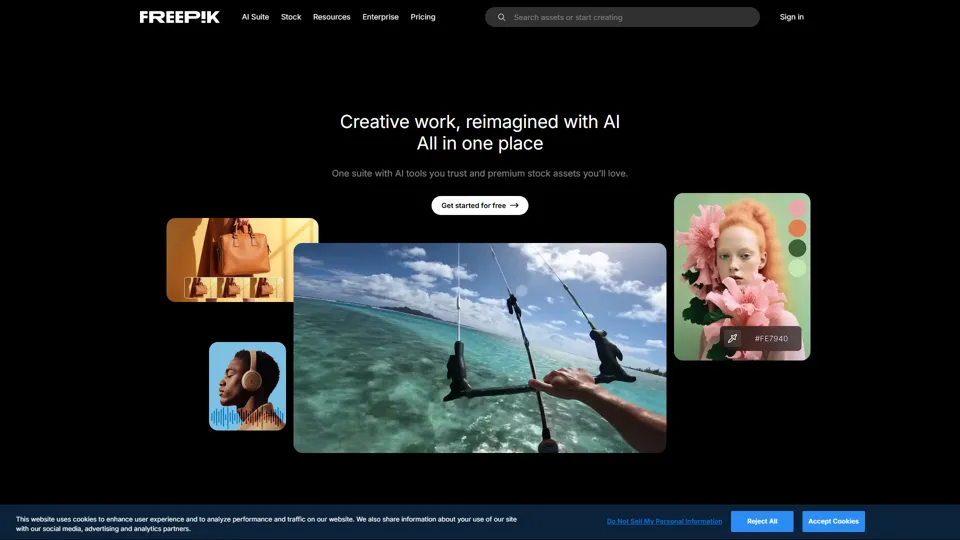
Freepik | All-in-One AI Creative Suite
Freepik is an all-in-one creative suite that combines AI design tools with stock assets to help designers and marketers create visual content in one workspace. It improves creative efficiency by reducing tool switching and accelerating asset production for high-volume campaigns.