
Your AI Data Analyst to Create Dashboards and Reports | Bricks
Rate this Tool
Average Score
Total Votes
Select your score (1-10):
Detail Information
What
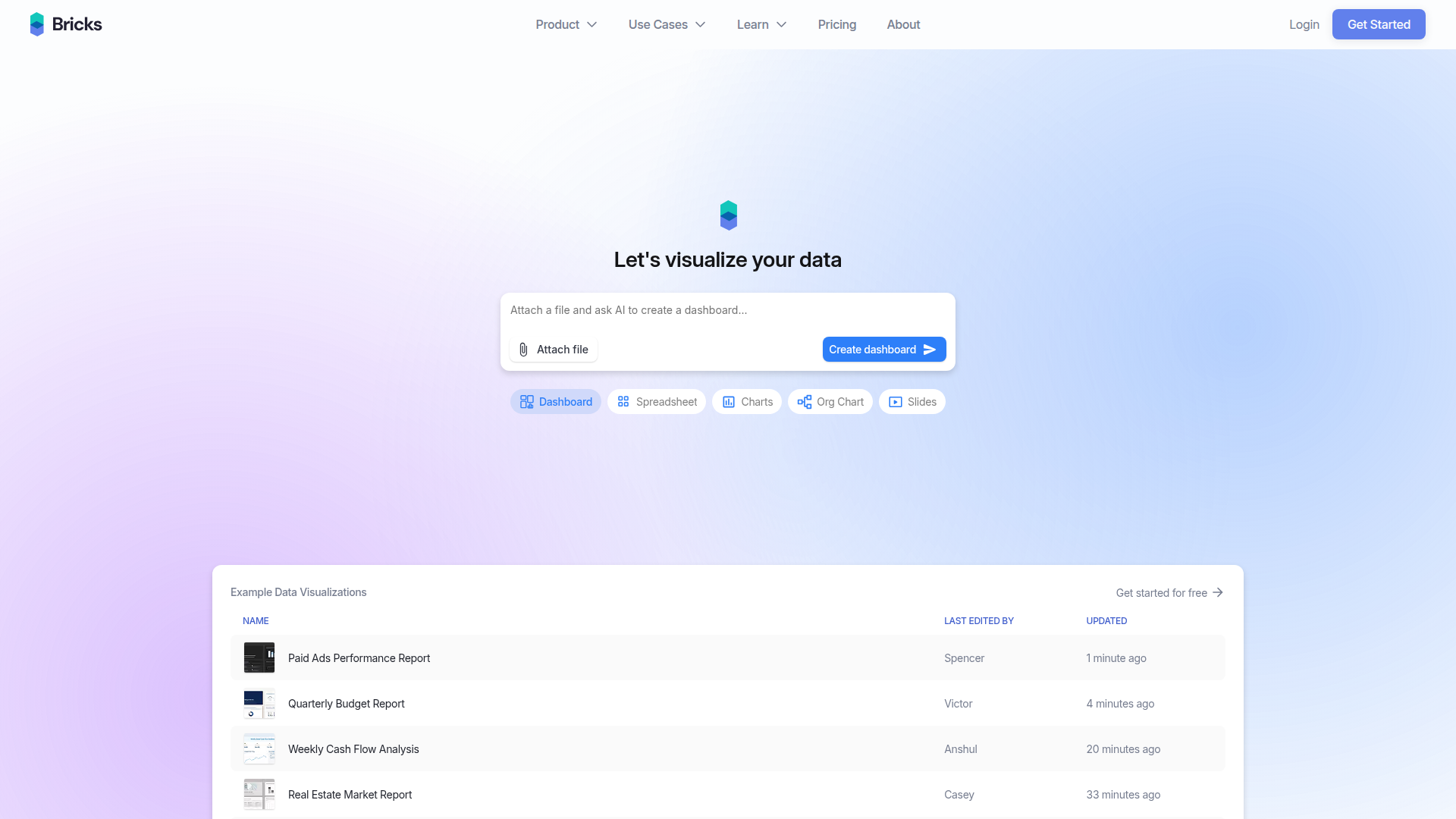
Bricks is an AI data analysis and reporting product that turns uploaded data into dashboards, reports, charts, spreadsheets, and presentations. The page positions it as a faster, simpler alternative to manual Excel work, design-first tools that struggle with structured data, and heavier BI platforms that may be too complex for many teams.
It appears to serve a broad mix of business functions and industries, including sales, marketing, HR, finance, operations, education, healthcare, government, and retail. The core workflow is straightforward: upload files such as CSV or Excel data, generate a visual output quickly, then refine it through drag-and-drop editing or natural-language instructions. Bricks is likely positioned as a self-serve analytics layer for teams that need polished reporting without dedicated analysts or complex BI setup.
Features
- AI dashboard generation from uploaded files — Converts CSV and Excel data into dashboards quickly, reducing manual chart building and spreadsheet formatting work.
- AI reporting and presentation creation — Uses source data to produce reports and slide decks, which can help teams move from raw exports to shareable outputs faster.
- Spreadsheet editing, transformation, and analysis with AI — Adds an AI-assisted spreadsheet workflow for cleaning or working with data before or alongside visualization.
- Manual and natural-language dashboard editing — Lets users drag, drop, and customize elements directly or modify them through AI prompts for more control over final output.
- One-click refresh with new data — Regenerates charts after data updates while preserving the existing layout, which is useful for recurring reporting cycles.
- Interactive filtering, templates, and themes — Supports click-to-filter dashboard exploration, reusable layouts, and polished visual styling without requiring separate design work.
Helpful Tips
- Validate source data before upload — Tools in this category work best when CSV or spreadsheet fields are clean, consistently labeled, and structured around clear metrics.
- Test recurring reporting use cases first — Bricks appears especially well suited to monthly, weekly, or department-level dashboards where templates and refresh workflows can save time.
- Check data source requirements early — The page mentions imports from Google Sheets or databases, but it does not specify supported systems or setup depth, so confirm fit for your data environment.
- Use AI generation as a starting point, not the final review step — Even with strong automation, business teams should still verify calculations, labels, and narrative framing before wider distribution.
- Assess collaboration and governance needs separately — The page emphasizes creation speed and usability, but provides limited detail on enterprise controls, so larger organizations may need additional evaluation.
OpenClaw Skills
Within the OpenClaw ecosystem, Bricks could likely be used as the reporting surface for agents that collect, clean, and summarize business data before handing it off for visualization. A likely workflow would involve an OpenClaw skill that pulls exports from operational systems, standardizes column names and metrics, and prepares recurring datasets for Bricks dashboards, reports, or presentations. The source page does not confirm a native OpenClaw integration, so this should be treated as a likely orchestration pattern rather than a built-in capability.
This combination could be especially useful for RevOps, finance, operations, and department leads who need repeatable insight delivery without building full BI pipelines. OpenClaw agents could likely automate tasks such as weekly pipeline snapshot prep, campaign performance rollups, budget variance summaries, or workforce reporting packages, while Bricks provides the visual and narrative output layer. In practice, that could shift more reporting work from specialist analysts toward self-serve, agent-assisted business teams.
Embed Code
Share this AI tool on your website or blog by copying and pasting the code below. The embedded widget will automatically update with the latest information.
<iframe src="https://aimyflow.com/ai/thebricks-com/embed" width="100%" height="400" frameborder="0"></iframe>
Explore Similar Tools

Free AI Photo Editor: Edit & Generate Image Online | Pokecut
Pokecut is an AI photo editor that helps users remove backgrounds, enhance images, and generate visuals online, mainly for ecommerce sellers, marketers, and creators who need quick design-ready assets. It speeds up routine image production so visual teams can create polished content with less manual editing.

AI Photo Studio: Elevate Your E-Commerce with Our Magic Studio | iFoto
iFoto is an AI photo editing studio that helps users enhance images, change backgrounds, and create polished visuals online, mainly for eCommerce sellers, marketers, and content creators. It speeds up creative production for merchandising and marketing teams without requiring advanced design skills.

Best AI Video Generator | AI STUDIO
AI Studios is an AI video generator that helps users create, edit, dub, translate, and publish videos from text, documents, URLs, images, or product pages, mainly for training teams, marketers, and content creators. For learning, marketing, and video production roles, it can speed multilingual video workflows with AI avatars, voice cloning, and reusable templates in one workspace.
MyShell AI | Build, Share, and Own AI Image Generative APP
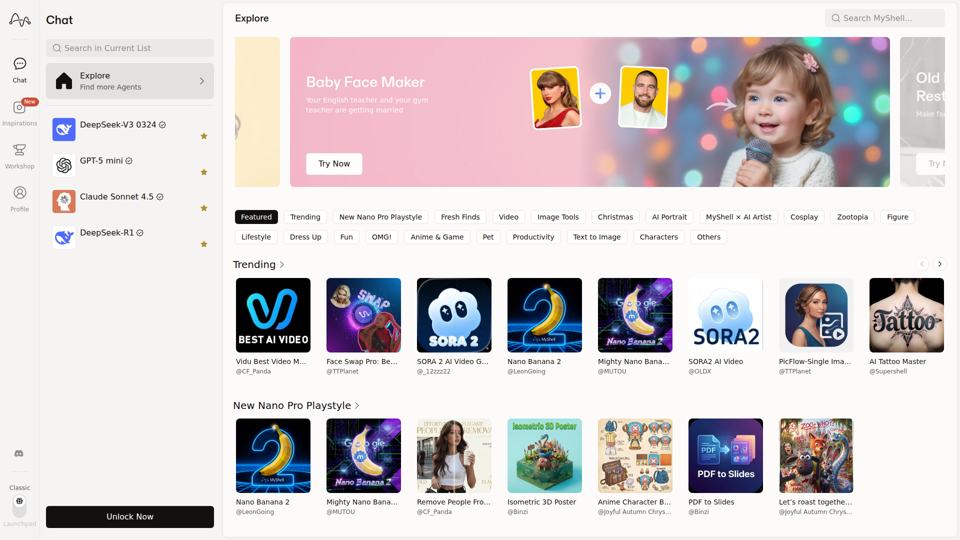
MyShell AI is a web platform for building, sharing, and exploring AI image and video generation apps, helping creators and general users make edits, filters, portraits, memes, and media experiments. For designers, marketers, and content creators, it can speed up concepting and asset variation by turning routine visual tasks into reusable AI workflows.

Product Hunt – The best new products in tech.
Product Hunt is a product discovery platform that helps users find, share, and discuss new technology products, mainly for founders, makers, investors, and early adopters. In the AI era, it gives product teams a fast feedback loop and a visible launch channel for new tools.
Faceless.video
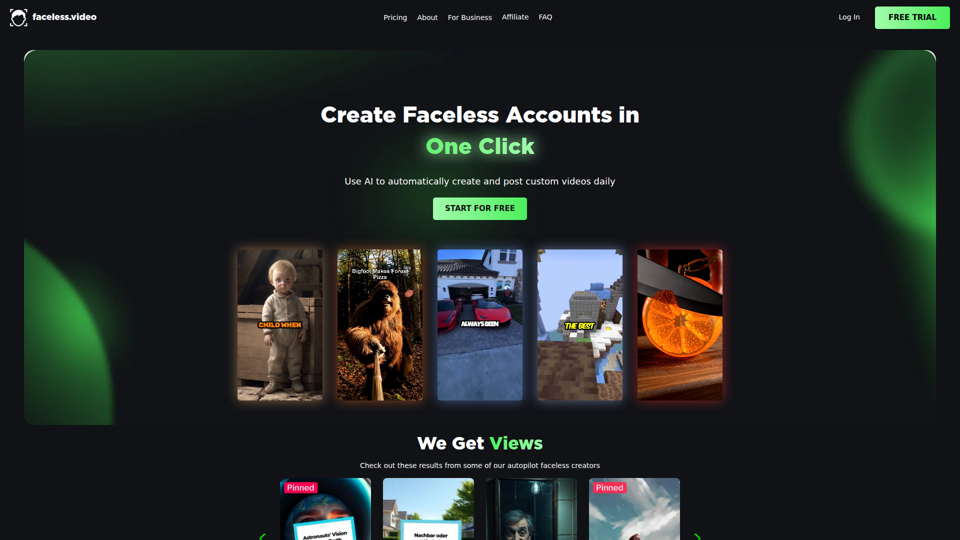
Faceless.video is an AI video automation tool that creates custom faceless videos from text and posts them daily to linked social accounts, mainly for creators and businesses managing TikTok-style content channels. For social media managers, marketers, and e-commerce teams, it can reduce repetitive production and publishing work so they can focus more on content strategy and channel growth.

Qoder - The Agentic Coding Platform
Qoder is an agentic coding platform that helps developers understand codebases and execute software tasks with AI agents, mainly for professional software engineers and development teams. It improves engineering throughput by combining strong code context with advanced models for more reliable task completion.

Seedance 2.0
Seedance 2.0 is ByteDance's AI video generation model designed to create high-quality videos from prompts and multimodal inputs, mainly for creators, developers, and media teams. In the AI era, it helps visual content roles turn ideas into production-ready motion assets with far less manual editing effort.