
Camtasia – Free Screen Recorder & Video Editor
Rate this Tool
Average Score
Total Votes
Select your score (1-10):
Detail Information
What
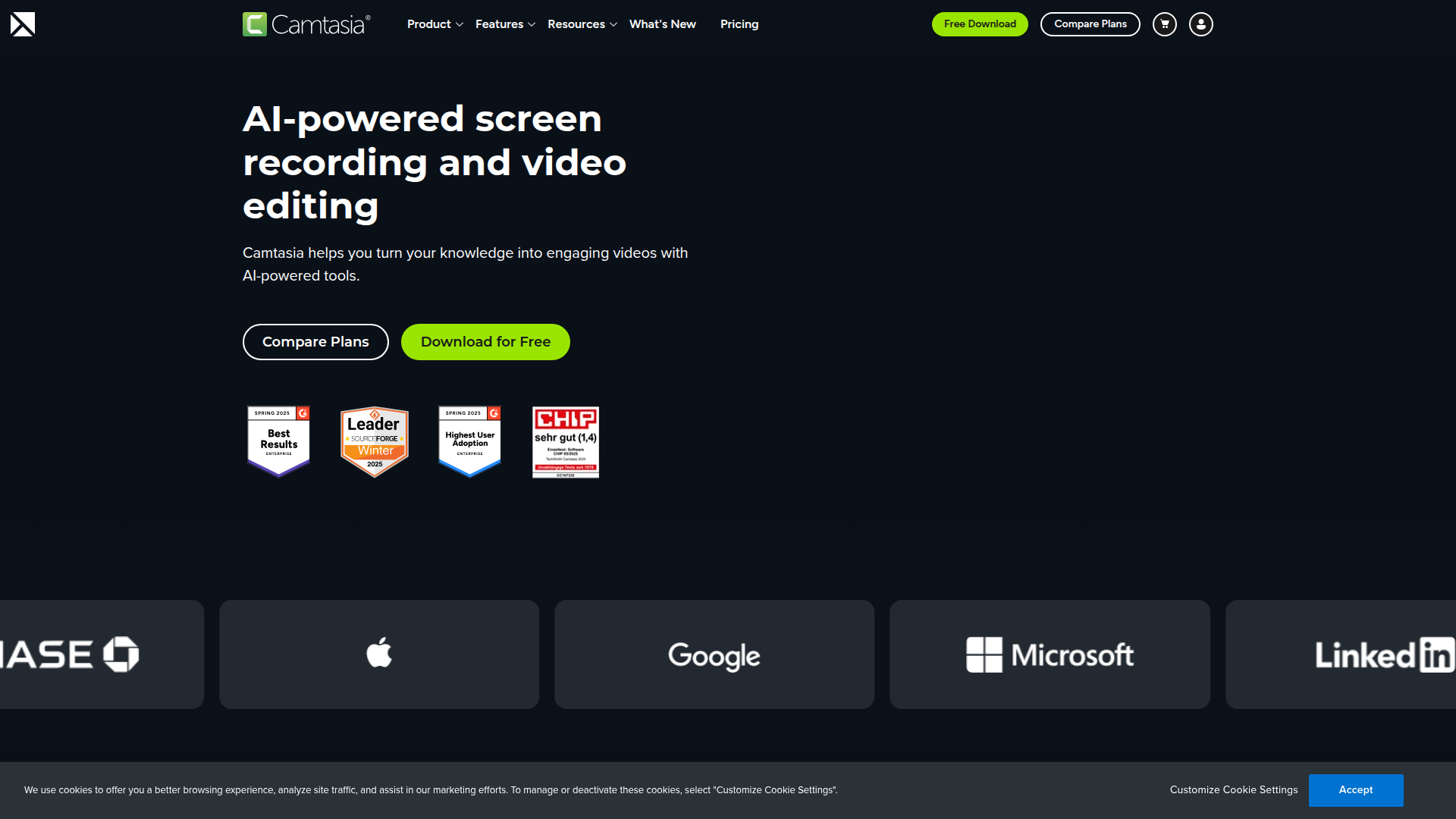
Camtasia is a screen-first video creation product from TechSmith that combines screen recording, video editing, and sharing in one platform. It is positioned for people and teams that need to turn knowledge into videos, especially for training, education, software marketing, customer education, team communication, and how-to content.
The product’s core workflow is to record screen, camera, system audio, and microphone input, then refine the result with editing, transcription, captions, templates, and visual callouts. Based on the page, Camtasia appears to serve both beginners and more experienced video creators who want a simpler way to produce polished instructional or explanatory videos without relying on multiple separate tools.
Features
- Multitrack recording: Records screen, camera, system audio, and microphone on separate tracks so creators can edit and rebalance each element independently.
- Text-based editing via transcription: Converts audio to editable text, allowing users to remove mistakes by deleting words instead of searching manually across the timeline.
- Drag-and-drop video editing: Simplifies common edits such as zooms and callouts, which can reduce the complexity of producing tutorial-style videos.
- Templates and custom themes: Helps teams create more consistent videos by reusing visual styles and branded layouts.
- Built-in accessibility tools: Generates captions and supports video translation, which can help content reach wider and multilingual audiences.
- Instructional visual enhancements: Adds annotations and customizable cursor effects to make on-screen actions easier to follow in demos and training content.
Helpful Tips
- Prioritize the multitrack workflow: Products like this are most valuable when teams need post-recording flexibility, especially for training, demo, and narrated walkthrough content.
- Evaluate text-based editing carefully: If your production process involves frequent script changes, retakes, or captioning, transcription-driven editing can materially improve turnaround time.
- Standardize templates early: For organizations producing repeatable educational or enablement content, shared themes and templates usually improve consistency and reduce editing effort.
- Check language and accessibility needs: Captioning and translation features are important differentiators for distributed teams, but buyers should verify supported languages and output quality for their specific use cases.
- Match the tool to screen-first use cases: Camtasia appears especially well suited for tutorials, software explainers, and internal knowledge capture; teams focused primarily on cinematic or advanced studio production may need to assess fit more closely.
OpenClaw Skills
Within the OpenClaw ecosystem, Camtasia is a strong candidate for workflows centered on knowledge capture, training production, and instructional content operations. While the page does not describe a native OpenClaw integration, a likely use case would be OpenClaw agents that help teams plan video topics, generate scripts, structure lesson outlines, prepare recording checklists, and convert source documents into training-ready storyboards before production begins in Camtasia.
A second likely use case is post-production workflow orchestration. OpenClaw skills could analyze source materials, suggest captions and metadata, create localization task flows, classify videos by use case, and route outputs into internal knowledge libraries or customer education programs. In training, support, and enablement functions, that combination could shift teams from ad hoc video creation toward a more systematized content pipeline, where screen recordings become reusable operational knowledge assets rather than one-off media files.
Embed Code
Share this AI tool on your website or blog by copying and pasting the code below. The embedded widget will automatically update with the latest information.
<iframe src="https://aimyflow.com/ai/techsmith-com-camtasia/embed" width="100%" height="400" frameborder="0"></iframe>
Explore Similar Tools
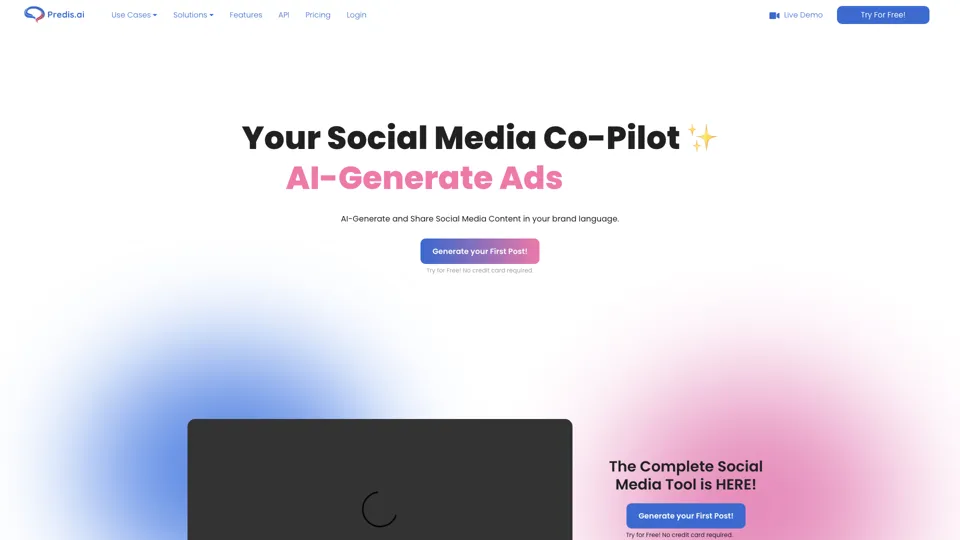
Social Media Marketing made easy with AI | Predis.ai
Predis.ai is an AI social media marketing tool that helps users create video and image content and analyze performance, mainly for marketers, agencies, and growing brands. It shortens content planning and production cycles, helping social teams test and refine campaigns more efficiently.
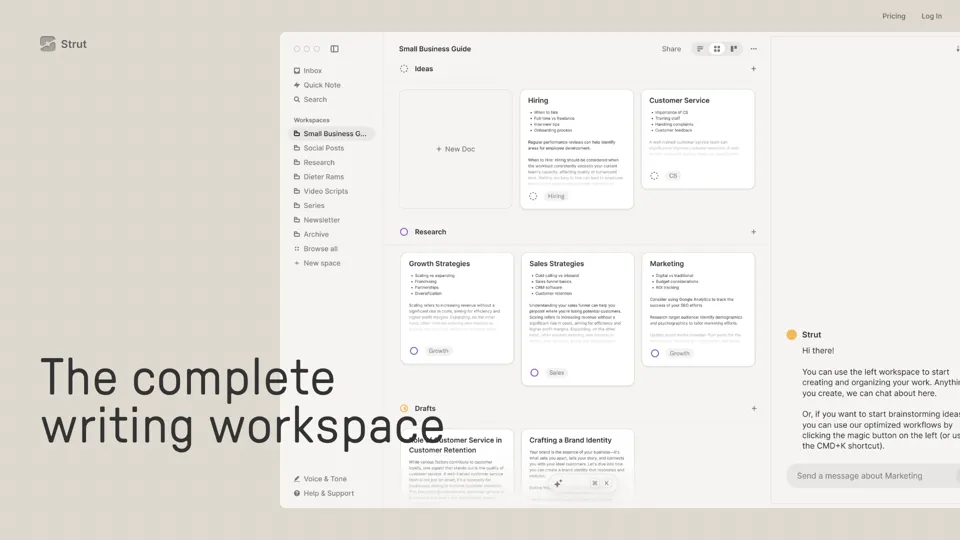
Strut – The complete writing workspace
Strut is an AI-powered writing workspace that combines notes, documents, and collaborative writing projects in one environment, mainly for writers, creators, and teams. In the AI era, it helps knowledge workers move from scattered drafts to more coherent writing and faster iteration.
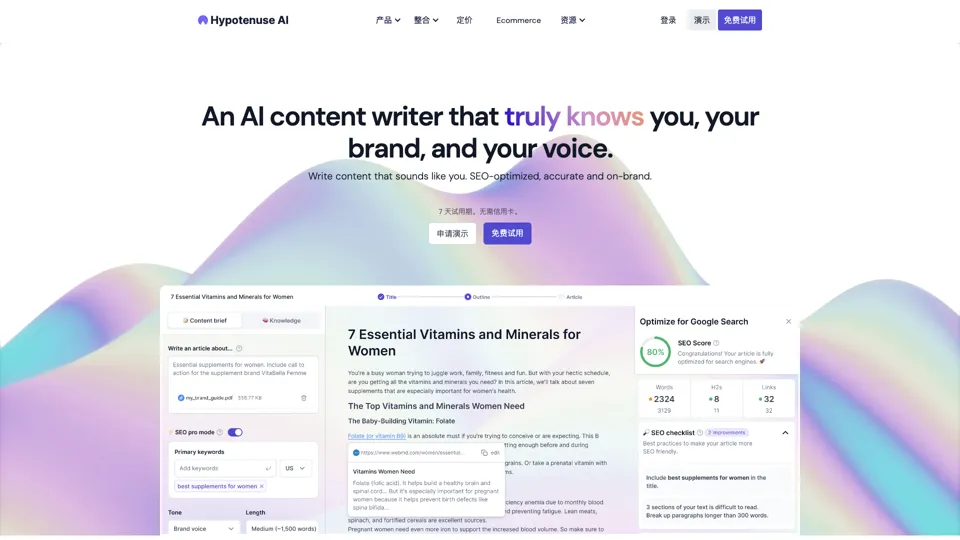
Hypotenuse AI:Smart text generator
Hypotenuse AI is a text generation platform that helps marketers, ecommerce teams, and content writers produce SEO articles, product descriptions, and branded copy at scale. In the AI era, it enables content roles to maintain consistency while increasing publishing speed across large catalogs and campaigns.
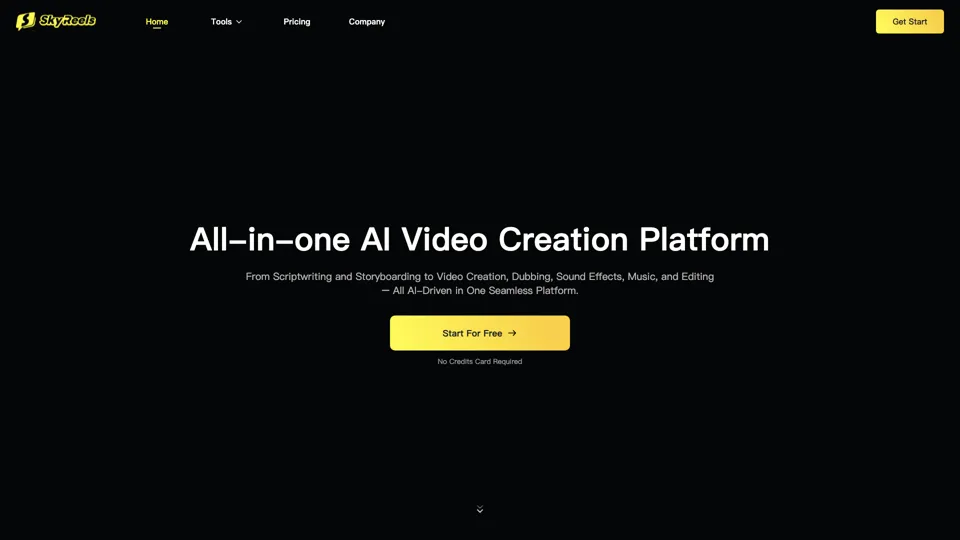
All-in-one panel | SkyReels - Ultimate AI Video Creation Platform
SkyReels is an AI video creation platform that turns scripts into finished videos with voiceovers, lip sync, sound effects, music, and editing tools, mainly for creators and marketing teams. In the AI era, it helps video producers compress production workflows and deliver polished content without a full studio setup.
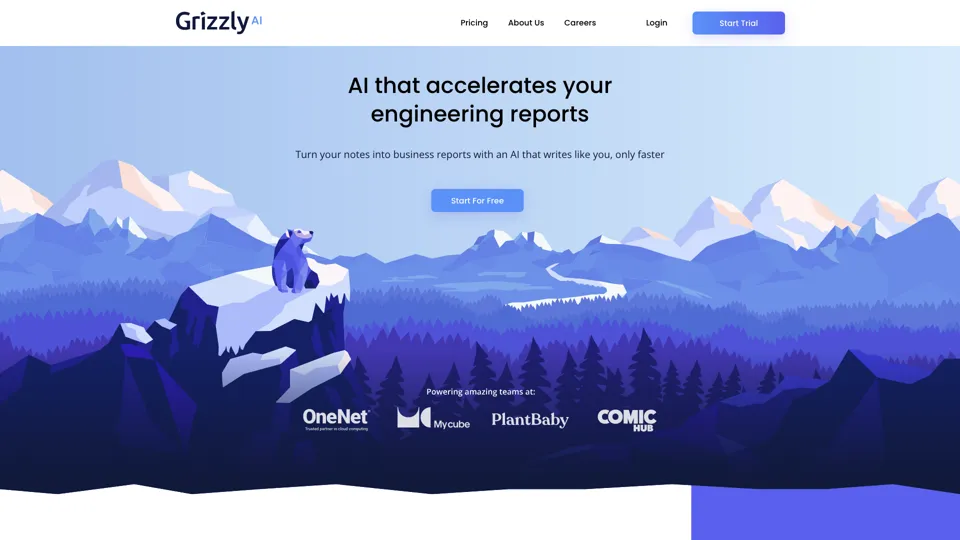
Grizzly AI | Your AI Report Writer
Grizzly AI is an AI report writing tool that helps professionals generate reports from source files while matching their preferred writing style. It saves analysts and knowledge workers time by turning documents into polished drafts with less manual rewriting.
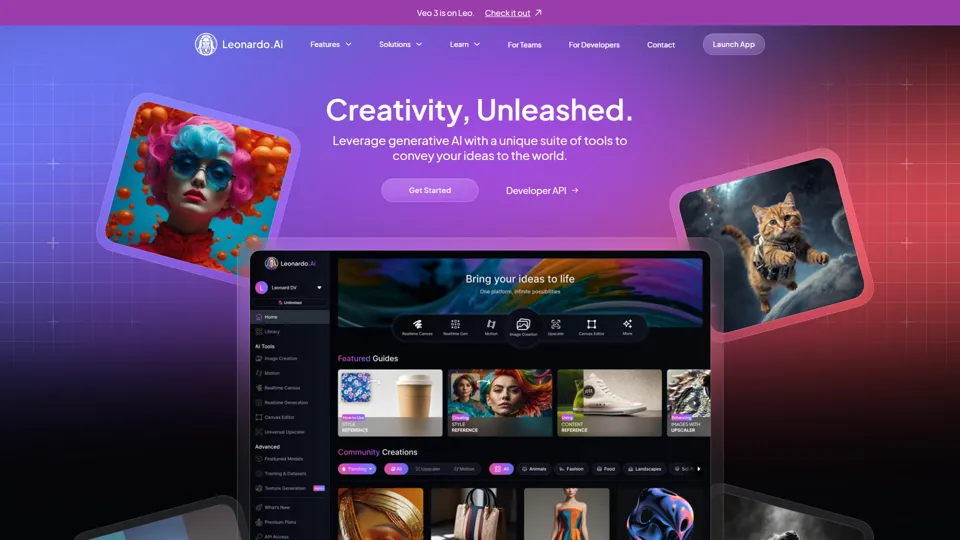
AI Image Generator - Create Art, Images & Video | Leonardo AI
Leonardo AI is an AI image and video generation platform that helps creators, designers, and marketers produce high-quality visual assets quickly. In the AI era, it shortens concept-to-content cycles so creative teams can iterate faster without expanding production overhead.
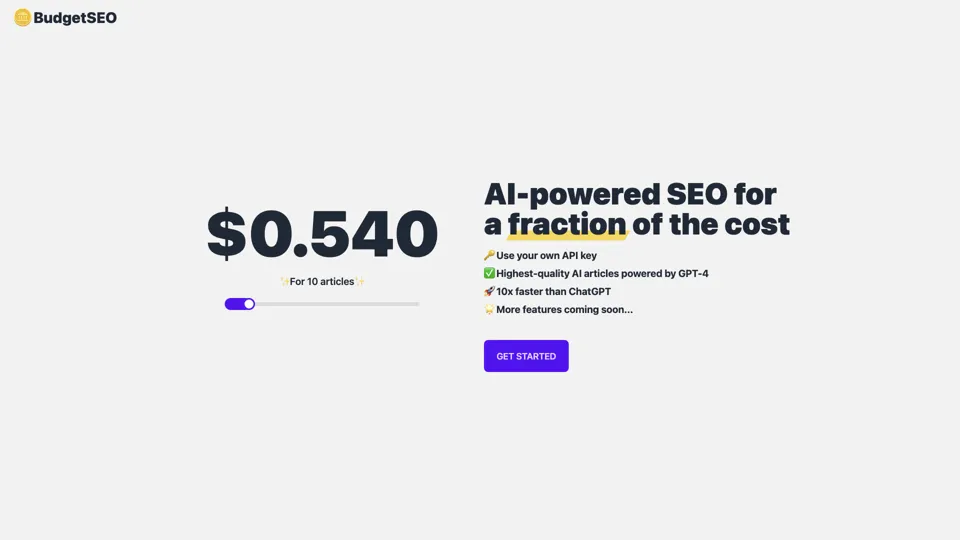
Budget-friendly AI Powered SEO
BudgetSEO is an AI-powered SEO content tool that helps users create search-optimized material affordably, mainly for small businesses, solo founders, and marketers with limited budgets. In the AI era, it enables lean marketing teams to produce more SEO assets without expanding headcount.
Freepik | All-in-One AI Creative Suite
Freepik is an all-in-one creative suite that combines AI design tools with stock assets to help designers and marketers create visual content in one workspace. It improves creative efficiency by reducing tool switching and accelerating asset production for high-volume campaigns.