
Spline - 3D Design tool in the browser with real-time collaboration

Rate this Tool
Average Score
Total Votes
Select your score (1-10):
Detail Information
What
Spline is a browser-based 3D design tool focused on building interactive experiences with real-time collaboration. Based on the page content, it is positioned as a product for creating websites, 3D content, apps, and other interactive digital experiences from a visual and increasingly AI-assisted workflow.
The product appears to serve designers, creative developers, teams, and enterprises that want to produce interactive 3D assets or experiences without relying only on traditional desktop software. Its broader product family also suggests support for AI-driven creation, mobile-related workflows, and developer access through an API, though the page does not provide detailed implementation specifics.
Features
- Browser-based 3D design — Spline is presented as a 3D design tool in the browser, which can reduce local setup requirements and support easier access across teams.
- Real-time collaboration — The product highlights collaborative work in real time, which is useful for design reviews, shared editing, and faster iteration.
- Interactive experience creation — Spline is described as a tool for building interactive experiences, websites, 3D content, and apps, indicating a focus beyond static visual assets.
- Natural-language creation via Omma — The page introduces Omma as a way to build interactive experiences, websites, 3D, and apps using natural language, suggesting an AI-assisted creation workflow.
- AI 3D generation and style transfer — The navigation references “Spell – AI 3D Worlds,” “AI 3D Generation,” and “AI Style Transfer,” indicating a broader set of AI-powered creative tools.
- API and cross-platform products — The site references a Spline API plus iOS, Android, HanA, and Spline Mirror products, which suggests an ecosystem for extending, viewing, or connecting design work across environments, though the exact capabilities are not described on this page.
Helpful Tips
- Confirm the production workflow before adoption — If your team needs export formats, developer handoff details, or runtime deployment options, review the docs because this page does not specify them.
- Assess collaboration needs early — Real-time collaboration is useful for distributed teams, but implementation success depends on versioning, permissions, and review processes that are not detailed here.
- Evaluate AI features by use case — Natural-language creation and AI generation can accelerate ideation, but teams should test how well outputs match brand, performance, and interaction requirements.
- Check ecosystem fit for mobile and preview workflows — Since iOS, Android, and Spline Mirror are listed, it is worth validating whether they support preview, editing, or deployment in the way your team expects.
- Use the API strategically — The presence of a Spline API suggests automation potential, but buyers should verify supported endpoints and practical limits before planning around custom workflows.
Embed Code
Share this AI tool on your website or blog by copying and pasting the code below. The embedded widget will automatically update with the latest information.
<iframe src="https://aimyflow.com/ai/spline-design/embed" width="100%" height="400" frameborder="0"></iframe>
Explore Similar Tools
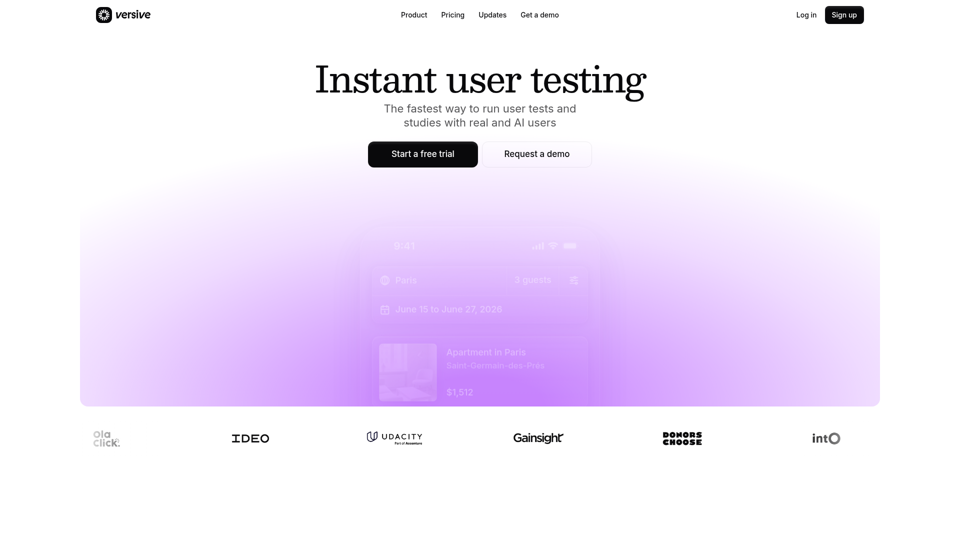
Versive
Versive is an AI-powered user research and testing platform that helps product teams design, run, and synthesize usability studies with real and simulated users, especially for product managers, UX researchers, and designers. In AI-assisted product development, it can help these teams validate interface decisions faster by generating transcripts, screenshots, summaries, and actionable recommendations in minutes.
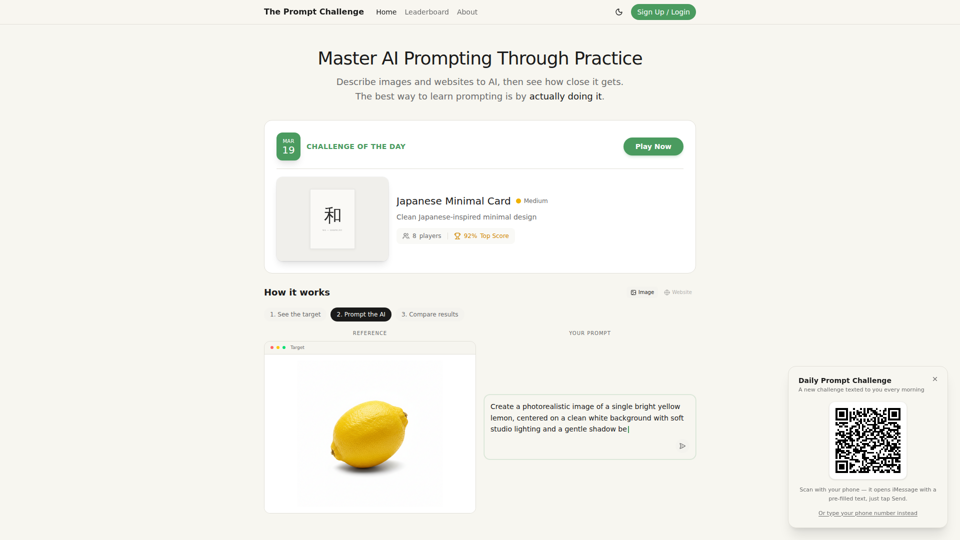
Challenges | Test Your AI Prompting Skills
The Prompt Challenge is a practice platform that helps users improve AI prompting by describing images and websites, comparing AI-generated results to references, and competing on scores, mainly for people learning prompt engineering and hands-on AI creation. For designers, developers, and AI practitioners, this kind of repeatable prompt testing can sharpen instruction-writing skills and improve consistency when using generative tools for visual and interface work.
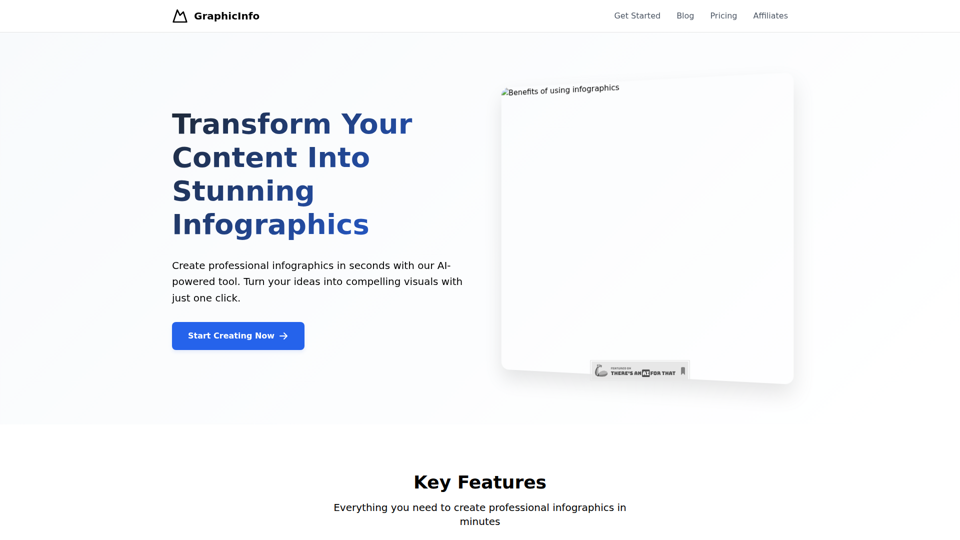
AI Infographic Generator
GraphicInfo is an AI infographic generator that helps users turn ideas and content into professional, customizable infographics quickly, mainly for creators and people producing website or social media content. In AI-driven content workflows, it can help marketers, content teams, and designers speed up visual asset creation while still refining text and images for specific brand needs.
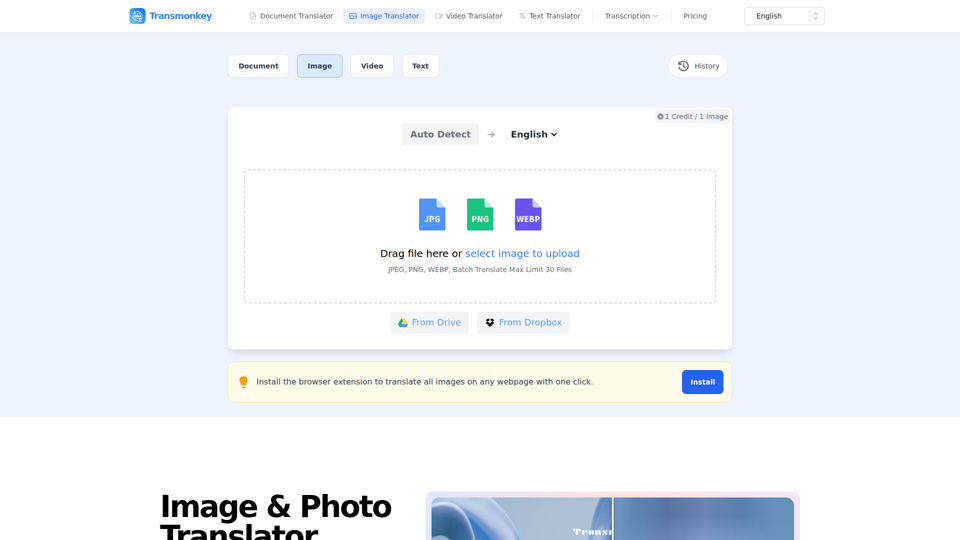
Image & Photo Translator Online – Try Free | Transmonkey
Transmonkey is an AI image translator that translates text in images across 130+ languages while preserving original backgrounds, designed for creators, marketers, and global businesses. By pairing optical character recognition with large language models, it streamlines visual localization without requiring manual graphic redesigns.
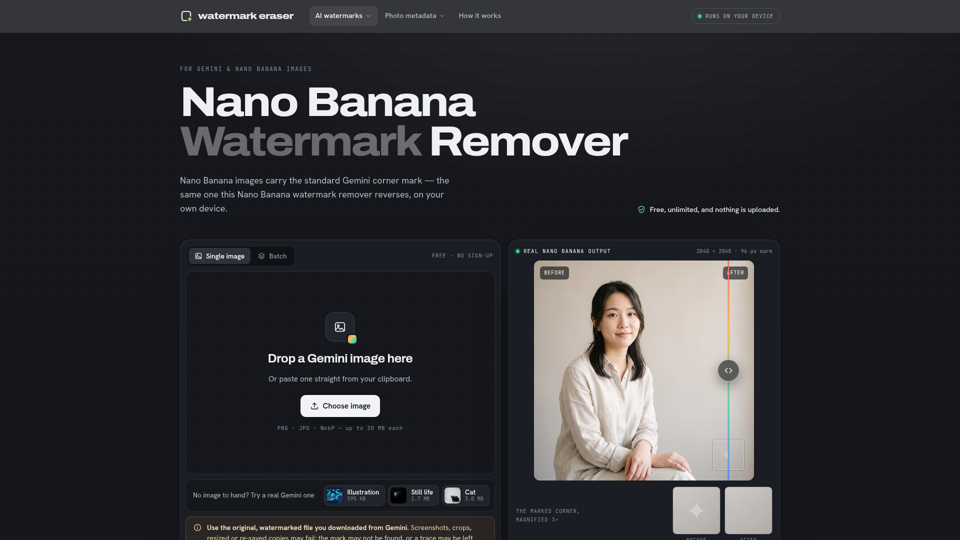
Nano Banana Watermark Remover — Free & Local
Nano Banana Watermark Remover is a browser-based tool that removes visible corner marks from Google Gemini images for digital creators. By processing files locally without compression, it helps designers prepare clean AI-generated assets efficiently for production workflows.
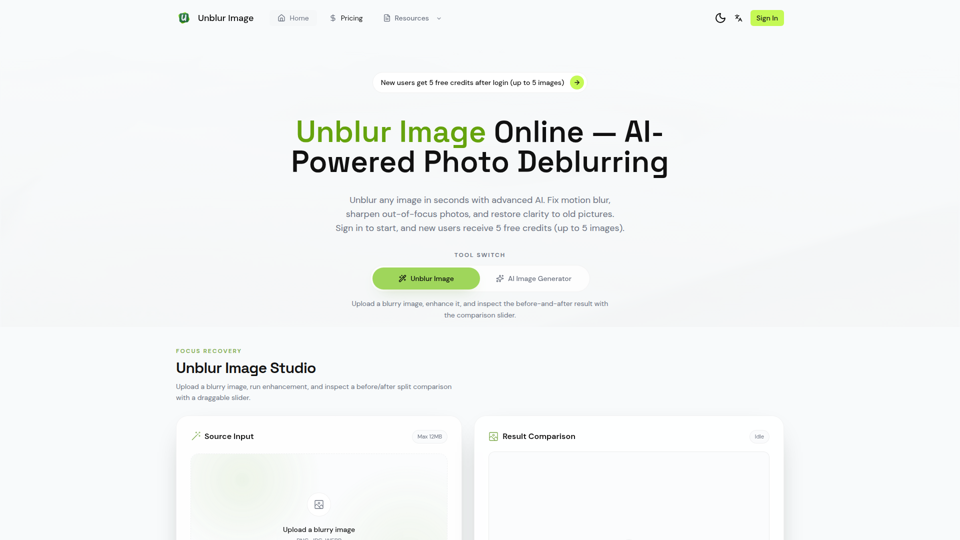
Unblur Image — Make Blurry Photos Clear with AI
Unblur Image is an AI-powered online photo deblurring tool that helps users fix motion blur, sharpen out-of-focus images, restore old photos, and improve text clarity, mainly for people who need quick image enhancement without manual editing skills. In AI-era workflows, it can help photographers, content teams, and document-heavy professionals recover usable visuals and readable assets faster from imperfect source images.
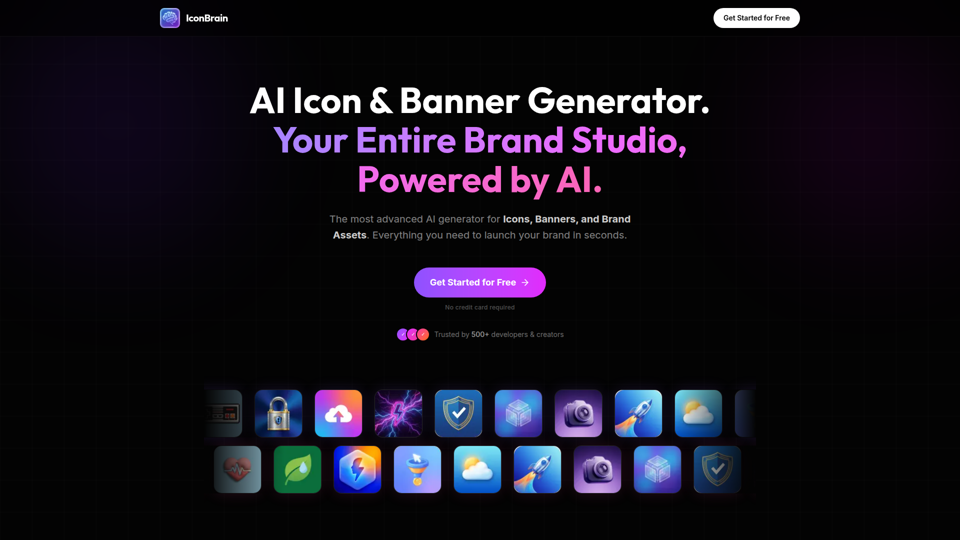
IconBrain | AI Icon Generator for Apps & Brands
IconBrain is an AI icon, banner, and brand asset generator that helps users create and edit production-ready visuals from text prompts or brand context, mainly for developers and creators launching apps or brands. For product, marketing, and design work, it can speed up early brand asset creation while helping teams keep visual styles more consistent across platforms.
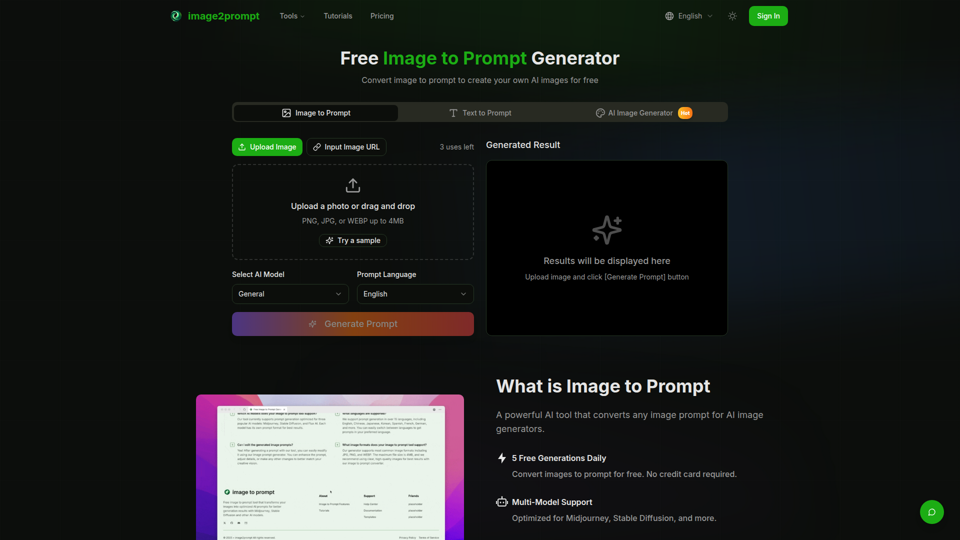
Free Image to Prompt Generator - image2prompt.net
image2prompt.net is a free AI image-to-prompt generator that analyzes uploaded images or image URLs and turns them into editable prompts for Midjourney, Stable Diffusion, Flux, and similar models, mainly for AI artists, designers, and creators. For creative professionals, it can speed prompt drafting, support style consistency, and reduce manual prompt rewriting across different image generation workflows.