
Slidely AI | The Best AI Presentation Maker for Professionals
Rate this Tool
Average Score
Total Votes
Select your score (1-10):
Detail Information
What
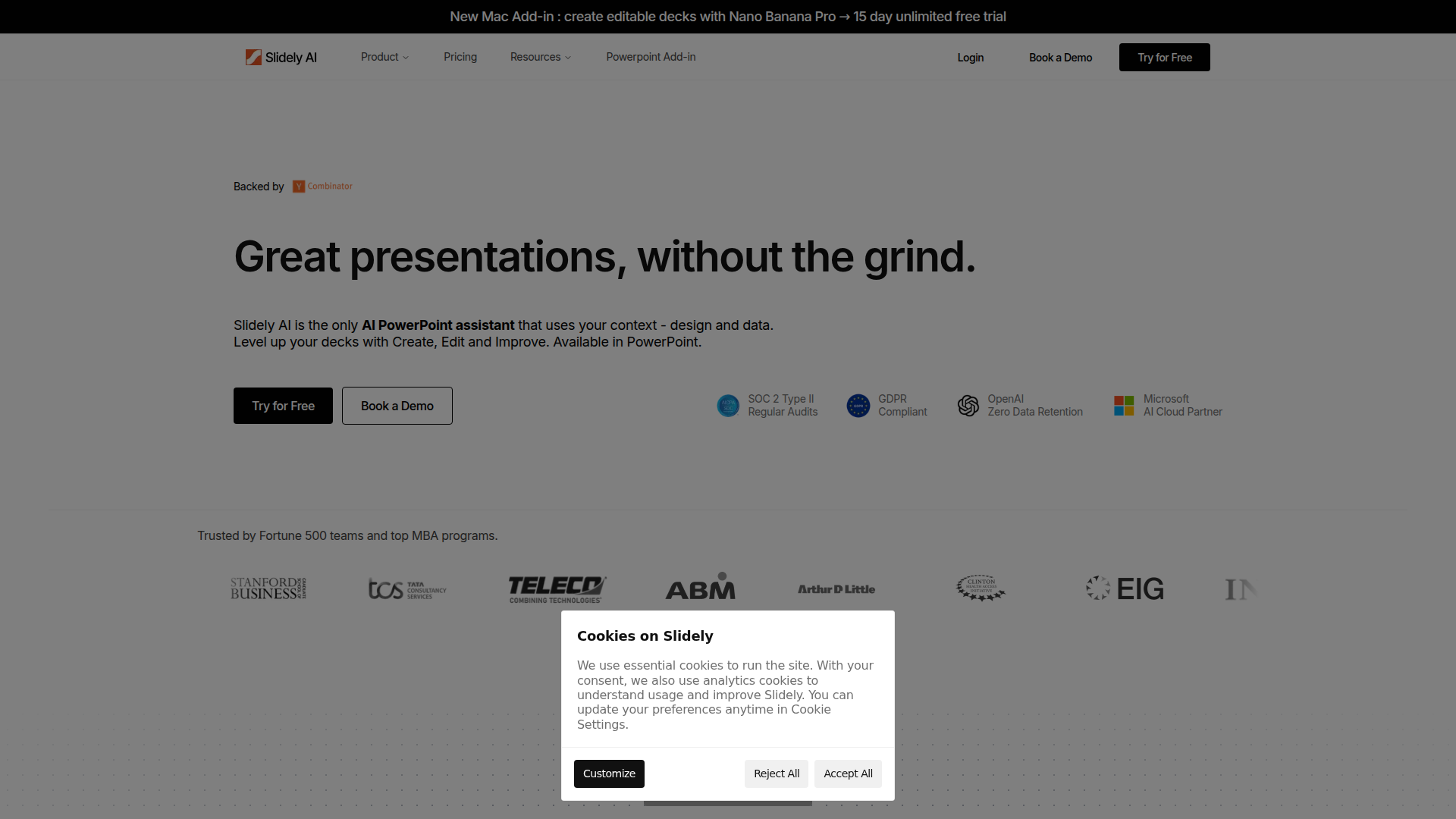
Slidely AI is an AI presentation assistant built to work inside Microsoft PowerPoint. It focuses on helping professionals create, edit, and improve decks using natural-language prompts while incorporating presentation context such as design, data, and brand standards.
The product appears positioned for teams that already rely heavily on PowerPoint, including corporate strategy groups, consultants, and business students. Its core workflow centers on speeding up deck production by generating a first draft, updating slides, synchronizing data, and fixing formatting without forcing users into a separate presentation tool.
Features
- Natural-language slide creation and editing — Users can ask Slidely to create slides, rewrite content, fix layouts, or change formats, which reduces manual slide-building work inside PowerPoint.
- Context-aware deck generation — The product combines user ideas, data, and brand inputs to produce a version-one deck that is intended to look closer to team standards from the start.
- Import from PDFs, images, and old decks — Users can upload existing materials and convert them into editable presentation content, which is useful for rebuilding or reusing prior assets.
- Excel linking for live number updates — Linking Excel to PowerPoint allows updates to flow through automatically, helping reduce stale figures and repetitive manual refreshes.
- Brand and formatting hygiene checks — A built-in checker detects color and font mismatches and can auto-apply company standards to improve deck consistency.
- Native PowerPoint output with layout utilities — Slidely creates native PowerPoint objects and includes alignment, spacing, grouping, and grid tools, which helps teams refine slides without leaving their existing workflow.
Helpful Tips
- Validate fit against your current PowerPoint process — Slidely is most relevant for teams that already build and maintain decks in PowerPoint rather than those looking to replace presentation software entirely.
- Test with real branded materials first — Use an existing company deck, spreadsheet, or PDF during evaluation to check how well the product handles your layout complexity and brand rules.
- Review enterprise requirements carefully — The page lists security and deployment options for larger organizations, but buyers should still confirm exact data handling, storage, retention, and access-control details during procurement.
- Assess prompt-driven editing quality by use case — The strongest value likely comes from repetitive editing, formatting, and v1 deck creation, so compare results across simple updates and data-dense presentations.
- Plan governance for shared team usage — If multiple users rely on AI-generated slides, define review standards for narrative quality, numerical accuracy, and brand compliance before broader rollout.
OpenClaw Skills
Within the OpenClaw ecosystem, Slidely AI could support presentation-focused skills and agents that automate common deck workflows. Likely use cases include an agent that turns strategy notes into an initial slide outline, a workflow that converts spreadsheet updates into refreshed management presentations, or a brand-review skill that checks a deck before executive meetings. The page does not state a native OpenClaw integration, so these should be treated as implementation ideas rather than confirmed product capabilities.
This combination could be particularly useful for consulting, corporate strategy, finance, and operations teams that repeatedly transform raw analysis into polished communication. An OpenClaw agent layer could orchestrate upstream tasks such as gathering source documents, summarizing findings, preparing chart-ready tables, and then handing structured inputs into Slidely for deck generation and refinement. In practice, that would likely shift presentation work from manual slide assembly toward supervised, workflow-based production inside the familiar PowerPoint environment.
Embed Code
Share this AI tool on your website or blog by copying and pasting the code below. The embedded widget will automatically update with the latest information.
<iframe src="https://aimyflow.com/ai/slidely-ai/embed" width="100%" height="400" frameborder="0"></iframe>
Explore Similar Tools
Transcribe Meetings & Generate Files with AI on TicNote Cloud
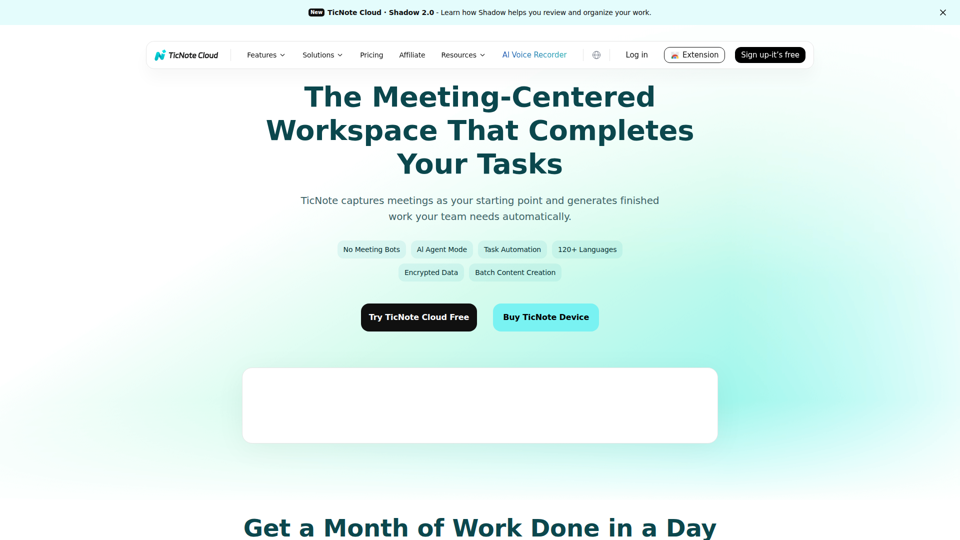
TicNote Cloud is an AI meeting workspace that records and transcribes meetings, creates summaries, action items, and files, and organizes transcripts and project materials for teams that rely on meetings to drive work. For product, operations, sales, and project management roles, it can reduce manual note-taking and speed follow-up by turning conversations into structured outputs and searchable knowledge.

Tingwu CN
通义听悟 is an AI meeting and media transcription tool that converts speech to text, provides multilingual translation, distinguishes speakers, and generates summaries such as chapter overviews and action items, mainly for people who need to capture and review meetings efficiently. For project managers and similar knowledge workers, it can reduce manual note-taking and speed up turning long discussions into usable minutes and follow-up tasks.
RowFlow - the modern AI-native form
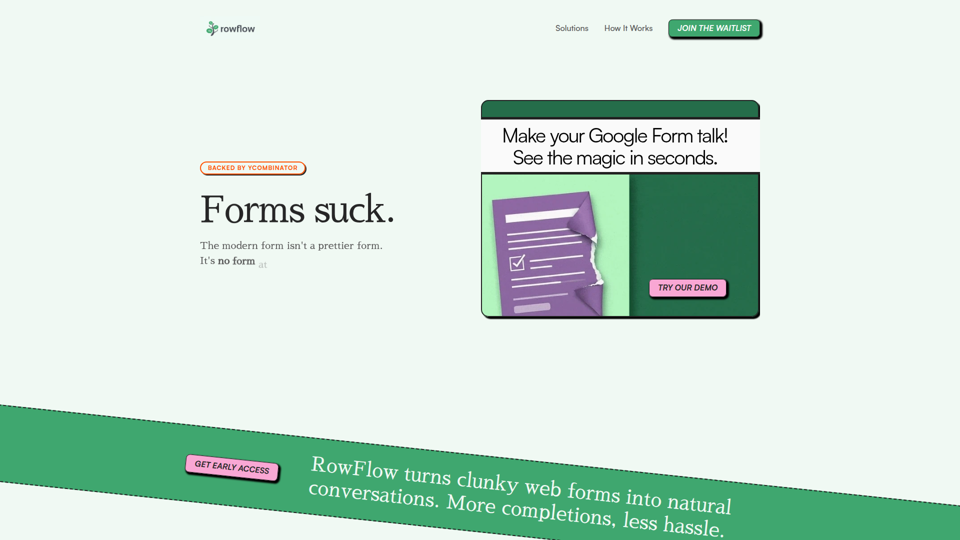
RowFlow is an AI-native form platform that turns traditional forms into conversational outreach across channels like SMS, email, Slack, WhatsApp, and phone, helping teams collect structured information faster with fewer manual follow-ups; it is mainly for operations, onboarding, research, and revenue teams. For functions such as customer onboarding, lead qualification, and internal reporting, it can reduce time spent chasing responses while producing cleaner data from messy user input.
1ClickClaw - OpenClaw Hosting | One-Click AI Bot
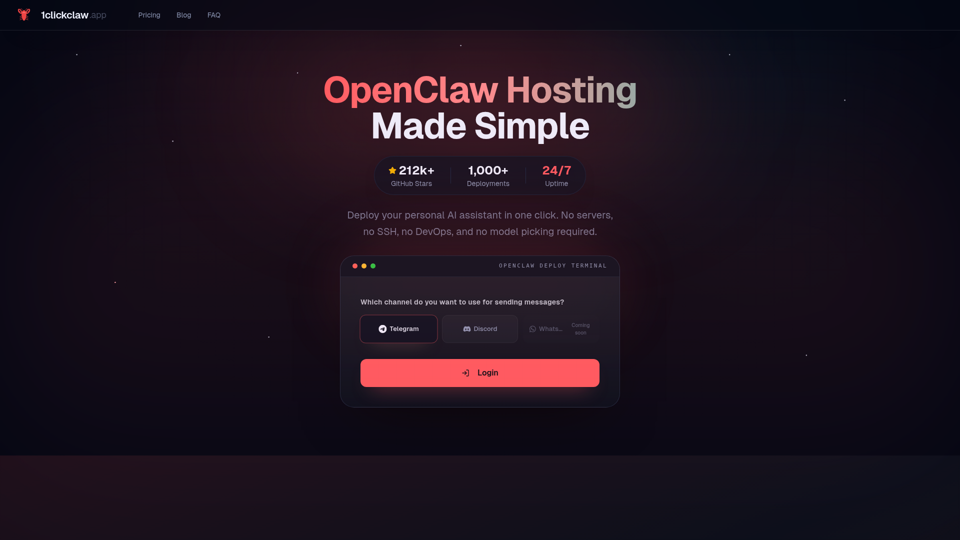
1ClickClaw is a hosting service for deploying OpenClaw as a personal AI assistant on Telegram, Discord, or WhatsApp in one click, mainly for users who want an always-on bot without managing servers, SSH, or DevOps setup. For operators, community managers, and solo builders, this can shorten deployment time and simplify AI bot maintenance so they can focus more on conversations and workflows than infrastructure.
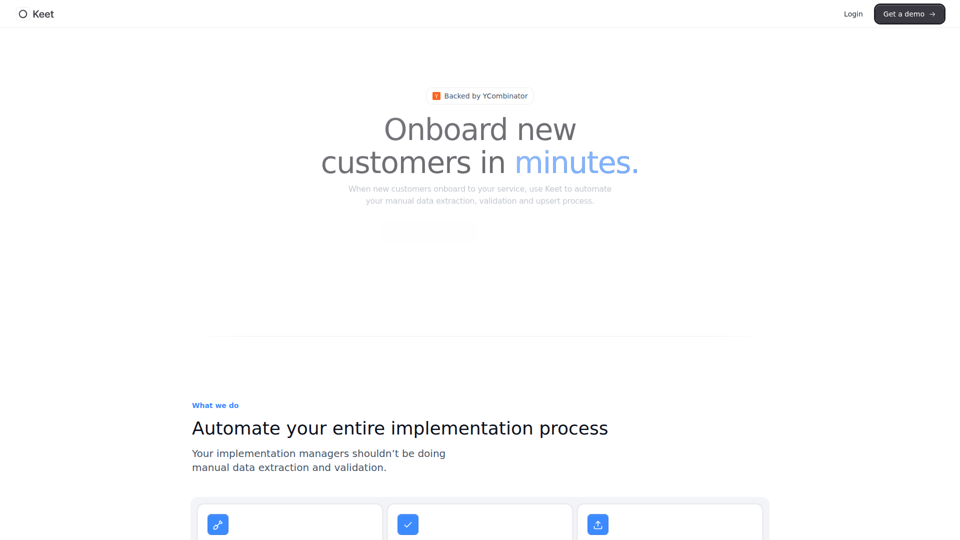
Keet - Automated enterprise onboarding
Keet is an automated enterprise onboarding tool that extracts, validates, and uploads customer migration data to help implementation managers onboard new customers faster. In AI-driven implementation workflows, it can reduce manual review and data handling so implementation and onboarding teams can focus on exception handling and customer setup quality.
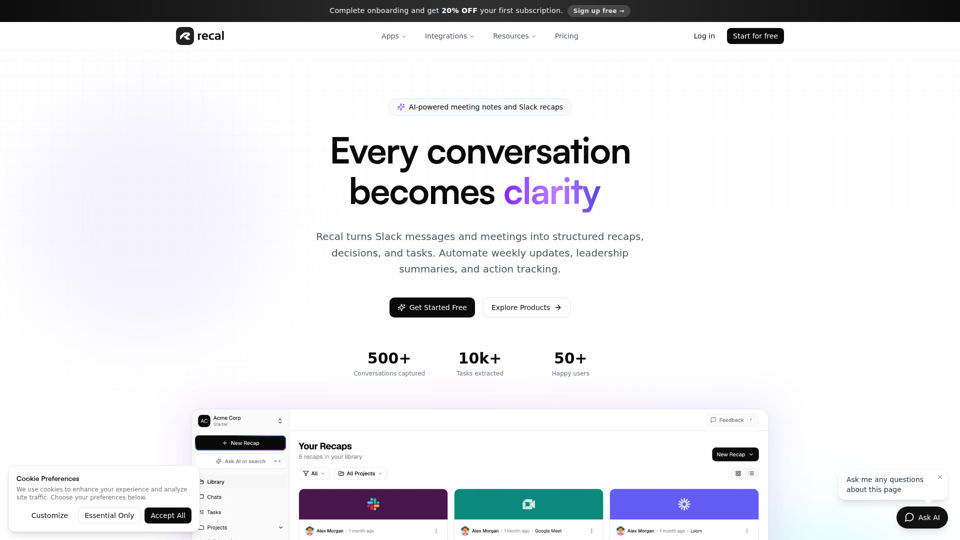
Never forget what matters | Recal
Recal is an AI-powered meeting notes and conversation memory tool that captures meetings, Slack threads, voice memos, uploads, and links, then turns them into transcripts, summaries, decisions, and tasks for teams and professionals who need reliable context and follow-through. For managers, operations leads, and product teams, it can reduce manual note-taking and improve alignment by making searchable recaps and action items available across conversations.
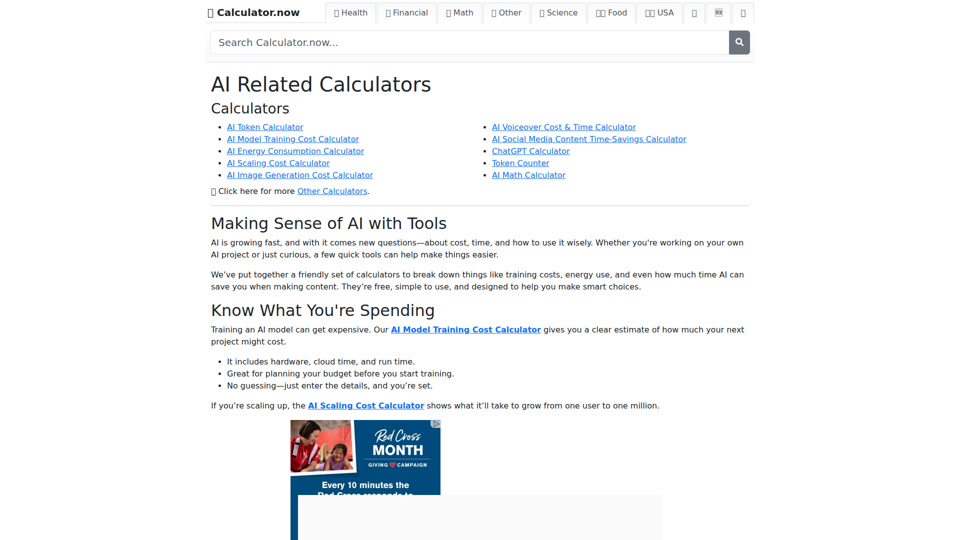
AI Related Calculators | Calculator.now
Calculator.now’s AI Related Calculators is a collection of online calculators that help users estimate token usage, model training and scaling costs, energy consumption, image generation costs, and AI workflow time savings, mainly for people planning or running AI projects. For AI developers, content teams, and project managers, these tools support faster budgeting and capacity planning by turning model and usage assumptions into clear operational estimates.
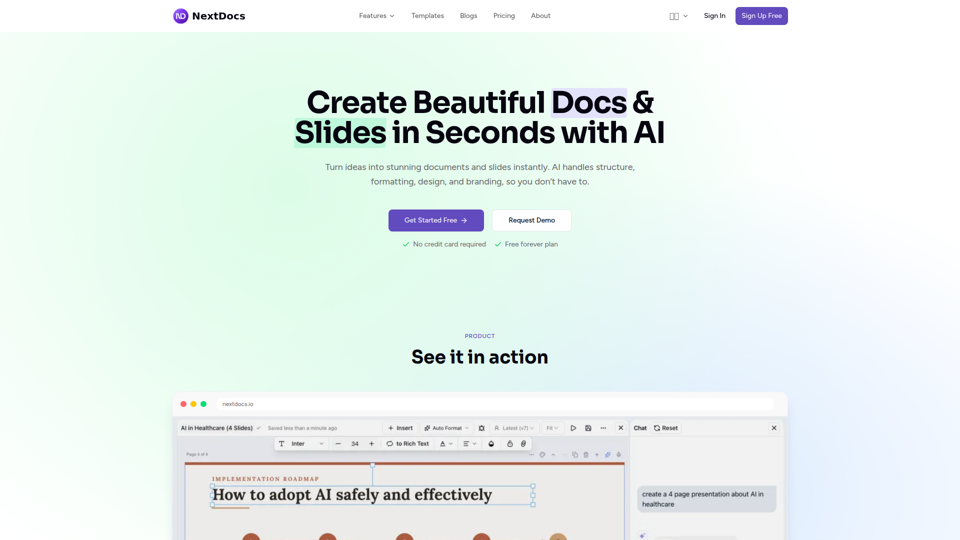
Create Beautiful Docs & Slides in Seconds with AI
NextDocs is an AI document and presentation creation tool that helps professionals and teams turn prompts into branded docs, slides, social posts, proposals, reports, and contracts with built-in editing, research, and export options. For roles like project managers, marketers, founders, and sales teams, it can reduce manual formatting and versioning work so more time goes to reviewing content and making decisions.