
Transcribe Meetings & Generate Files with AI on TicNote Cloud
Rate this Tool
Average Score
Total Votes
Select your score (1-10):
Detail Information
What
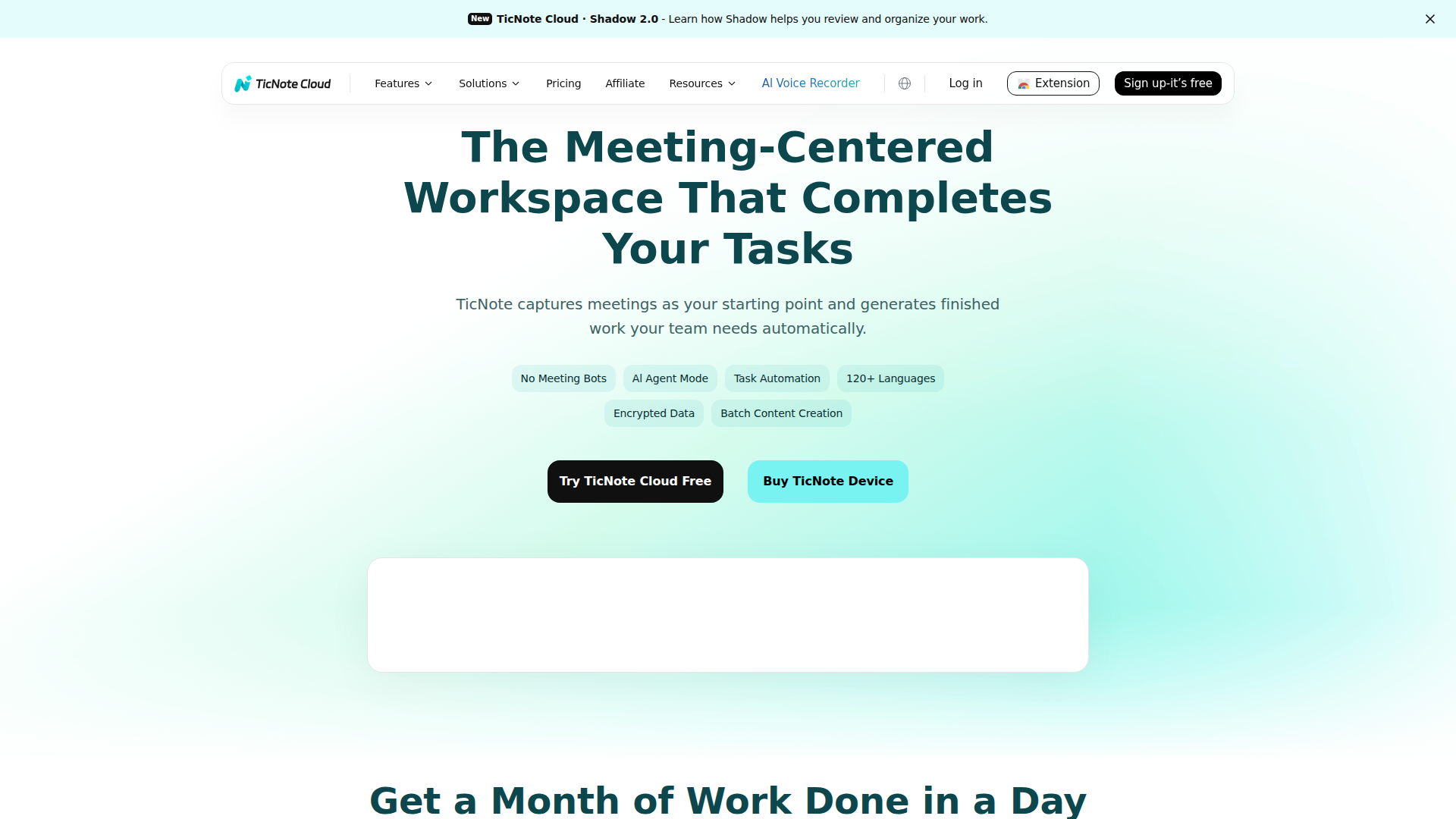
TicNote Cloud is an AI meeting workspace that records conversations, transcribes them, and turns them into structured outputs such as summaries, action items, mind maps, and follow-up files. The product is positioned around meetings as the starting point for downstream work, with AI helping convert spoken discussion into usable documentation and task-oriented deliverables.
It appears designed for teams and professionals who spend significant time in meetings and need faster note capture, clearer follow-up, and better knowledge organization. Based on the page, its workflow centers on one-click capture, real-time multilingual transcription, automated note structuring by meeting type, and AI-assisted task execution through a feature called Shadow.
Features
- Recording and transcription: Captures meetings and provides real-time transcription, with full transcripts available when the meeting ends for faster review and documentation.
- AI summaries and action items: Extracts key points and next steps automatically, helping teams reduce manual note-taking and post-meeting cleanup.
- No meeting bots: Processes meetings without bots joining calls, which may be useful for teams that want a less intrusive meeting workflow.
- Meeting-specific templates: Uses 100+ templates for formats such as sales calls, 1:1s, research interviews, and sprint planning to make notes more structured and immediately shareable.
- Knowledge organization: Connects meetings, transcripts, and files into an AI knowledge base with auto-linking, smart tagging, pattern recognition, and version history for easier retrieval and context tracking.
- Shadow AI task creation: Supports prompting the AI to generate outputs such as reports, client emails, and presentations, with batch creation and custom workflow support described on the page.
Helpful Tips
- Check output quality by meeting type: Products in this category often perform differently across sales calls, internal standups, and research interviews, so validate template usefulness against your highest-volume meeting formats first.
- Review language and terminology fit: TicNote Cloud states support for 120+ languages, but teams with heavy jargon, technical vocabulary, or multilingual switching should test transcription accuracy in real operating conditions.
- Define a post-meeting review process: Automated summaries and action items are most useful when someone still confirms ownership, deadlines, and wording before they are circulated.
- Assess knowledge base governance: Since the product links meetings and files into a searchable system, it is important to define naming, tagging, and retention practices early to avoid clutter.
- Verify task automation boundaries: The page describes automated creation of reports, emails, and presentations, but does not fully detail review controls or workflow limits, so buyers should clarify where human approval remains necessary.
Embed Code
Share this AI tool on your website or blog by copying and pasting the code below. The embedded widget will automatically update with the latest information.
<iframe src="https://aimyflow.com/ai/ticnote-com/embed" width="100%" height="400" frameborder="0"></iframe>
Explore Similar Tools
Tingwu CN
通义听悟 is an AI meeting and media transcription tool that converts speech to text, provides multilingual translation, distinguishes speakers, and generates summaries such as chapter overviews and action items, mainly for people who need to capture and review meetings efficiently. For project managers and similar knowledge workers, it can reduce manual note-taking and speed up turning long discussions into usable minutes and follow-up tasks.
RowFlow - the modern AI-native form
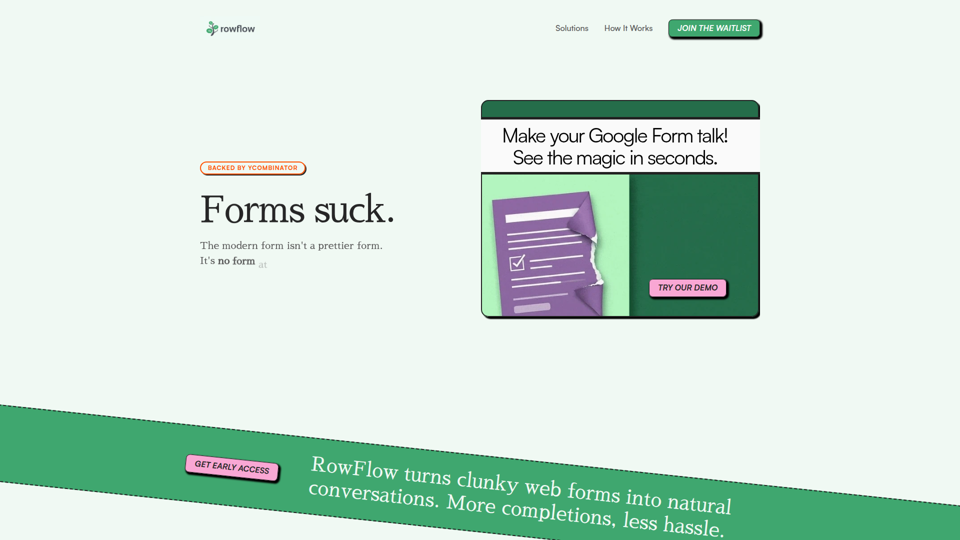
RowFlow is an AI-native form platform that turns traditional forms into conversational outreach across channels like SMS, email, Slack, WhatsApp, and phone, helping teams collect structured information faster with fewer manual follow-ups; it is mainly for operations, onboarding, research, and revenue teams. For functions such as customer onboarding, lead qualification, and internal reporting, it can reduce time spent chasing responses while producing cleaner data from messy user input.
1ClickClaw - OpenClaw Hosting | One-Click AI Bot
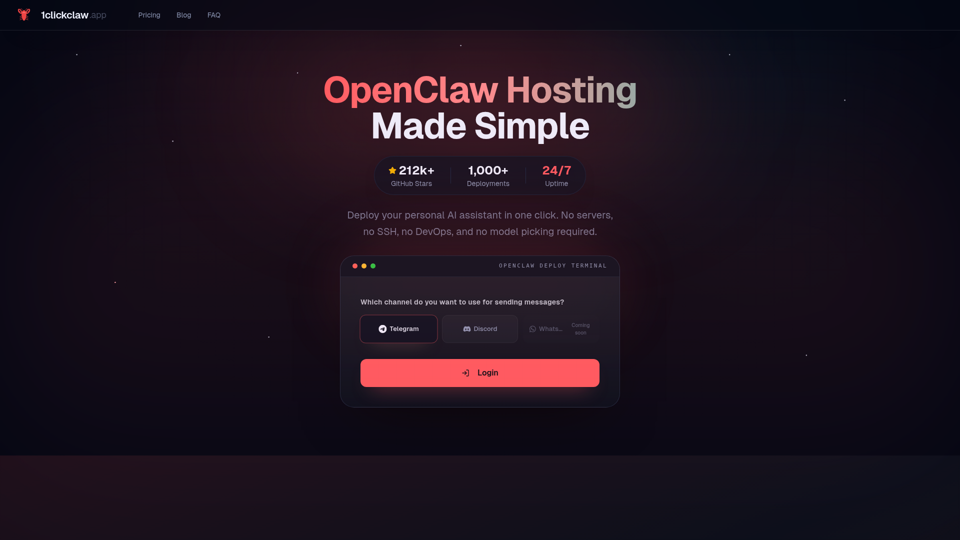
1ClickClaw is a hosting service for deploying OpenClaw as a personal AI assistant on Telegram, Discord, or WhatsApp in one click, mainly for users who want an always-on bot without managing servers, SSH, or DevOps setup. For operators, community managers, and solo builders, this can shorten deployment time and simplify AI bot maintenance so they can focus more on conversations and workflows than infrastructure.
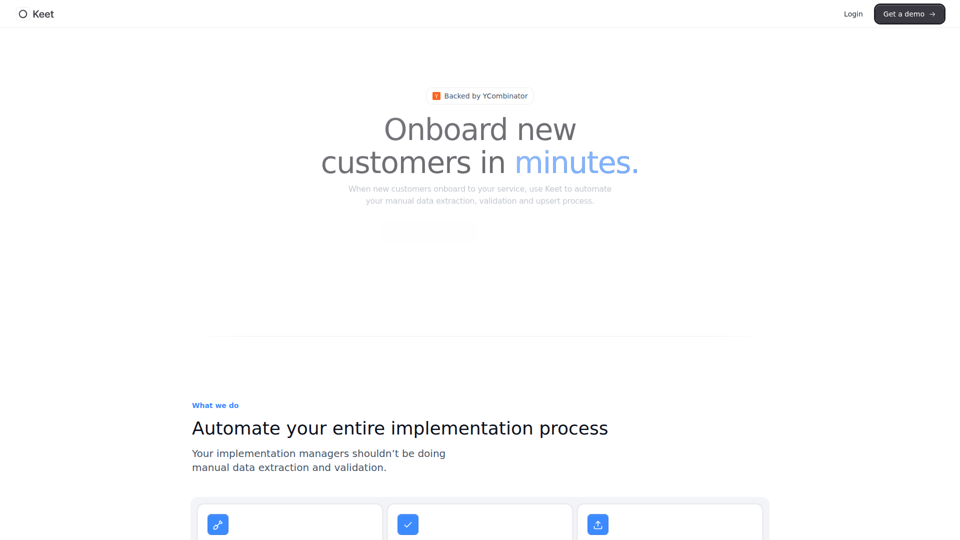
Keet - Automated enterprise onboarding
Keet is an automated enterprise onboarding tool that extracts, validates, and uploads customer migration data to help implementation managers onboard new customers faster. In AI-driven implementation workflows, it can reduce manual review and data handling so implementation and onboarding teams can focus on exception handling and customer setup quality.
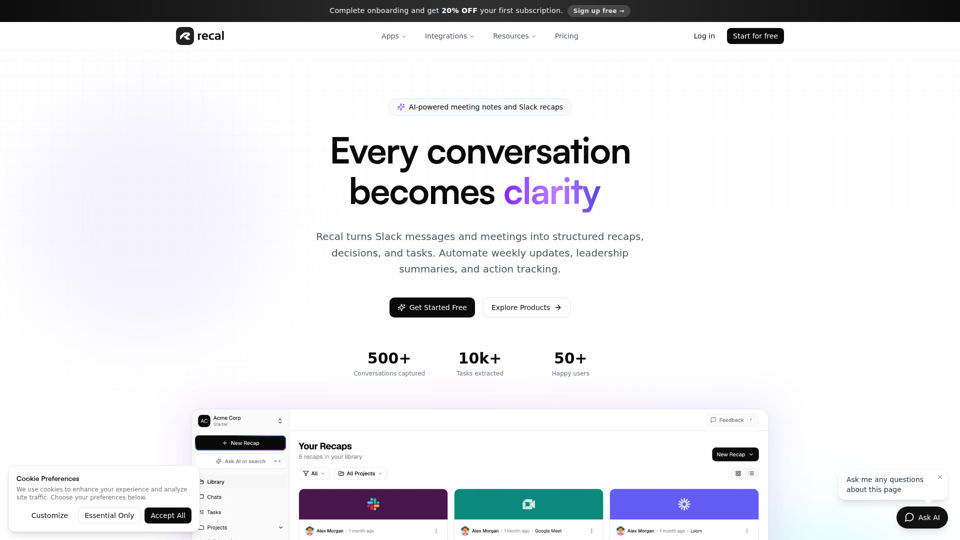
Never forget what matters | Recal
Recal is an AI-powered meeting notes and conversation memory tool that captures meetings, Slack threads, voice memos, uploads, and links, then turns them into transcripts, summaries, decisions, and tasks for teams and professionals who need reliable context and follow-through. For managers, operations leads, and product teams, it can reduce manual note-taking and improve alignment by making searchable recaps and action items available across conversations.
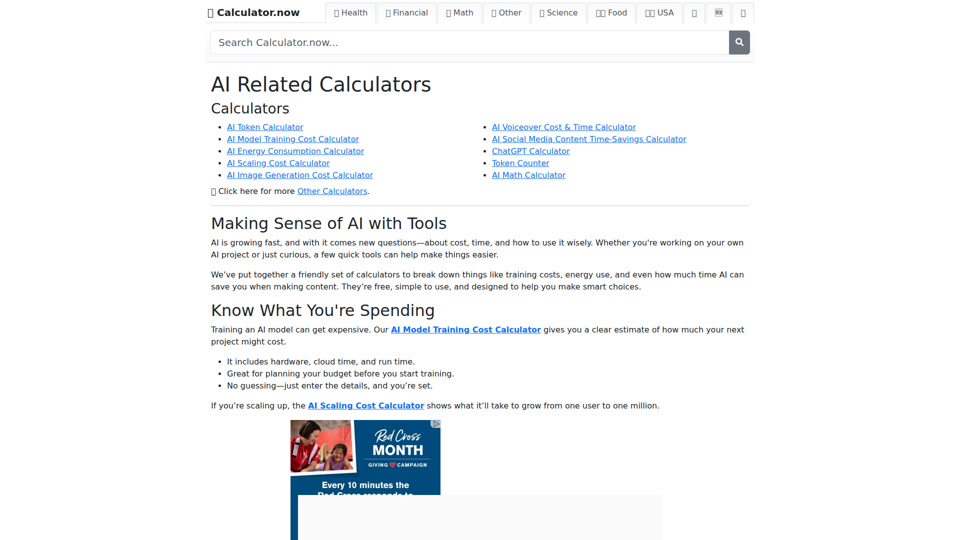
AI Related Calculators | Calculator.now
Calculator.now’s AI Related Calculators is a collection of online calculators that help users estimate token usage, model training and scaling costs, energy consumption, image generation costs, and AI workflow time savings, mainly for people planning or running AI projects. For AI developers, content teams, and project managers, these tools support faster budgeting and capacity planning by turning model and usage assumptions into clear operational estimates.
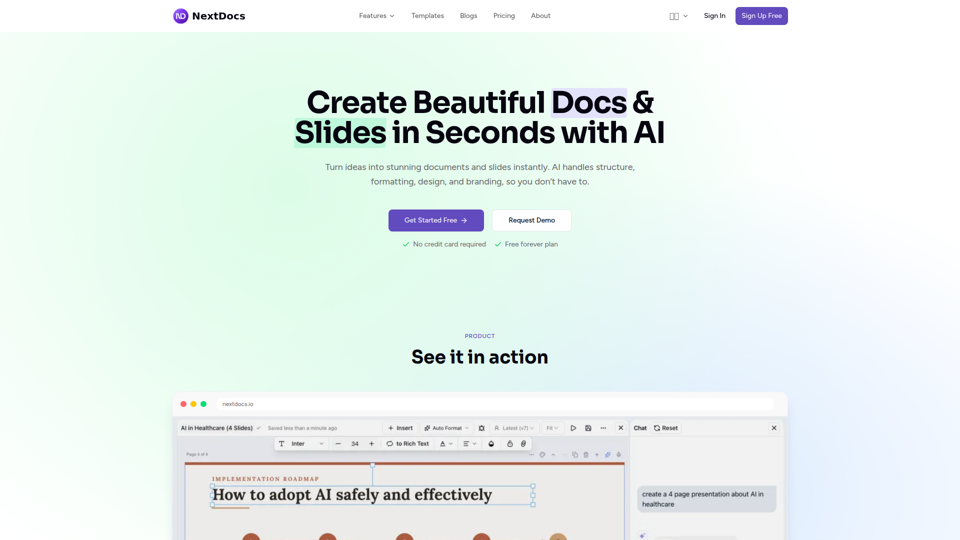
Create Beautiful Docs & Slides in Seconds with AI
NextDocs is an AI document and presentation creation tool that helps professionals and teams turn prompts into branded docs, slides, social posts, proposals, reports, and contracts with built-in editing, research, and export options. For roles like project managers, marketers, founders, and sales teams, it can reduce manual formatting and versioning work so more time goes to reviewing content and making decisions.
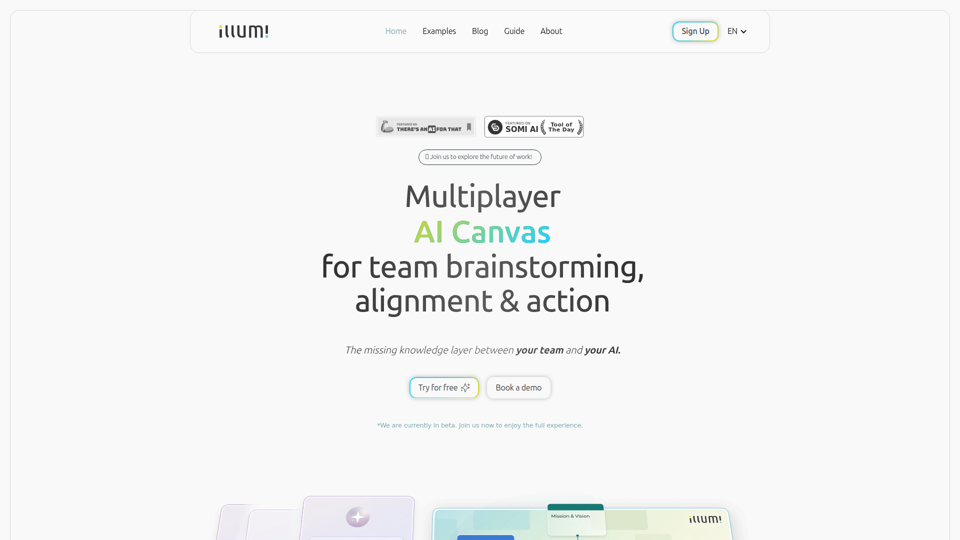
illumi - AI Canvas for Leading Team Work
illumi is a multiplayer AI canvas and whiteboard that helps teams gather context, brainstorm, align decisions, and co-create outputs with multiple AI models in one shared workspace, mainly for teams doing collaborative planning and knowledge work. For team leads, strategists, and cross-functional contributors, it can improve AI-driven work by preserving shared context so generated drafts and decisions reflect the full discussion instead of fragmented prompts.