
Replay | Video to React Code & Agent Infrastructure
Rate this Tool
Average Score
Total Votes
Select your score (1-10):
Detail Information
What
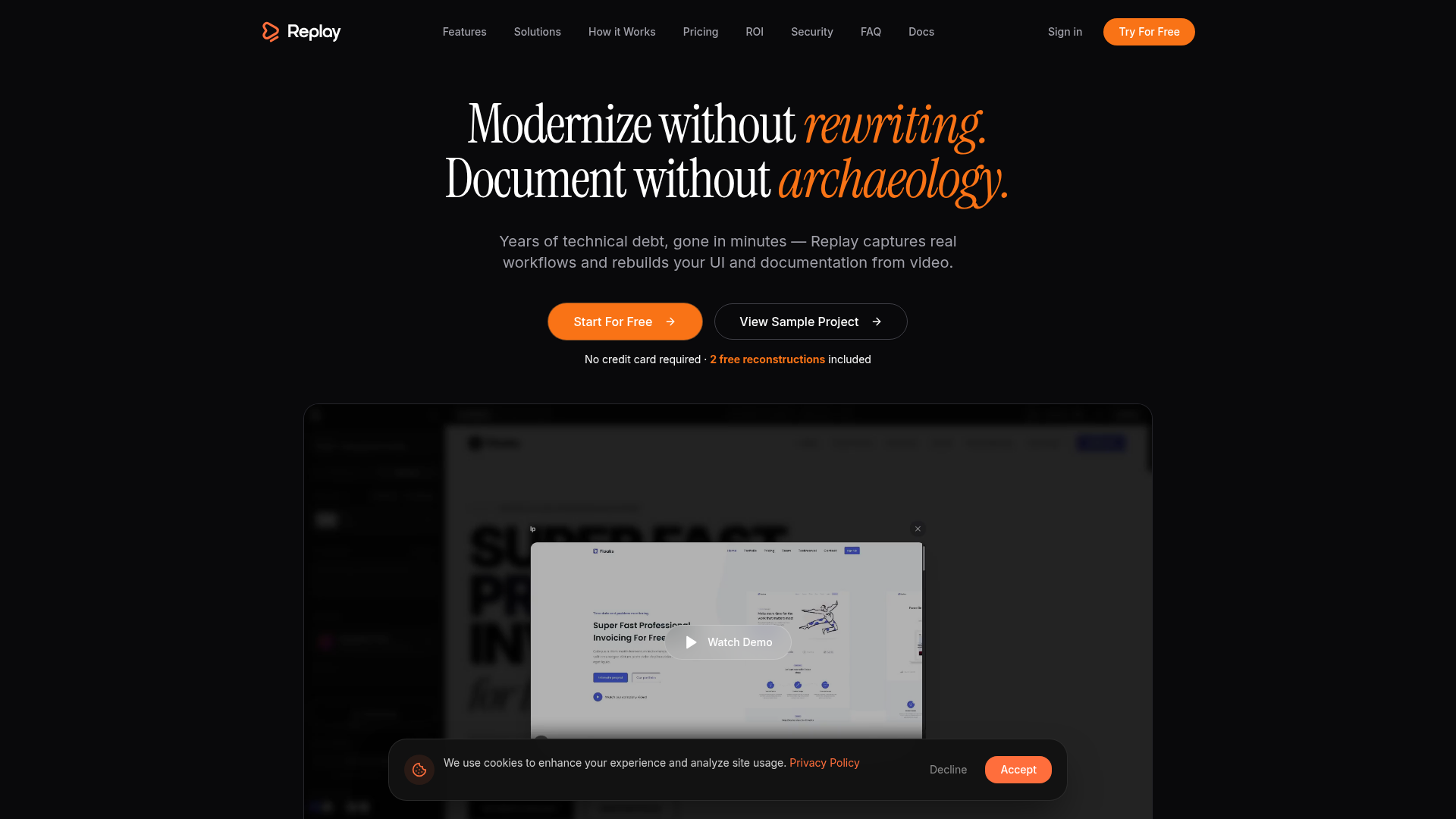
Replay is a modernization platform that converts screen recordings of existing software into React-based UI architecture, documentation assets, and supporting engineering outputs. It is aimed at teams working with legacy or business-critical systems, especially in industries such as financial services, healthcare, telecom, logistics, government, insurance, manufacturing, retail, and energy.
The core workflow appears to be: record a real user session, let Replay extract interface structure and workflow context, and receive componentized React code, a design-system-aligned component library, and related artifacts such as API contracts and tests. Based on the page, Replay is positioned as a faster alternative to manual reverse-engineering for legacy migration, UI reconstruction, and documentation.
Features
- Video-to-React reconstruction — Converts screen recordings into pixel-matched React architecture by analyzing layout, typography, and state changes across the recording.
- Reimagine pipeline — Offers a separate path to generate a more modernized UI output rather than only reproducing the legacy interface 1:1.
- Automatic component library creation — Catalogs UI elements such as buttons, inputs, and states into reusable, modular React components and design tokens.
- Flow mapping across screens — Tracks multi-page navigation and temporal state changes to help teams understand journeys and identify logic gaps beyond isolated screens.
- Agentic editor for global changes — Supports interactive component editing through a search/replace-style workflow intended to propagate changes without manually updating each instance.
- Automation and API access — Generates outputs such as API contracts, end-to-end tests, and technical debt audits, and exposes a headless API with REST and webhooks for agent-driven workflows.
Helpful Tips
- Validate against real business workflows — For legacy modernization tools, success depends on whether recorded sessions cover critical paths, edge cases, and exception handling, not just common screens.
- Check output boundaries early — The page emphasizes React generation, but teams should confirm how much backend logic, validation behavior, and non-visual business rules are actually inferred versus requiring manual follow-up.
- Use design-system inputs deliberately — If Figma or Storybook is available, aligning generated components to an existing design system can reduce downstream cleanup and improve adoption by frontend teams.
- Review security options by deployment model — Replay mentions configurable retention, PII detection in beta, on-premise deployment, and SOC 2-aligned controls in progress, so regulated teams should verify current availability and maturity before rollout.
- Pilot on a bounded migration slice — A practical evaluation approach is to test a representative workflow set from a legacy app and compare generated code quality, documentation usefulness, and regression risk against current manual methods.
OpenClaw Skills
Replay could fit well into the OpenClaw ecosystem as a source system for modernization agents and engineering workflow automation. A likely use case would be an OpenClaw skill that ingests Replay outputs, then chains follow-on tasks such as code review, migration planning, backlog generation, documentation enrichment, test orchestration, or handoff packaging for product, design, and engineering teams. The page explicitly mentions a headless API, REST, webhooks, and agent-ready infrastructure, which makes this kind of orchestration plausible.
A broader OpenClaw workflow could support professions such as enterprise architects, modernization leads, platform teams, and product owners managing legacy estates. For example, an OpenClaw agent could classify reconstructed screens by business domain, detect missing user journeys, generate implementation tickets, compare generated components to internal standards, and coordinate remediation loops. Native integration with OpenClaw is not stated on the page, so this should be treated as a likely orchestration pattern rather than a confirmed built-in connection.
Embed Code
Share this AI tool on your website or blog by copying and pasting the code below. The embedded widget will automatically update with the latest information.
<iframe src="https://aimyflow.com/ai/replay-build/embed" width="100%" height="400" frameborder="0"></iframe>
Explore Similar Tools
Free AI Photo Editor: Edit & Generate Image Online | Pokecut
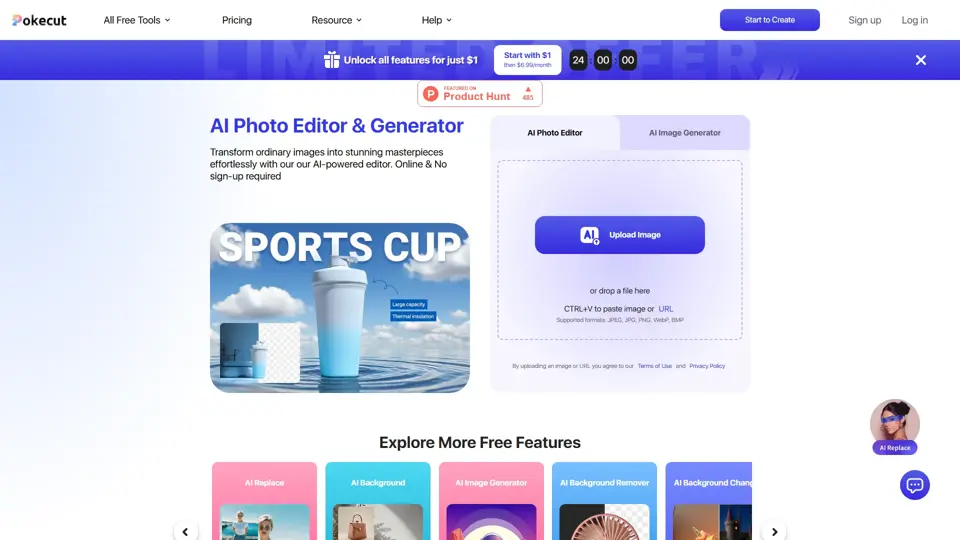
Pokecut is an AI photo editor that helps users remove backgrounds, enhance images, and generate visuals online, mainly for ecommerce sellers, marketers, and creators who need quick design-ready assets. It speeds up routine image production so visual teams can create polished content with less manual editing.
Roboflow: Computer vision tools for developers and enterprises
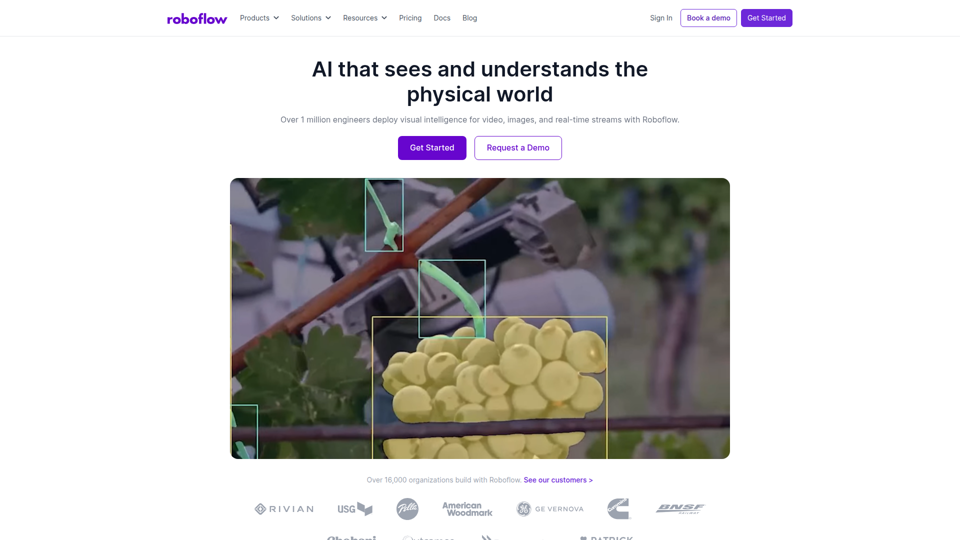
Roboflow is a computer vision platform that helps developers, machine learning engineers, and enterprises annotate data, train models, build workflows, and deploy vision AI for images, video, and real-time streams. In AI-driven operations, it can help computer vision and ML teams move faster from prototype to production by combining data labeling, model training, and deployment in one workflow.
Seedance 2.0
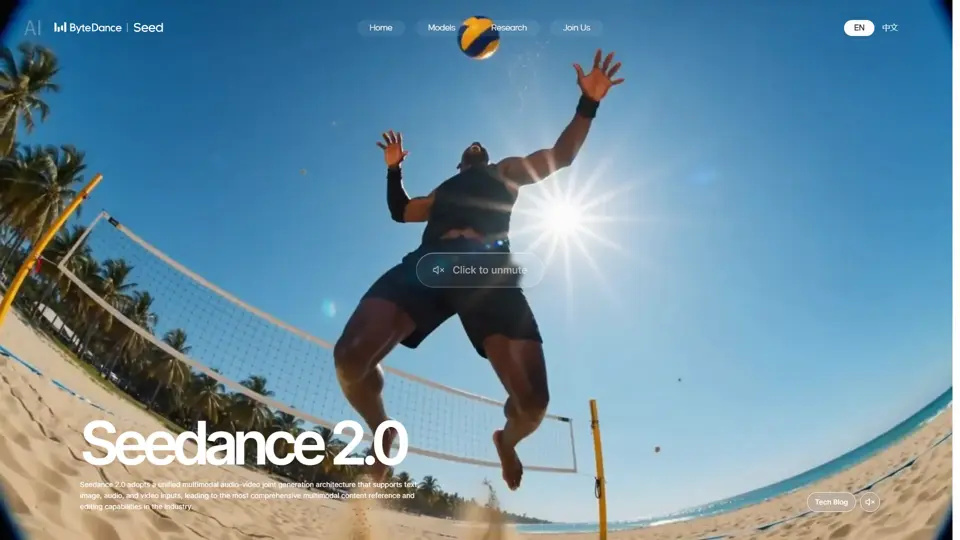
Seedance 2.0 is ByteDance's AI video generation model designed to create high-quality videos from prompts and multimodal inputs, mainly for creators, developers, and media teams. In the AI era, it helps visual content roles turn ideas into production-ready motion assets with far less manual editing effort.
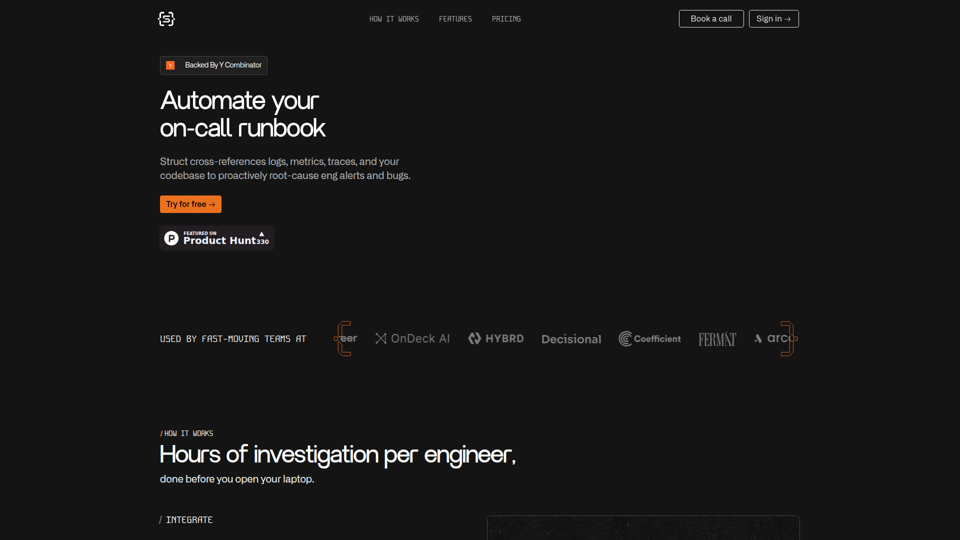
Struct | Automate your on-call runbook
Struct is an AI on-call agent that investigates engineering alerts and bugs by analyzing logs, metrics, traces, and codebases, mainly for software engineers and SRE teams. In the AI era, it helps incident responders shorten triage time by delivering root-cause findings and suggested fixes directly in workflows.
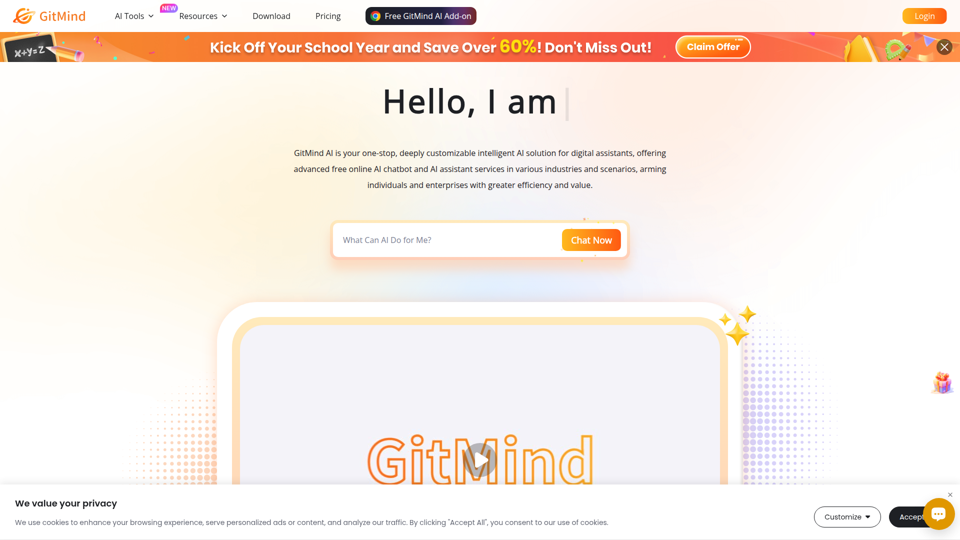
GitMind Chat - Your Best AI Assistant
GitMind Chat is an AI assistant and chatbot platform that helps individuals and enterprises handle conversations, analysis, writing, coding, translation, customer service, and custom AI agent creation through prebuilt or configurable assistants. For roles such as marketers, analysts, support teams, educators, and developers, it can streamline repetitive knowledge work by combining chat, file and link inputs, image analysis, and contextual responses in one workflow.
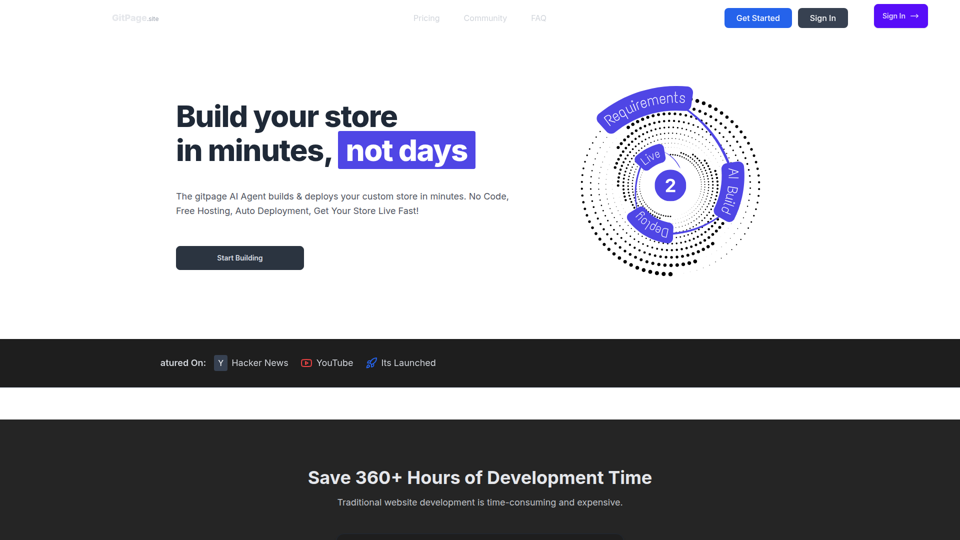
GitPage AI Website Builder | GitPage
GitPage is an AI website builder that generates and deploys websites, online stores, and landing pages from a form, mainly for freelancers, agencies, startups, and businesses that want no-code site creation with code ownership. For web professionals and client-service teams, it can reduce manual setup and content drafting by automating page generation, blog content, and deployment to GitHub or GitLab Pages.

Rohan Mehta
Rohan Mehta is a personal website for a New York–based software engineer at OpenAI, outlining his background at Meta and as a YC-backed startup founder, and highlighting his creator role behind the Subway Time NYC transit app. For software engineers and technical hiring teams, this kind of concise profile helps AI-era talent evaluation by quickly surfacing relevant build, scale, and product experience.
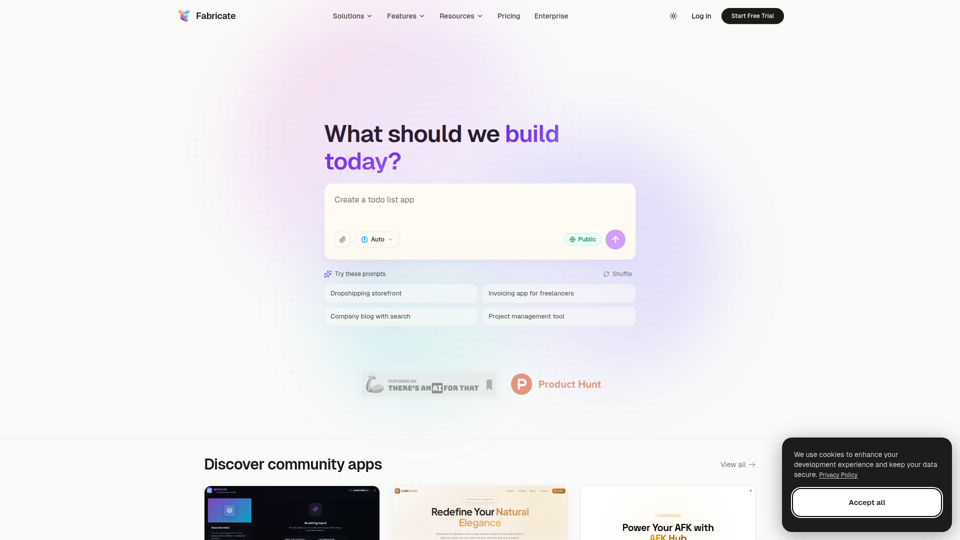
Fabricate - AI Full-Stack App Builder | Build Anything, Ship Faster
Fabricate is an AI full-stack app builder that helps users describe an app idea and generate production-ready web applications, mainly for founders, developers, designers, freelancers, agencies, and enterprises. In AI-assisted product development, it can help these teams move faster from concept to deployable React, TypeScript, and backend code with less manual setup.