
AI Photo Enhancer & Face Unblur | Restore Old Photos Online - Refini | Refini
Rate this Tool
Average Score
Total Votes
Select your score (1-10):
Detail Information
What
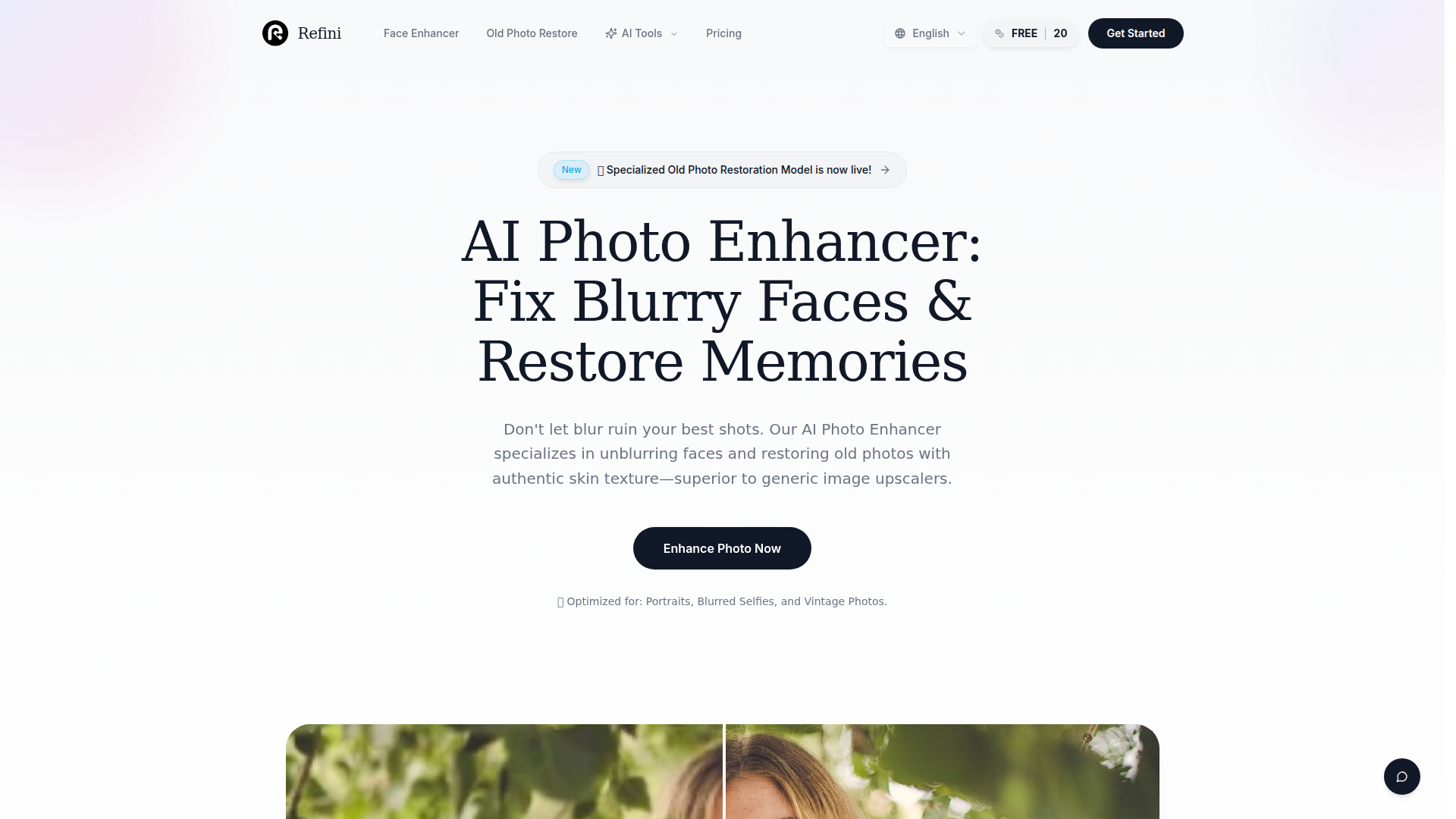
Refini is an AI photo enhancement tool focused on face unblurring, portrait improvement, and old photo restoration. Based on the page, it is designed for people who want to recover blurry selfies, sharpen group portraits, and restore damaged or faded vintage photos with an emphasis on realistic facial detail.
The core workflow is simple: upload an image, let the AI automatically analyze and enhance it, then preview and download the result. Its positioning appears to be more specialized than a general image upscaler, with the product differentiating itself through face-specific reconstruction, natural skin texture recovery, and restoration features for physical and historical photos.
Features
- Face unblur and facial detail reconstruction — Detects facial features and rebuilds eyes, skin, and hair to improve portraits that are blurry or slightly out of focus.
- Natural skin texture recovery — Aims to preserve realistic pores and texture instead of producing the overly smooth or “waxy” look often associated with generic upscalers.
- Small-face enhancement for crops and group photos — Reconstructs facial features from limited pixels, which is useful when enlarging faces from wider shots.
- Upscaling up to 4x — Supports enlarging images while aiming to keep sharpness and reduce visible pixelation.
- Old photo restoration tools — Offers face clarification, scratch and damage removal, and colorization for vintage family photos and physical prints.
- Automatic enhancement workflow — Handles upload, AI analysis, blur reduction, and resolution improvement with a straightforward three-step process.
Helpful Tips
- Use it primarily for people-focused images — The page strongly supports portrait, selfie, group photo, and old family photo use cases more than general-purpose scene enhancement.
- Validate results on severe blur carefully — The site says it can address blurry and out-of-focus photos, but it does not provide technical limits, so quality may vary on extremely degraded images.
- Check restored faces for authenticity in archival work — Since the tool uses generative AI to predict missing facial details, teams handling historical or evidentiary photos should review outputs for accuracy.
- Test before large-scale photo restoration projects — If you plan to restore many legacy images, start with a representative sample to assess consistency across faded, scratched, and low-resolution originals.
- Confirm operational requirements separately — The page references free use and data safety in the FAQ, but the provided content does not include enough detail to evaluate usage limits, privacy handling, or export conditions.
OpenClaw Skills
Refini could likely fit well into an OpenClaw ecosystem as a specialized image restoration component inside broader content and asset workflows. Likely use cases include an agent that triages damaged image archives, identifies portraits or faces, routes suitable files to Refini-style enhancement, and then organizes outputs by restoration type such as deblur, colorization, or scratch repair. For marketing teams, photographers, family-history services, and media archivists, this could reduce manual sorting and speed up repetitive restoration pipelines.
OpenClaw skills could also be built around quality control and downstream publishing. For example, a likely workflow would use one agent to detect low-quality portrait assets, another to enhance and upscale them, and a third to prepare metadata, captions, or archival notes for DAM, CMS, or internal libraries. While the page does not state any native OpenClaw integration, this combination could meaningfully improve how creative operations, genealogy research, and digital preservation teams recover usable images from imperfect source material.
Embed Code
Share this AI tool on your website or blog by copying and pasting the code below. The embedded widget will automatically update with the latest information.
<iframe src="https://aimyflow.com/ai/refini-ai/embed" width="100%" height="400" frameborder="0"></iframe>
Explore Similar Tools
Versive
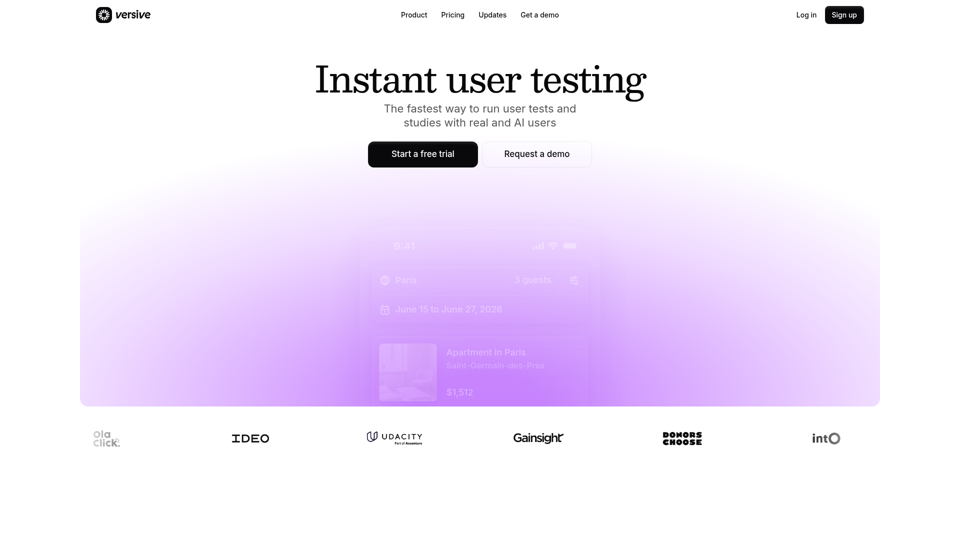
Versive is an AI-powered user research and testing platform that helps product teams design, run, and synthesize usability studies with real and simulated users, especially for product managers, UX researchers, and designers. In AI-assisted product development, it can help these teams validate interface decisions faster by generating transcripts, screenshots, summaries, and actionable recommendations in minutes.
Challenges | Test Your AI Prompting Skills
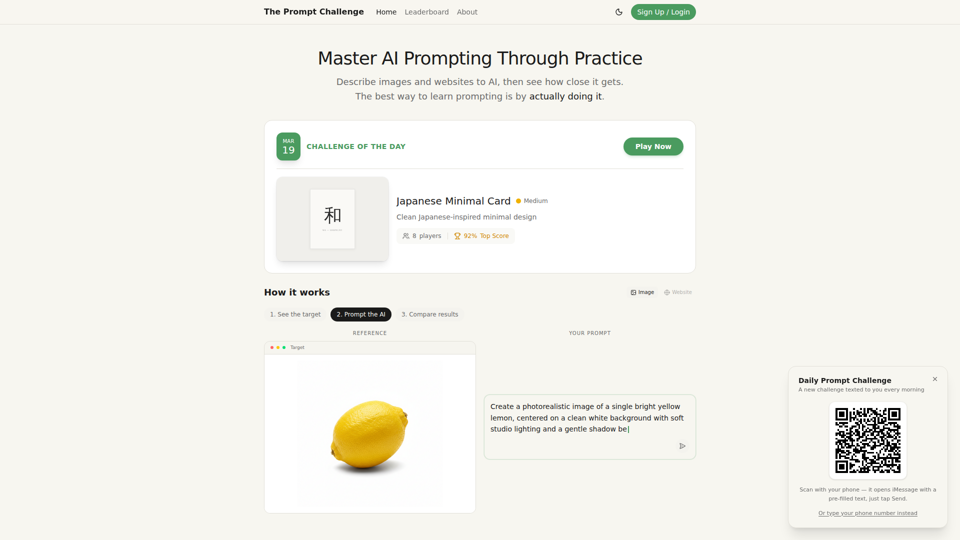
The Prompt Challenge is a practice platform that helps users improve AI prompting by describing images and websites, comparing AI-generated results to references, and competing on scores, mainly for people learning prompt engineering and hands-on AI creation. For designers, developers, and AI practitioners, this kind of repeatable prompt testing can sharpen instruction-writing skills and improve consistency when using generative tools for visual and interface work.
AI Infographic Generator
GraphicInfo is an AI infographic generator that helps users turn ideas and content into professional, customizable infographics quickly, mainly for creators and people producing website or social media content. In AI-driven content workflows, it can help marketers, content teams, and designers speed up visual asset creation while still refining text and images for specific brand needs.
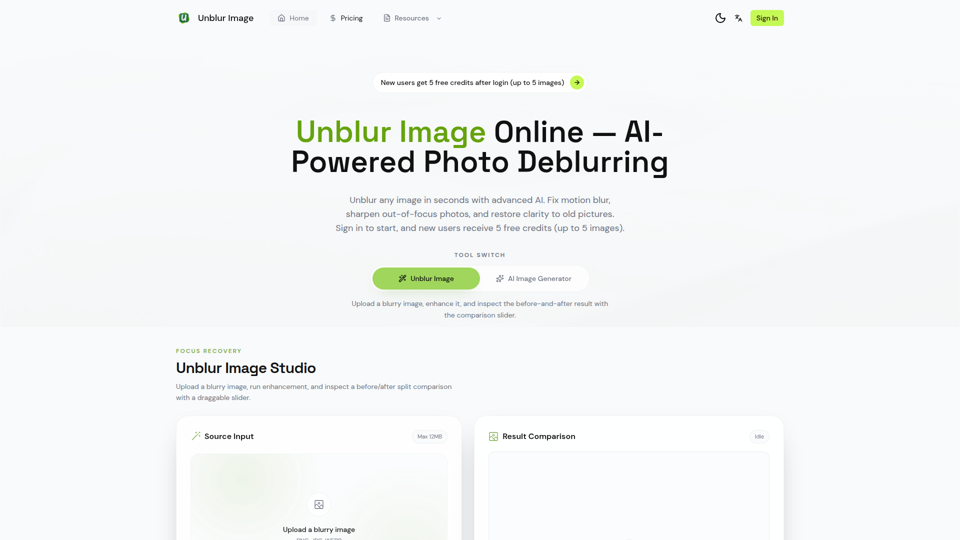
Unblur Image — Make Blurry Photos Clear with AI
Unblur Image is an AI-powered online photo deblurring tool that helps users fix motion blur, sharpen out-of-focus images, restore old photos, and improve text clarity, mainly for people who need quick image enhancement without manual editing skills. In AI-era workflows, it can help photographers, content teams, and document-heavy professionals recover usable visuals and readable assets faster from imperfect source images.
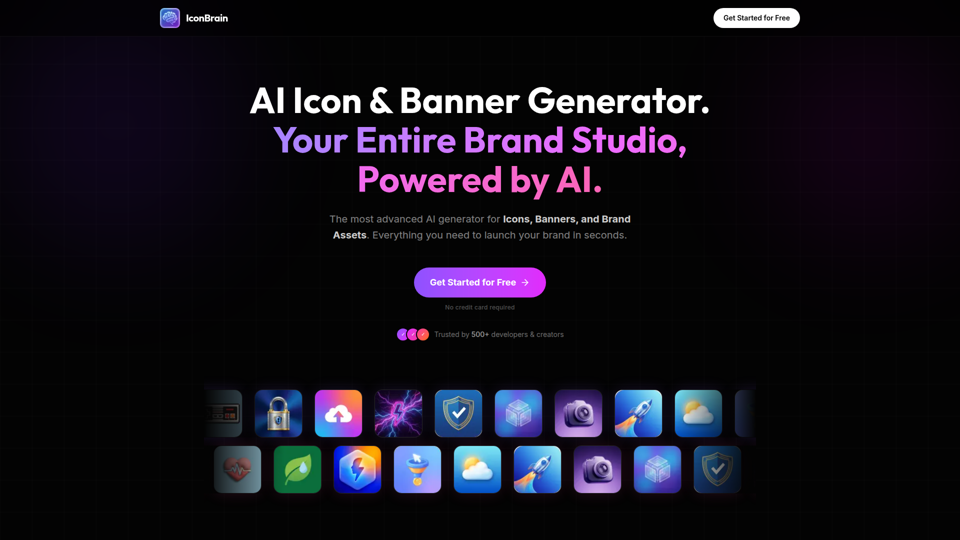
IconBrain | AI Icon Generator for Apps & Brands
IconBrain is an AI icon, banner, and brand asset generator that helps users create and edit production-ready visuals from text prompts or brand context, mainly for developers and creators launching apps or brands. For product, marketing, and design work, it can speed up early brand asset creation while helping teams keep visual styles more consistent across platforms.
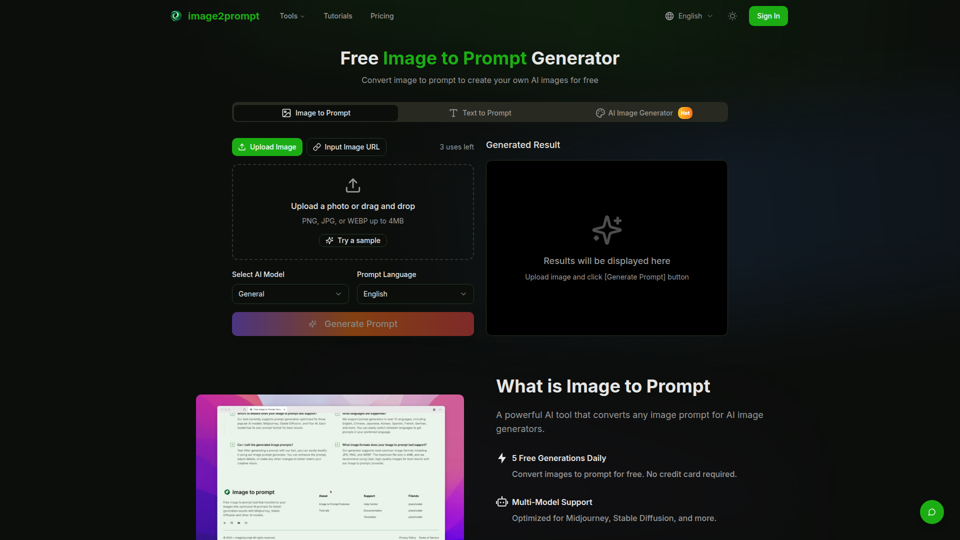
Free Image to Prompt Generator - image2prompt.net
image2prompt.net is a free AI image-to-prompt generator that analyzes uploaded images or image URLs and turns them into editable prompts for Midjourney, Stable Diffusion, Flux, and similar models, mainly for AI artists, designers, and creators. For creative professionals, it can speed prompt drafting, support style consistency, and reduce manual prompt rewriting across different image generation workflows.

UXCanvas.ai | AI UI/UX Design Agent — Describe It, Design It
UXCanvas.ai is an AI UI/UX design agent that helps users turn text prompts into production-ready interface designs, iterate through chat, and export to Figma or React code, mainly for designers and developers. For UI/UX and product teams, it can shorten the path from concept to handoff by turning rough ideas into structured specs, reusable components, and code-ready assets.
AI HD Anime: Your Ultimate Choice for Upscaling Anime Images
AI HD Anime is a free online AI image upscaling tool that enhances anime and manga images with higher clarity and restored detail, mainly for anime fans. In AI-assisted creative and archival workflows, it can help illustrators, editors, and community curators quickly improve low-resolution anime visuals for review, sharing, or preservation.