
Text to Video & Image to Video Generator Free | Pixwit
Rate this Tool
Average Score
Total Votes
Select your score (1-10):
Detail Information
What
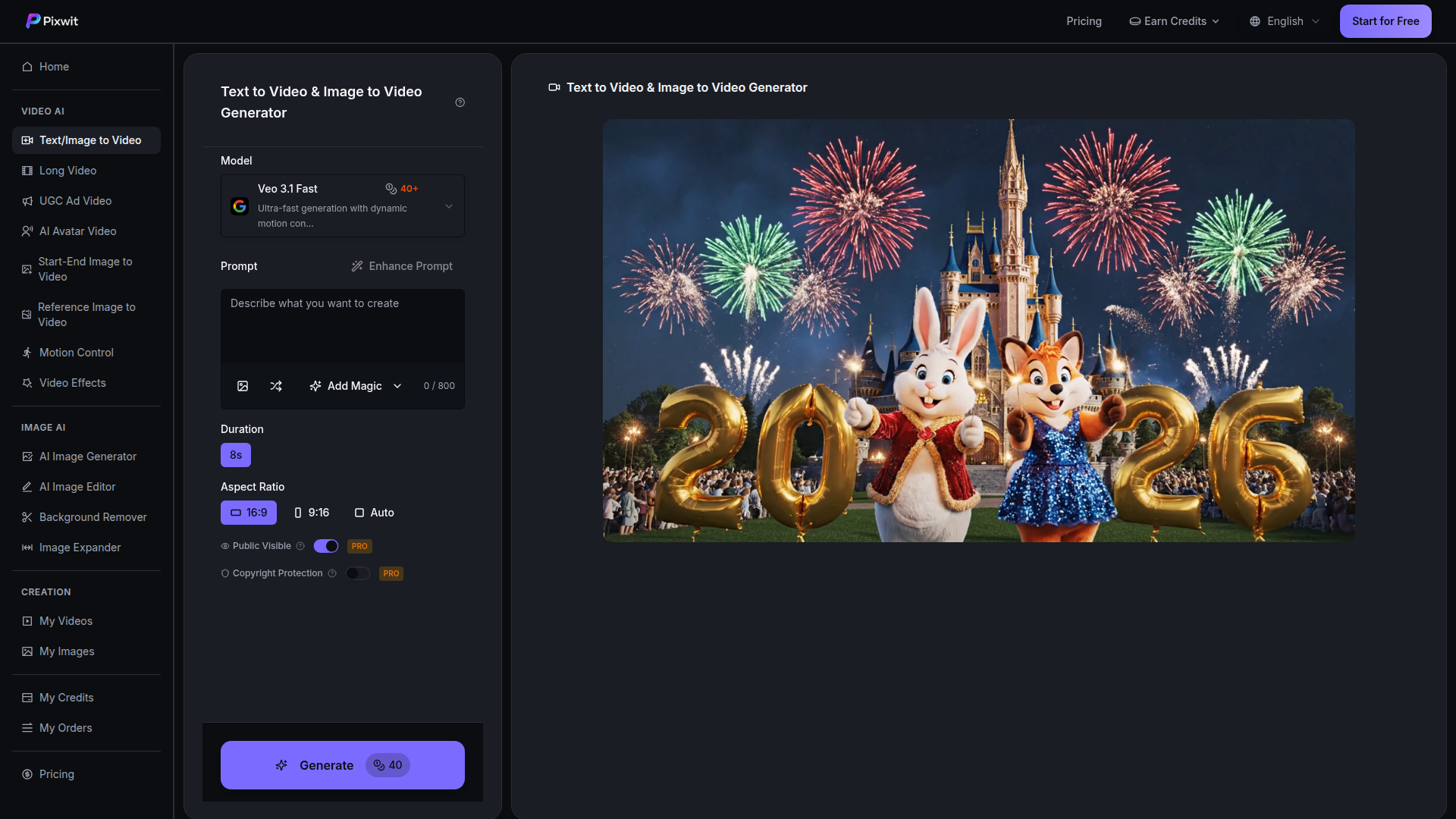
Pixwit is an AI video creation platform focused on text-to-video and image-to-video generation. It brings multiple third-party video models into one interface, letting users choose among different model strengths for cinematic storytelling, stylized animation, social content, character consistency, and faster concept generation.
The product appears aimed at creators, marketers, agencies, filmmakers, influencers, and product teams that need to turn prompts or images into short videos with less manual production work. Its positioning is likely a multi-model generation workspace rather than a single proprietary model, with related workflows for long video, UGC ad video, AI avatar video, motion control, and video effects also listed on the site.
Features
- Multi-model AI video generation: Pixwit offers access to models such as OpenAI Sora, Google Veo, Kling, Alibaba Wan, ByteDance SeeDance, and Runway, helping users match model choice to style, speed, and output needs.
- Text-to-video workflow: Users can enter a prompt, choose settings such as duration and aspect ratio, and generate short clips for creative, marketing, or concepting use cases.
- Image-to-video workflow: Users can upload a still image and animate it into a short video, which is useful for transforming product photos, artwork, or scene references into motion content.
- Audio generation support: The page states that generated videos can include audio such as background music, ambient sound, and sound effects to make clips feel more complete.
- Prompt enhancement and motion/style controls: The interface references prompt enhancement, “Add Magic,” motion control, start-end image to video, reference image to video, and video effects, suggesting tools to shape output more precisely.
- Model comparison and use-case guidance: Pixwit presents model-specific strengths, output specs, and best-fit scenarios, which helps users select an appropriate engine for ads, trailers, explainers, anime-style content, or rapid social production.
Helpful Tips
- Validate model fit by use case first: Since Pixwit centers on multiple underlying models, teams should test the same prompt across two or three options before standardizing a workflow.
- Treat marketing performance claims cautiously: The page includes outcome percentages for audiences such as influencers and marketers, but these appear promotional and should not be treated as guaranteed results.
- Use image-to-video when consistency matters: If subject appearance or brand visuals need to stay closer to a source asset, starting from an image is likely more controllable than pure text prompting.
- Plan around short-form output limits: Most listed models emphasize clips in the 5 to 15 second range, so longer narratives may require stitching, editing, or use of the separate long-video workflow.
- Check rights and visibility settings carefully: The interface mentions public visibility and copyright protection as PRO options, so teams should review asset handling and publishing settings before production use.
OpenClaw Skills
Within the OpenClaw ecosystem, Pixwit could likely support agent workflows for creative briefing, prompt generation, model routing, and variant testing. A practical skill could take a campaign objective, brand style guide, and channel requirements, then automatically produce prompt sets for Veo, Sora, Kling, or SeeDance based on whether the goal is realism, action, stylization, or social-first speed. This is a likely orchestration use case, not a confirmed native integration from the page.
OpenClaw agents could also be built around content operations after generation: reviewing outputs for message alignment, organizing clips by campaign, generating ad copy or storyboard revisions, and recommending when to switch from text-to-video to image-to-video for better consistency. For agencies, ecommerce teams, and social content studios, that combination could turn Pixwit from a generation tool into part of a semi-automated creative pipeline that shortens concept iteration and improves reuse of visual assets across channels.
Embed Code
Share this AI tool on your website or blog by copying and pasting the code below. The embedded widget will automatically update with the latest information.
<iframe src="https://aimyflow.com/ai/pixwit-ai-ai-text-image-to-video/embed" width="100%" height="400" frameborder="0"></iframe>
Explore Similar Tools
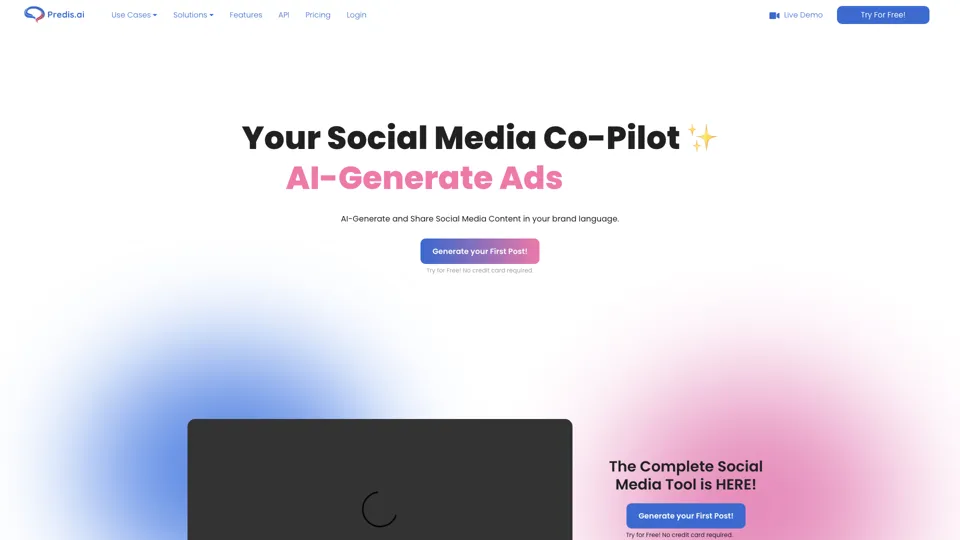
Social Media Marketing made easy with AI | Predis.ai
Predis.ai is an AI social media marketing tool that helps users create video and image content and analyze performance, mainly for marketers, agencies, and growing brands. It shortens content planning and production cycles, helping social teams test and refine campaigns more efficiently.
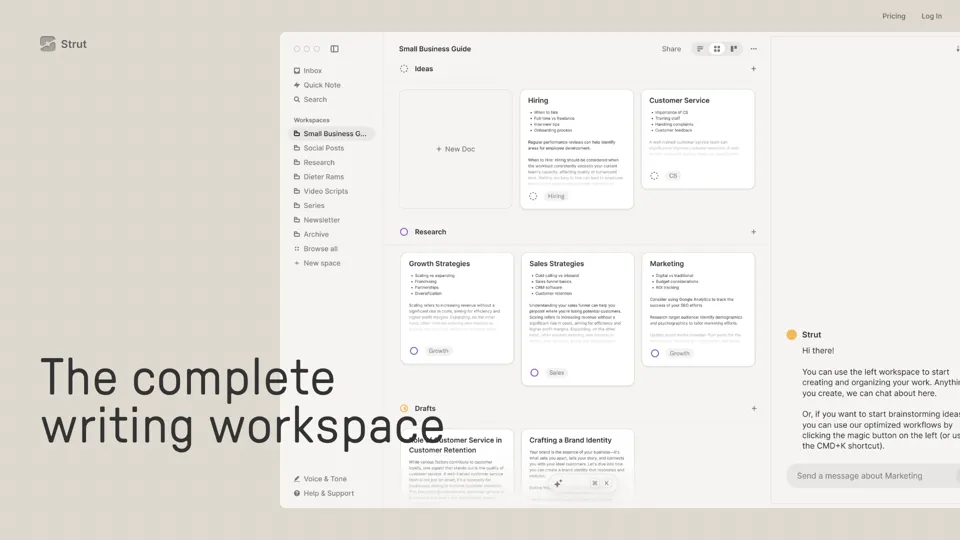
Strut – The complete writing workspace
Strut is an AI-powered writing workspace that combines notes, documents, and collaborative writing projects in one environment, mainly for writers, creators, and teams. In the AI era, it helps knowledge workers move from scattered drafts to more coherent writing and faster iteration.
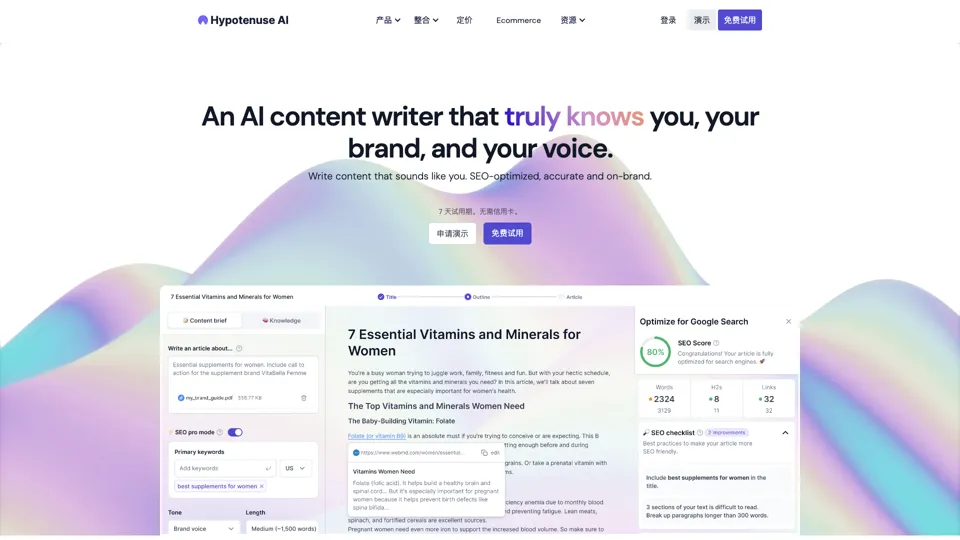
Hypotenuse AI:Smart text generator
Hypotenuse AI is a text generation platform that helps marketers, ecommerce teams, and content writers produce SEO articles, product descriptions, and branded copy at scale. In the AI era, it enables content roles to maintain consistency while increasing publishing speed across large catalogs and campaigns.
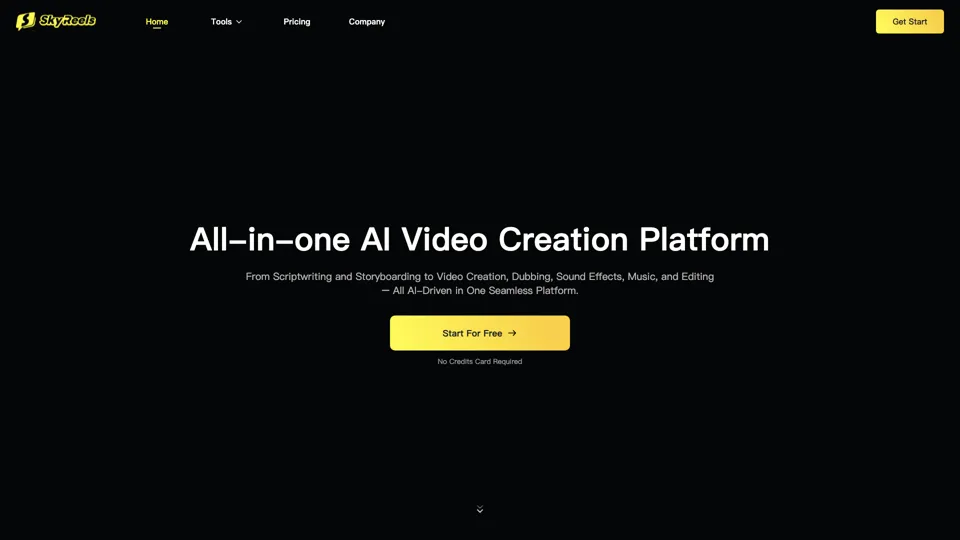
All-in-one panel | SkyReels - Ultimate AI Video Creation Platform
SkyReels is an AI video creation platform that turns scripts into finished videos with voiceovers, lip sync, sound effects, music, and editing tools, mainly for creators and marketing teams. In the AI era, it helps video producers compress production workflows and deliver polished content without a full studio setup.
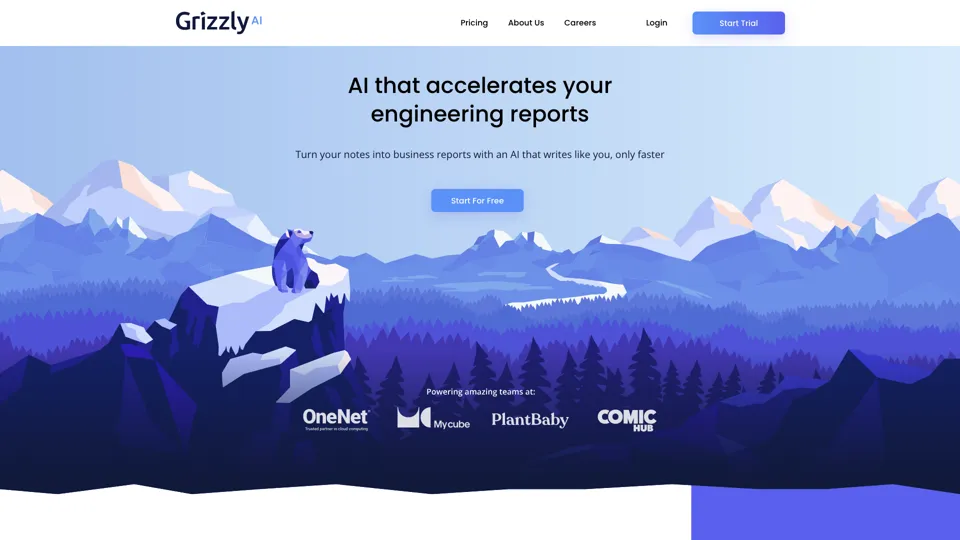
Grizzly AI | Your AI Report Writer
Grizzly AI is an AI report writing tool that helps professionals generate reports from source files while matching their preferred writing style. It saves analysts and knowledge workers time by turning documents into polished drafts with less manual rewriting.
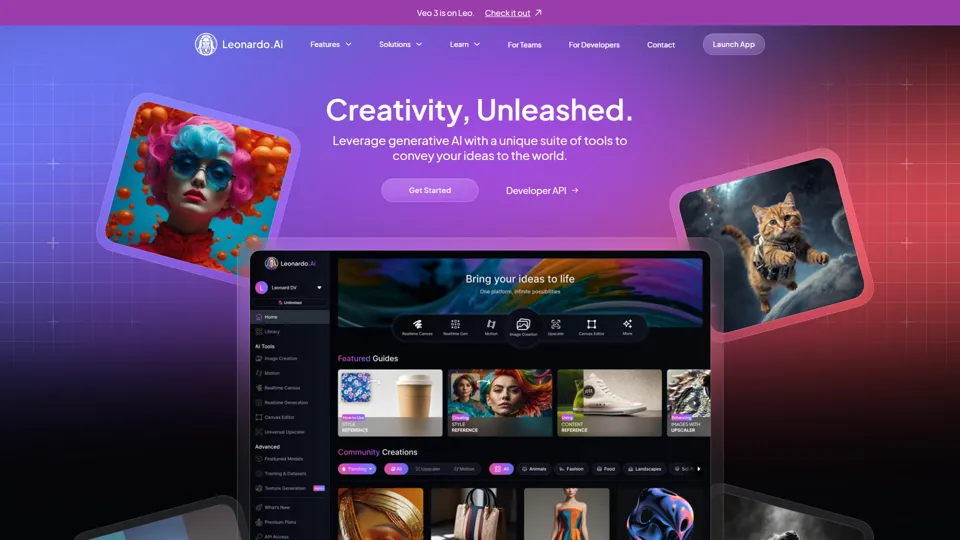
AI Image Generator - Create Art, Images & Video | Leonardo AI
Leonardo AI is an AI image and video generation platform that helps creators, designers, and marketers produce high-quality visual assets quickly. In the AI era, it shortens concept-to-content cycles so creative teams can iterate faster without expanding production overhead.
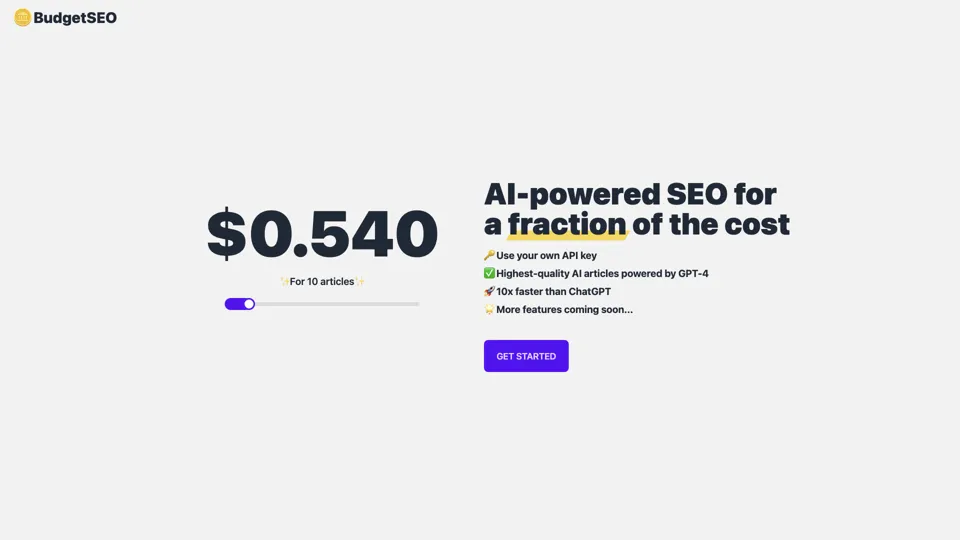
Budget-friendly AI Powered SEO
BudgetSEO is an AI-powered SEO content tool that helps users create search-optimized material affordably, mainly for small businesses, solo founders, and marketers with limited budgets. In the AI era, it enables lean marketing teams to produce more SEO assets without expanding headcount.
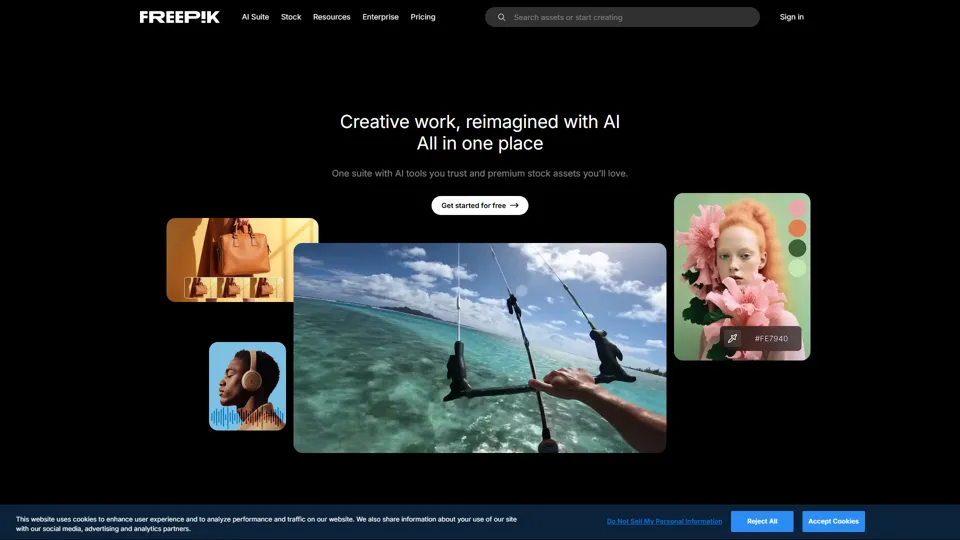
Freepik | All-in-One AI Creative Suite
Freepik is an all-in-one creative suite that combines AI design tools with stock assets to help designers and marketers create visual content in one workspace. It improves creative efficiency by reducing tool switching and accelerating asset production for high-volume campaigns.