
AI Video Enhancer - Enhance Video Quality Free Online
Rate this Tool
Average Score
Total Votes
Select your score (1-10):
Detail Information
What
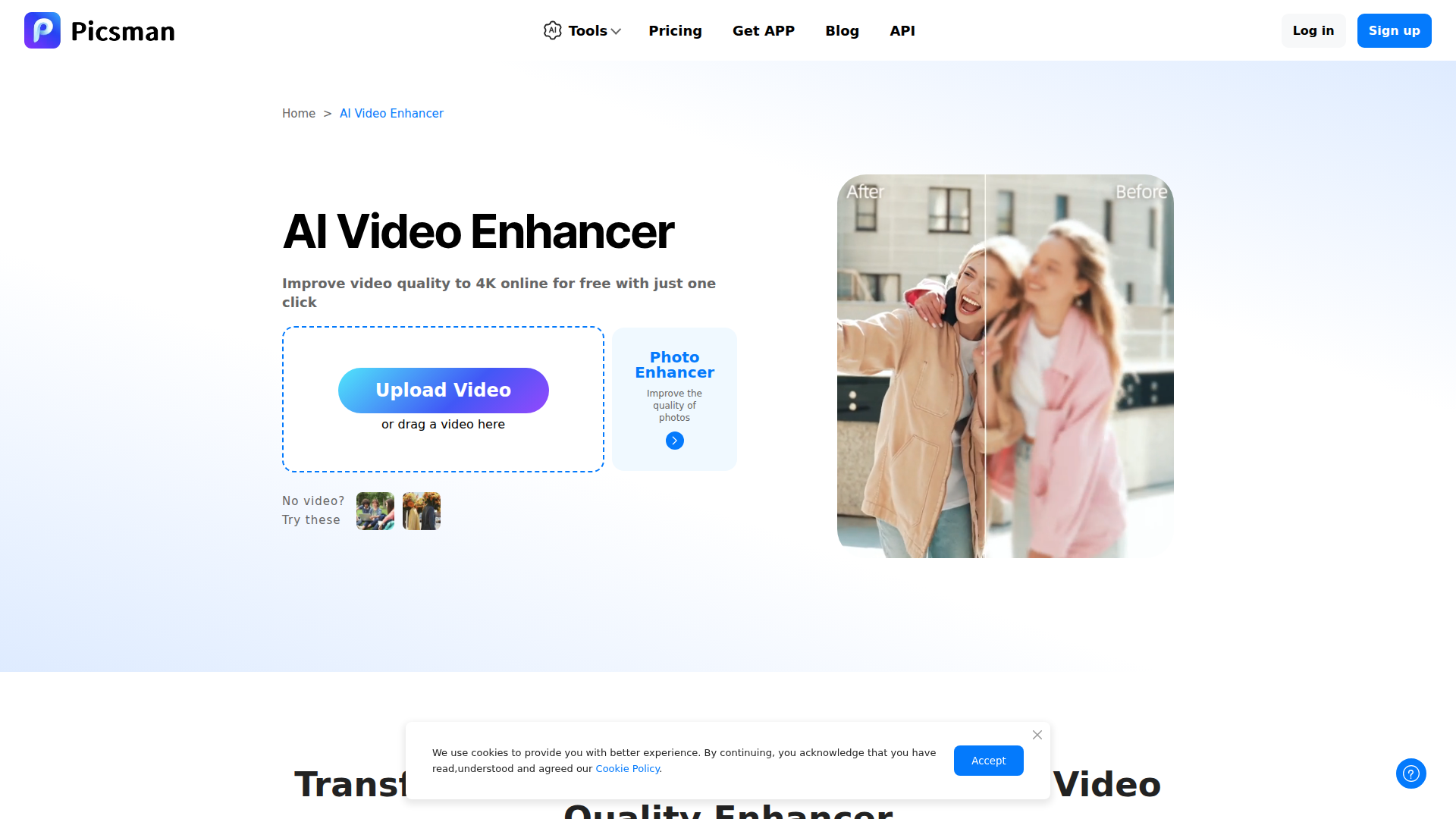
Picsman AI Video Enhancer is a browser-based video enhancement tool that uses AI to improve video clarity, sharpness, color, and resolution. Based on the page, it is aimed at creators, hobbyists, marketers, and general users who want to upgrade old, blurry, or low-quality footage without using complex editing software.
The workflow is simple: upload a video, choose a target resolution, generate the enhanced version, and then download it. The product appears positioned as an accessible self-service enhancement utility within Picsman’s broader AI editing suite, with support for common use cases such as YouTube content, family videos, product videos, business presentations, old movies, and anime clips.
Features
- One-click AI video enhancement — Upload a video and let the tool automatically improve visual quality with minimal manual editing.
- Resolution upscaling to 1080p or 4K — Users can increase output resolution to make footage look sharper and more suitable for larger displays or polished distribution.
- Blur reduction and detail sharpening — The tool is described as restoring low-quality footage by reducing blur and improving fine visual details.
- Color and visual quality improvement — It aims to make videos more vivid through brighter, more vibrant visuals and clearer frame quality.
- Support for common video formats — The FAQ states support for formats such as MP4, MOV, and M4V, which helps reduce format friction during upload.
- Online, step-based workflow — The process is presented in three steps—upload, enhance, download—making it practical for users who need quick edits in a web interface.
Helpful Tips
- Test with representative footage first — For restoration or business use, validate results on a short clip before processing full-length videos, especially when resolution upscaling is involved.
- Match enhancement to the source quality — AI sharpening and upscaling can improve weak footage, but heavily compressed or very damaged source files may still have visible limitations.
- Check output against the intended channel — If the final video is for YouTube, social media, presentations, or product pages, review whether 1080p is sufficient before choosing 4K.
- Confirm supported formats and export needs early — The page mentions common input formats, but it does not provide detailed information about output settings, codec controls, or editing options.
- Review security requirements internally — The site states that uploaded videos are handled safely and securely, but teams with strict governance should still verify data handling policies for sensitive content.
OpenClaw Skills
Within the OpenClaw ecosystem, this product could likely support media-processing workflows where agents prepare, route, and quality-check video assets before publication. A likely use case would be an OpenClaw content operations skill that collects raw clips from teams, sends them through enhancement steps, labels outputs by campaign or channel, and triggers downstream publishing or review workflows. The page mentions an API in site navigation, but this specific product page does not document native integration details, so any automation should be treated as a probable implementation path rather than a confirmed built-in connection.
OpenClaw skills could also be built for vertical workflows such as e-commerce video cleanup, legacy media restoration intake, or marketing asset standardization. For example, an agent could classify incoming footage by use case—product demo, family archive, presentation, social clip—then recommend enhancement settings, track job status, and package outputs for editors or marketers. In professions where teams handle large volumes of uneven-quality footage, that combination could shift work from manual triage toward structured, repeatable AI-assisted media operations.
Embed Code
Share this AI tool on your website or blog by copying and pasting the code below. The embedded widget will automatically update with the latest information.
<iframe src="https://aimyflow.com/ai/picsman-ai-tools-ai-video-enhancer/embed" width="100%" height="400" frameborder="0"></iframe>
Explore Similar Tools
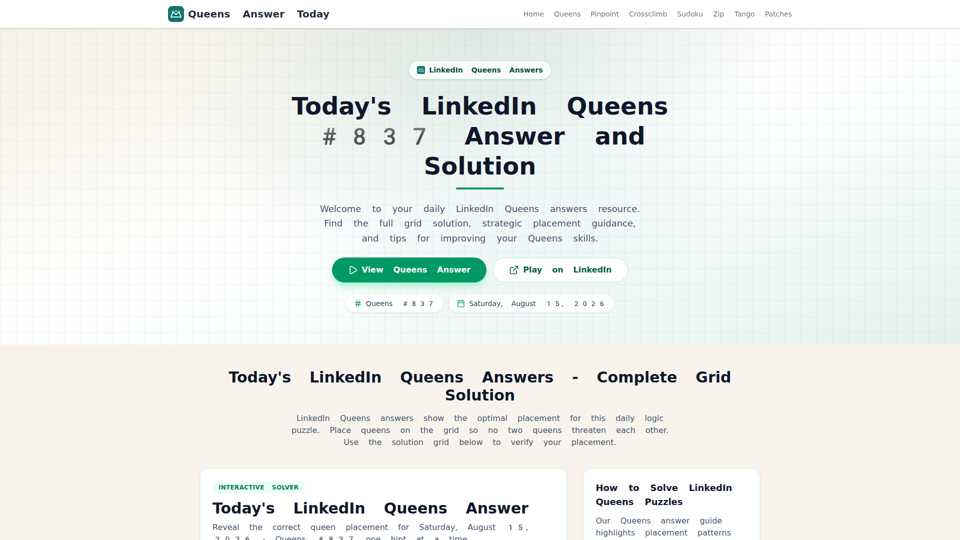
LinkedIn Queens Answer Today - Daily Solutions and Archive
Unofficial LinkedIn Queens answer guide with daily solutions, hints, rules, and archived puzzle pages for players checking or practicing Queens.
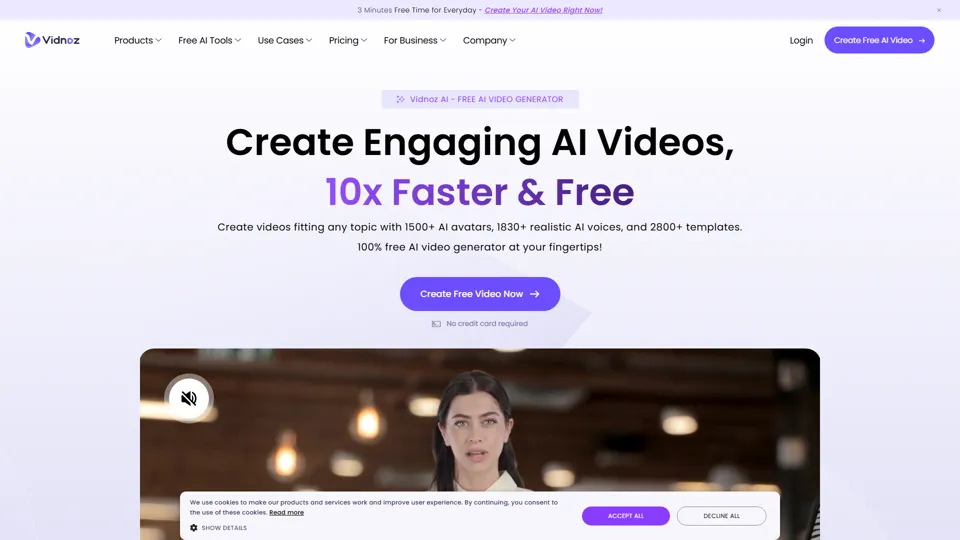
Vidnoz AI: Create FREE AI Videos 10X Faster Online
Vidnoz is an AI video generation platform that helps users create videos with avatars, voices, and automated production tools, mainly for marketers, trainers, and content creators. In the AI era, avatar-based workflows help teams produce scalable video communication without traditional filming constraints.
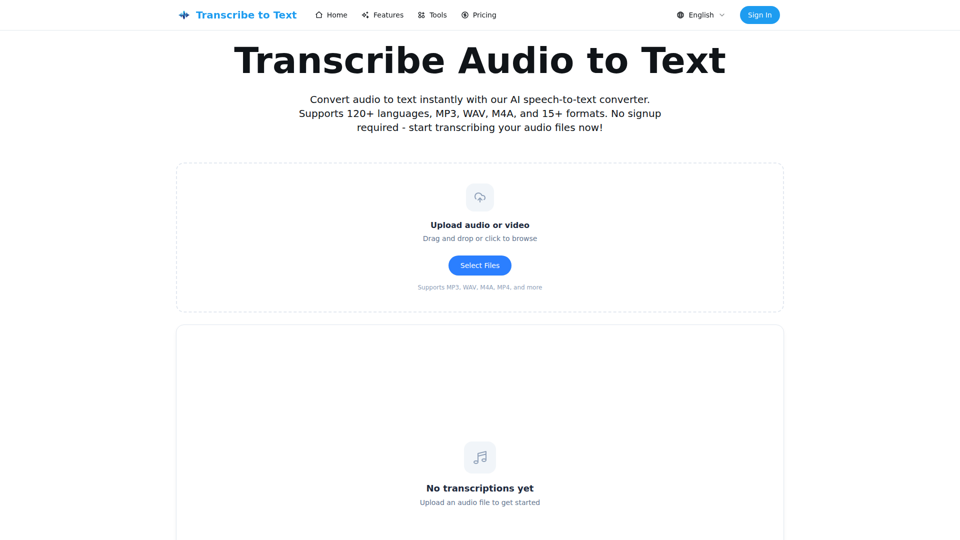
Audio to Text Converter - Speech to Text Online | transcribetotext.org
Transcribe to Text is an AI speech-to-text converter that turns audio and video files into editable transcripts with support for 120+ languages, multiple formats, timestamps, and exports, mainly for content creators, professionals, and teams. For media, operations, and documentation workflows, it can speed transcription, subtitle preparation, and multilingual content handling while reducing manual note-taking.
Free AI Porn Generator | Instant 4K Porn Photos & Videos 2026
UndressAITool is an AI adult content generator that creates explicit images, videos, GIFs, and 4K upscaled outputs from text prompts, aimed mainly at adult content creators and users seeking browser-based generation without signup. For creators working with synthetic media, it can speed concept-to-output workflows by producing draft visuals and variations quickly while offering private storage and deletion controls.
AI Music Generator Online (Free, No Sign-Up, Royalty-free)
AIMusicGen.ai is an AI music generator that helps users turn text, lyrics, or song descriptions into royalty-free vocal or instrumental tracks online, mainly for content creators, marketers, and music professionals. In AI-assisted production workflows, it can speed up soundtrack drafting, demo creation, and campaign audio development for video, advertising, and music teams.
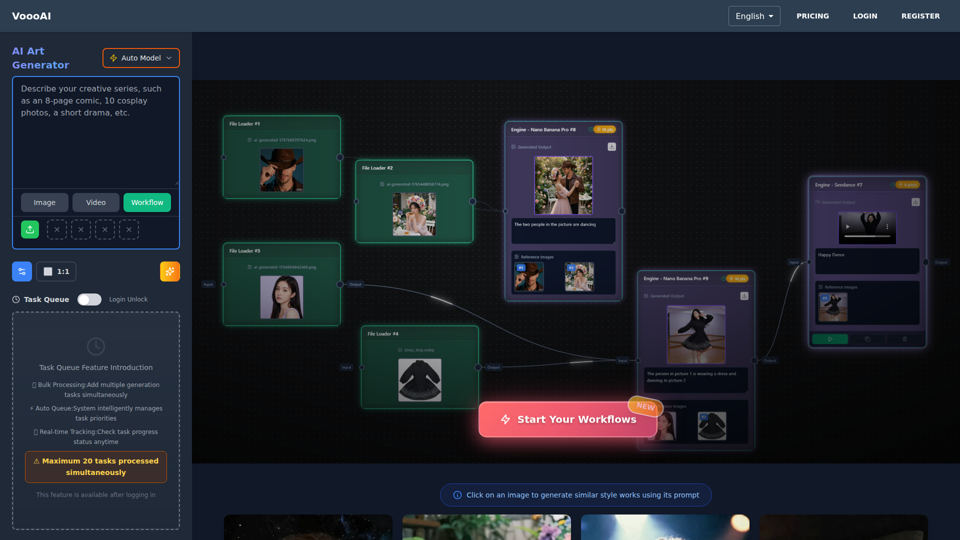
VoooAI - The First Multimedia NL2Workflow Platform | One Sentence, Complete Creative Workflow
VoooAI is the world's first Multimedia NL2Workflow Platform with visual node canvas. AI auto-generates workflows: node selection, wiring, prompts filled automatically. Every node adjustable. Complete pipeline from copywriting to video, music, digital humans. 70+ templates. NOT a chat interface.
Tool Video – AI Video Generation Toolkit & API - Video Tool
Tool Video is an all-in-one AI video generation toolkit and API that helps users create videos, images, music, thumbnails, ads, and basic video edits, mainly for video creators and creative teams. For marketers and content producers, it can streamline AI-assisted production workflows by combining generation and utility tools in one platform.

WOWOW AI - Customize Your Sexy AI Girlfriend, Chat with Unlimited Interactions
WOWOW AI is an adult AI companion platform that lets users create and chat with customizable virtual girlfriend-style characters with unlimited interactions, mainly for adults seeking erotic roleplay and personalized fantasy conversations. For creators and operators of adult interactive experiences, AI character customization can streamline scenario design and keep conversations continuously responsive at scale.