
PDF to Video AI – Convert PDF & Any Contents to Video Online Free
Rate this Tool
Average Score
Total Votes
Select your score (1-10):
Detail Information
What
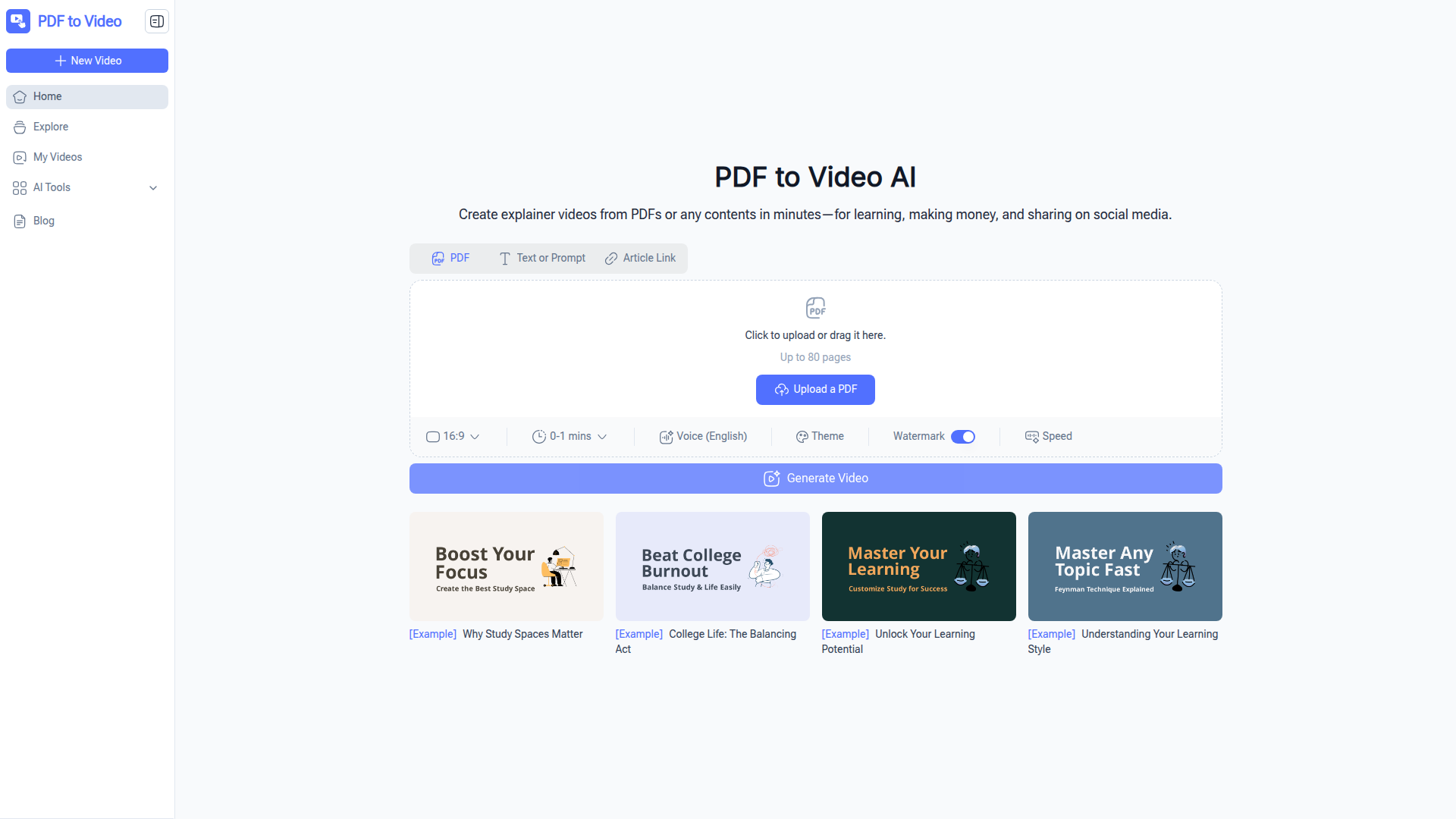
PDF to Video AI is a browser-based tool that converts PDFs into explainer-style videos with AI-generated scenes, animations, and narration. The page also says it can turn URLs, long text, documents, and prompts into videos, although the FAQ currently confirms PDF support and notes that other document formats may be added later.
The product appears aimed at educators, trainers, business users, marketers, students, content creators, and nonprofits that want to turn static content into more engaging video formats without video editing experience. Its positioning is likely a lightweight, self-serve AI video creation tool for learning, social sharing, and basic marketing use cases.
Features
- PDF-to-video conversion: Upload a PDF and the tool analyzes its text, images, and layout to generate a video, reducing manual editing work.
- AI-generated scenes, animation, and narration: The system creates a ready-to-edit explainer video structure, which helps transform static documents into more watchable content.
- No-sign-up web access: The product can be used online without account creation, lowering friction for quick one-off or trial usage.
- Customizable output settings: Users can adjust elements such as voiceovers, timing, design, theme, speed, and aspect ratio to better fit the intended format.
- Fast export workflow: The site states that videos are typically generated within minutes, supporting rapid content repurposing.
- Commercial and educational use support: The FAQ says generated videos can be used for personal, educational, or commercial purposes.
Helpful Tips
- Validate real input support before rollout: The page mentions PDFs, URLs, documents, text, and prompts, but the FAQ is more conservative, so teams should confirm which formats are fully supported in practice.
- Use well-structured source documents: Clean headings, concise text, and clear visuals in the PDF will likely improve scene generation and narration quality.
- Treat AI output as a first draft: Even if editing is optional, review timing, voice settings, and visual flow before publishing customer-facing or instructional content.
- Match settings to distribution channel: Aspect ratio, video length, and pace should be chosen based on whether the content is for training, internal communication, or social media.
- Check page limits and content length early: The upload interface references up to 80 pages, so larger documents may need to be split into smaller sections.
OpenClaw Skills
Within the OpenClaw ecosystem, this product could likely be used as a content transformation endpoint inside broader document-to-media workflows. A likely skill would take a knowledge asset such as a training PDF, policy document, brochure, or study guide, summarize it, segment it into scenes, and route it into PDF to Video AI for first-pass video generation. Another likely workflow could monitor a repository for updated documents and trigger regeneration requests for refreshed explainer videos.
For target professions such as enablement teams, educators, and marketers, OpenClaw agents could add planning and governance around the tool rather than replacing it. For example, an OpenClaw workflow could classify document type, select a video format, generate narration prompts, create multilingual variants, and package output for LMS, internal knowledge hubs, or social channels. These are inferred use cases, not confirmed native integrations, but they show how a simple AI video converter could become part of a more structured content operations stack.
Embed Code
Share this AI tool on your website or blog by copying and pasting the code below. The embedded widget will automatically update with the latest information.
<iframe src="https://aimyflow.com/ai/pdftovideo-ai/embed" width="100%" height="400" frameborder="0"></iframe>
Explore Similar Tools
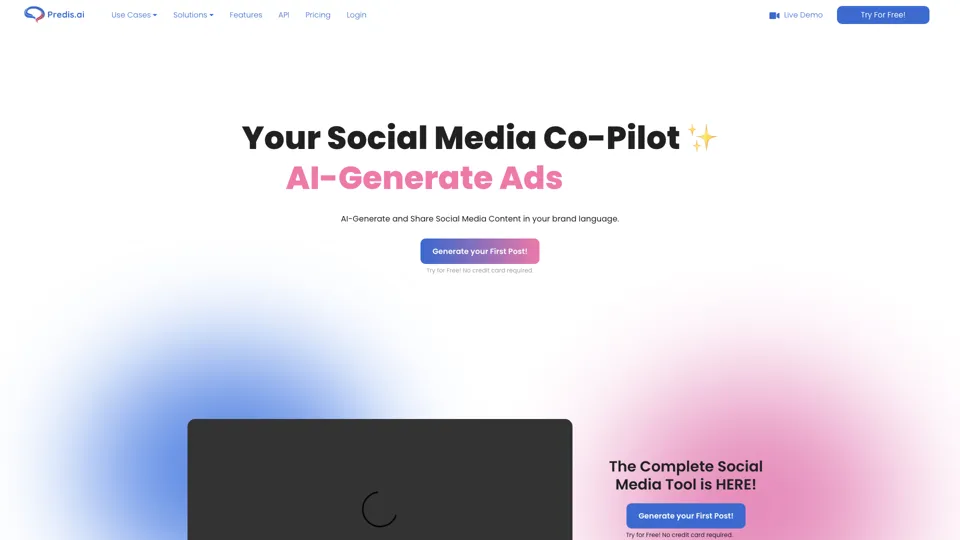
Social Media Marketing made easy with AI | Predis.ai
Predis.ai is an AI social media marketing tool that helps users create video and image content and analyze performance, mainly for marketers, agencies, and growing brands. It shortens content planning and production cycles, helping social teams test and refine campaigns more efficiently.
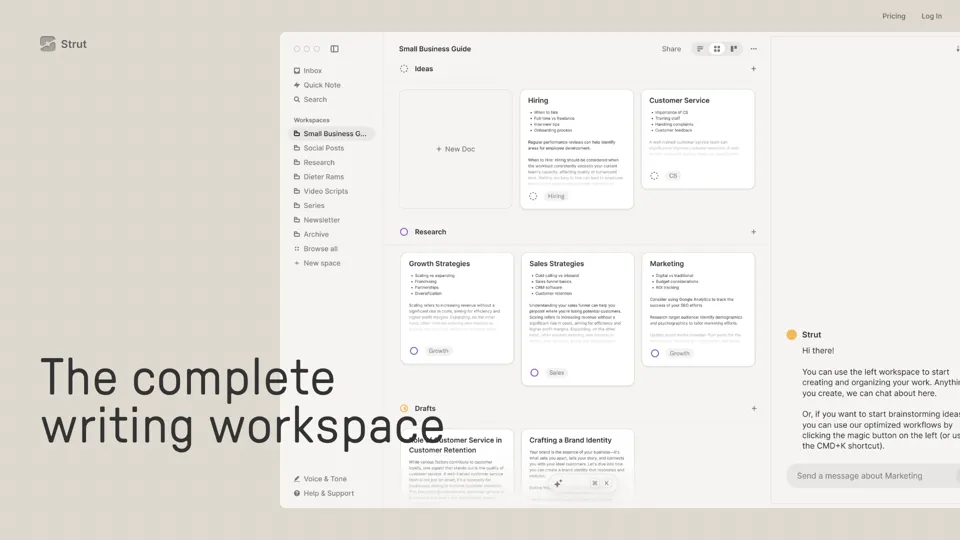
Strut – The complete writing workspace
Strut is an AI-powered writing workspace that combines notes, documents, and collaborative writing projects in one environment, mainly for writers, creators, and teams. In the AI era, it helps knowledge workers move from scattered drafts to more coherent writing and faster iteration.
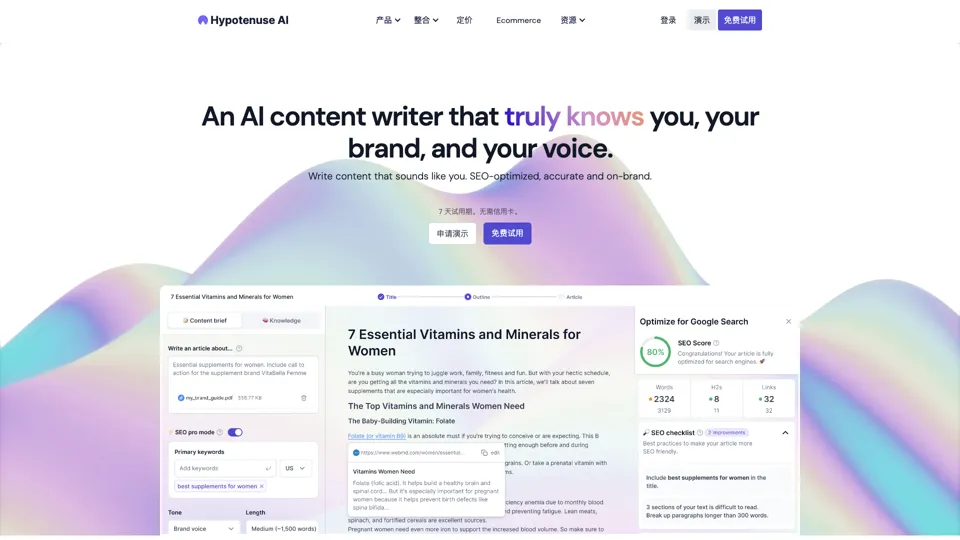
Hypotenuse AI:Smart text generator
Hypotenuse AI is a text generation platform that helps marketers, ecommerce teams, and content writers produce SEO articles, product descriptions, and branded copy at scale. In the AI era, it enables content roles to maintain consistency while increasing publishing speed across large catalogs and campaigns.
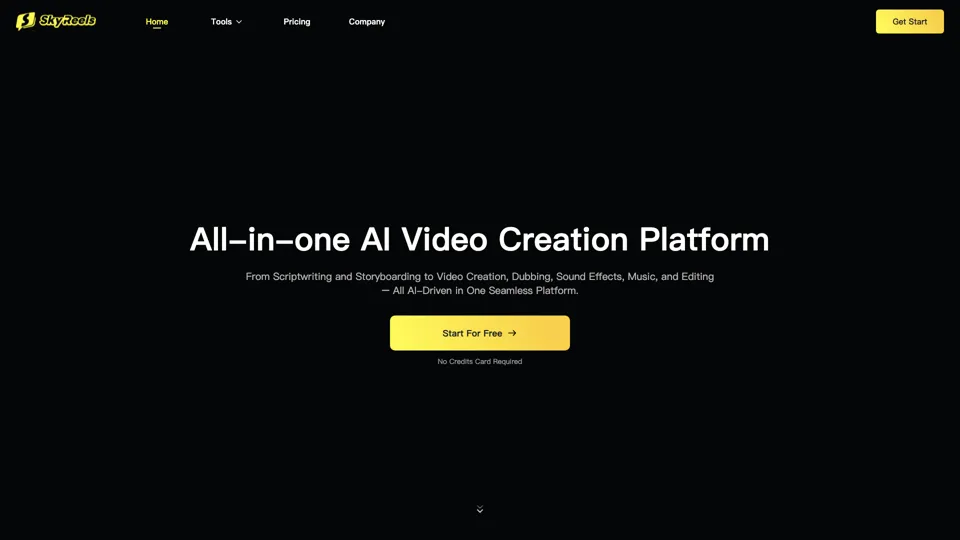
All-in-one panel | SkyReels - Ultimate AI Video Creation Platform
SkyReels is an AI video creation platform that turns scripts into finished videos with voiceovers, lip sync, sound effects, music, and editing tools, mainly for creators and marketing teams. In the AI era, it helps video producers compress production workflows and deliver polished content without a full studio setup.
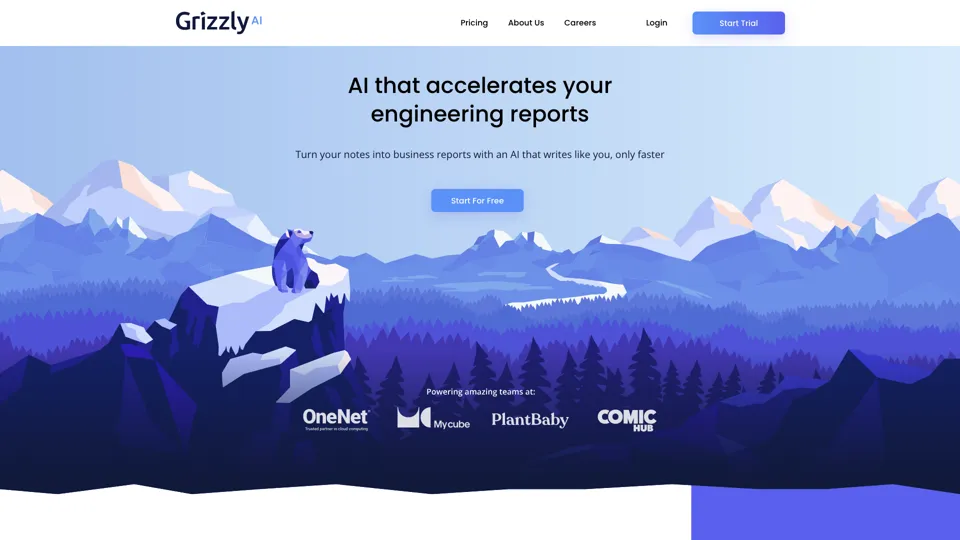
Grizzly AI | Your AI Report Writer
Grizzly AI is an AI report writing tool that helps professionals generate reports from source files while matching their preferred writing style. It saves analysts and knowledge workers time by turning documents into polished drafts with less manual rewriting.
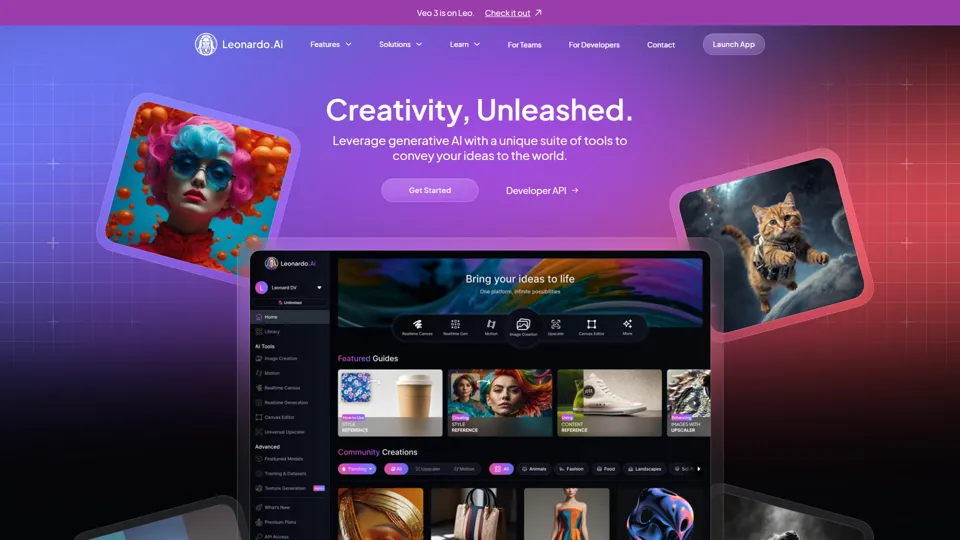
AI Image Generator - Create Art, Images & Video | Leonardo AI
Leonardo AI is an AI image and video generation platform that helps creators, designers, and marketers produce high-quality visual assets quickly. In the AI era, it shortens concept-to-content cycles so creative teams can iterate faster without expanding production overhead.
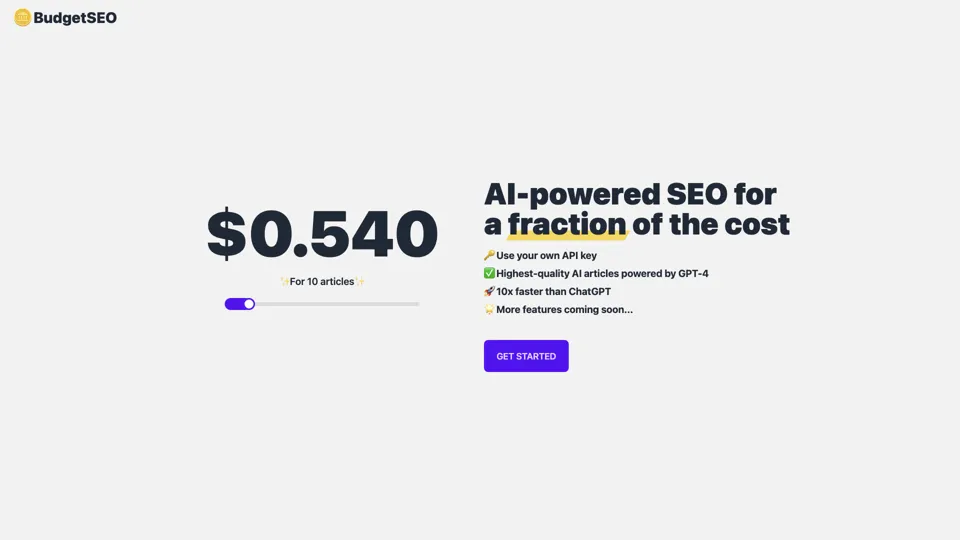
Budget-friendly AI Powered SEO
BudgetSEO is an AI-powered SEO content tool that helps users create search-optimized material affordably, mainly for small businesses, solo founders, and marketers with limited budgets. In the AI era, it enables lean marketing teams to produce more SEO assets without expanding headcount.
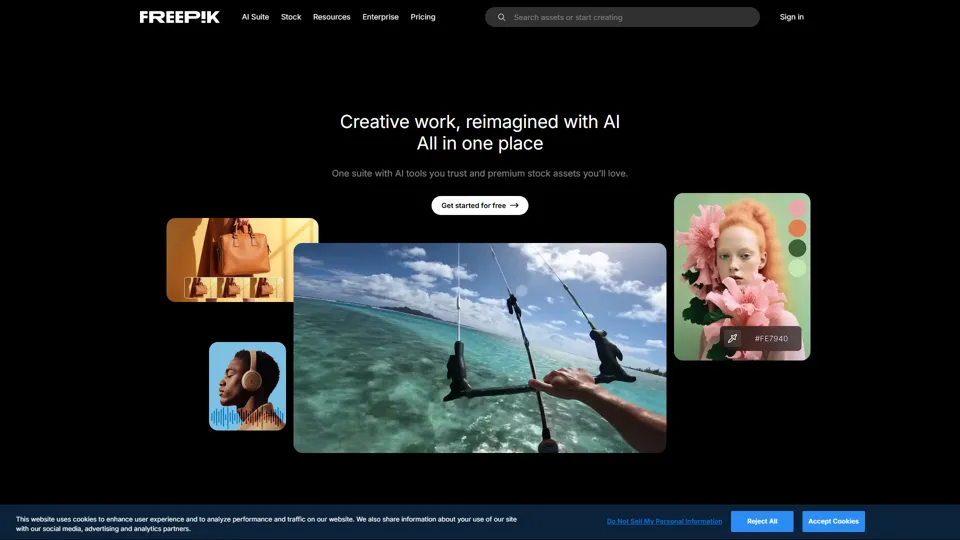
Freepik | All-in-One AI Creative Suite
Freepik is an all-in-one creative suite that combines AI design tools with stock assets to help designers and marketers create visual content in one workspace. It improves creative efficiency by reducing tool switching and accelerating asset production for high-volume campaigns.