
Omni AI Video Generator | Create Stunning AI Videos
Rate this Tool
Average Score
Total Votes
Select your score (1-10):
Detail Information
What
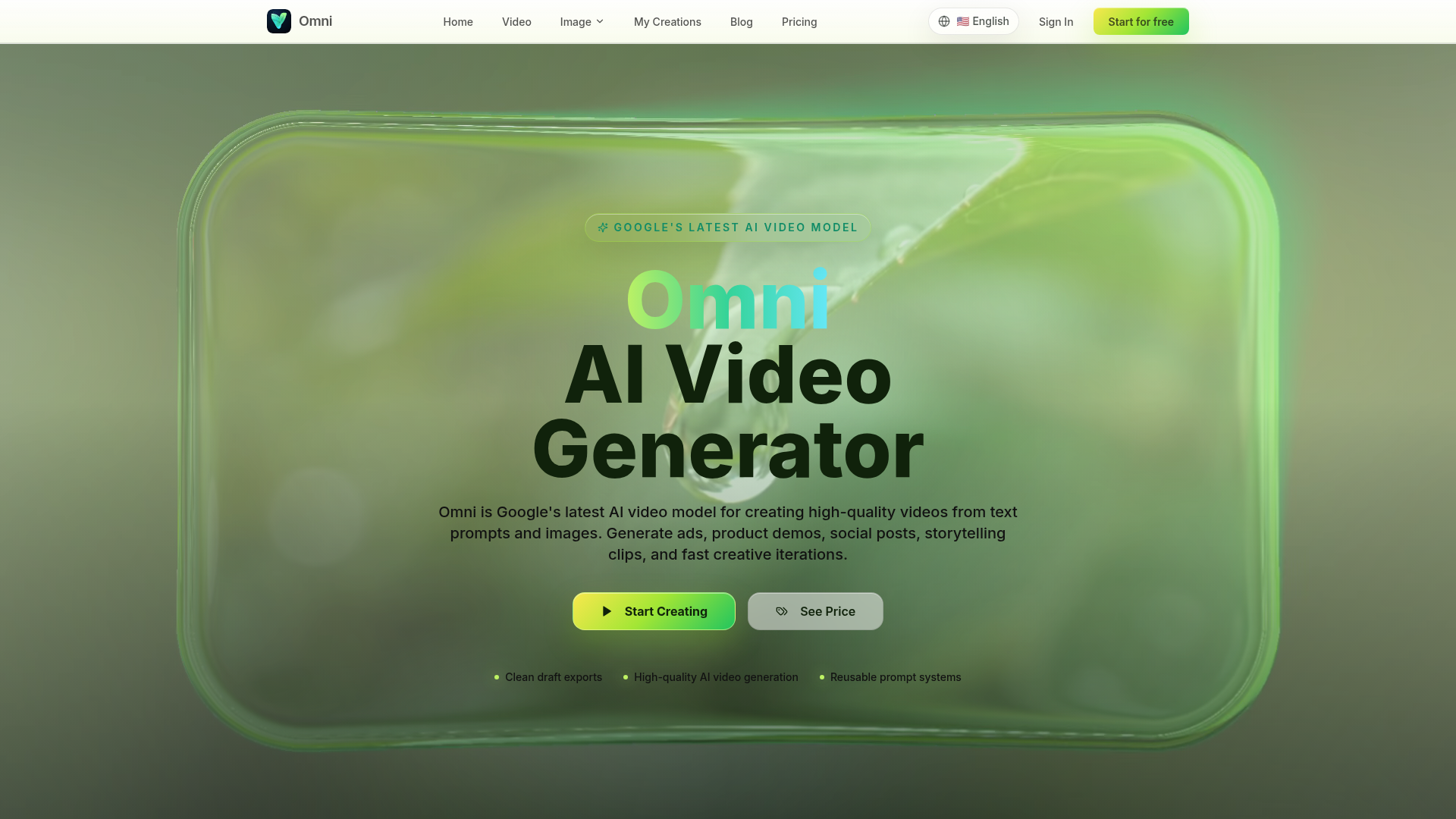
Omni is an AI video generation platform that creates high-quality video drafts from text prompts, reference images, and existing footage. It targets creators, marketing teams, and e-commerce businesses seeking to produce ads, product demos, and social media content with faster iteration cycles. The tool positions itself as a structured workflow for generating cinematic clips that are easier to review, compare, and refine before final production.
Features
- Multi-Modal Input Support: Accepts text prompts, up to five reference images, and source video clips, allowing users to start from a concept, a specific visual anchor, or existing footage for controlled treatments.
- Granular Output Controls: Offers adjustable settings for duration (4–10 seconds), aspect ratio (16:9, 9:16), and resolution (720p to 4K), ensuring generated drafts match specific publishing requirements.
- Structured Creative Direction: Supports layered instructions for camera movement, pacing, and scene continuity, enabling users to create reusable "shot notes" that improve consistency across multiple generations.
- Iterative Refinement Workflow: Provides tools for comparing multiple variations and refining prompts based on previous outputs, facilitating a clear process for moving from initial drafts to polished concepts.
- Credit-Based Pricing Model: Uses a credit system for generation costs, with tiered subscription plans (Basic, Standard, Pro, Max) that offer varying levels of processing speed, API access, and commercial usage rights.
Helpful Tips
- Separate Motion from Content: Write camera, motion, and pacing instructions separately from the core subject description to make it easier to isolate and adjust specific elements during the review process.
- Anchor Visuals with References: Upload specific product photos or style frames as reference assets before generating to maintain brand consistency and reduce the number of iterations needed to achieve the desired look.
- Plan Shots Before Rendering: Draft multi-shot sequences as written notes first to ensure each generated clip serves a specific narrative purpose, which helps reviewers judge outputs against a clear brief.
- Verify Commercial Rights: Review the specific terms of your subscription tier, as commercial project usage and watermark removal policies vary between the Basic, Standard, Pro, and Max plans.
OpenClaw Skills
While the source material does not confirm native integration with the OpenClaw ecosystem, the structured nature of Omni’s inputs suggests plausible connections for automated creative workflows. Likely use cases include agents that automatically parse marketing briefs into the specific "shot notes" and prompt structures Omni requires, or workflows that batch-generate multiple ad variations from a single product description. Such integrations could streamline the creative testing phase for marketing teams by automating the translation of strategic goals into executable video generation parameters, though these remain inferred capabilities rather than confirmed features.
Embed Code
Share this AI tool on your website or blog by copying and pasting the code below. The embedded widget will automatically update with the latest information.
<iframe src="https://aimyflow.com/ai/omni-video-ai/embed" width="100%" height="400" frameborder="0"></iframe>
Explore Similar Tools
AI Motion Transfer - Animate Photos with Video Reference
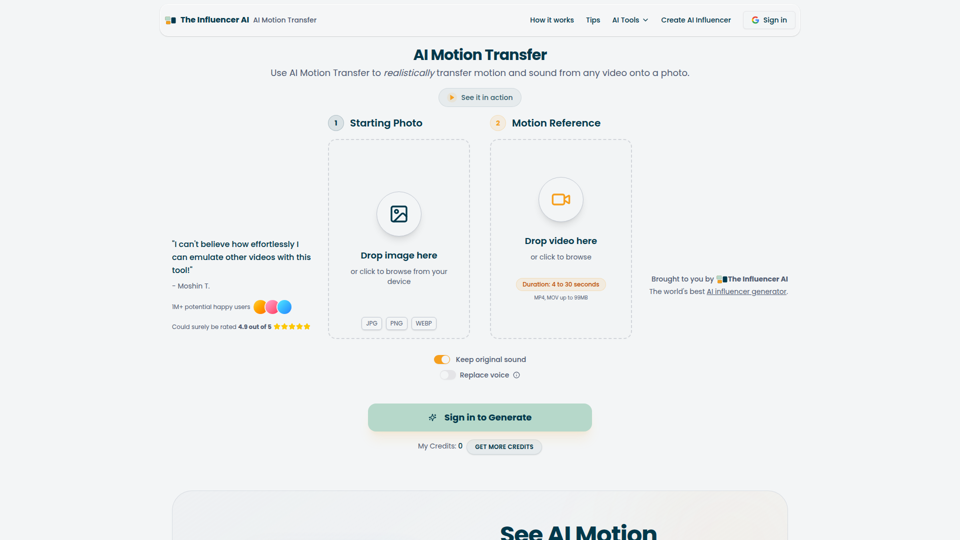
AI Motion Transfer is an AI tool from The Influencer AI that transfers motion and optionally sound from a reference video onto a photo, helping creators, marketers, and social content teams turn static character images into animated videos. For social media, e-commerce, and creative production roles, it can speed up creation of realistic character videos and reduce the need for manual filming or complex prompt writing.
AI Thumbnail Maker for YouTube Creators | Thumbspot AI
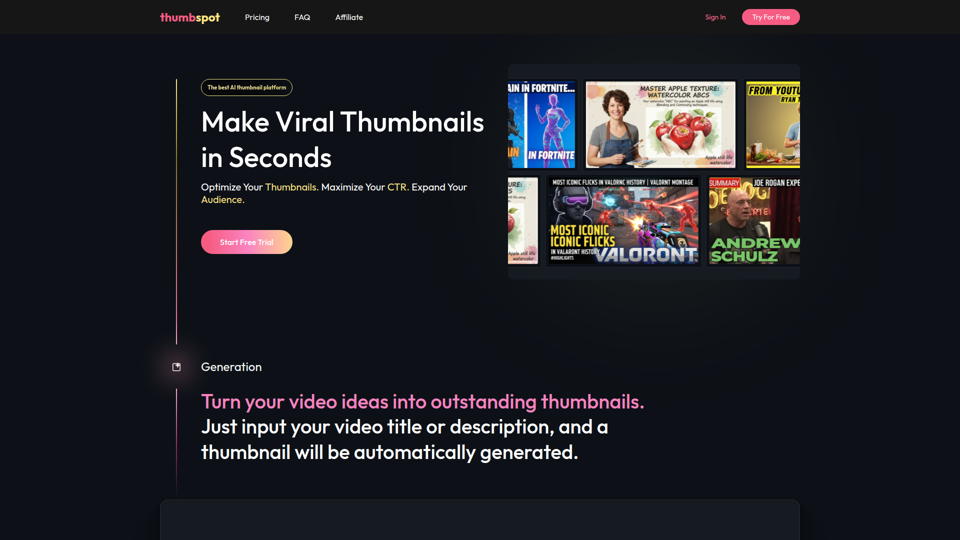
Thumbspot AI is an AI thumbnail maker that helps YouTube creators generate, edit, recreate, and personalize video thumbnails with templates, face swaps, and AI personas. For content creators and channel managers, it can speed thumbnail testing and iteration so creative decisions align more closely with audience click behavior.

2pr | AI LinkedIn Post Generator – Create Engaging Content in 1 Minute
2pr is an AI LinkedIn post generator and content workflow tool that helps users find post ideas, write authentic LinkedIn posts, create carousels, and schedule and analyze content, mainly for founders, B2B sales and marketing teams, bloggers, and job seekers. For professionals building a personal brand on LinkedIn, it can streamline ideation and drafting while using profile-based guidance to keep posts aligned with their expertise and positioning.

ShopChief — AI Agent for Global E-Commerce Sellers
ShopChief is an AI agent workspace designed for global e-commerce sellers to manage product research, store building, SEO, and ad campaigns. By integrating connected store data, it helps operations and marketing teams automate listing preparation, creative asset production, and performance checks.
1stCollab - The AI-Powered Influencer Marketplace
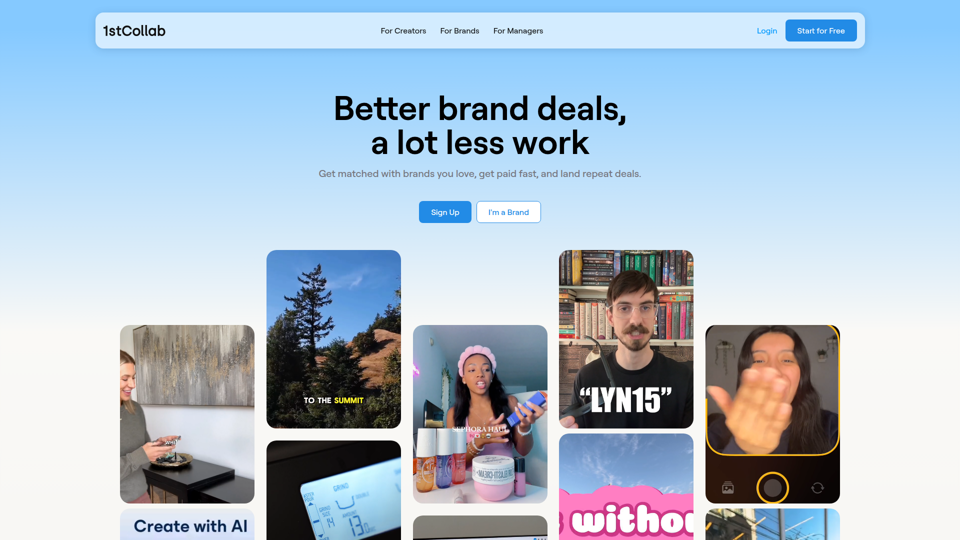
1stCollab is an AI-powered influencer marketplace that helps creators find matched brand partnerships, apply quickly, maintain an auto-updating media kit, and get paid faster, with creators as its main audience. For influencer marketers, creator managers, and social media teams, this kind of automation can reduce manual outreach and admin work while keeping campaign data and creator profiles current.
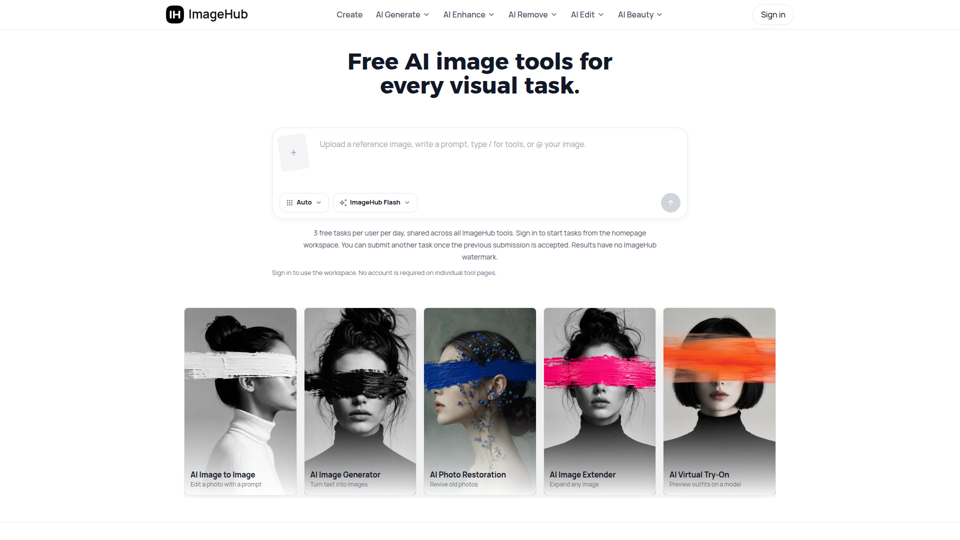
Free AI Image Tools to Generate, Edit & Enhance | ImageHub
ImageHub is a browser-based AI toolkit that helps creators, e-commerce sellers, and marketers generate, edit, and enhance images. By automating background removal and upscaling, it enables merchants to produce marketplace-ready product photos without a physical studio.
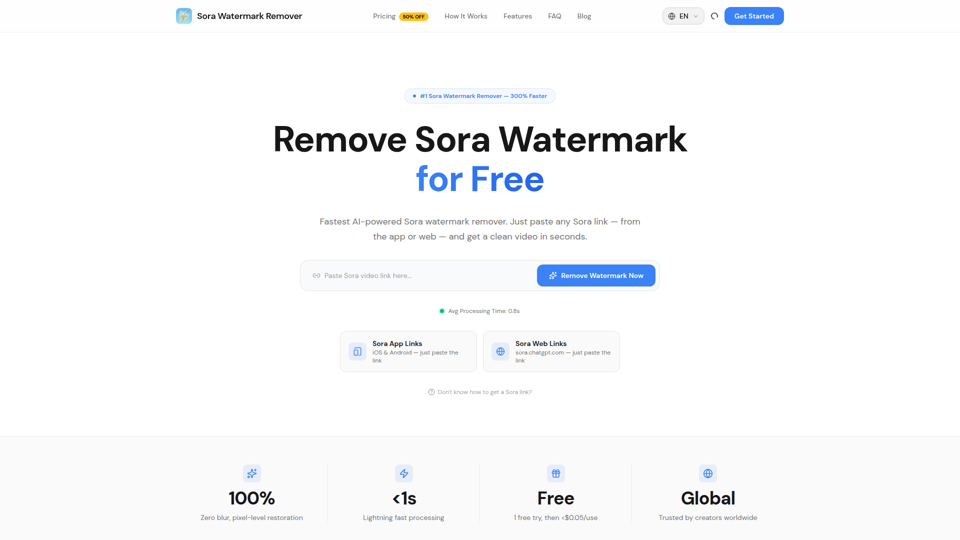
Sora Watermark Remover — Remove Sora Watermarks Free
Sora Watermark Remover is an AI tool that removes watermarks from Sora-generated videos by pasting a Sora app or web link, mainly for creators who need clean MP4 downloads without uploading files. For content creators and social media editors, this can speed reuse and publishing of AI-generated video assets while reducing manual post-production steps.
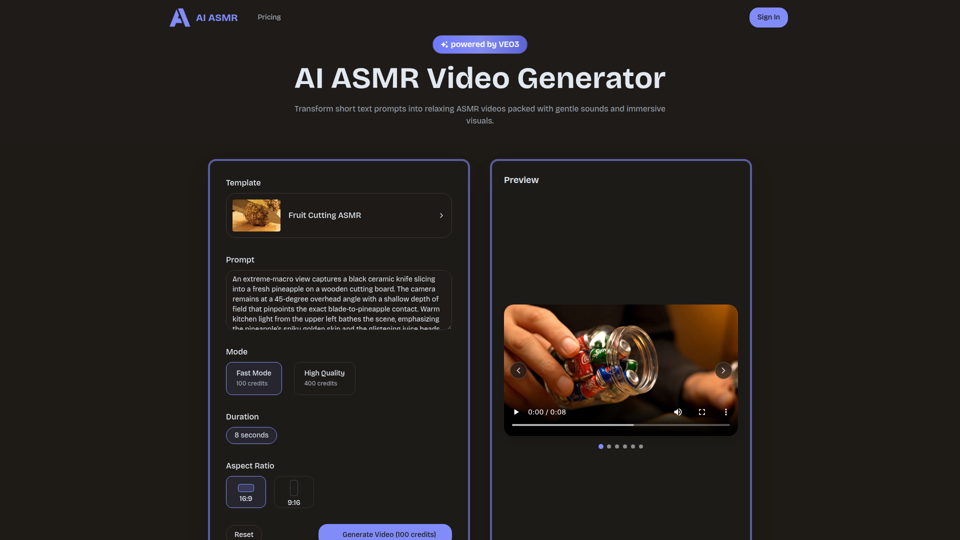
AI ASMR | Create VEO3 Relaxation Videos Online
AI ASMR is an AI video generator that turns short text prompts into relaxation-focused ASMR videos with generated audio and visuals, mainly for content creators who want to make calming clips without studio equipment. For social media creators, editors, and creative teams, it can speed up concept testing and consistent production of niche relaxation content from simple prompts.