
#1 Free AI Tattoo Generator | Design Tattoo Ideas in Seconds
Rate this Tool
Average Score
Total Votes
Select your score (1-10):
Detail Information
What
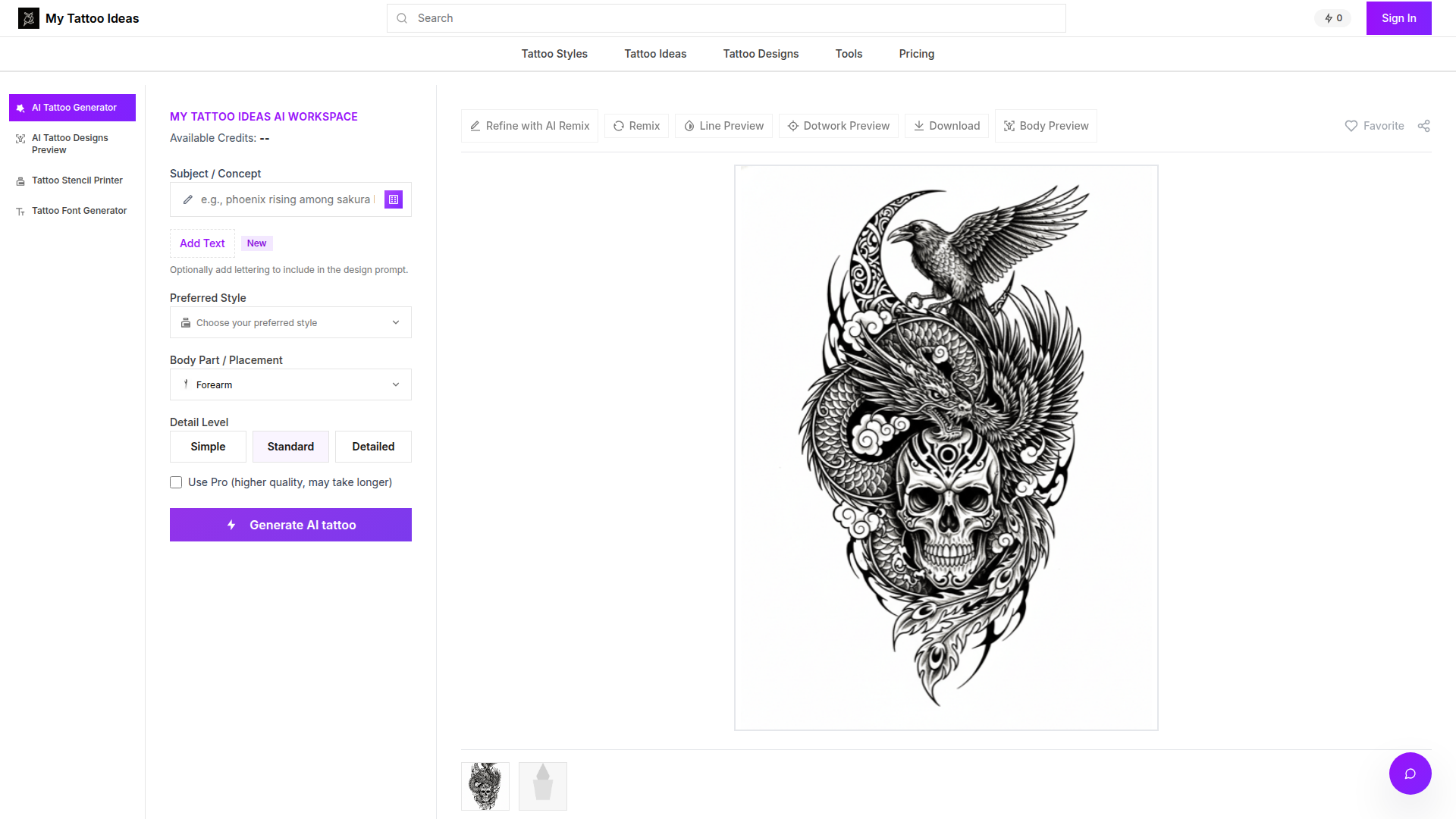
My Tattoo Ideas is an AI-powered tattoo ideation and planning workspace. It combines tattoo prompt generation, style selection, design refinement, stencil-oriented outputs, and body placement previews in one interface for people exploring tattoo concepts and for tattoo professionals reviewing options with clients.
The core workflow appears to be: enter a subject or concept, optionally add text, choose a style, body placement, and detail level, generate a design, refine it with text instructions, then preview it on a body area before downloading assets. Based on the page content, the product is positioned as a tattoo concept development and pre-visualization tool rather than a replacement for tattoo artists.
Features
- AI tattoo concept generation: Users can create tattoo ideas from a subject or prompt, which helps turn early inspiration into visual starting points quickly.
- Style-based design control: The generator supports a wide range of named styles such as Realism, Irezumi, Watercolor, Blackwork, Geometric, and Fine Line, helping users steer outputs toward a specific artistic direction.
- Body placement previews: The platform offers anatomy-based templates for placements like forearm, sleeve, chest, back, shoulder, thigh, calf, and hand so designs can be reviewed in context before tattooing.
- Detail level settings: Simple, Standard, and Detailed modes let users control visual complexity, which is useful for aligning concepts with minimalist flash, balanced compositions, or more intricate pieces.
- Text-based refinement workflow: Users can revise results by describing changes in plain English, making iterative design exploration more accessible without design software skills.
- Downloadable design assets: The FAQ states exports include 4K PNGs, prompt metadata, and stencil-ready linework, which can support artist review, tracing, or remixing in external creative workflows.
Helpful Tips
- Treat outputs as concept development material: Even with stencil-ready files, tattoo feasibility, skin flow, aging, and execution quality should still be validated by an experienced tattoo artist.
- Use placement previews for composition, not final certainty: Anatomy-aware previews are helpful for decision-making, but final fit can still vary by body shape, movement, and the artist’s placement adjustments.
- Test style and detail combinations early: Running the same concept across multiple styles and complexity levels is a practical way to narrow direction before investing time in final revisions.
- Check how refinement history is managed: If iterative editing is central to your workflow, it is worth confirming how versions, prompt reuse, and asset organization are handled over repeated sessions.
- Review privacy expectations for uploaded images: The page says concepts and uploads stay in a private Cloudflare R2 bucket, but teams or studios should still assess retention and deletion processes for client-sensitive materials.
OpenClaw Skills
Within an OpenClaw ecosystem, this product could likely support skills around structured tattoo intake, prompt drafting, revision management, and client-facing concept workflows. An OpenClaw agent could help a user convert a rough idea into a strong prompt, recommend styles based on reference language, generate revision briefs for the artist, and organize outputs by placement, body area, and session readiness. The page does not state a native OpenClaw integration, so this is a likely workflow layer rather than a confirmed product feature.
For tattoo studios, designers, or adjacent creative businesses, the combination could reshape pre-consultation work. Likely OpenClaw use cases include a consultation agent that gathers client preferences, a design-ops agent that compares multiple concept directions, and a prep agent that assembles prompts, preview images, and stencil assets into a clean package for artist review. In a broader sense, this could reduce back-and-forth in early ideation and make the tattoo planning process more structured, while keeping final artistic judgment with the human professional.
Embed Code
Share this AI tool on your website or blog by copying and pasting the code below. The embedded widget will automatically update with the latest information.
<iframe src="https://aimyflow.com/ai/mytattooideas-ai/embed" width="100%" height="400" frameborder="0"></iframe>
Explore Similar Tools
Versive
Versive is an AI-powered user research and testing platform that helps product teams design, run, and synthesize usability studies with real and simulated users, especially for product managers, UX researchers, and designers. In AI-assisted product development, it can help these teams validate interface decisions faster by generating transcripts, screenshots, summaries, and actionable recommendations in minutes.
Challenges | Test Your AI Prompting Skills
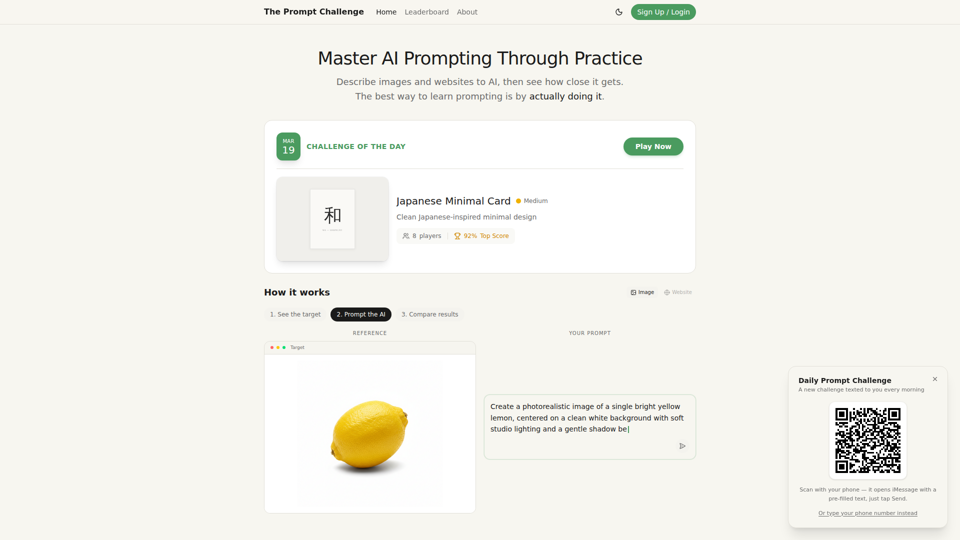
The Prompt Challenge is a practice platform that helps users improve AI prompting by describing images and websites, comparing AI-generated results to references, and competing on scores, mainly for people learning prompt engineering and hands-on AI creation. For designers, developers, and AI practitioners, this kind of repeatable prompt testing can sharpen instruction-writing skills and improve consistency when using generative tools for visual and interface work.
AI Infographic Generator
GraphicInfo is an AI infographic generator that helps users turn ideas and content into professional, customizable infographics quickly, mainly for creators and people producing website or social media content. In AI-driven content workflows, it can help marketers, content teams, and designers speed up visual asset creation while still refining text and images for specific brand needs.
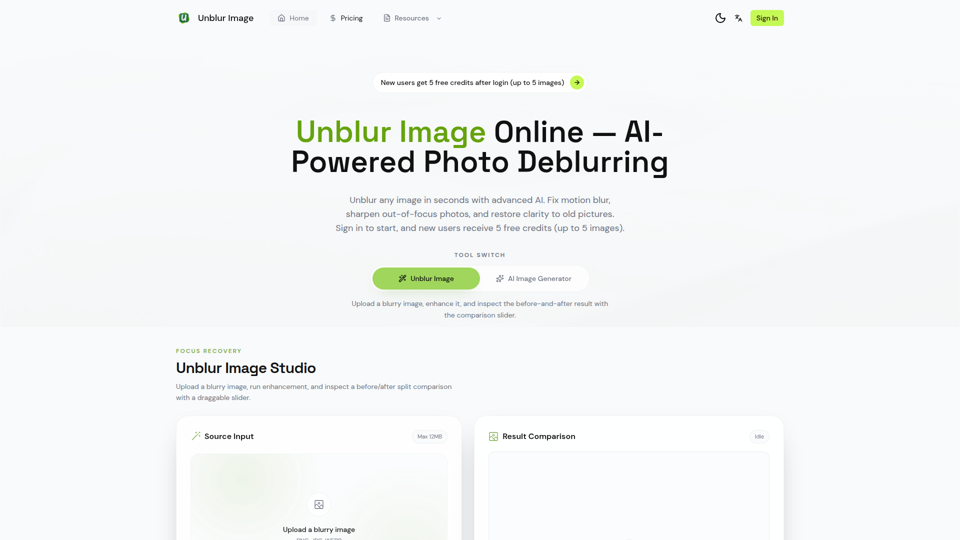
Unblur Image — Make Blurry Photos Clear with AI
Unblur Image is an AI-powered online photo deblurring tool that helps users fix motion blur, sharpen out-of-focus images, restore old photos, and improve text clarity, mainly for people who need quick image enhancement without manual editing skills. In AI-era workflows, it can help photographers, content teams, and document-heavy professionals recover usable visuals and readable assets faster from imperfect source images.
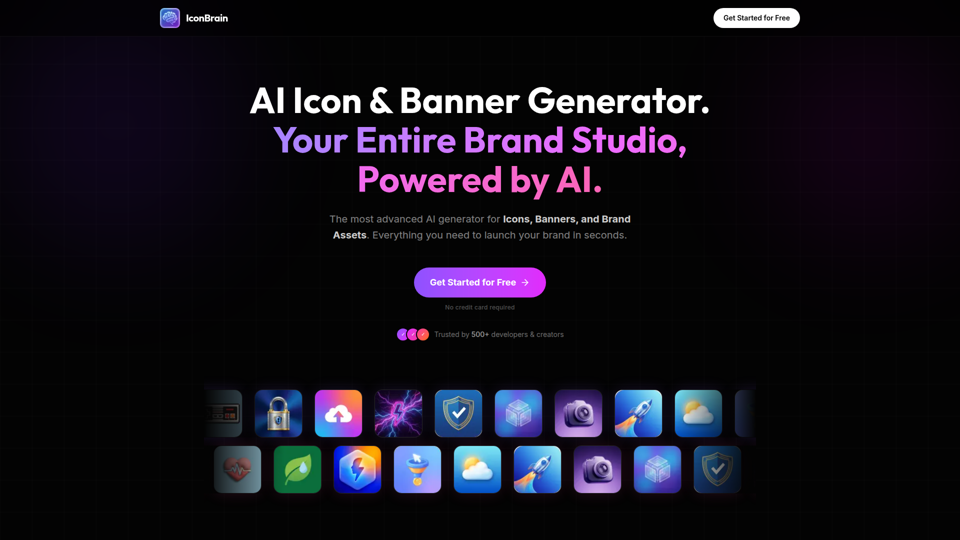
IconBrain | AI Icon Generator for Apps & Brands
IconBrain is an AI icon, banner, and brand asset generator that helps users create and edit production-ready visuals from text prompts or brand context, mainly for developers and creators launching apps or brands. For product, marketing, and design work, it can speed up early brand asset creation while helping teams keep visual styles more consistent across platforms.
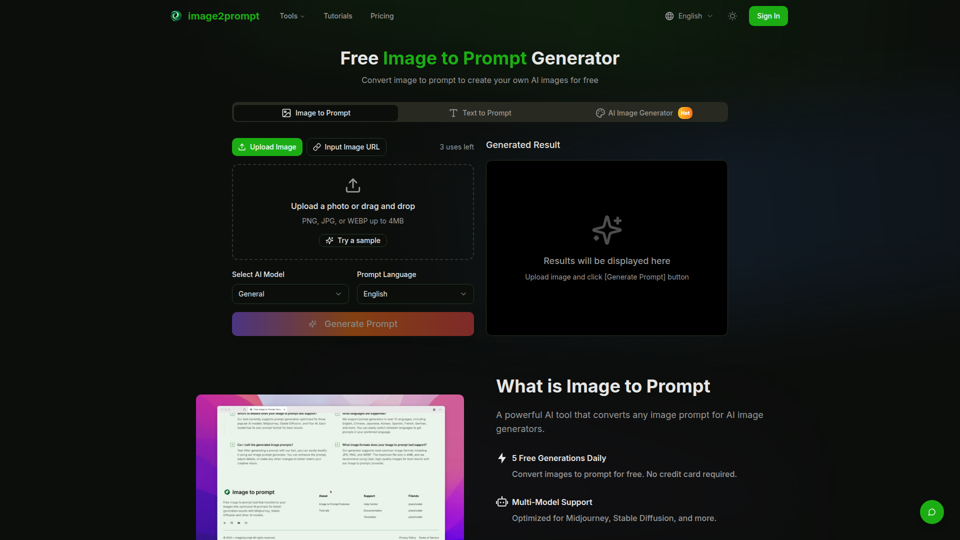
Free Image to Prompt Generator - image2prompt.net
image2prompt.net is a free AI image-to-prompt generator that analyzes uploaded images or image URLs and turns them into editable prompts for Midjourney, Stable Diffusion, Flux, and similar models, mainly for AI artists, designers, and creators. For creative professionals, it can speed prompt drafting, support style consistency, and reduce manual prompt rewriting across different image generation workflows.
UXCanvas.ai | AI UI/UX Design Agent — Describe It, Design It
UXCanvas.ai is an AI UI/UX design agent that helps users turn text prompts into production-ready interface designs, iterate through chat, and export to Figma or React code, mainly for designers and developers. For UI/UX and product teams, it can shorten the path from concept to handoff by turning rough ideas into structured specs, reusable components, and code-ready assets.
AI HD Anime: Your Ultimate Choice for Upscaling Anime Images
AI HD Anime is a free online AI image upscaling tool that enhances anime and manga images with higher clarity and restored detail, mainly for anime fans. In AI-assisted creative and archival workflows, it can help illustrators, editors, and community curators quickly improve low-resolution anime visuals for review, sharing, or preservation.