
muuic - Piano Roll
Rate this Tool
Average Score
Total Votes
Select your score (1-10):
Detail Information
What
muuic is a browser-based music creation tool centered on a piano roll workflow, with playback, recording, arrangement, mixing, effects, and export features in one interface. It appears designed for musicians, producers, hobbyists, and creators who want to sketch ideas, build tracks, and experiment with AI-assisted composition without installing a traditional desktop DAW.
The product combines manual sequencing with AI generation. Users can start from a blank project or genre-oriented templates, add instruments or audio tracks, edit notes in the piano roll, apply built-in effects, generate phrases or full tracks from text prompts, and export projects as WAV or MIDI. Based on the page, muuic is in alpha and likely positioned as an accessible, lightweight DAW for fast ideation and collaborative music drafting.
Features
- Piano roll editing and MIDI-style sequencing — Users can draw, select, erase, loop, quantize with snap settings, and adjust note timing and velocity for detailed composition control.
- Instrument and audio track creation — The project can include sampled piano, synth shapes, basses, pads, keys, strings, guitars, drums, custom samples, and audio tracks recorded from a microphone or uploaded from a file.
- Built-in mixing and effects tools — Reverb, delay, chorus, distortion, filter, compressor, and EQ controls let users shape sound directly inside the project workspace.
- AI composition and track generation — An AI panel can generate new material, extend ideas, edit selections, or create a full multi-instrument track from a text description, with selectable model tiers and visible credit costs.
- Project saving, import/export, and sharing — Users can save and load projects, import and export project, instrument, and effects files, export WAV and MIDI, and generate embed code for a mini player.
- Real-time collaboration support — The interface includes collaborative editing via shared links, which is useful for co-writing, review, or remote production sessions.
Helpful Tips
- Treat muuic as an alpha-stage production environment — For important work, keep external backups and verify exports because the page explicitly notes possible bugs or incomplete features.
- Evaluate the AI workflow separately from the editing workflow — The strongest fit will depend on whether a team mainly needs generative ideation, piano roll editing, or lightweight end-to-end drafting.
- Check credit usage before broader rollout — AI features are usage-based, so teams should estimate prompt volume, model choice, and review patterns before adopting it as a regular composition tool.
- Use templates and shorter bar lengths for faster iteration — Starting with provided project presets or 8–16 bar generations can reduce wasted time when exploring genres or arranging initial ideas.
- Confirm collaboration behavior in practice — The page shows real-time collaboration, but teams should test latency, conflict handling, and revision habits before relying on it for production-critical sessions.
OpenClaw Skills
muuic could fit well into OpenClaw as the creative execution layer in music-related workflows. Likely use cases include an agent that turns brief text prompts into draft cue ideas, a review agent that compares multiple generated arrangements against a creative brief, or a content pipeline skill that organizes stems, MIDI exports, and project versions for teams producing music for video, games, or social content. The page does not state a native OpenClaw integration, so this should be understood as a likely workflow pattern rather than a confirmed capability.
In a broader ecosystem, OpenClaw could orchestrate pre-production and post-production work around muuic: briefing agents could translate campaign goals into musical directions, cataloging agents could tag exported tracks by mood or instrumentation, and collaboration agents could route project links for approval. For composers, media teams, and creative agencies, that combination could shift music creation from a standalone drafting task into a more automated content operation where ideation, generation, review, and asset packaging happen in a coordinated workflow.
Embed Code
Share this AI tool on your website or blog by copying and pasting the code below. The embedded widget will automatically update with the latest information.
<iframe src="https://aimyflow.com/ai/muuic-com/embed" width="100%" height="400" frameborder="0"></iframe>
Explore Similar Tools

Social Media Marketing made easy with AI | Predis.ai
Predis.ai is an AI social media marketing tool that helps users create video and image content and analyze performance, mainly for marketers, agencies, and growing brands. It shortens content planning and production cycles, helping social teams test and refine campaigns more efficiently.
Strut – The complete writing workspace
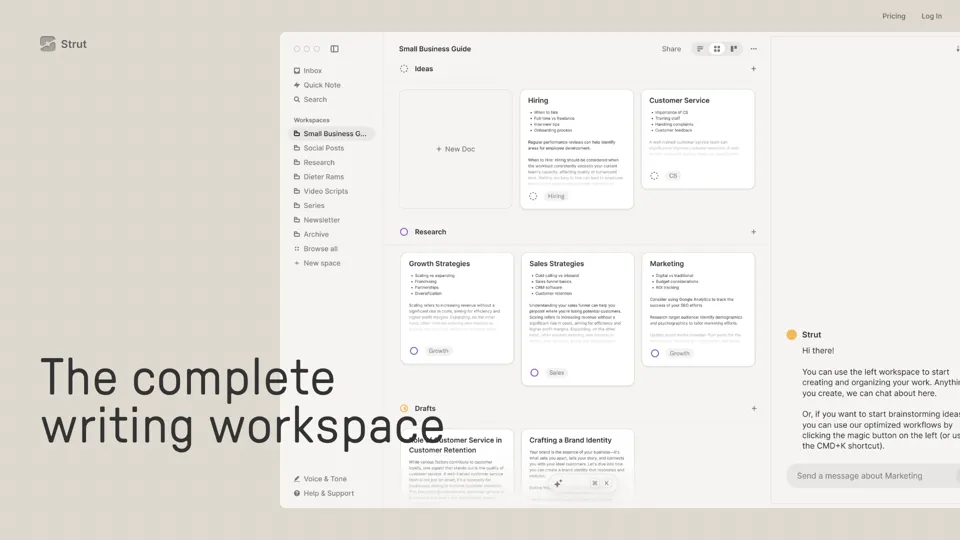
Strut is an AI-powered writing workspace that combines notes, documents, and collaborative writing projects in one environment, mainly for writers, creators, and teams. In the AI era, it helps knowledge workers move from scattered drafts to more coherent writing and faster iteration.

Hypotenuse AI:Smart text generator
Hypotenuse AI is a text generation platform that helps marketers, ecommerce teams, and content writers produce SEO articles, product descriptions, and branded copy at scale. In the AI era, it enables content roles to maintain consistency while increasing publishing speed across large catalogs and campaigns.

All-in-one panel | SkyReels - Ultimate AI Video Creation Platform
SkyReels is an AI video creation platform that turns scripts into finished videos with voiceovers, lip sync, sound effects, music, and editing tools, mainly for creators and marketing teams. In the AI era, it helps video producers compress production workflows and deliver polished content without a full studio setup.

Grizzly AI | Your AI Report Writer
Grizzly AI is an AI report writing tool that helps professionals generate reports from source files while matching their preferred writing style. It saves analysts and knowledge workers time by turning documents into polished drafts with less manual rewriting.
AI Image Generator - Create Art, Images & Video | Leonardo AI
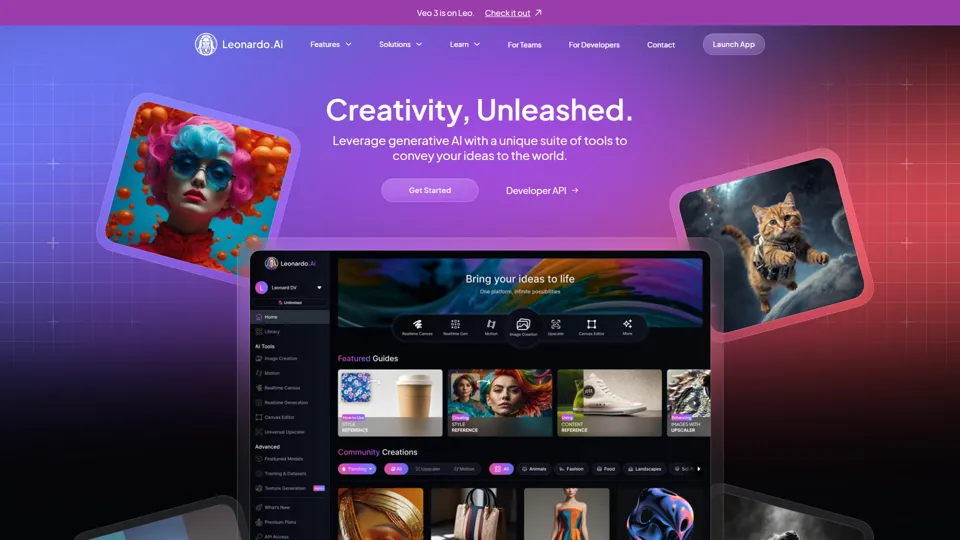
Leonardo AI is an AI image and video generation platform that helps creators, designers, and marketers produce high-quality visual assets quickly. In the AI era, it shortens concept-to-content cycles so creative teams can iterate faster without expanding production overhead.

Budget-friendly AI Powered SEO
BudgetSEO is an AI-powered SEO content tool that helps users create search-optimized material affordably, mainly for small businesses, solo founders, and marketers with limited budgets. In the AI era, it enables lean marketing teams to produce more SEO assets without expanding headcount.
Freepik | All-in-One AI Creative Suite
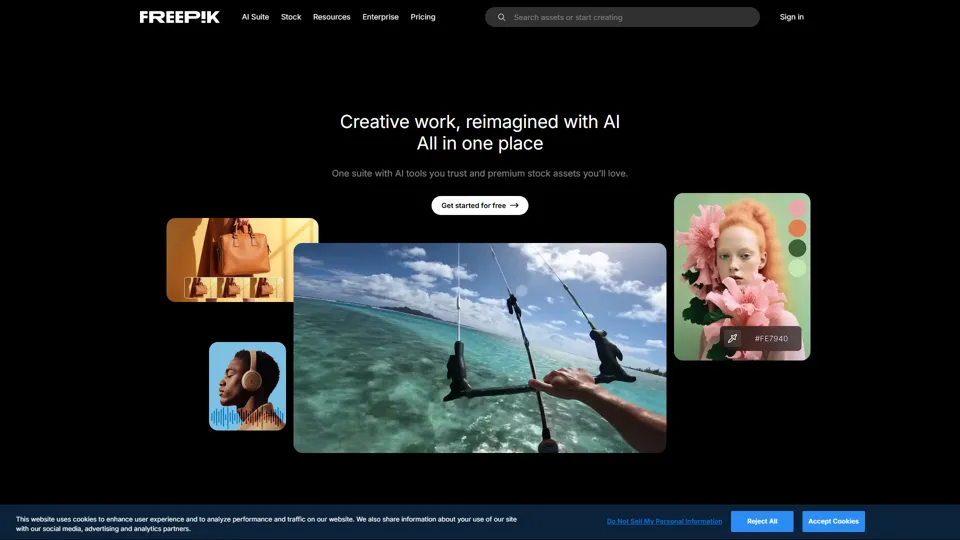
Freepik is an all-in-one creative suite that combines AI design tools with stock assets to help designers and marketers create visual content in one workspace. It improves creative efficiency by reducing tool switching and accelerating asset production for high-volume campaigns.