
MMAudio - AI Video to Audio Synthesis Tool | Unlimited usage
Rate this Tool
Average Score
Total Votes
Select your score (1-10):
Detail Information
What
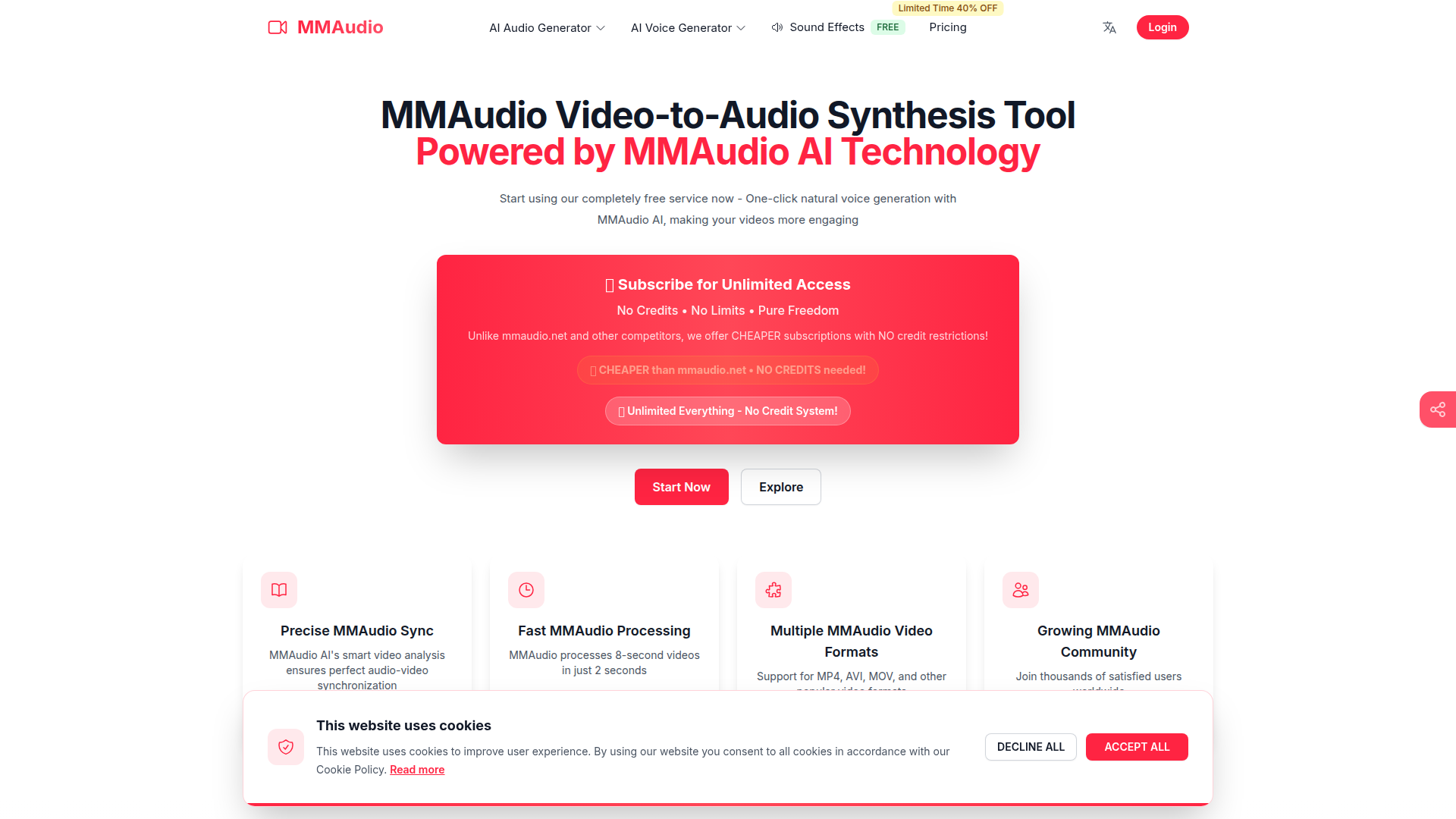
MMAudio is a web-based AI audio generation tool centered on video-to-audio synthesis. Based on the page, it is aimed at video creators, researchers, and sound-focused users who want to generate or extract audio from uploaded videos or video URLs, and it also offers text-to-audio capabilities.
The core workflow is straightforward: upload a video or provide a video link, describe the audio you want, adjust available settings, and generate synchronized audio. The product appears positioned as a low-friction, usage-friendly alternative in the AI audio space, with emphasis on unlimited usage, fast processing, support for common video formats, and open-source MMAudio technology.
Features
- Video-to-audio generation: Users can upload a video or enter a direct video URL to generate audio that is intended to match the visual content.
- Text-to-audio support: The tool also converts written prompts into natural-sounding audio, expanding use beyond video workflows.
- Audio-video synchronization: The page says its AI analyzes video content to keep generated audio aligned with on-screen action, which is important for dubbing and sound effects.
- Fast processing for short clips: MMAudio claims it can process an 8-second video in 2 seconds, which suggests a quick iteration cycle for short-form content.
- Support for common video formats: MP4, AVI, and MOV are explicitly listed, making it easier to work with standard media files without format conversion.
- Adjustable generation options: Users can select effect types and, on some tiers, access advanced controls such as timeline-based audio and sound conversion; some options are clearly marked as upgrade-only.
Helpful Tips
- Validate the exact output type early: The page uses both “video-to-audio synthesis” and “video dubbing/voiceover” language, so teams should test whether it best fits sound effects, ambient audio, narration, or all three.
- Benchmark with representative clips: Since the site highlights short-video speed, evaluate performance on your actual video lengths, scene complexity, and desired audio realism before broader adoption.
- Check plan-gated controls carefully: Several settings are labeled as upgrade-only, so confirm which editing and generation controls are available on the free versus paid tiers.
- Use structured prompts for better results: The workflow includes an audio description field, so detailed prompts about timing, sound type, intensity, and excluded elements will likely improve output quality.
- Review current limitations directly: The FAQ mentions limitations, but the visible page does not provide full details, so it is sensible to verify file size, duration, frame-rate, and edge-case constraints before operational use.
Embed Code
Share this AI tool on your website or blog by copying and pasting the code below. The embedded widget will automatically update with the latest information.
<iframe src="https://aimyflow.com/ai/mmaudio-pro/embed" width="100%" height="400" frameborder="0"></iframe>
Explore Similar Tools

Social Media Marketing made easy with AI | Predis.ai
Predis.ai is an AI social media marketing tool that helps users create video and image content and analyze performance, mainly for marketers, agencies, and growing brands. It shortens content planning and production cycles, helping social teams test and refine campaigns more efficiently.
Strut – The complete writing workspace
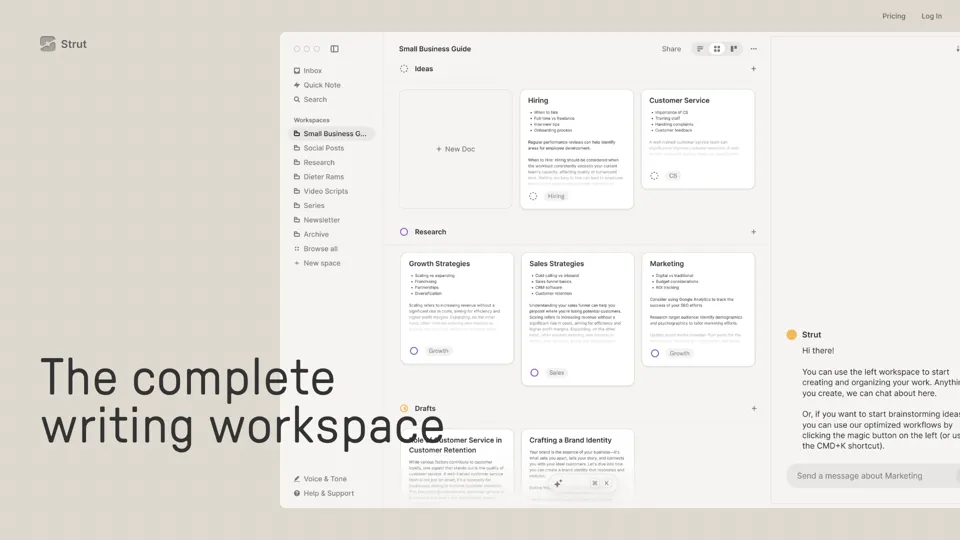
Strut is an AI-powered writing workspace that combines notes, documents, and collaborative writing projects in one environment, mainly for writers, creators, and teams. In the AI era, it helps knowledge workers move from scattered drafts to more coherent writing and faster iteration.
Hypotenuse AI:Smart text generator
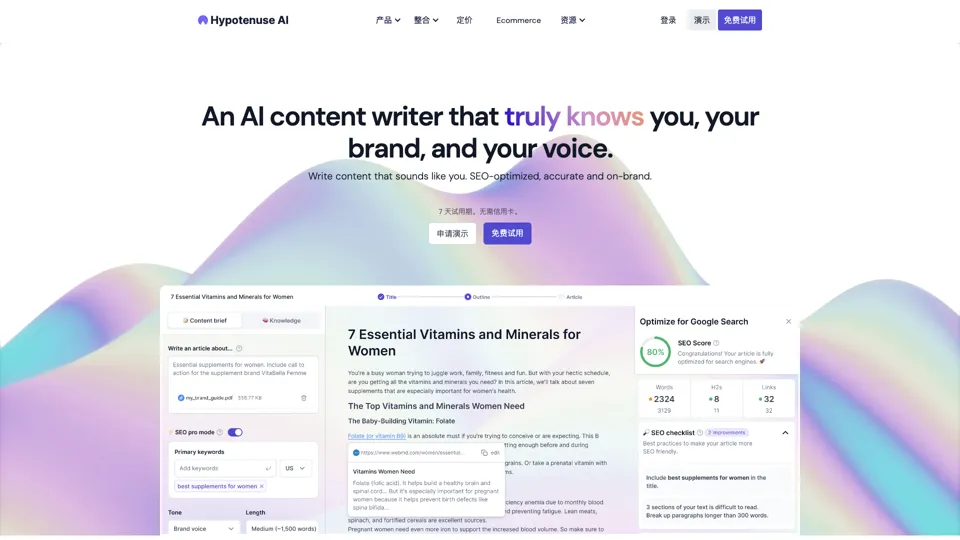
Hypotenuse AI is a text generation platform that helps marketers, ecommerce teams, and content writers produce SEO articles, product descriptions, and branded copy at scale. In the AI era, it enables content roles to maintain consistency while increasing publishing speed across large catalogs and campaigns.
All-in-one panel | SkyReels - Ultimate AI Video Creation Platform
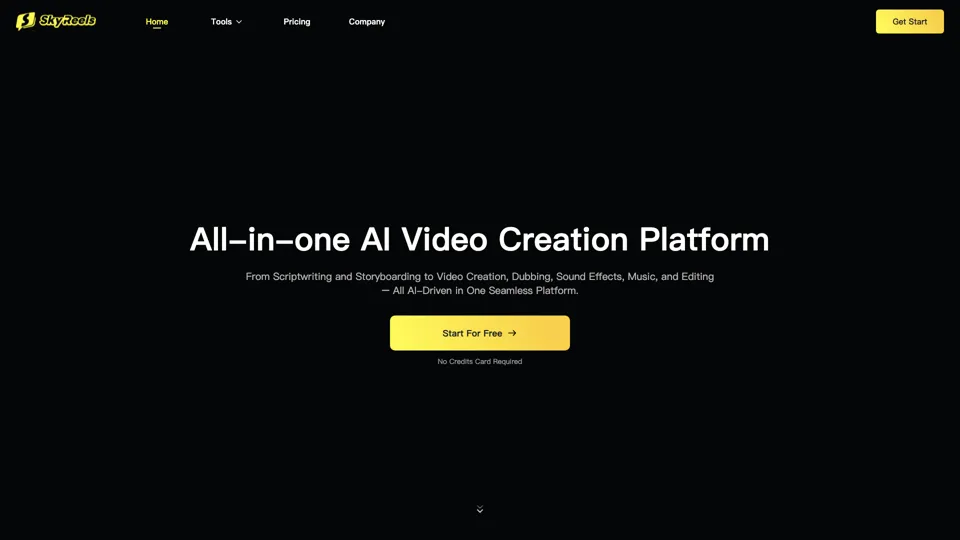
SkyReels is an AI video creation platform that turns scripts into finished videos with voiceovers, lip sync, sound effects, music, and editing tools, mainly for creators and marketing teams. In the AI era, it helps video producers compress production workflows and deliver polished content without a full studio setup.

Grizzly AI | Your AI Report Writer
Grizzly AI is an AI report writing tool that helps professionals generate reports from source files while matching their preferred writing style. It saves analysts and knowledge workers time by turning documents into polished drafts with less manual rewriting.
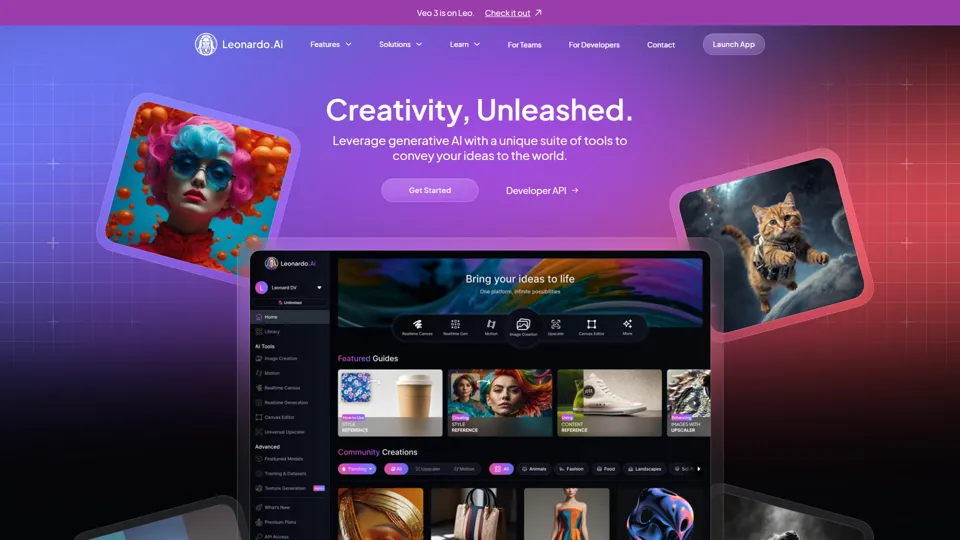
AI Image Generator - Create Art, Images & Video | Leonardo AI
Leonardo AI is an AI image and video generation platform that helps creators, designers, and marketers produce high-quality visual assets quickly. In the AI era, it shortens concept-to-content cycles so creative teams can iterate faster without expanding production overhead.

Budget-friendly AI Powered SEO
BudgetSEO is an AI-powered SEO content tool that helps users create search-optimized material affordably, mainly for small businesses, solo founders, and marketers with limited budgets. In the AI era, it enables lean marketing teams to produce more SEO assets without expanding headcount.
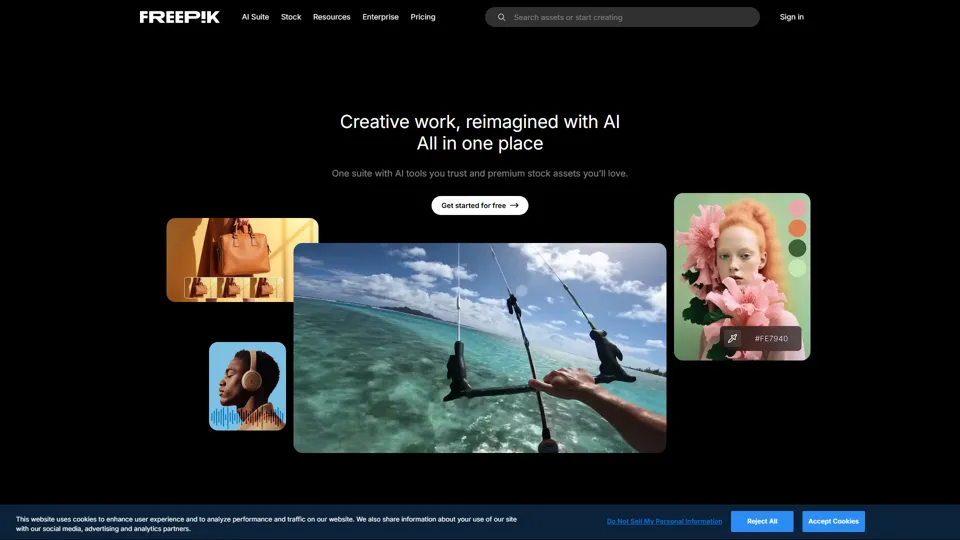
Freepik | All-in-One AI Creative Suite
Freepik is an all-in-one creative suite that combines AI design tools with stock assets to help designers and marketers create visual content in one workspace. It improves creative efficiency by reducing tool switching and accelerating asset production for high-volume campaigns.