
Multi-engine AI video generator – Pay-as-you-go | MaxVideoAI

Rate this Tool
Average Score
Total Votes
Select your score (1-10):
Detail Information
What
MaxVideoAI is a multi-engine AI video generator that lets users compare AI video models and then generate clips from text prompts, still images, or existing footage. The product is positioned as a single workspace for AI video creation, with live pricing shown before each render and support for multiple underlying engines in one hub.
It appears designed for teams and individual creators who need to test different model strengths across cinematic, product, social, explainer, or iterative production workflows. The core workflow is: choose an engine, adjust model-specific settings such as duration and resolution, review price before rendering, then compare outputs, manage jobs, and download results from the same workspace.
Features
- Multi-engine generation workspace — Supports a range of AI video models in one interface so users can switch engines without juggling separate dashboards or API keys.
- Text-to-video, image-to-video, and video-to-video workflows — Covers prompt-based generation, animation from still images, and transformation of existing footage for different creative starting points.
- Live pre-render pricing — Shows cost before generation so users can evaluate budget impact as they change duration, resolution, or engine.
- Side-by-side model comparison — Helps users assess differences in speed, prompt fidelity, motion, realism, style, limits, and best-fit use cases before committing to a render.
- Unified workspace controls — Keeps composer, wallet, gallery rail, and job history together so prompt editing, queue monitoring, and output review happen in one view.
- Wallet-first billing and failure refunds — Uses prepaid credits, tracks spend in the interface, and states that failed renders are refunded automatically.
Helpful Tips
- Match the engine to the shot type — The page makes clear that models vary by motion quality, speed, realism, and control, so evaluation should start from the specific scene requirement rather than a default model choice.
- Use image-to-video when composition consistency matters — For branded visuals, product shots, or recurring characters, starting from a still image can provide more stable visual direction than prompt-only generation.
- Use side-by-side testing early in production — Comparing multiple engines on the same brief is likely most useful at concept and storyboard stages, before scaling up iteration volume.
- Plan around model limits — Duration, resolution, audio support, and mode availability differ by engine, so teams should confirm these constraints before building repeatable workflows.
- Treat pricing visibility as a production control — Pre-render cost display can help teams set guardrails for experimentation, especially when multiple versions are created from the same concept.
Embed Code
Share this AI tool on your website or blog by copying and pasting the code below. The embedded widget will automatically update with the latest information.
<iframe src="https://aimyflow.com/ai/maxvideoai-com/embed" width="100%" height="400" frameborder="0"></iframe>
Explore Similar Tools
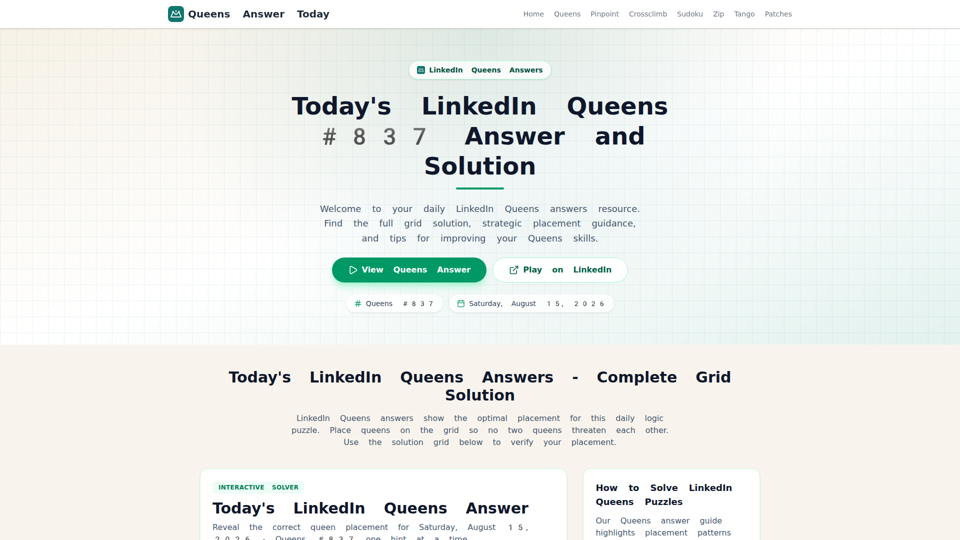
LinkedIn Queens Answer Today - Daily Solutions and Archive
Unofficial LinkedIn Queens answer guide with daily solutions, hints, rules, and archived puzzle pages for players checking or practicing Queens.
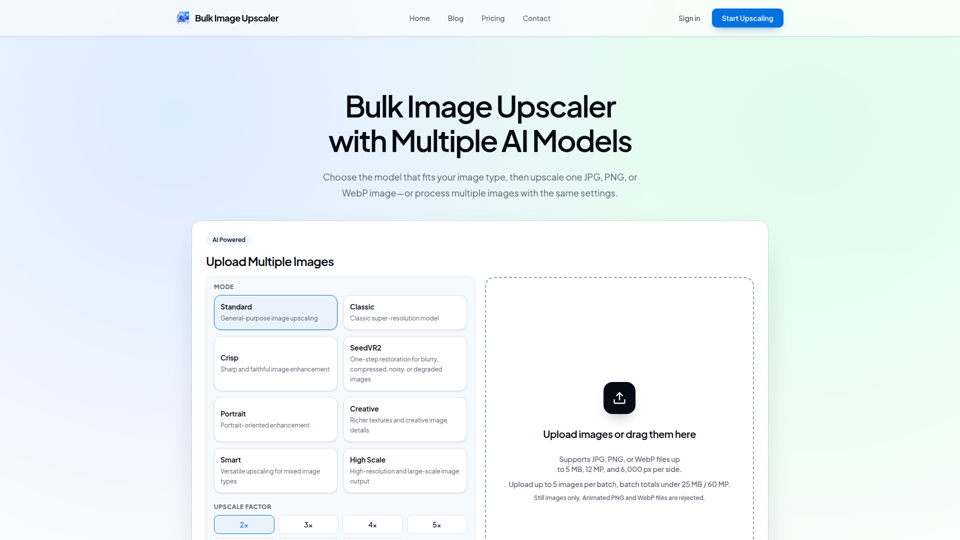
Bulk Image Upscaler – Upscale Multiple Images with AI
Bulk Image Upscaler is an AI batch-processing tool that enlarges and restores JPG, PNG, and WebP files for creators, e-commerce sellers, and photographers. By automating multi-image upscaling across specialized models, it streamlines asset preparation for high-resolution printing and online product listings.
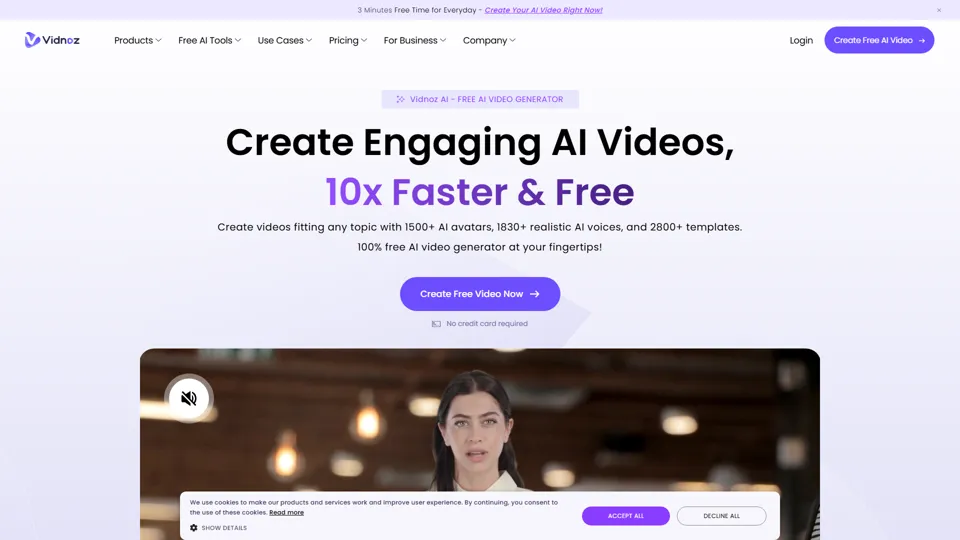
Vidnoz AI: Create FREE AI Videos 10X Faster Online
Vidnoz is an AI video generation platform that helps users create videos with avatars, voices, and automated production tools, mainly for marketers, trainers, and content creators. In the AI era, avatar-based workflows help teams produce scalable video communication without traditional filming constraints.
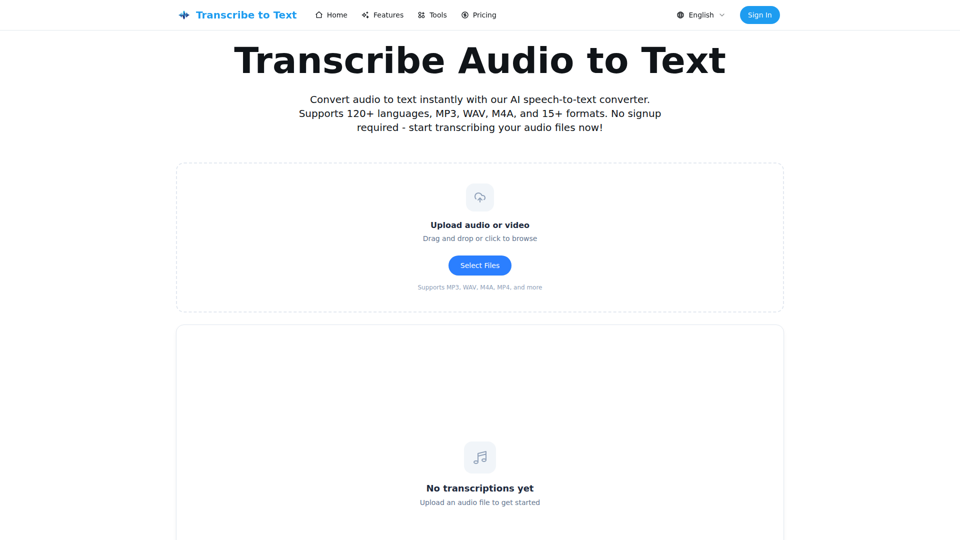
Audio to Text Converter - Speech to Text Online | transcribetotext.org
Transcribe to Text is an AI speech-to-text converter that turns audio and video files into editable transcripts with support for 120+ languages, multiple formats, timestamps, and exports, mainly for content creators, professionals, and teams. For media, operations, and documentation workflows, it can speed transcription, subtitle preparation, and multilingual content handling while reducing manual note-taking.
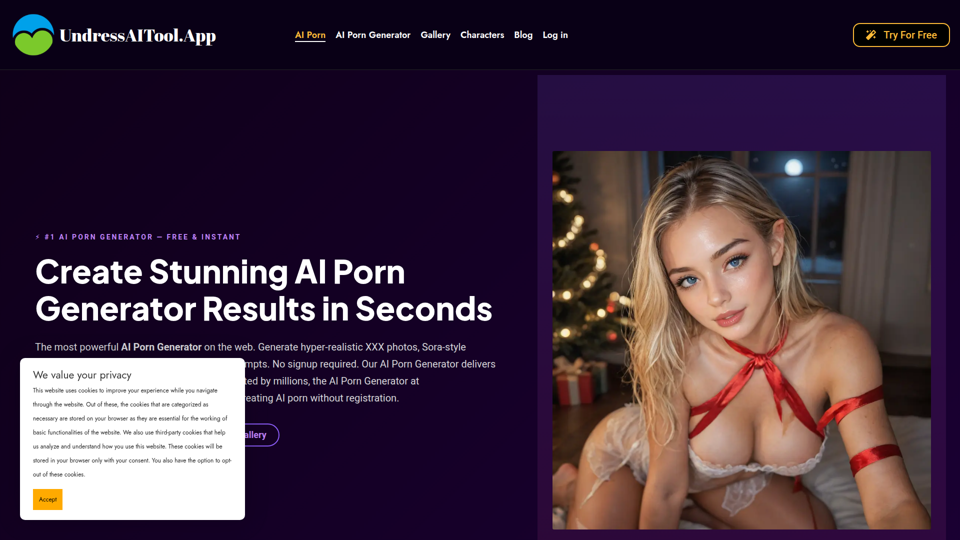
Free AI Porn Generator | Instant 4K Porn Photos & Videos 2026
UndressAITool is an AI adult content generator that creates explicit images, videos, GIFs, and 4K upscaled outputs from text prompts, aimed mainly at adult content creators and users seeking browser-based generation without signup. For creators working with synthetic media, it can speed concept-to-output workflows by producing draft visuals and variations quickly while offering private storage and deletion controls.
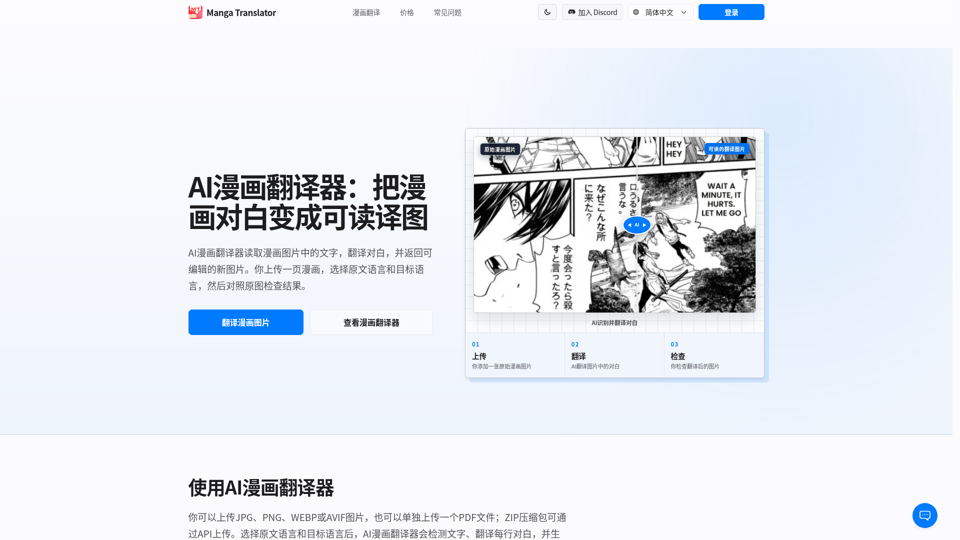
AI漫画翻译器|在线翻译漫画图片 - Manga Translator
Manga Translator is an AI tool that detects and translates comic dialogue into editable images for readers and localization specialists. By automating text extraction and in-image typesetting, it accelerates comic adaptation workflows so editors can focus on styling and quality control.
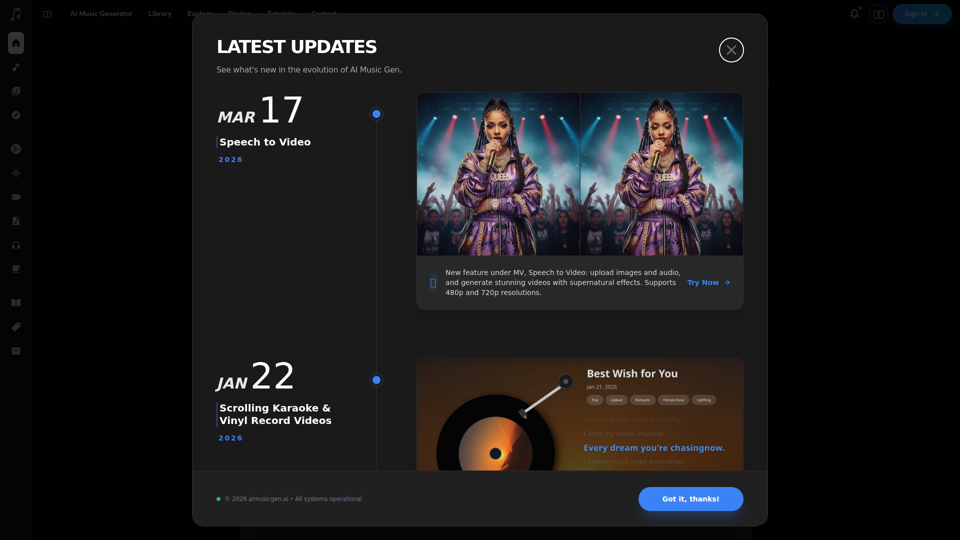
AI Music Generator Online (Free, No Sign-Up, Royalty-free)
AIMusicGen.ai is an AI music generator that helps users turn text, lyrics, or song descriptions into royalty-free vocal or instrumental tracks online, mainly for content creators, marketers, and music professionals. In AI-assisted production workflows, it can speed up soundtrack drafting, demo creation, and campaign audio development for video, advertising, and music teams.
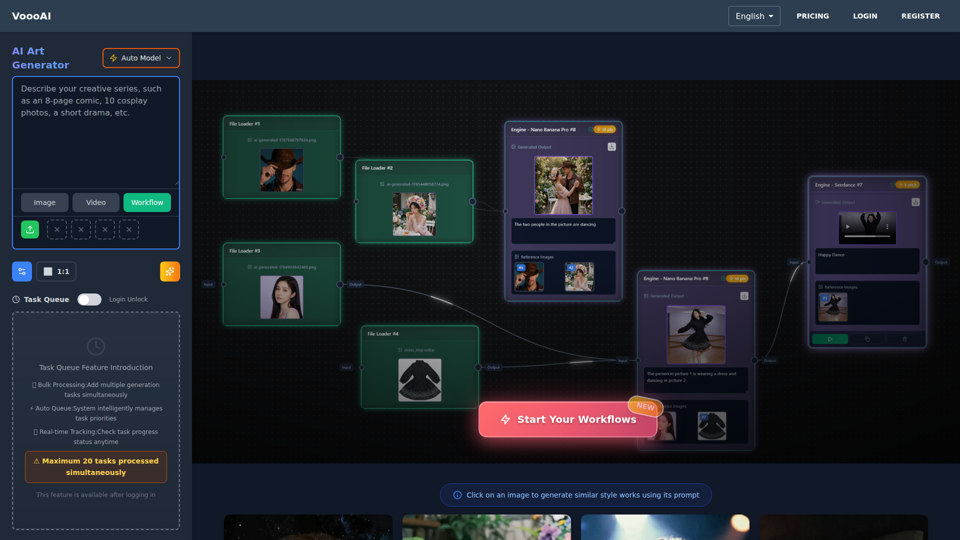
VoooAI - The First Multimedia NL2Workflow Platform | One Sentence, Complete Creative Workflow
VoooAI is the world's first Multimedia NL2Workflow Platform with visual node canvas. AI auto-generates workflows: node selection, wiring, prompts filled automatically. Every node adjustable. Complete pipeline from copywriting to video, music, digital humans. 70+ templates. NOT a chat interface.