
AI Manga Generator & Comic Maker — Create Manga Pages Online Free | MangaMaker
Rate this Tool
Average Score
Total Votes
Select your score (1-10):
Detail Information
What
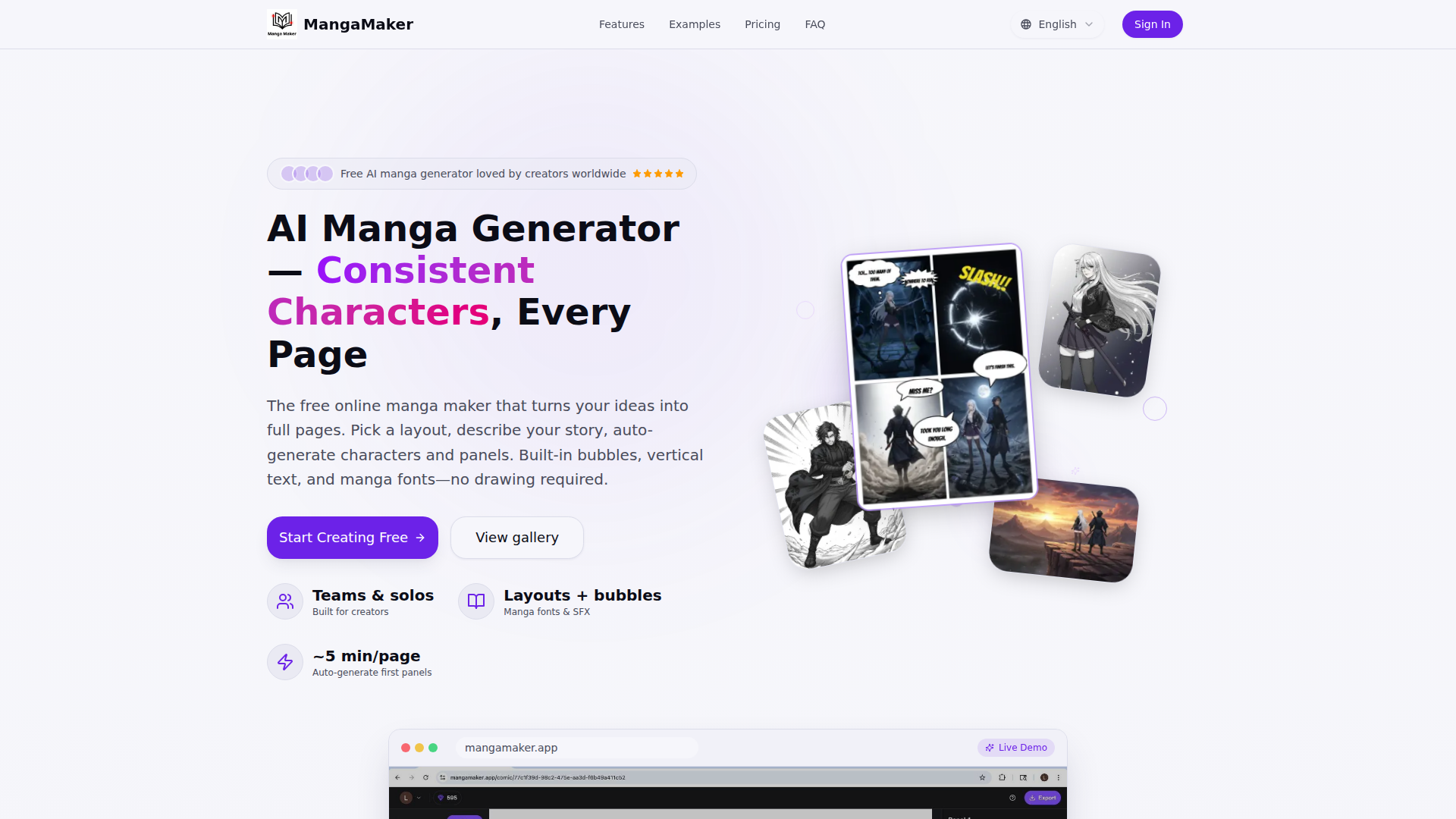
MangaMaker is a web-based AI manga and comic creation platform for people who want to turn story ideas into finished pages without relying on advanced drawing skills. It combines page layout, text-to-image generation, character consistency tools, speech bubbles, manga typography, and export features in one browser-based editor.
The product appears positioned as an all-in-one creator tool for solo makers, hobbyists, webtoon artists, writers, and small teams producing manga-style pages, comics, or anime-style art. Its core workflow is: choose a page layout, describe the story or panels in text, generate artwork, refine details on the canvas, add bubbles and text, and export files for web or print.
Features
- Canvas-based manga page editor — Provides drag-and-drop panel editing, preset grids, custom panel breaks, and snap-to-gutter guides to structure pages quickly.
- Text-to-manga image generation — Converts natural-language prompts into manga-style panel art, with options to prompt per panel or batch-generate a full page.
- Character consistency system — Lets users define characters once and reuse them across panels so faces, outfits, and traits stay more consistent.
- Built-in manga text tools — Includes speech and thought bubbles, SFX support, vertical text, and multiple manga-oriented font presets for page-ready dialogue styling.
- Style and format flexibility — Supports manga, comic, and webtoon-oriented creation with multiple art styles and both black-and-white and full-color outputs.
- Browser-based export workflow — Supports exporting shareable PNGs and print-friendly files without requiring desktop installation.
Helpful Tips
- Test character consistency early — For story-driven comics, validate how well recurring characters hold up across several panels before committing to a longer chapter.
- Review mobile vs desktop use carefully — The site says mobile browsers are supported, but also recommends desktop or tablet for the best editor experience, which matters for production teams.
- Check export requirements against publishing needs — If print quality, file format, or high-resolution output is important, verify those details in the plan and workflow you intend to use.
- Use panel-level prompting for higher control — A page-wide prompt may be faster, but panel-by-panel prompting is likely better for pacing, continuity, and visual storytelling accuracy.
- Assess fit by content type — This tool appears strongest for manga, webtoon, and comic-page production rather than for general-purpose illustration workflows.
OpenClaw Skills
Within an OpenClaw ecosystem, MangaMaker could likely support agent workflows around comic pre-production and editorial coordination, even though the page does not describe a native integration. Likely use cases include an OpenClaw storyboarding agent that turns a script into page outlines and panel prompts, a character bible agent that standardizes visual references and naming, and a dialogue-polish agent that prepares speech bubble copy for different tones or reading formats.
For publishers, indie studios, and creator teams, this combination could shift work from manual page assembly toward AI-assisted comic operations. Likely OpenClaw skills could include chapter planning, continuity checks across scenes, localization preparation for vertical and horizontal text layouts, and asset-review workflows that flag inconsistent characters or weak panel descriptions before generation. Used together, MangaMaker and OpenClaw could help writers, editors, and content teams move from script to draft pages with a more structured, repeatable process.
Embed Code
Share this AI tool on your website or blog by copying and pasting the code below. The embedded widget will automatically update with the latest information.
<iframe src="https://aimyflow.com/ai/mangamaker-app/embed" width="100%" height="400" frameborder="0"></iframe>
Explore Similar Tools

Social Media Marketing made easy with AI | Predis.ai
Predis.ai is an AI social media marketing tool that helps users create video and image content and analyze performance, mainly for marketers, agencies, and growing brands. It shortens content planning and production cycles, helping social teams test and refine campaigns more efficiently.
Strut – The complete writing workspace
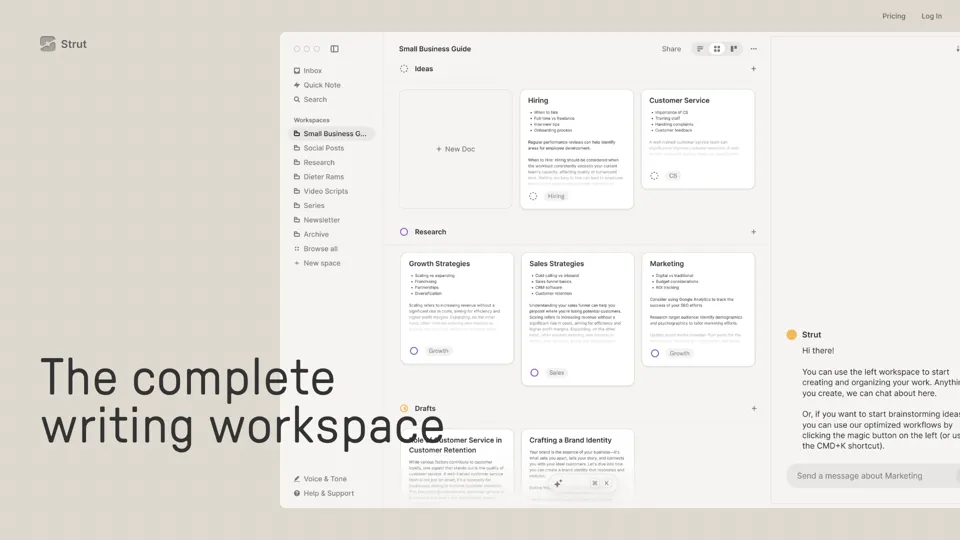
Strut is an AI-powered writing workspace that combines notes, documents, and collaborative writing projects in one environment, mainly for writers, creators, and teams. In the AI era, it helps knowledge workers move from scattered drafts to more coherent writing and faster iteration.
Hypotenuse AI:Smart text generator
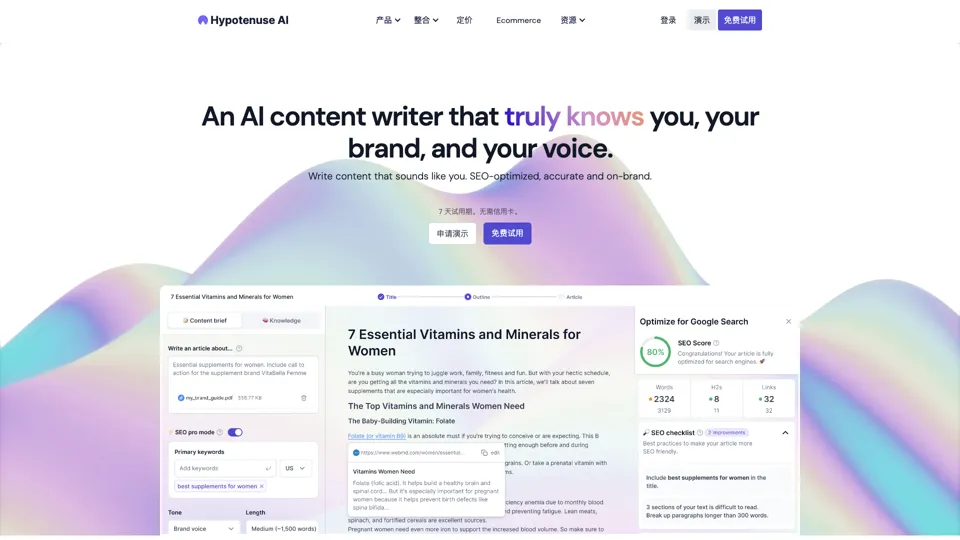
Hypotenuse AI is a text generation platform that helps marketers, ecommerce teams, and content writers produce SEO articles, product descriptions, and branded copy at scale. In the AI era, it enables content roles to maintain consistency while increasing publishing speed across large catalogs and campaigns.
All-in-one panel | SkyReels - Ultimate AI Video Creation Platform
SkyReels is an AI video creation platform that turns scripts into finished videos with voiceovers, lip sync, sound effects, music, and editing tools, mainly for creators and marketing teams. In the AI era, it helps video producers compress production workflows and deliver polished content without a full studio setup.
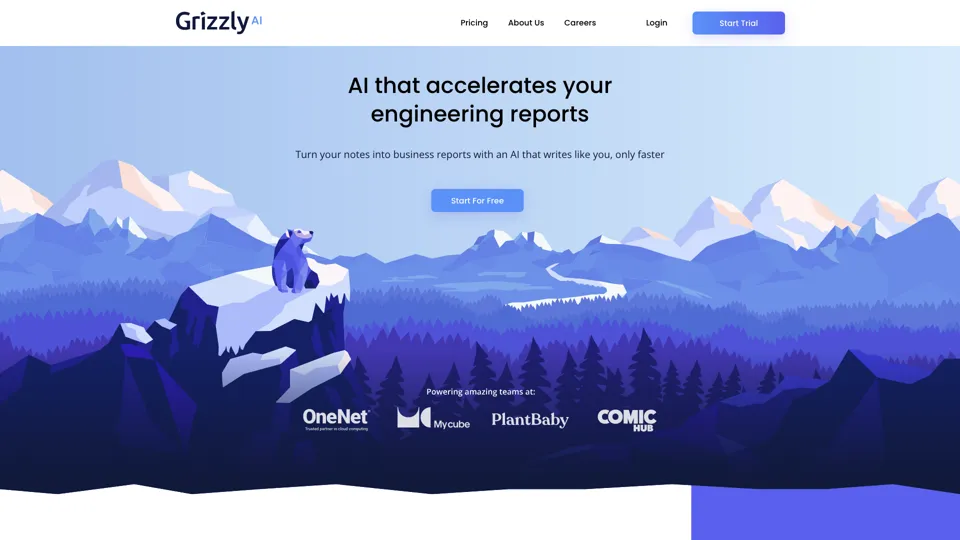
Grizzly AI | Your AI Report Writer
Grizzly AI is an AI report writing tool that helps professionals generate reports from source files while matching their preferred writing style. It saves analysts and knowledge workers time by turning documents into polished drafts with less manual rewriting.
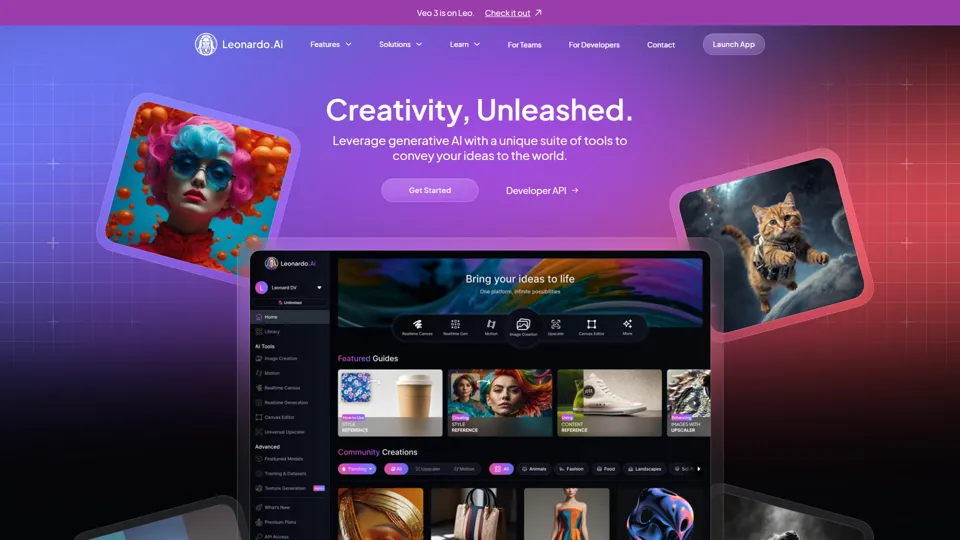
AI Image Generator - Create Art, Images & Video | Leonardo AI
Leonardo AI is an AI image and video generation platform that helps creators, designers, and marketers produce high-quality visual assets quickly. In the AI era, it shortens concept-to-content cycles so creative teams can iterate faster without expanding production overhead.
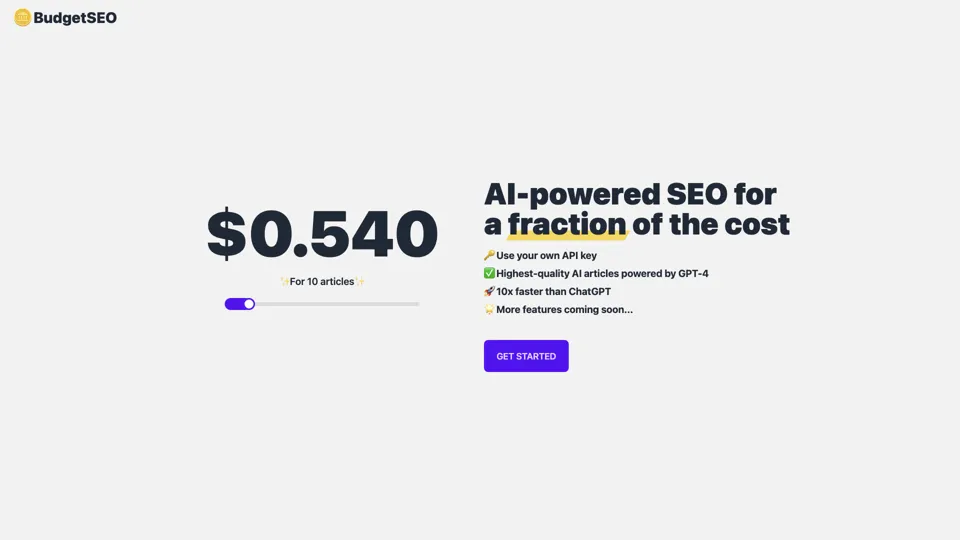
Budget-friendly AI Powered SEO
BudgetSEO is an AI-powered SEO content tool that helps users create search-optimized material affordably, mainly for small businesses, solo founders, and marketers with limited budgets. In the AI era, it enables lean marketing teams to produce more SEO assets without expanding headcount.
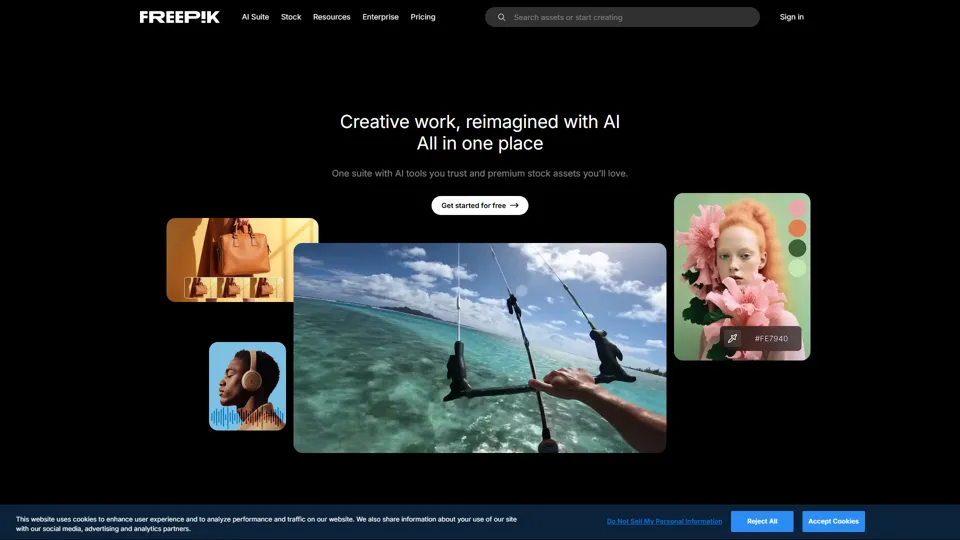
Freepik | All-in-One AI Creative Suite
Freepik is an all-in-one creative suite that combines AI design tools with stock assets to help designers and marketers create visual content in one workspace. It improves creative efficiency by reducing tool switching and accelerating asset production for high-volume campaigns.