
Multimodal Model For Generative Creation | LTX Model
Rate this Tool
Average Score
Total Votes
Select your score (1-10):
Detail Information
What
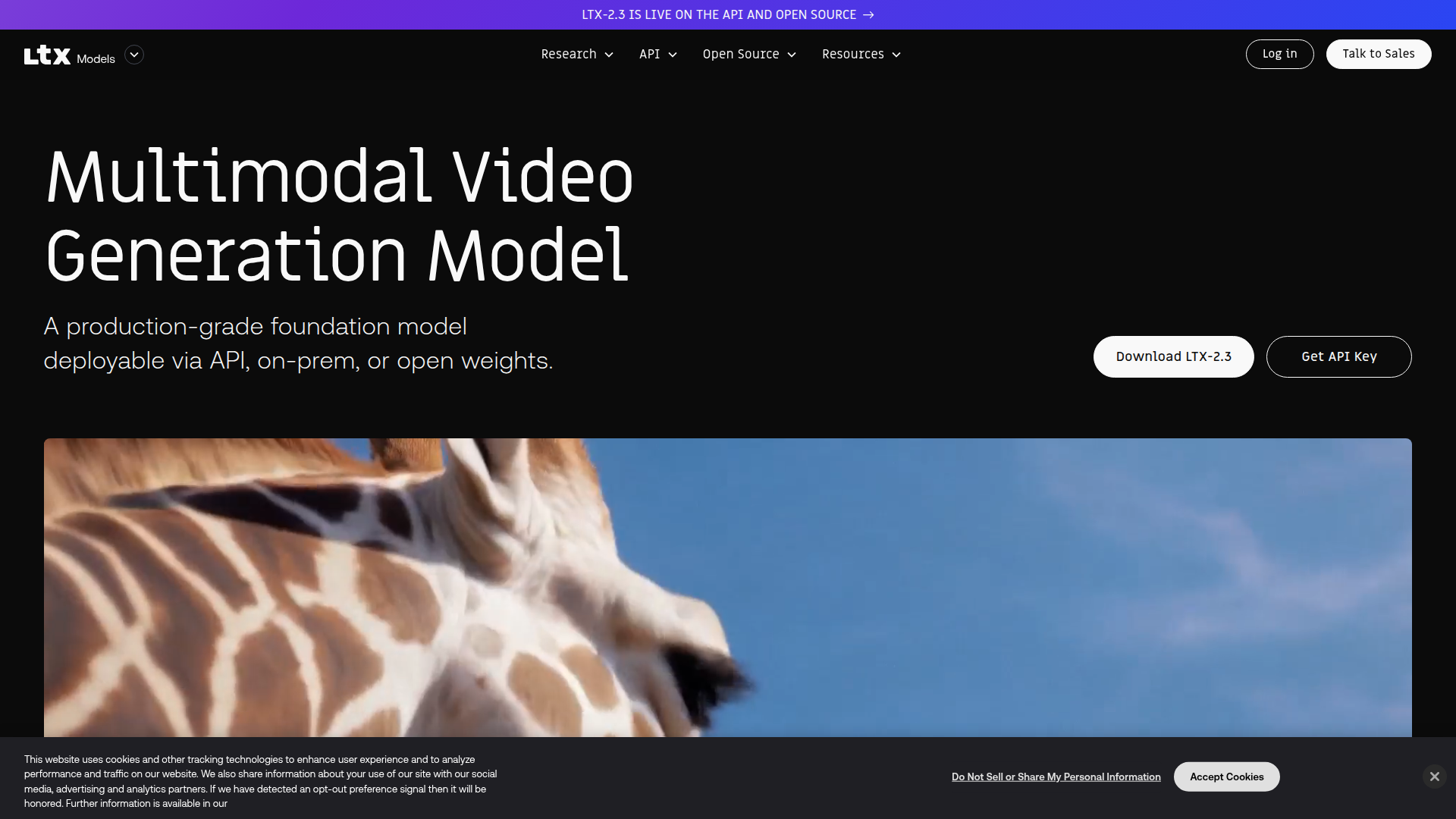
LTX Model is a multimodal video generation foundation model built for generative creation in production settings. It supports text, image, audio, and video inputs to generate, animate, and edit video, and it is available through a managed API, on-prem deployment, or open model weights.
The product is positioned for developers, product teams, studios, agencies, enterprises, and research groups that need predictable, scalable video workflows rather than demo-only generation. Based on the site, its core value is giving teams control over long-form, high-fidelity, synchronized audio-video creation while fitting into existing production systems through flexible deployment options.
Features
- Multimodal video generation and editing — Supports workflows such as text-to-video, image-to-video, and selective video editing for teams building video features or internal production pipelines.
- Audio-to-video generation — Uses voice, music, and sound effects to shape structure, pacing, and motion, which is useful for audio-led scenes such as podcasts, avatars, and voice-driven clips.
- Longer clip generation — Supports video generation up to 20 seconds, helping teams create longer sequences with more consistent style and continuity.
- Native portrait video — Generates vertical video up to 1080×1920 using portrait-orientation training data rather than landscape cropping.
- High-end video output — The site states support for cinematic-grade synchronized audio-video at native 4K and 50 fps for professional workflows.
- Flexible deployment model — Available via API, self-hosted/open weights, and on-prem or isolated environments, which can support organizations with stricter control and infrastructure requirements.
Helpful Tips
- Validate production claims against your workload — The site emphasizes predictability and scalability, but teams should still test output consistency, latency, and failure handling against their own asset types and review processes.
- Choose deployment based on control needs — API access likely fits faster experimentation, while open weights or on-prem deployment may better suit organizations that need customization, infrastructure control, or reduced vendor dependency.
- Plan around multimodal workflow design — Products like this are most useful when prompts, reference images, source clips, and audio inputs are structured as repeatable production inputs rather than ad hoc experiments.
- Assess editing depth carefully — The page confirms selective video editing and refinement workflows, but it does not detail exact editing controls, so buyers should verify the granularity of scene, frame, or region-level edits.
- Match model strengths to content format — Native portrait generation and audio-led video creation suggest strong fit for social, avatar, and voice-first content pipelines, while broader cinematic uses should be validated with representative creative briefs.
OpenClaw Skills
LTX Model could be a strong fit for OpenClaw workflows centered on media generation orchestration, creative ops, and production automation. Likely use cases include agents that turn briefs into structured prompts, route requests across text/image/audio/video inputs, manage render queues, and enforce output conventions for different channels such as portrait social video or studio-grade sequences. The site does not mention a native OpenClaw integration, so this should be treated as a likely ecosystem pattern rather than a confirmed feature.
In a broader OpenClaw setup, teams could build skills for script-to-video generation, audio-led scene planning, revision handling, brand-safe prompt templating, and automated post-generation QA. For studios, agencies, and product teams, that combination could shift video creation from manual one-off prompting toward repeatable, systematized pipelines where generation, review, refinement, and deployment are coordinated by agents instead of scattered across disconnected tools.
Embed Code
Share this AI tool on your website or blog by copying and pasting the code below. The embedded widget will automatically update with the latest information.
<iframe src="https://aimyflow.com/ai/ltx-video/embed" width="100%" height="400" frameborder="0"></iframe>
Explore Similar Tools
Free AI Photo Editor: Edit & Generate Image Online | Pokecut
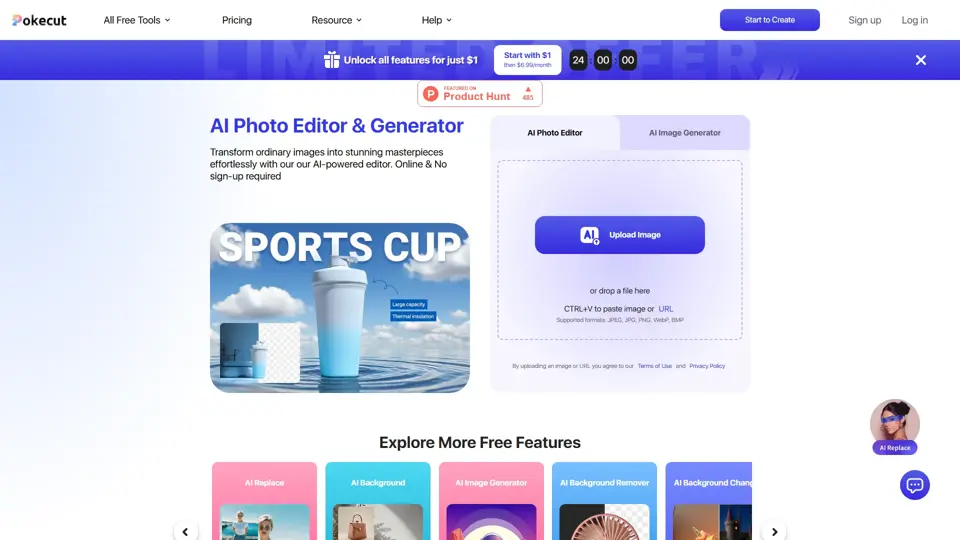
Pokecut is an AI photo editor that helps users remove backgrounds, enhance images, and generate visuals online, mainly for ecommerce sellers, marketers, and creators who need quick design-ready assets. It speeds up routine image production so visual teams can create polished content with less manual editing.
Roboflow: Computer vision tools for developers and enterprises
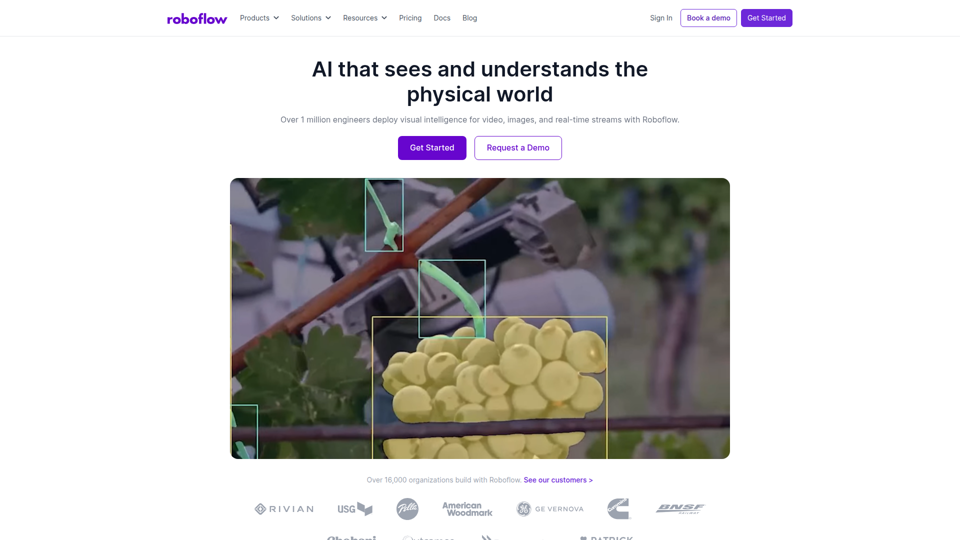
Roboflow is a computer vision platform that helps developers, machine learning engineers, and enterprises annotate data, train models, build workflows, and deploy vision AI for images, video, and real-time streams. In AI-driven operations, it can help computer vision and ML teams move faster from prototype to production by combining data labeling, model training, and deployment in one workflow.

Seedance 2.0
Seedance 2.0 is ByteDance's AI video generation model designed to create high-quality videos from prompts and multimodal inputs, mainly for creators, developers, and media teams. In the AI era, it helps visual content roles turn ideas into production-ready motion assets with far less manual editing effort.
Struct | Automate your on-call runbook
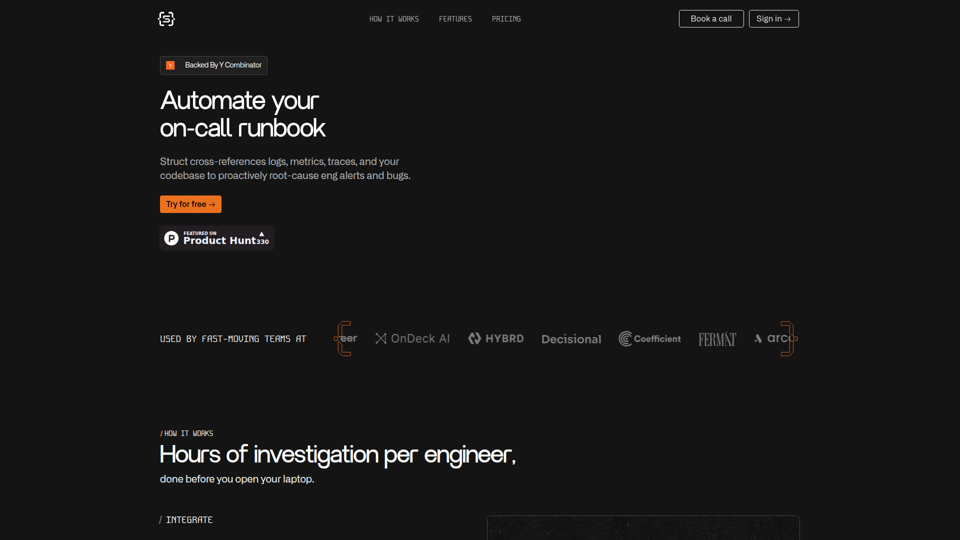
Struct is an AI on-call agent that investigates engineering alerts and bugs by analyzing logs, metrics, traces, and codebases, mainly for software engineers and SRE teams. In the AI era, it helps incident responders shorten triage time by delivering root-cause findings and suggested fixes directly in workflows.
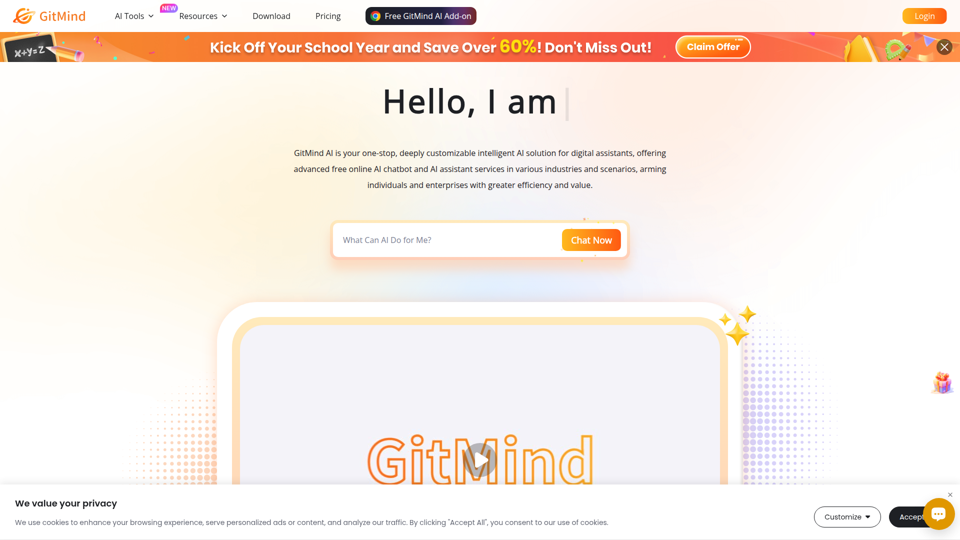
GitMind Chat - Your Best AI Assistant
GitMind Chat is an AI assistant and chatbot platform that helps individuals and enterprises handle conversations, analysis, writing, coding, translation, customer service, and custom AI agent creation through prebuilt or configurable assistants. For roles such as marketers, analysts, support teams, educators, and developers, it can streamline repetitive knowledge work by combining chat, file and link inputs, image analysis, and contextual responses in one workflow.
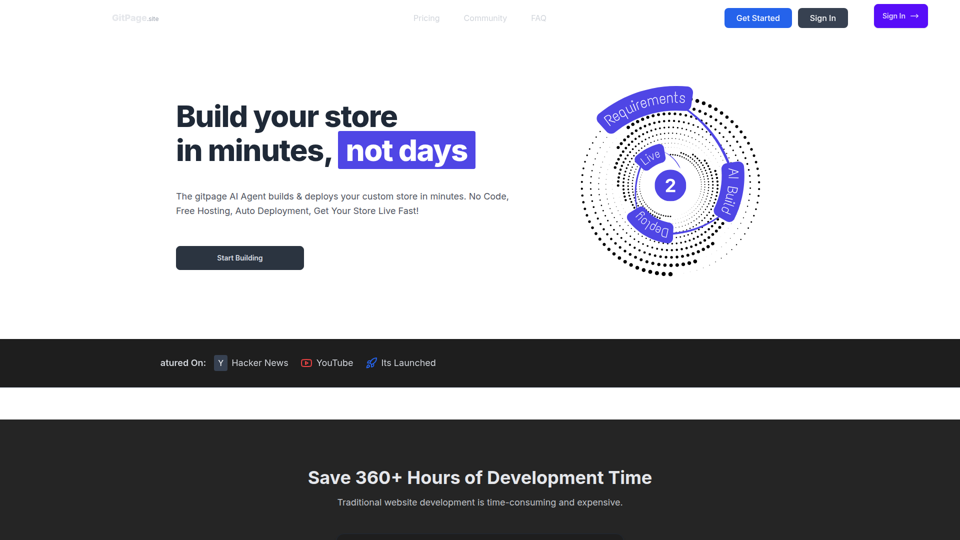
GitPage AI Website Builder | GitPage
GitPage is an AI website builder that generates and deploys websites, online stores, and landing pages from a form, mainly for freelancers, agencies, startups, and businesses that want no-code site creation with code ownership. For web professionals and client-service teams, it can reduce manual setup and content drafting by automating page generation, blog content, and deployment to GitHub or GitLab Pages.

Rohan Mehta
Rohan Mehta is a personal website for a New York–based software engineer at OpenAI, outlining his background at Meta and as a YC-backed startup founder, and highlighting his creator role behind the Subway Time NYC transit app. For software engineers and technical hiring teams, this kind of concise profile helps AI-era talent evaluation by quickly surfacing relevant build, scale, and product experience.
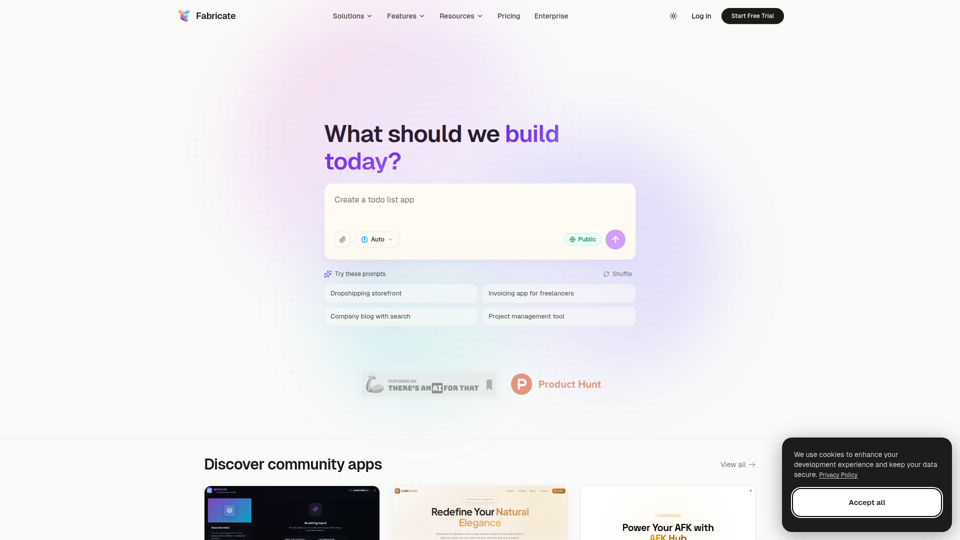
Fabricate - AI Full-Stack App Builder | Build Anything, Ship Faster
Fabricate is an AI full-stack app builder that helps users describe an app idea and generate production-ready web applications, mainly for founders, developers, designers, freelancers, agencies, and enterprises. In AI-assisted product development, it can help these teams move faster from concept to deployable React, TypeScript, and backend code with less manual setup.