
Livedocs - Advanced AI for Data | Livedocs
Rate this Tool
Average Score
Total Votes
Select your score (1-10):
Detail Information
What
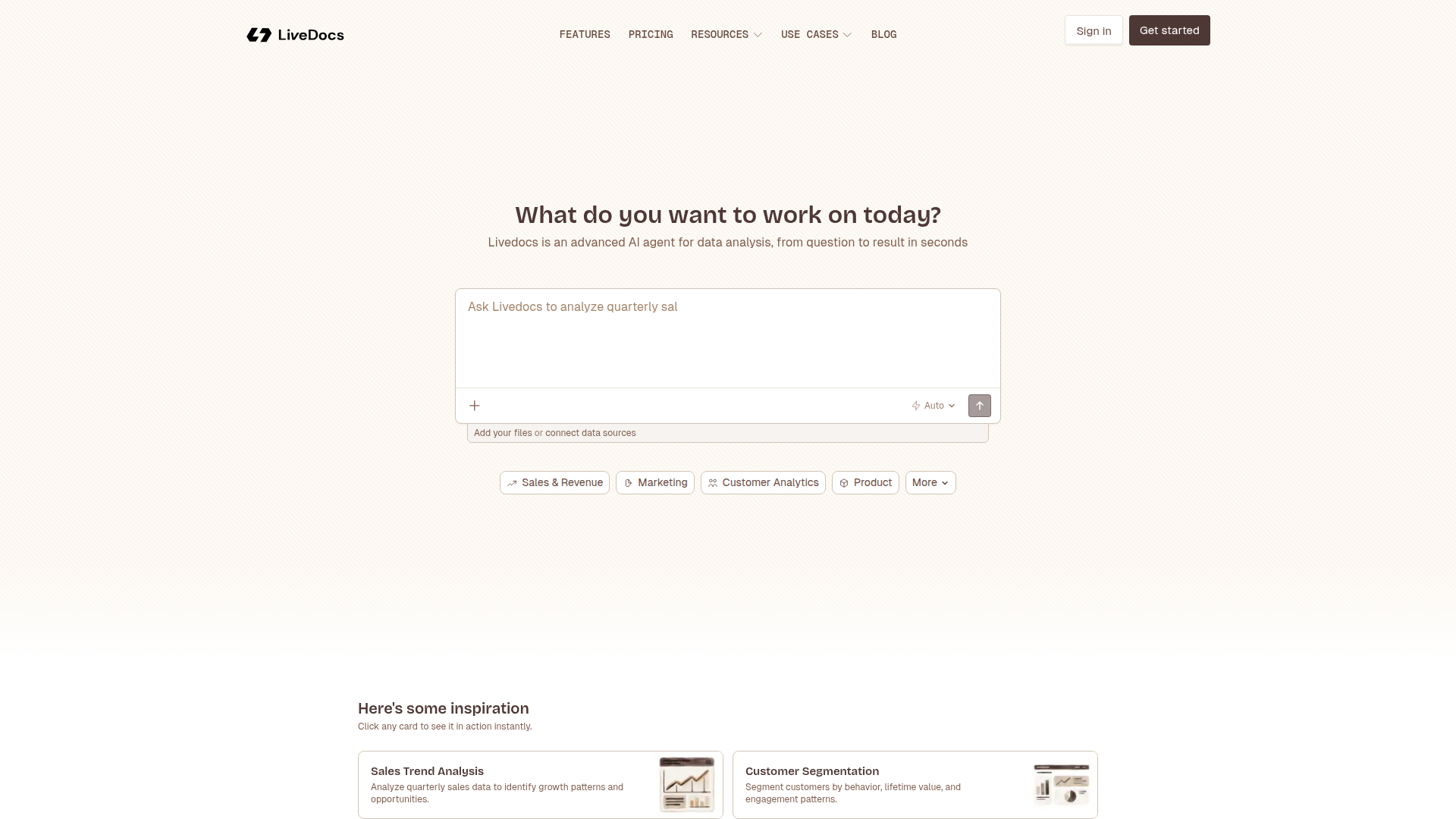
Livedocs is an AI-based data analysis product that lets users ask for analysis in natural language and move from a question to a result quickly. The page presents it as an “advanced AI agent for data analysis” that can work from uploaded files or connected data sources and return charts, answers, and insights.
It appears designed for business teams and individual analysts working across sales, marketing, customer, product, and related functions. Based on the examples shown, its positioning is likely a self-service analytics tool for fast exploratory analysis, reporting, and common data workflows without requiring users to build everything manually.
Features
- Natural-language data analysis — Users can ask Livedocs to analyze data directly, which can reduce manual querying and speed up time to insight.
- File upload and data source connection — The product supports adding files or connecting data sources, enabling analysis from multiple starting points.
- Prebuilt analysis use cases — Example workflows such as sales trend analysis, churn prediction, cohort analysis, and marketing ROI analysis help users apply the tool to common business questions.
- SQL query generation — A SQL Query Builder is listed, which is useful for data extraction and analysis when structured database querying is needed.
- Dashboard and chart creation — The page states users can get charts and build interactive dashboards with KPIs, supporting reporting and visual exploration.
- Data preparation workflows — Examples like data cleaning pipelines and data merge/join tasks indicate support for preparing messy or fragmented datasets before analysis.
Helpful Tips
- Verify model and source fit for sensitive work — The page mentions an “open model selector,” but does not explain model behavior, governance, or constraints, so teams should validate output quality and handling requirements for their data.
- Start with narrow, high-value use cases — Common workflows like sales trend analysis, revenue forecasting, or dashboard creation are usually easier to evaluate than broad enterprise-wide deployment.
- Assess data connection depth early — Since the page says users can connect data sources but does not specify which ones or how deeply, confirm connector coverage and refresh behavior before standardizing on the tool.
- Use generated outputs as analyst accelerators — For tasks such as SQL generation, anomaly detection, or forecasting, human review is still important, especially where business decisions depend on methodological correctness.
- Check collaboration and operational features separately — The page focuses on analysis workflows, but does not clearly describe permissions, versioning, scheduling, or enterprise controls, so buyers should treat those as open questions.
OpenClaw Skills
Livedocs could likely work well with OpenClaw as a front-end analysis layer inside larger data and operations workflows. A useful OpenClaw setup might include skills that route a business question to the right dataset, prepare source files, invoke Livedocs-style analysis prompts, and then distribute the resulting charts or summaries to sales, finance, or marketing teams. This is a likely use case rather than a confirmed native integration, because the page does not describe OpenClaw connectivity.
In practice, OpenClaw agents could be built around recurring analytics tasks such as weekly revenue review, campaign performance triage, customer churn monitoring, or anomaly escalation. Combined with a tool like Livedocs, that could shift data work for non-technical teams from ad hoc request queues toward guided self-service workflows, while analysts spend more time validating methods, refining metrics, and handling higher-complexity investigations.
Embed Code
Share this AI tool on your website or blog by copying and pasting the code below. The embedded widget will automatically update with the latest information.
<iframe src="https://aimyflow.com/ai/livedocs-com/embed" width="100%" height="400" frameborder="0"></iframe>
Explore Similar Tools
SQL Query Builder & Generator - AI Powered Database Assistant
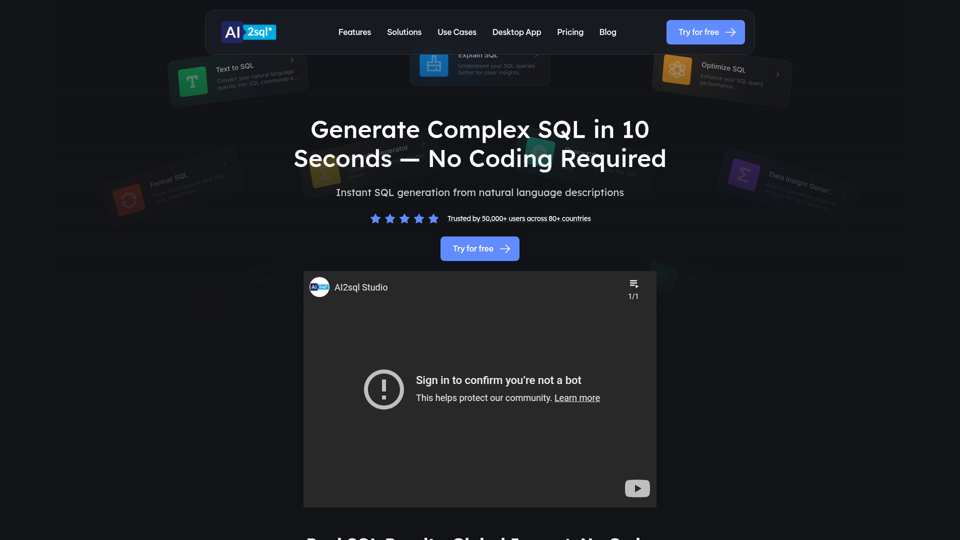
AI2SQL is an AI-powered SQL query builder and database assistant that turns natural language into SQL or NoSQL queries, and also helps explain, fix, optimize, validate, and format queries for beginners, analysts, developers, and database users. In AI-assisted data work, it can help analysts, engineers, and SQL learners move faster from questions to usable queries while reducing time spent on syntax and troubleshooting.
Columns: build data workflow
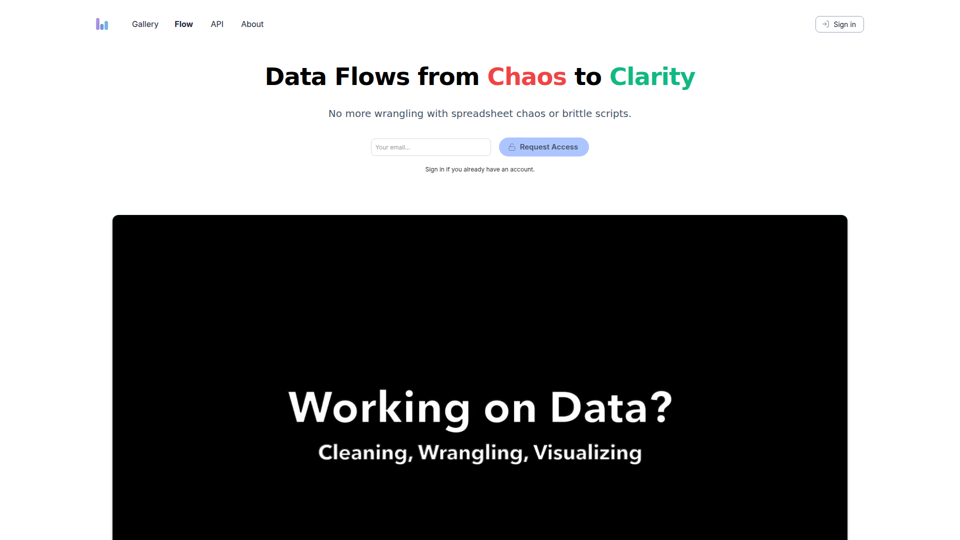
Columns Flow is a data workflow tool that helps spreadsheet users, analysts, engineers, and managers turn connected data sources into visual reports, automated updates, alerts, and shareable summaries using plain-language transformations. For data and operations teams, it can reduce manual wrangling and brittle scripts while keeping reporting and downstream handoffs more consistent in AI-assisted workflows.
StatPecker · Smart insights for business, stunning visuals for content creators.
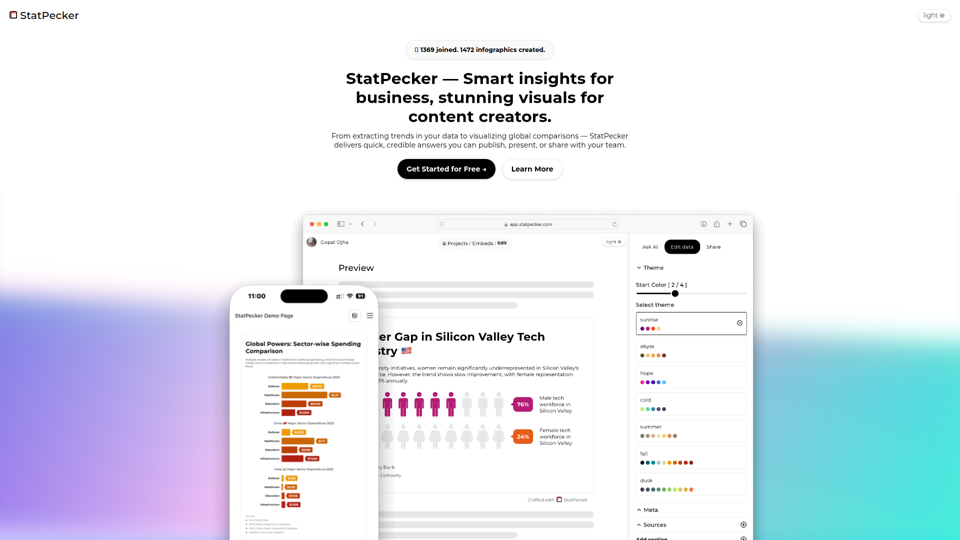
StatPecker is an AI data insight and visualization tool that helps users ask questions about data, analyze local CSV files privately on-device, and create publishable charts and infographics, mainly for content writers and data analysts. In AI-assisted content and reporting workflows, it can help analysts and writers turn raw data into credible visuals faster for articles, presentations, and team sharing.
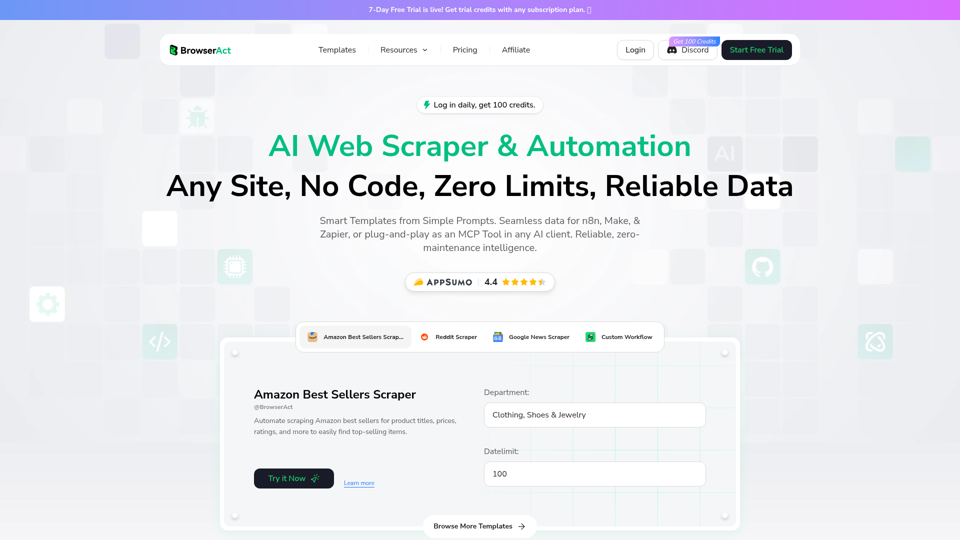
BrowserAct — AI‑powered No‑Code Web Scraper & Automation
BrowserAct is an AI-powered no-code web scraper and browser automation tool that helps users extract website data and build automated workflows from natural language prompts, mainly for operations teams, analysts, and developers. In AI-driven data workflows, it can reduce manual scraping upkeep by turning websites into reusable automation steps for research, monitoring, and system-to-system data handling.
AtlasGrid
AtlasGrid is a data context tool that helps users place and organize information on a visual grid, mainly for teams working with complex datasets and relationships. In an AI-driven workflow, it can help analysts and operators keep data structured and contextualized so models and people can interpret connections more reliably.
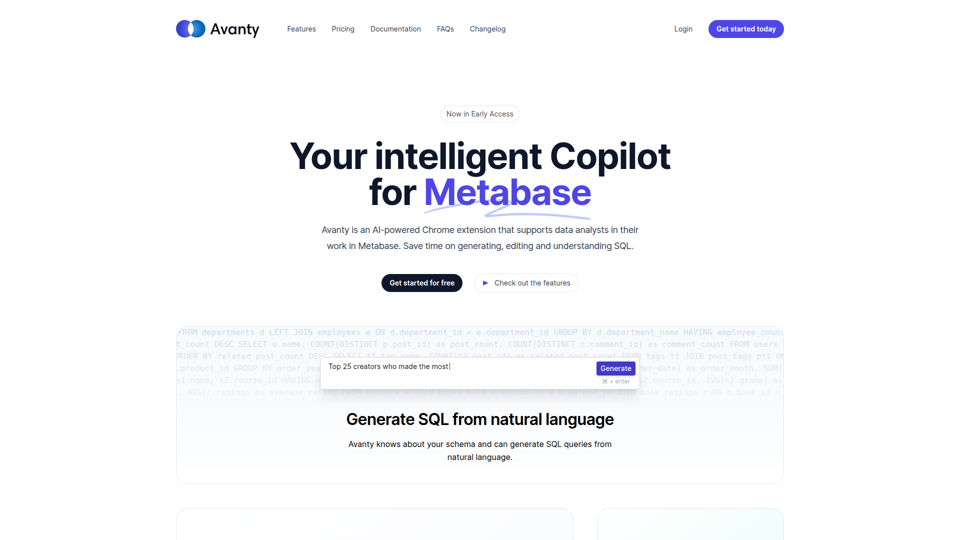
Avanty - AI assistant for data analysts in Metabase.
Avanty is an AI-powered Chrome extension for Metabase that helps data analysts generate, edit, explain, format, and comment SQL queries faster using natural language and schema metadata. For analytics teams and BI professionals, it can reduce time spent on repetitive query writing and make complex SQL easier to review, document, and debug in AI-assisted workflows.
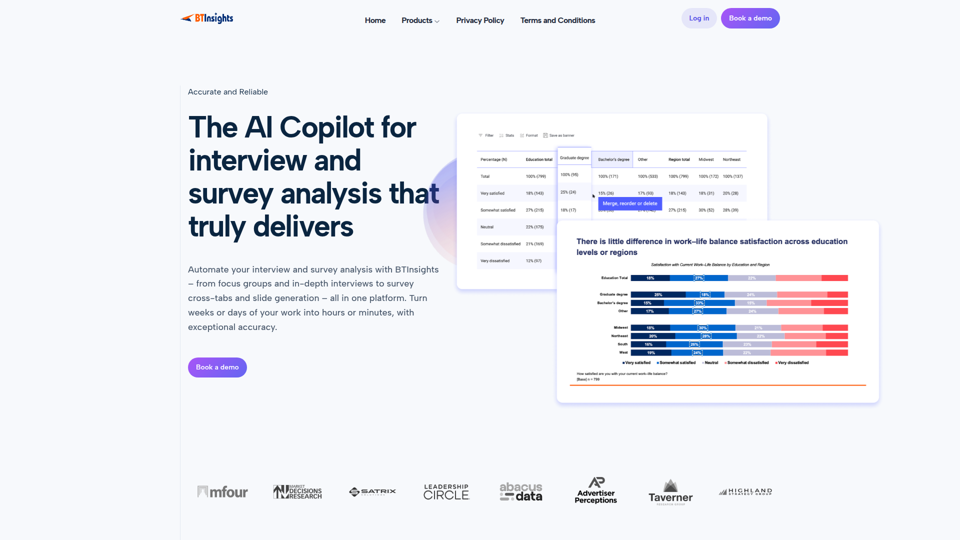
BTInsights | AI Copilot for Interview and Survey Analysis
BTInsights is an AI qualitative research platform that helps market researchers analyze interviews, focus groups, survey open ends, and crosstabs, with tools for transcription, traceable insights, coding, and slide generation. For research and insights teams, it can shorten manual analysis and reporting while keeping findings linked to source data for faster review and client delivery.
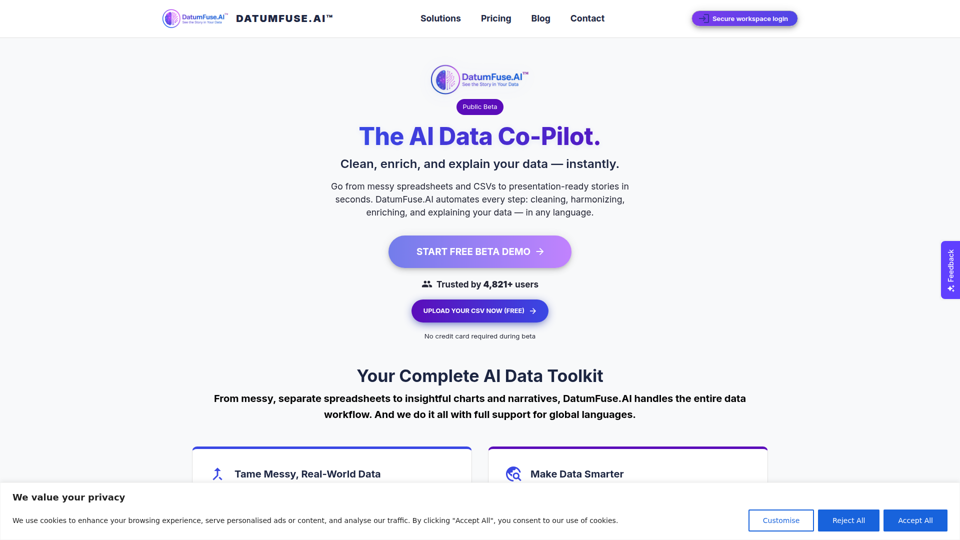
DatumFuse.AI – AI Platform for Data Cleaning, Harmonization, Augmentation, Narration & Visualization
DatumFuse.AI is an AI data platform that helps users clean, harmonize, augment, visualize, and narrate spreadsheet and CSV data, mainly for teams and professionals working with messy business datasets. For marketers, operations teams, consultants, and presenters, it can reduce manual data wrangling and speed up turning exports into clearer charts, summaries, and decision-ready reports.