
Turn long-form videos into Shorts, Reels & TikToks with AI | Klypse
Rate this Tool
Average Score
Total Votes
Select your score (1-10):
Detail Information
What
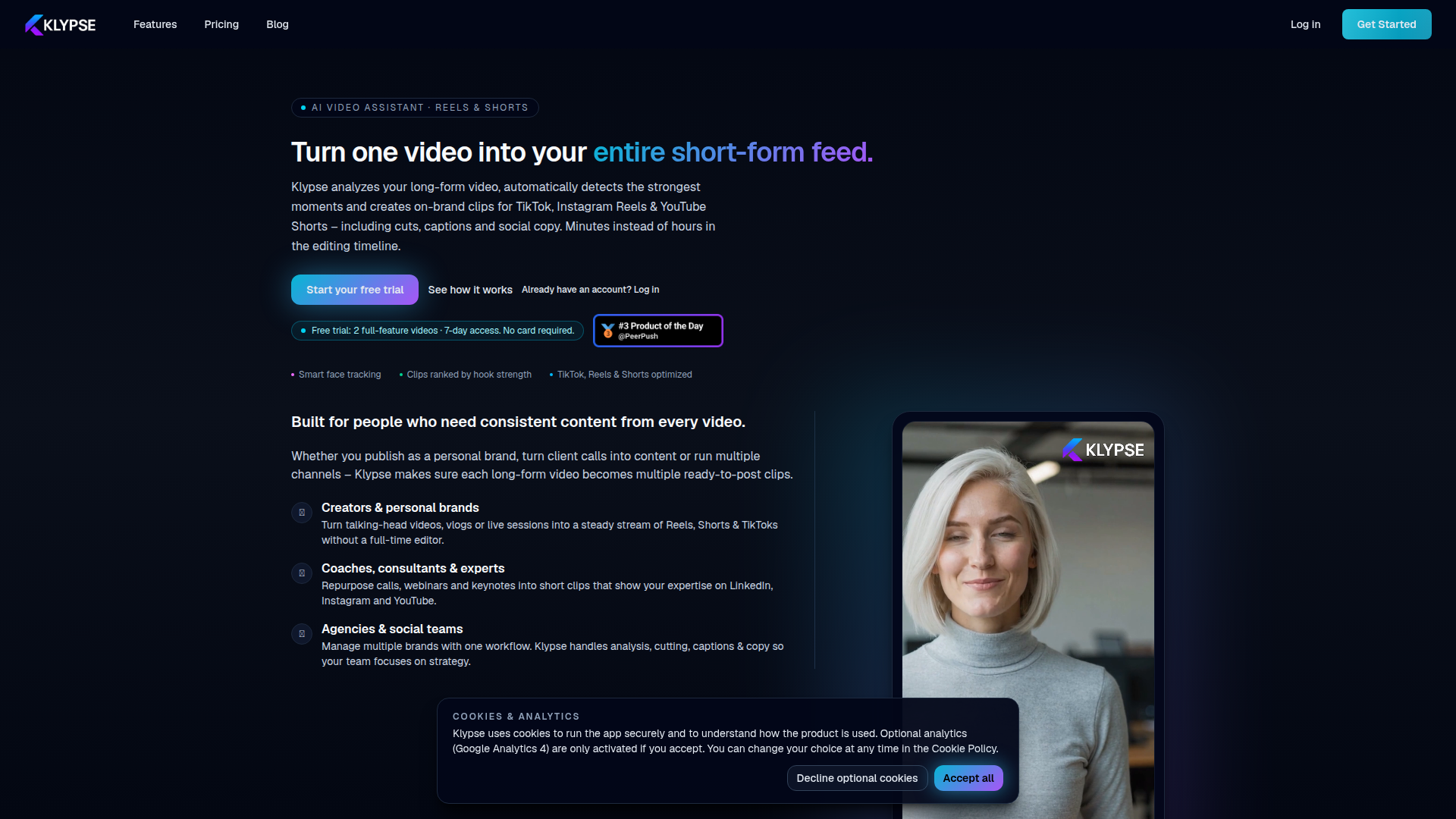
Klypse is an AI video assistant for turning long-form videos into short-form clips for TikTok, Instagram Reels, and YouTube Shorts. It analyzes uploaded videos or YouTube links, detects strong moments, creates vertical clips, adds captions and social copy, and presents outputs in a review workflow.
The product is positioned for creators, personal brands, coaches, consultants, agencies, and social teams that need a repeatable way to repurpose talks, webinars, vlogs, calls, and other long-form content. Its core promise is reducing manual editing work while keeping clips on-brand and optimized for short-form publishing.
Features
- AI clip detection and segmentation — Klypse identifies highlights, hooks, and clear one-liners so users can generate multiple short clips from a single long-form video.
- Word-perfect cutting — Clips are trimmed on natural speech boundaries rather than mid-word, which helps outputs feel more polished and usable with less manual cleanup.
- Face tracking and smart vertical cropping — When converting landscape footage to vertical formats, the tool follows faces to keep speakers centered in frame.
- Hook scoring with platform-specific ratings — Each clip is ranked by hook strength, with visible scoring for TikTok, Reels, and Shorts to support selection and prioritization.
- Multiple processing modes — Users can choose Shorts, Fast Cut, Jump Cut, or Search mode depending on whether they want highlight reels, faster pacing, cleaner talking-head edits, or topic-based extraction.
- Branding, captions, and export workflow — The platform lets users define fonts, colors, logo placement, and safe zones, then review transcripts, social copy, and generated clips before export.
Helpful Tips
- Validate clip quality on your own content type — Talking-head videos, webinars, and expert commentary appear to be strong fits; more complex formats may need closer manual review.
- Standardize branding before scaling output — Setting caption styles, colors, overlays, and safe zones early can make multi-video production more consistent across channels.
- Use different processing modes for different goals — Fast Cut likely suits ad-style or high-energy social content, while Jump Cut is better for educational and explanatory material.
- Review transparency and scoring, not just final clips — Klypse exposes trims and optimization logic, which is useful for training internal teams on what the system is prioritizing.
- Model credit usage against publishing volume — Since the product uses minute-based credits and subscriptions, teams should estimate input video volume and desired output cadence before choosing a plan.
OpenClaw Skills
Klypse could likely fit well into OpenClaw workflows for content repurposing, editorial operations, and multi-channel publishing. A useful OpenClaw skill could watch for newly uploaded webinars, podcasts, or creator videos, route them into a clipping workflow, then organize returned assets by topic, platform, speaker, and campaign. Another likely skill could evaluate transcripts and hook scores to draft platform-specific post variations, approval tasks, and publishing schedules.
In a broader workflow, OpenClaw agents could combine Klypse outputs with content planning, brand governance, and performance analysis. For example, a likely use case would be an agent that maps generated clips to audience segments, checks caption and brand consistency, assigns clips to campaign calendars, and feeds engagement results back into future clip selection strategy. For creators, agencies, and education-led businesses, that combination could shift short-form production from an editor-heavy task into a more systematized content operations process.
Embed Code
Share this AI tool on your website or blog by copying and pasting the code below. The embedded widget will automatically update with the latest information.
<iframe src="https://aimyflow.com/ai/klypse-app/embed" width="100%" height="400" frameborder="0"></iframe>
Explore Similar Tools
AI Motion Transfer - Animate Photos with Video Reference
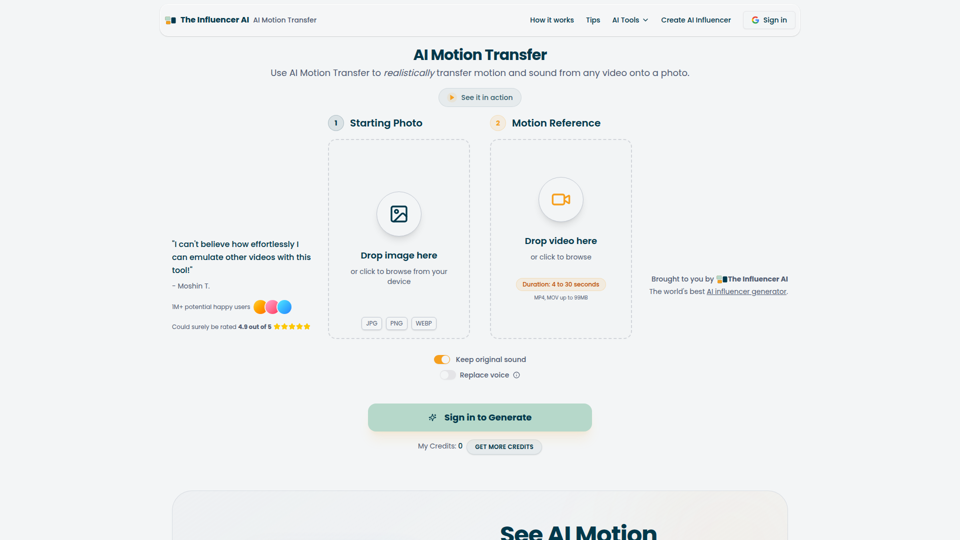
AI Motion Transfer is an AI tool from The Influencer AI that transfers motion and optionally sound from a reference video onto a photo, helping creators, marketers, and social content teams turn static character images into animated videos. For social media, e-commerce, and creative production roles, it can speed up creation of realistic character videos and reduce the need for manual filming or complex prompt writing.
AI Thumbnail Maker for YouTube Creators | Thumbspot AI
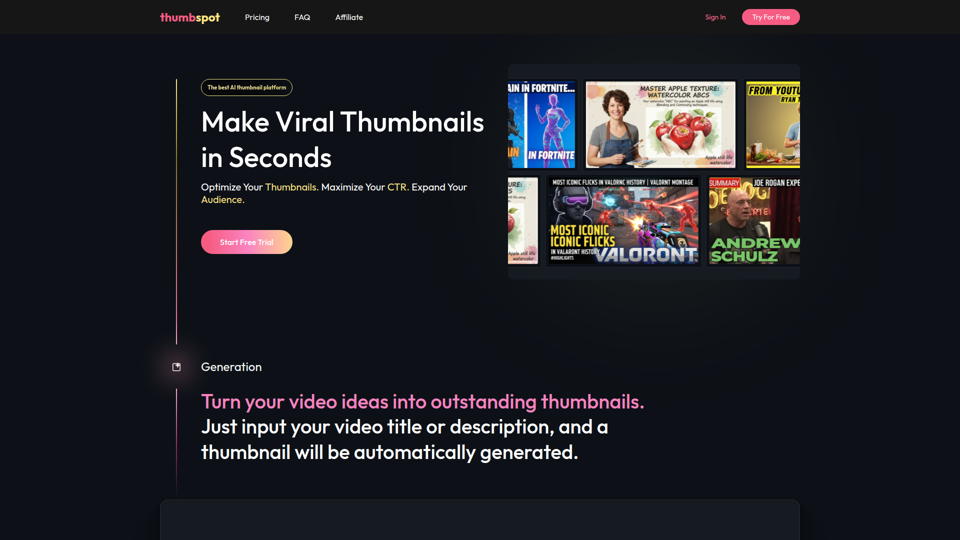
Thumbspot AI is an AI thumbnail maker that helps YouTube creators generate, edit, recreate, and personalize video thumbnails with templates, face swaps, and AI personas. For content creators and channel managers, it can speed thumbnail testing and iteration so creative decisions align more closely with audience click behavior.
2pr | AI LinkedIn Post Generator – Create Engaging Content in 1 Minute
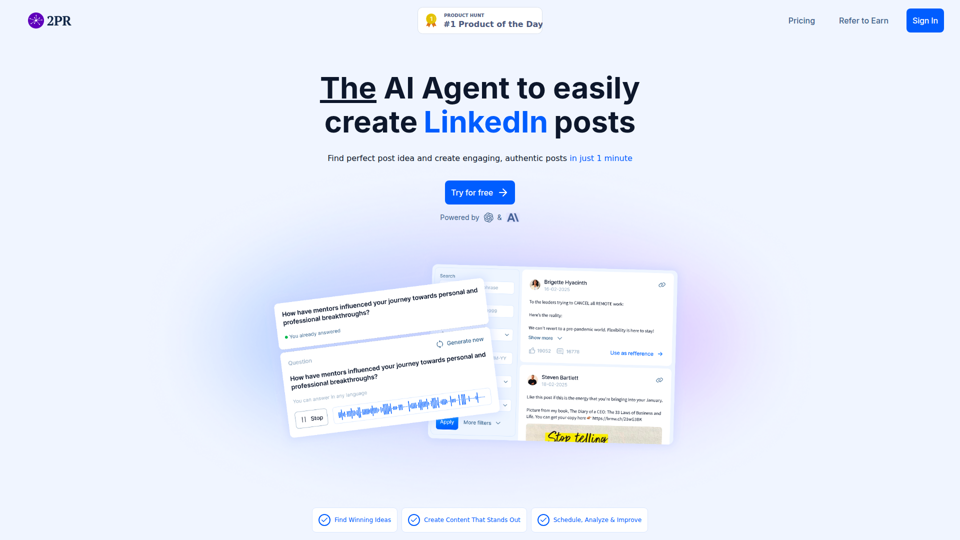
2pr is an AI LinkedIn post generator and content workflow tool that helps users find post ideas, write authentic LinkedIn posts, create carousels, and schedule and analyze content, mainly for founders, B2B sales and marketing teams, bloggers, and job seekers. For professionals building a personal brand on LinkedIn, it can streamline ideation and drafting while using profile-based guidance to keep posts aligned with their expertise and positioning.
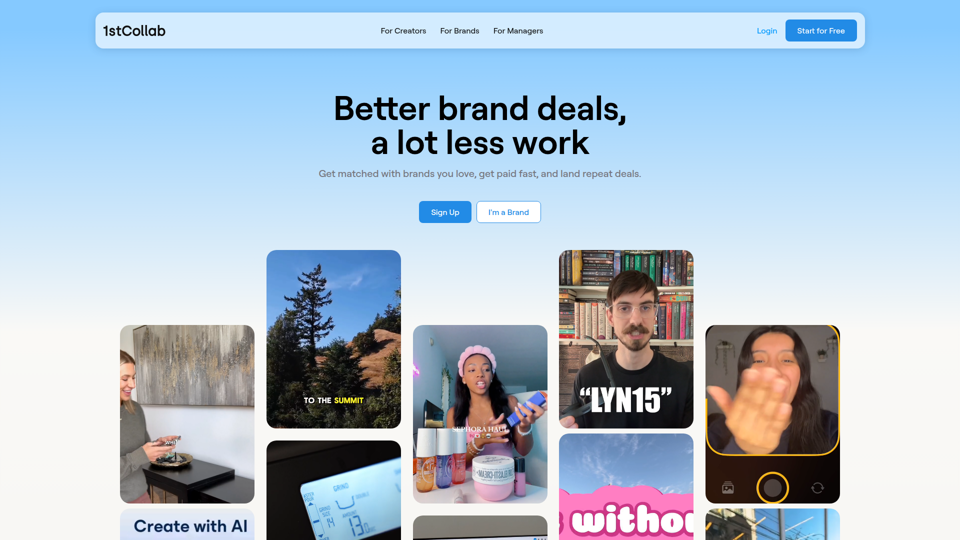
1stCollab - The AI-Powered Influencer Marketplace
1stCollab is an AI-powered influencer marketplace that helps creators find matched brand partnerships, apply quickly, maintain an auto-updating media kit, and get paid faster, with creators as its main audience. For influencer marketers, creator managers, and social media teams, this kind of automation can reduce manual outreach and admin work while keeping campaign data and creator profiles current.
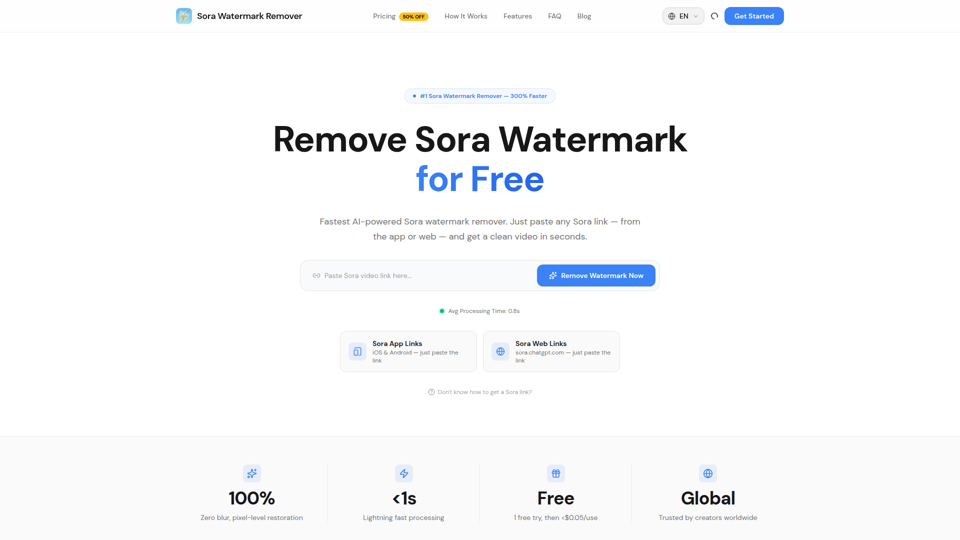
Sora Watermark Remover — Remove Sora Watermarks Free
Sora Watermark Remover is an AI tool that removes watermarks from Sora-generated videos by pasting a Sora app or web link, mainly for creators who need clean MP4 downloads without uploading files. For content creators and social media editors, this can speed reuse and publishing of AI-generated video assets while reducing manual post-production steps.
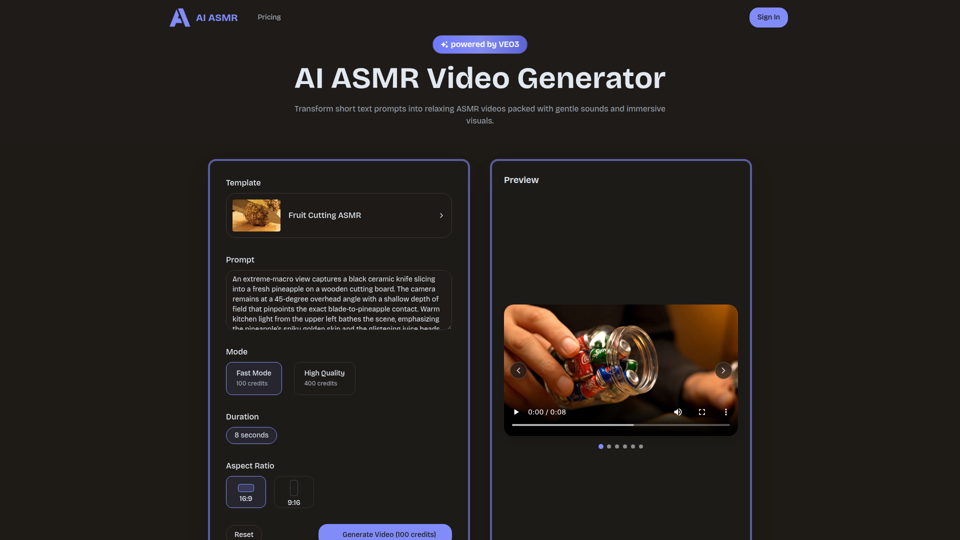
AI ASMR | Create VEO3 Relaxation Videos Online
AI ASMR is an AI video generator that turns short text prompts into relaxation-focused ASMR videos with generated audio and visuals, mainly for content creators who want to make calming clips without studio equipment. For social media creators, editors, and creative teams, it can speed up concept testing and consistent production of niche relaxation content from simple prompts.
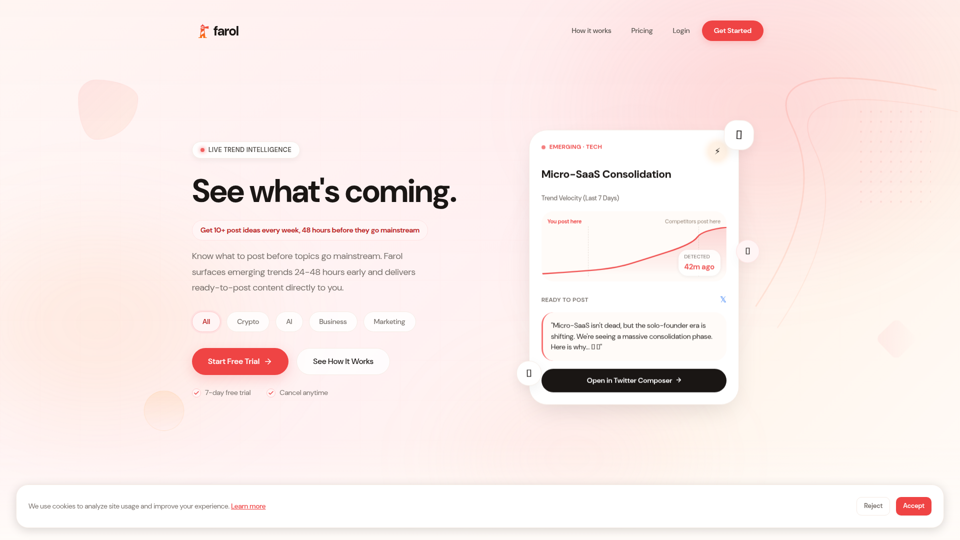
Farol — See What's Coming
Farol is an AI trend intelligence tool that helps content creators, founders, newsletter writers, and marketing professionals spot emerging topics 24–48 hours early and turn them into ready-to-post social content. For professionals who rely on timely publishing, it can reduce research time and improve content timing by delivering niche-specific trend alerts with draft posts.
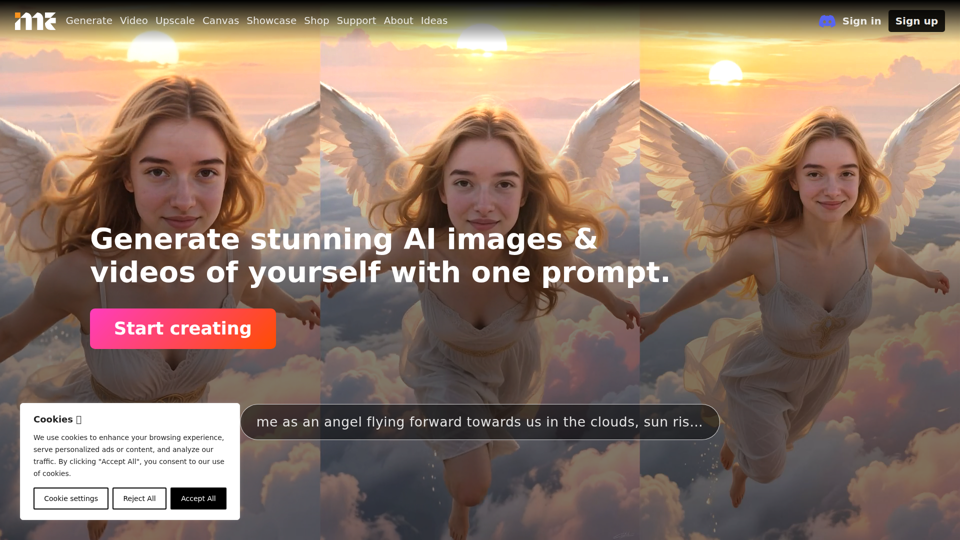
ImagineMe - Personal AI Art Generator
ImagineMe is a personal AI art generator that trains a private model on a user’s photos so individuals can create images and videos of themselves from text prompts. For creators, designers, and social media professionals, it can speed up personalized visual concepting and content production without requiring traditional illustration or photo editing workflows.