
Kling AI: Next-Generation AI Creative Studio

Rate this Tool
Average Score
Total Votes
Select your score (1-10):
Detail Information
What
Kling AI is an AI creative studio focused on media generation, with product areas for video, image, sound, and effects creation. Based on the page content, it appears to serve creators, creative teams, and developers who need a single platform for generating and shaping multimedia assets.
Its current positioning centers on the Kling 3.0 model series, especially VIDEO 3.0 and VIDEO 3.0 Omni. The core workflow described is multimodal creative production: users provide instructions, likely across text and other media inputs, and the system supports long-form storyboard control, audio-visual coordination, and consistent output across complex multi-scene sequences.
Features
- Multimodal instruction parsing: VIDEO 3.0 and VIDEO 3.0 Omni are described as natively supporting deep multimodal instruction parsing, which can help users direct creative output with more complex inputs.
- Cross-task integration: The platform emphasizes cross-task integration, suggesting workflows that connect multiple generation tasks instead of treating video, audio, and related steps as isolated processes.
- Long-form storyboard control: The system supports precise long-form storyboard control, which is valuable for creators managing narrative continuity over extended video sequences.
- Native Audio-based feature decoupling: The page highlights Native Audio–powered feature decoupling, indicating a workflow where sound-related controls can be handled with more specificity alongside visuals.
- Visual and vocal identity binding: Kling 3.0 enables dual binding of visual identity and vocal tone, which can help maintain character or brand consistency across generated scenes.
- Multi-scene consistency: Across complex scene transitions, VIDEO 3.0 is positioned as offering strong consistency while preserving creative flexibility.
Helpful Tips
- Validate multimodal control depth in real use cases: The page makes strong claims about multimodal instruction parsing, so buyers should test whether the model handles their specific storyboard, style, and audio direction requirements reliably.
- Assess consistency over longer projects: Since long-form control and multi-scene transitions are central to the positioning, evaluate output stability across extended sequences rather than on single short clips alone.
- Map tools to team workflow early: The site lists video, image, sound, and effects generation, so teams should define which stages they want in one platform and which still require external tooling.
- Review API and documentation if automation matters: An API platform and documentation are referenced, but the page excerpt does not specify technical scope, so implementation teams should confirm endpoints, limits, and production readiness.
- Separate confirmed capabilities from implied ones: The product clearly presents itself as an all-in-one creative studio, but the source does not detail editing features, collaboration controls, or enterprise governance, so those areas need direct verification.
OpenClaw Skills
Kling AI could likely fit well into OpenClaw as a creative generation engine for campaign production, media prototyping, and content operations. Likely OpenClaw skills could include storyboard-to-video brief generation, prompt refinement for visual consistency, scene-by-scene production orchestration, and automated asset request workflows that route different creative tasks across video, image, and sound generation.
For teams in marketing, entertainment, education, or product storytelling, an OpenClaw layer around Kling AI could likely turn the platform into part of a larger agentic pipeline rather than a standalone creation interface. For example, an OpenClaw agent might translate a campaign brief into multimodal prompts, check scene continuity across outputs, and prepare revision loops for creative directors; this is a likely workflow concept, not a confirmed native integration from the source page.
Embed Code
Share this AI tool on your website or blog by copying and pasting the code below. The embedded widget will automatically update with the latest information.
<iframe src="https://aimyflow.com/ai/klingai-com-global/embed" width="100%" height="400" frameborder="0"></iframe>
Explore Similar Tools
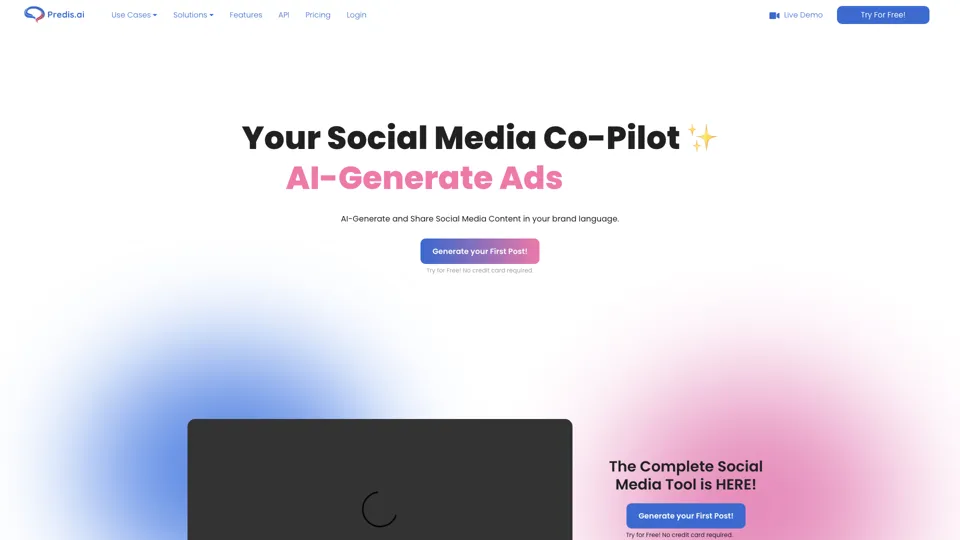
Social Media Marketing made easy with AI | Predis.ai
Predis.ai is an AI social media marketing tool that helps users create video and image content and analyze performance, mainly for marketers, agencies, and growing brands. It shortens content planning and production cycles, helping social teams test and refine campaigns more efficiently.
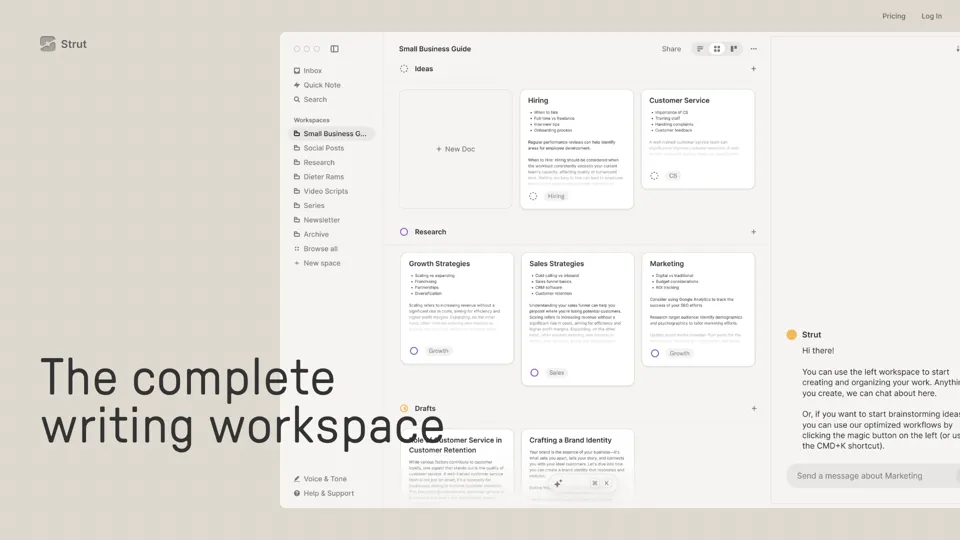
Strut – The complete writing workspace
Strut is an AI-powered writing workspace that combines notes, documents, and collaborative writing projects in one environment, mainly for writers, creators, and teams. In the AI era, it helps knowledge workers move from scattered drafts to more coherent writing and faster iteration.
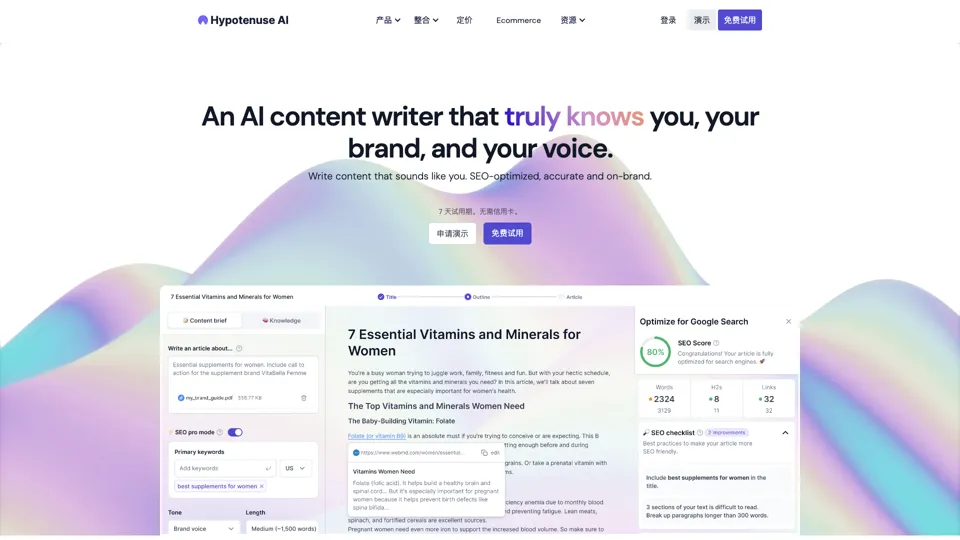
Hypotenuse AI:Smart text generator
Hypotenuse AI is a text generation platform that helps marketers, ecommerce teams, and content writers produce SEO articles, product descriptions, and branded copy at scale. In the AI era, it enables content roles to maintain consistency while increasing publishing speed across large catalogs and campaigns.
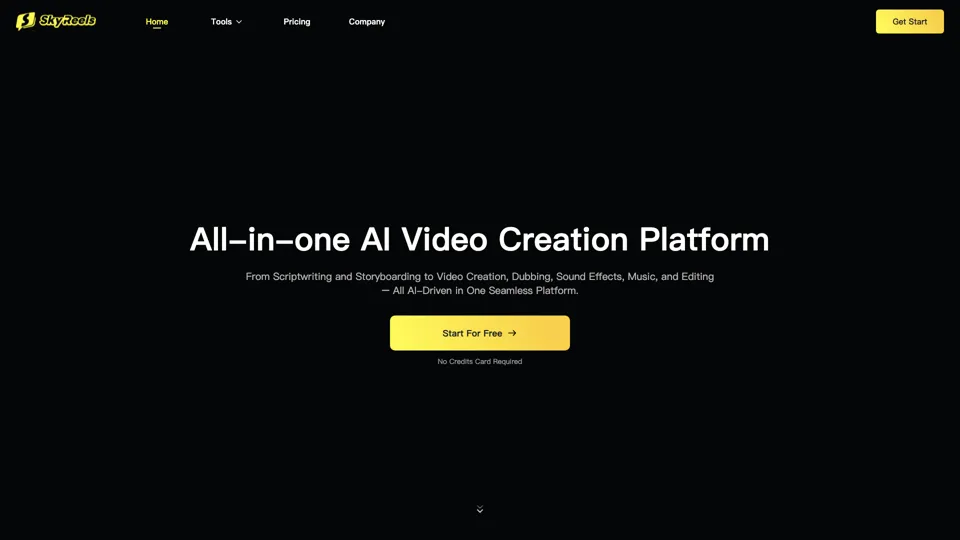
All-in-one panel | SkyReels - Ultimate AI Video Creation Platform
SkyReels is an AI video creation platform that turns scripts into finished videos with voiceovers, lip sync, sound effects, music, and editing tools, mainly for creators and marketing teams. In the AI era, it helps video producers compress production workflows and deliver polished content without a full studio setup.
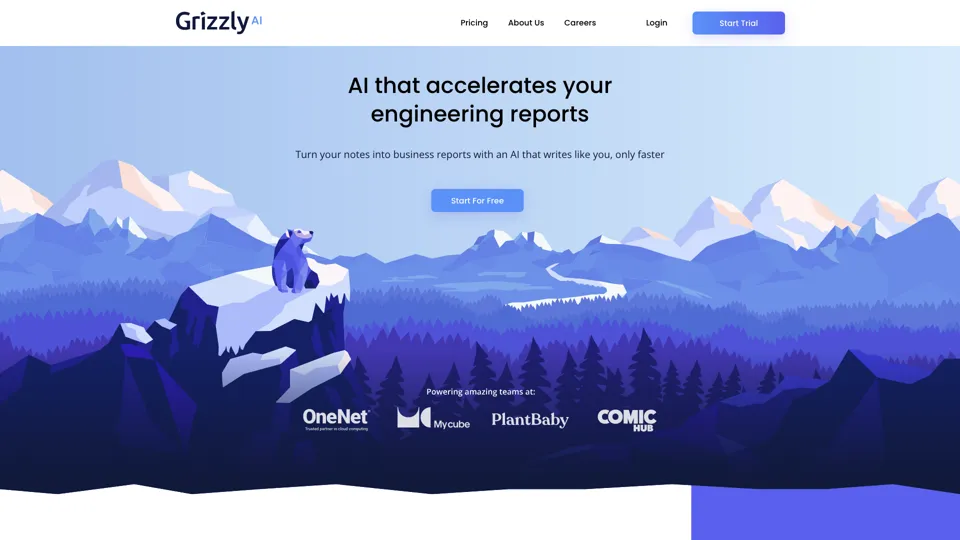
Grizzly AI | Your AI Report Writer
Grizzly AI is an AI report writing tool that helps professionals generate reports from source files while matching their preferred writing style. It saves analysts and knowledge workers time by turning documents into polished drafts with less manual rewriting.
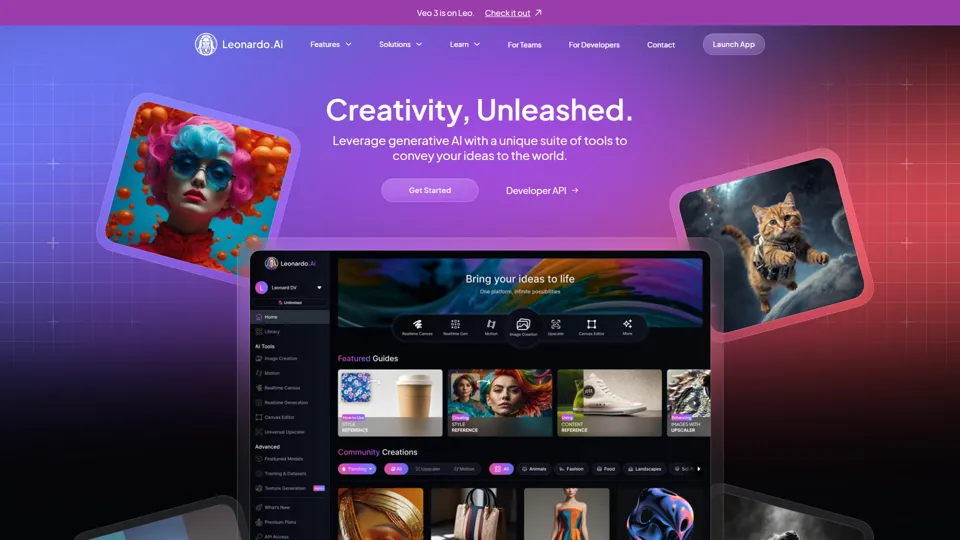
AI Image Generator - Create Art, Images & Video | Leonardo AI
Leonardo AI is an AI image and video generation platform that helps creators, designers, and marketers produce high-quality visual assets quickly. In the AI era, it shortens concept-to-content cycles so creative teams can iterate faster without expanding production overhead.
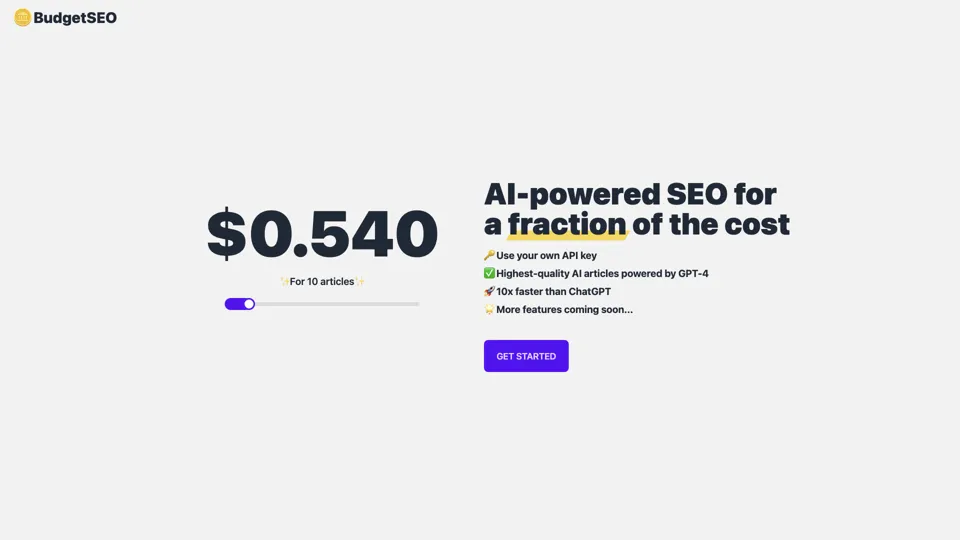
Budget-friendly AI Powered SEO
BudgetSEO is an AI-powered SEO content tool that helps users create search-optimized material affordably, mainly for small businesses, solo founders, and marketers with limited budgets. In the AI era, it enables lean marketing teams to produce more SEO assets without expanding headcount.
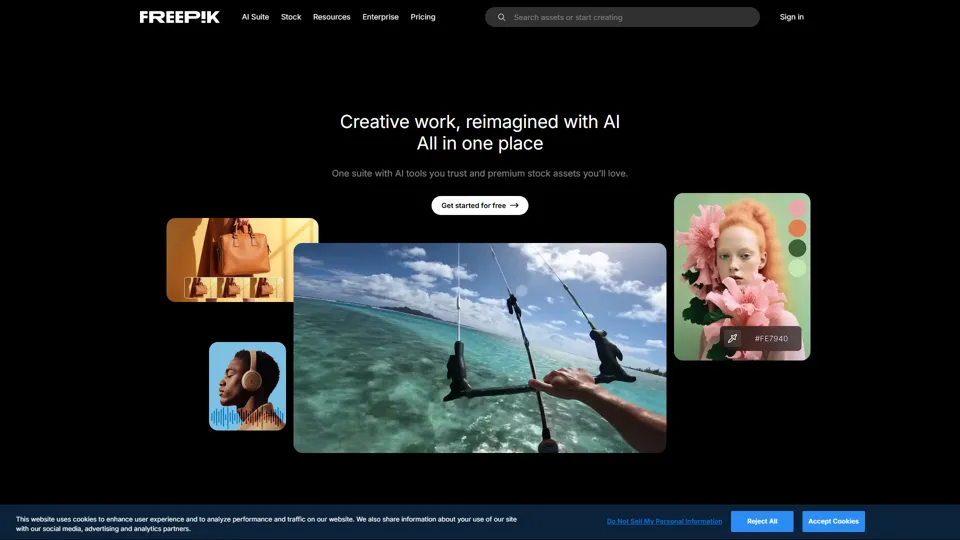
Freepik | All-in-One AI Creative Suite
Freepik is an all-in-one creative suite that combines AI design tools with stock assets to help designers and marketers create visual content in one workspace. It improves creative efficiency by reducing tool switching and accelerating asset production for high-volume campaigns.