
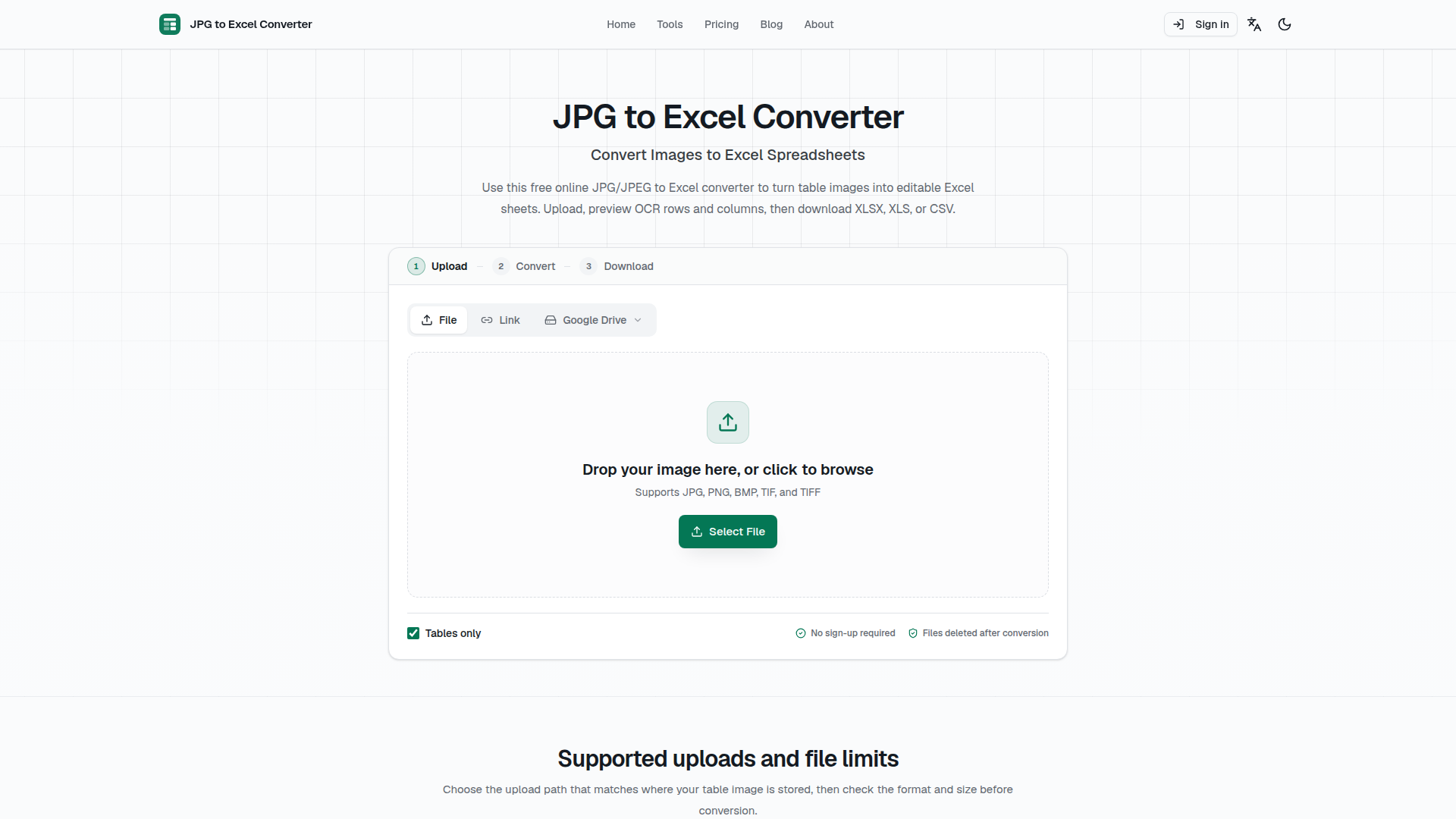
JPG to Excel Converter | Free Online JPEG OCR
Rate this Tool
Average Score
Total Votes
Select your score (1-10):
Detail Information
What
JPG to Excel Converter is a browser-based OCR utility designed to convert image-based tables—such as invoices, receipts, financial statements, and inventory sheets—into editable spreadsheet formats. It targets administrative staff, accountants, and knowledge workers seeking to digitize tabular data without manual re-entry. Positioned as an accessible, no-install productivity tool, it extracts structured cell data into XLSX, XLS, and CSV files directly from local storage, URLs, or cloud drives.
Features
- Multiformat Table OCR: Converts JPG, JPEG, PNG, BMP, and TIFF table images into editable XLSX, XLS, and UTF-8 CSV files while retaining rows and columns.
- AI-Assisted Layout and Rotation Handling: Automatically corrects orientation across 0, 90, 180, and 270 degrees and improves character recognition on skewed or low-contrast scans.
- Multilingual Recognition: Supports OCR across 109 languages, including English, Chinese, Japanese, Korean, and scripts such as Latin, Cyrillic, Arabic, and Devanagari.
- Flexible Ingestion and Batching: Accepts inputs from local devices, image URLs, Google Drive, Dropbox, and OneDrive, processing batch uploads of up to 10 files (50 MB maximum combined).
- Interactive Preview and Ephemeral Processing: Provides a browser-based preview to inspect data before download, while deleting uploaded files immediately after conversion to maintain privacy.
Helpful Tips
- Pre-crop and Align Images: Crop images closely to the table borders and avoid perspective distortion or glare to ensure cleaner column and row segmentation.
- Manually Audit Critical Values: Because merged cells and compressed images can cause extraction errors, manually audit identifiers, totals, and financial figures before using exported data in operational records.
- Factor in Conversion Caps: Note that unauthenticated and free access is limited to three single-image conversions per day, making it best suited for lightweight, ad-hoc tasks unless upgraded.
OpenClaw Skills
The source documentation does not list any native integrations or API access for the OpenClaw ecosystem. As a hypothetical use case, an OpenClaw automation agent could potentially trigger this type of OCR pipeline to ingest scanned receipts or inventory photos from cloud folders, convert them into structured CSV files, and pipe that structured data directly into accounting ledgers or ERP systems. If programmatically accessible, such workflows could significantly reduce manual administrative overhead across bookkeeping and procurement teams.
Embed Code
Share this AI tool on your website or blog by copying and pasting the code below. The embedded widget will automatically update with the latest information.
<iframe src="https://aimyflow.com/ai/jpg2excel-app/embed" width="100%" height="400" frameborder="0"></iframe>
Explore Similar Tools
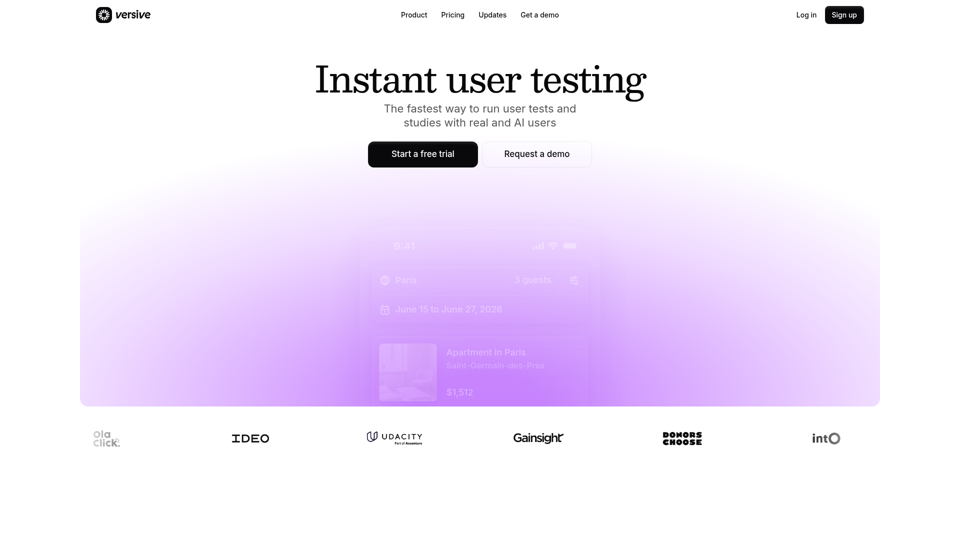
Versive
Versive is an AI-powered user research and testing platform that helps product teams design, run, and synthesize usability studies with real and simulated users, especially for product managers, UX researchers, and designers. In AI-assisted product development, it can help these teams validate interface decisions faster by generating transcripts, screenshots, summaries, and actionable recommendations in minutes.
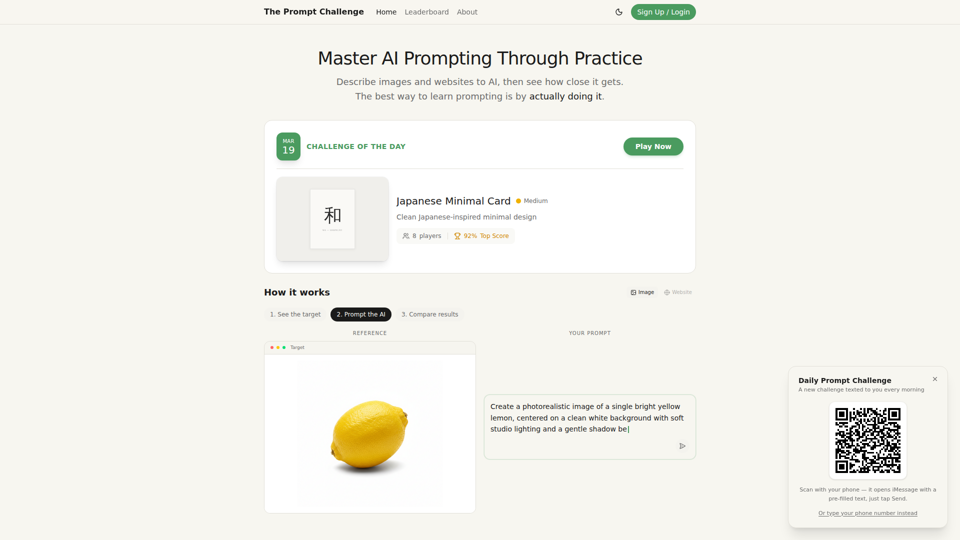
Challenges | Test Your AI Prompting Skills
The Prompt Challenge is a practice platform that helps users improve AI prompting by describing images and websites, comparing AI-generated results to references, and competing on scores, mainly for people learning prompt engineering and hands-on AI creation. For designers, developers, and AI practitioners, this kind of repeatable prompt testing can sharpen instruction-writing skills and improve consistency when using generative tools for visual and interface work.
AI Infographic Generator
GraphicInfo is an AI infographic generator that helps users turn ideas and content into professional, customizable infographics quickly, mainly for creators and people producing website or social media content. In AI-driven content workflows, it can help marketers, content teams, and designers speed up visual asset creation while still refining text and images for specific brand needs.
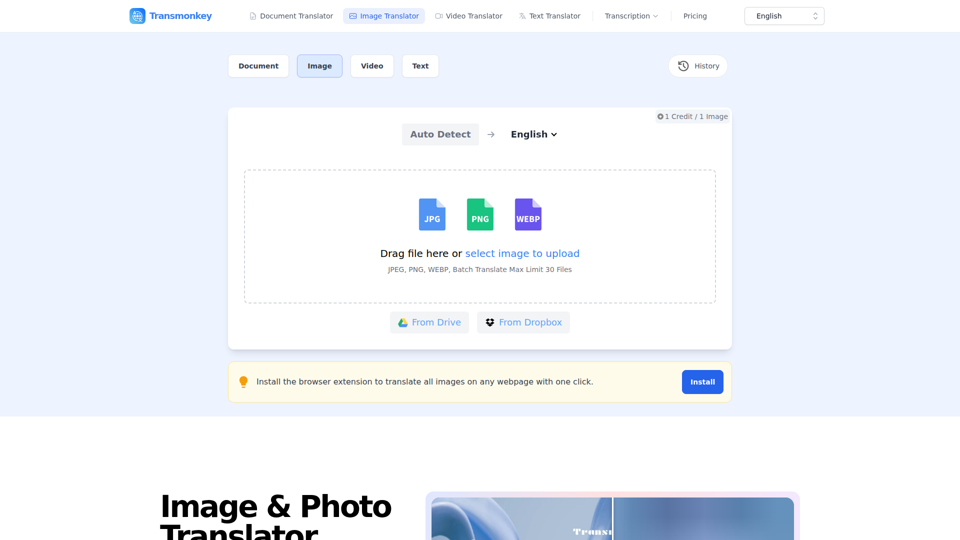
Image & Photo Translator Online – Try Free | Transmonkey
Transmonkey is an AI image translator that translates text in images across 130+ languages while preserving original backgrounds, designed for creators, marketers, and global businesses. By pairing optical character recognition with large language models, it streamlines visual localization without requiring manual graphic redesigns.
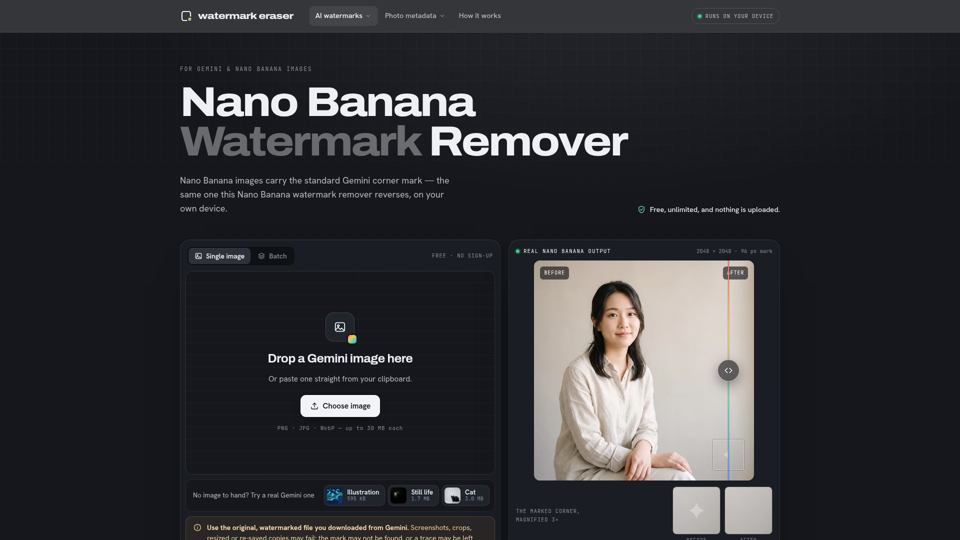
Nano Banana Watermark Remover — Free & Local
Nano Banana Watermark Remover is a browser-based tool that removes visible corner marks from Google Gemini images for digital creators. By processing files locally without compression, it helps designers prepare clean AI-generated assets efficiently for production workflows.
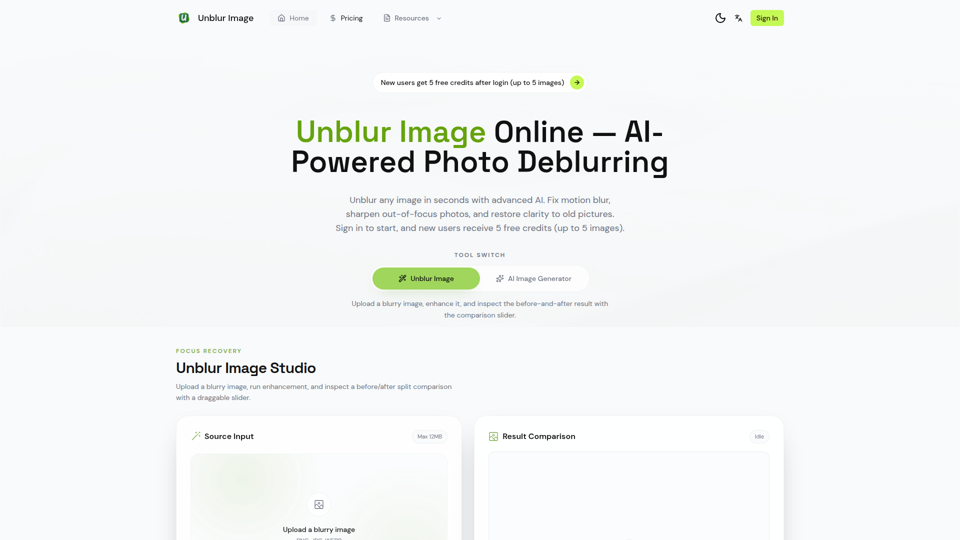
Unblur Image — Make Blurry Photos Clear with AI
Unblur Image is an AI-powered online photo deblurring tool that helps users fix motion blur, sharpen out-of-focus images, restore old photos, and improve text clarity, mainly for people who need quick image enhancement without manual editing skills. In AI-era workflows, it can help photographers, content teams, and document-heavy professionals recover usable visuals and readable assets faster from imperfect source images.
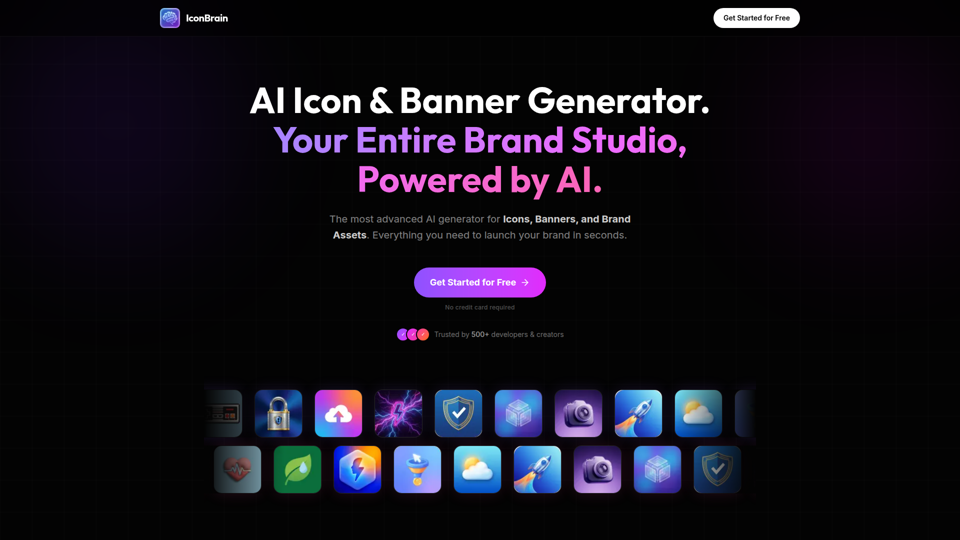
IconBrain | AI Icon Generator for Apps & Brands
IconBrain is an AI icon, banner, and brand asset generator that helps users create and edit production-ready visuals from text prompts or brand context, mainly for developers and creators launching apps or brands. For product, marketing, and design work, it can speed up early brand asset creation while helping teams keep visual styles more consistent across platforms.
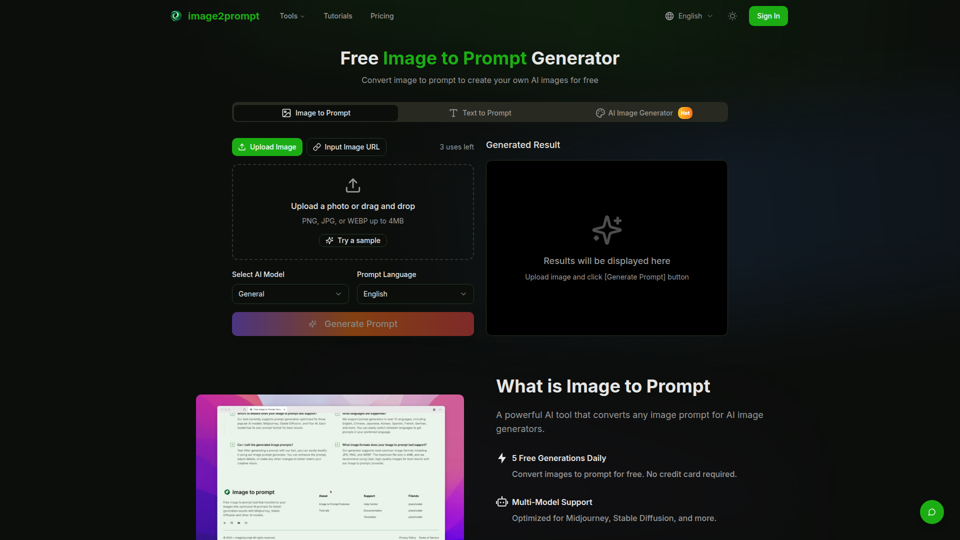
Free Image to Prompt Generator - image2prompt.net
image2prompt.net is a free AI image-to-prompt generator that analyzes uploaded images or image URLs and turns them into editable prompts for Midjourney, Stable Diffusion, Flux, and similar models, mainly for AI artists, designers, and creators. For creative professionals, it can speed prompt drafting, support style consistency, and reduce manual prompt rewriting across different image generation workflows.