
Janus - Become any character instantly | Real-Time streaming avatar
Rate this Tool
Average Score
Total Votes
Select your score (1-10):
Detail Information
What
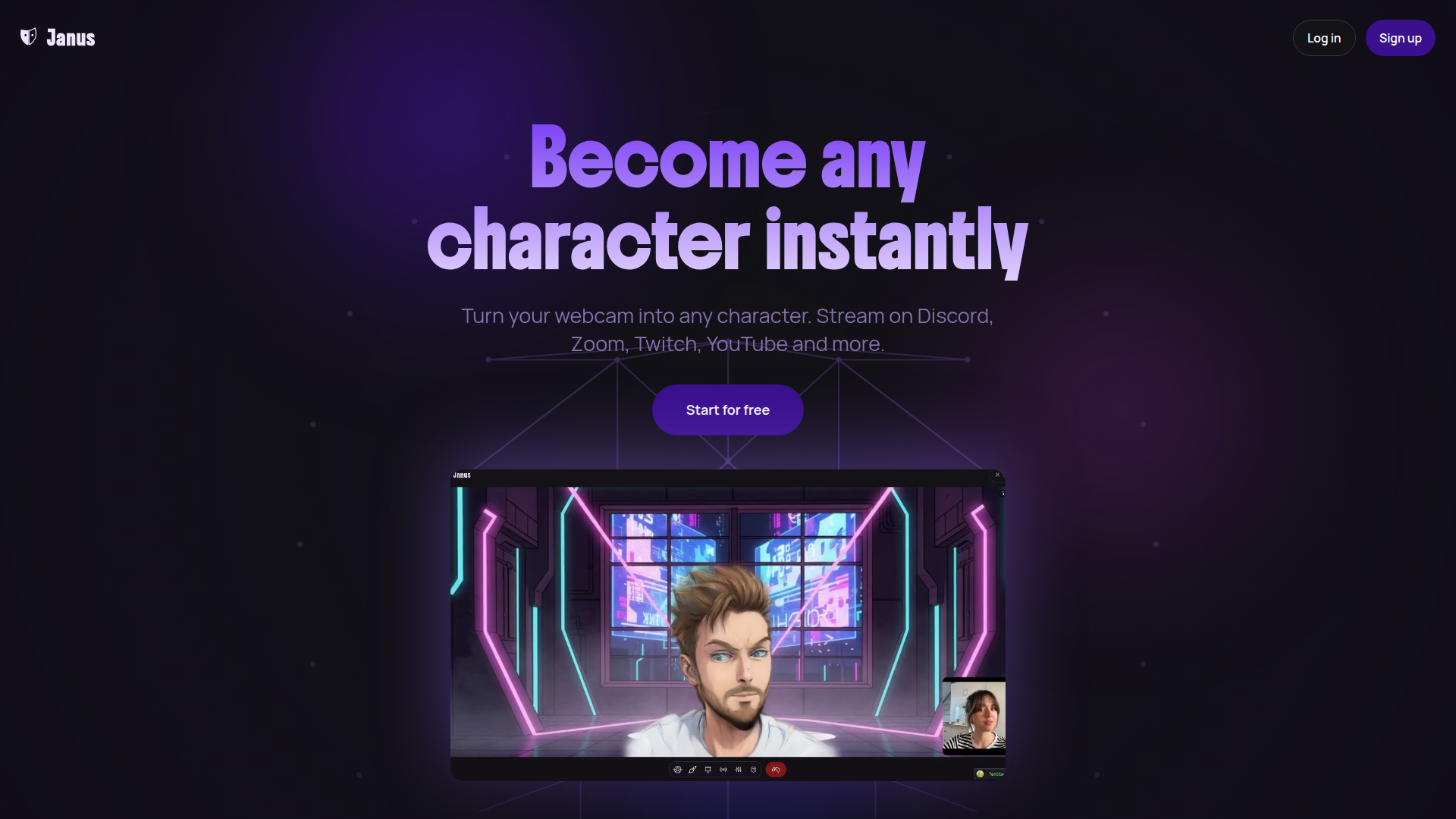
Janus is a real-time character animation platform that turns a webcam feed into a live animated avatar. It is designed for creators, streamers, and people using video calls who want to appear as a character instead of showing their face on platforms such as Discord, Zoom, Twitch, YouTube, and other apps that support virtual cameras.
The core workflow is simple: create an avatar from a photo or prompt, connect a webcam and microphone, and stream or join calls with facial expressions and movement driving the avatar in real time. Based on the page, Janus is positioned as a browser-based, cross-platform avatar streaming tool that emphasizes ease of setup, local rendering, and privacy during live use.
Features
- Real-time avatar animation from webcam input — Janus tracks facial expressions and movements through a standard webcam to animate a 3D avatar live in the browser.
- Cross-platform streaming and video call support — It is presented as working with Discord, Zoom, Twitch, YouTube, Google Meet, OBS Studio, and other apps that support virtual cameras.
- Local browser rendering — The avatar renders on the user’s device rather than on cloud servers during streaming, which the site says helps reduce lag and keeps live webcam footage from being stored.
- Avatar creation from a photo or prompt — Users can generate a character from an uploaded image or prompt, then use that avatar for streaming or calls.
- Ongoing avatar customization — After creation, users can refine outfits, hairstyles, accessories, and backgrounds so the avatar can be adapted to different contexts.
- Pro-focused production options — The Pro plan includes higher frame rate streaming, green screen support, no watermarks, unlimited-length video generation, and expression sensitivity controls.
Helpful Tips
- Validate browser and device fit early — The page indicates Janus works best in Chrome or Chromium-based browsers on a reasonably capable device, so pilot testing on the actual streaming setup is important.
- Check the distinction between streaming and creation costs — Streaming is described as unlimited even on the free tier, while avatar creation and video generation rely on credits, which matters for budgeting and workflow planning.
- Review privacy expectations carefully — The site states that webcam footage is not stored and uploaded photos are not stored on Janus servers, but photos are sent to image generation providers for processing.
- Assess whether virtual camera compatibility covers your stack — Janus appears best suited to workflows that already depend on OBS, conferencing tools, or apps with virtual camera support.
- Use customization strategically — Teams or creators managing multiple personas may benefit from the ability to update backgrounds, outfits, and accessories without rebuilding the avatar from scratch.
OpenClaw Skills
Janus could likely fit well into OpenClaw workflows for creator operations, live presentation support, and digital identity management. A likely OpenClaw skill would help users plan avatar-based streaming sessions, manage character variants for different channels, generate show rundowns, and coordinate launch checklists for OBS, browser settings, webcam setup, and platform-specific broadcast steps. Another likely workflow could organize prompt libraries and creative briefs for avatar generation so teams can keep character styles consistent across campaigns or content series.
In a broader sense, Janus combined with OpenClaw could support virtual host operations for creators, community managers, educators, or support teams that want a character-based on-camera presence without complex motion-capture tools. While the page does not mention native OpenClaw integration, a likely use case is an agent that orchestrates persona-specific content production: selecting the right avatar version, preparing scripts, adapting visual presentation for Twitch versus Zoom, and tracking which character setup works best for internal meetings, live events, or audience-facing content.
Embed Code
Share this AI tool on your website or blog by copying and pasting the code below. The embedded widget will automatically update with the latest information.
<iframe src="https://aimyflow.com/ai/janus-cam/embed" width="100%" height="400" frameborder="0"></iframe>
Explore Similar Tools

AI Motion Transfer - Animate Photos with Video Reference
AI Motion Transfer is an AI tool from The Influencer AI that transfers motion and optionally sound from a reference video onto a photo, helping creators, marketers, and social content teams turn static character images into animated videos. For social media, e-commerce, and creative production roles, it can speed up creation of realistic character videos and reduce the need for manual filming or complex prompt writing.
AI Thumbnail Maker for YouTube Creators | Thumbspot AI
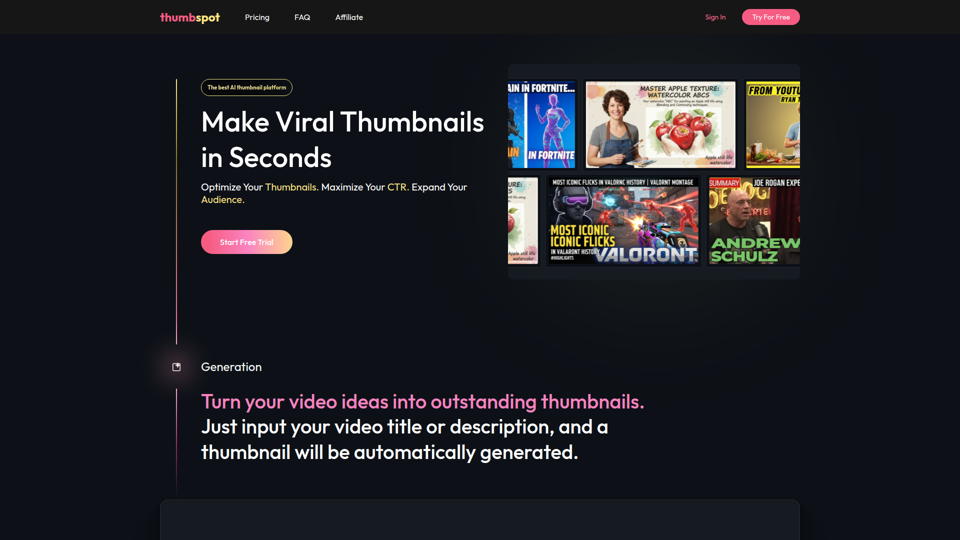
Thumbspot AI is an AI thumbnail maker that helps YouTube creators generate, edit, recreate, and personalize video thumbnails with templates, face swaps, and AI personas. For content creators and channel managers, it can speed thumbnail testing and iteration so creative decisions align more closely with audience click behavior.

2pr | AI LinkedIn Post Generator – Create Engaging Content in 1 Minute
2pr is an AI LinkedIn post generator and content workflow tool that helps users find post ideas, write authentic LinkedIn posts, create carousels, and schedule and analyze content, mainly for founders, B2B sales and marketing teams, bloggers, and job seekers. For professionals building a personal brand on LinkedIn, it can streamline ideation and drafting while using profile-based guidance to keep posts aligned with their expertise and positioning.
1stCollab - The AI-Powered Influencer Marketplace
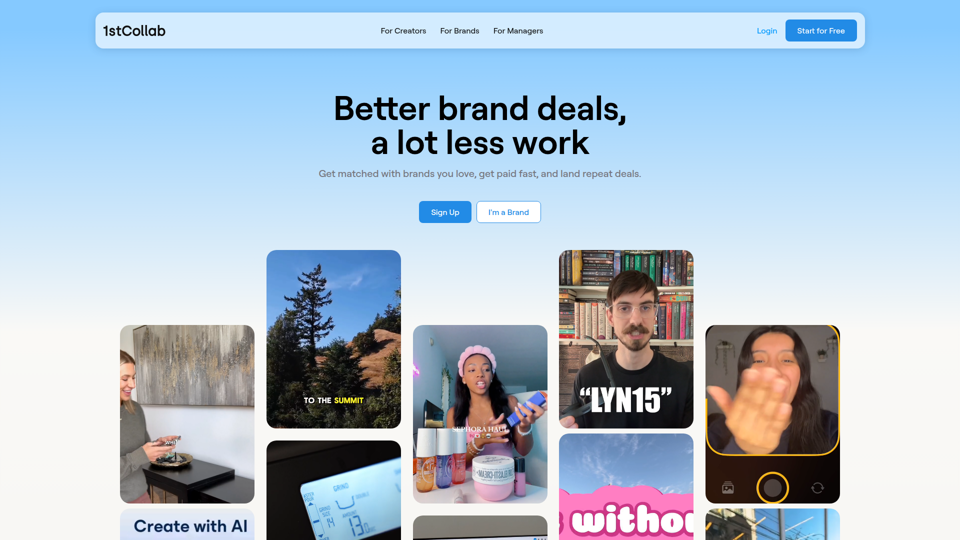
1stCollab is an AI-powered influencer marketplace that helps creators find matched brand partnerships, apply quickly, maintain an auto-updating media kit, and get paid faster, with creators as its main audience. For influencer marketers, creator managers, and social media teams, this kind of automation can reduce manual outreach and admin work while keeping campaign data and creator profiles current.
Sora Watermark Remover — Remove Sora Watermarks Free
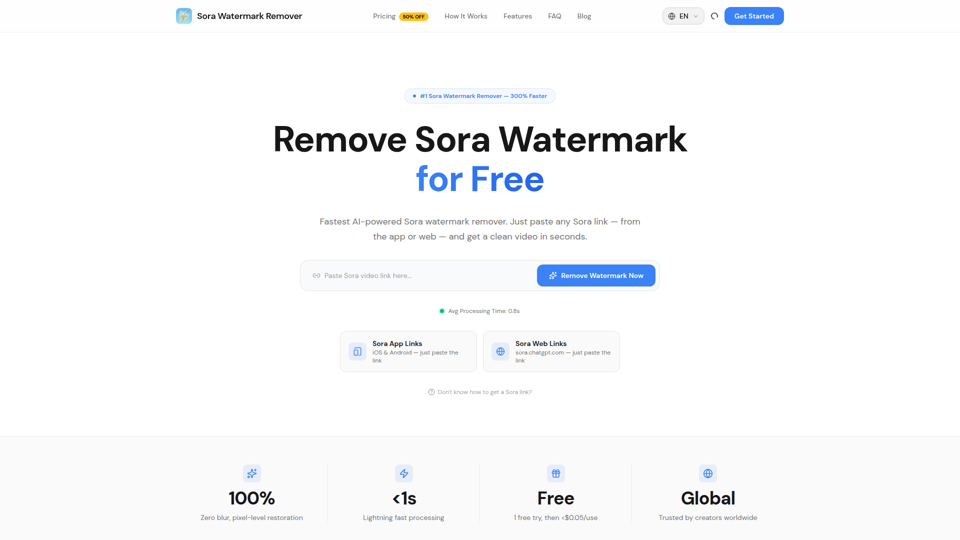
Sora Watermark Remover is an AI tool that removes watermarks from Sora-generated videos by pasting a Sora app or web link, mainly for creators who need clean MP4 downloads without uploading files. For content creators and social media editors, this can speed reuse and publishing of AI-generated video assets while reducing manual post-production steps.
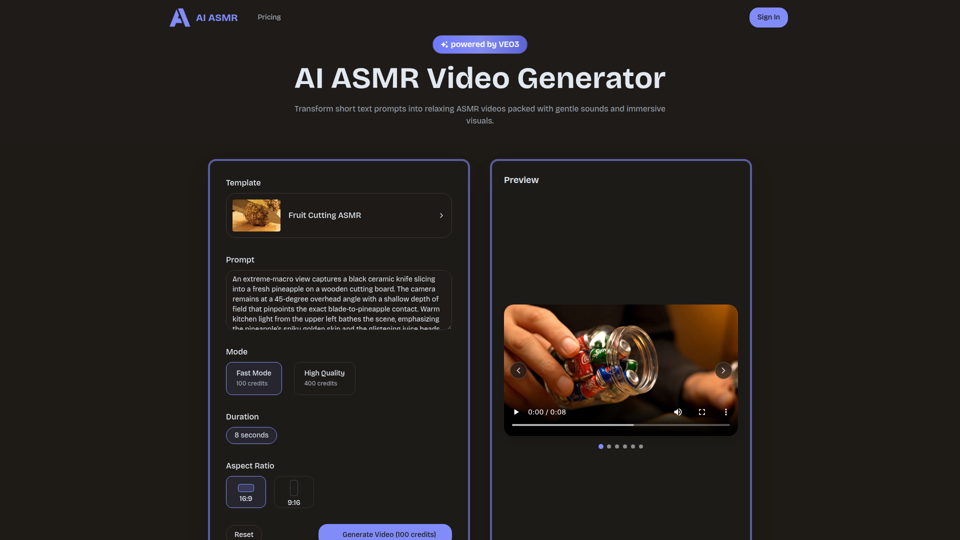
AI ASMR | Create VEO3 Relaxation Videos Online
AI ASMR is an AI video generator that turns short text prompts into relaxation-focused ASMR videos with generated audio and visuals, mainly for content creators who want to make calming clips without studio equipment. For social media creators, editors, and creative teams, it can speed up concept testing and consistent production of niche relaxation content from simple prompts.

Farol — See What's Coming
Farol is an AI trend intelligence tool that helps content creators, founders, newsletter writers, and marketing professionals spot emerging topics 24–48 hours early and turn them into ready-to-post social content. For professionals who rely on timely publishing, it can reduce research time and improve content timing by delivering niche-specific trend alerts with draft posts.
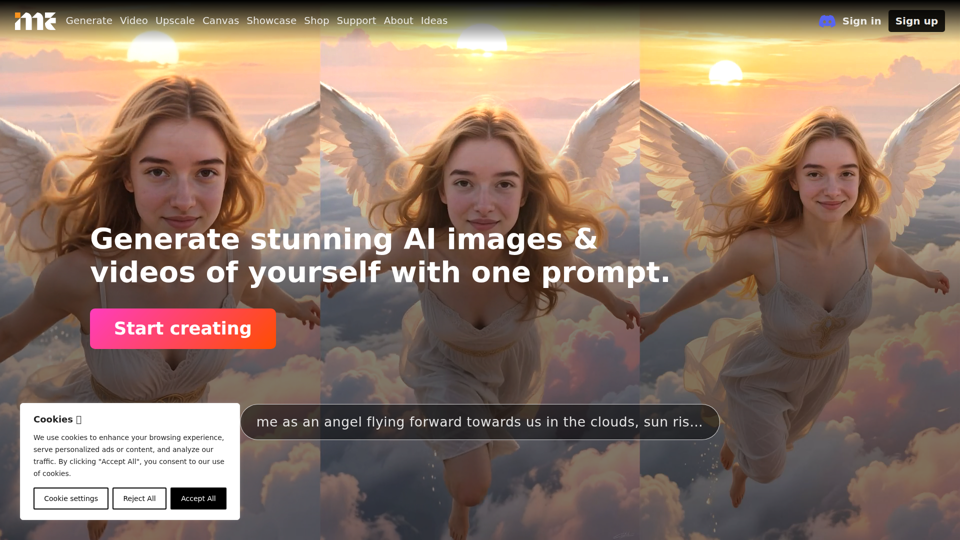
ImagineMe - Personal AI Art Generator
ImagineMe is a personal AI art generator that trains a private model on a user’s photos so individuals can create images and videos of themselves from text prompts. For creators, designers, and social media professionals, it can speed up personalized visual concepting and content production without requiring traditional illustration or photo editing workflows.