
Best Image to Image AI – Free AI Image Generator From Images
Rate this Tool
Average Score
Total Votes
Select your score (1-10):
Detail Information
What
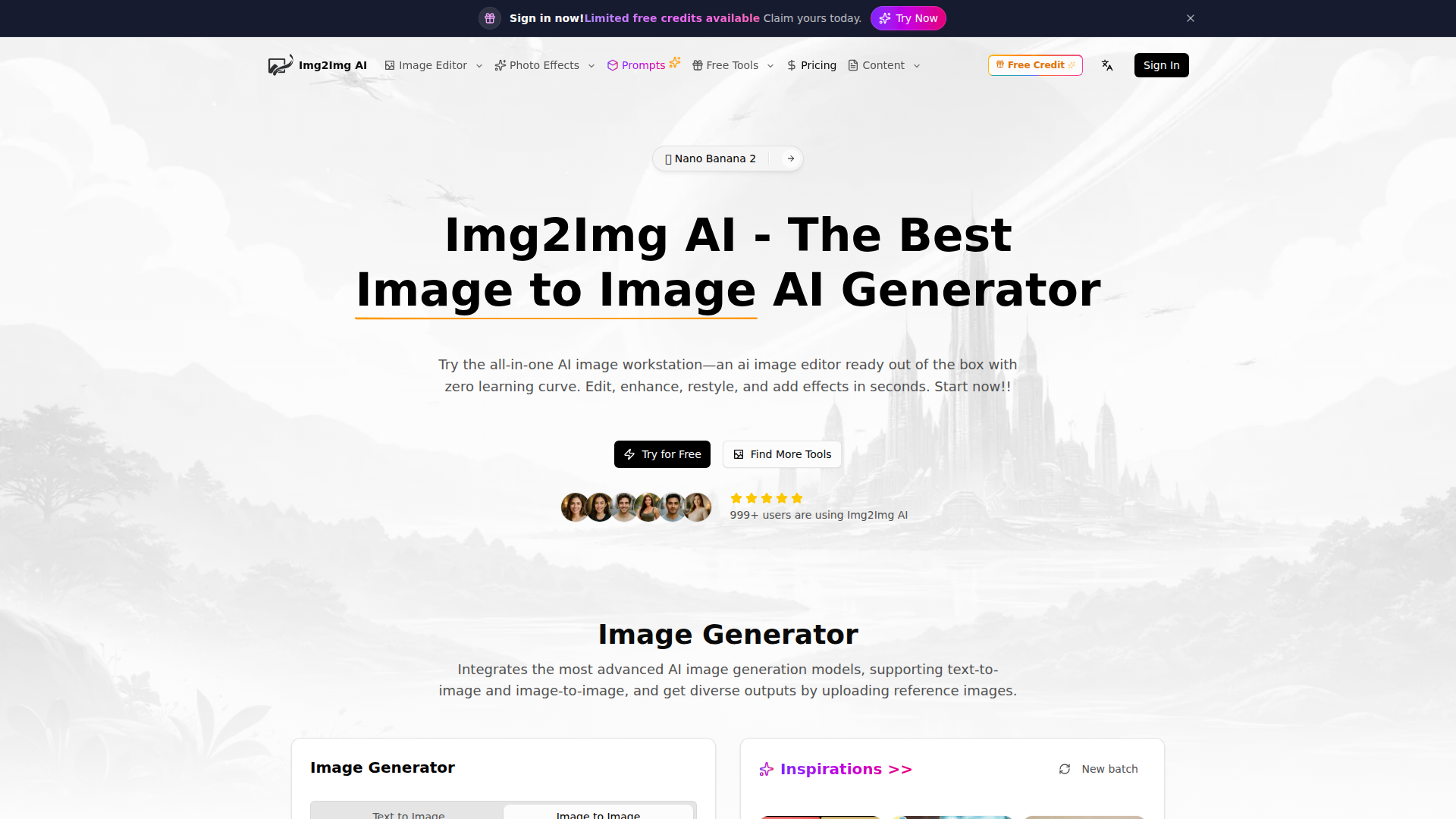
Img2Img AI is a web-based AI image editing and generation workstation focused on image-to-image workflows. It lets users upload a reference image, add a prompt, choose a model, and generate edited or restyled variations while aiming to preserve the source image’s composition, lighting, and subject identity.
Based on the page, the product is designed for designers, marketers, content creators, photographers, ecommerce teams, and other users who need fast visual iteration without advanced editing skills. Its positioning appears to be an all-in-one image AI workspace that combines multiple generation models, utility tools, effects, and learning resources in a single interface.
Features
- Image-to-image generation with reference uploads: Users can upload up to four reference images and guide outputs with text prompts to create controlled variations from an existing photo.
- Text-to-image and image-to-image modes: The platform supports both fully generated visuals and transformations based on uploaded images, which broadens creative and production use cases.
- Multiple AI model options: The workspace includes 10+ image models, allowing users to choose between different quality and credit tradeoffs for different tasks.
- Editing and enhancement utilities: Built-in tools such as background remover, watermark remover, photo restoration, and image enhancement support common cleanup and correction workflows.
- Restyling, subject edits, and outpainting: The product highlights style transfer, object-level edits, background replacement, and frame expansion for adapting images to new concepts or formats.
- Prompt optimization and prompt library: Prompt support features help users refine instructions and learn from curated examples, which can reduce iteration time and improve consistency.
Helpful Tips
- Test image consistency with a narrow pilot: Before broader adoption, validate how well the tool preserves brand, product, or subject details across a small set of real images.
- Match model choice to task complexity: The page notes quality and credit differences between models, so teams should define when premium models are necessary versus when lower-cost options are sufficient.
- Use strong source images for better control: Clean, well-lit inputs with clear subjects will likely produce more predictable image-to-image outputs than cluttered or low-quality uploads.
- Create internal prompt templates: For teams producing repeatable assets such as ads, listings, or social visuals, standardized prompts can improve output consistency and reduce rework.
- Review commercial-use terms directly: The FAQ mentions commercial-use questions, but the provided page does not clearly state usage rights, so buyers should confirm this in the official terms.
OpenClaw Skills
Within the OpenClaw ecosystem, Img2Img AI could likely serve as a visual generation layer inside broader content and asset-production workflows. Likely OpenClaw skills could include product-photo variant generation, campaign creative restyling, marketplace image cleanup, social-post visual adaptation, and automated prompt orchestration based on brand guidelines or channel requirements. The page does not state a native OpenClaw integration, so this should be treated as a workflow inference rather than a confirmed capability.
Used this way, OpenClaw agents could combine Img2Img AI outputs with adjacent tasks such as brief interpretation, asset routing, metadata generation, approval workflows, and multichannel publishing preparation. For ecommerce, marketing, and design operations, that combination could shift image production from manual one-off editing toward semi-automated creative operations, where teams generate, refine, and organize large volumes of visual variants with tighter process control.
Embed Code
Share this AI tool on your website or blog by copying and pasting the code below. The embedded widget will automatically update with the latest information.
<iframe src="https://aimyflow.com/ai/imgtoimg-ai-com/embed" width="100%" height="400" frameborder="0"></iframe>
Explore Similar Tools
Versive
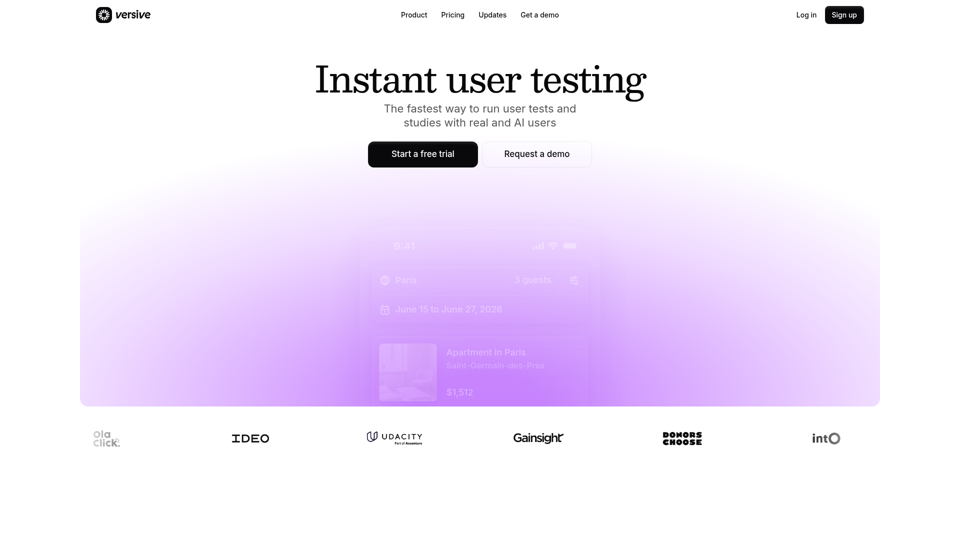
Versive is an AI-powered user research and testing platform that helps product teams design, run, and synthesize usability studies with real and simulated users, especially for product managers, UX researchers, and designers. In AI-assisted product development, it can help these teams validate interface decisions faster by generating transcripts, screenshots, summaries, and actionable recommendations in minutes.
Challenges | Test Your AI Prompting Skills
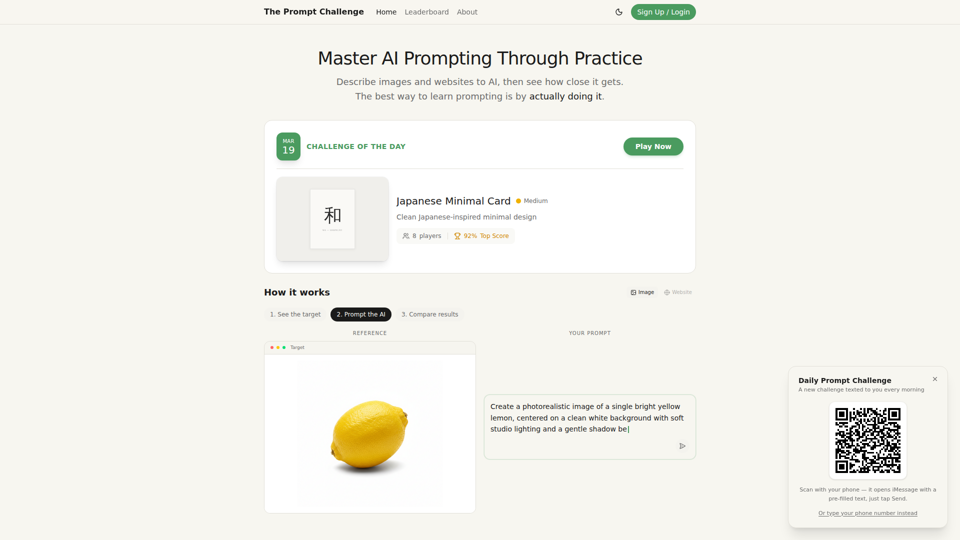
The Prompt Challenge is a practice platform that helps users improve AI prompting by describing images and websites, comparing AI-generated results to references, and competing on scores, mainly for people learning prompt engineering and hands-on AI creation. For designers, developers, and AI practitioners, this kind of repeatable prompt testing can sharpen instruction-writing skills and improve consistency when using generative tools for visual and interface work.
AI Infographic Generator
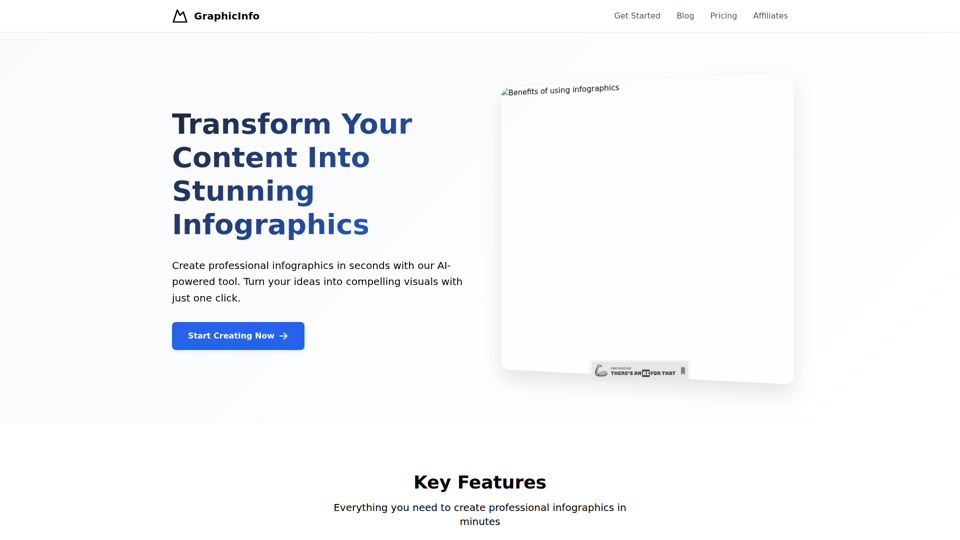
GraphicInfo is an AI infographic generator that helps users turn ideas and content into professional, customizable infographics quickly, mainly for creators and people producing website or social media content. In AI-driven content workflows, it can help marketers, content teams, and designers speed up visual asset creation while still refining text and images for specific brand needs.
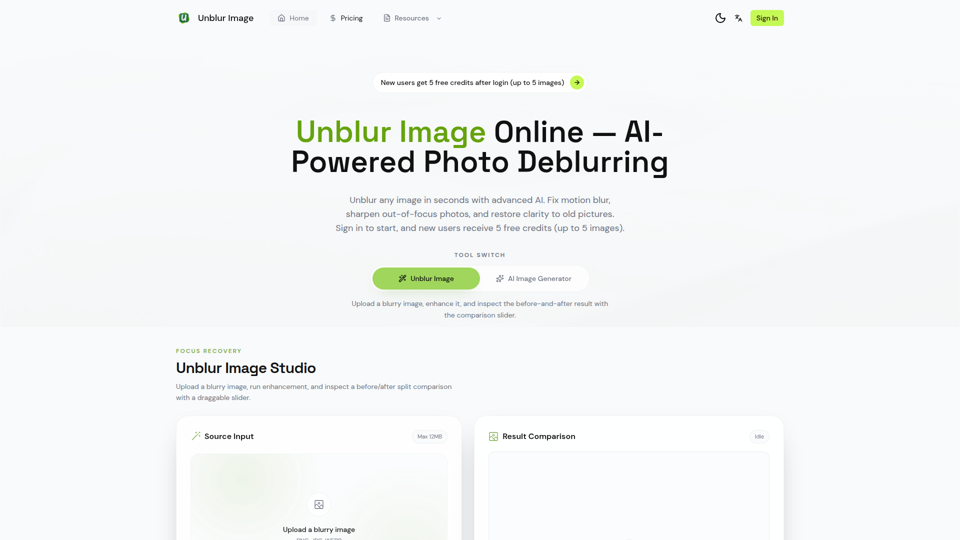
Unblur Image — Make Blurry Photos Clear with AI
Unblur Image is an AI-powered online photo deblurring tool that helps users fix motion blur, sharpen out-of-focus images, restore old photos, and improve text clarity, mainly for people who need quick image enhancement without manual editing skills. In AI-era workflows, it can help photographers, content teams, and document-heavy professionals recover usable visuals and readable assets faster from imperfect source images.
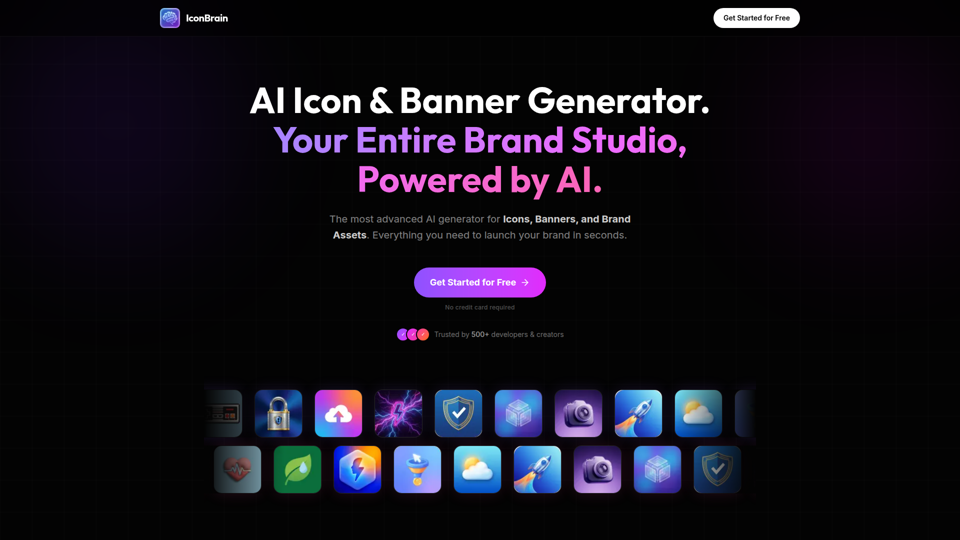
IconBrain | AI Icon Generator for Apps & Brands
IconBrain is an AI icon, banner, and brand asset generator that helps users create and edit production-ready visuals from text prompts or brand context, mainly for developers and creators launching apps or brands. For product, marketing, and design work, it can speed up early brand asset creation while helping teams keep visual styles more consistent across platforms.
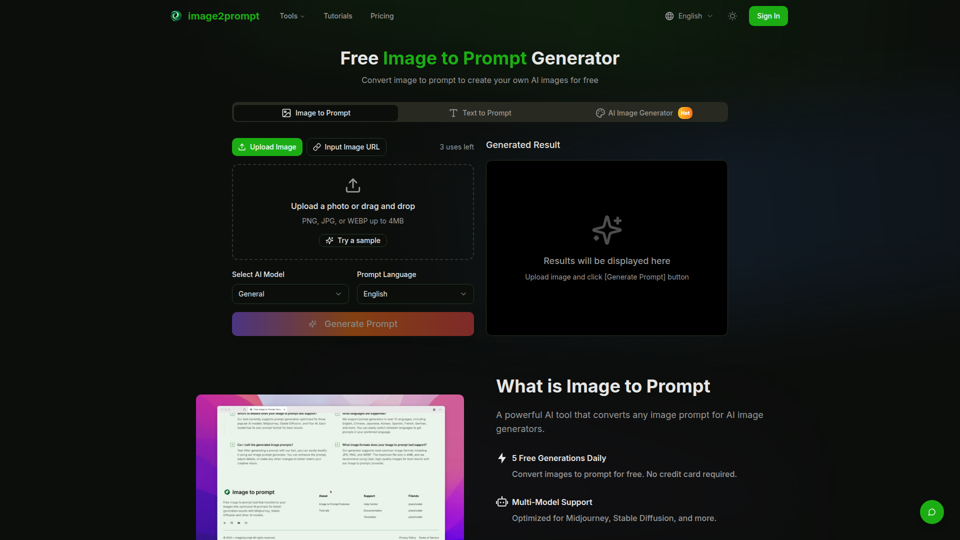
Free Image to Prompt Generator - image2prompt.net
image2prompt.net is a free AI image-to-prompt generator that analyzes uploaded images or image URLs and turns them into editable prompts for Midjourney, Stable Diffusion, Flux, and similar models, mainly for AI artists, designers, and creators. For creative professionals, it can speed prompt drafting, support style consistency, and reduce manual prompt rewriting across different image generation workflows.
UXCanvas.ai | AI UI/UX Design Agent — Describe It, Design It
UXCanvas.ai is an AI UI/UX design agent that helps users turn text prompts into production-ready interface designs, iterate through chat, and export to Figma or React code, mainly for designers and developers. For UI/UX and product teams, it can shorten the path from concept to handoff by turning rough ideas into structured specs, reusable components, and code-ready assets.
AI HD Anime: Your Ultimate Choice for Upscaling Anime Images
AI HD Anime is a free online AI image upscaling tool that enhances anime and manga images with higher clarity and restored detail, mainly for anime fans. In AI-assisted creative and archival workflows, it can help illustrators, editors, and community curators quickly improve low-resolution anime visuals for review, sharing, or preservation.