
Free AI Image Upscaler Online — No Sign Up | ImgEnhancer
Rate this Tool
Average Score
Total Votes
Select your score (1-10):
Detail Information
What
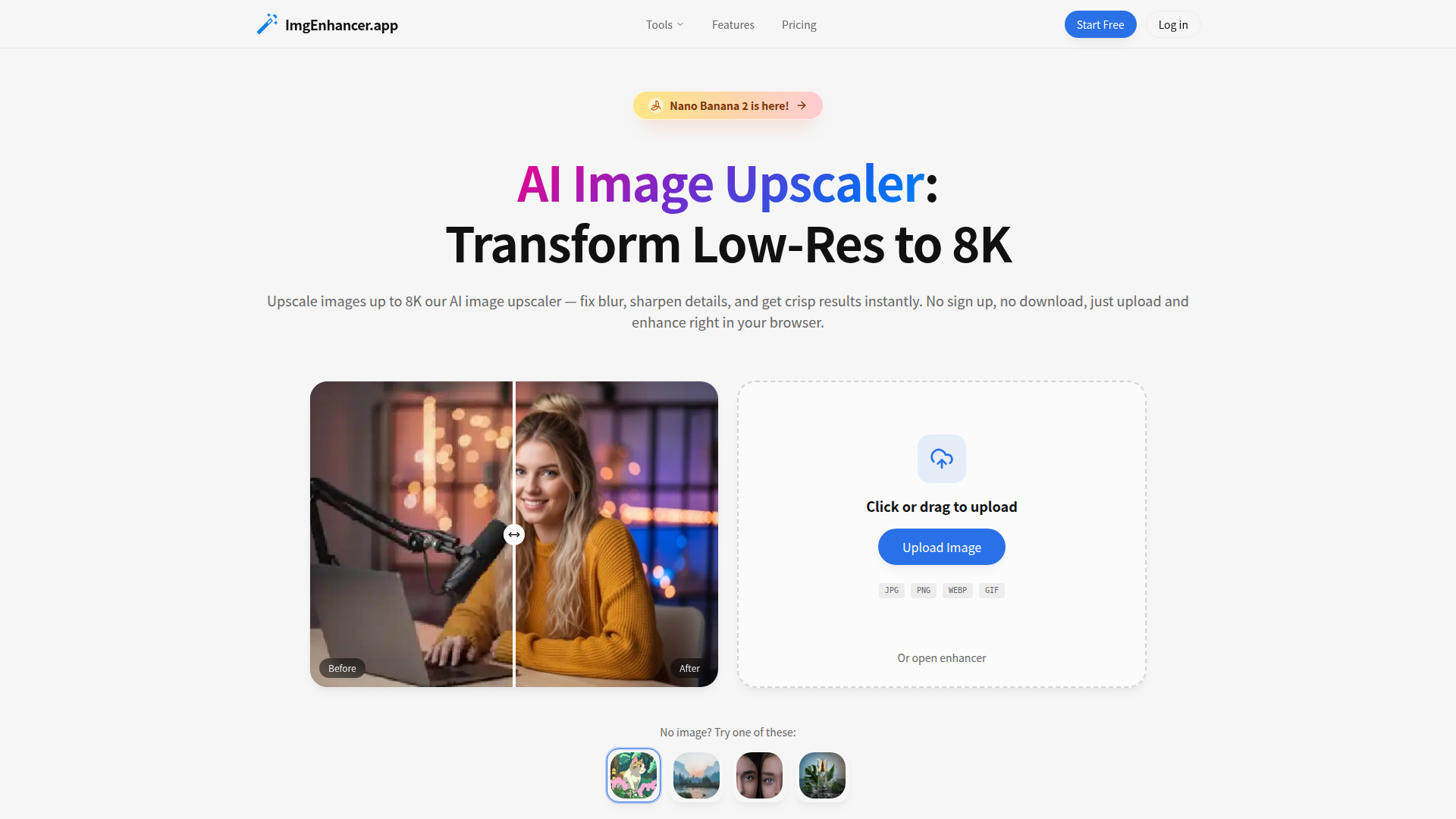
ImgEnhancer’s AI Image Upscaler is a browser-based image enhancement tool that upscales low-resolution images up to 8K, sharpens details, reduces noise, and aims to keep edges and textures natural. It supports JPG, PNG, and WEBP uploads, works without software installation, and can be used without signing up for an initial trial.
The product appears positioned as a lightweight, self-serve tool for creators, ecommerce teams, photographers, marketers, designers, and other users who need faster image cleanup and enlargement for web, social, print, or listing workflows. Its core workflow is simple: upload an image, choose a target size from 1K to 8K, let the AI process it, and download the result.
Features
- AI upscaling to 8K — Enlarges images to 1K, 2K, 4K, or 8K while aiming to preserve natural textures and edges.
- Browser-based workflow — Runs online with no download required, which reduces setup time and makes it accessible across desktop and mobile browsers.
- Automatic detail enhancement — Improves clarity, reduces blur, and cleans up noise and artifacts to make low-quality images more usable.
- Multi-format support and export — Accepts JPG, PNG, and WEBP inputs and offers output in JPG, PNG, or WEBP for common publishing needs.
- Guest access with optional paid expansion — Users can start without signing up, while higher-volume use adds faster queue processing, batch processing, commercial rights, and longer file retention.
- Data retention controls — Files can be deleted by the user, with free-tier uploads retained up to 24 hours and paid-tier uploads up to 30 days according to the page.
Helpful Tips
- Test image types before standardizing — AI upscalers often perform differently on product shots, portraits, text-heavy graphics, and compressed social images, so validate quality across your main asset categories.
- Match target size to end use — 8K output is not always necessary; smaller targets may process faster and be sufficient for listings, ads, or social media.
- Review fine details manually — For print, fashion, interiors, or product imagery, inspect textures, skin, typography, and edges to ensure the enhancement does not introduce unnatural artifacts.
- Use retention and licensing rules operationally — Teams should distinguish between guest/free usage and paid usage, especially if they need batch processing, commercial rights, or longer cloud access.
- Clarify workflow fit for scale — The page mentions batch processing on paid plans, but does not describe deeper automation or API capabilities, so larger teams should confirm operational fit before broad rollout.
OpenClaw Skills
Within the OpenClaw ecosystem, this product could likely serve as a specialized image-quality step inside broader content and commerce workflows. An OpenClaw agent could route low-resolution product photos, marketing creatives, listing images, or social assets through an upscaling stage before downstream publishing, catalog enrichment, or campaign assembly. The source page does not state a native OpenClaw integration, so this should be treated as a likely workflow concept rather than a confirmed capability.
More advanced OpenClaw skills could include a creative-ops agent that decides which assets need 2K, 4K, or 8K output based on destination channel; a real-estate listing workflow that improves image clarity before brochure or portal publishing; or an ecommerce media pipeline that combines background removal, restoration, and upscaling across asset libraries. In practice, that combination could reduce manual image preparation work for marketers, catalog managers, photographers, and design teams while making image readiness a more automated part of digital production.
Embed Code
Share this AI tool on your website or blog by copying and pasting the code below. The embedded widget will automatically update with the latest information.
<iframe src="https://aimyflow.com/ai/imgenhancer-app/embed" width="100%" height="400" frameborder="0"></iframe>
Explore Similar Tools
Versive
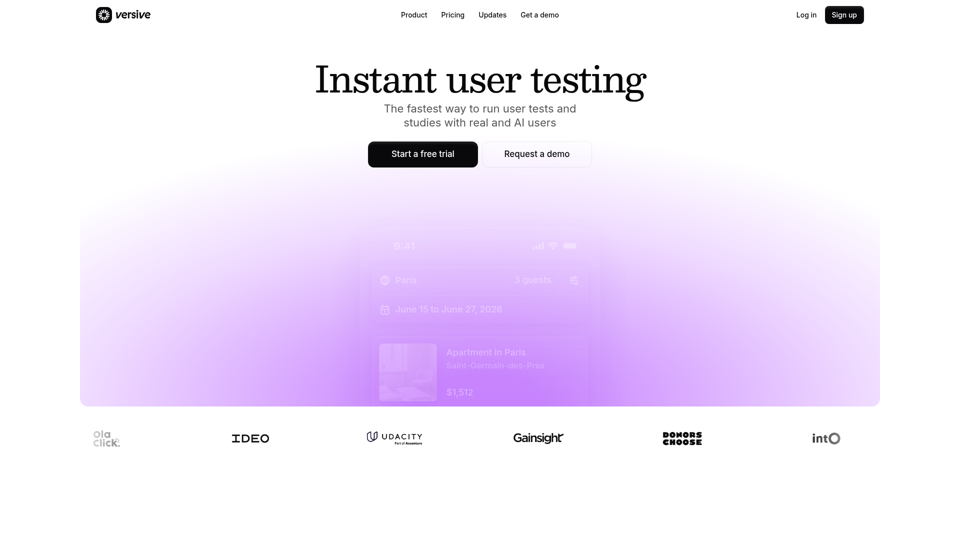
Versive is an AI-powered user research and testing platform that helps product teams design, run, and synthesize usability studies with real and simulated users, especially for product managers, UX researchers, and designers. In AI-assisted product development, it can help these teams validate interface decisions faster by generating transcripts, screenshots, summaries, and actionable recommendations in minutes.
Challenges | Test Your AI Prompting Skills
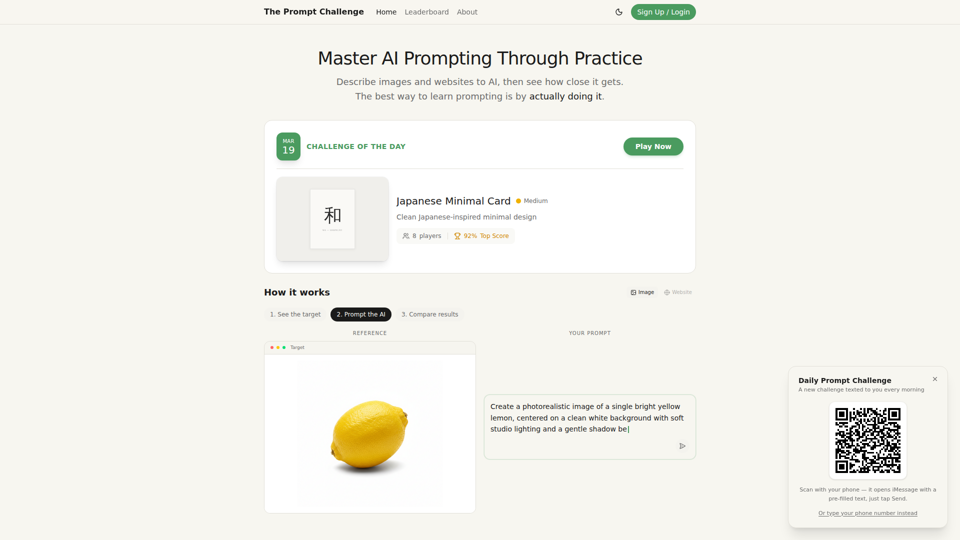
The Prompt Challenge is a practice platform that helps users improve AI prompting by describing images and websites, comparing AI-generated results to references, and competing on scores, mainly for people learning prompt engineering and hands-on AI creation. For designers, developers, and AI practitioners, this kind of repeatable prompt testing can sharpen instruction-writing skills and improve consistency when using generative tools for visual and interface work.
AI Infographic Generator
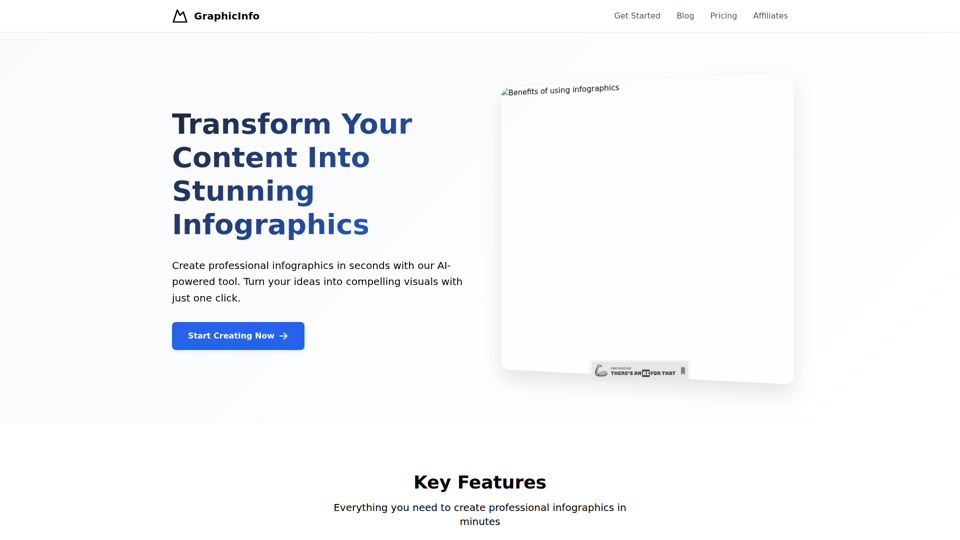
GraphicInfo is an AI infographic generator that helps users turn ideas and content into professional, customizable infographics quickly, mainly for creators and people producing website or social media content. In AI-driven content workflows, it can help marketers, content teams, and designers speed up visual asset creation while still refining text and images for specific brand needs.
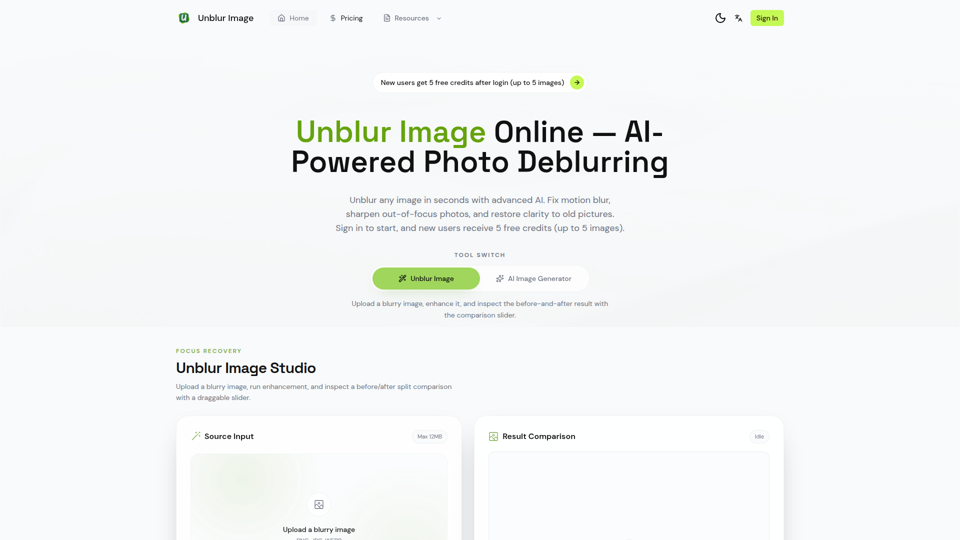
Unblur Image — Make Blurry Photos Clear with AI
Unblur Image is an AI-powered online photo deblurring tool that helps users fix motion blur, sharpen out-of-focus images, restore old photos, and improve text clarity, mainly for people who need quick image enhancement without manual editing skills. In AI-era workflows, it can help photographers, content teams, and document-heavy professionals recover usable visuals and readable assets faster from imperfect source images.
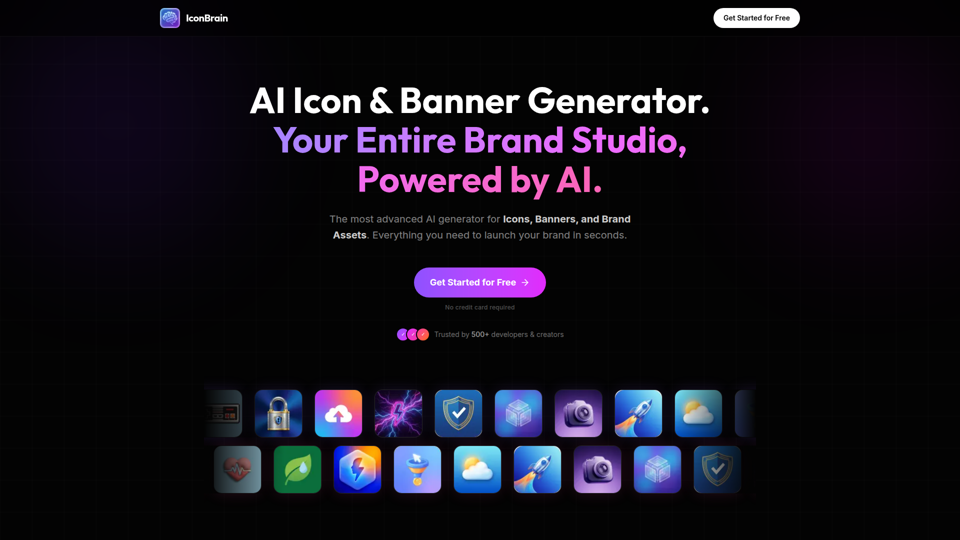
IconBrain | AI Icon Generator for Apps & Brands
IconBrain is an AI icon, banner, and brand asset generator that helps users create and edit production-ready visuals from text prompts or brand context, mainly for developers and creators launching apps or brands. For product, marketing, and design work, it can speed up early brand asset creation while helping teams keep visual styles more consistent across platforms.
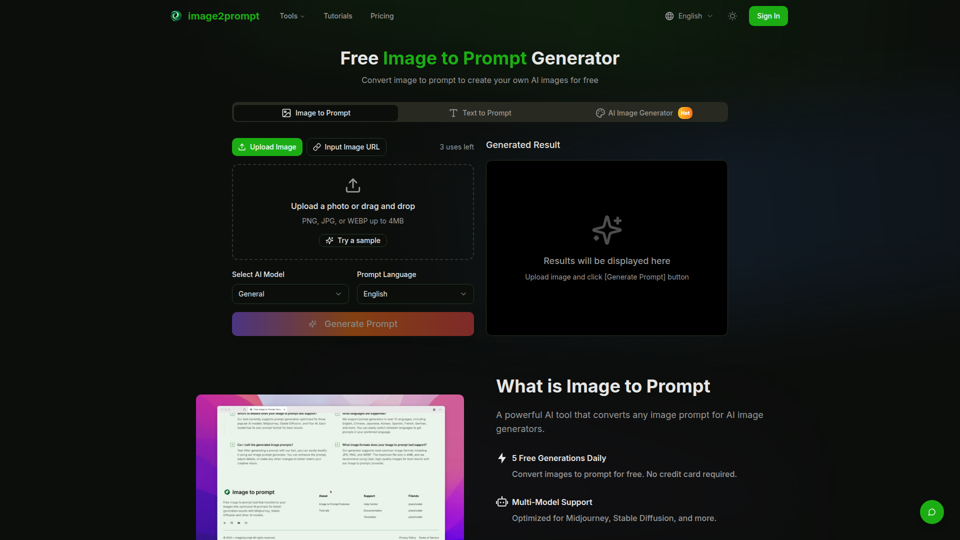
Free Image to Prompt Generator - image2prompt.net
image2prompt.net is a free AI image-to-prompt generator that analyzes uploaded images or image URLs and turns them into editable prompts for Midjourney, Stable Diffusion, Flux, and similar models, mainly for AI artists, designers, and creators. For creative professionals, it can speed prompt drafting, support style consistency, and reduce manual prompt rewriting across different image generation workflows.
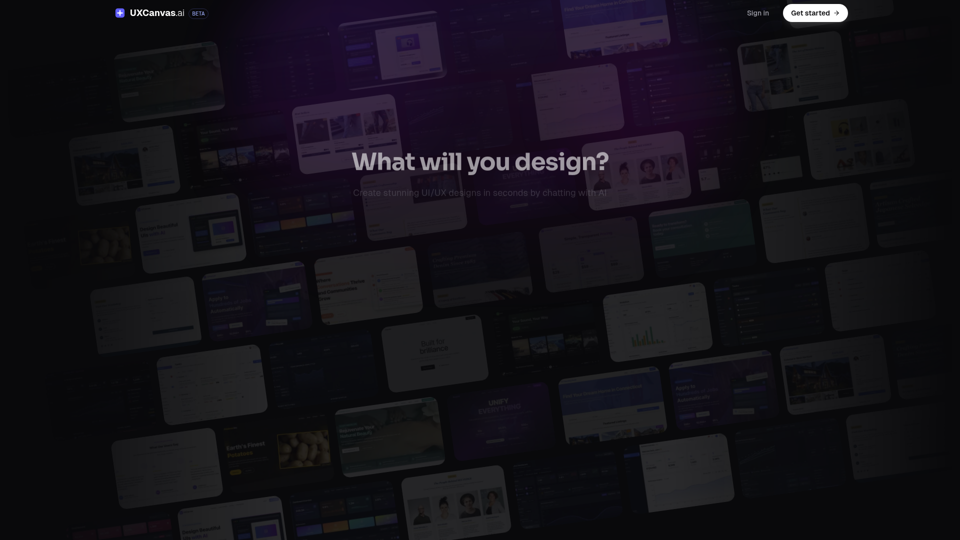
UXCanvas.ai | AI UI/UX Design Agent — Describe It, Design It
UXCanvas.ai is an AI UI/UX design agent that helps users turn text prompts into production-ready interface designs, iterate through chat, and export to Figma or React code, mainly for designers and developers. For UI/UX and product teams, it can shorten the path from concept to handoff by turning rough ideas into structured specs, reusable components, and code-ready assets.
AI HD Anime: Your Ultimate Choice for Upscaling Anime Images
AI HD Anime is a free online AI image upscaling tool that enhances anime and manga images with higher clarity and restored detail, mainly for anime fans. In AI-assisted creative and archival workflows, it can help illustrators, editors, and community curators quickly improve low-resolution anime visuals for review, sharing, or preservation.