
IconsMint - Generate Consistent Icon Packs with AI
Rate this Tool
Average Score
Total Votes
Select your score (1-10):
Detail Information
What
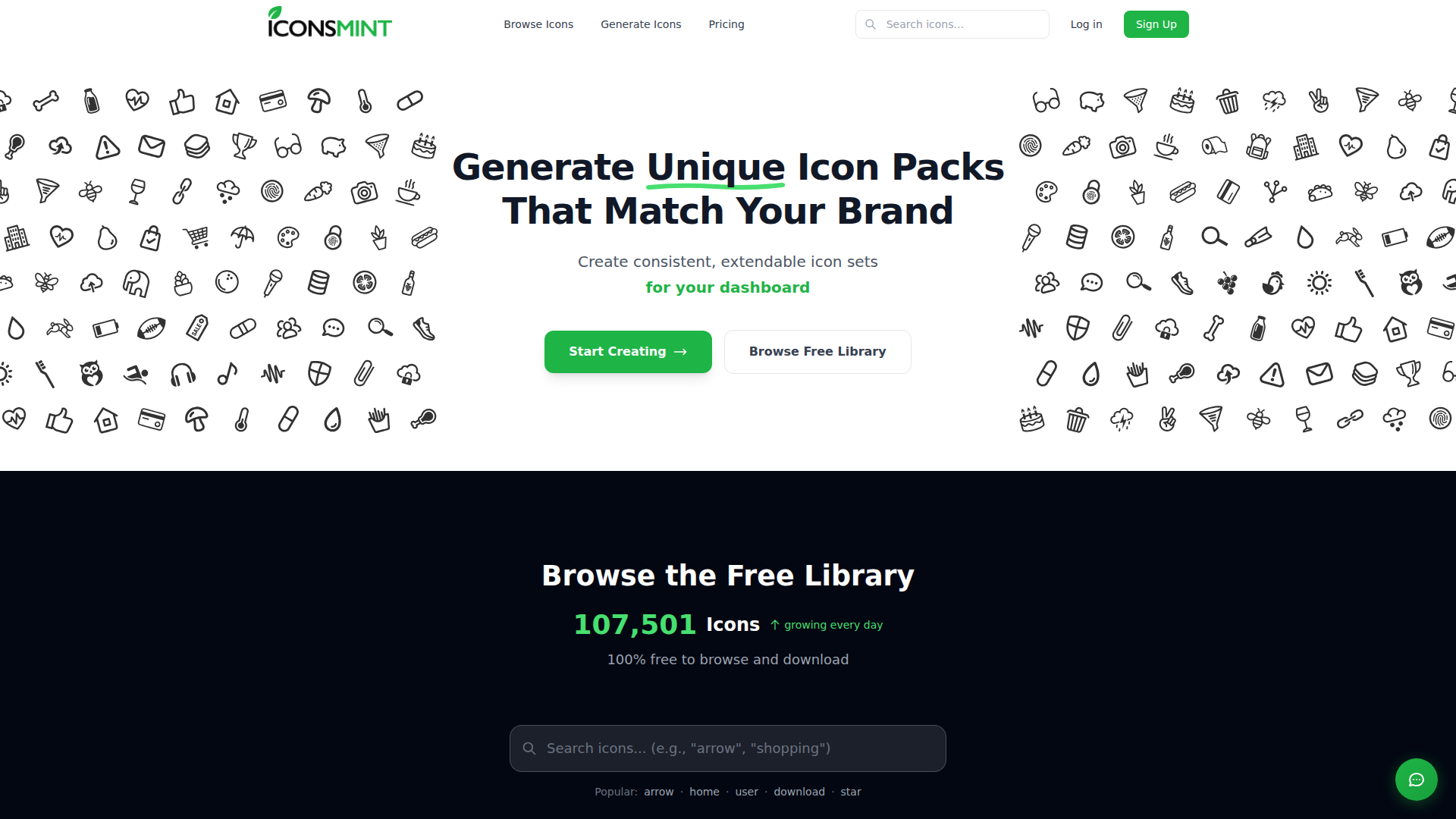
IconsMint is an AI-based icon generation platform for designers and developers who need consistent icon packs for products such as dashboards, mobile apps, SaaS interfaces, websites, and startup branding. It combines a large free icon library with a text-driven workflow for generating new icon sets and extending existing ones.
The core workflow is straightforward: describe the icons needed in plain text, receive a matching set with a consistent visual style, and add more icons later while preserving that same style and stroke weight. Based on the page, IconsMint is positioned as a modern icon production tool for teams that want faster custom asset creation than manually sourcing or drawing icons one by one.
Features
- Text-to-set icon generation: Users can describe their needs in plain English and generate a full set of matching icons, which helps speed up early design and product UI work.
- Set extension with style matching: Existing icon packs can be expanded with additional icons generated to match the original style and weight, which is useful for growing products and evolving feature sets.
- Multiple visual styles: The platform supports both geometric and artistic directions, giving teams flexibility to align icons with different brand aesthetics.
- Stroke thickness adjustment: Outline icons can be fine-tuned to thinner or thicker line weights, helping teams match icon appearance to interface density and visual hierarchy.
- Large free icon library: Users can browse and download from a library of more than 100,000 icons, which supports quick sourcing before committing to custom generation.
- Export in production formats: Icons can be exported as SVG, PNG, icon font, or SVG sprite, making them usable across common design and front-end workflows.
Helpful Tips
- Test consistency with a representative prompt set: Before adopting AI-generated icons broadly, validate how well the system handles your most common product concepts, edge cases, and domain-specific terminology.
- Define a style baseline early: Teams should settle on geometric vs. artistic direction and preferred stroke weight before scaling usage, since consistency matters more than novelty in UI systems.
- Use extension carefully for long-lived products: If your application will grow over time, verify that newly generated icons remain visually aligned with older sets in real interface contexts, not just in isolated previews.
- Check licensing by plan type: The page states that paid plans include commercial rights, so organizations should confirm they are using the correct purchase model for production and client-facing use.
- Plan exports around implementation needs: Product and engineering teams should choose output formats based on delivery context, such as SVG for flexible interfaces or sprite/font workflows where those are already standard.
OpenClaw Skills
IconsMint could likely pair well with OpenClaw as part of a design-operations workflow, even though the page does not mention a native integration. An OpenClaw skill could turn product requirements, feature lists, navigation schemas, or design-system documentation into structured icon briefs, then route those briefs into an icon generation process for faster UI asset creation. Another likely use case is an agent that audits screens or component inventories, identifies missing icon coverage, and prepares extension requests so new icons stay aligned with the existing visual language.
In practice, this combination could be especially useful for product design teams, SaaS operators, and front-end teams managing fast-changing interfaces. OpenClaw agents could likely support naming conventions, icon taxonomy cleanup, design handoff packaging, and export preparation for developers, while IconsMint handles the actual asset generation and formatting. That workflow could reduce manual back-and-forth between design and engineering and make icon system maintenance more systematic as products scale.
Embed Code
Share this AI tool on your website or blog by copying and pasting the code below. The embedded widget will automatically update with the latest information.
<iframe src="https://aimyflow.com/ai/iconsmint-com/embed" width="100%" height="400" frameborder="0"></iframe>
Explore Similar Tools
Versive
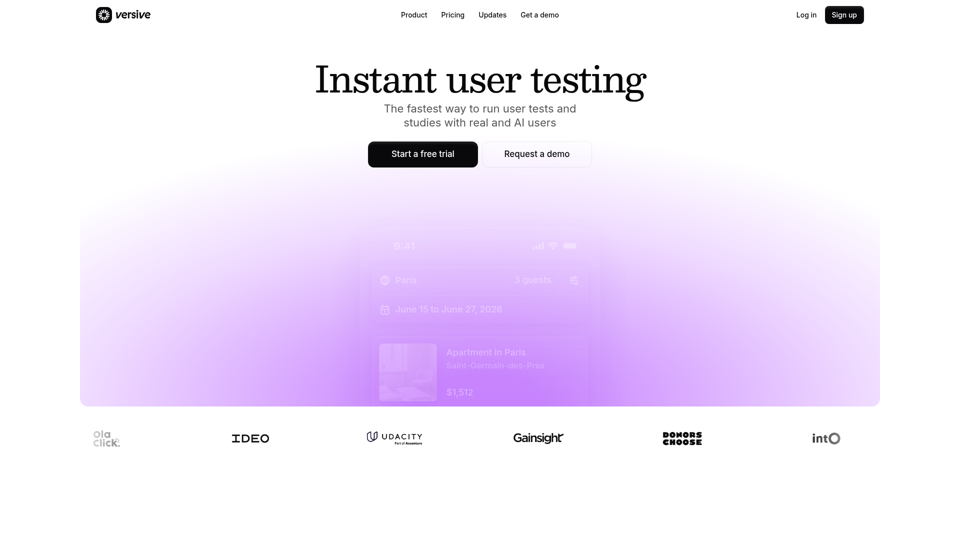
Versive is an AI-powered user research and testing platform that helps product teams design, run, and synthesize usability studies with real and simulated users, especially for product managers, UX researchers, and designers. In AI-assisted product development, it can help these teams validate interface decisions faster by generating transcripts, screenshots, summaries, and actionable recommendations in minutes.
Challenges | Test Your AI Prompting Skills
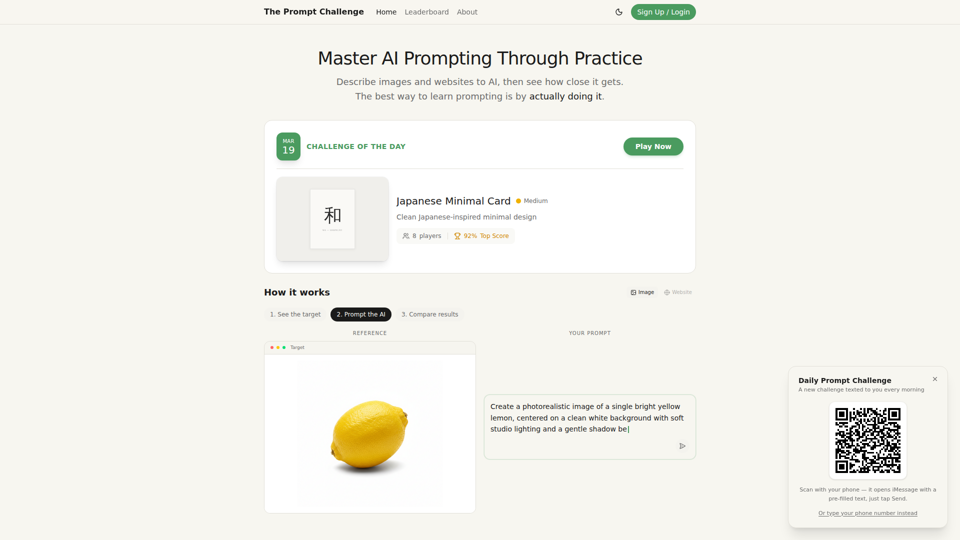
The Prompt Challenge is a practice platform that helps users improve AI prompting by describing images and websites, comparing AI-generated results to references, and competing on scores, mainly for people learning prompt engineering and hands-on AI creation. For designers, developers, and AI practitioners, this kind of repeatable prompt testing can sharpen instruction-writing skills and improve consistency when using generative tools for visual and interface work.
AI Infographic Generator
GraphicInfo is an AI infographic generator that helps users turn ideas and content into professional, customizable infographics quickly, mainly for creators and people producing website or social media content. In AI-driven content workflows, it can help marketers, content teams, and designers speed up visual asset creation while still refining text and images for specific brand needs.
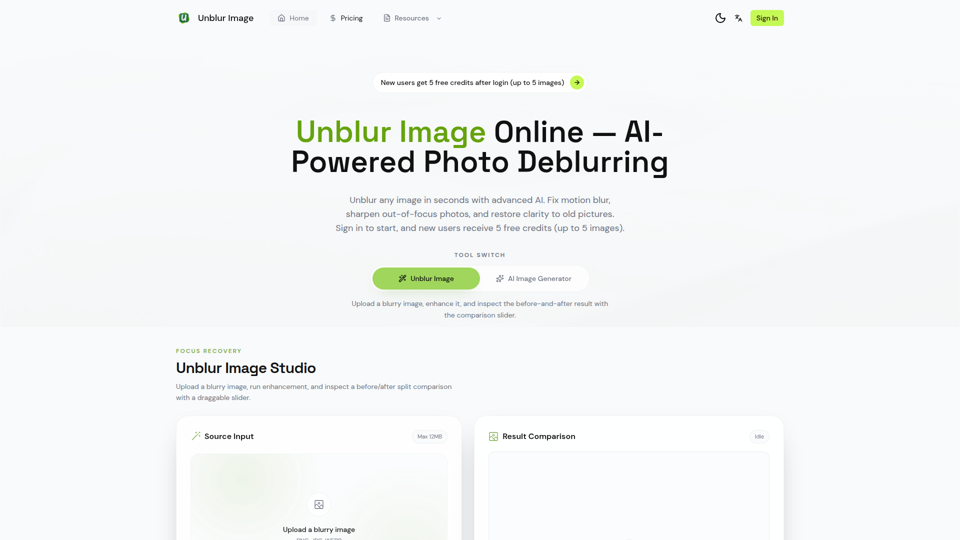
Unblur Image — Make Blurry Photos Clear with AI
Unblur Image is an AI-powered online photo deblurring tool that helps users fix motion blur, sharpen out-of-focus images, restore old photos, and improve text clarity, mainly for people who need quick image enhancement without manual editing skills. In AI-era workflows, it can help photographers, content teams, and document-heavy professionals recover usable visuals and readable assets faster from imperfect source images.
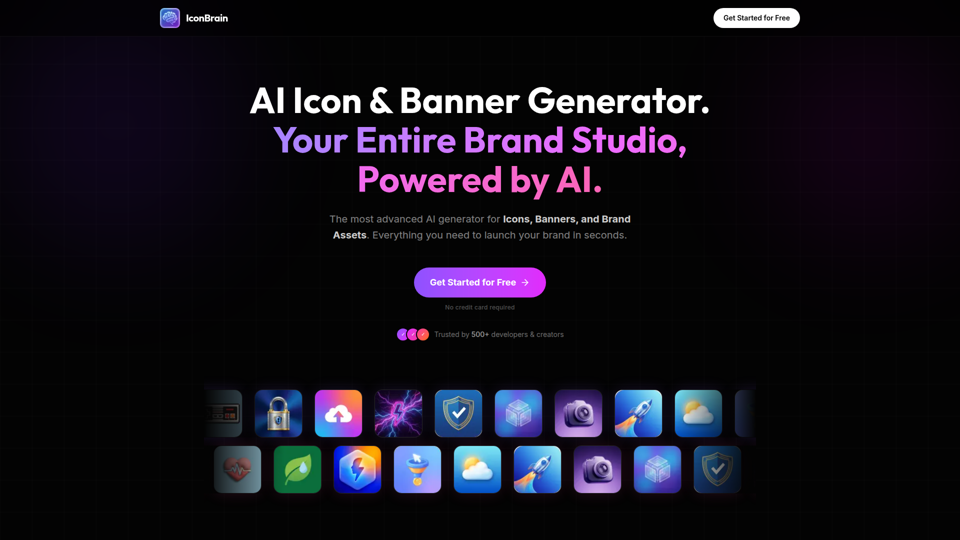
IconBrain | AI Icon Generator for Apps & Brands
IconBrain is an AI icon, banner, and brand asset generator that helps users create and edit production-ready visuals from text prompts or brand context, mainly for developers and creators launching apps or brands. For product, marketing, and design work, it can speed up early brand asset creation while helping teams keep visual styles more consistent across platforms.
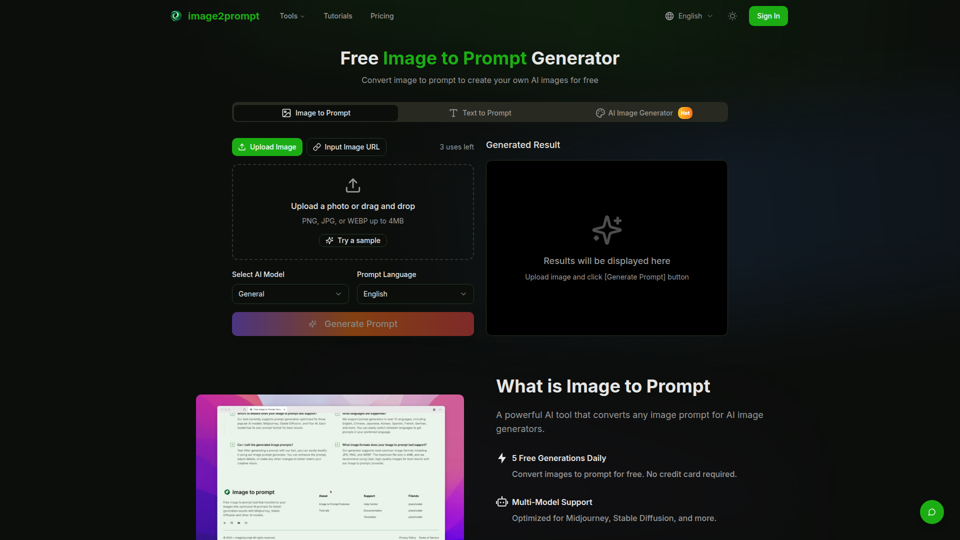
Free Image to Prompt Generator - image2prompt.net
image2prompt.net is a free AI image-to-prompt generator that analyzes uploaded images or image URLs and turns them into editable prompts for Midjourney, Stable Diffusion, Flux, and similar models, mainly for AI artists, designers, and creators. For creative professionals, it can speed prompt drafting, support style consistency, and reduce manual prompt rewriting across different image generation workflows.

UXCanvas.ai | AI UI/UX Design Agent — Describe It, Design It
UXCanvas.ai is an AI UI/UX design agent that helps users turn text prompts into production-ready interface designs, iterate through chat, and export to Figma or React code, mainly for designers and developers. For UI/UX and product teams, it can shorten the path from concept to handoff by turning rough ideas into structured specs, reusable components, and code-ready assets.
AI HD Anime: Your Ultimate Choice for Upscaling Anime Images
AI HD Anime is a free online AI image upscaling tool that enhances anime and manga images with higher clarity and restored detail, mainly for anime fans. In AI-assisted creative and archival workflows, it can help illustrators, editors, and community curators quickly improve low-resolution anime visuals for review, sharing, or preservation.