
Free AI Coloring Page Generator (No Sign-Up) - iColoring AI

Rate this Tool
Average Score
Total Votes
Select your score (1-10):
Detail Information
What
iColoring AI is a web-based AI coloring page generator that turns photos or text prompts into printable coloring pages. The site also includes an AI colorizer, manual coloring tools, and a library of free coloring pages and prompt ideas.
The product appears to serve parents, children, educators, adult hobbyists, designers, and coloring book publishers who want to create or adapt coloring content quickly without design skills. Its positioning is likely a consumer-friendly creative tool with lightweight publishing and educational use cases, plus optional paid tiers for advanced features and commercial rights.
Features
- Photo-to-coloring-page conversion: Upload an image and generate a line-art coloring page in seconds, with style options such as Classic, Cartoon, and Pencil Sketch.
- Text-to-coloring-page generation: Enter a written description to create a printable coloring page, which helps users produce custom material without needing source artwork.
- AI colorizer for finished pages: Upload a coloring page and describe a color theme to get a colored version, which can support inspiration or speed up creative exploration.
- Free downloadable outputs: The site states that users can download watermark-free PNG and PDF files, making the results practical for printing and sharing.
- Built-in gallery of free coloring pages: Users can browse hundreds of AI-generated coloring pages and prompt ideas, which reduces setup time and helps with discovery.
- Cross-device access with cloud sync: The page says the service works across computers and phones and synchronizes works in the cloud, supporting use across different devices.
Helpful Tips
- Validate output quality for your audience: If you need classroom, publishing, or commercial use, test how clearly the generated lines print at your target page size.
- Check licensing before external distribution: The site states that commercial usage rights depend on eligible paid plans, so teams should review plan terms before selling or publishing outputs.
- Use text prompts for repeatable content creation: For educators or publishers, prompt-based generation is likely more scalable than uploading one image at a time.
- Treat privacy statements conservatively: The page says uploaded images are regularly deleted and not stored long-term, but organizations with stricter data policies may still want additional verification.
- Compare free and paid workflows early: The service is free to try without sign-up, but advanced features and privileges appear to be tied to subscription plans.
Embed Code
Share this AI tool on your website or blog by copying and pasting the code below. The embedded widget will automatically update with the latest information.
<iframe src="https://aimyflow.com/ai/icoloring-ai/embed" width="100%" height="400" frameborder="0"></iframe>
Explore Similar Tools
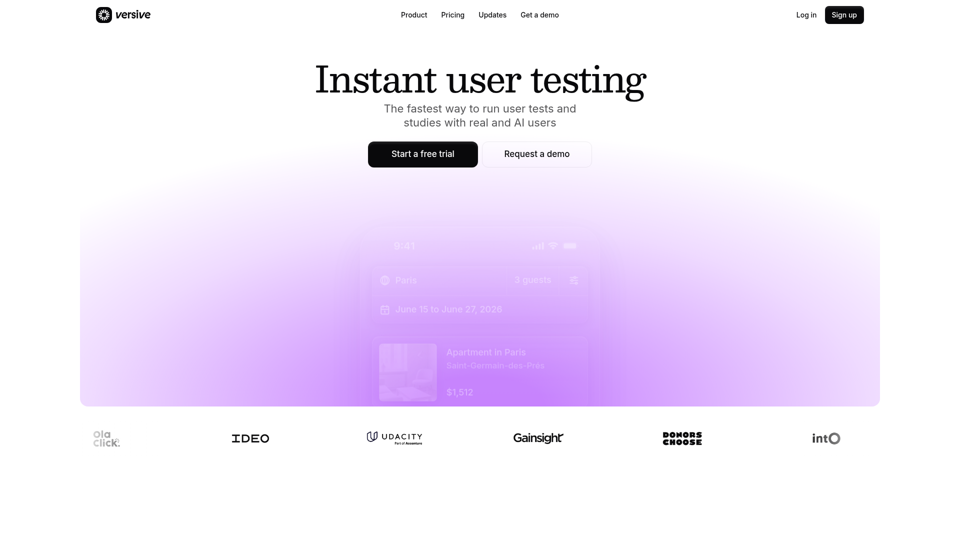
Versive
Versive is an AI-powered user research and testing platform that helps product teams design, run, and synthesize usability studies with real and simulated users, especially for product managers, UX researchers, and designers. In AI-assisted product development, it can help these teams validate interface decisions faster by generating transcripts, screenshots, summaries, and actionable recommendations in minutes.
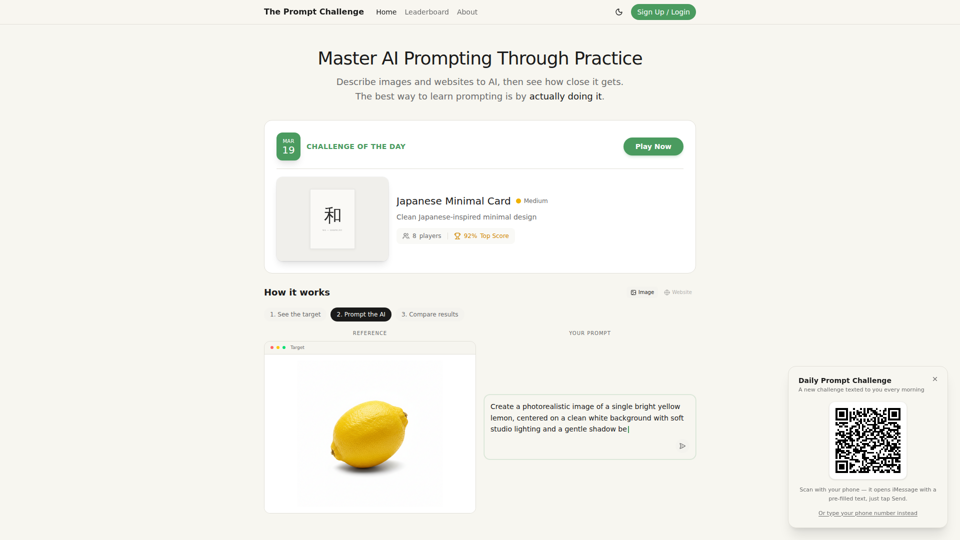
Challenges | Test Your AI Prompting Skills
The Prompt Challenge is a practice platform that helps users improve AI prompting by describing images and websites, comparing AI-generated results to references, and competing on scores, mainly for people learning prompt engineering and hands-on AI creation. For designers, developers, and AI practitioners, this kind of repeatable prompt testing can sharpen instruction-writing skills and improve consistency when using generative tools for visual and interface work.
AI Infographic Generator
GraphicInfo is an AI infographic generator that helps users turn ideas and content into professional, customizable infographics quickly, mainly for creators and people producing website or social media content. In AI-driven content workflows, it can help marketers, content teams, and designers speed up visual asset creation while still refining text and images for specific brand needs.
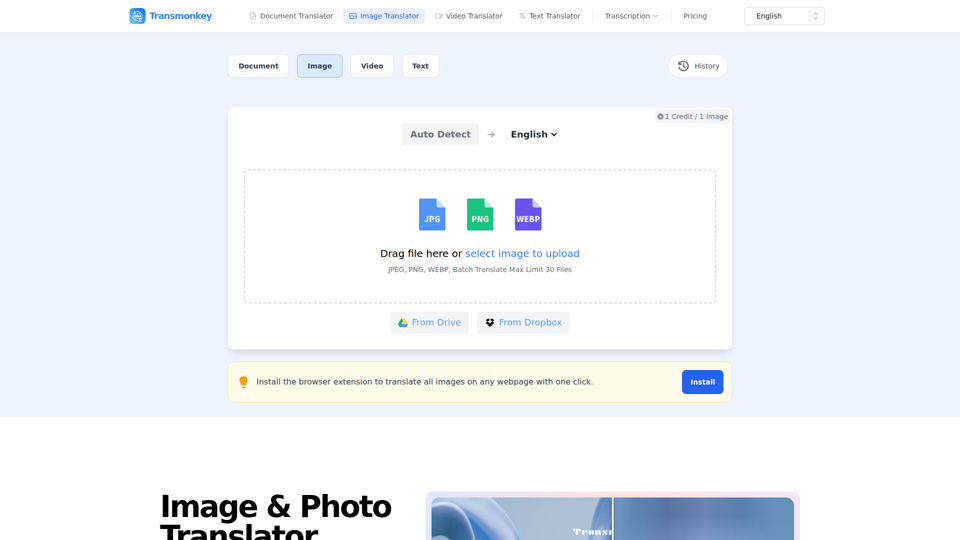
Image & Photo Translator Online – Try Free | Transmonkey
Transmonkey is an AI image translator that translates text in images across 130+ languages while preserving original backgrounds, designed for creators, marketers, and global businesses. By pairing optical character recognition with large language models, it streamlines visual localization without requiring manual graphic redesigns.
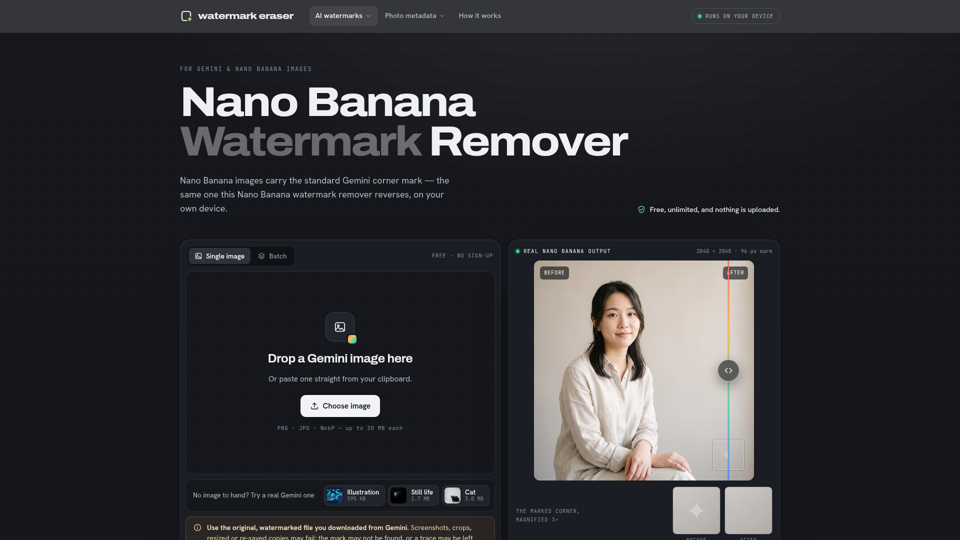
Nano Banana Watermark Remover — Free & Local
Nano Banana Watermark Remover is a browser-based tool that removes visible corner marks from Google Gemini images for digital creators. By processing files locally without compression, it helps designers prepare clean AI-generated assets efficiently for production workflows.
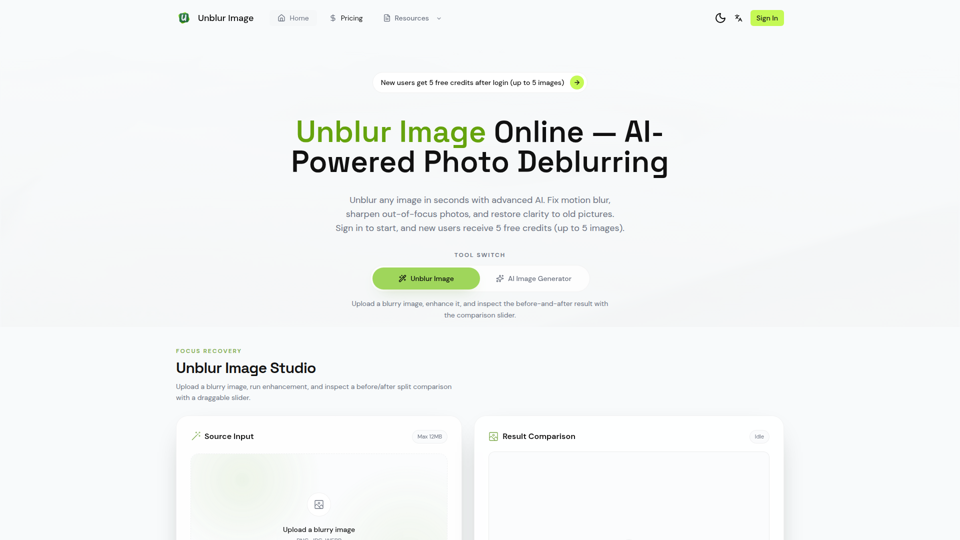
Unblur Image — Make Blurry Photos Clear with AI
Unblur Image is an AI-powered online photo deblurring tool that helps users fix motion blur, sharpen out-of-focus images, restore old photos, and improve text clarity, mainly for people who need quick image enhancement without manual editing skills. In AI-era workflows, it can help photographers, content teams, and document-heavy professionals recover usable visuals and readable assets faster from imperfect source images.
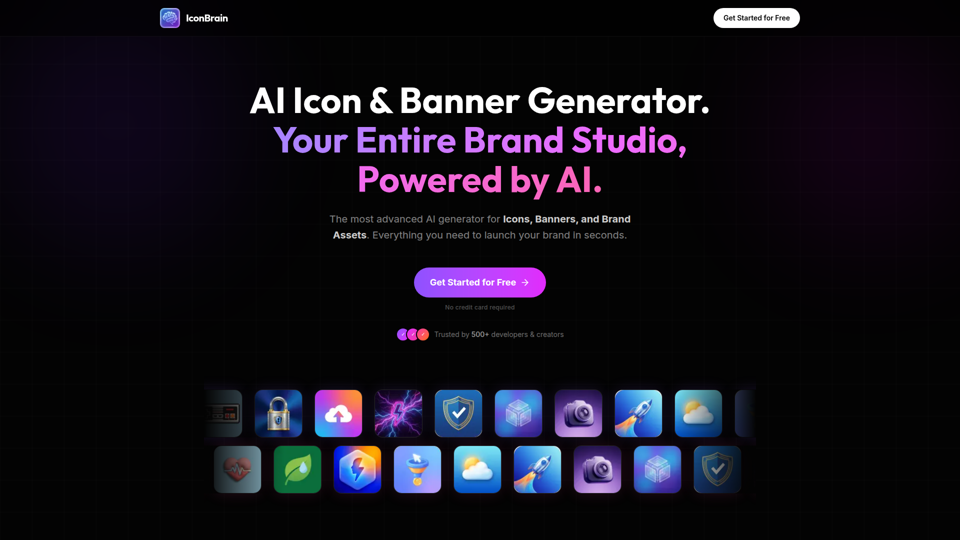
IconBrain | AI Icon Generator for Apps & Brands
IconBrain is an AI icon, banner, and brand asset generator that helps users create and edit production-ready visuals from text prompts or brand context, mainly for developers and creators launching apps or brands. For product, marketing, and design work, it can speed up early brand asset creation while helping teams keep visual styles more consistent across platforms.
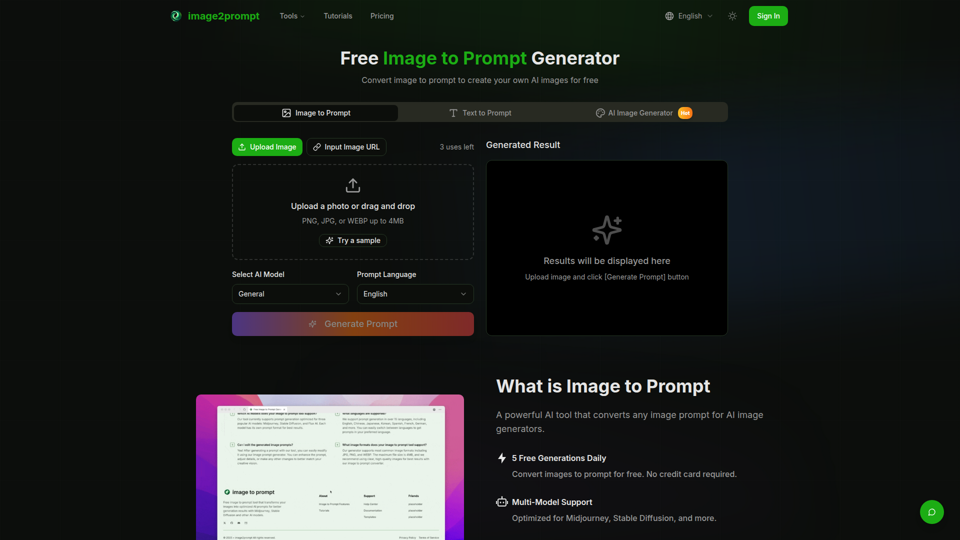
Free Image to Prompt Generator - image2prompt.net
image2prompt.net is a free AI image-to-prompt generator that analyzes uploaded images or image URLs and turns them into editable prompts for Midjourney, Stable Diffusion, Flux, and similar models, mainly for AI artists, designers, and creators. For creative professionals, it can speed prompt drafting, support style consistency, and reduce manual prompt rewriting across different image generation workflows.