
Blue
Rate this Tool
Average Score
Total Votes
Select your score (1-10):
Detail Information
What
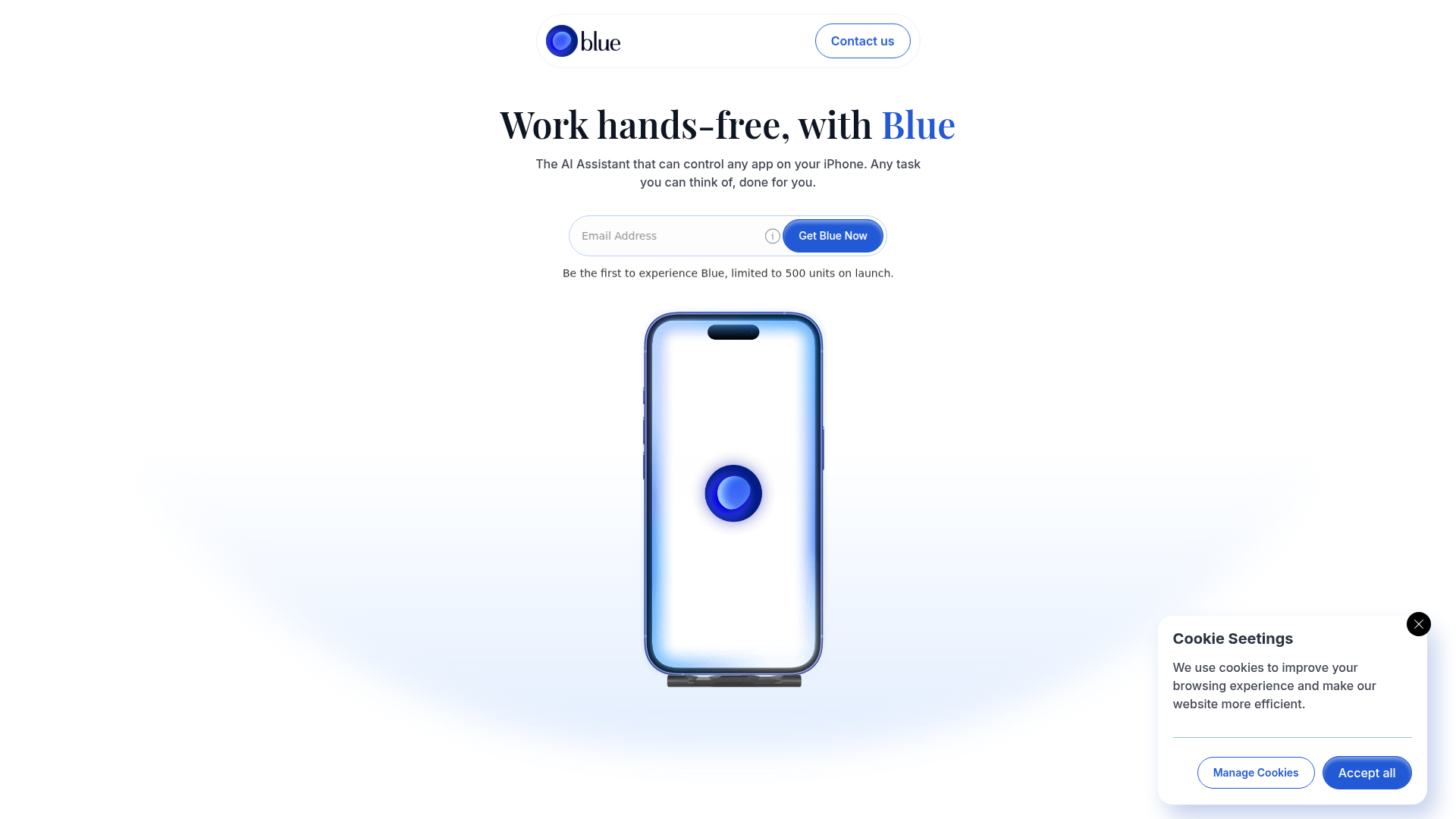
Blue is an AI assistant for iPhone that is designed to control apps on a user’s behalf through voice-driven, hands-free interaction. Based on the page, its core promise is that it can perform on-phone actions such as tapping, typing, navigating between apps, and continuing task flows across common consumer and work scenarios.
The product appears aimed at iPhone users who want to operate their phone with less manual input, including while driving, messaging, creating content, handling errands, or doing lightweight productivity work. Its positioning looks like an early-access hardware-plus-software assistant: a USB-C plug-in paired with a subscription-based iPhone service, currently limited by launch availability and device eligibility.
Features
- Hands-free app control: Blue is presented as an assistant that can control apps on an iPhone without manual interaction, which could reduce the need to tap through screens for routine tasks.
- Tap-and-type execution via USB-C plug-in: The site says a small USB-C accessory gives Blue the ability to tap and type on the user’s behalf, suggesting a hardware layer that enables direct phone interaction.
- Voice-based task completion: The workflow appears to start with spoken instructions, then Blue carries out the requested actions on the phone.
- Cross-app task flows: Examples such as opening Photos, selecting the latest image, and sending it to Slack indicate support for multi-step actions that span more than one app.
- Messaging and follow-up assistance: Blue is shown reading messages and sending replies, as well as checking for unanswered LinkedIn outreach and following up, which suggests practical use for communication-heavy workflows.
- Everyday action automation: Example use cases include answering calls, changing music tracks, starting navigation, comparing rides, and sharing ETAs, showing a mix of personal and productivity-oriented phone tasks.
Helpful Tips
- Verify device fit early: The page only lists support for iPhone 15 or newer and a US shipping address requirement, so hardware compatibility and rollout geography are important constraints.
- Treat current examples as directional: The site shows several task examples, but it does not fully document app coverage, edge cases, or reliability across all iPhone apps, so buyers should stay conservative about breadth.
- Assess the hardware dependency: Because Blue’s tap-and-type capability is tied to a USB-C plug-in, adoption may depend on whether users are comfortable carrying and using an external accessory.
- Start with repetitive, low-risk tasks: Products in this category tend to show the most immediate value when used for recurring phone actions such as message handling, navigation, and simple cross-app routines.
- Watch rollout maturity: The page emphasizes waitlist access and limited launch units, which suggests the product is still in an early commercial stage rather than broad general availability.
Embed Code
Share this AI tool on your website or blog by copying and pasting the code below. The embedded widget will automatically update with the latest information.
<iframe src="https://aimyflow.com/ai/heyblue-com/embed" width="100%" height="400" frameborder="0"></iframe>
Explore Similar Tools
AI Motion Transfer - Animate Photos with Video Reference
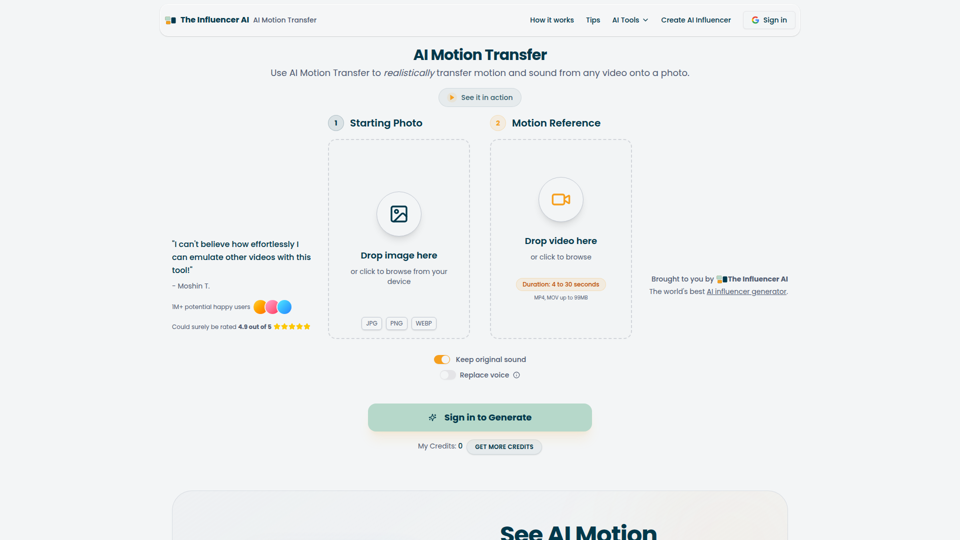
AI Motion Transfer is an AI tool from The Influencer AI that transfers motion and optionally sound from a reference video onto a photo, helping creators, marketers, and social content teams turn static character images into animated videos. For social media, e-commerce, and creative production roles, it can speed up creation of realistic character videos and reduce the need for manual filming or complex prompt writing.
AI Thumbnail Maker for YouTube Creators | Thumbspot AI
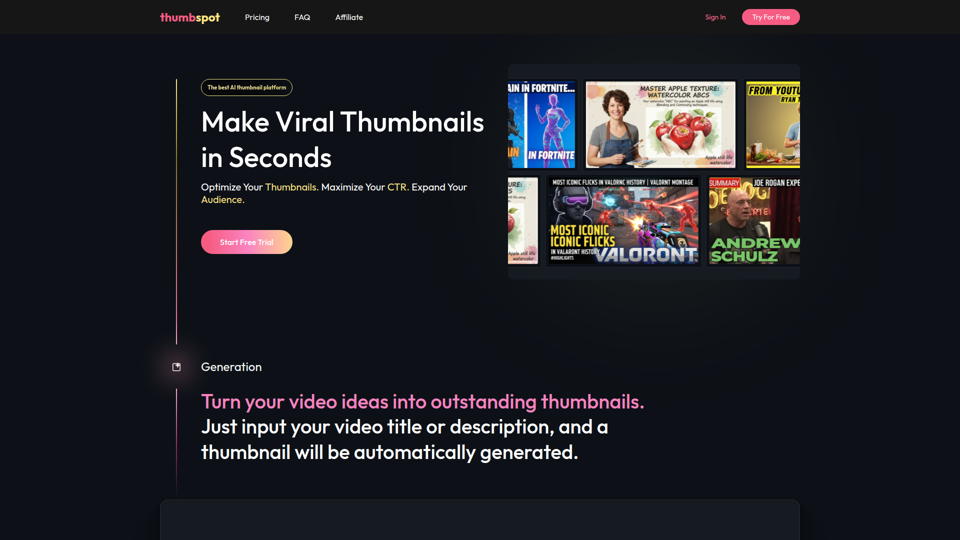
Thumbspot AI is an AI thumbnail maker that helps YouTube creators generate, edit, recreate, and personalize video thumbnails with templates, face swaps, and AI personas. For content creators and channel managers, it can speed thumbnail testing and iteration so creative decisions align more closely with audience click behavior.
2pr | AI LinkedIn Post Generator – Create Engaging Content in 1 Minute
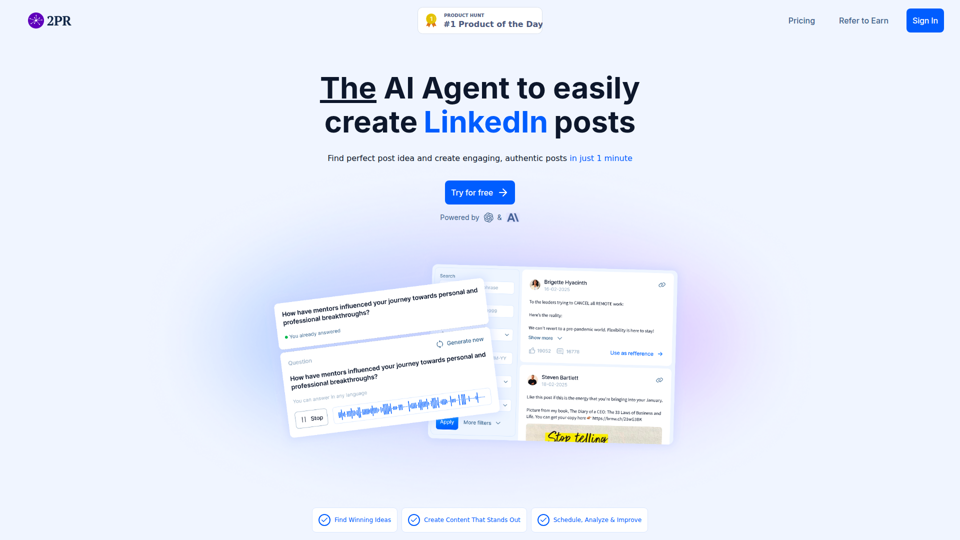
2pr is an AI LinkedIn post generator and content workflow tool that helps users find post ideas, write authentic LinkedIn posts, create carousels, and schedule and analyze content, mainly for founders, B2B sales and marketing teams, bloggers, and job seekers. For professionals building a personal brand on LinkedIn, it can streamline ideation and drafting while using profile-based guidance to keep posts aligned with their expertise and positioning.
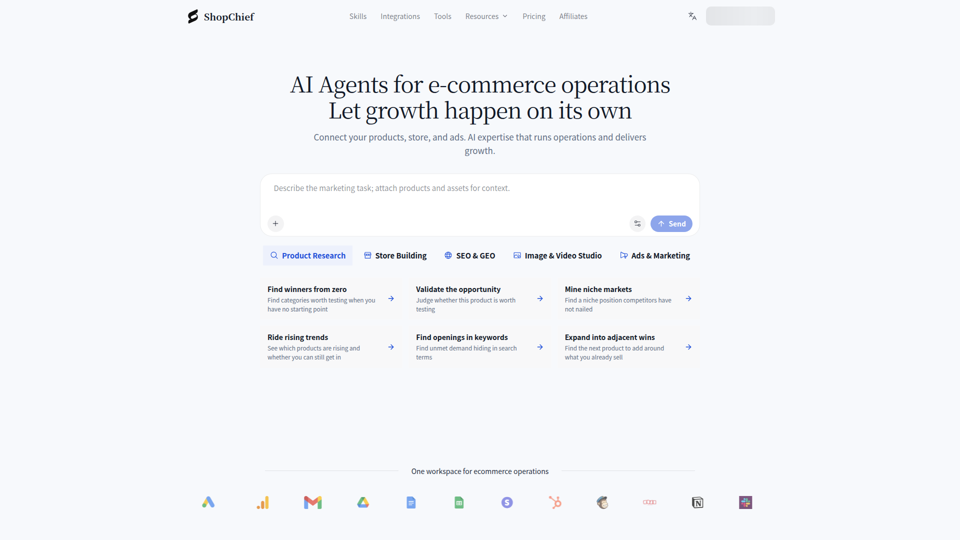
ShopChief — AI Agent for Global E-Commerce Sellers
ShopChief is an AI agent workspace designed for global e-commerce sellers to manage product research, store building, SEO, and ad campaigns. By integrating connected store data, it helps operations and marketing teams automate listing preparation, creative asset production, and performance checks.

1stCollab - The AI-Powered Influencer Marketplace
1stCollab is an AI-powered influencer marketplace that helps creators find matched brand partnerships, apply quickly, maintain an auto-updating media kit, and get paid faster, with creators as its main audience. For influencer marketers, creator managers, and social media teams, this kind of automation can reduce manual outreach and admin work while keeping campaign data and creator profiles current.
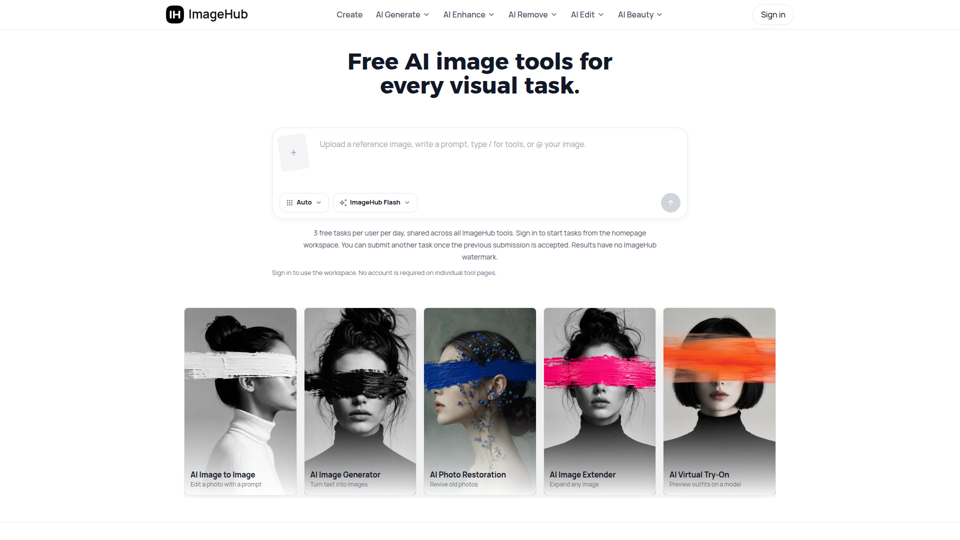
Free AI Image Tools to Generate, Edit & Enhance | ImageHub
ImageHub is a browser-based AI toolkit that helps creators, e-commerce sellers, and marketers generate, edit, and enhance images. By automating background removal and upscaling, it enables merchants to produce marketplace-ready product photos without a physical studio.
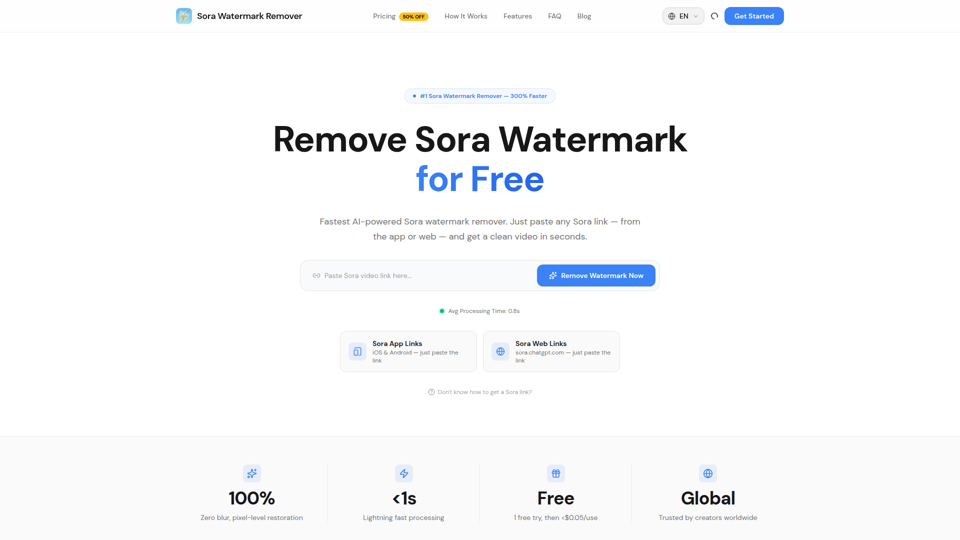
Sora Watermark Remover — Remove Sora Watermarks Free
Sora Watermark Remover is an AI tool that removes watermarks from Sora-generated videos by pasting a Sora app or web link, mainly for creators who need clean MP4 downloads without uploading files. For content creators and social media editors, this can speed reuse and publishing of AI-generated video assets while reducing manual post-production steps.
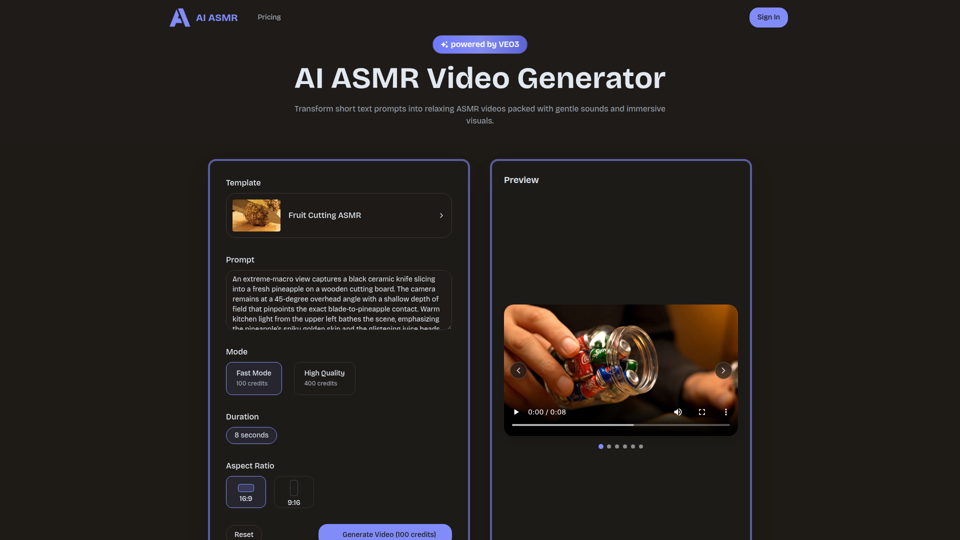
AI ASMR | Create VEO3 Relaxation Videos Online
AI ASMR is an AI video generator that turns short text prompts into relaxation-focused ASMR videos with generated audio and visuals, mainly for content creators who want to make calming clips without studio equipment. For social media creators, editors, and creative teams, it can speed up concept testing and consistent production of niche relaxation content from simple prompts.